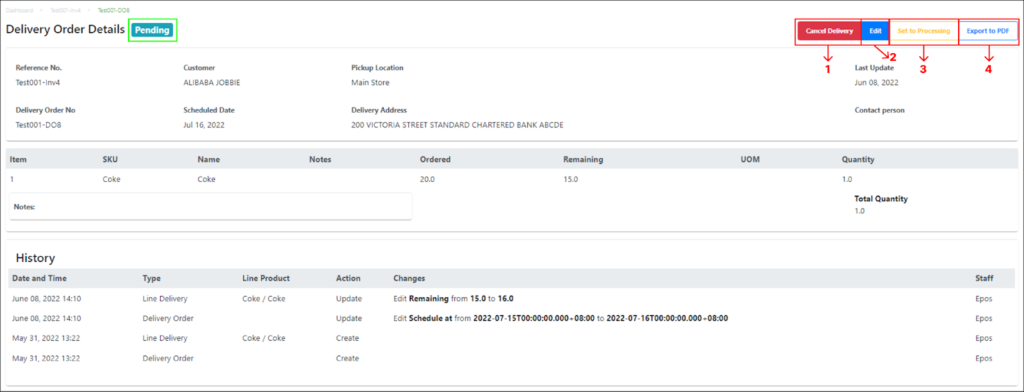
This subsection elaborates the features and actions of a delivery order in Pending status.
|
No |
Functions/Actions |
Description |
|
1 |
Cancel Delivery |
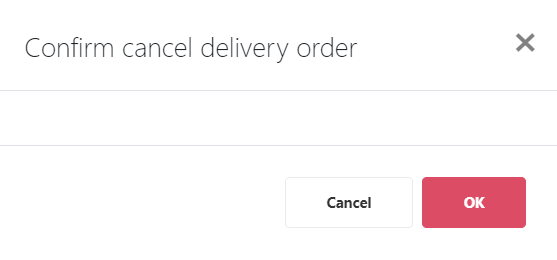
Enable users to cancel the delivery order and change the delivery order status from Pending to Canceled. A dialog box will pop up asking the users to confirm the deletion:
Select OK to proceed with canceling the delivery order or select Cancel or X to exit the cancellation and go back to the delivery order. |
|
2 |
Edit |
Enable users to edit all fields of the delivery order. |
|
3 |
Set to Processing |
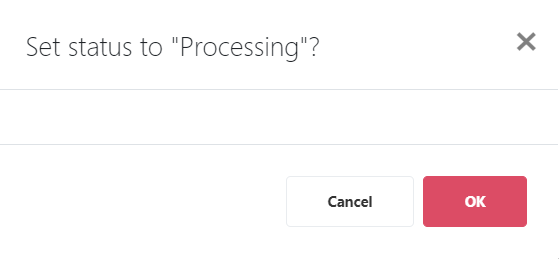
Changes the invoice’s status from Pending to Set to Processing. A dialog box will pop up asking the users to confirm the status change:
Select OK to proceed with changing the status or select Cancel or X to exit the status change and go back to the delivery order. |
|
4 |
Export to PDF |
A PDF version of the delivery order will automatically be downloaded into the user’s computer. |