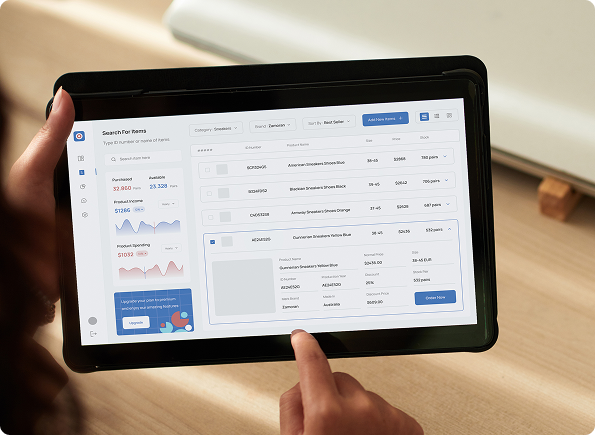
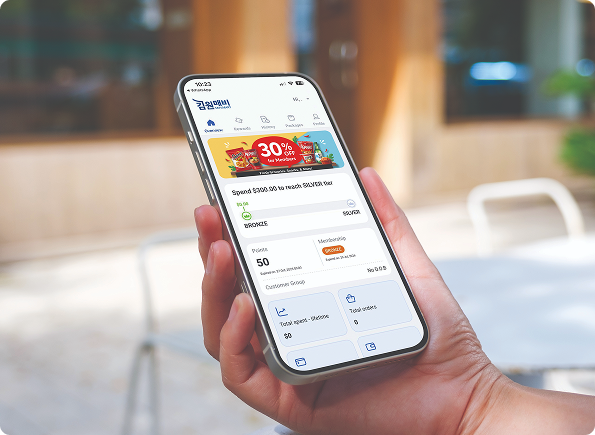
POS Features Built for Every Business

Running an F&B business in Singapore means juggling orders, tables, deliveries, and kitchen operations, all at once. EPOS’s F&B POS system brings everything under one roof, from QR code ordering and table management to food delivery integrations with GrabFood, foodpanda, and more.
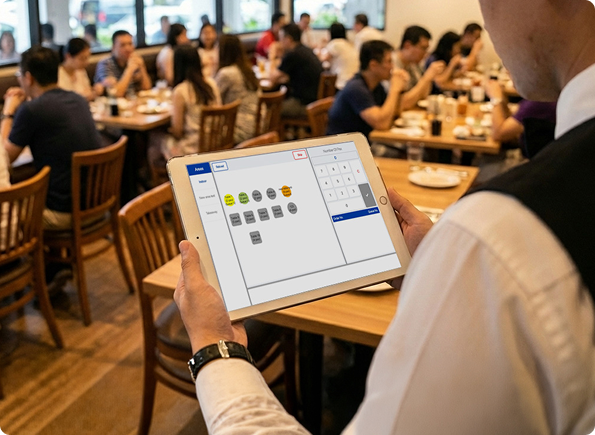

Let customers scan, order, and pay from their table, syncing directly with your POS system.

Visually intuitive table management system allows staff to take orders and assign them to tables.

Direct integration with GrabFood and foodpanda, syncing delivery orders to your POS and kitchen.

Send orders directly to the kitchen display, reducing errors and speeding up fulfilment.

Centralise performance reports, inventory, customers, and product data across all outlets.

Manage and fulfil orders from multiple outlets through a single central kitchen system.

Accept reservations from your booking site and sync table and booking details automatically.

Create new menus, add products, and configure menus and product modifiers.

Let customers customise their orders with flexible modifiers set up within your menu.
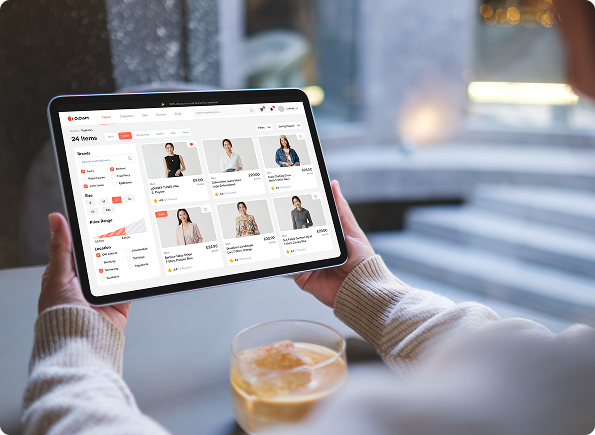
Running a retail store in Singapore means keeping a constant pulse on your sales, stock, and customer experience simultaneously. EPOS’s retail POS system gives you real-time visibility into your daily performance and inventory, with smart reordering that takes the guesswork out of restocking.

Merge online and physical stores through e-commerce integration with Shopify and WooCommerce.

Process refunds and exchanges with automatic tabulation and real-time sales and inventory tracking.
Add and link outlets and warehouses to manage inventory and compare performance across locations.

Create or upload products with customisable options, categories, and detailed product listings.

Automatically update stock levels with every sale or purchase order, including ingredient-level deductions.

Generate and send purchase orders to suppliers based on lead time, sales trends, and on-hand stock levels.

Create and assign suppliers to products and generate purchase orders.

Set minimum stock thresholds per product to receive alerts and prevent out-of-stock situations.

Add hundreds of products at once by importing them via Excel sheets.

Create a loyalty membership programme to reward and retain repeat customers.
Categorise and manage customers by grouping them based on their profiles.

Create and apply promotions or discounts to specific products, with options to blacklist selected items.

Register customers in-store or through your online platform.

Let customers earn loyalty points on purchases and redeem them on future transactions.

Segment customers into tiers based on spending habits to deliver targeted rewards and incentives.
Slow or inflexible payment options are one of the quickest ways to lose a sale. EPOS supports a wide range of payment methods. Every transaction and product change is logged for a specific user account, providing business owners with a full audit trail and tighter control over their operations.
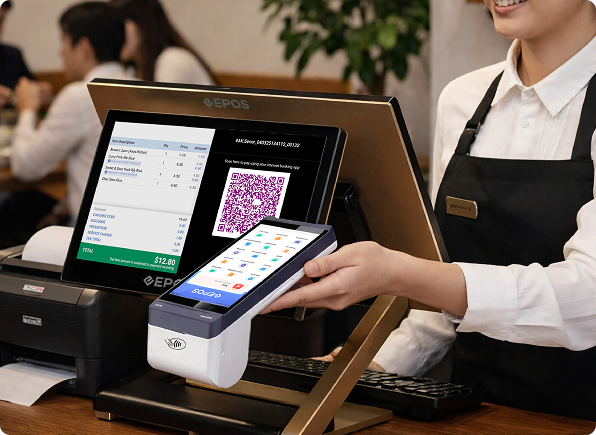

Record every change made on an individual product or transaction.

Create cash or discount vouchers that customers can apply at checkout.

Split payments by item or by number of pax to suit different checkout scenarios.

Accept cash, cheque, debit, credit, vouchers, coupons, and gift cards from local and foreign payment partners.

Identify frequently bought products to uncover bundle promotion opportunities and drive higher basket value.

Generate financial statements by connecting with accounting software such as Xero or QuickBooks.

Export reports to spreadsheets for easy tabulation, with profit and margin insights included.

Review daily closing summaries, sales history, and reports filtered by time period, product, or supplier — with inventory levels and movement tracked in one place.

Surface relevant product suggestions at checkout based on items frequently purchased together.

Use historical sales data to predict demand for the next 7 days, with recommended reorder quantities to minimise wastage.
Let us show you how EPOS can transform your daily operations and drive sales. Get in touch, and we’ll call you back within one working day to schedule a free demo and assess your grant eligibility.