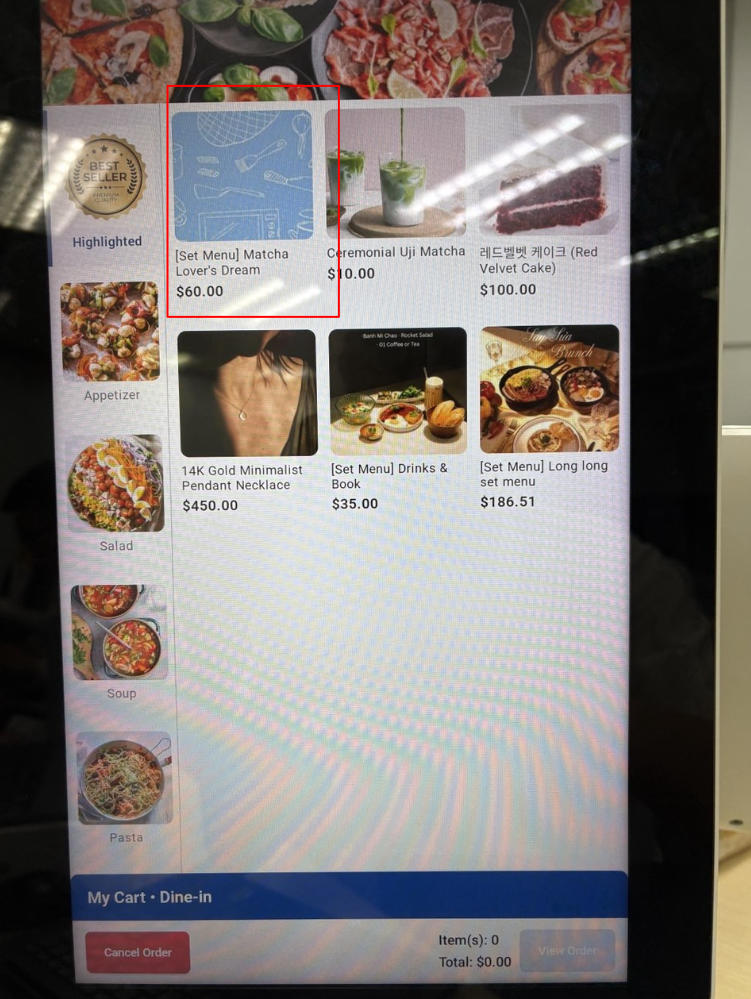
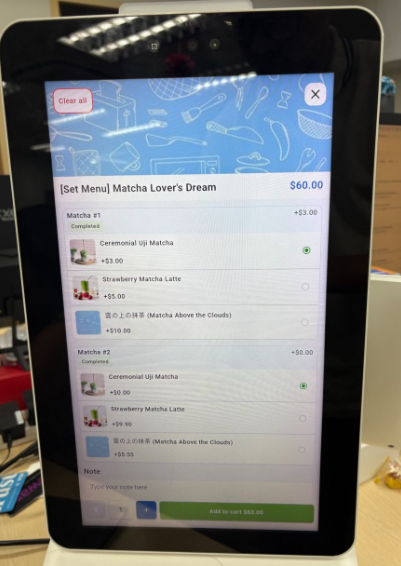
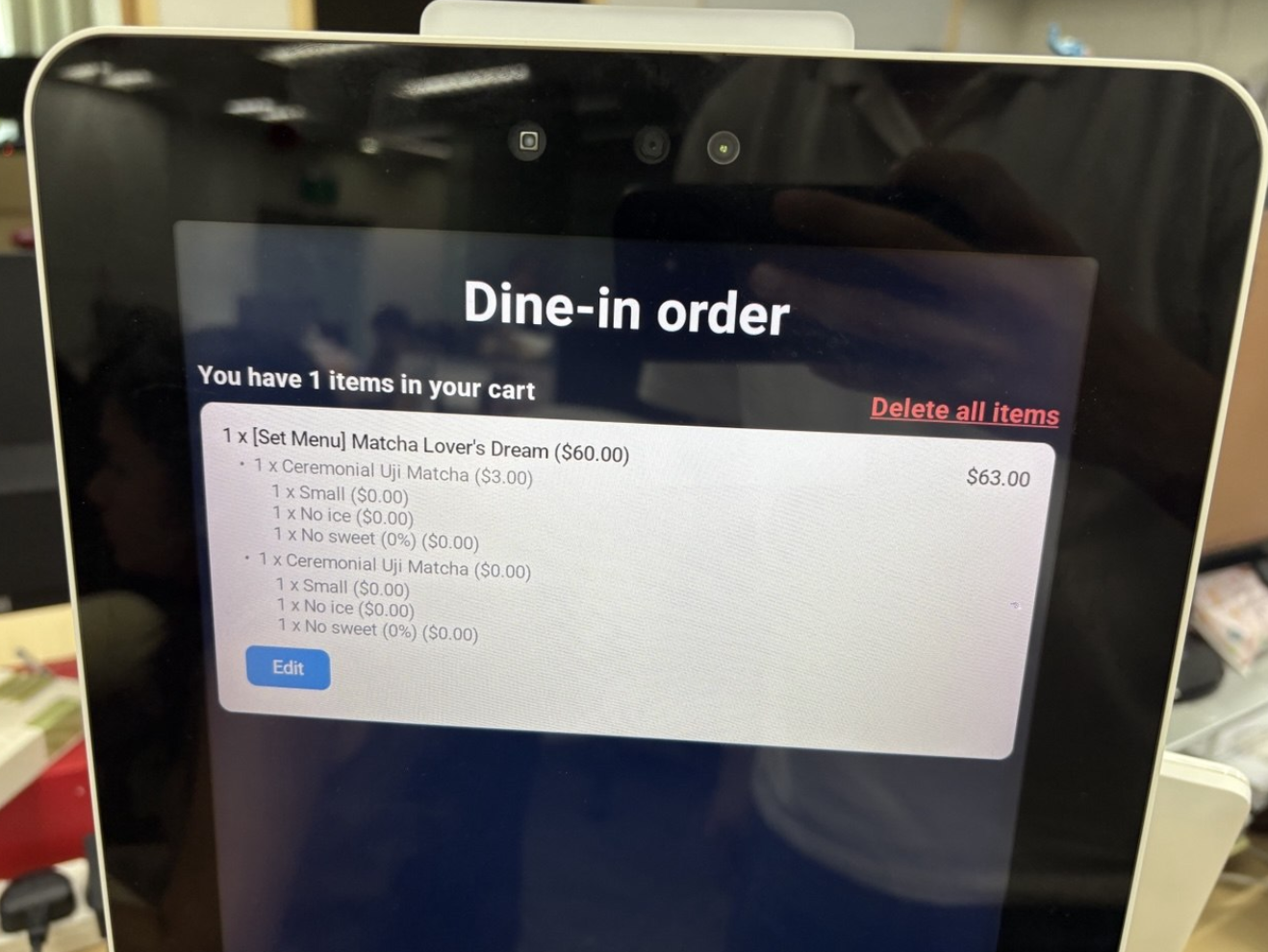
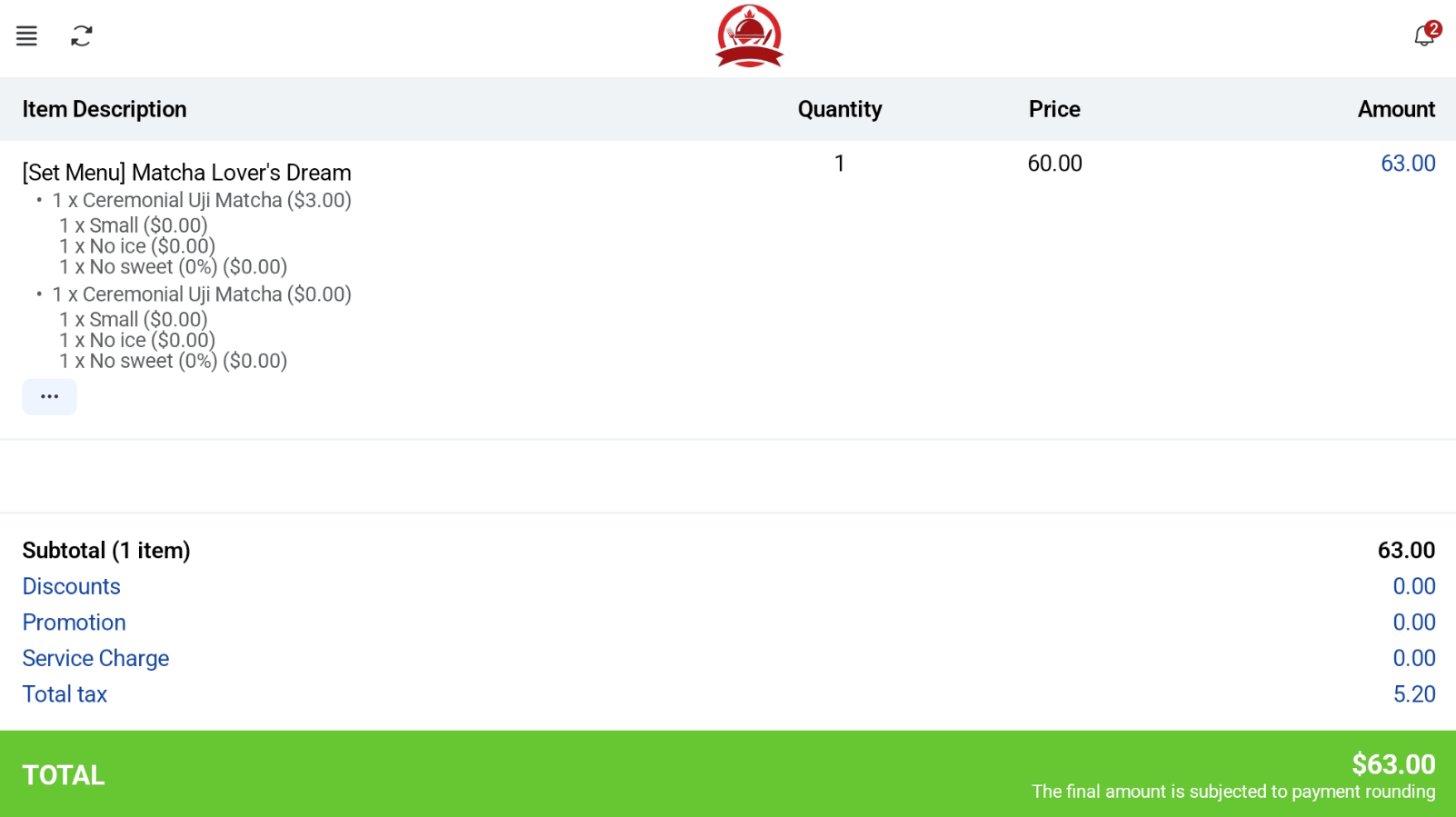
Users can set up Set Menu products in the backend portal using this guide. User selects a set menu item. After selecting the Set Menu product on the Kiosk screen, users will be able to select the components of the set menu. User can click add to cart to add their order. Once done, they will be able to view it in the order summary page. Kiosk Mode View POS Mode View