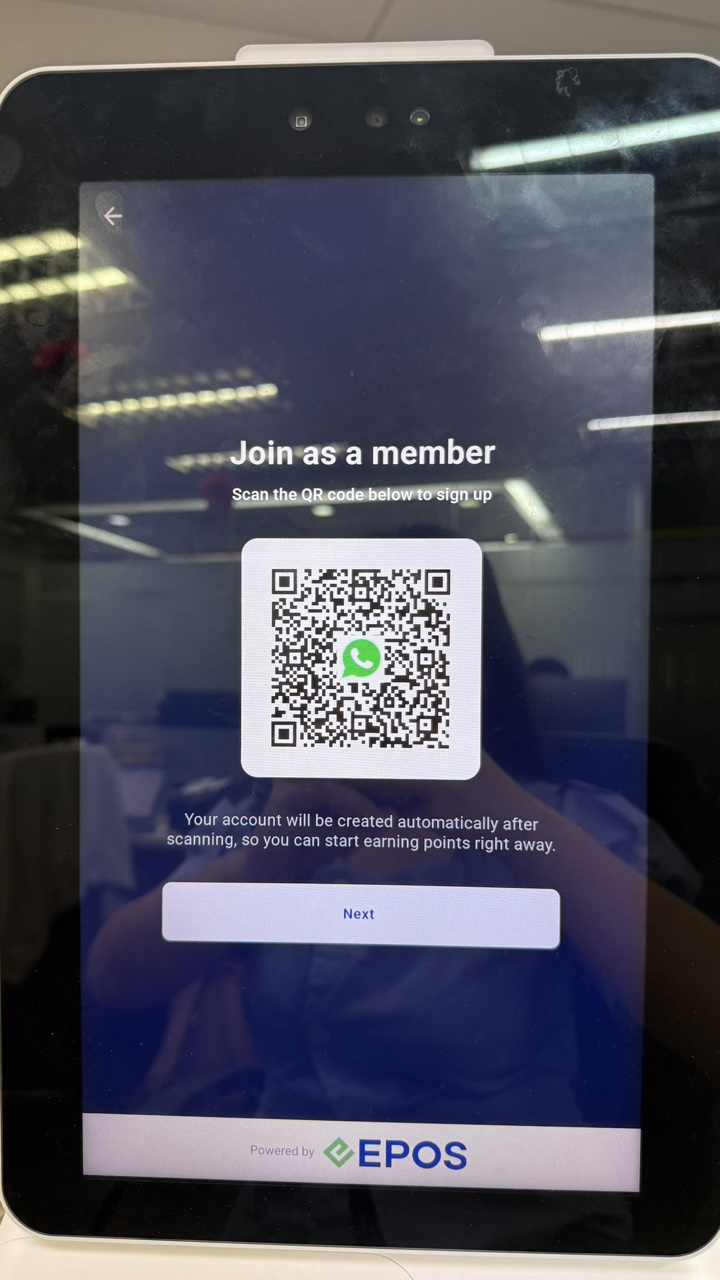
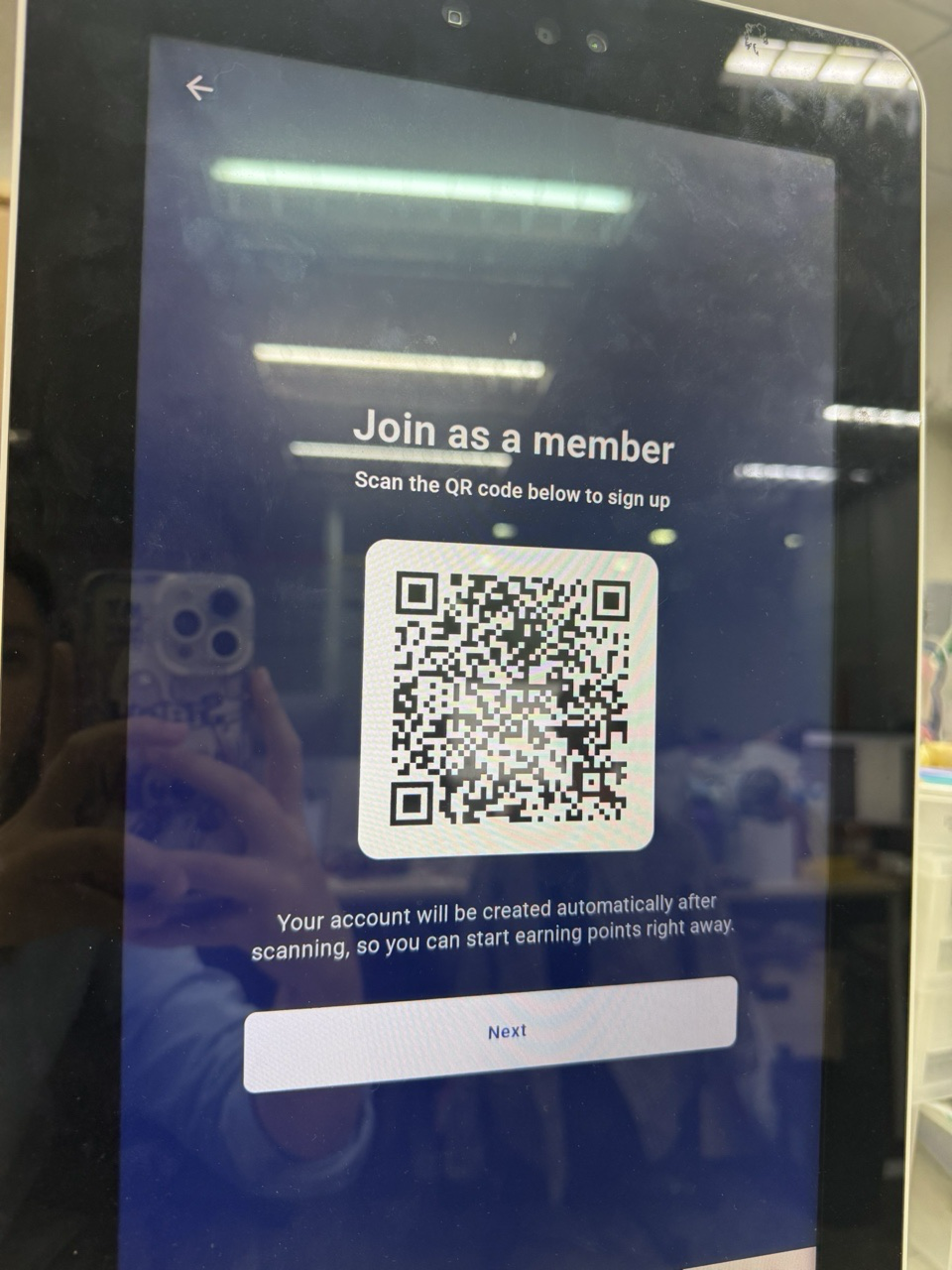
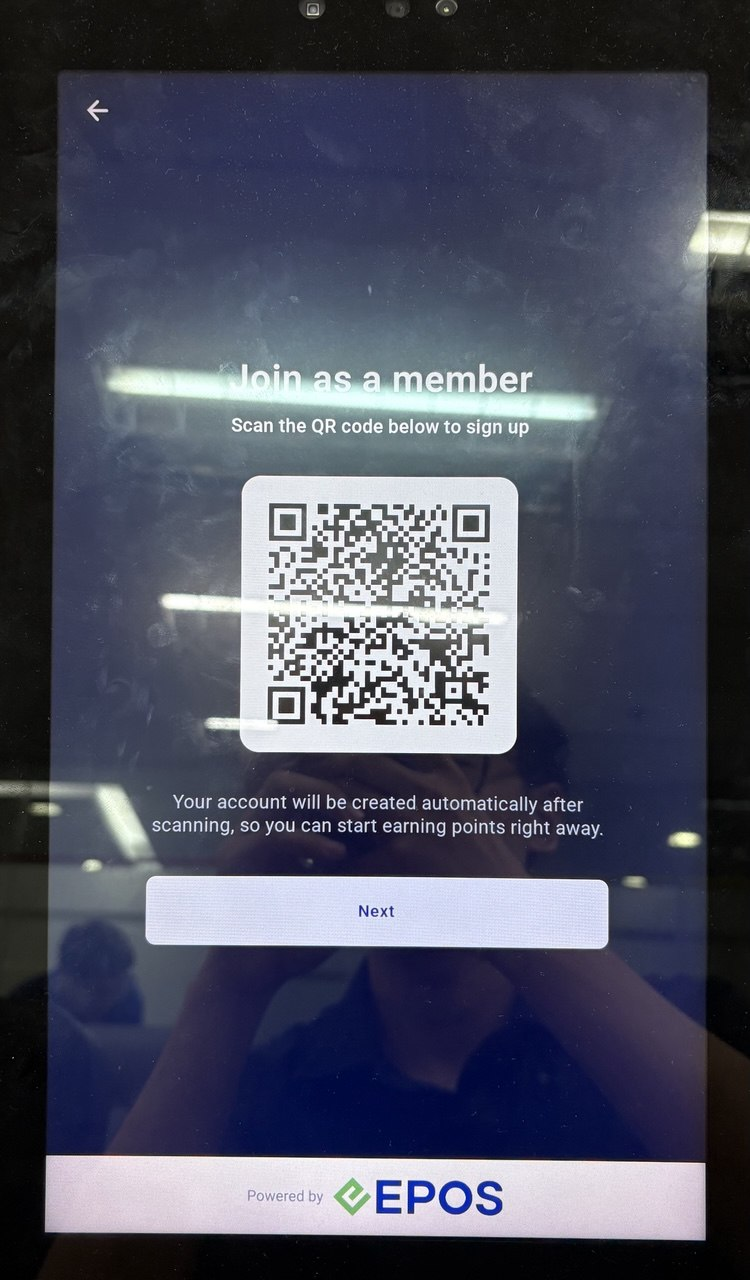
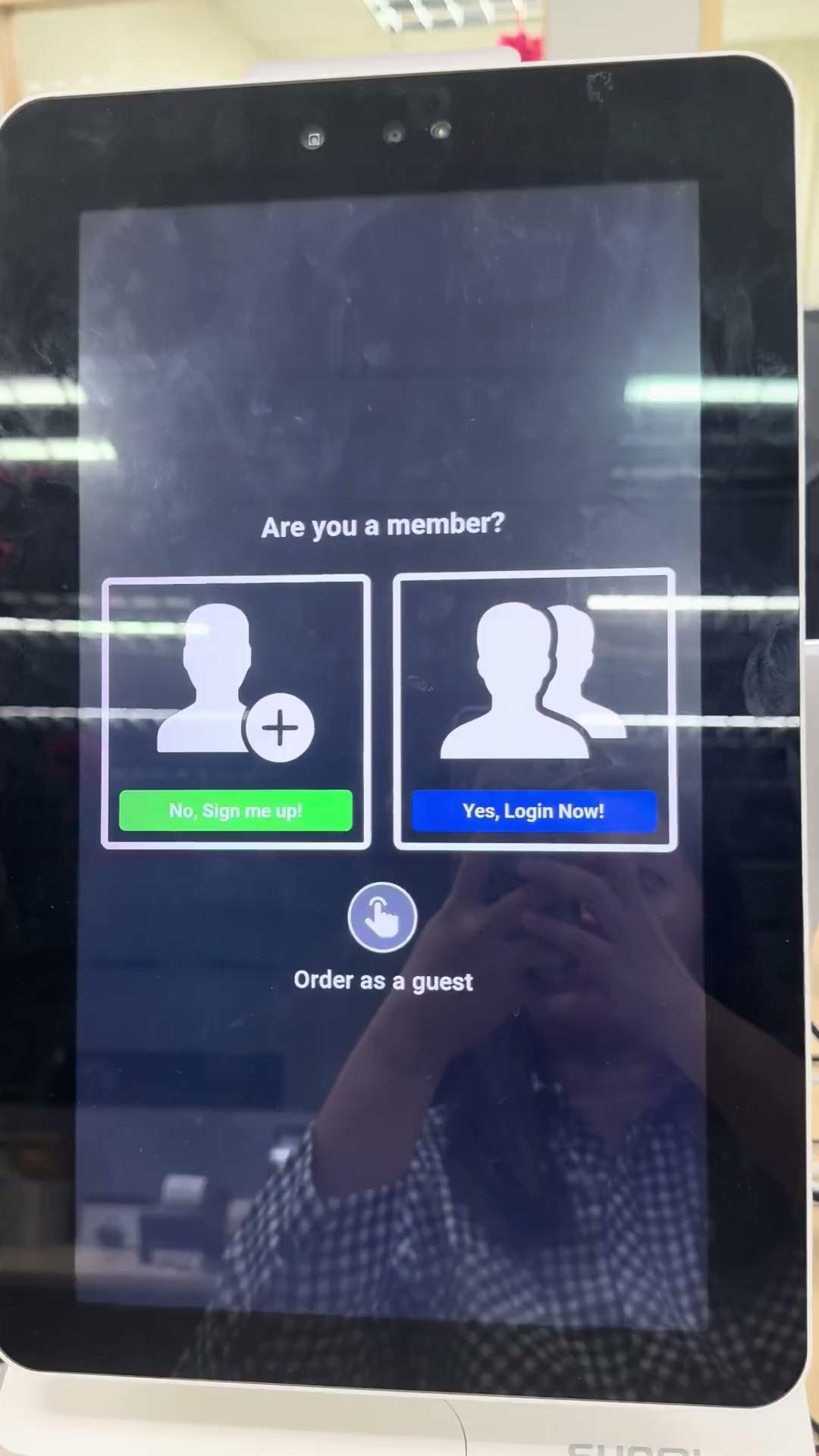
When WhatsApp integration is installed, there will be a WhatsApp QR Code for customers to sign up.
If WhatsApp integration is not installed, there will not be a WhatsApp QR Code. However, customers can still scan the manual QR code to manually sign up for customer portal.
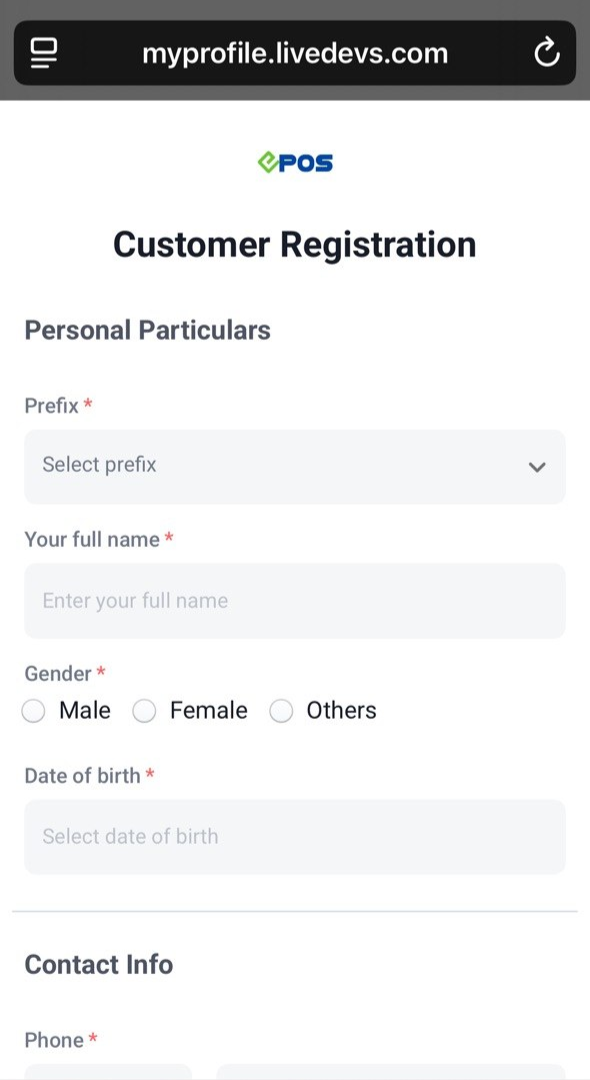
Customers register on the Member’s Portal by filling in their details manually.
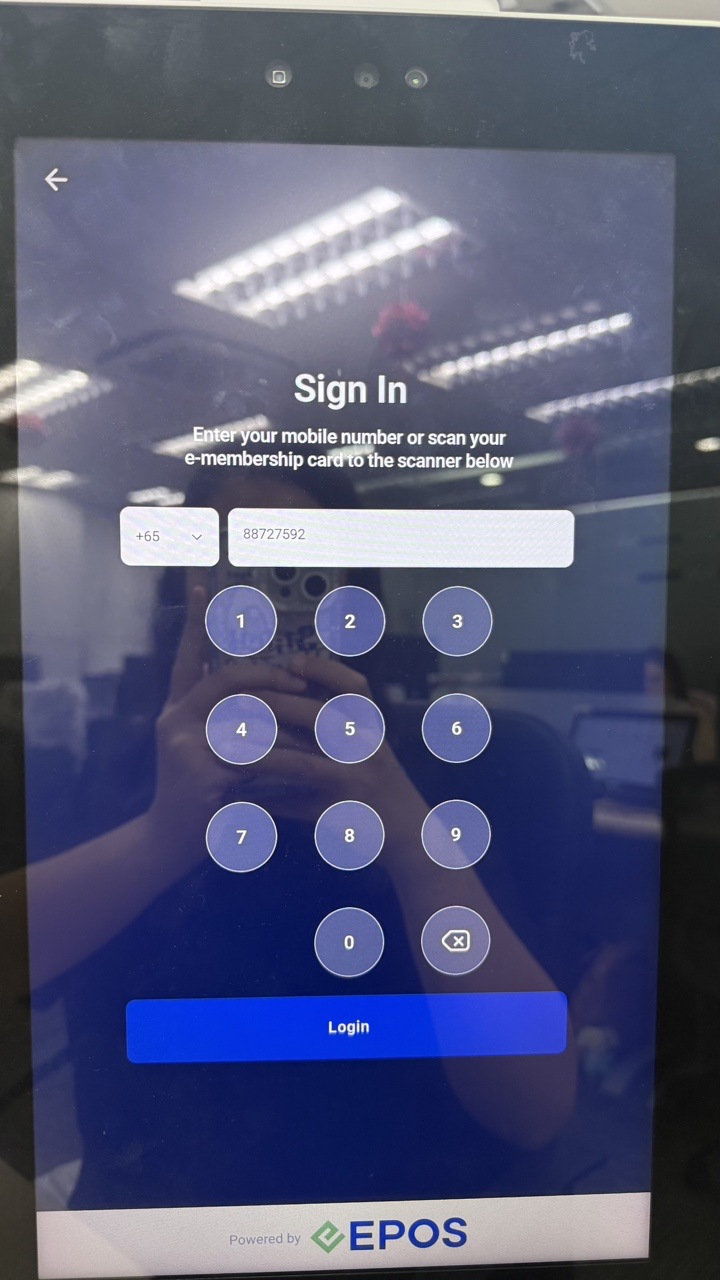
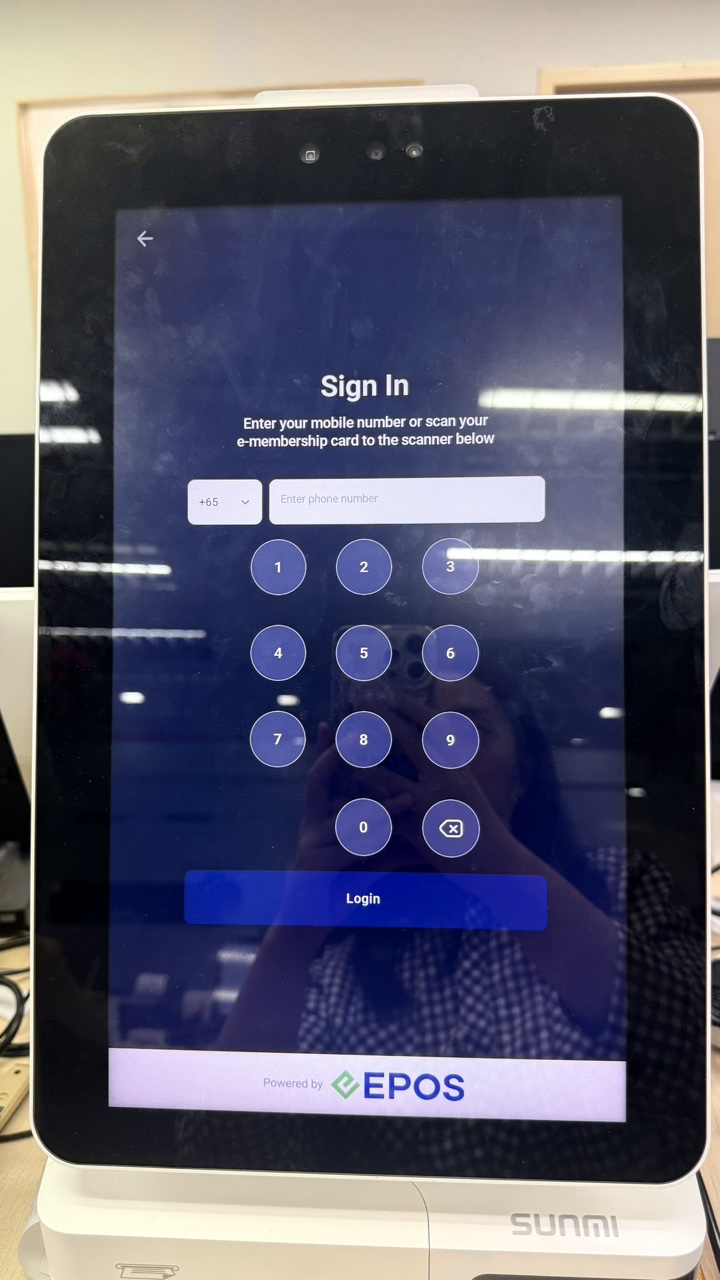
Customers can log into their accounts via phone number.
Customers can also log into their accounts via e-membership.
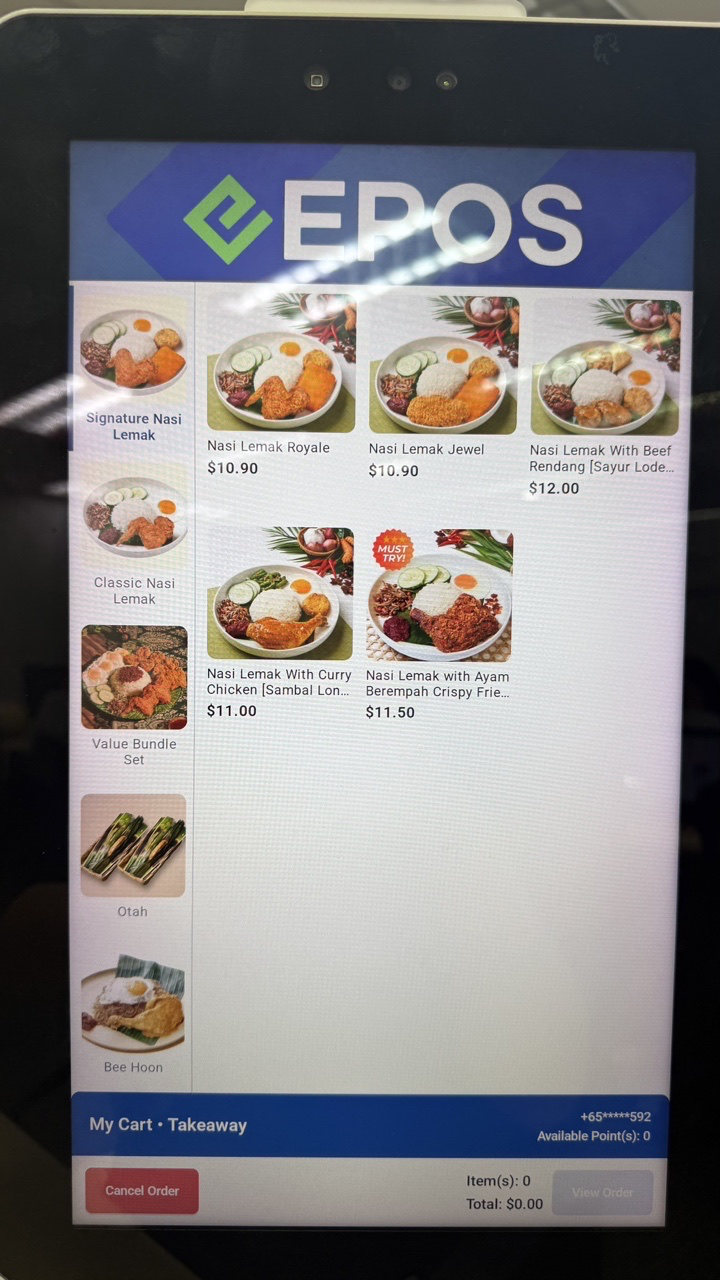
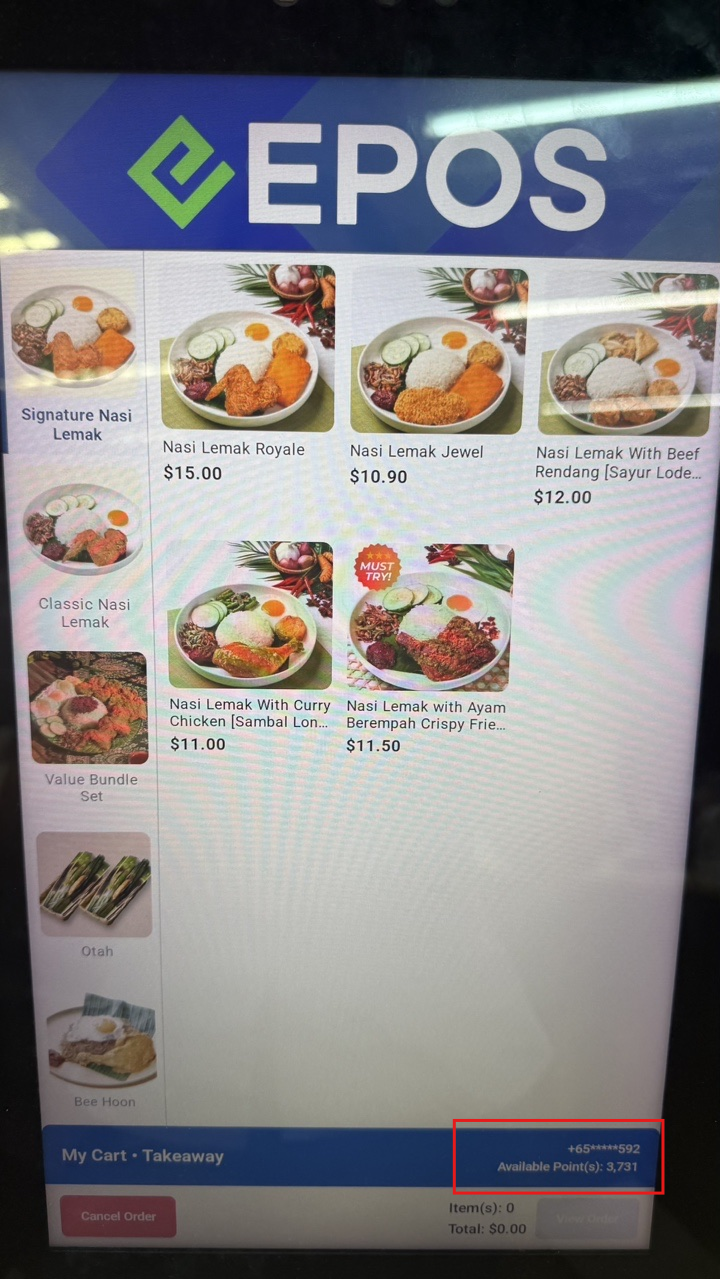
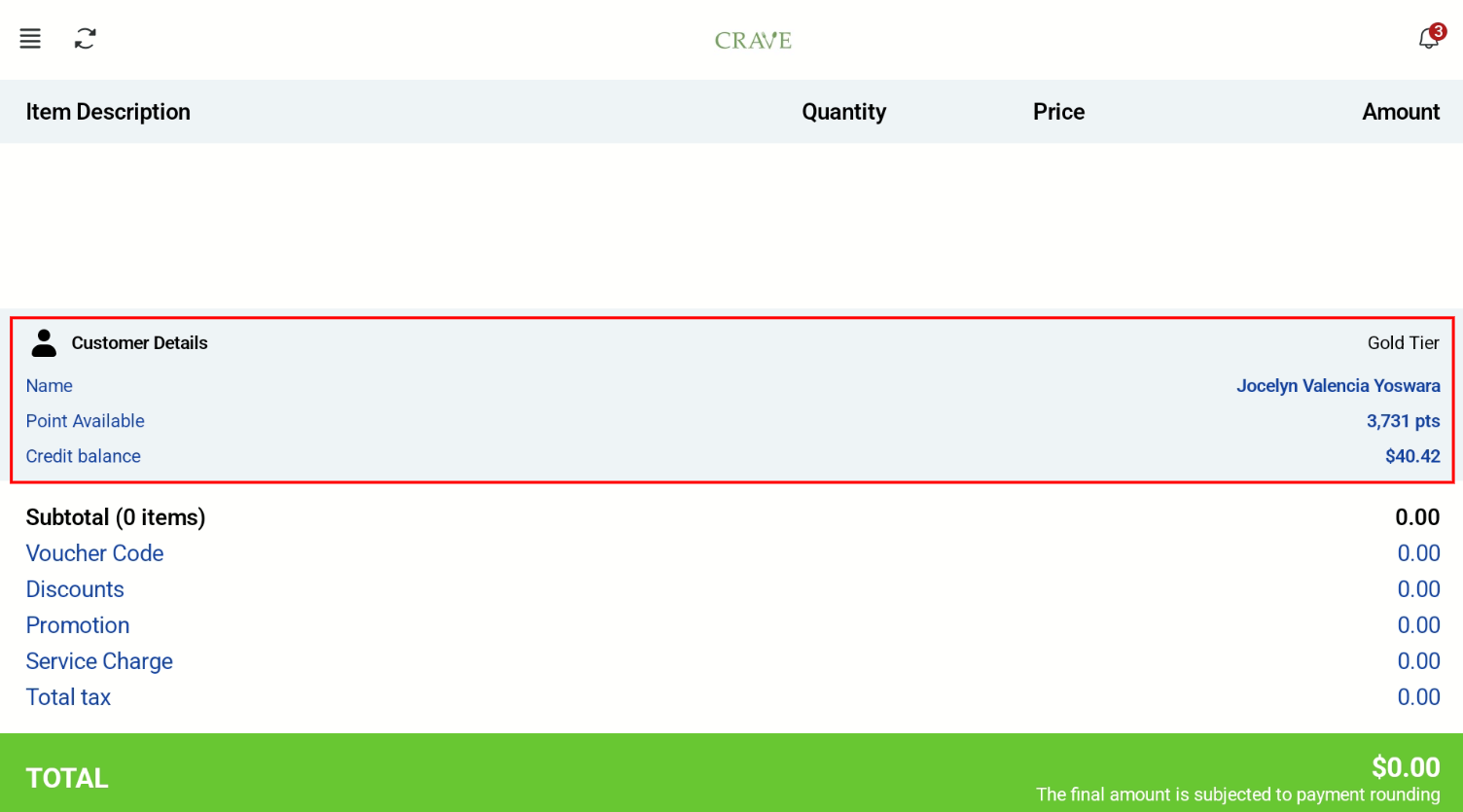
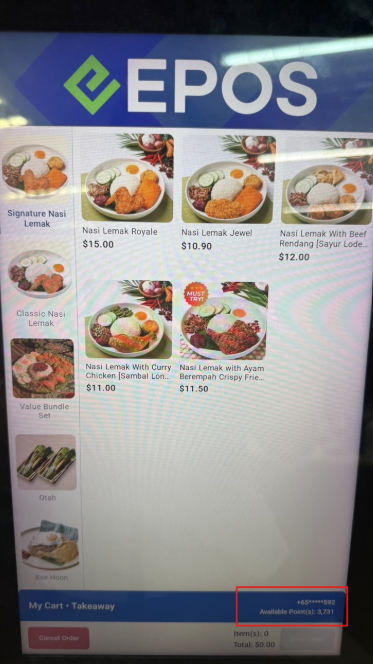
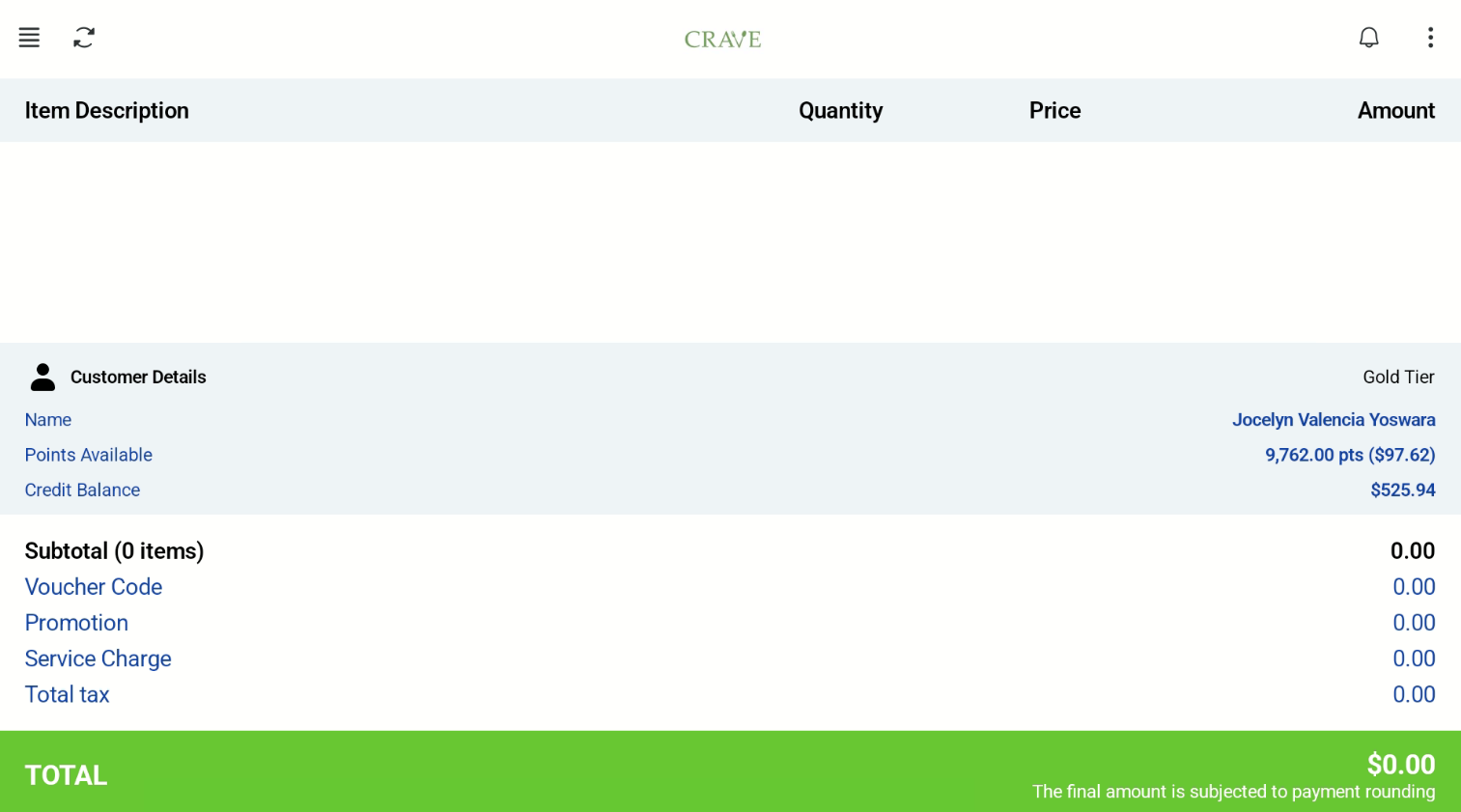
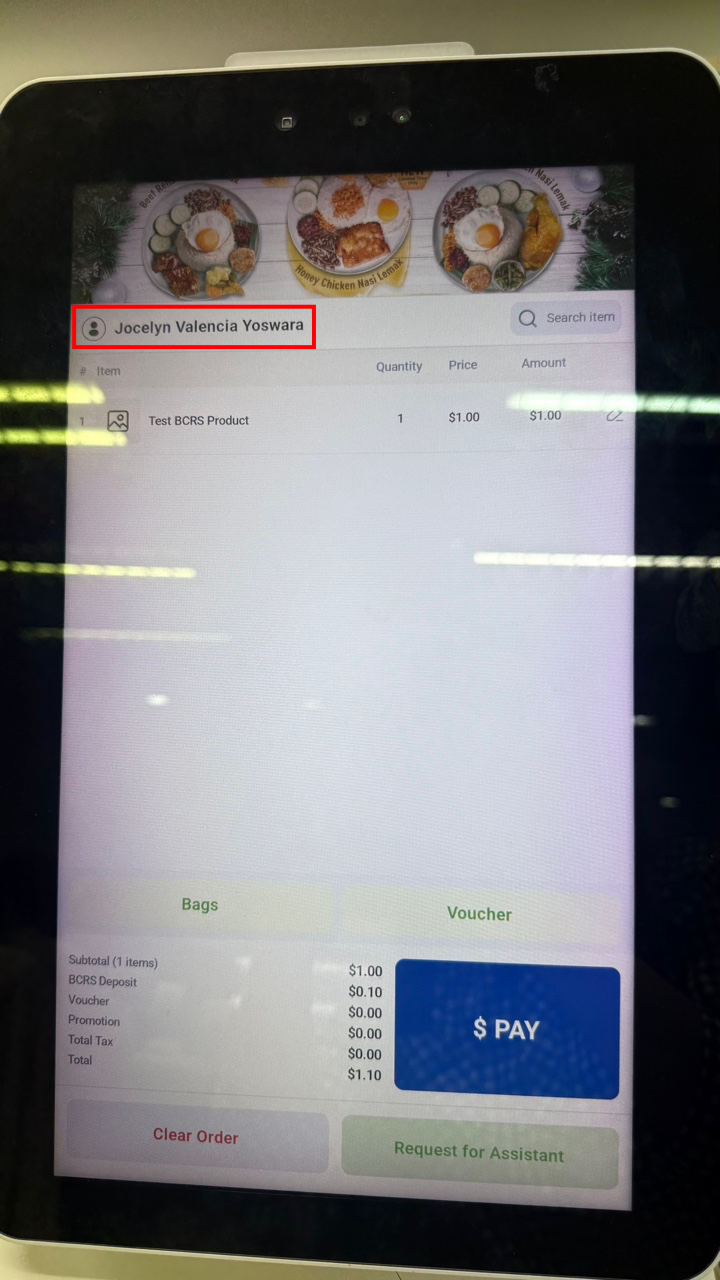
Once logged in, the customer account is tagged to the order. The cashier screen shows the customer tagged to the order.
Customer Screen
Cashier Screen
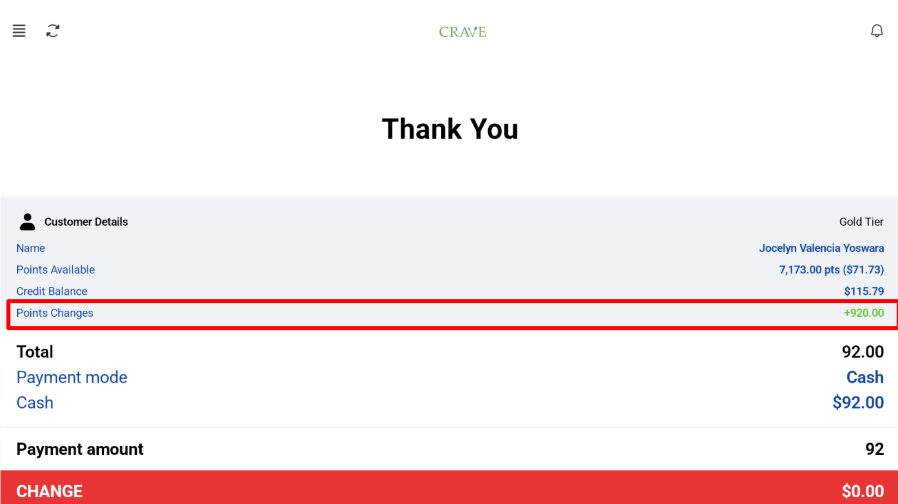
Members that are logged in can complete transactions and earn membership points.
Customer Screen
Cashier Screen
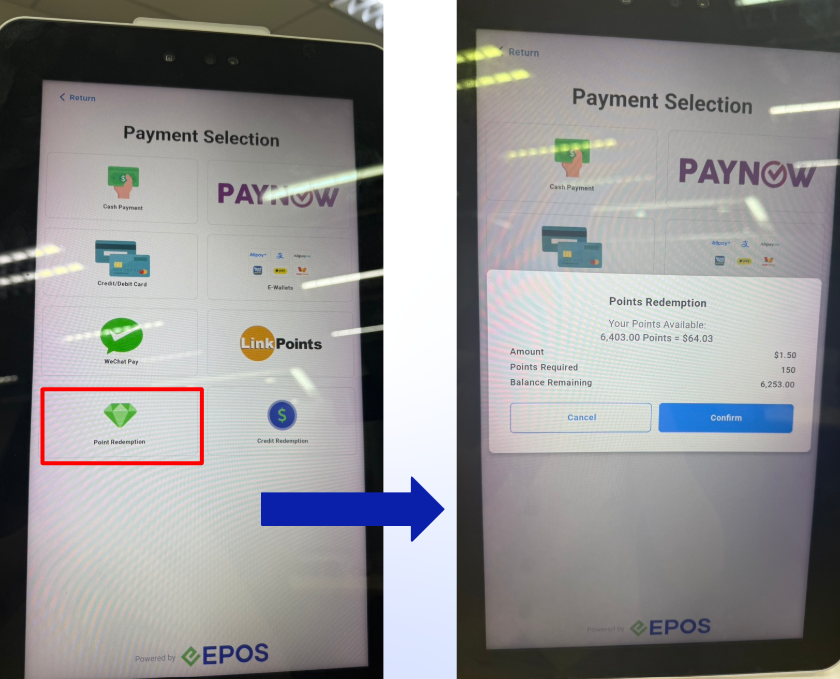
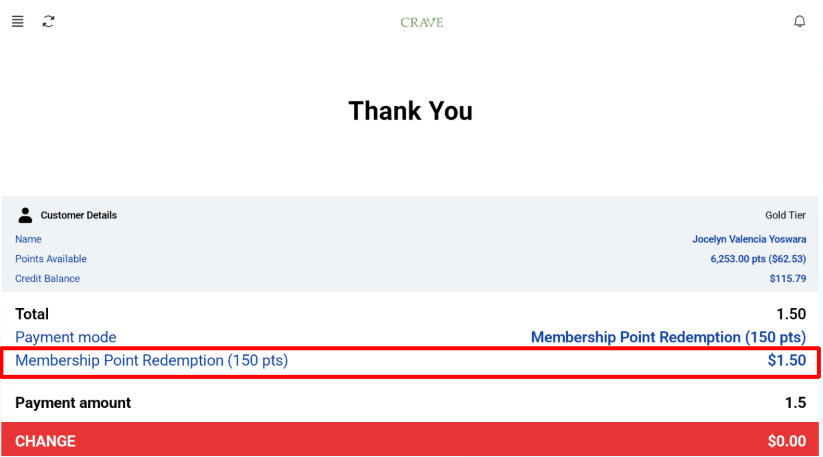
Customers can redeem their membership points for transactions. However, in kiosk mode, customer can only redeem membership points for full order amount. To use split payment, cashier must switch to POS mode.
Customer View
Cashier View
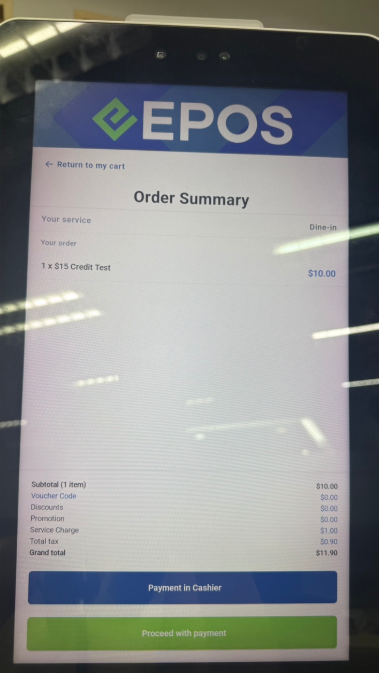
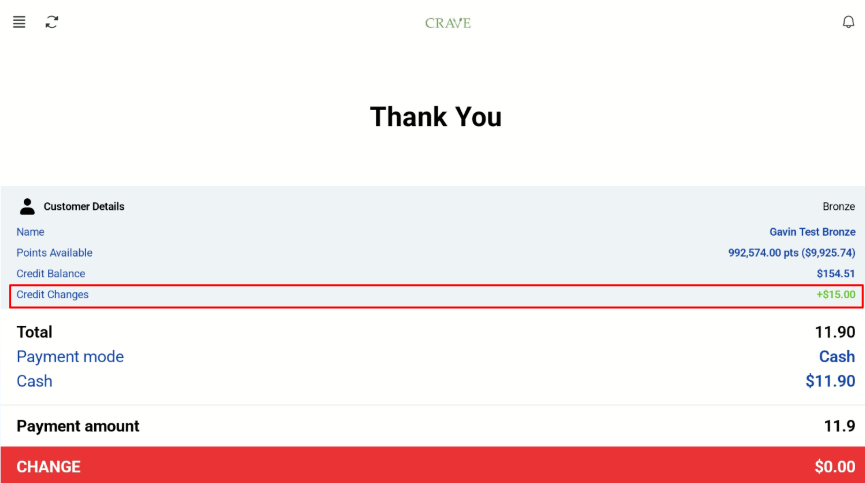
Customers are able to purchase credit on Kiosk mode, and the amount will be topped up and reflected in customer account.
Customer View
Cashier View
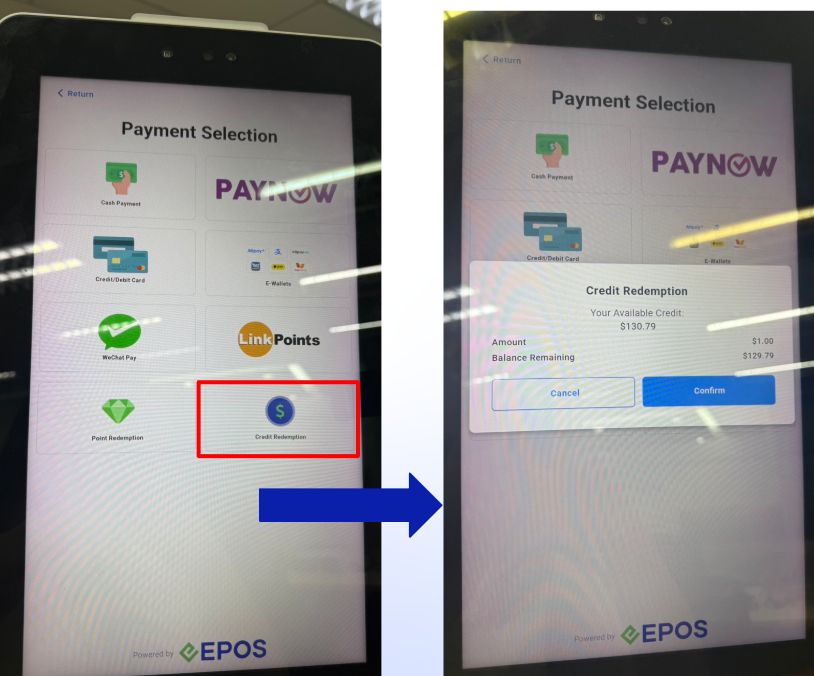
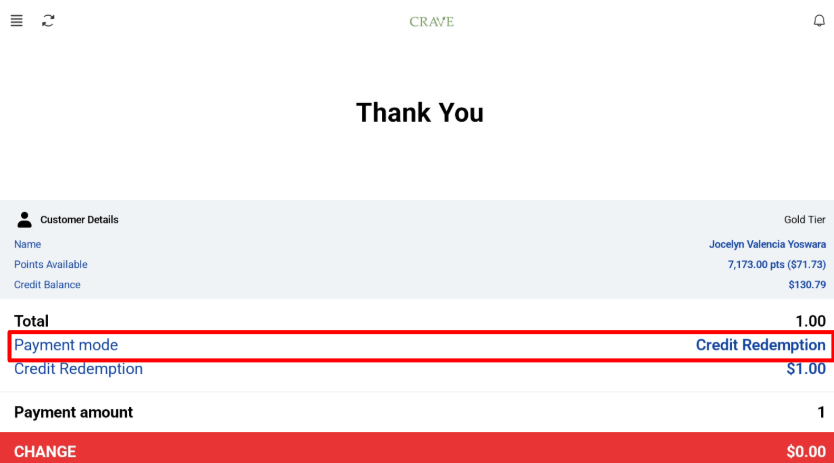
Customers are able to redeem the credits in their account to make transactions. However, in kiosk mode, customer can only redeem credit for full order amount. To use split payment, cashier must switch to POS mode.
Customer View
Cashier View
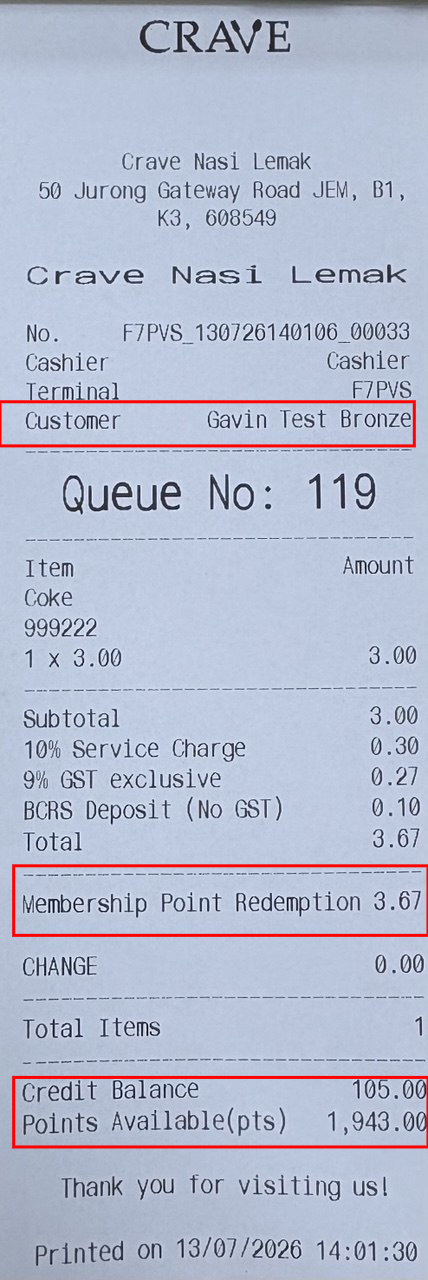
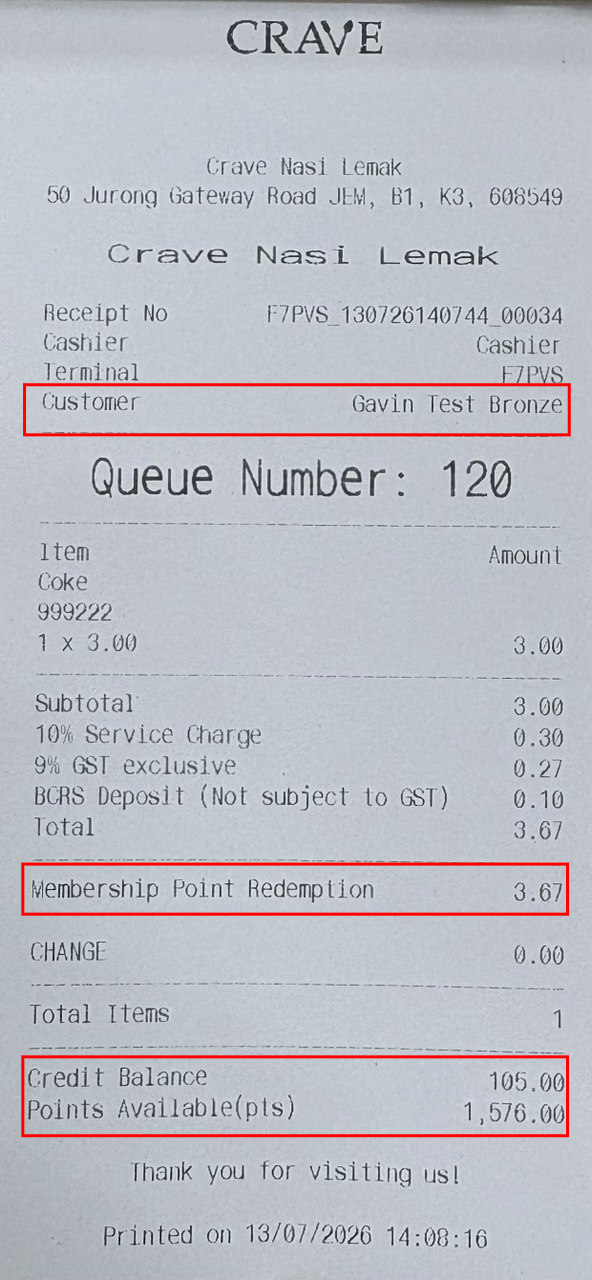
Customer details are displayed on both 58 mm and 80 mm receipts. The 58 mm receipt is on the left and the 80 mm receipt is on the right.
For Retail Kiosk, customers can sign up using WhatsApp or the Member’s Portal, and log in by entering their phone number or scanning their e-membership card.
Customer Screen
Cashier Screen
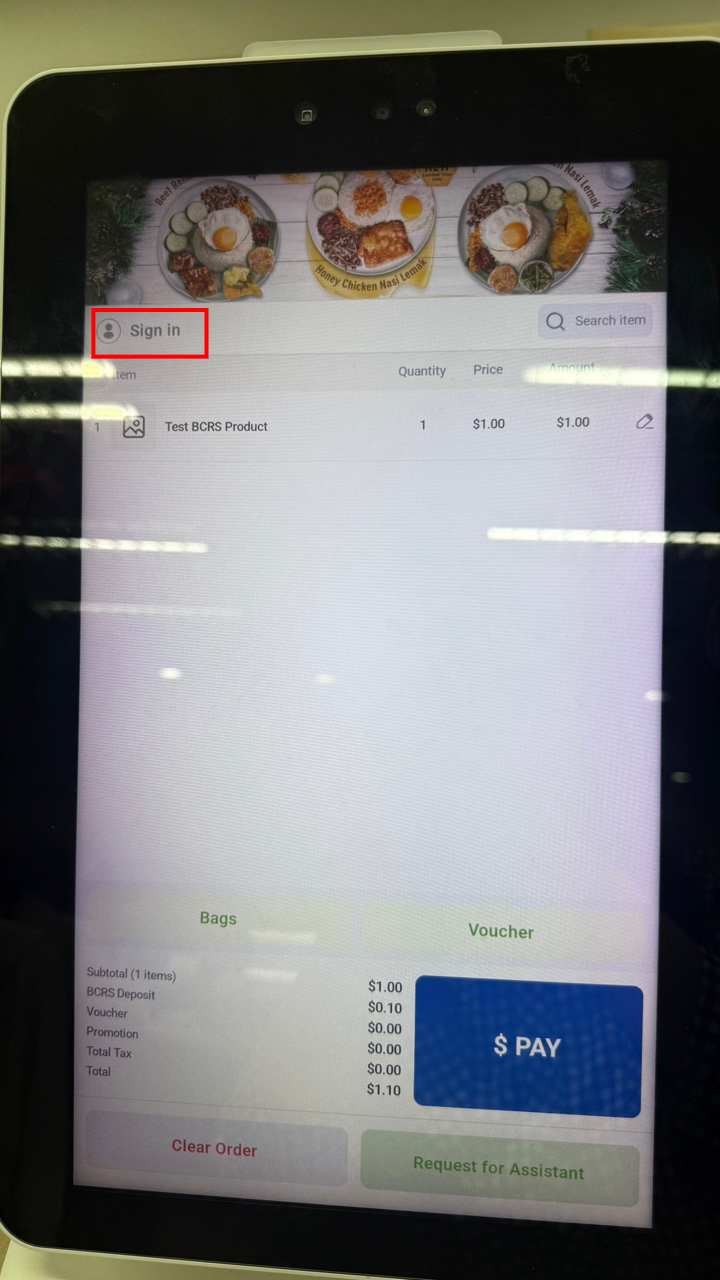
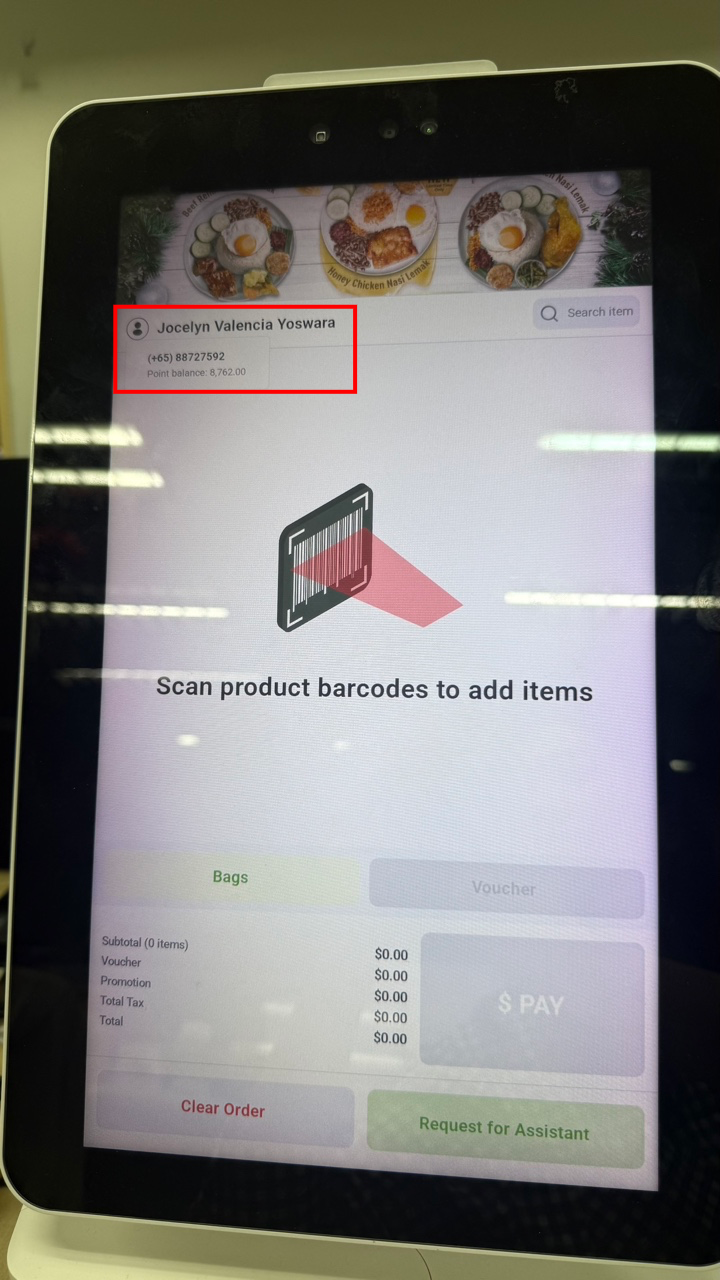
If a customer reaches the checkout page without logging in, they can tap Sign In to log in. Once logged in, the customer can tap their name to see their phone number and points.