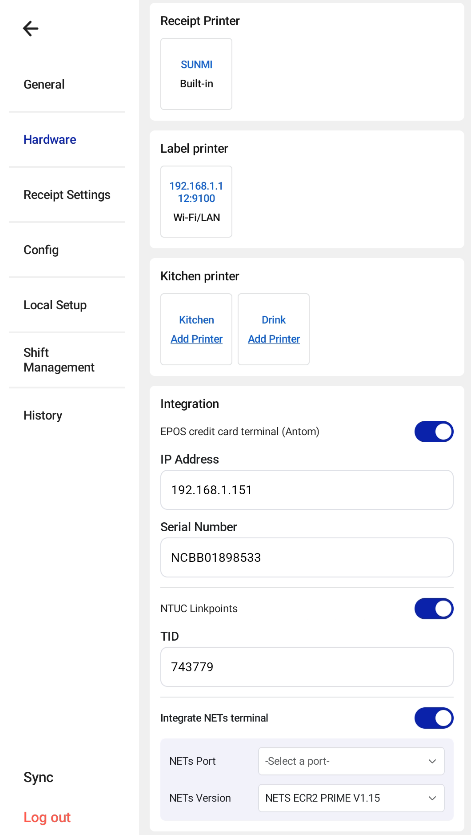
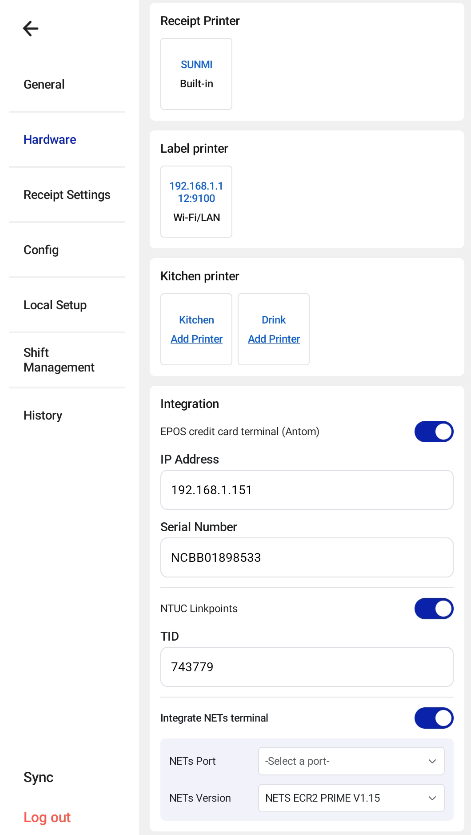
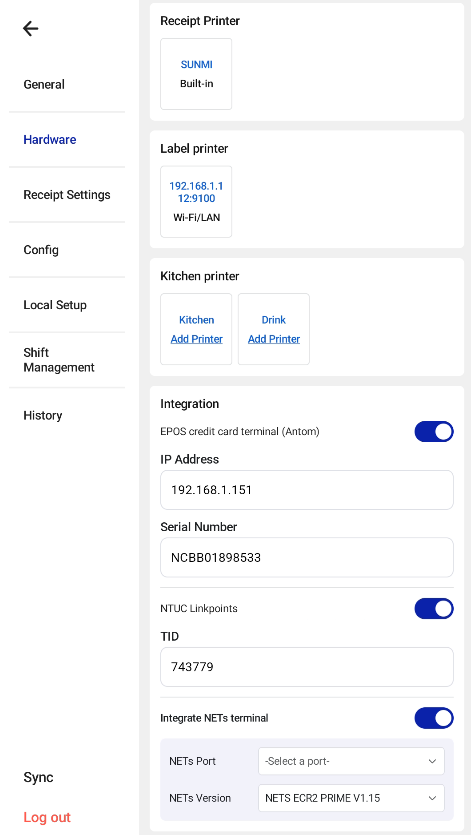
Hardware Settings is mainly used to set up the receipt printer, kitchen printer, label printer, display configuration and payment terminals (Antom and NETS ECR 2 Prime). For the payment terminals, see Antom Payment Integration and NETS Integration.
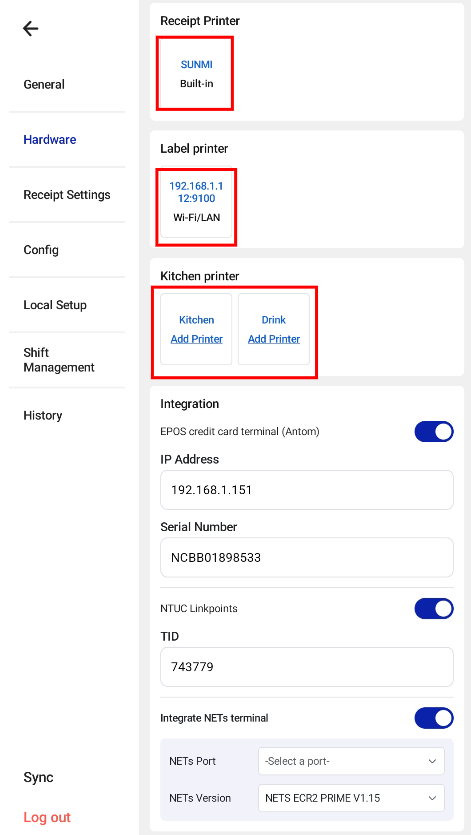
Receipt Printer
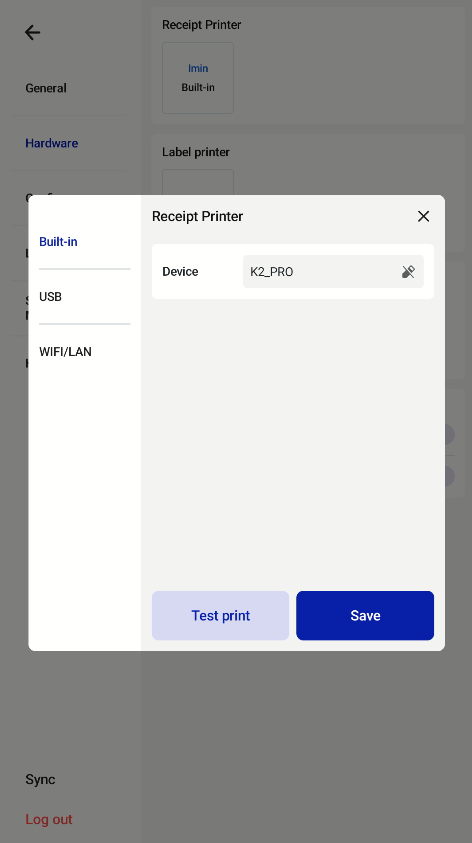
Go to Hardware > Receipt Printer > Add Printer, choose the connection type and tap Save. Built-in, USB and Wi-Fi/LAN printers are supported.
Kitchen Printer
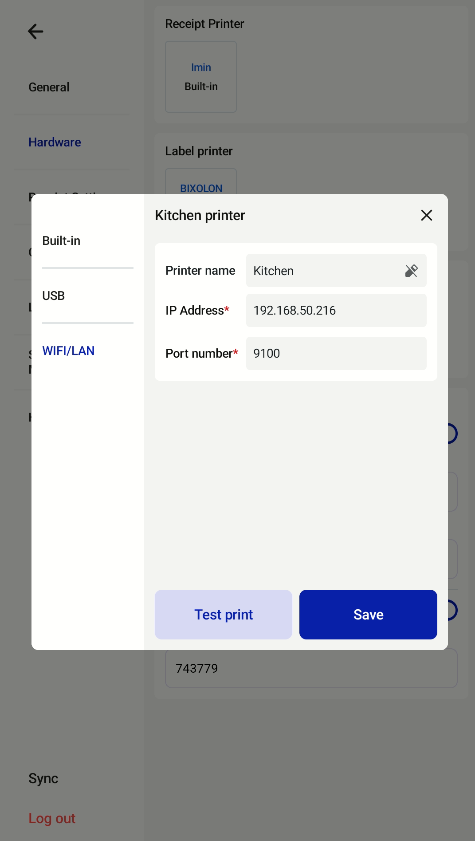
All kitchen printers set up in the EPOS Backend are shown under Kitchen Printer in Hardware Settings.
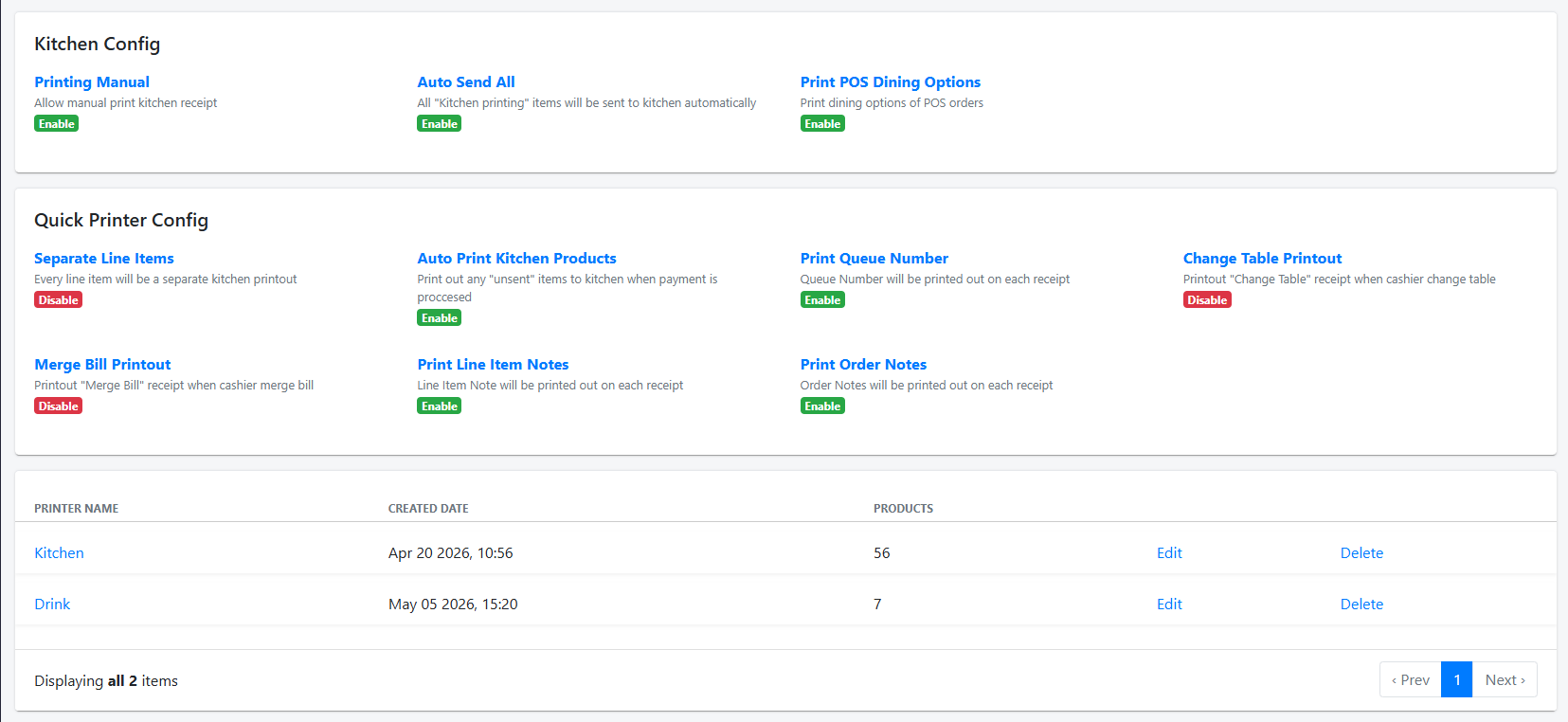
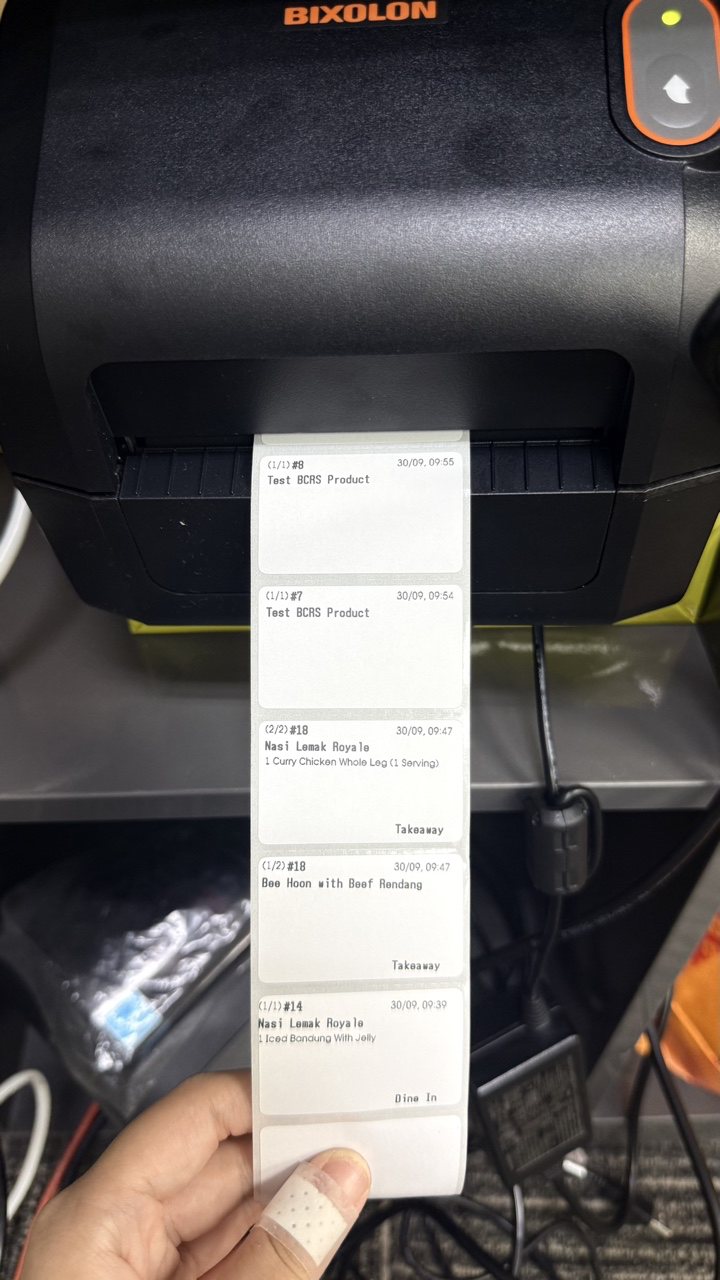
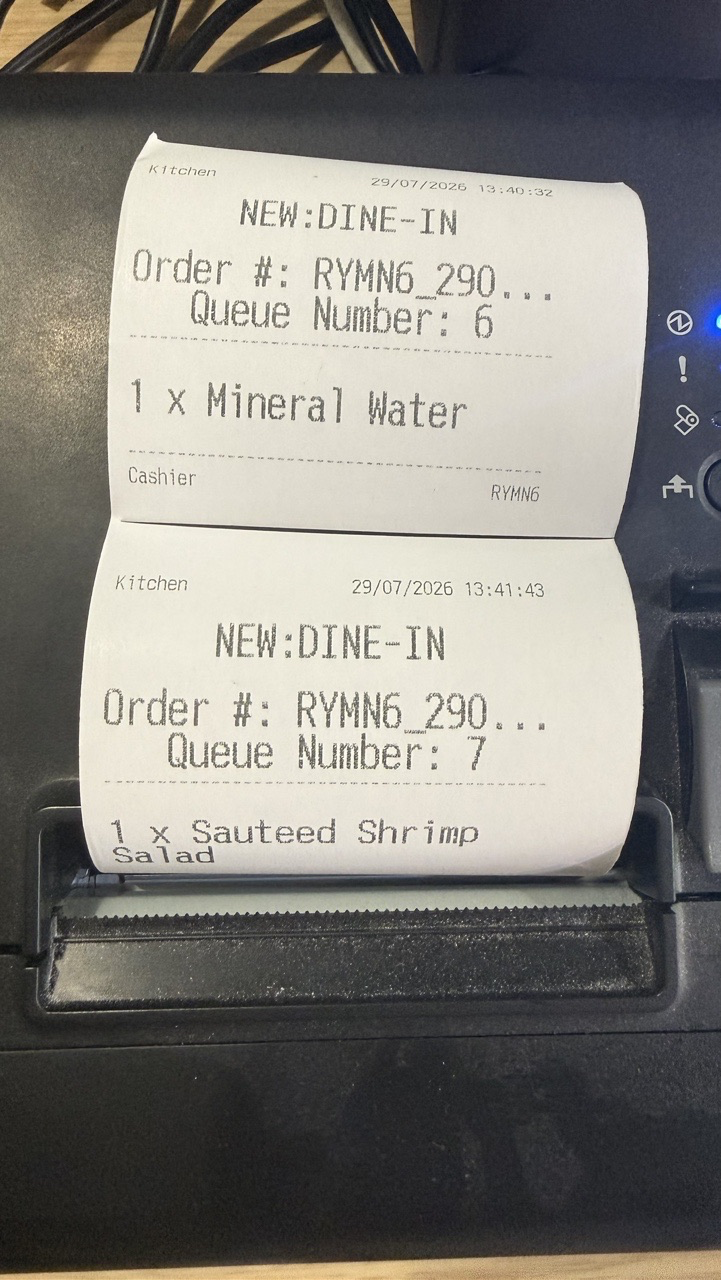
Staff can then set up each kitchen printer using a built-in, USB or Wi-Fi/LAN connection. The photo shows a kitchen slip printed over LAN.
Label Printer
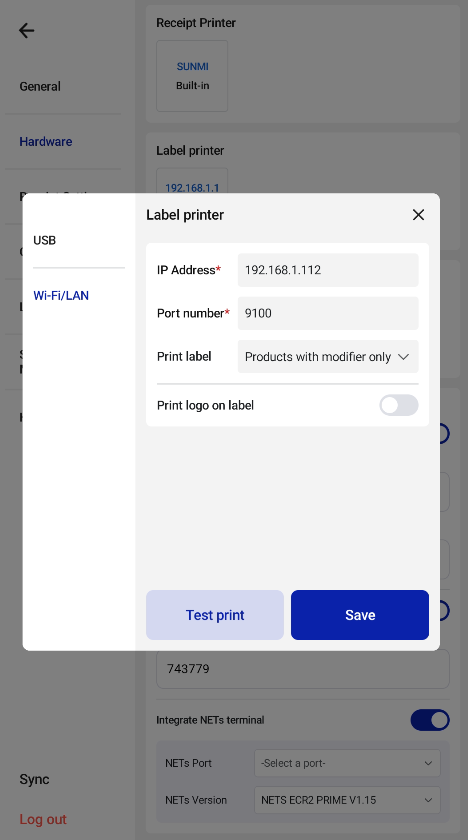
Go to Hardware Settings > Label Printer to set up a label printer. USB and Wi-Fi/LAN are supported. The example below uses a Bixolon XD3-40dEK/MEA over LAN.