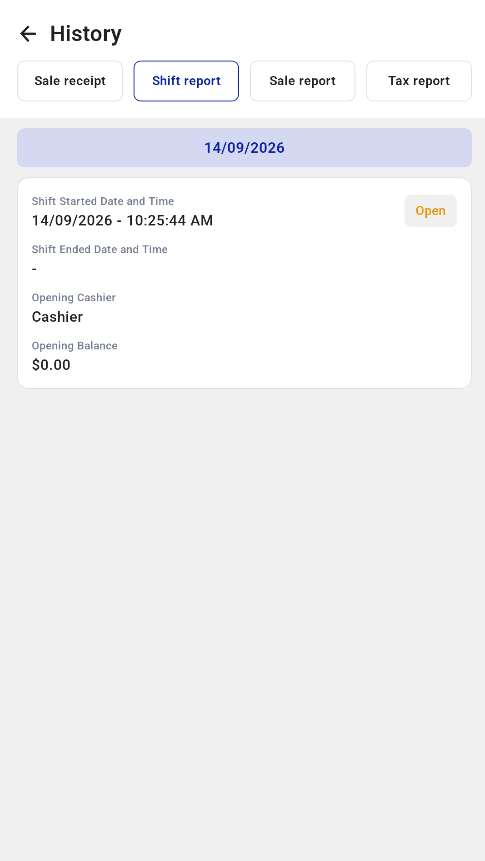
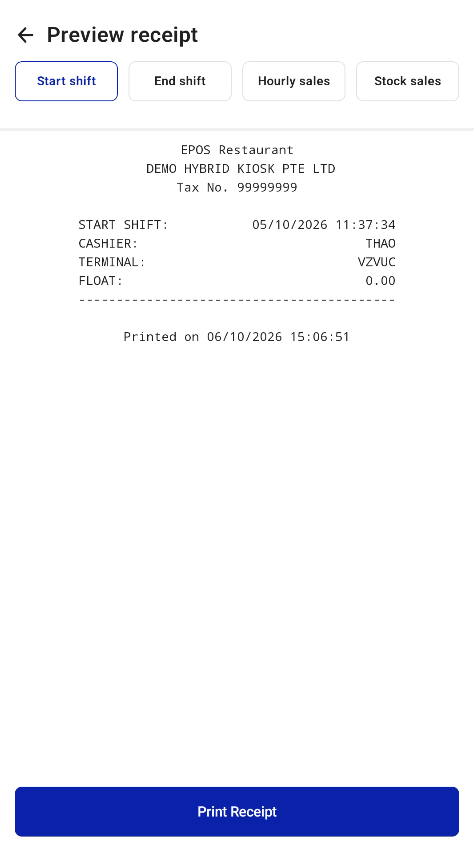
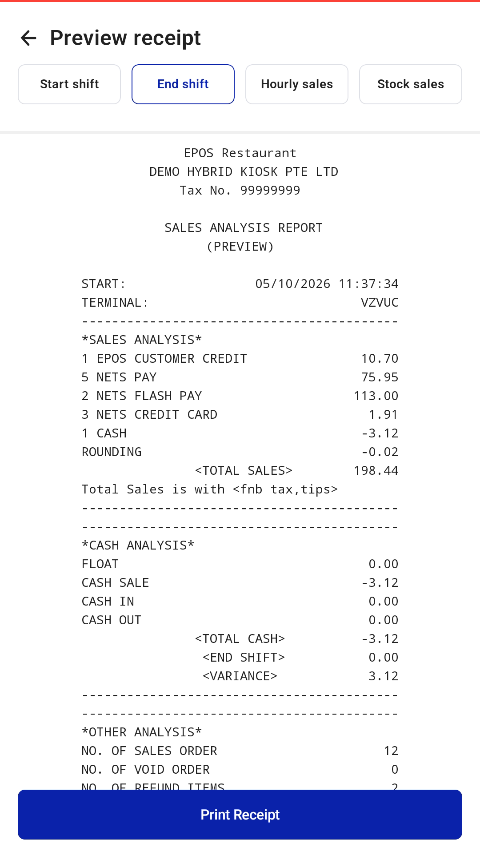
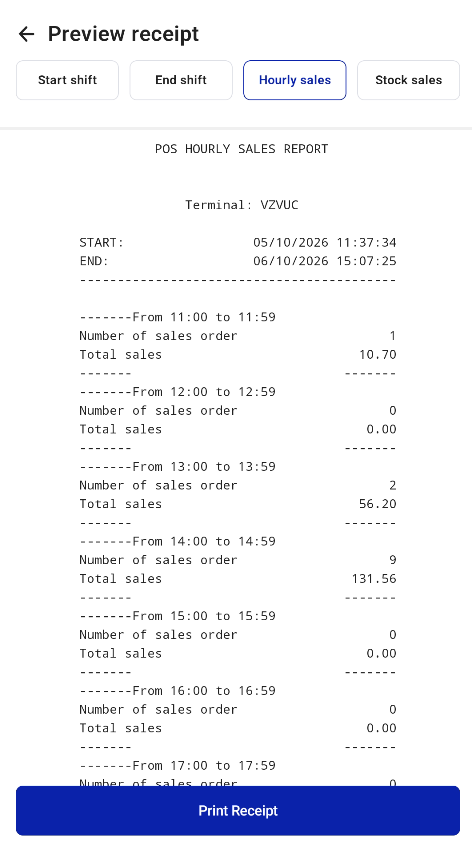
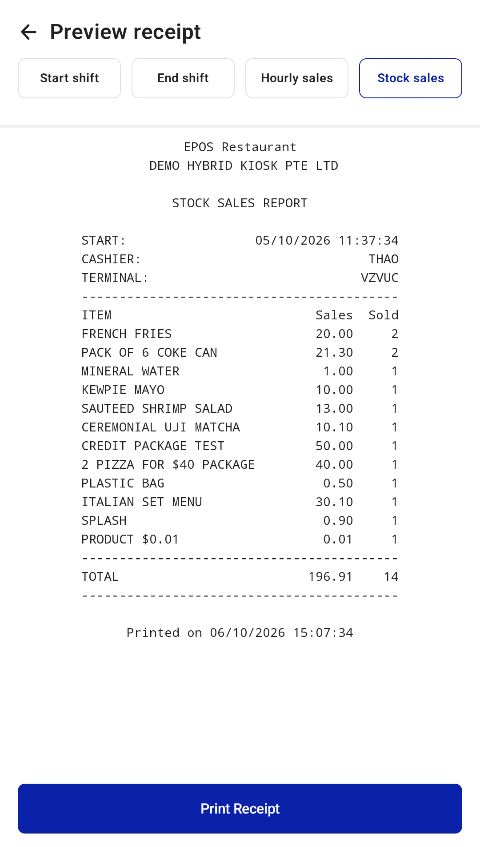
Staff can preview the Start Shift receipt, the Pre-Settlement receipt before End Shift, the Stock Sales report and the Hourly Sales report.
- Open Hidden Settings > History and select the Shift report tab.
- Select a shift to open the preview.
- Use the tabs at the top of the preview to switch between Start shift, End shift (pre-settlement), Hourly sales and Stock sales.
- Tap Print Receipt to print.