Users can begin the ordering process by clicking on the Kiosk
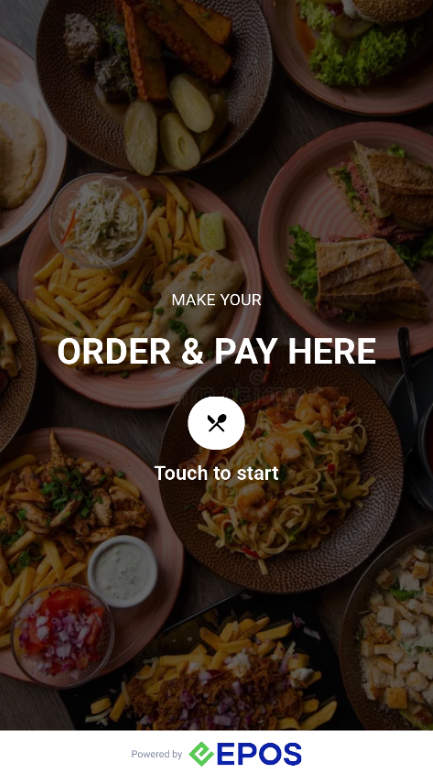
1. Customer click Start in Kiosk App
Customer touches screen to get started.
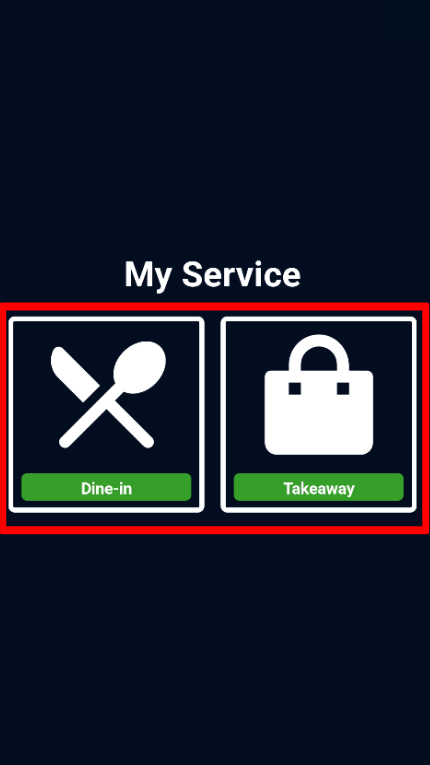
2. Customer select Dining Option
Customer can choose between “Dine-In” or “Takeaway”
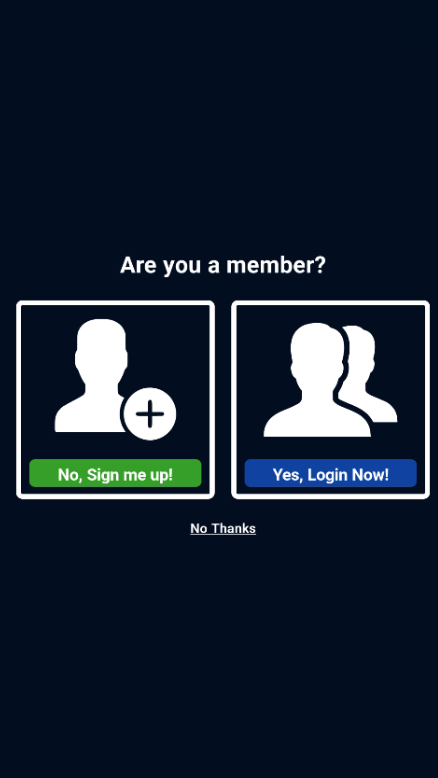
3. Customer login as member
Customer can either sign up, login as a member or skip for now.
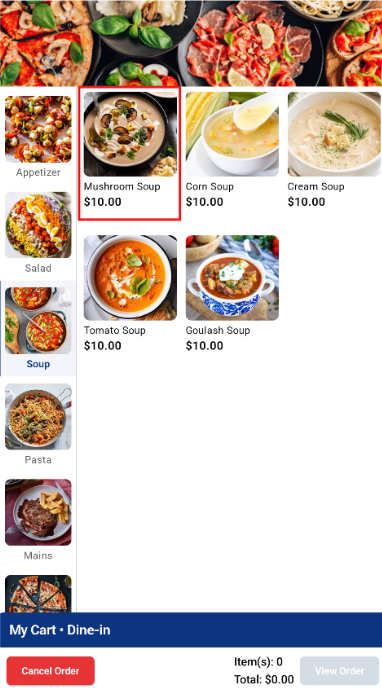
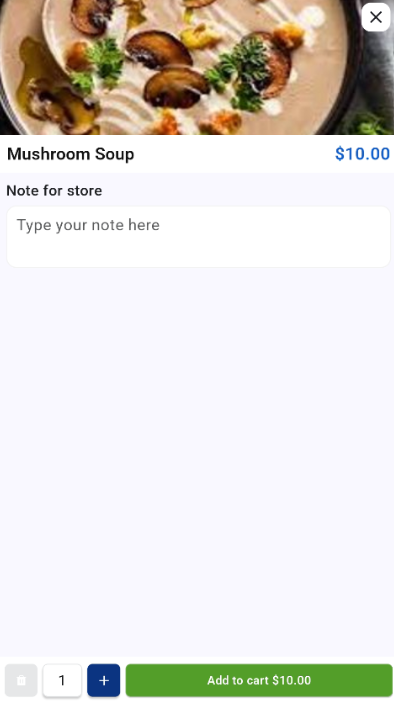
4. Customer add product to cart
Customer select browse and add product to cart
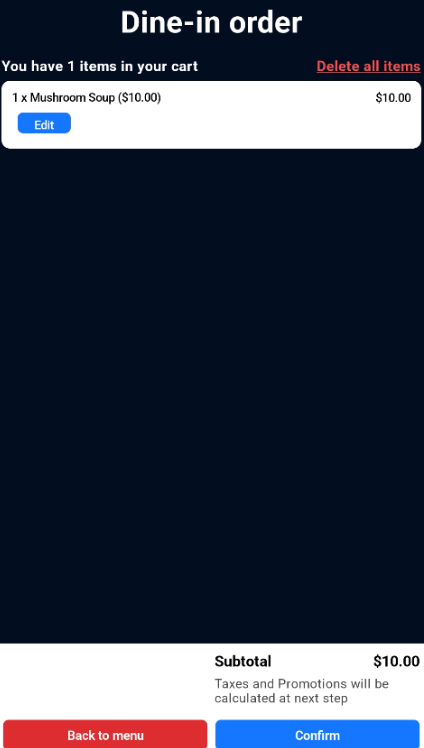
5. Customer view item in cart
Customer is able to view all the items in their cart. Customer is able to delete all items, edit order, go back to menu or confirm their order.
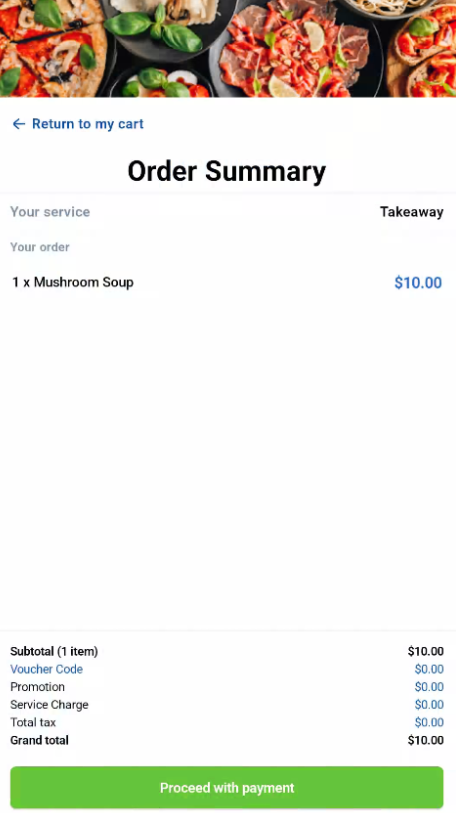
6. Customer view order summary
Customer is able to view final order and total. Customer click Proceed with Payment.
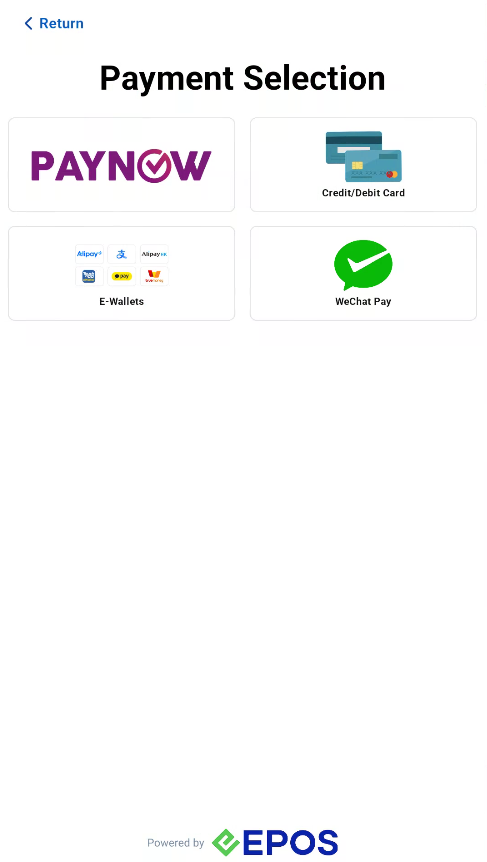
7. Payment
Customer chooses their desired payment method.
8. Order Complete
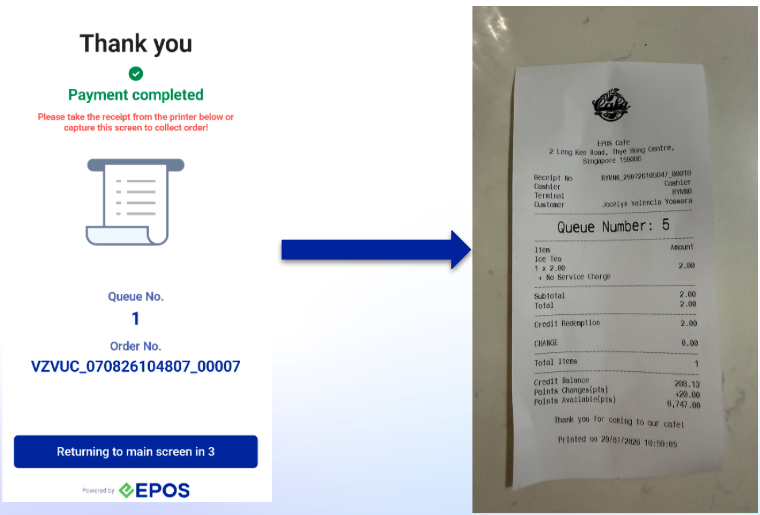
Once the order is complete, the Kiosk will display a Thank You page and auto print the receipt.