Return Order

Staff can return a kiosk order from the kiosk’s hidden settings. Return order is available on both F&B Kiosk and Retail Kiosk.

How to return an order

  1. Open Kiosk Hidden Settings and go to History.
  2. Select Sale Receipt and open the order summary of the order you want to return.
  3. Tap the three dots at the top right.
  4. Select return mode and choose Refund or Exchange, the same way as on V5 POS.

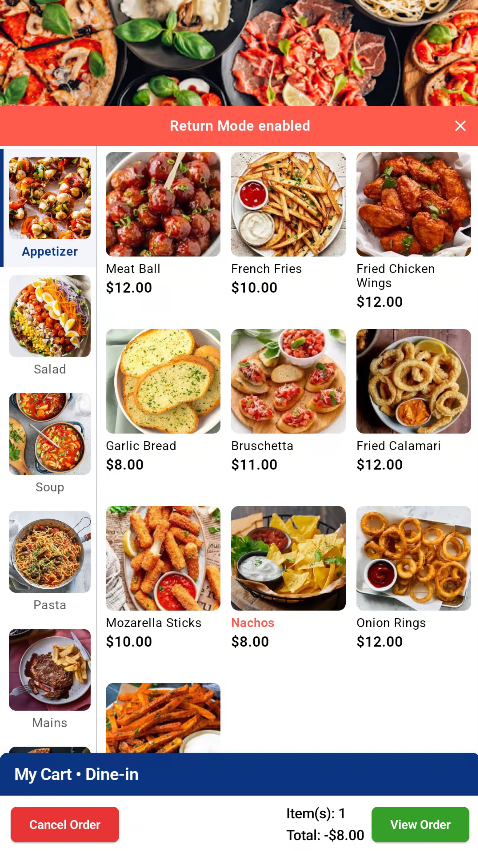
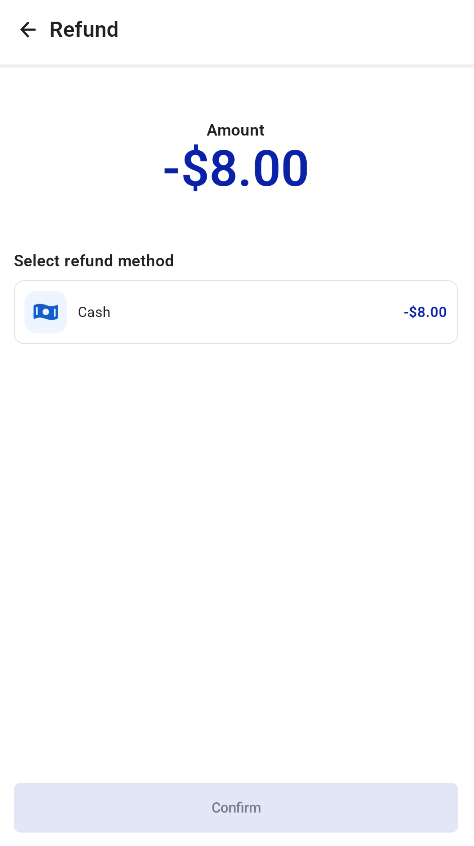
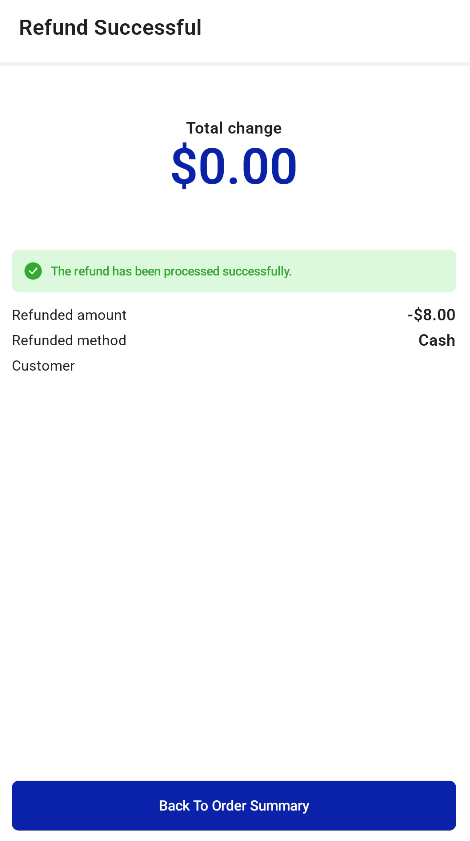
F&B Kiosk orders can be refunded or exchanged using the steps above.
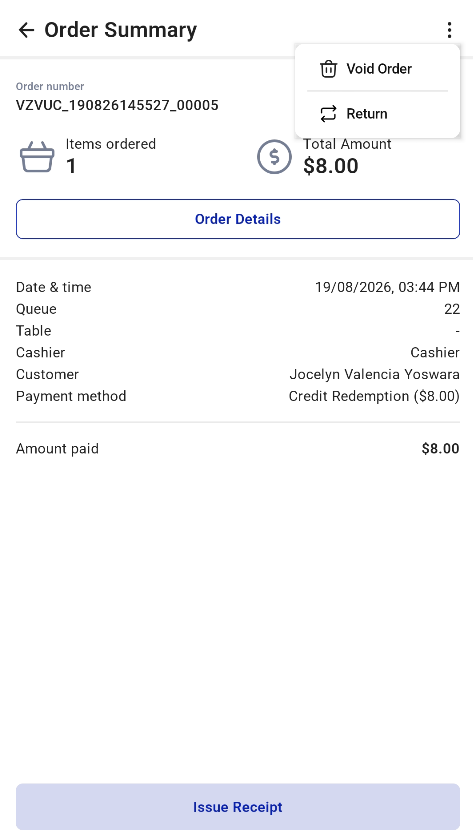
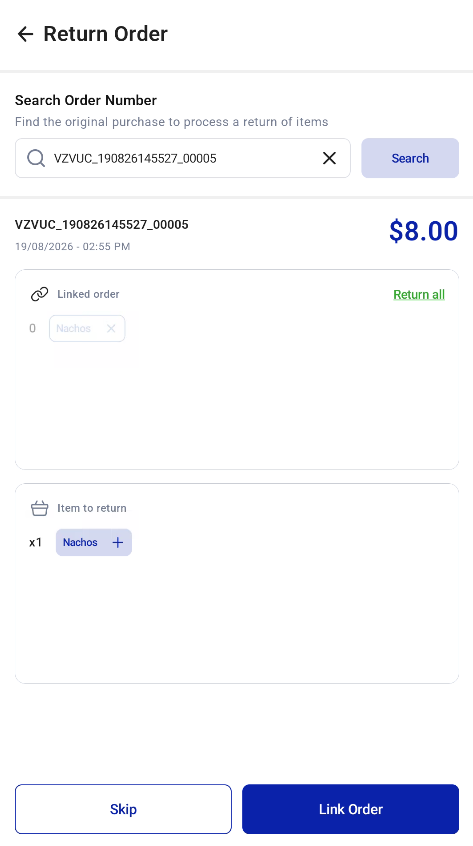
Return order screens on the F&B Kiosk Return order screens on the F&B Kiosk

Return order screens on the F&B Kiosk Return order screens on the F&B Kiosk

Return order screens on the F&B Kiosk

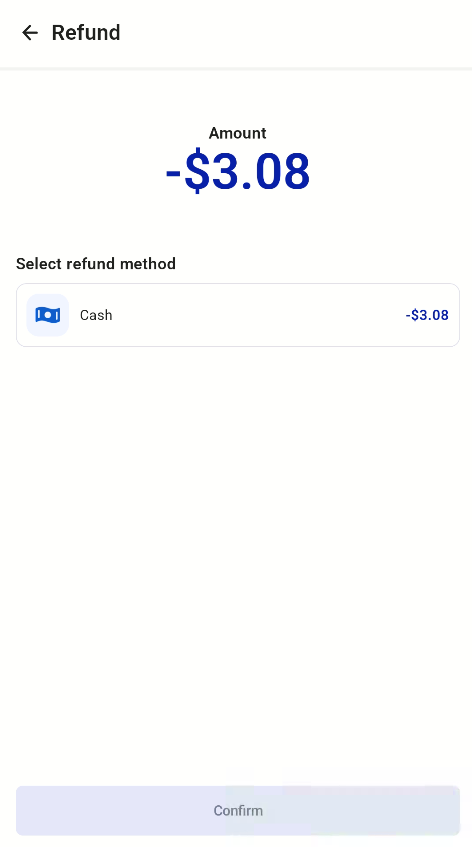
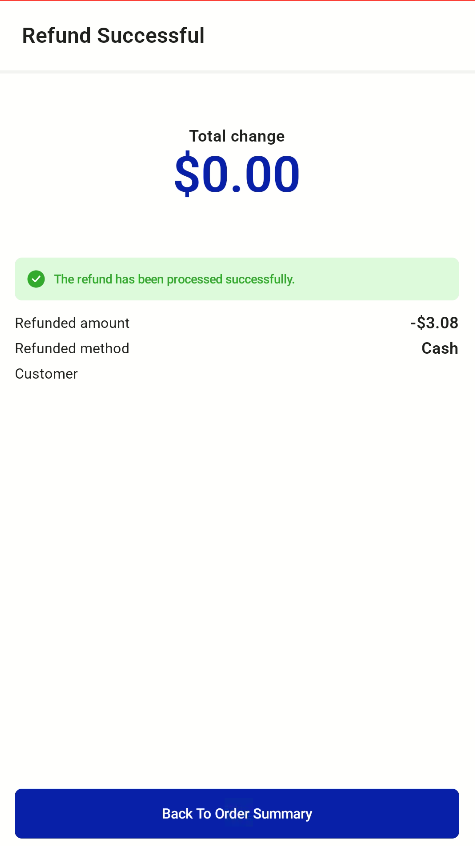
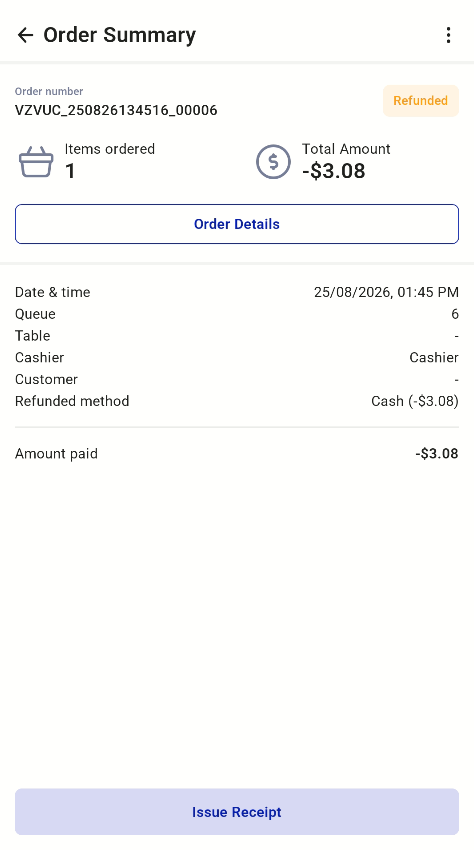
Retail Kiosk orders can also be returned. Once an order is refunded, it shows as Refunded in Sale Receipt.
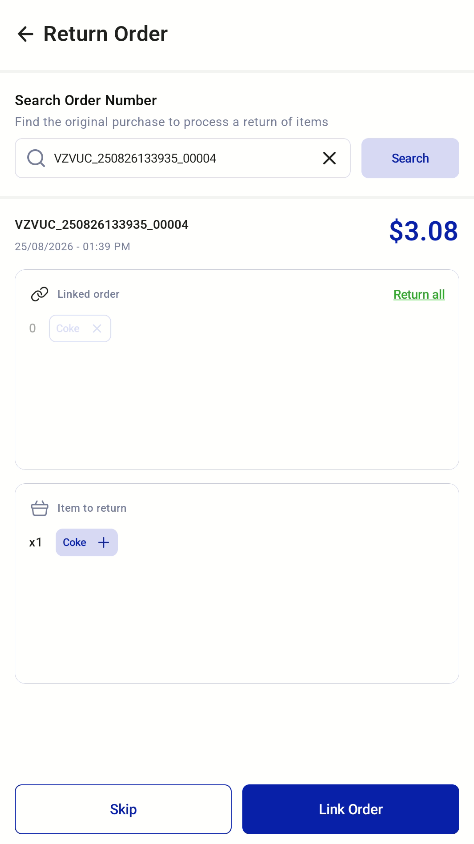
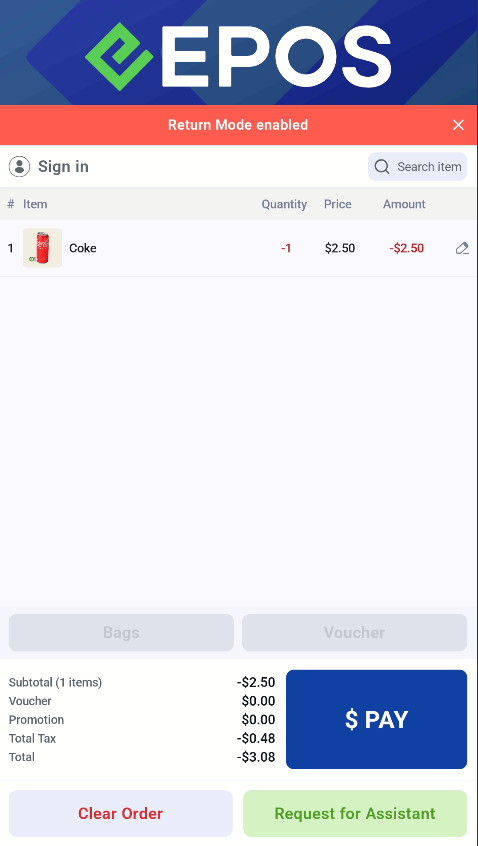
Return order screens on the Retail Kiosk Return order screens on the Retail Kiosk

Return order screens on the Retail Kiosk Return order screens on the Retail Kiosk

Return order screens on the Retail Kiosk