
On the F&B Kiosk, customers can scan a product barcode to add the item to their cart.
How it works
- On the Menu page, the customer scans the product barcode with the kiosk scanner.
- The scanned item opens so the customer can add it to the cart.
Good to know
- Barcodes can only be scanned on the Menu page.
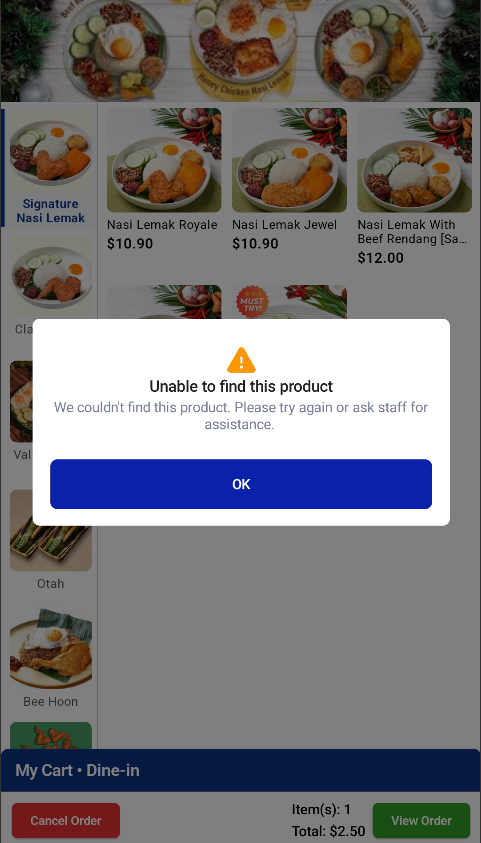
- If the scanned item is unavailable or cannot be found, a pop-up tells the customer that the item cannot be found.
