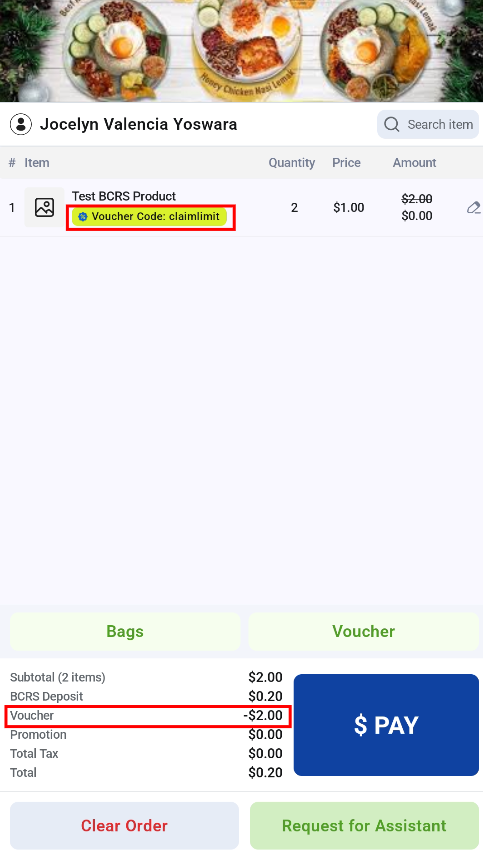
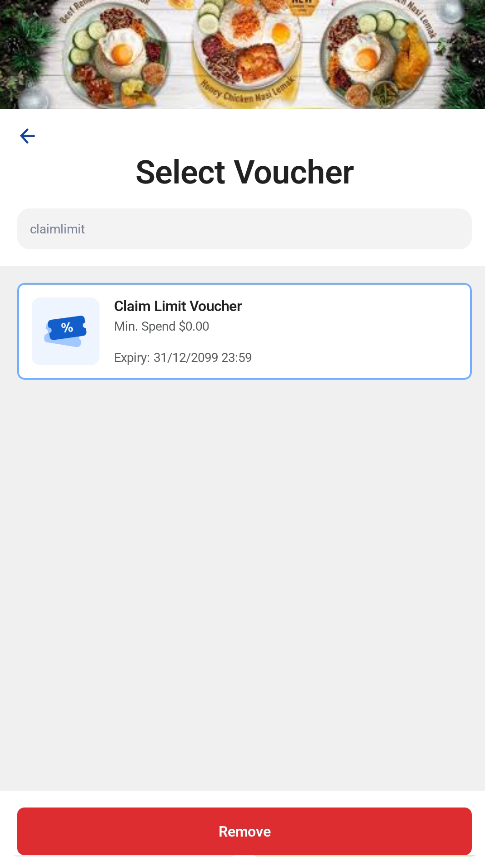
On the Retail Kiosk, customers can apply a discount voucher to their order.
Applying a voucher
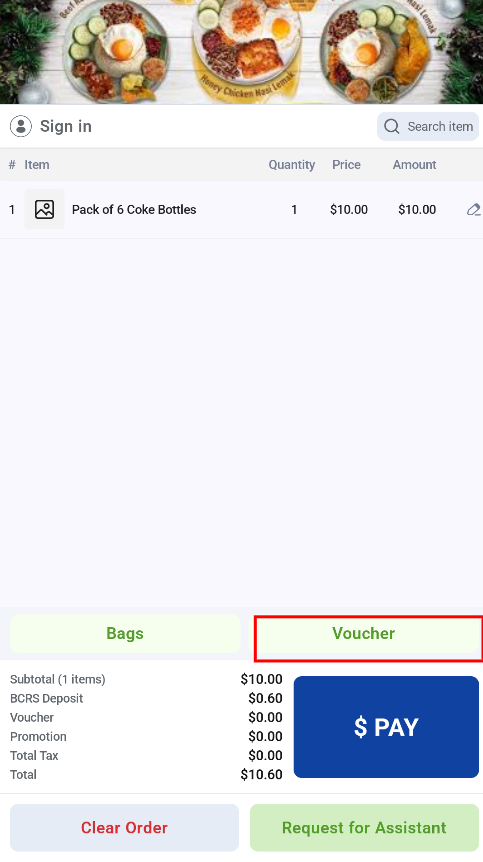
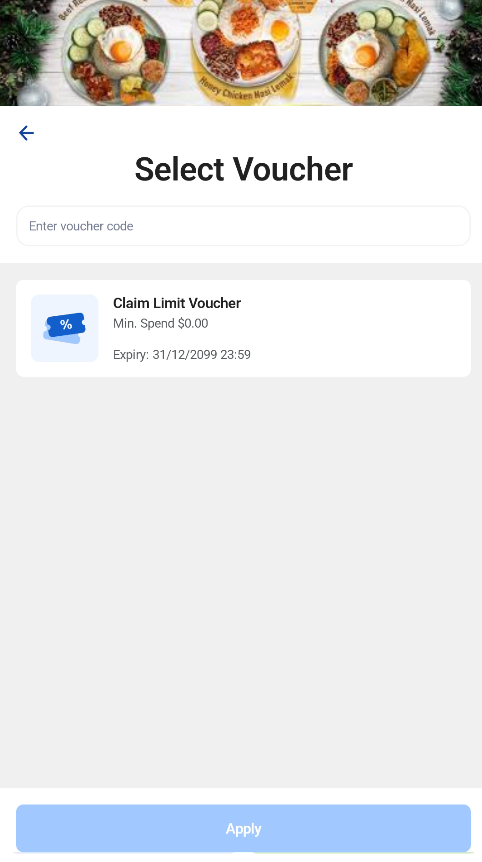
- The customer opens the voucher page. It lists the vouchers they can use for this transaction and the ones they cannot.
- The customer applies a voucher in one of three ways: select an available voucher from the list, scan the voucher, or enter the voucher code.
- Once applied, the voucher code and discount amount are shown on the order.
Changing a voucher
Only one voucher can be applied at a time. To use a different voucher, the customer goes back to the voucher page, removes the current voucher, and applies the new one.