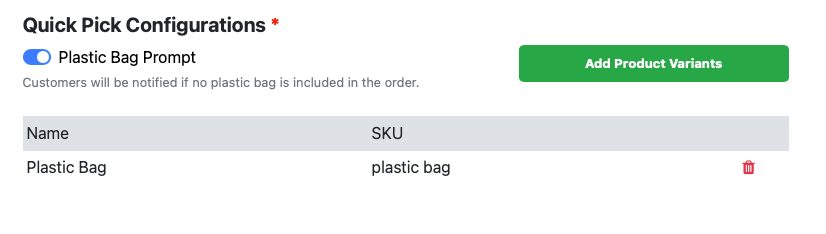
If the plastic bag config is enabled, customers can tap the Bags menu to add a plastic bag to their cart at any time.
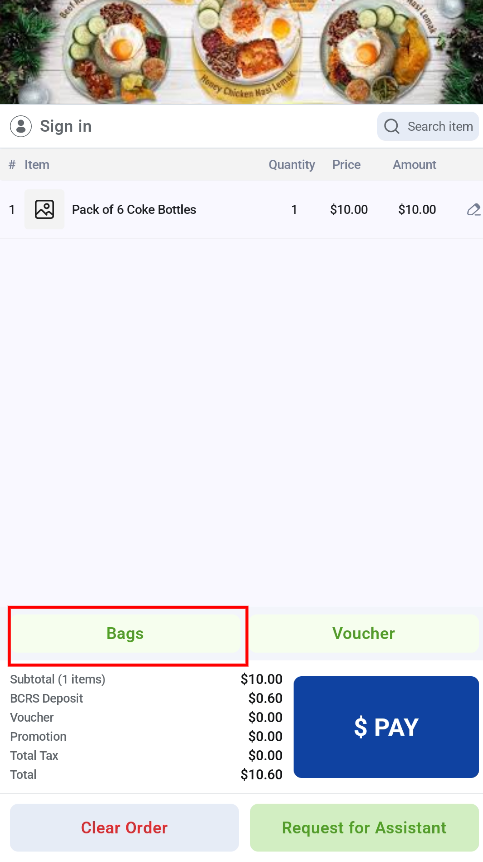

The Retail Kiosk can offer plastic bags to customers in two ways. Both depend on the plastic bag configuration in the EPOS Backend.
If the plastic bag config is enabled, customers can tap the Bags menu to add a plastic bag to their cart at any time.
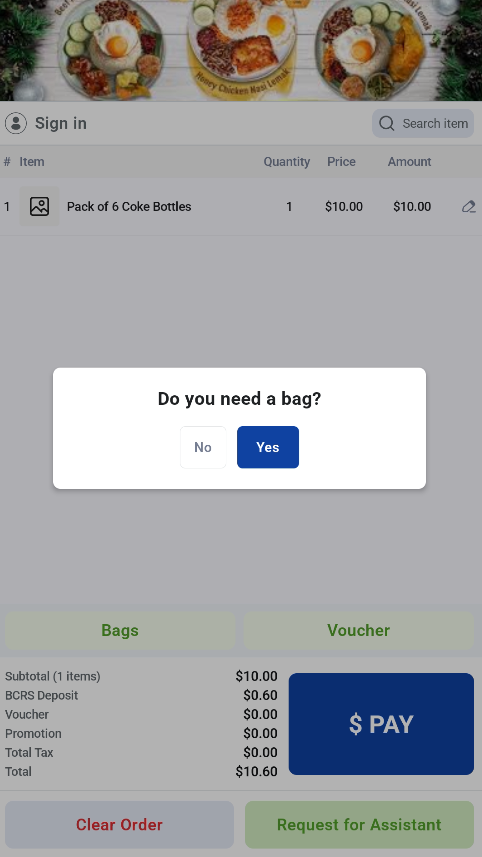
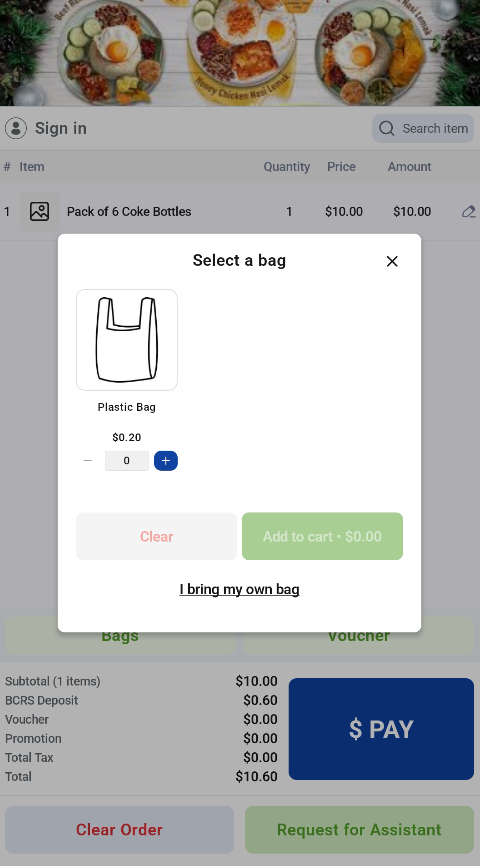
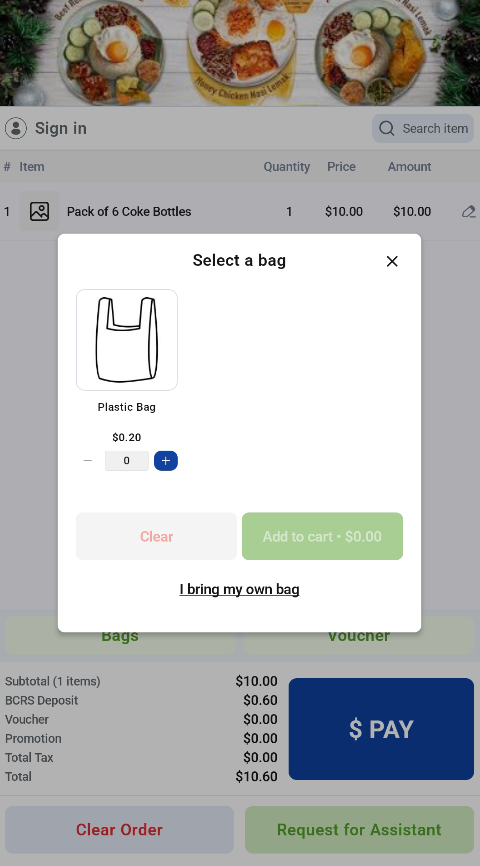
If there is no plastic bag in the cart when the customer taps Pay, a pop-up asks whether they need a bag. The customer can add a plastic bag to the cart or choose to bring their own bag.