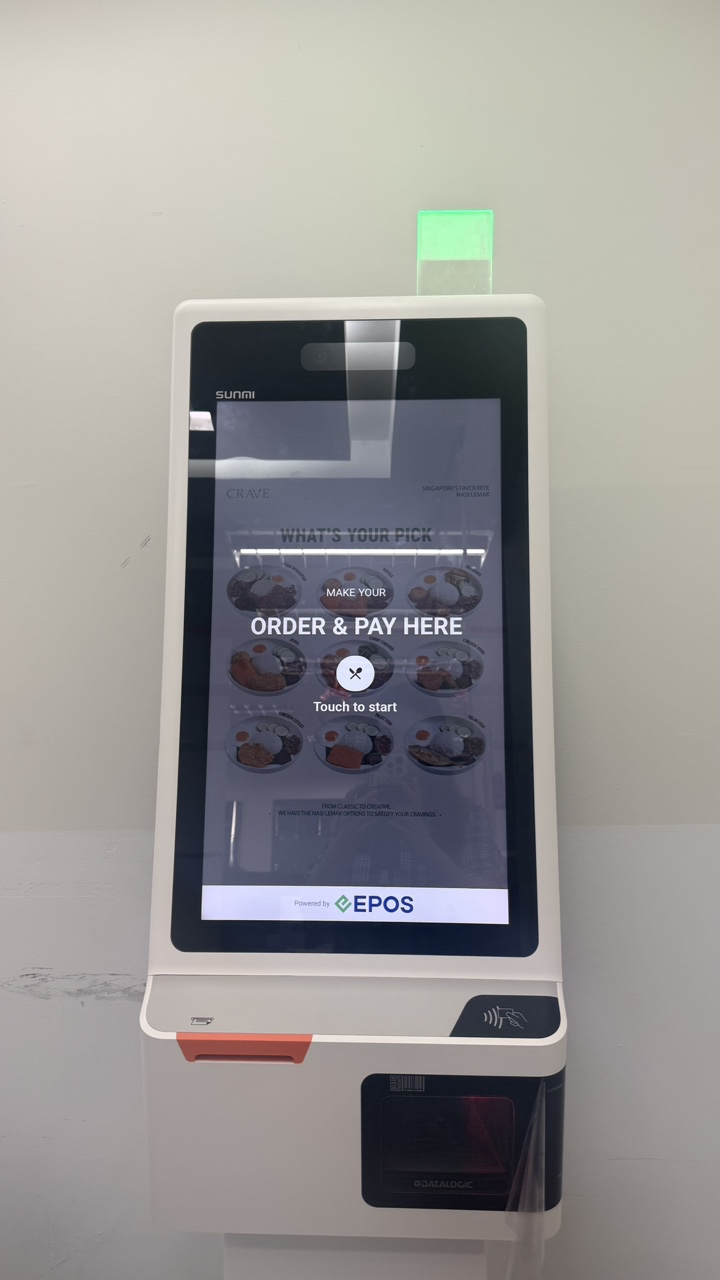
Kiosk light
- Green: the kiosk is not in use and is available.
- Off: the kiosk is in use.
- The light turns green again when the kiosk returns to the Welcome screen.
When an alert is triggered
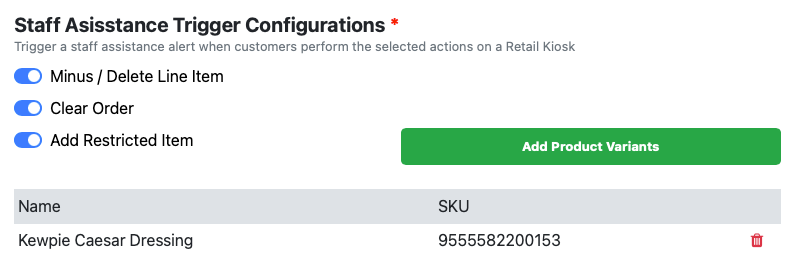
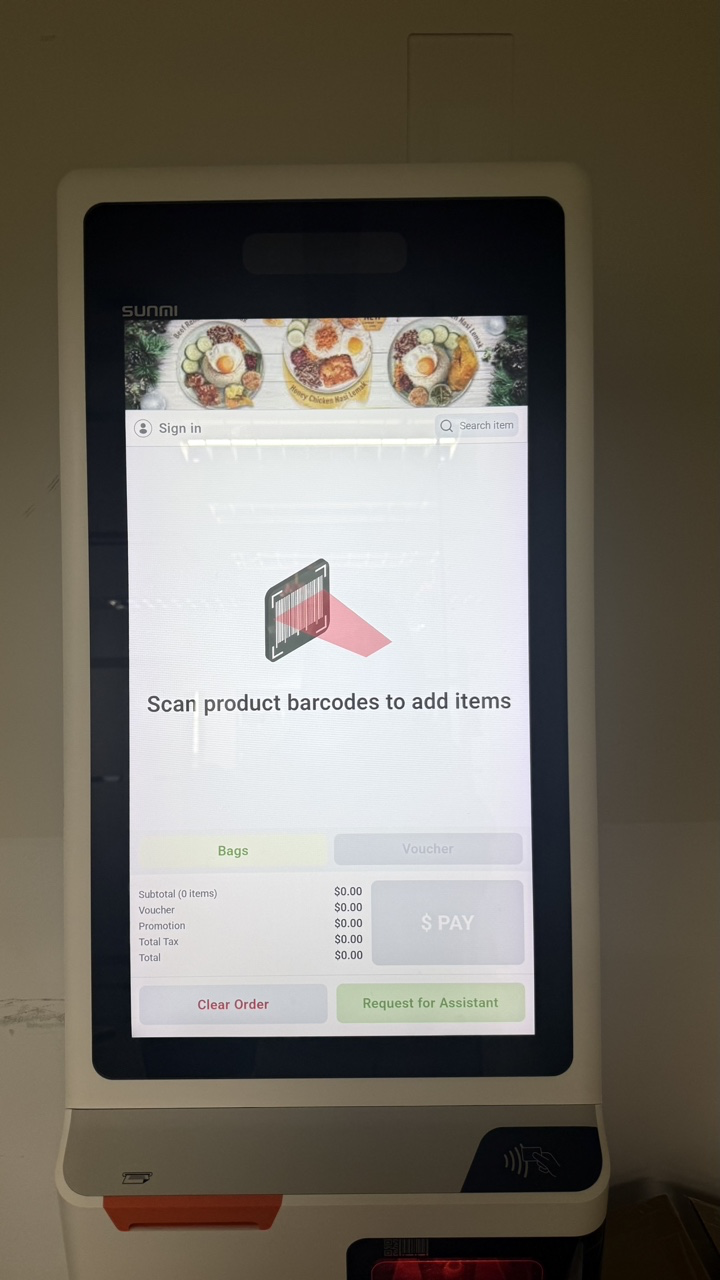
Which actions trigger a staff alert depends on the configuration in the EPOS Backend. When an alert is triggered, the red light blinks and a sound plays to let the customer know that staff will assist shortly. The red light turns off after staff scan their staff barcode, which opens staff assistance mode.