Follow these steps when setting up a new Sunmi K2 Mini for Hybrid Kiosk.
Install the EPOS POS app
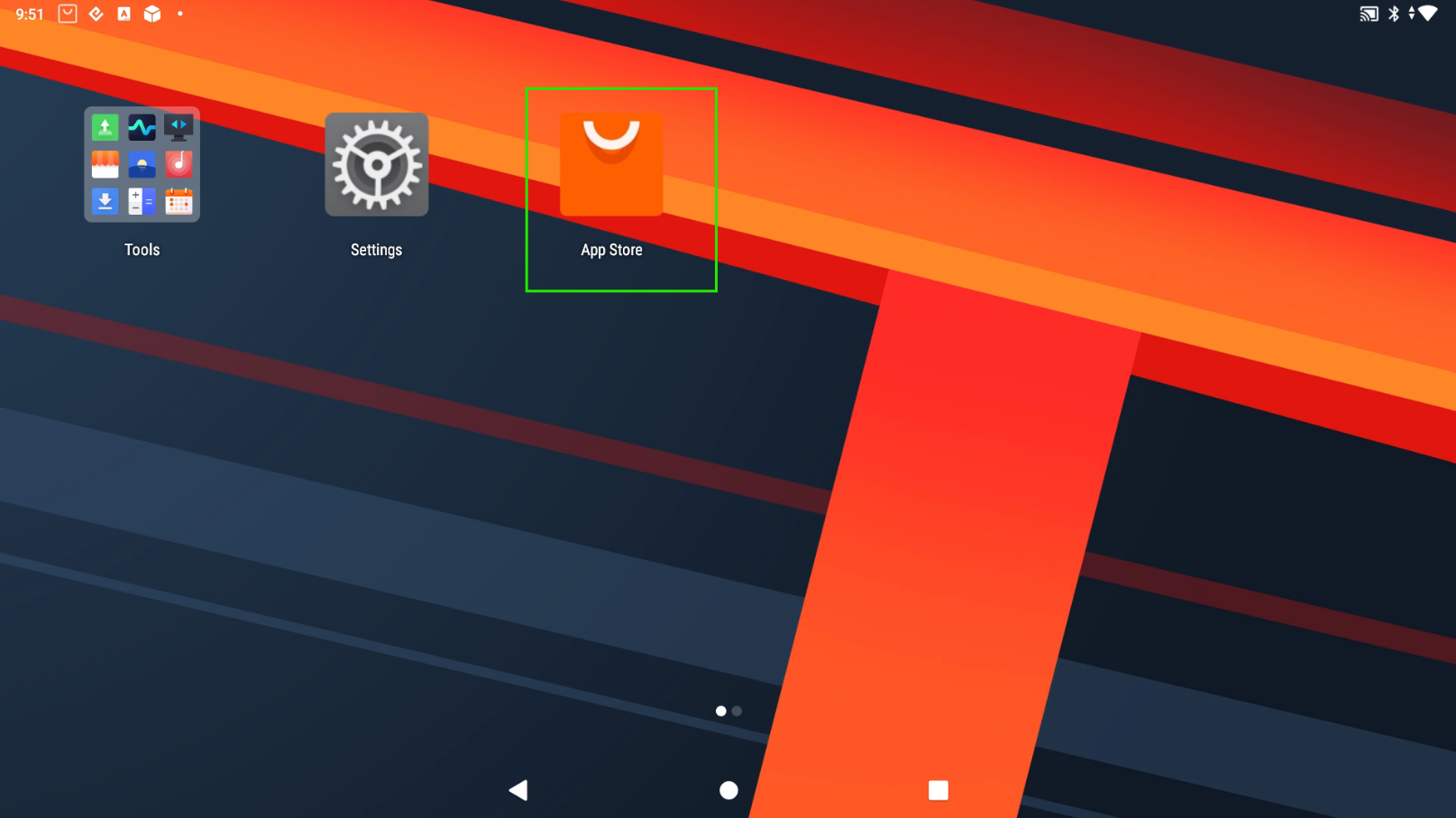
- Open the Sunmi App Store on the device.
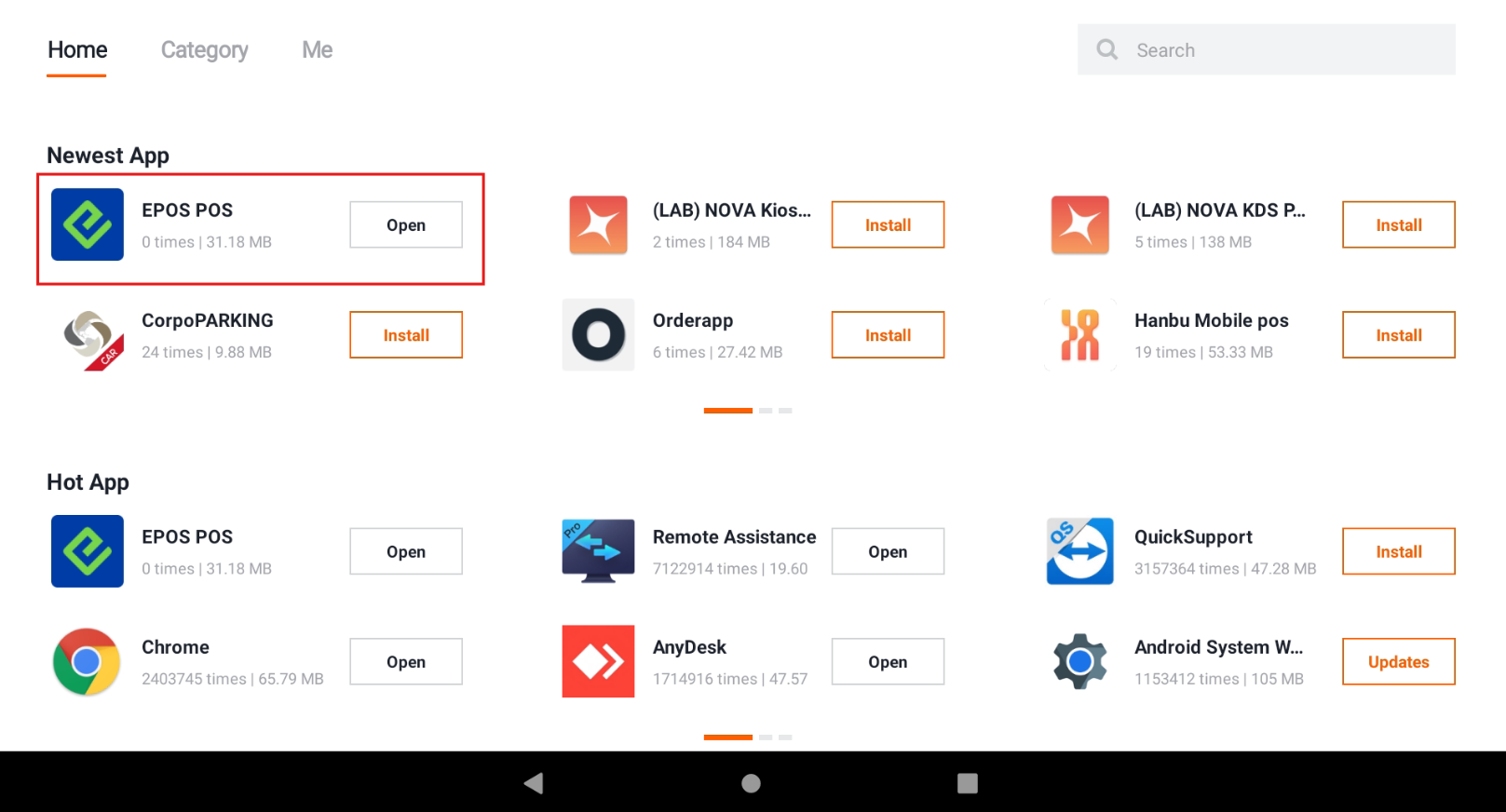
- Install the EPOS POS app.
Swap the display
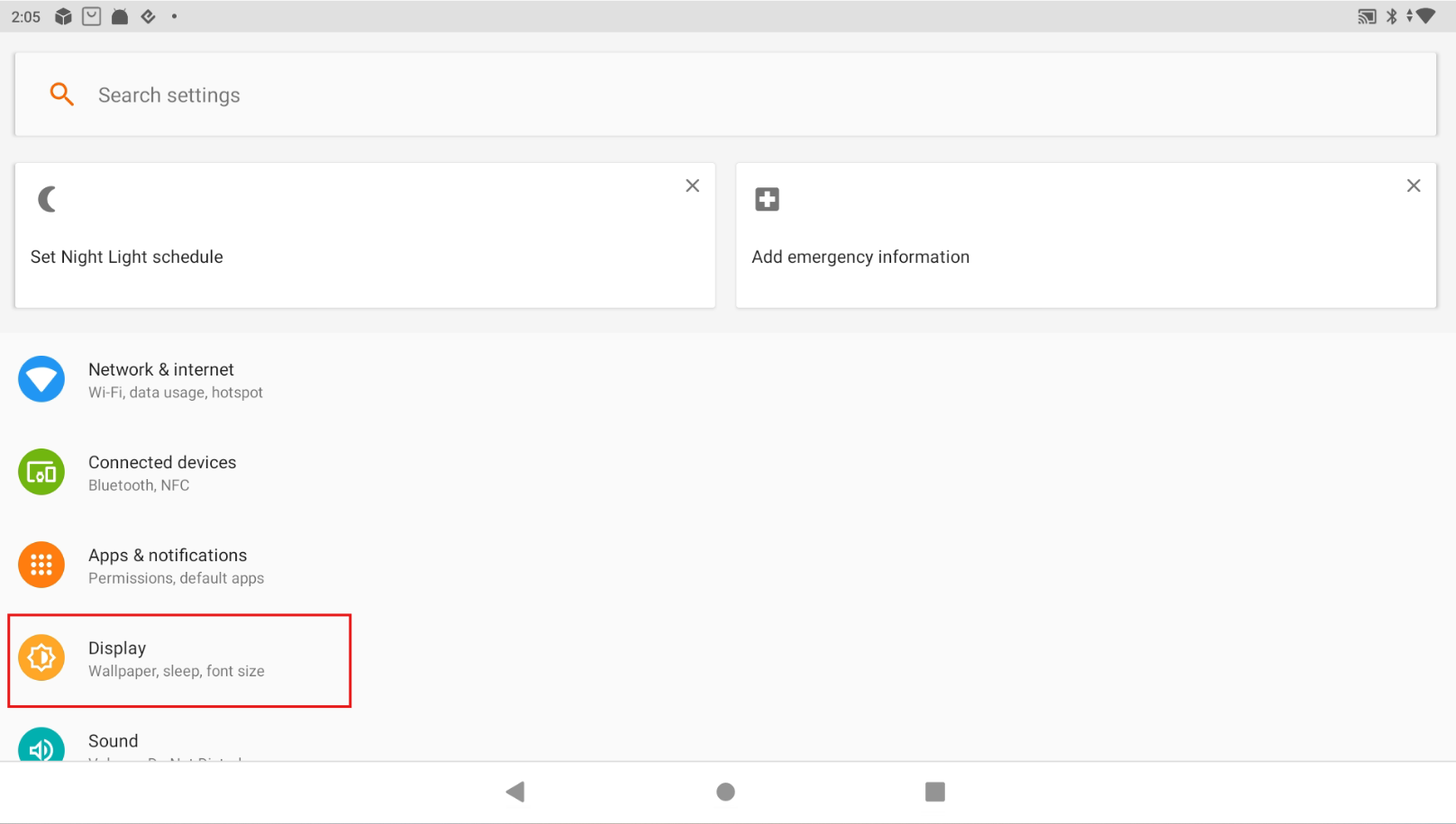
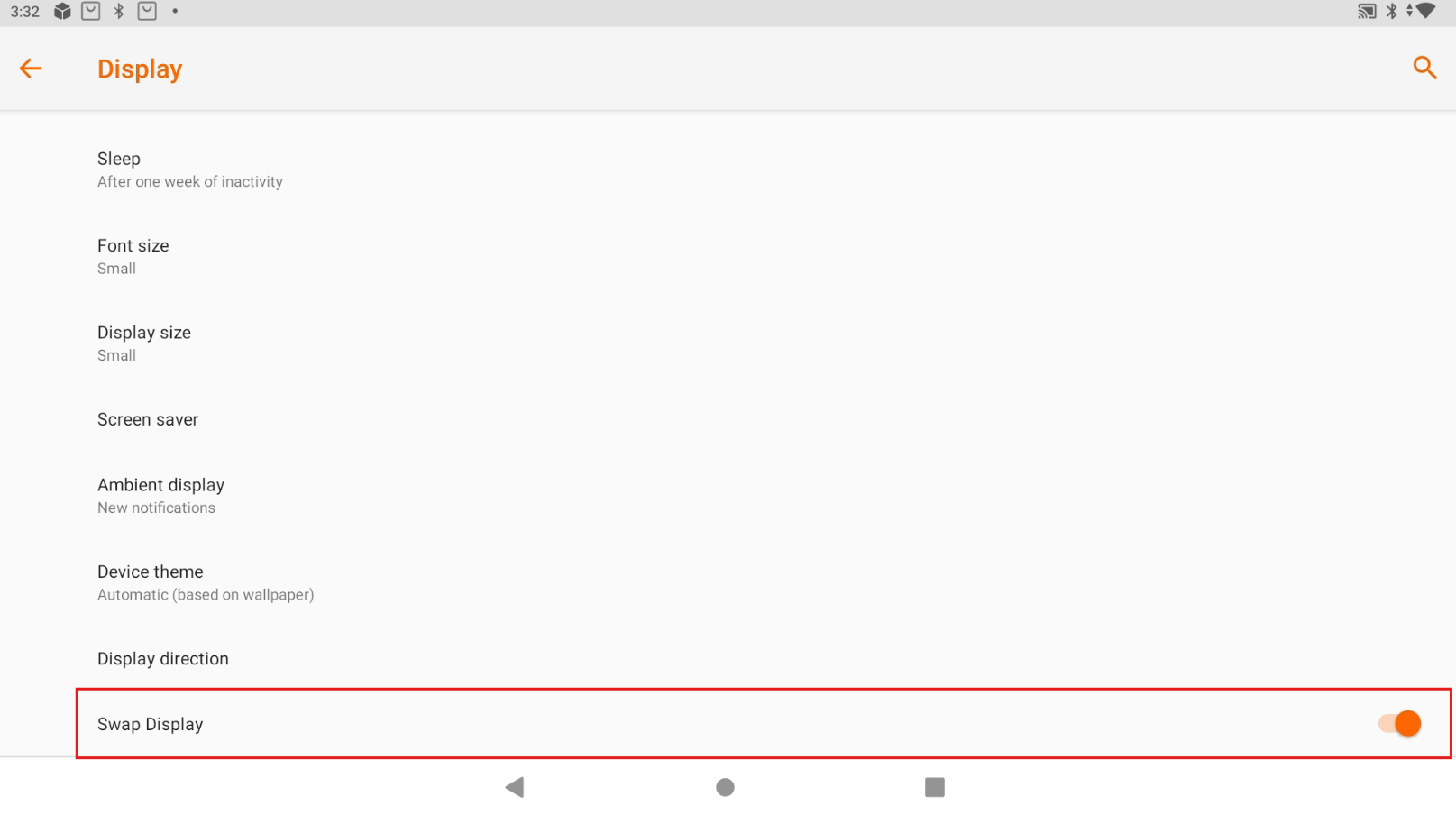
When the Sunmi K2 Mini is started for the first time, the vertical screen is the main display. The horizontal screen must be set as the main display.
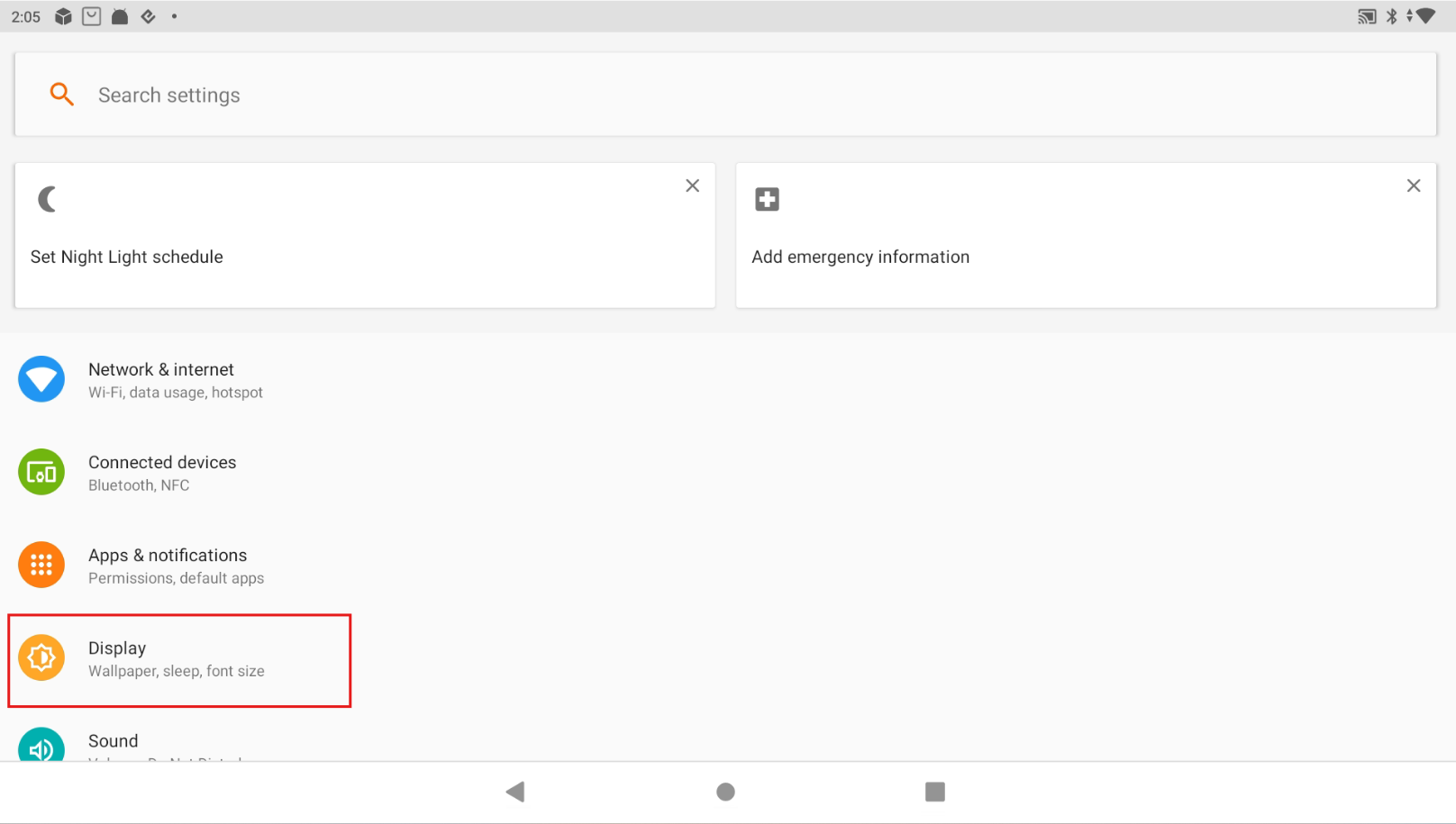
- Go to the device Settings > Display.
- Scroll to the bottom and tap Advanced.
- Tap Swap Display.
Set the display and font size
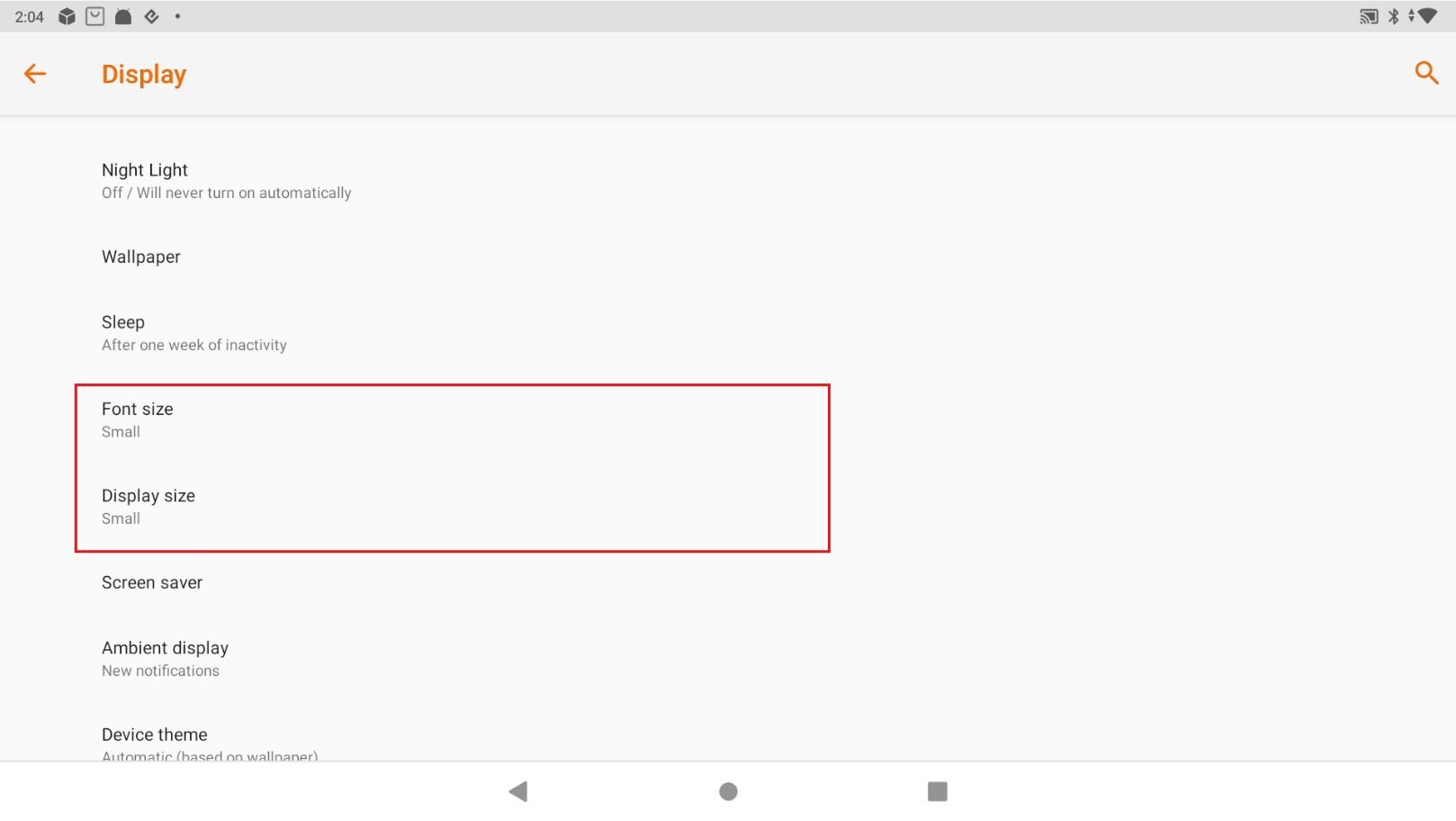
- Go to the device Settings > Display.
- Set both Font size and Display size to Small.
This keeps the layout of the POS app from breaking.