Buying a package
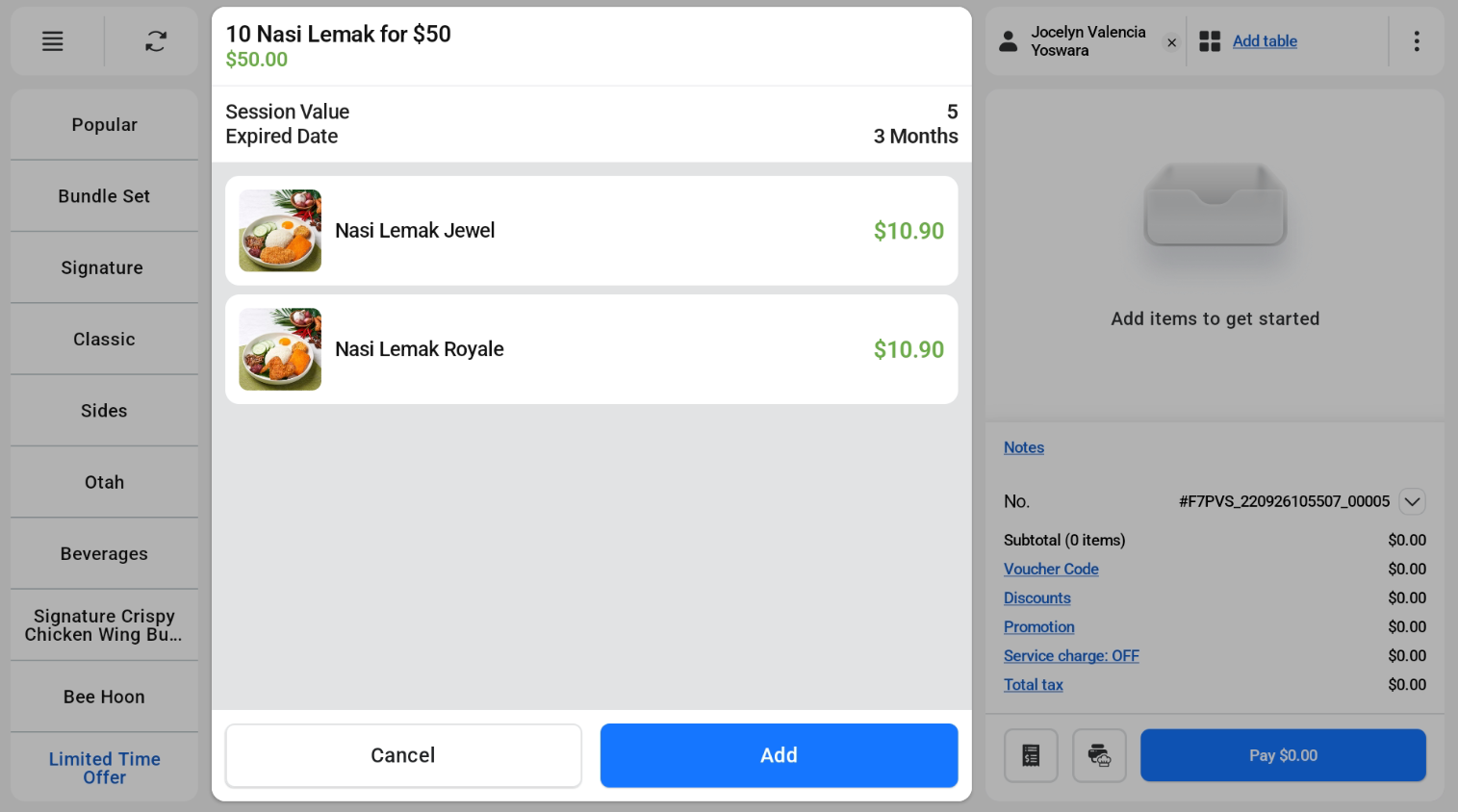
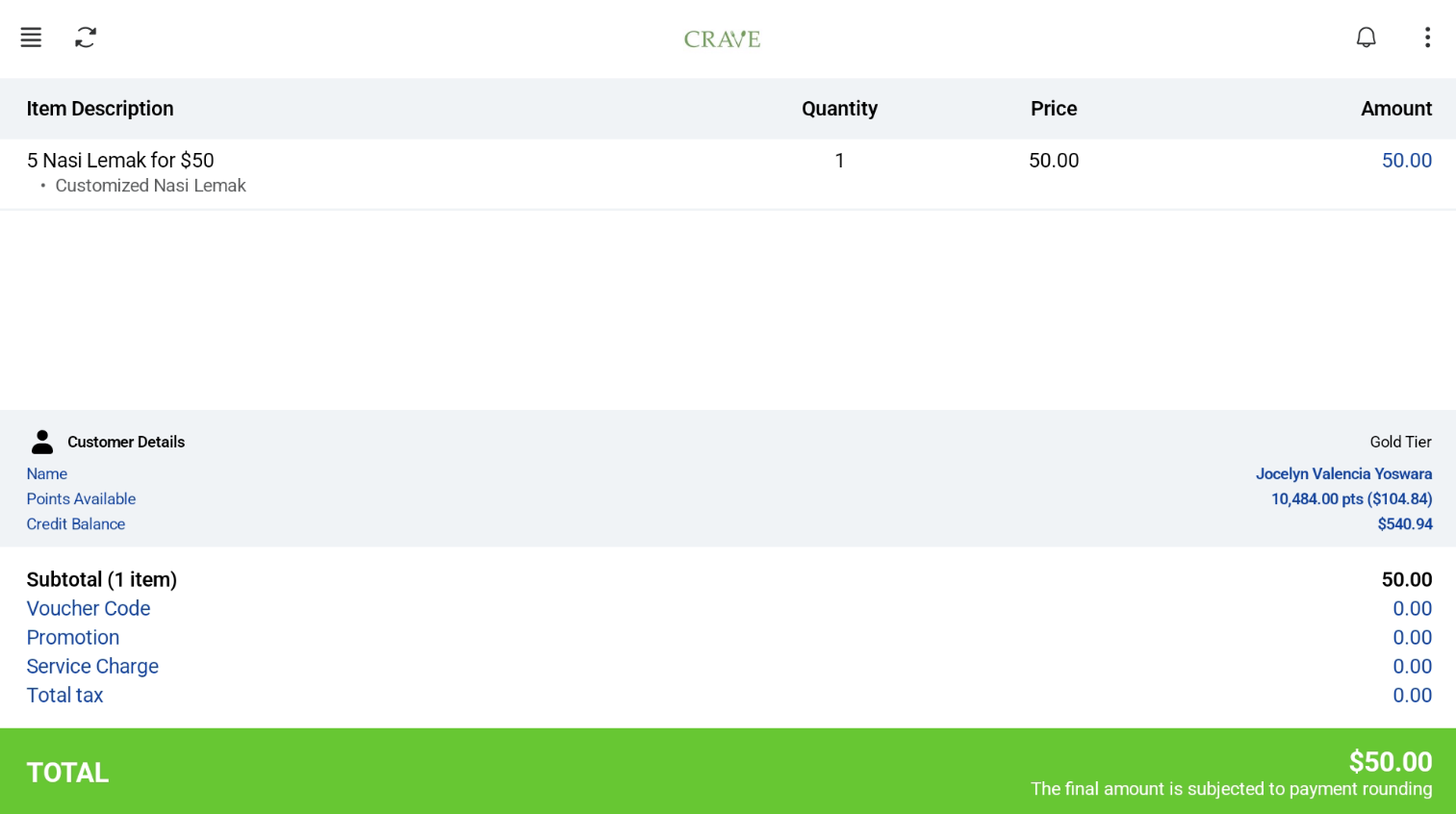
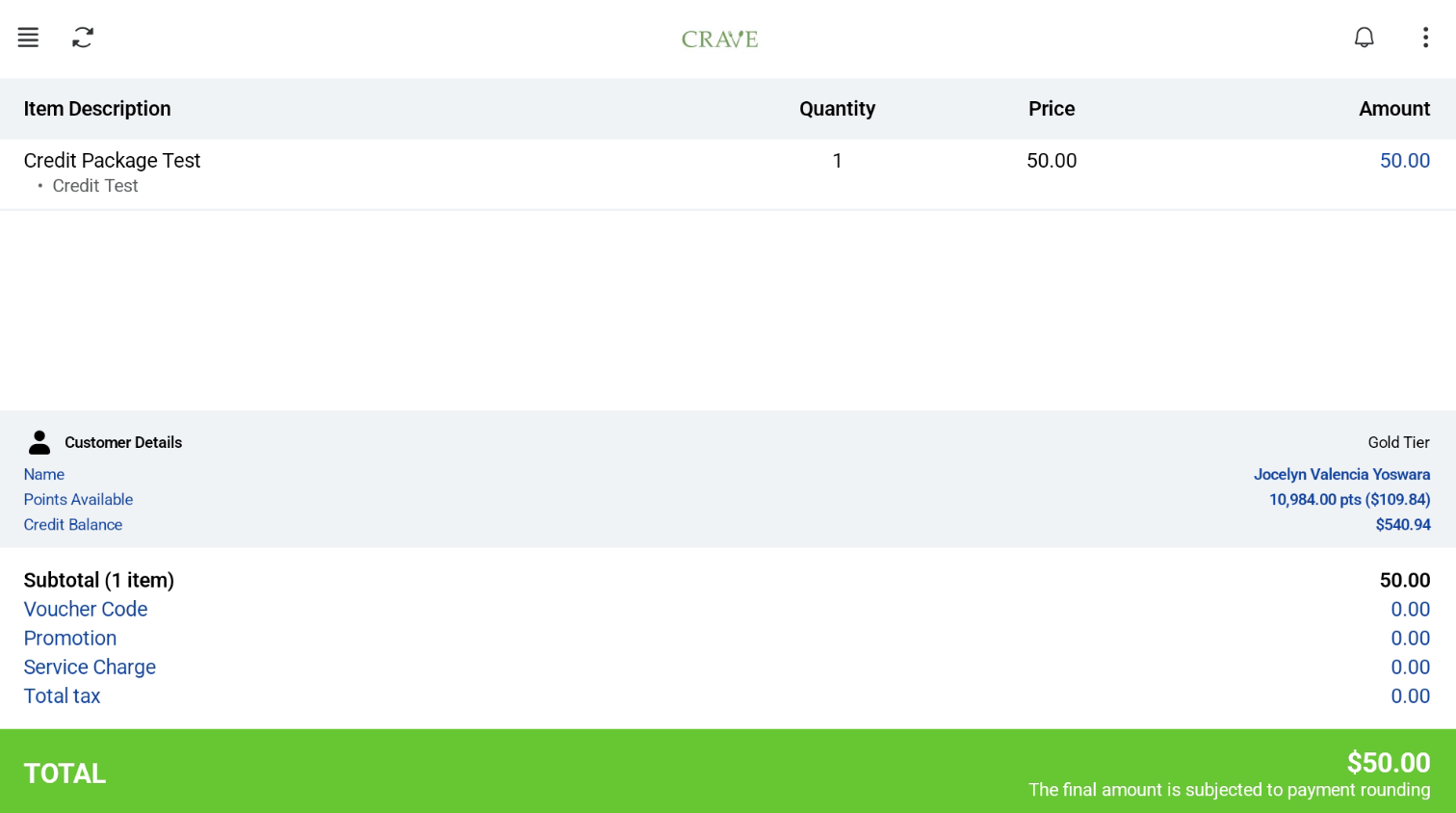
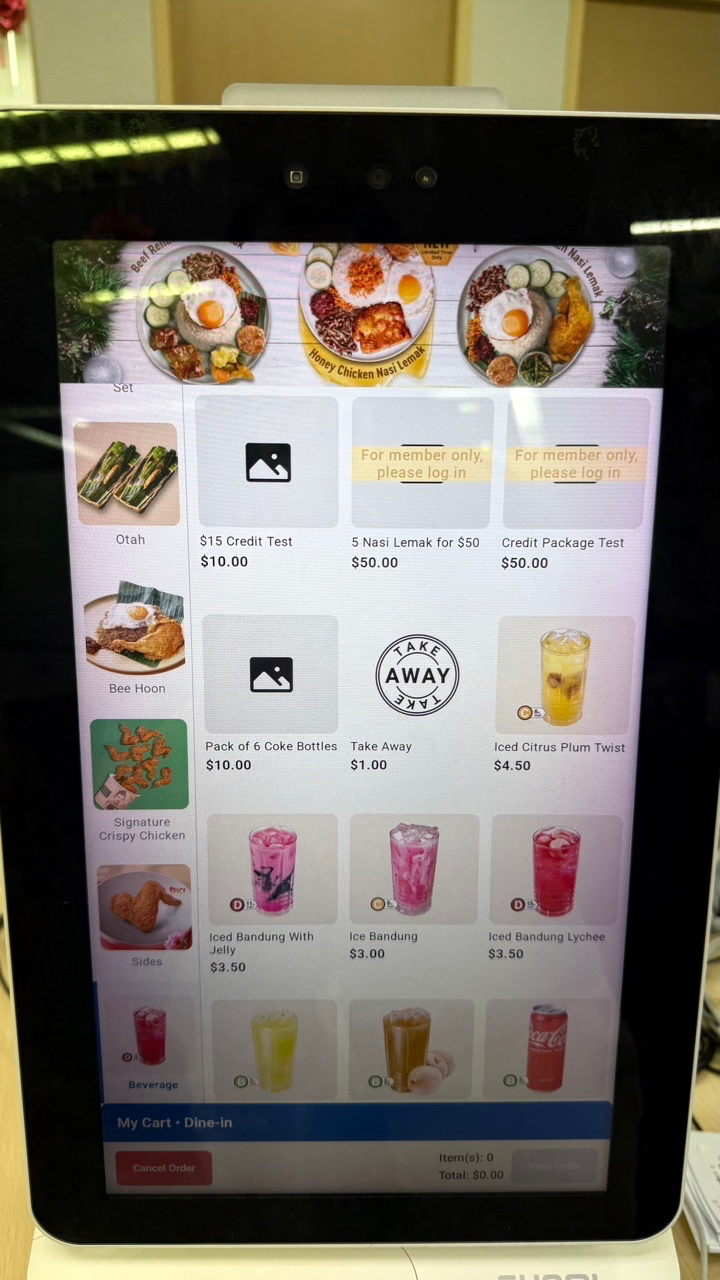
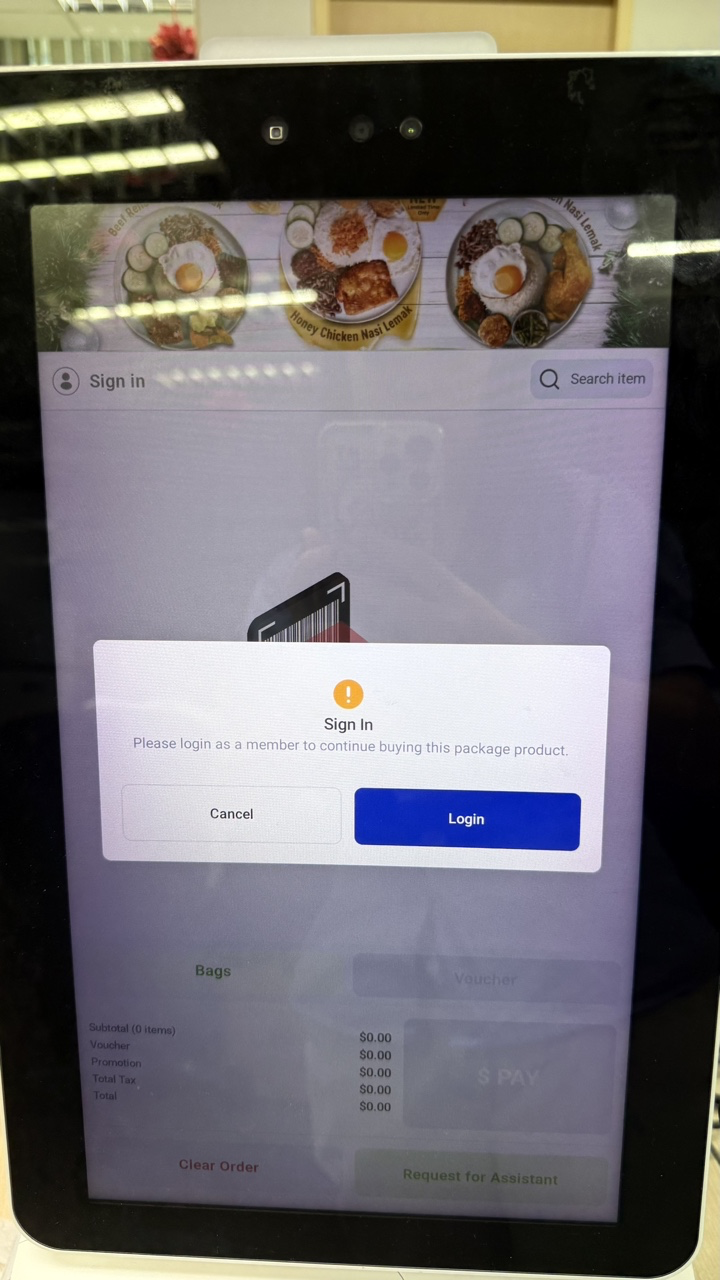
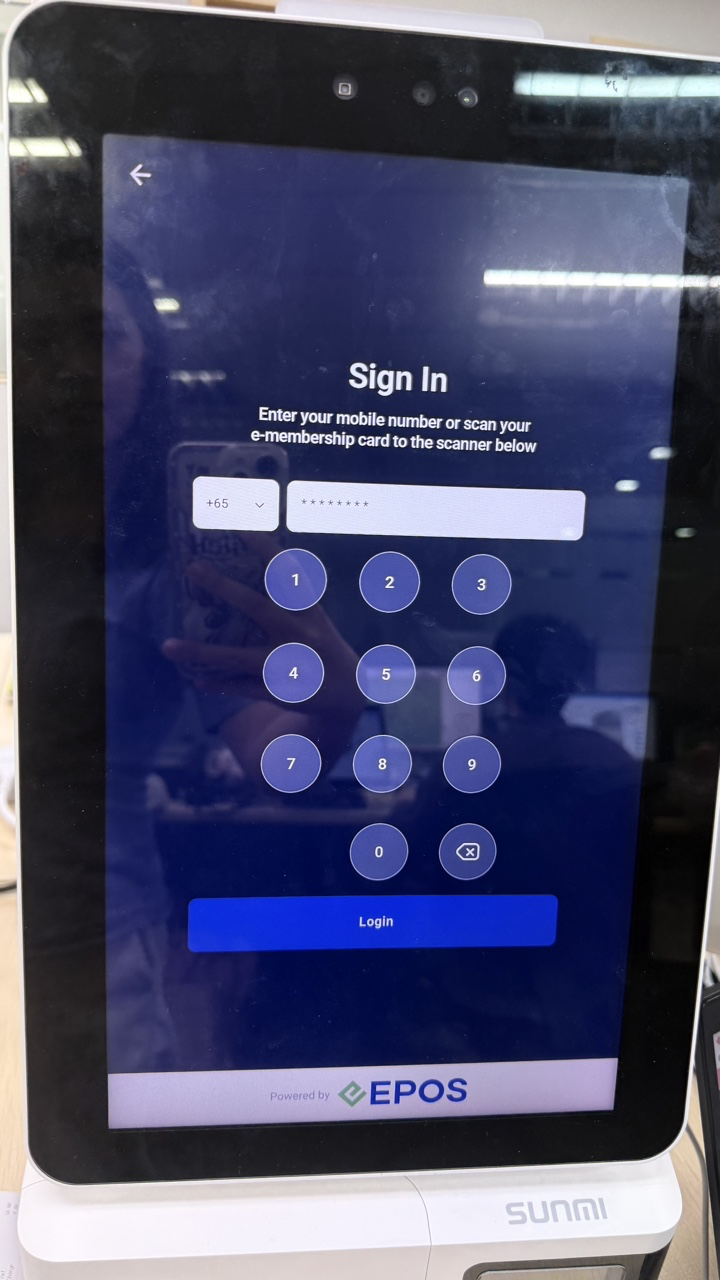
- Tag the customer to the order. A package product can only be added to the cart when a customer is tagged.
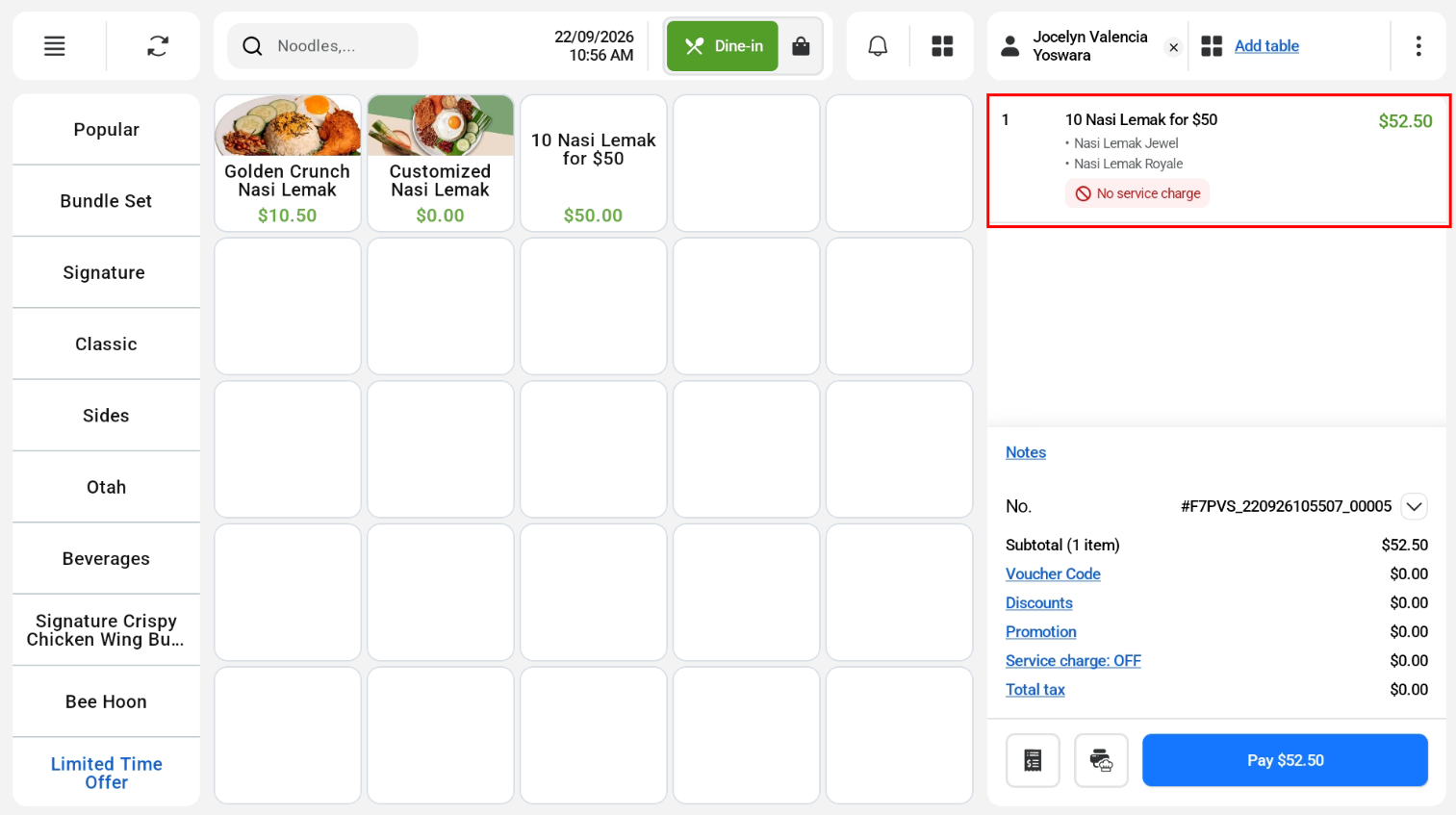
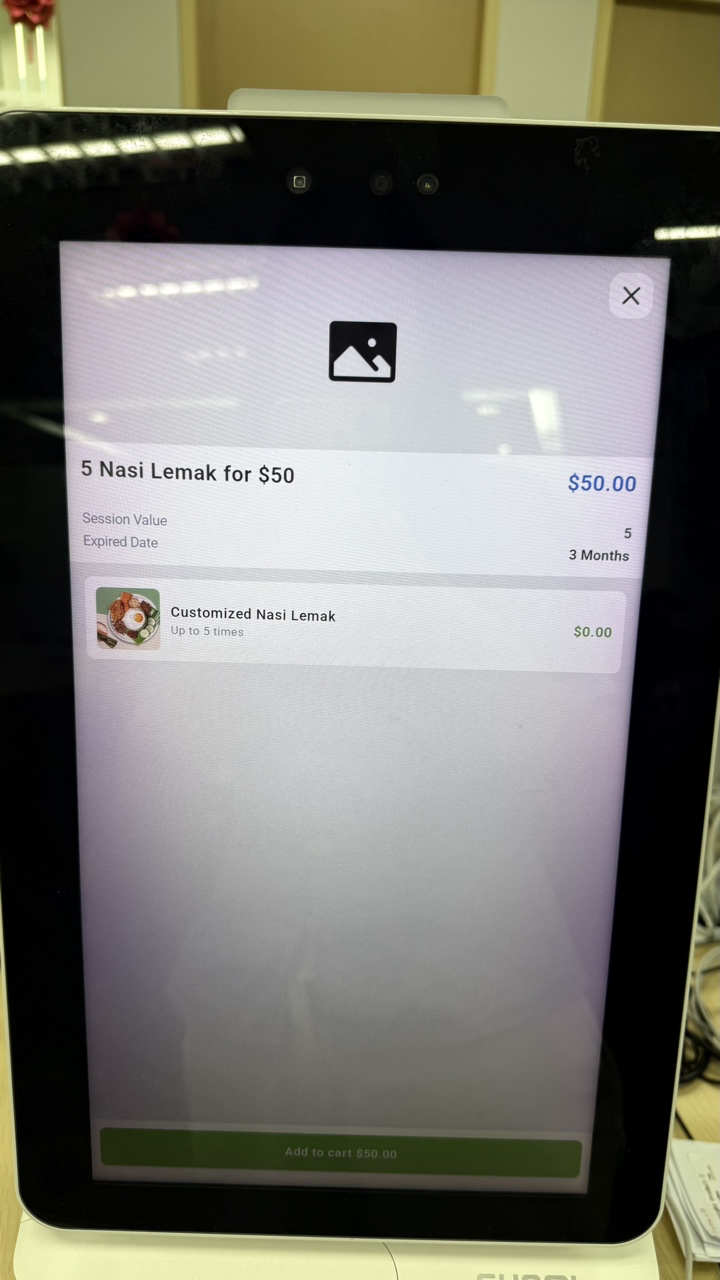
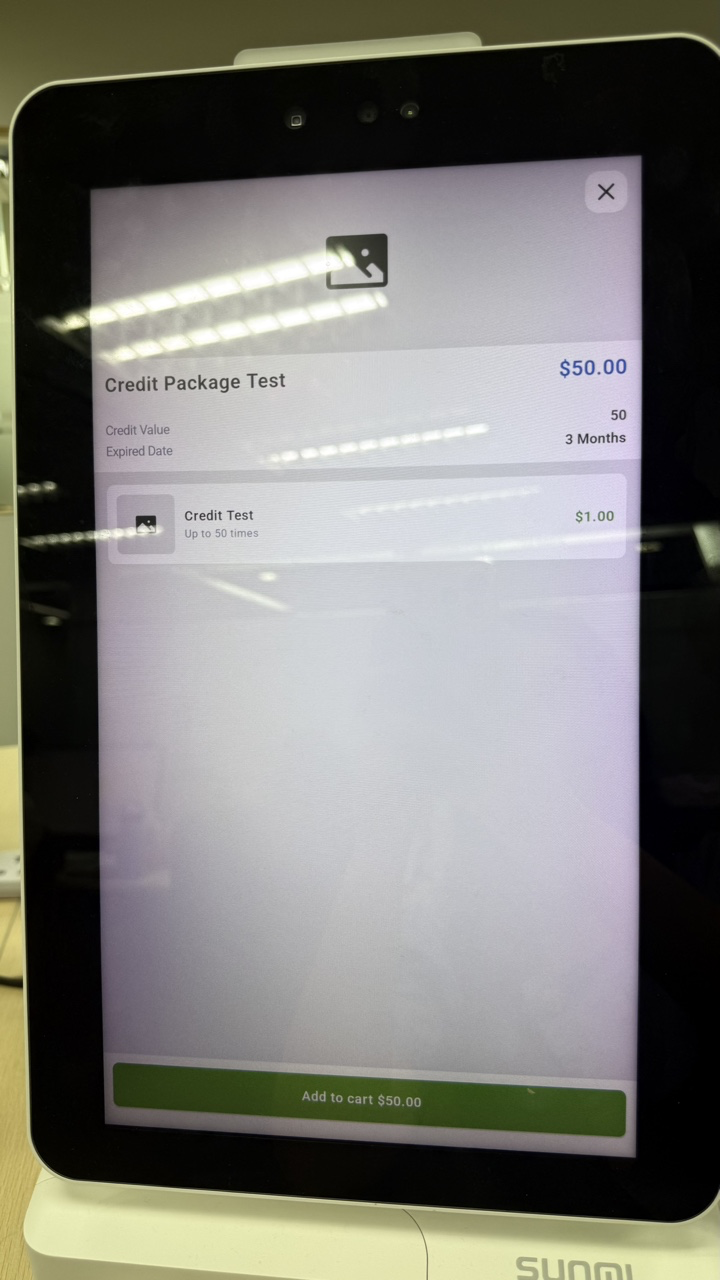
- Add the package product to the cart and complete the payment.
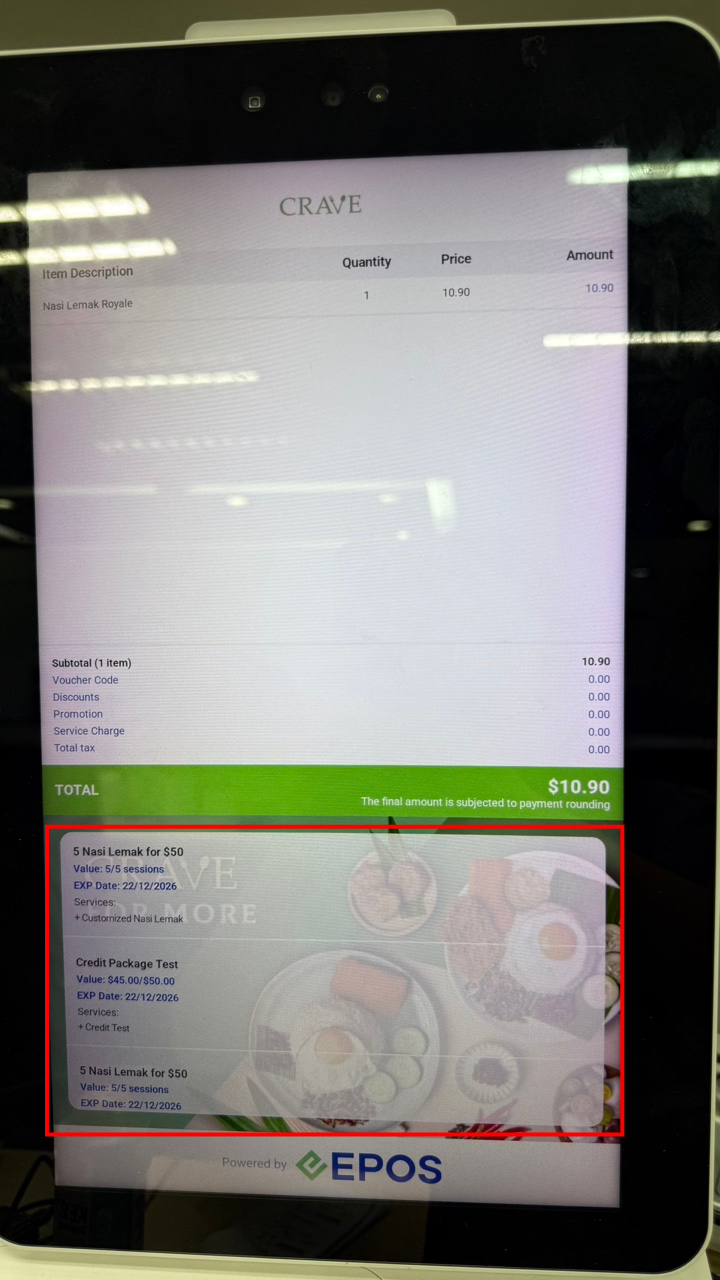
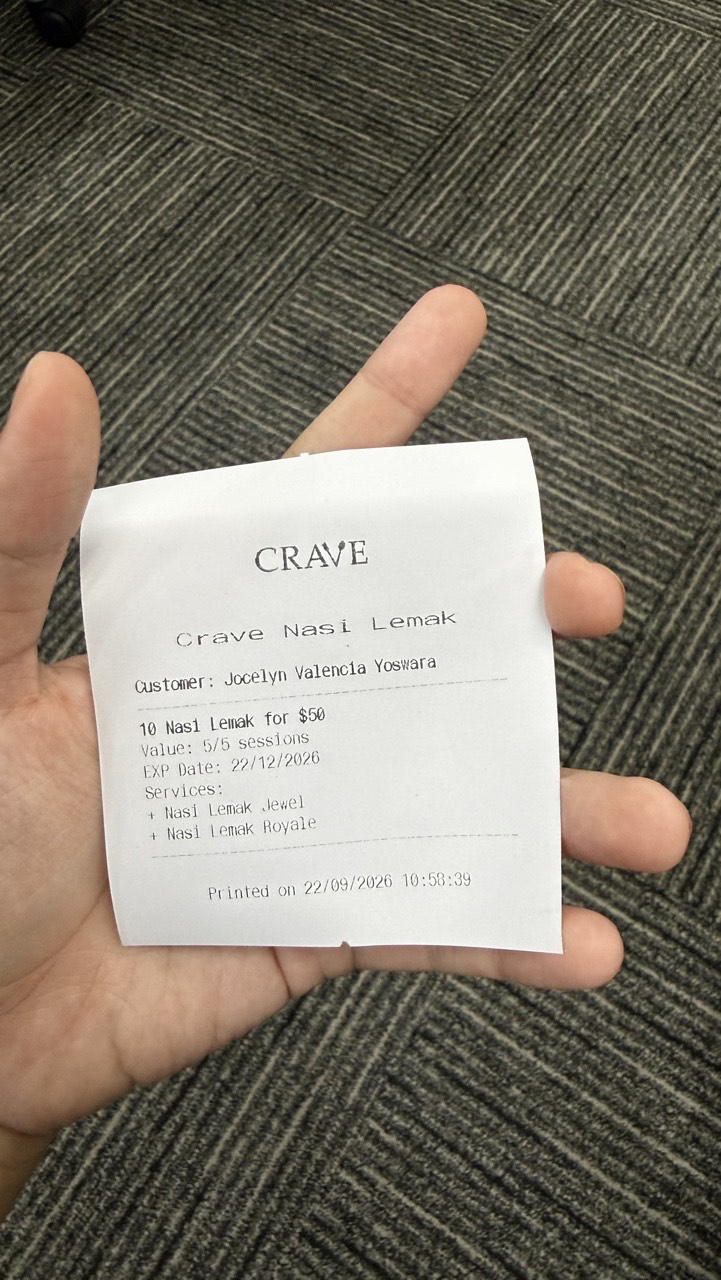
- The package is added to the customer’s account. The customer can see the package details on the receipt or on the customer screen.
The customer details are shown on both 58 mm and 80 mm receipts.
Redeeming a package
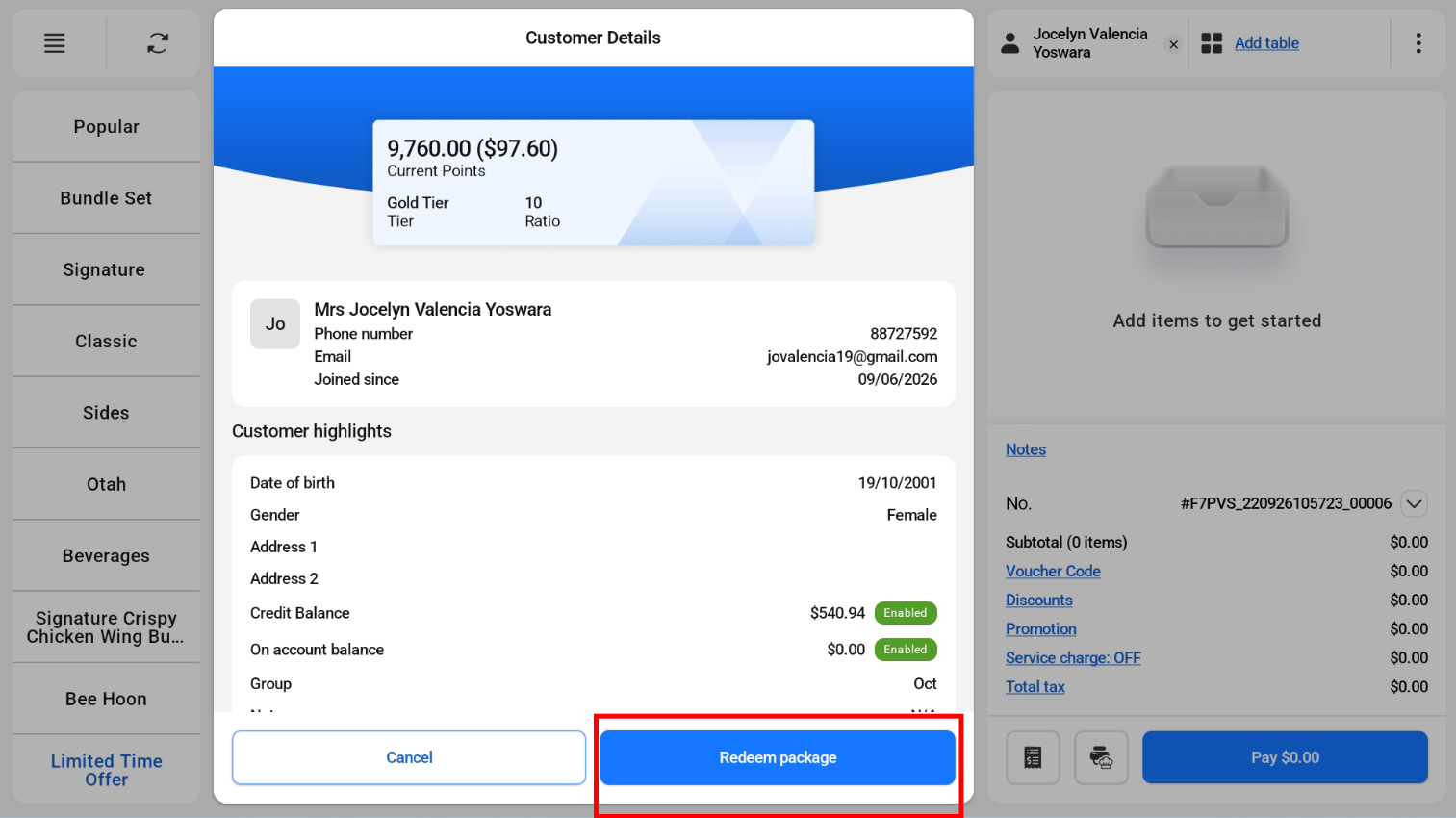
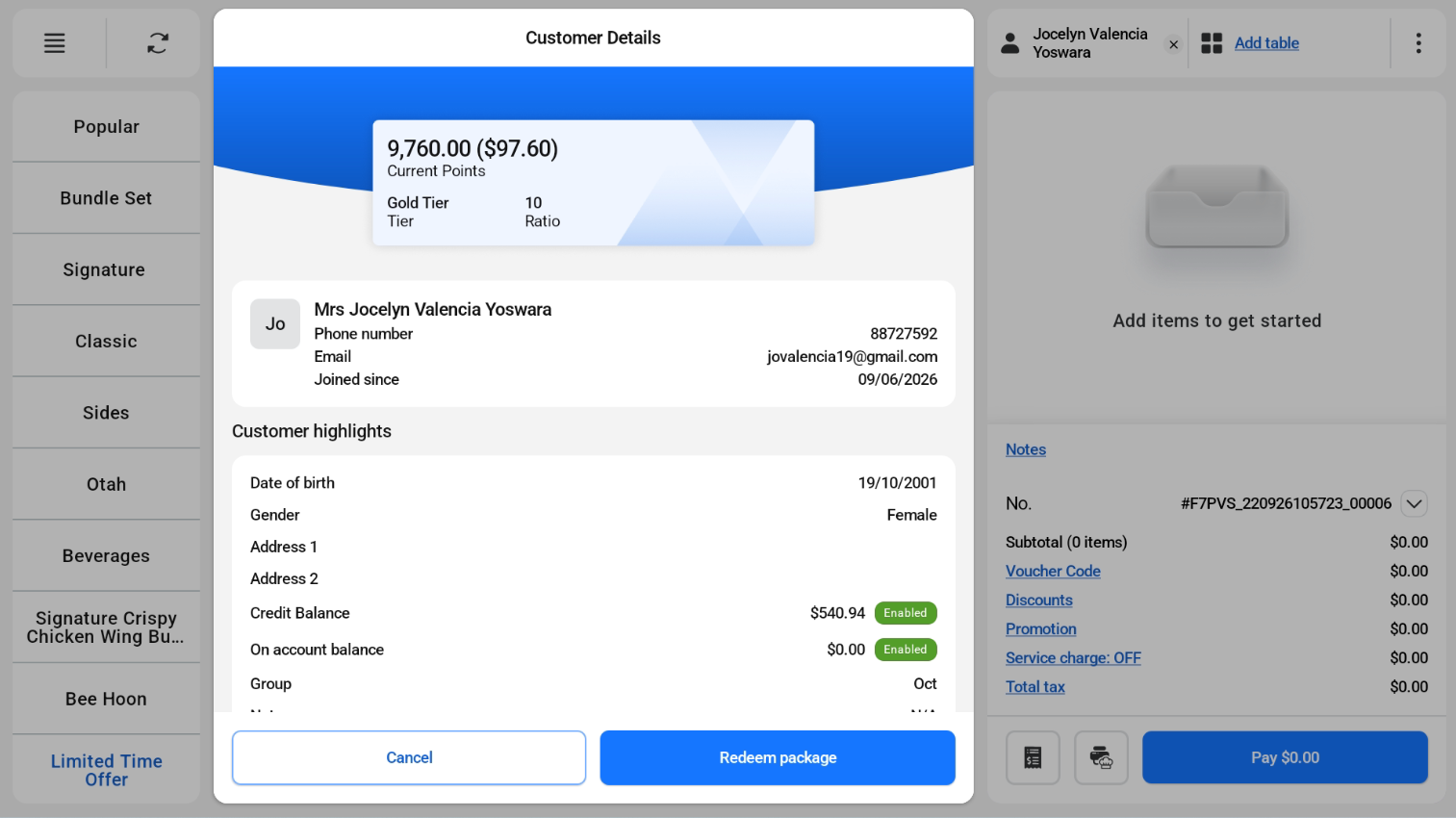
- Open the customer details page and tap Redeem Package.
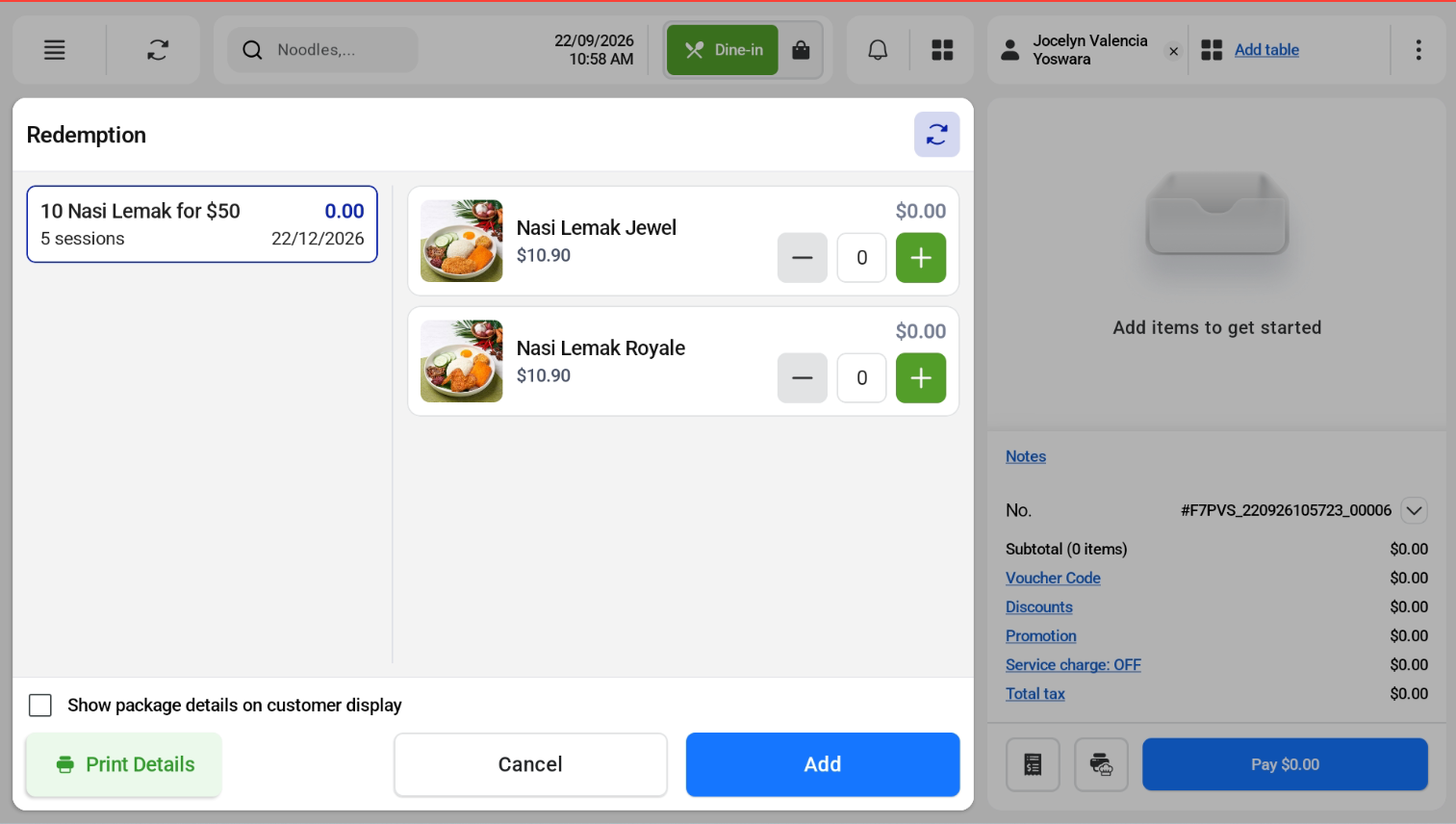
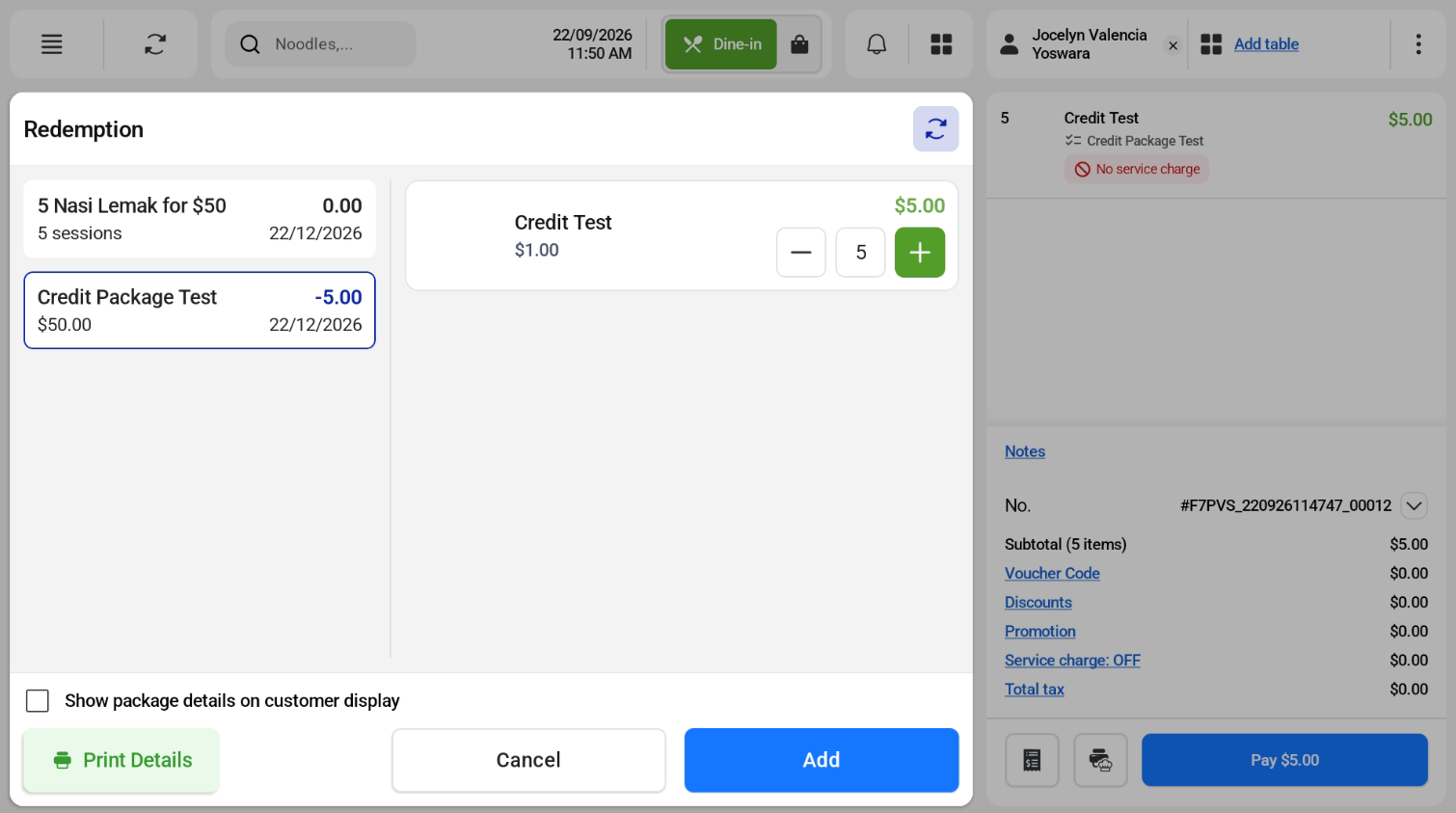
- Enter the number of sessions or credits to redeem.
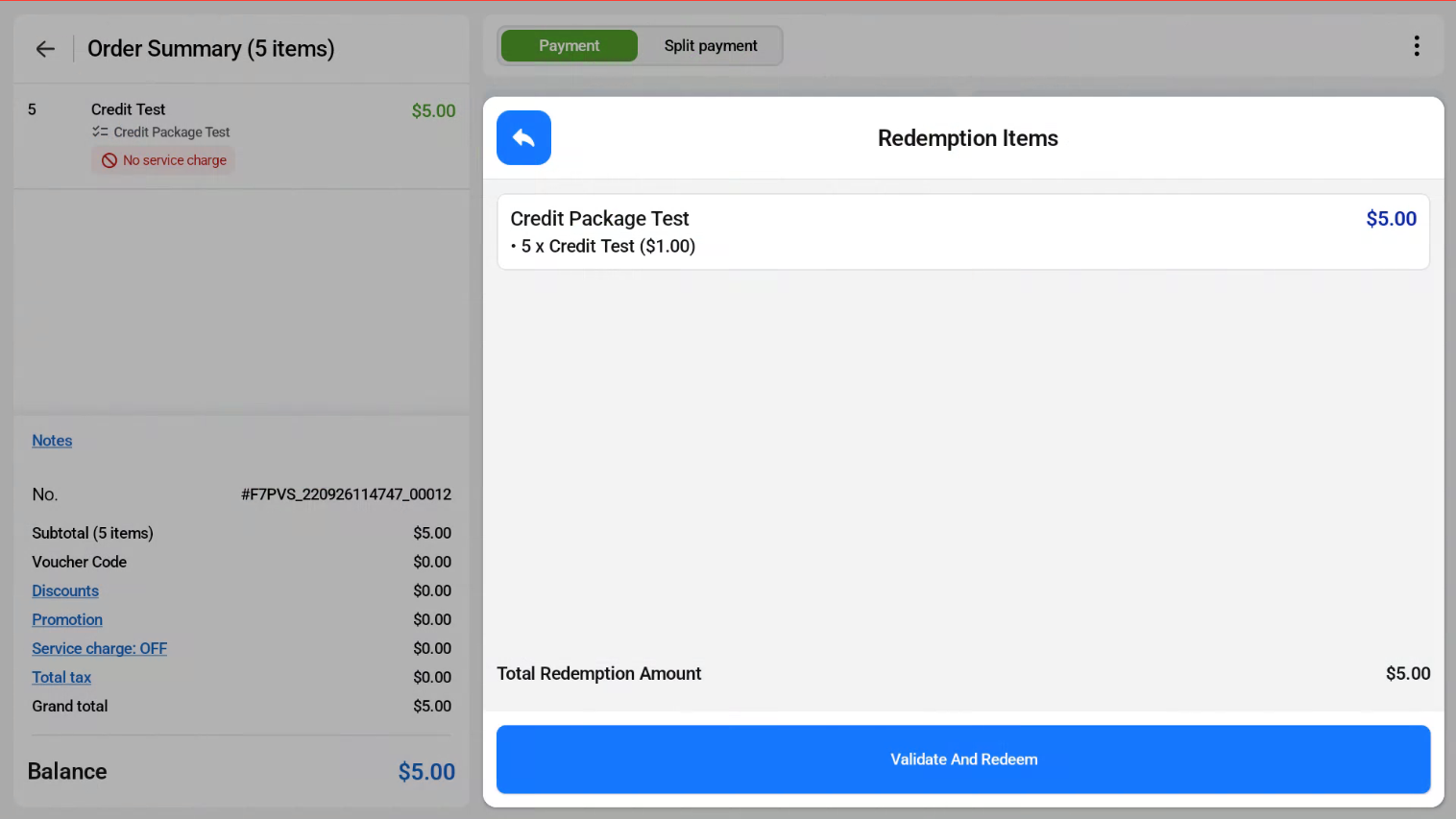
- On the payment page, tap Validate and Redeem.