Cashiers can send a receipt to the customer by email in POS Mode.
How to send an email receipt
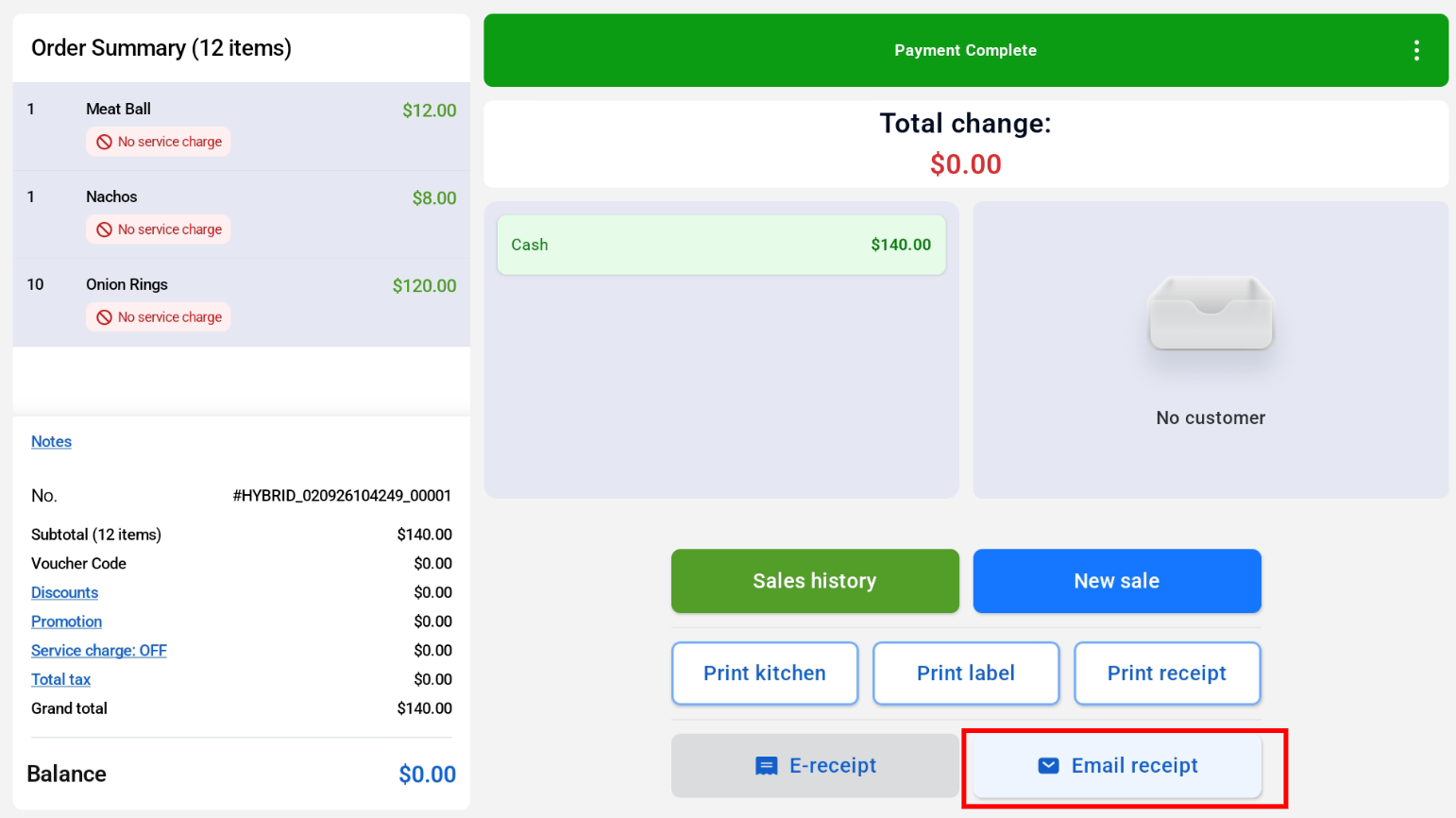
- After the payment is complete, tap Email receipt.
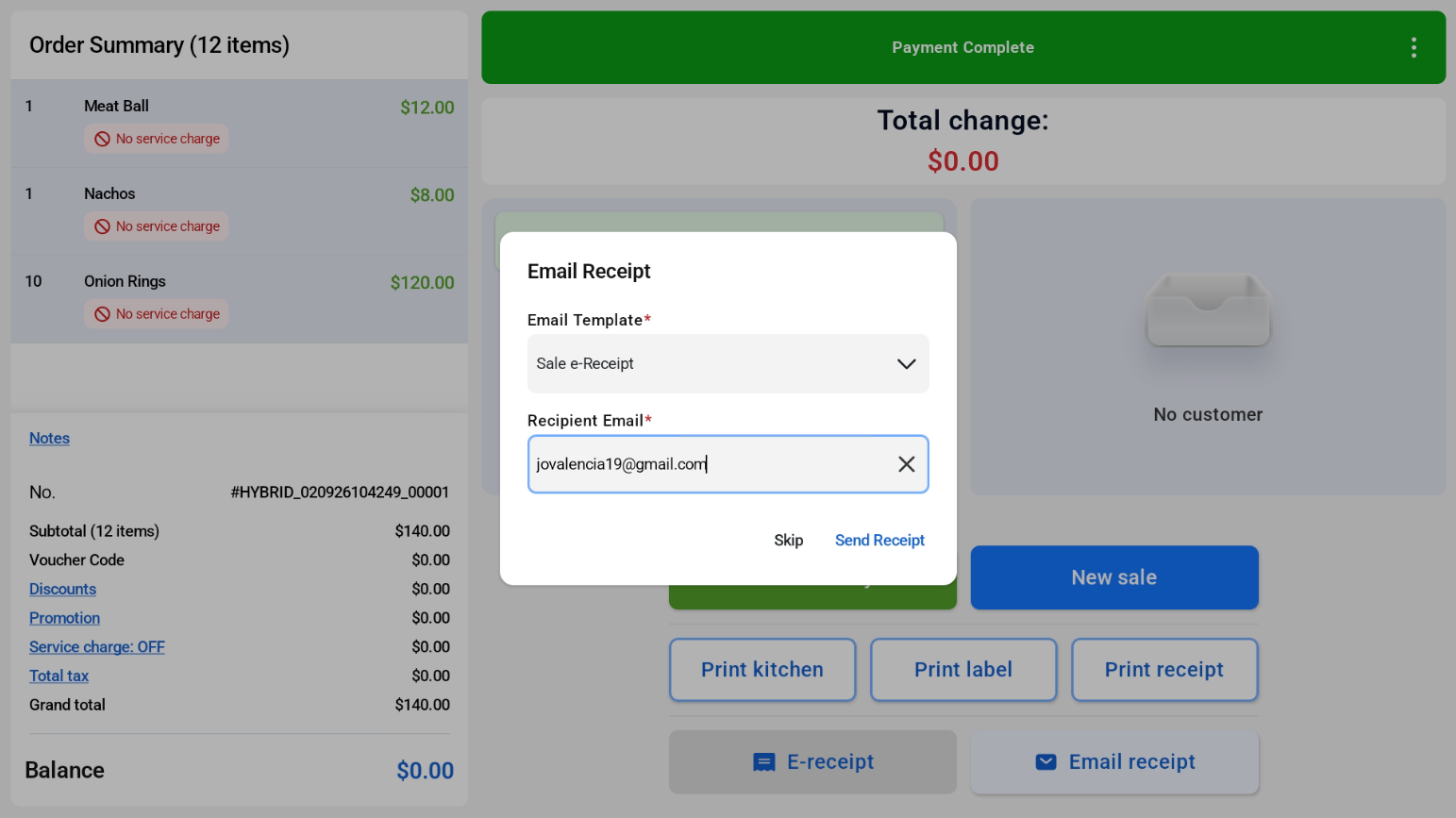
- Select an email template and enter the customer’s email address.
- Send the receipt.
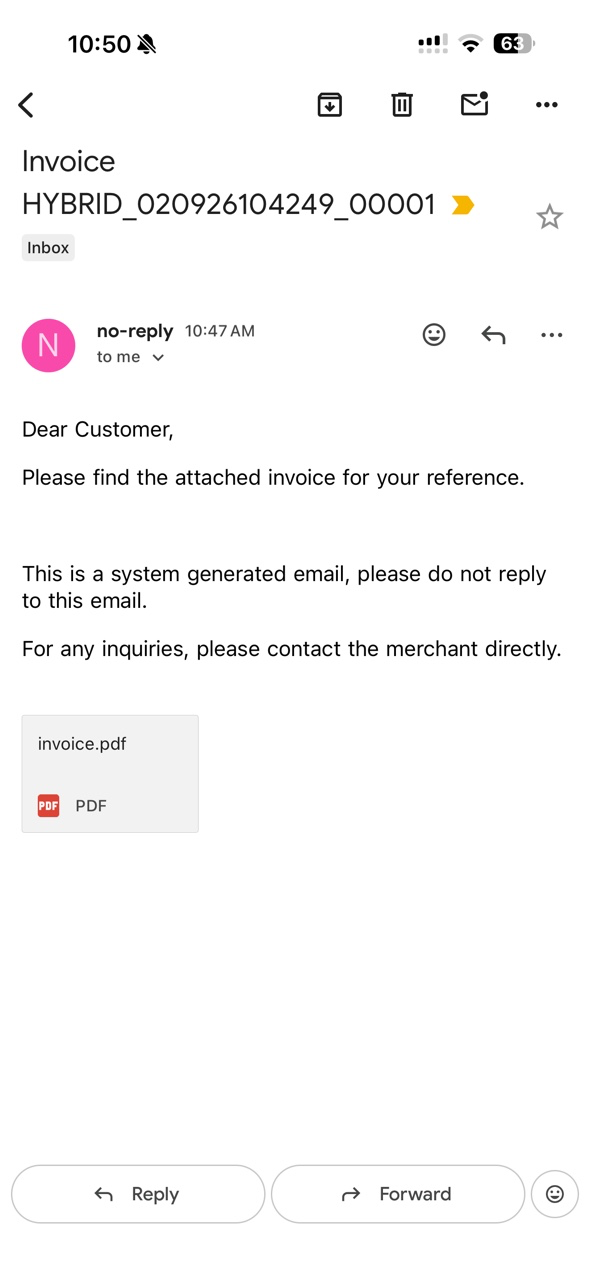
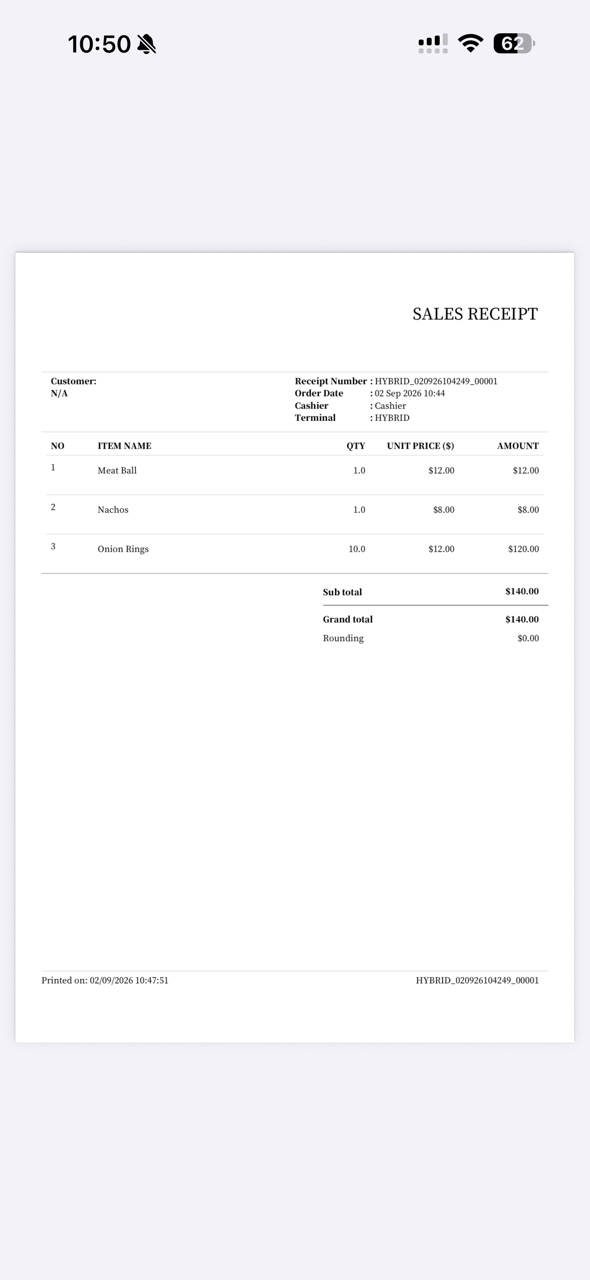
The customer receives an email with the invoice attached as a PDF.