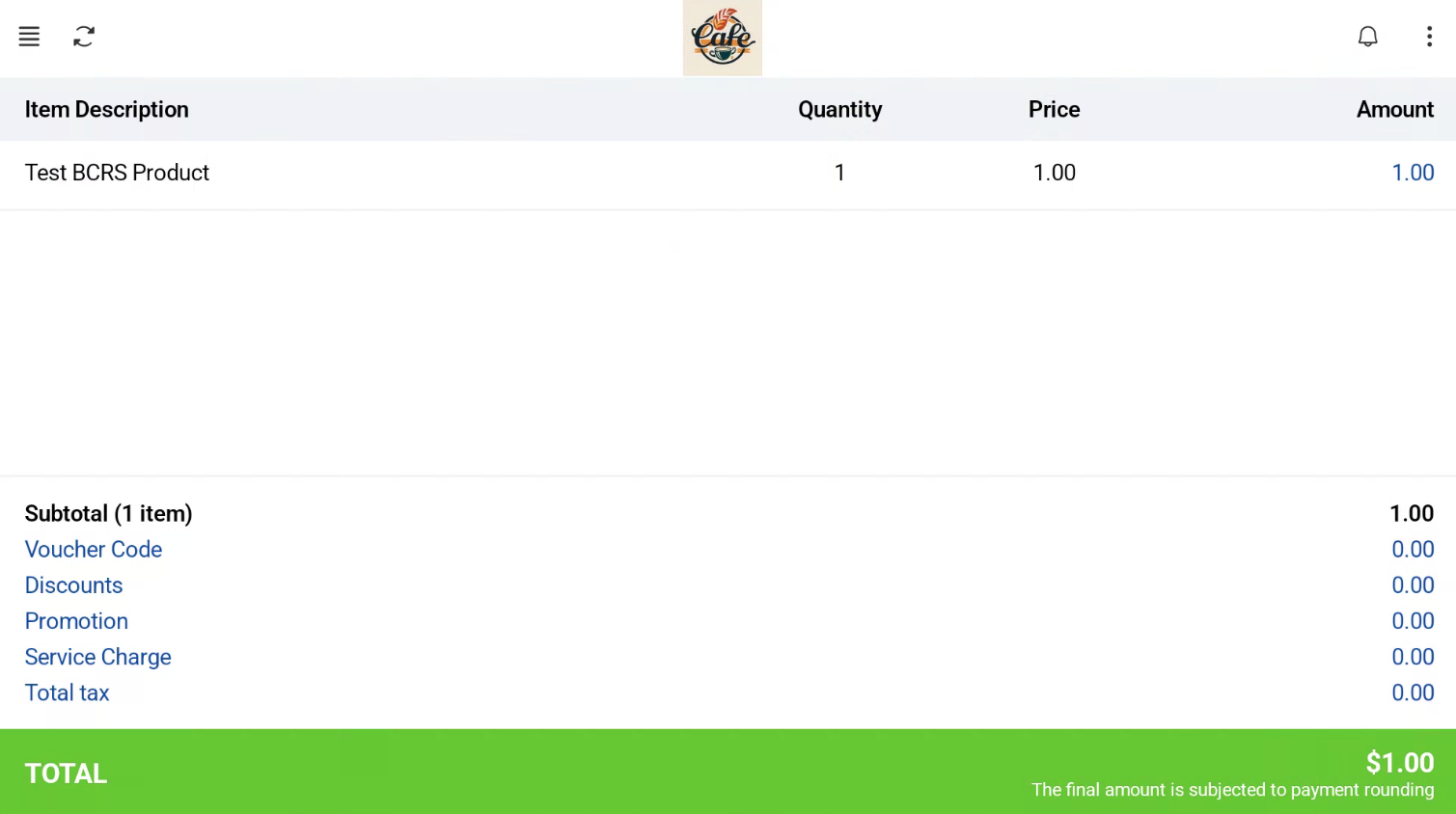
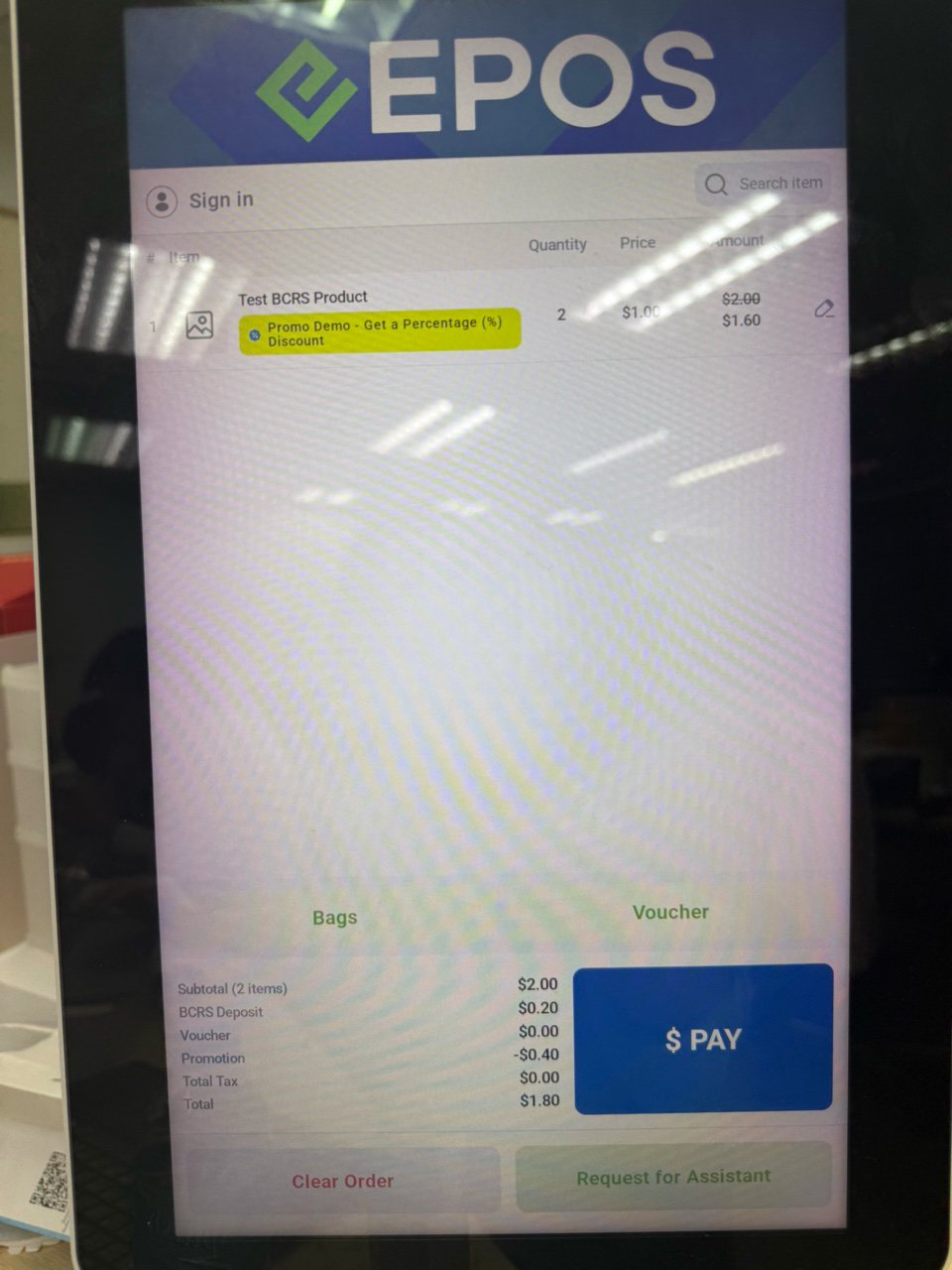
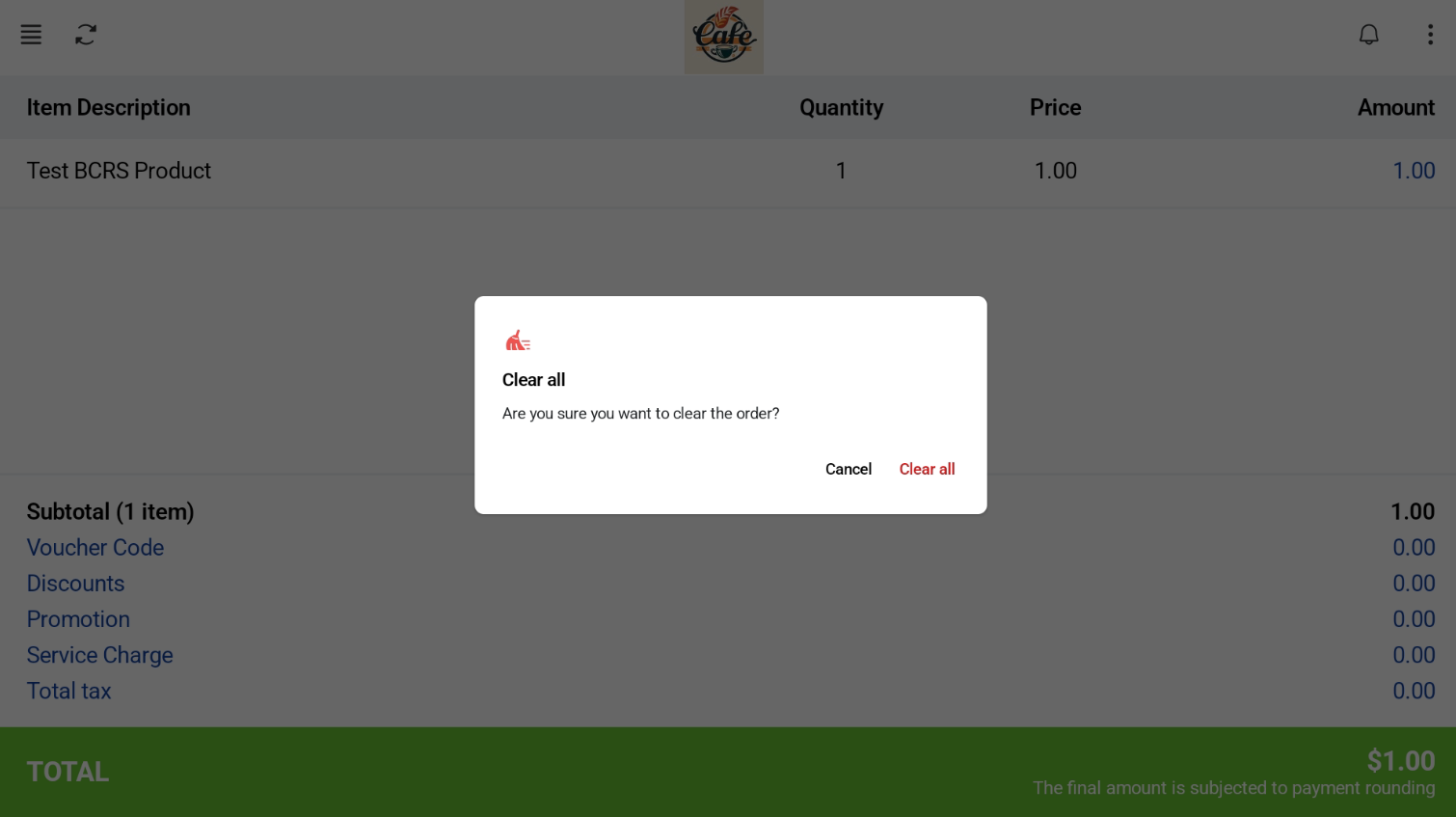
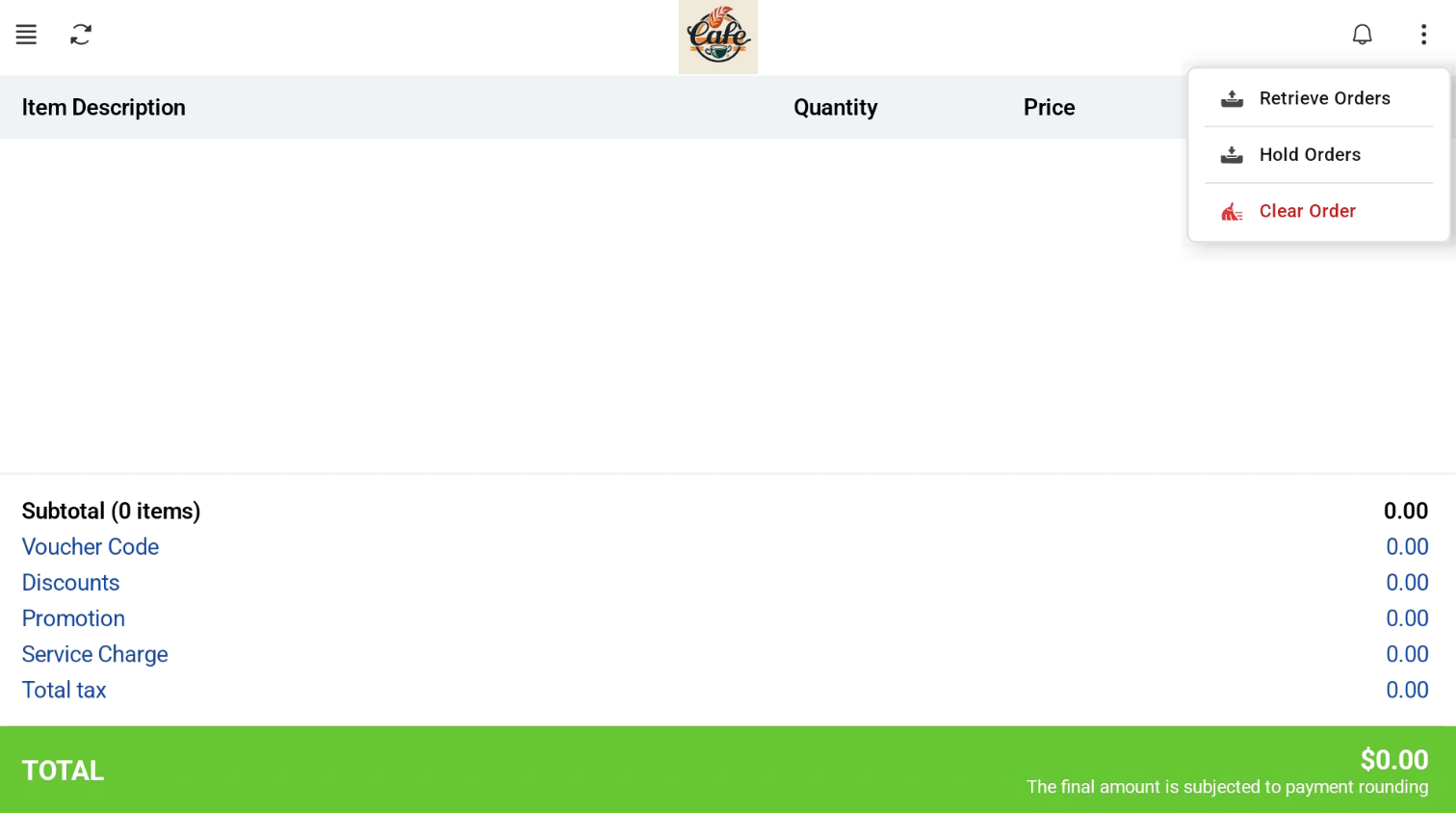
- Tap the three dots and select Clear Order.
- Confirm in the pop-up. The pop-up also appears on the customer screen.
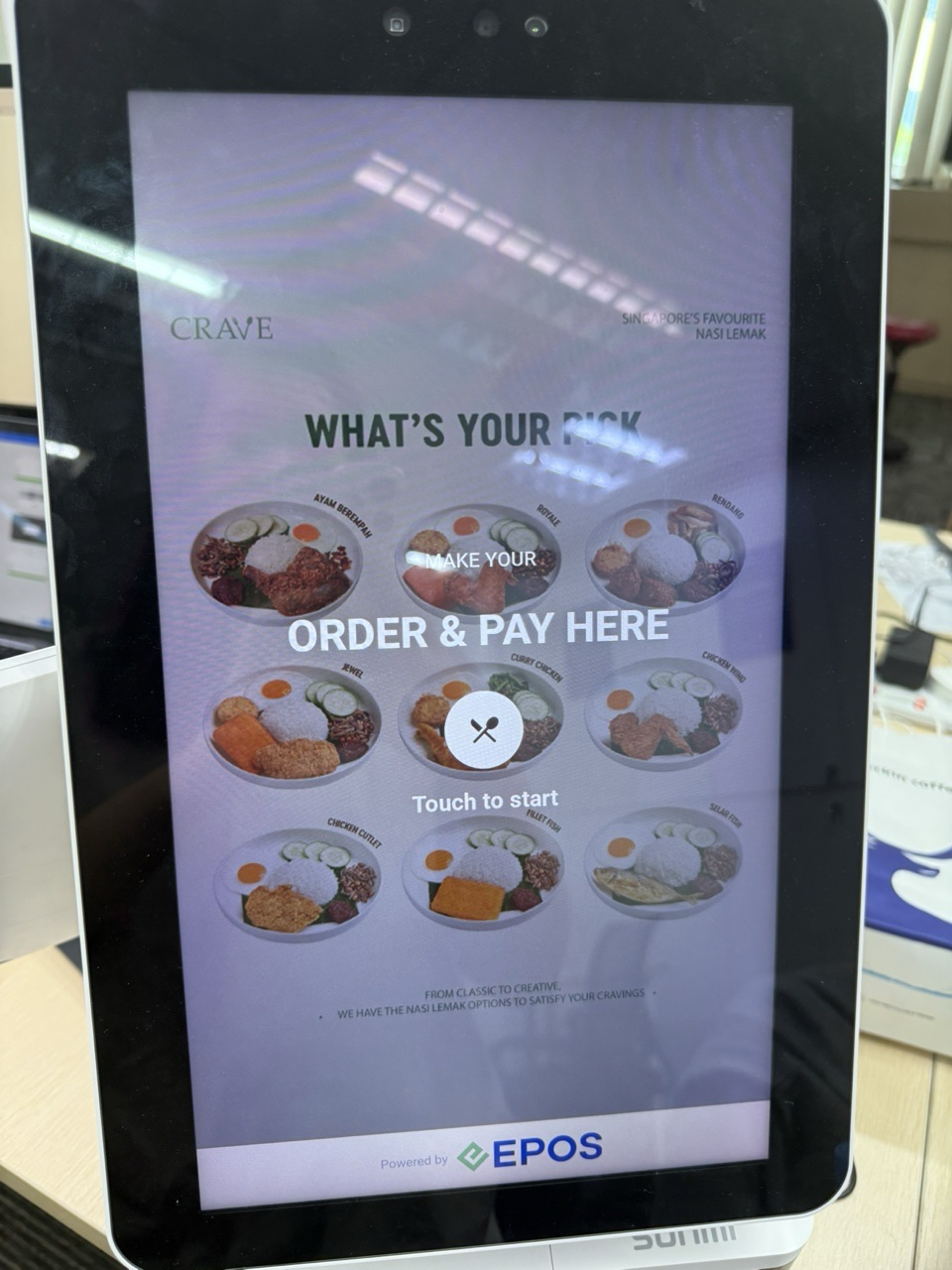
- The order is cleared on both screens, and the customer screen goes back to the Welcome screen.
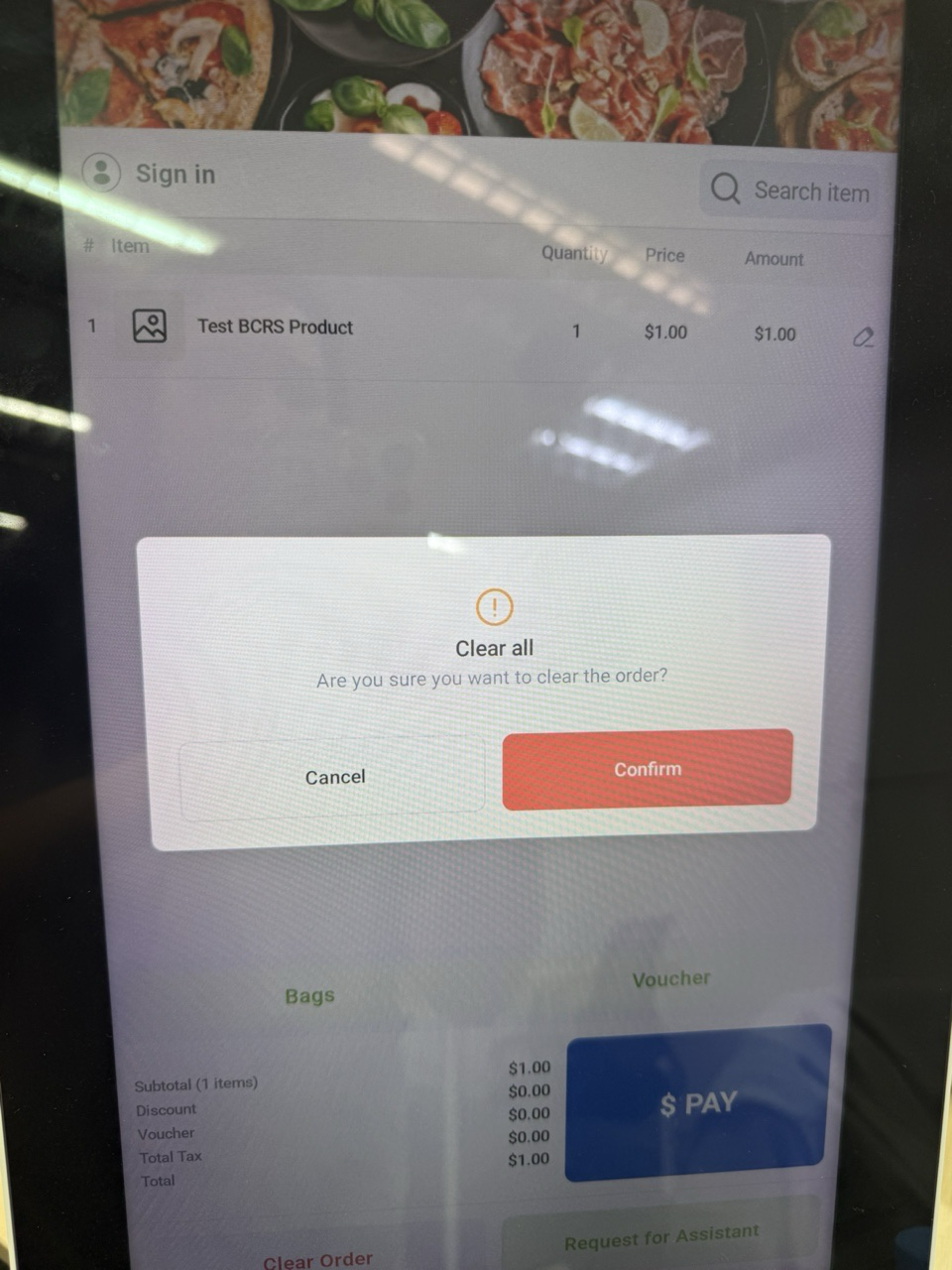
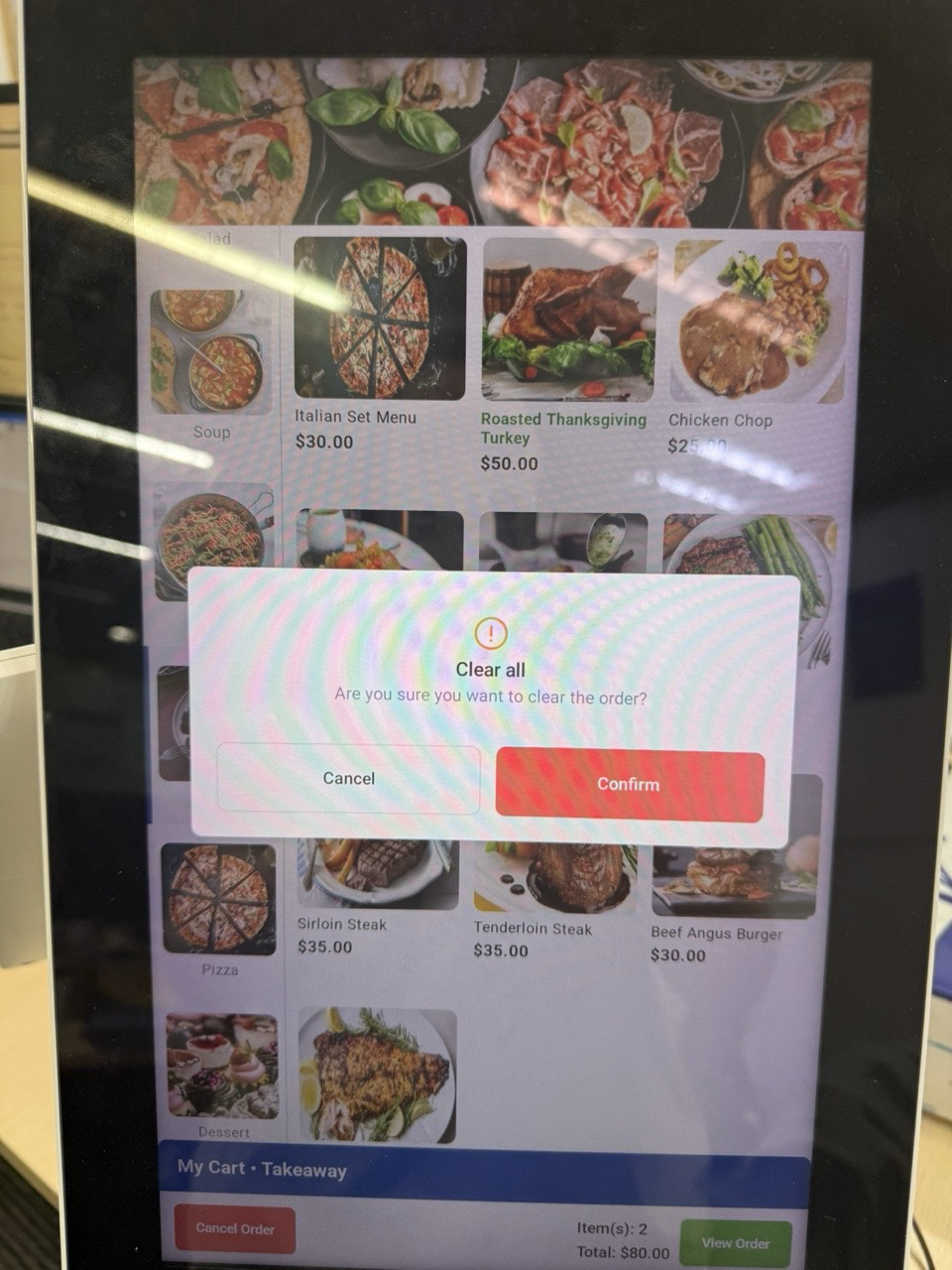
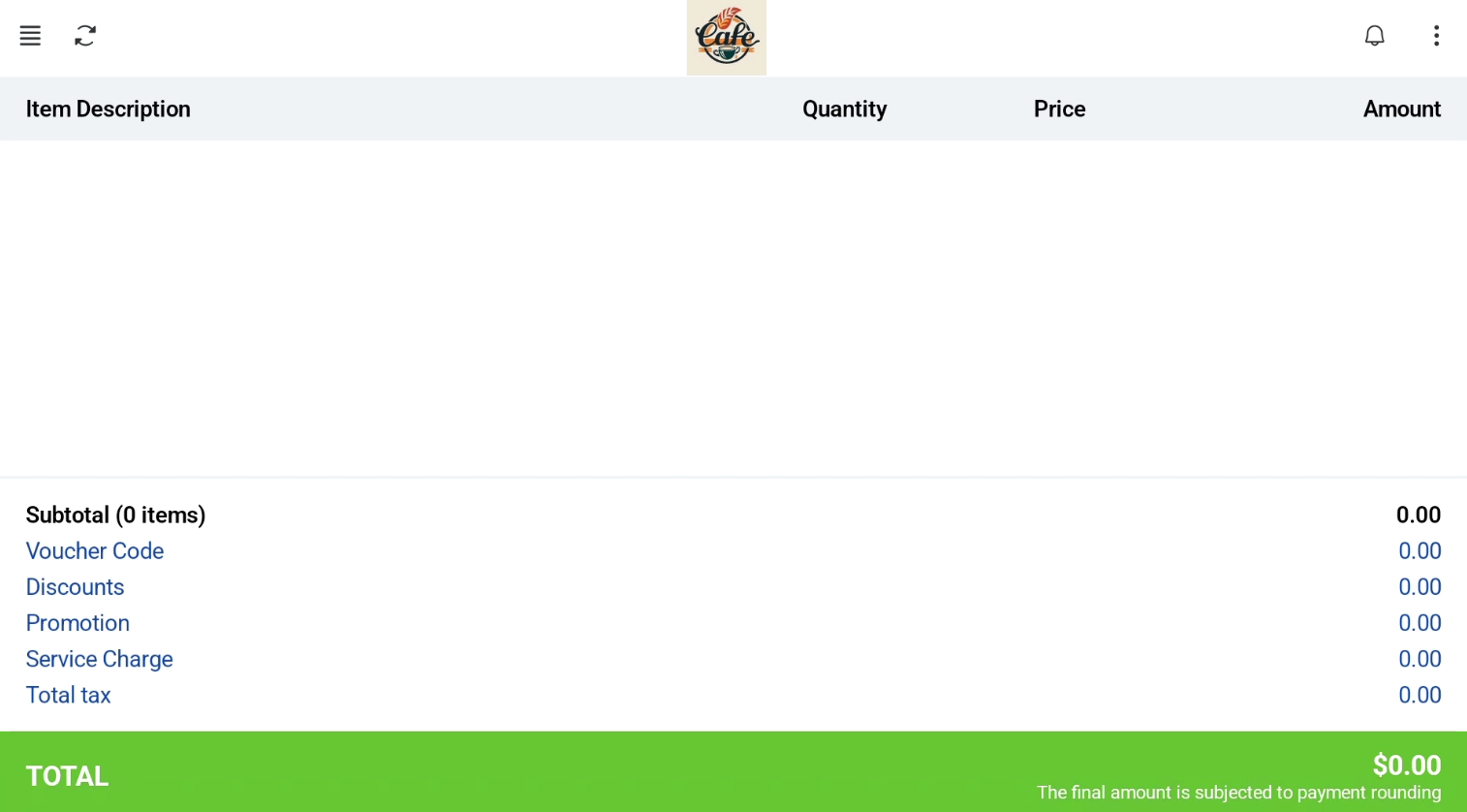

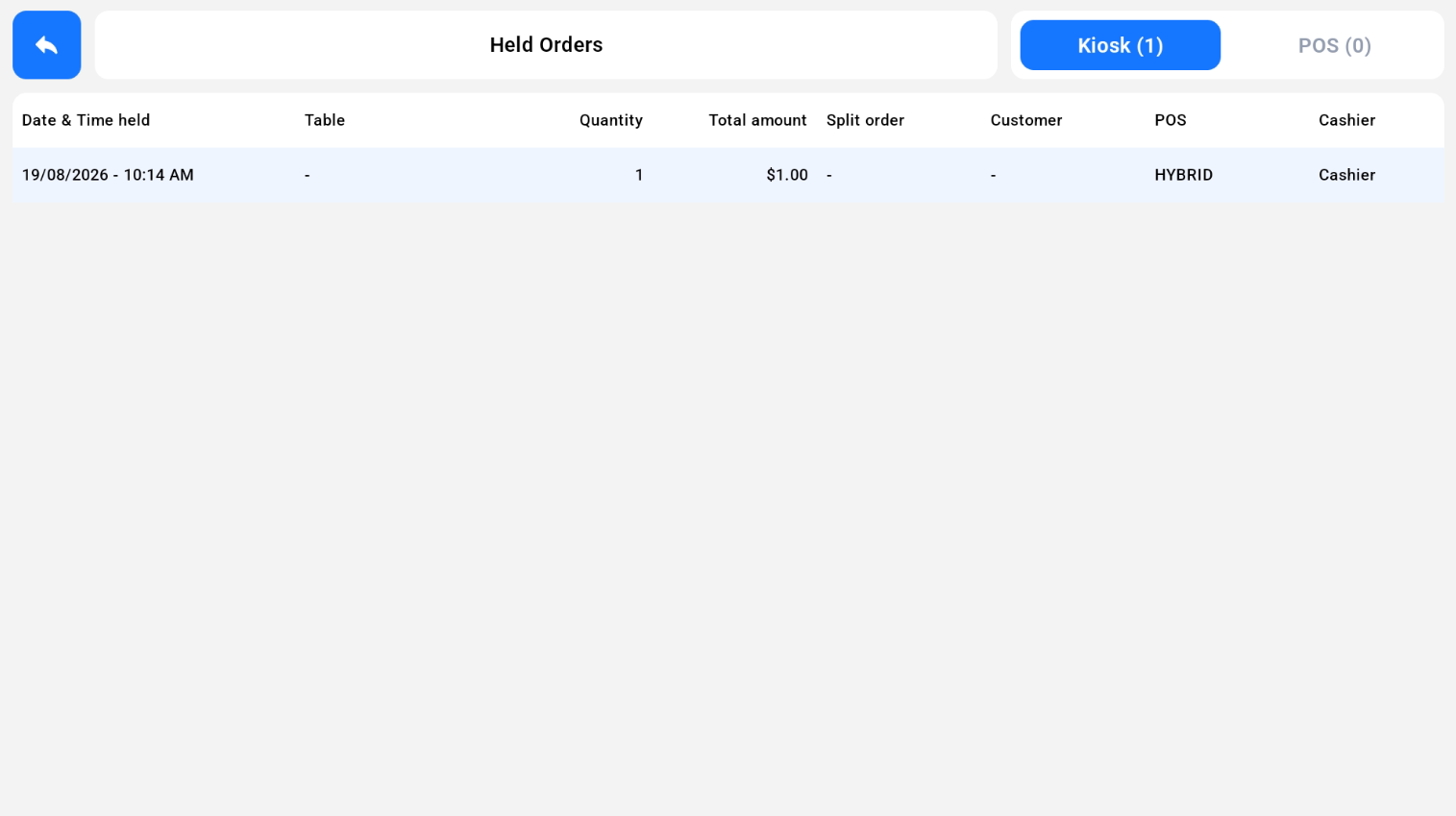
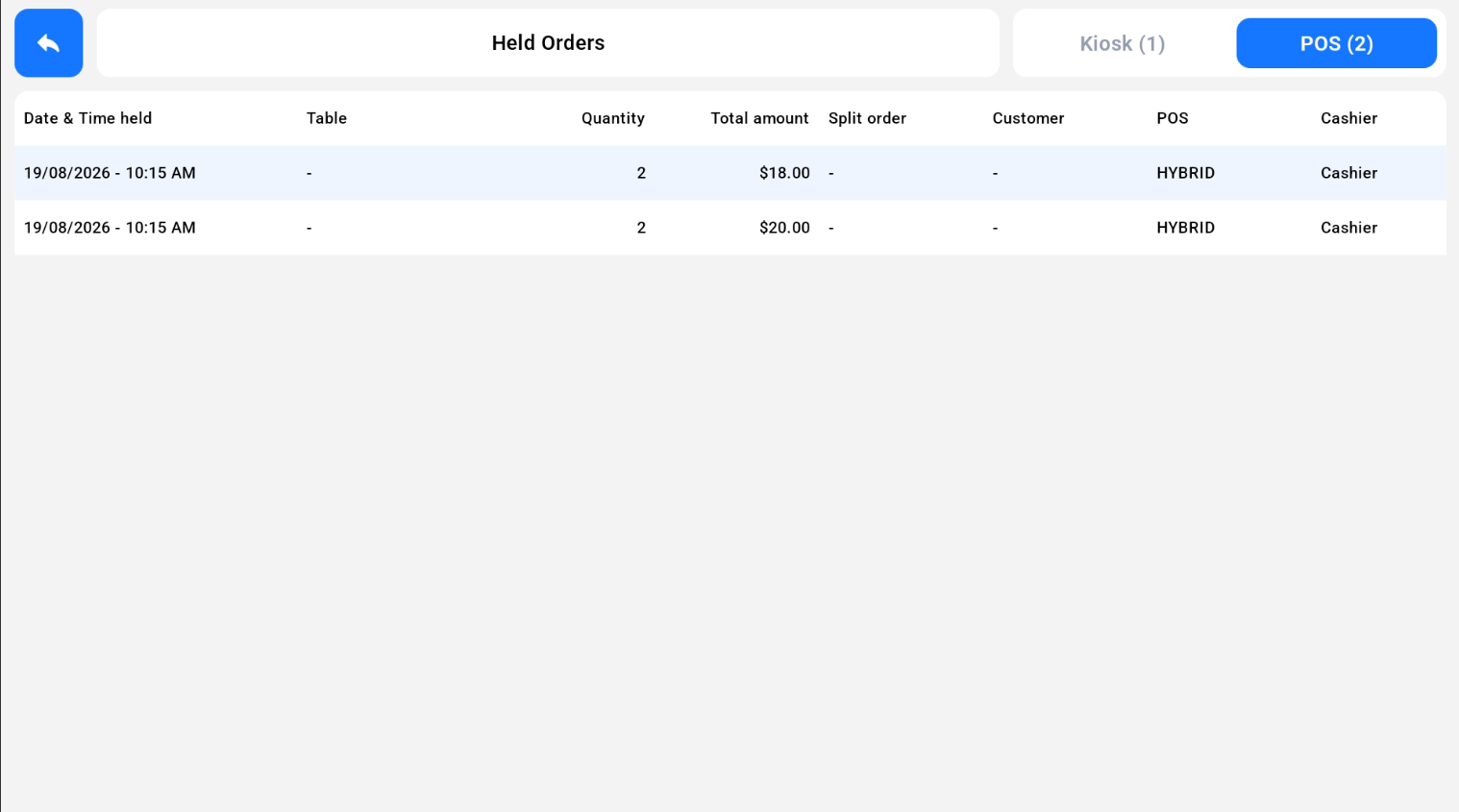
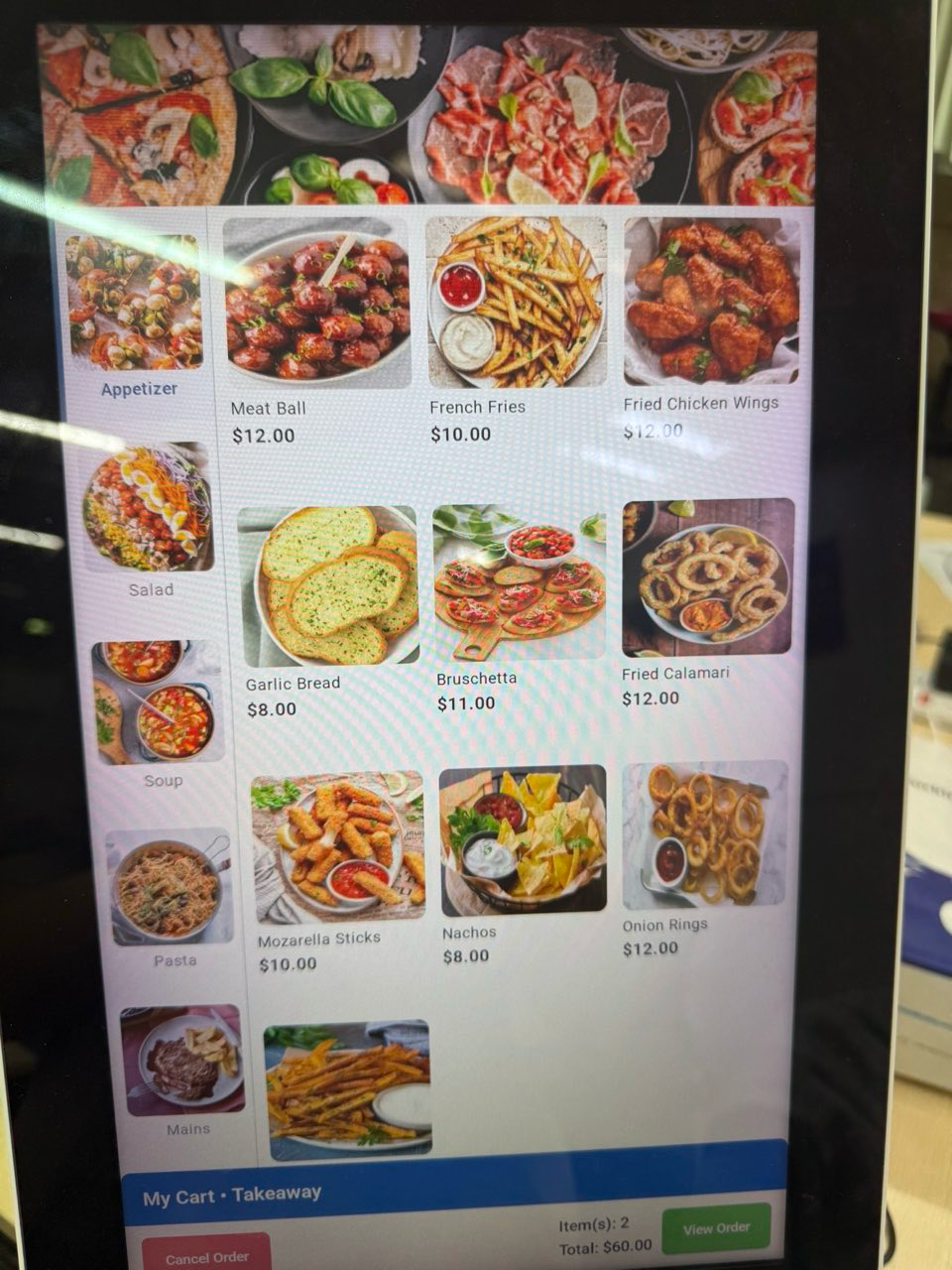
In Kiosk Mode, the cashier can clear, hold or retrieve the customer’s order from the cashier screen. Tap the three dots on the cashier screen to see these actions. They work on both F&B Kiosk and Retail Kiosk.
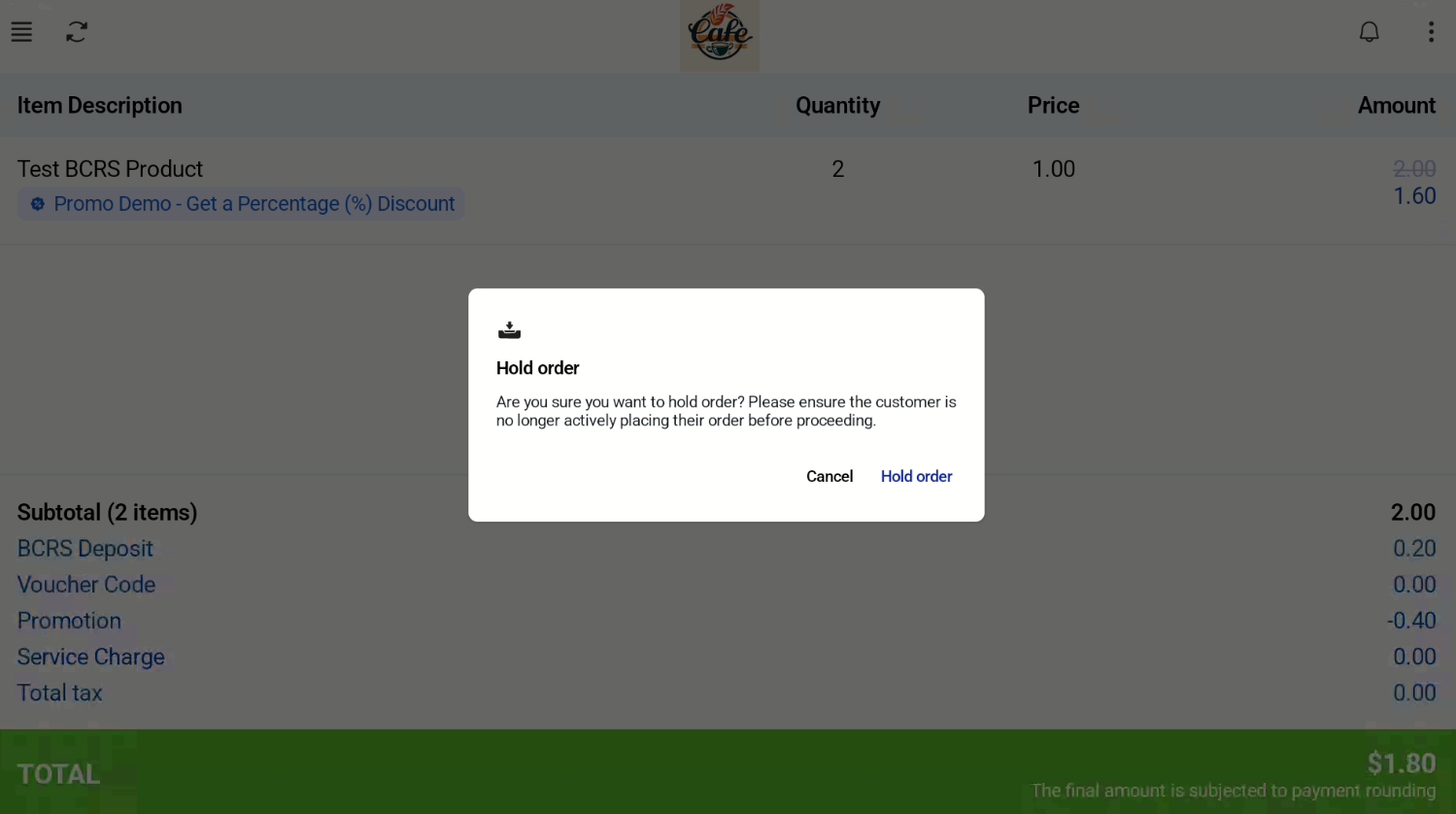
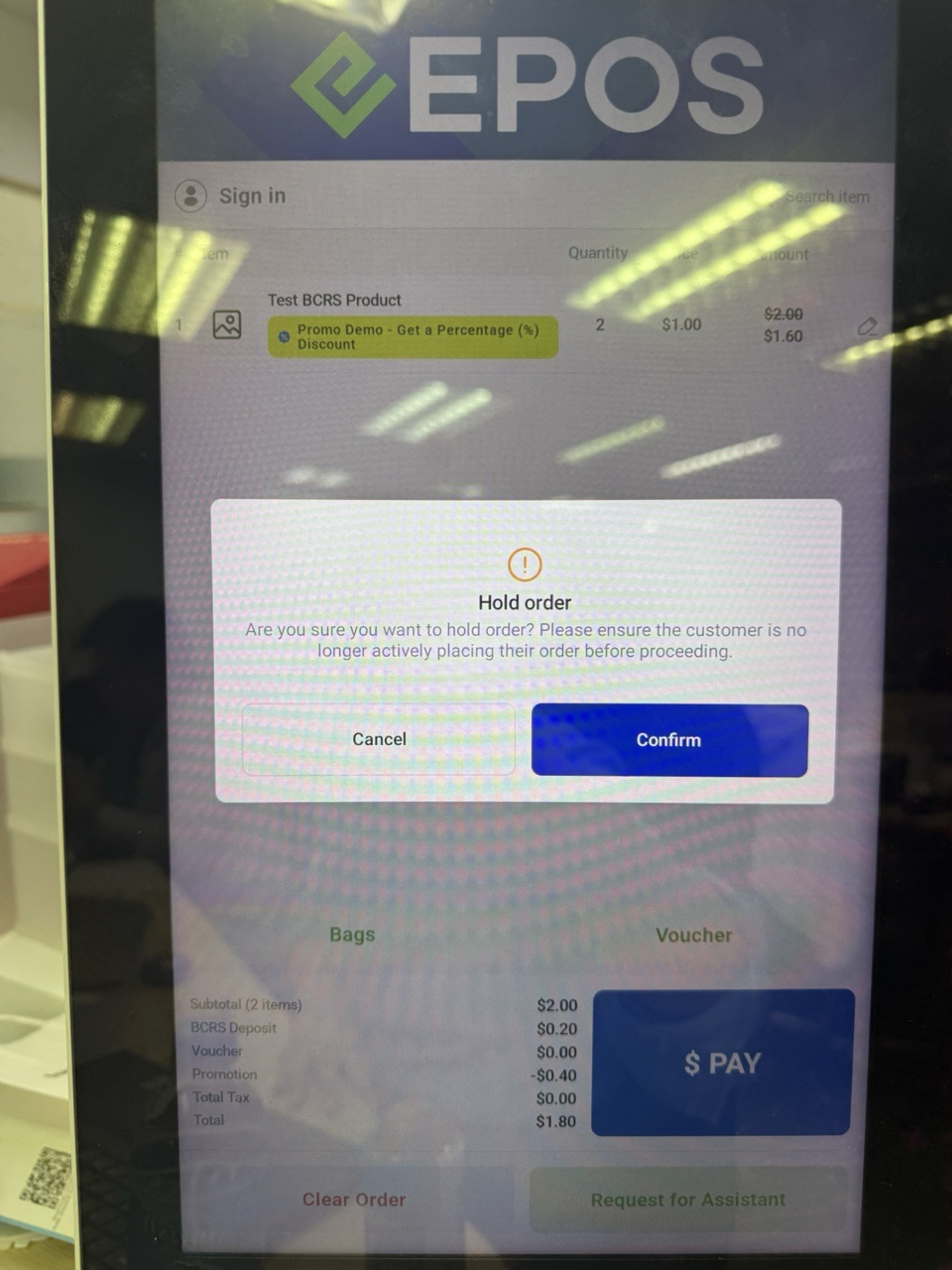
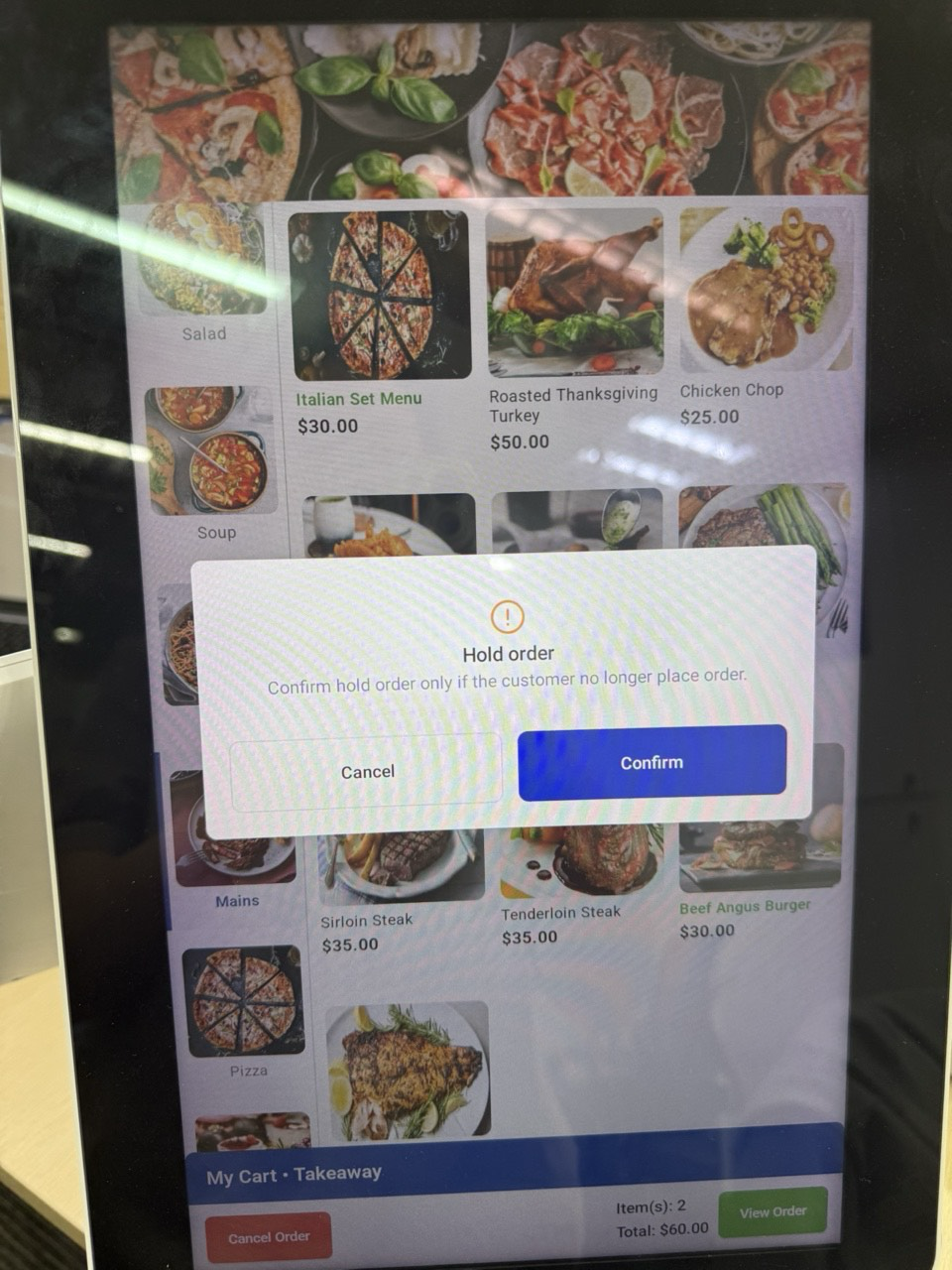
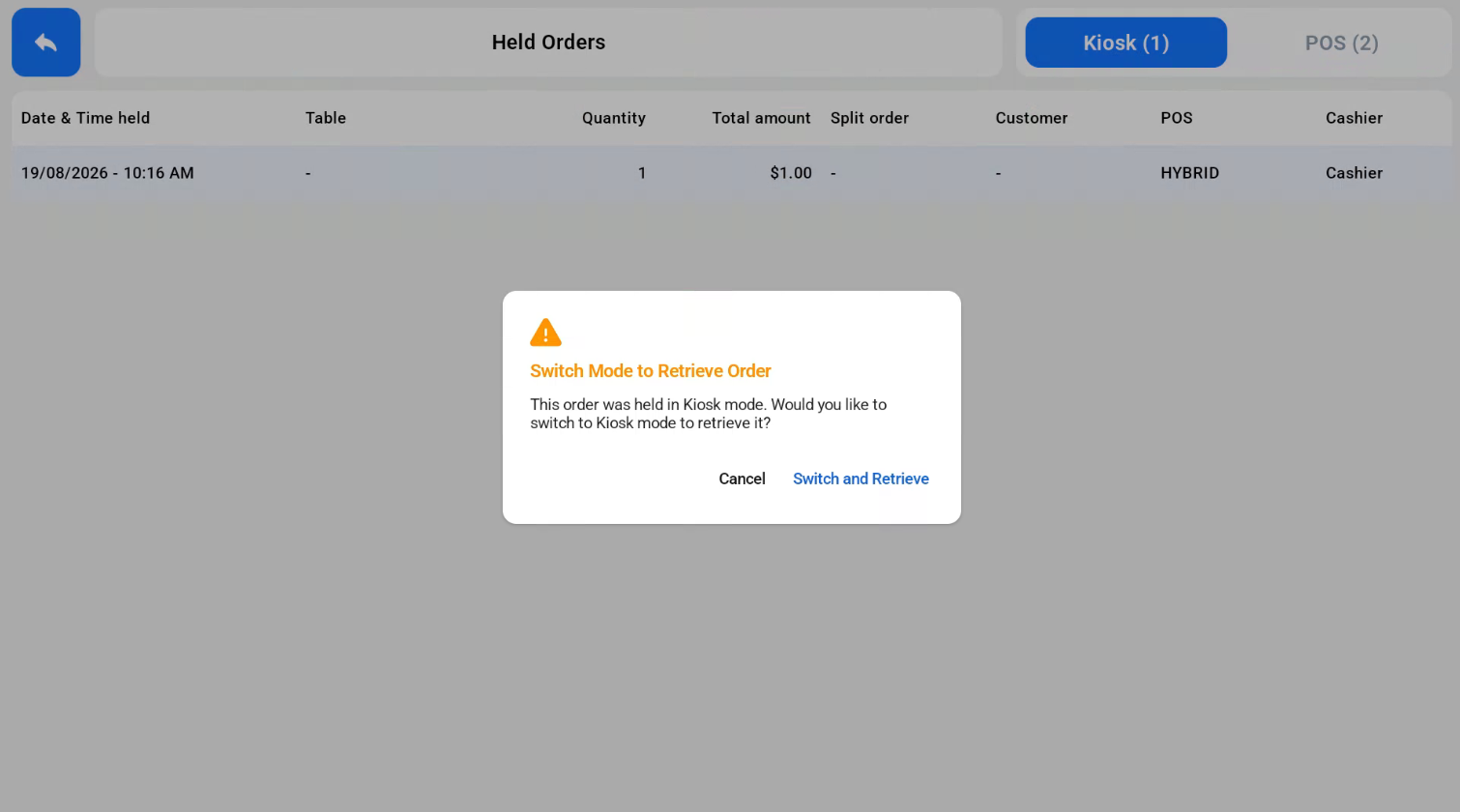
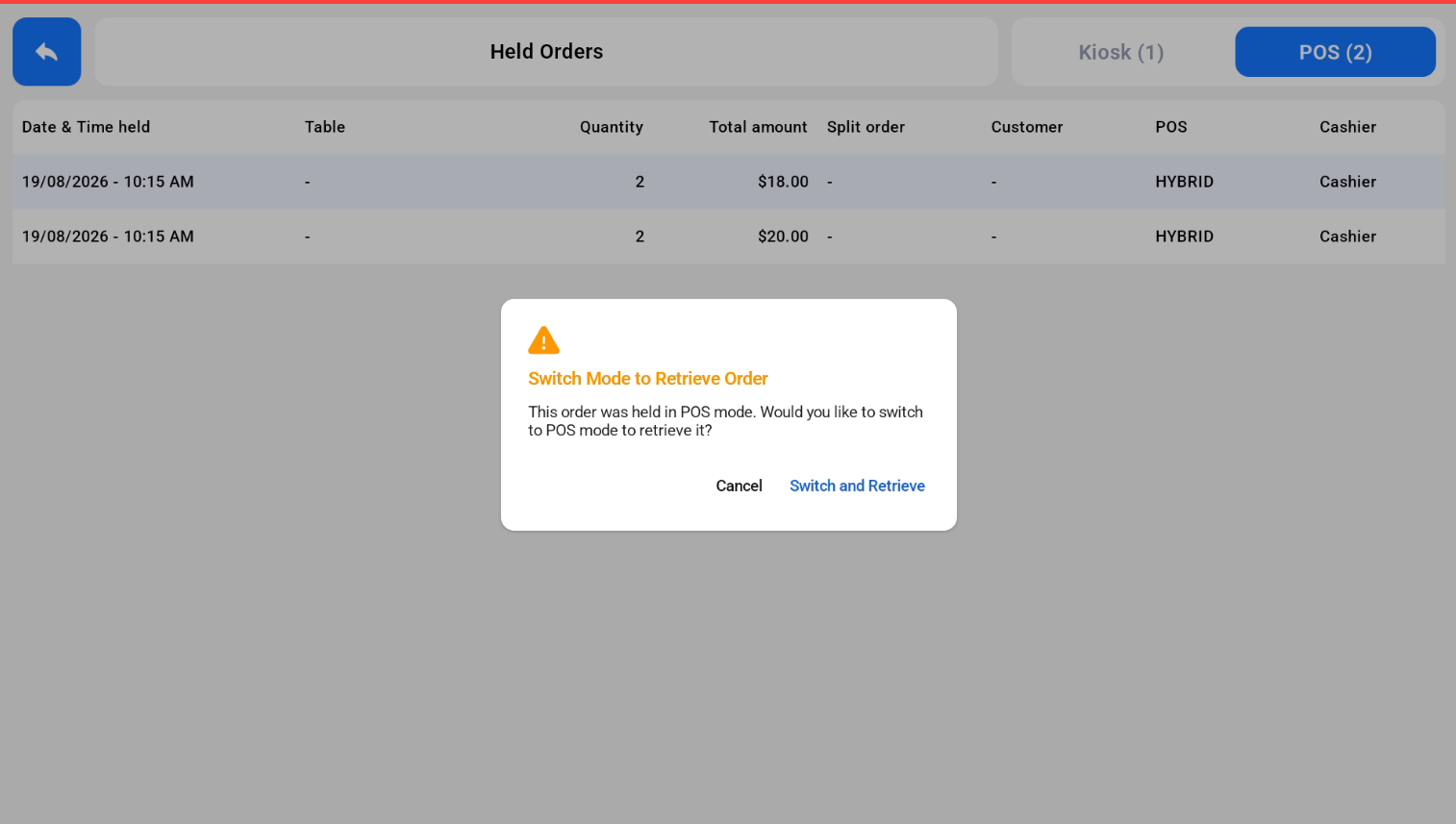
Orders held in Kiosk Mode are retrieved in Kiosk Mode, and orders held in POS Mode are retrieved in POS Mode. If the cashier tries to retrieve an order in the other mode, a pop-up asks them to switch mode and retrieve.