Customers can apply discount vouchers on the Retail Kiosk in Kiosk Mode.
Applying a voucher
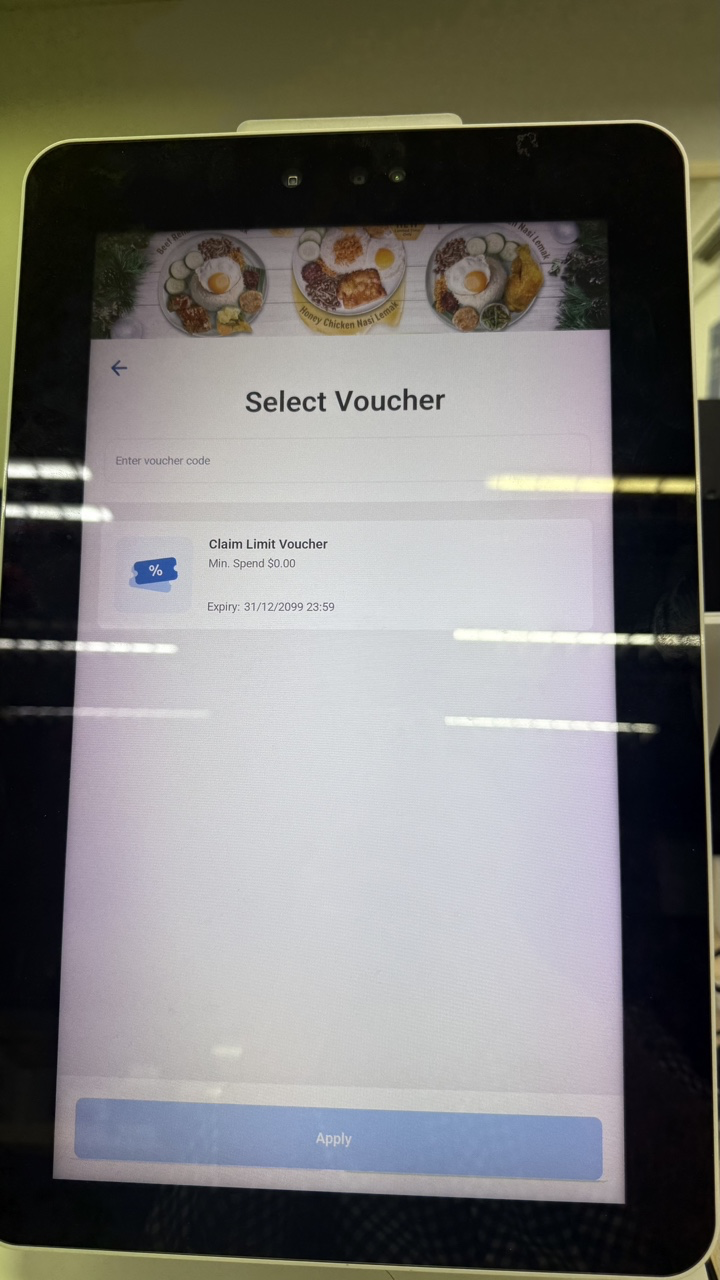
- The customer opens the voucher list and sees which vouchers are available and unavailable for the order.
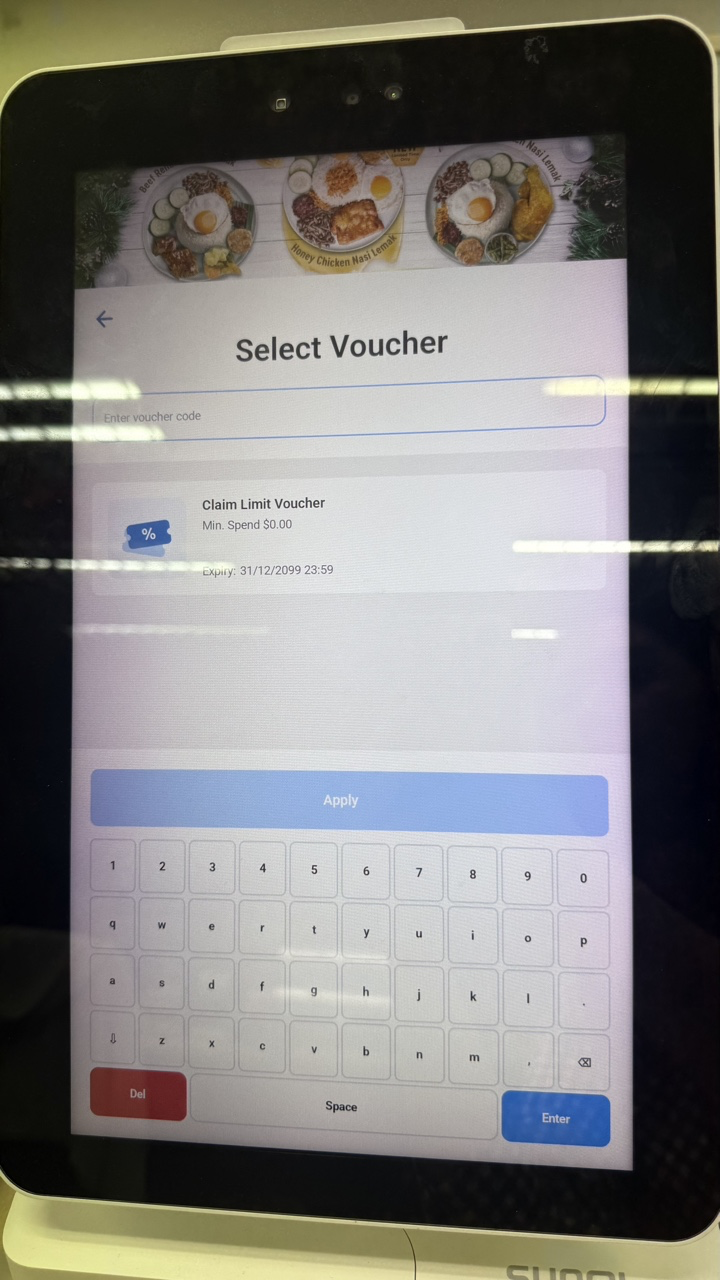
- The customer selects an available voucher, scans a voucher, or enters the voucher code.
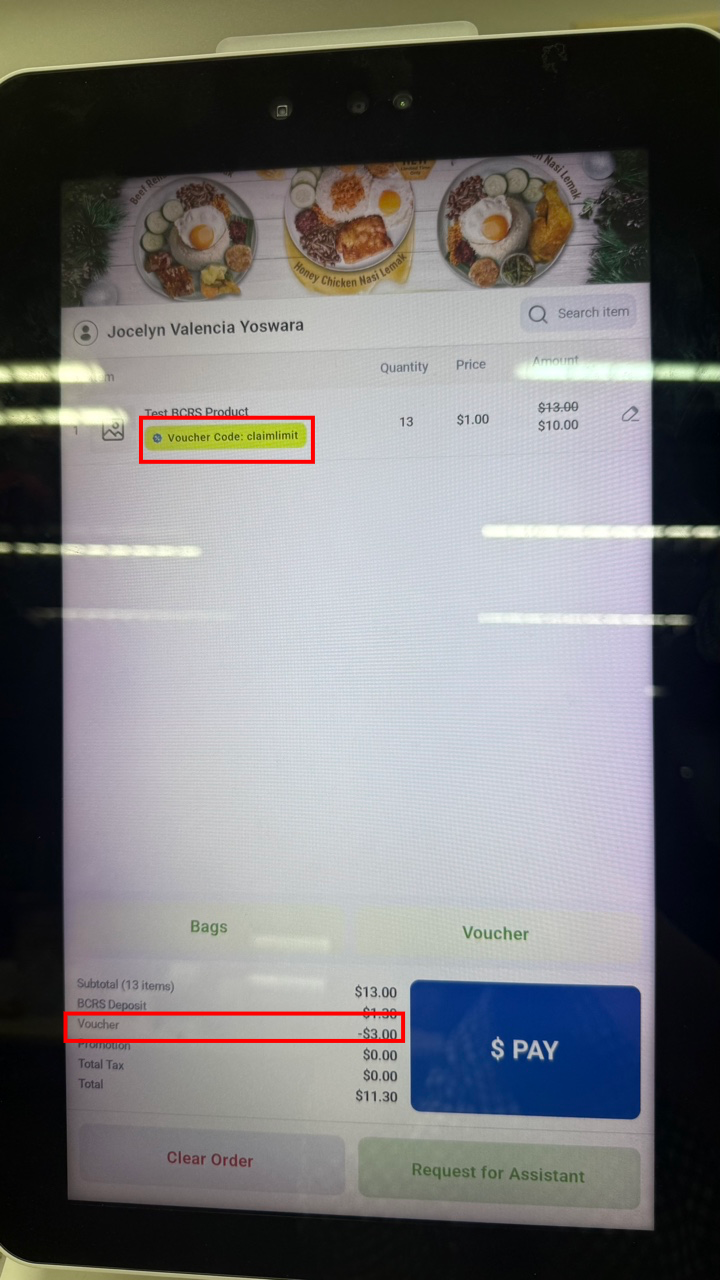
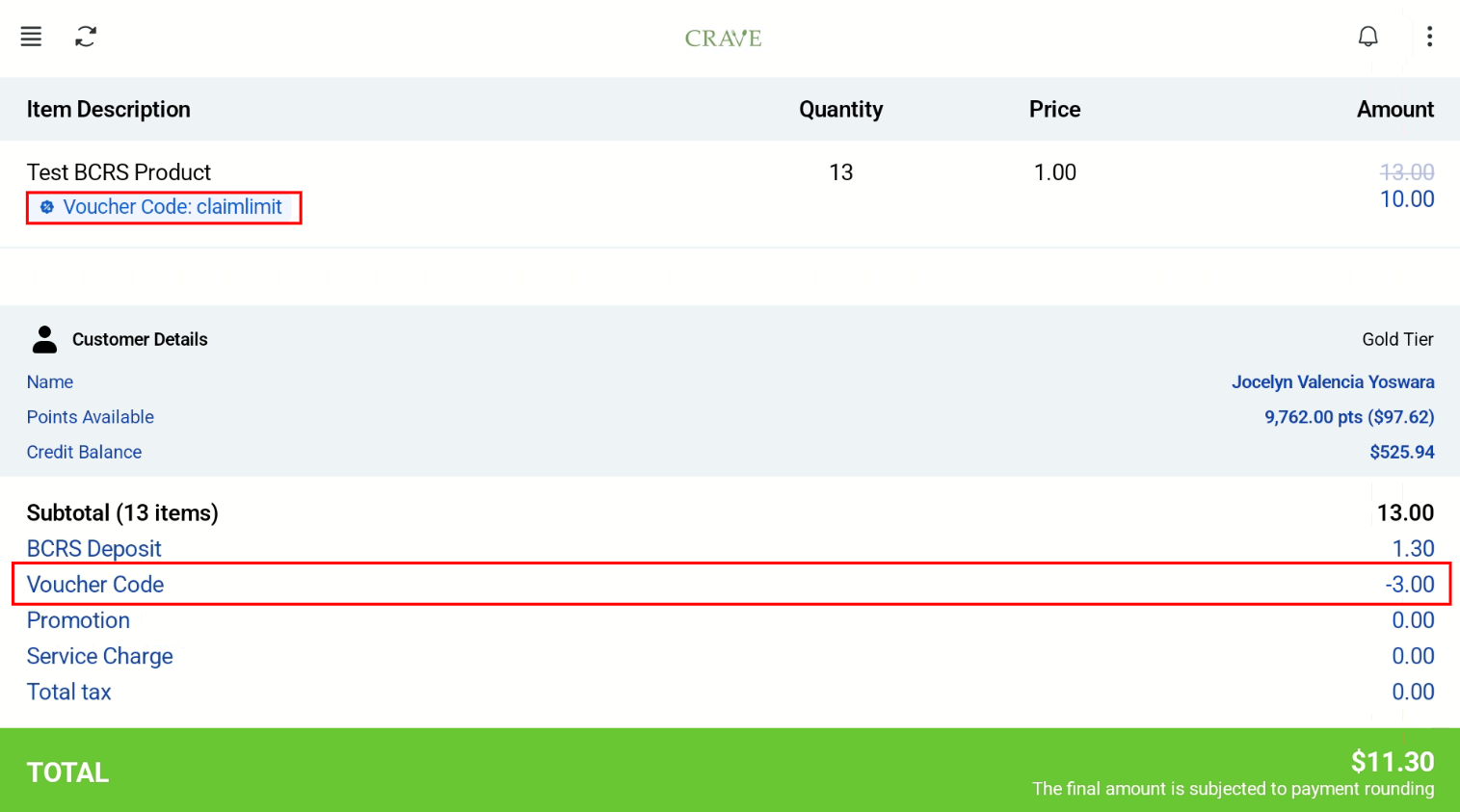
Once the voucher is applied, the voucher code and discount amount are shown on both the customer screen and the cashier screen.