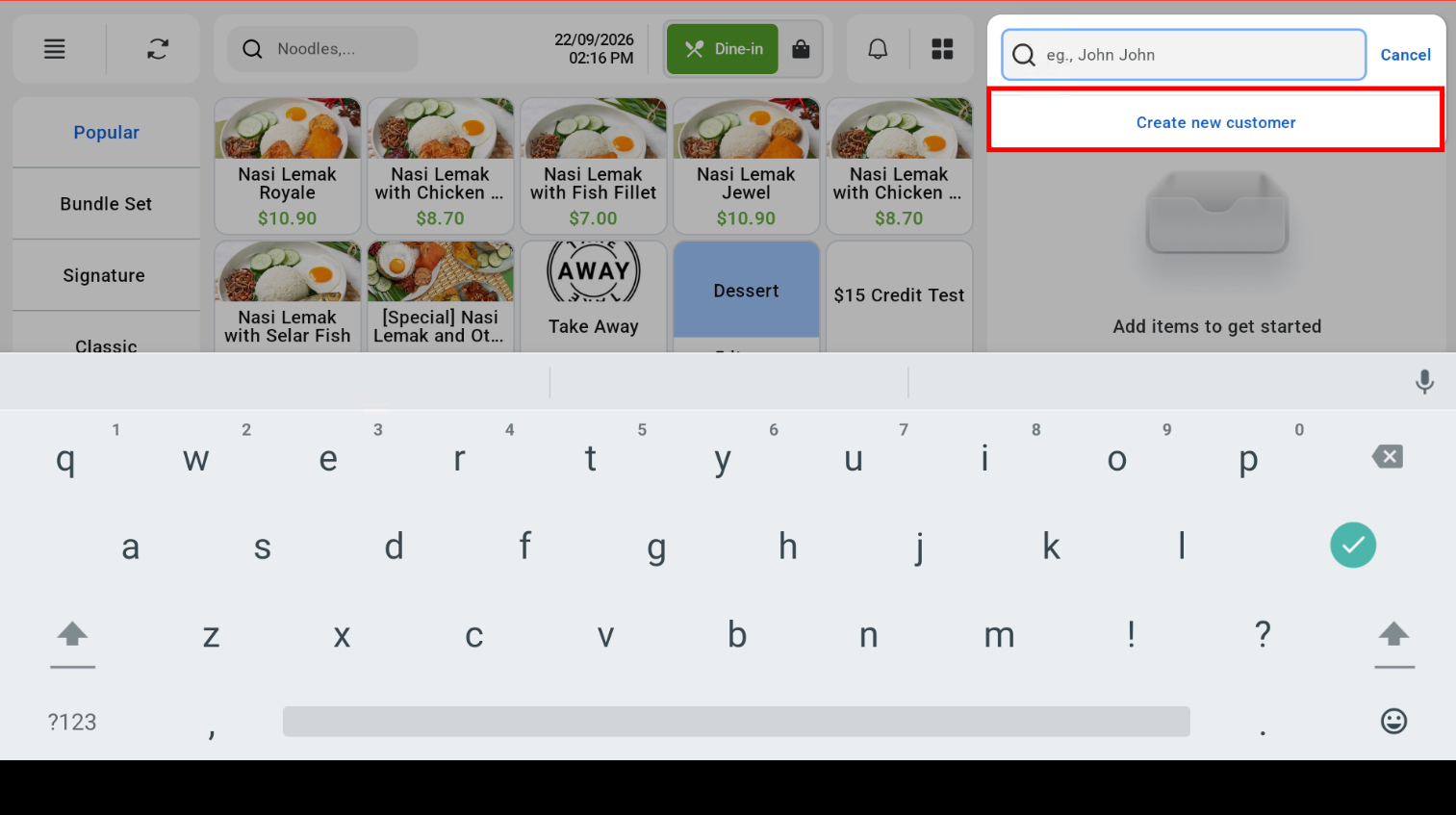
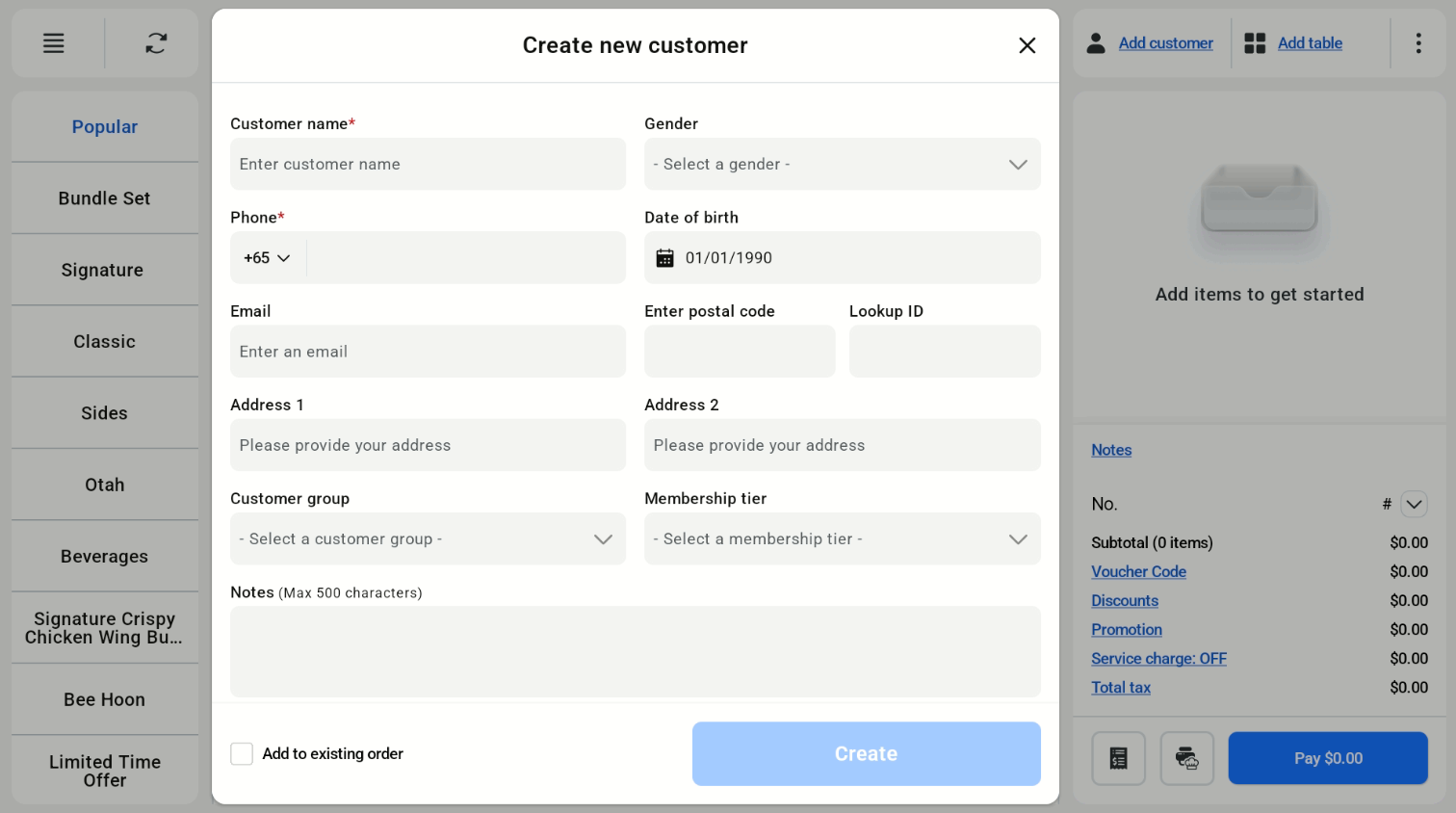
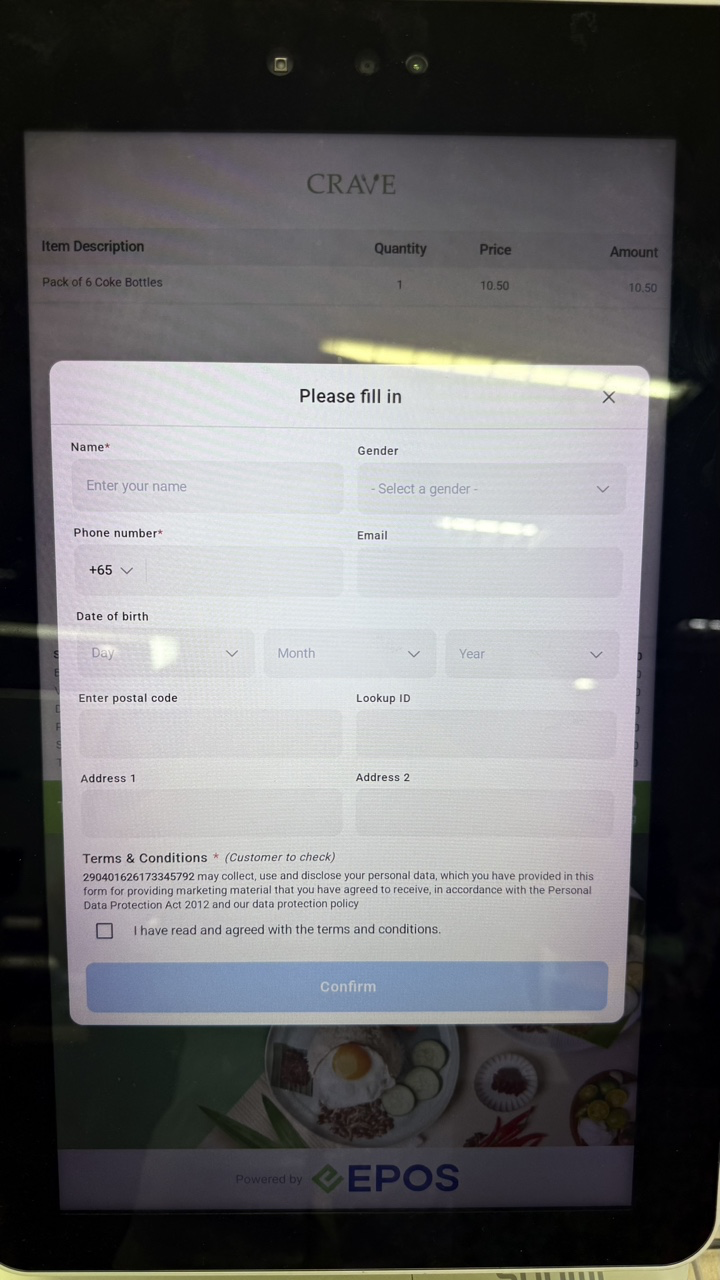
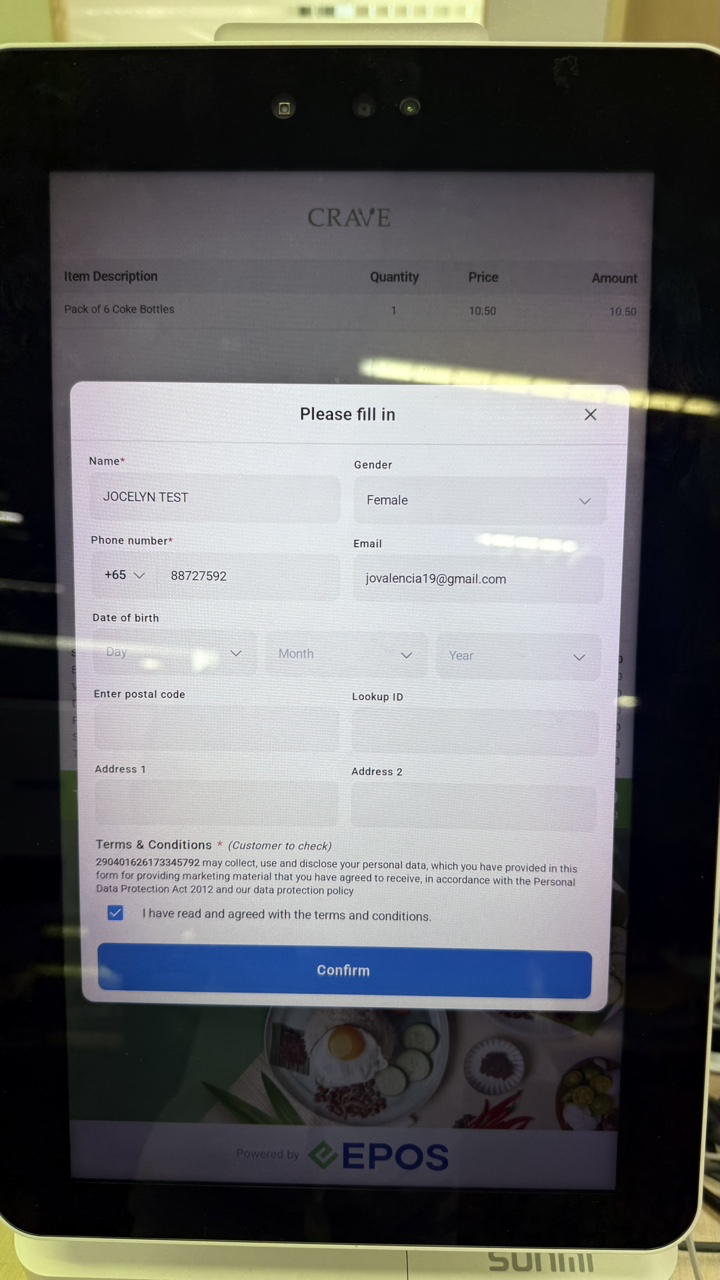
Cashier can tap Add Customer > Create New Customer. The customer can then fill in their details on the customer screen.
Cashier Screen
Customer Screen
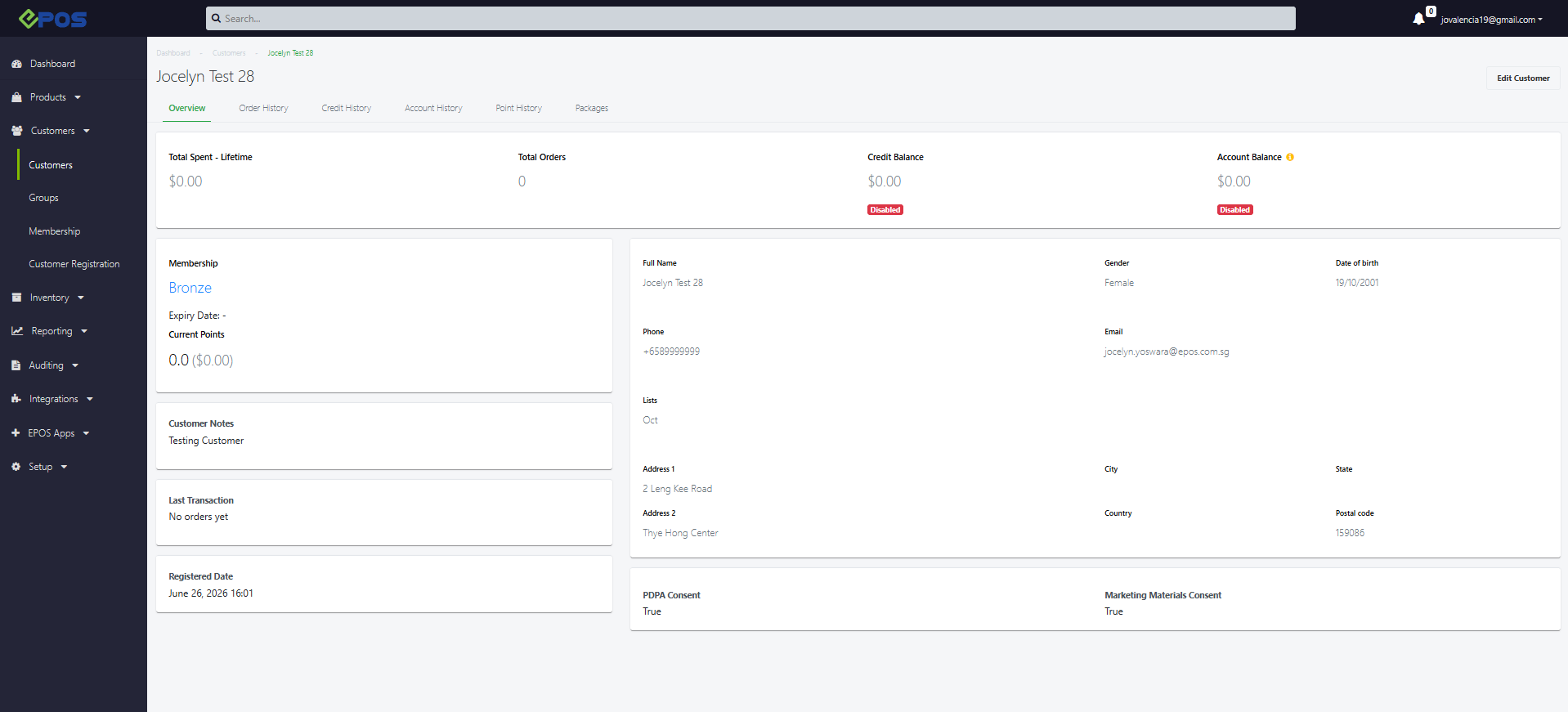
Customer will be created on the backend as well.
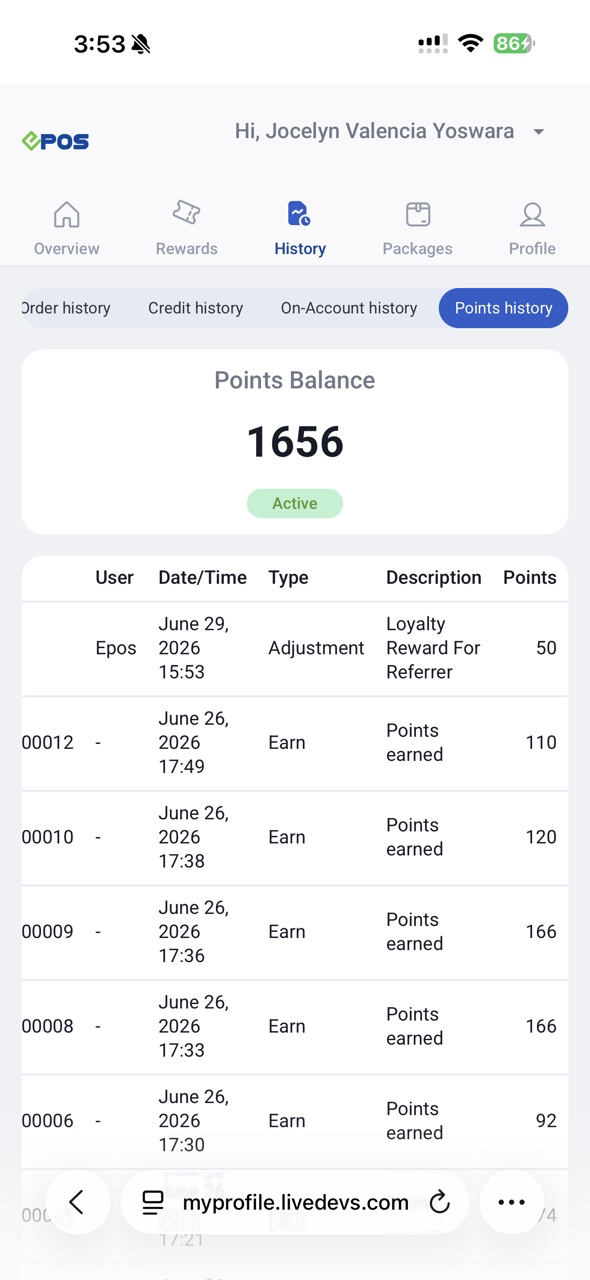
Cashier can input referral code when creating new customer. New members will instantly receive referral reward points after registering using the referral code, while existing members will only be rewarded with referral points once member completes first successful purchase.
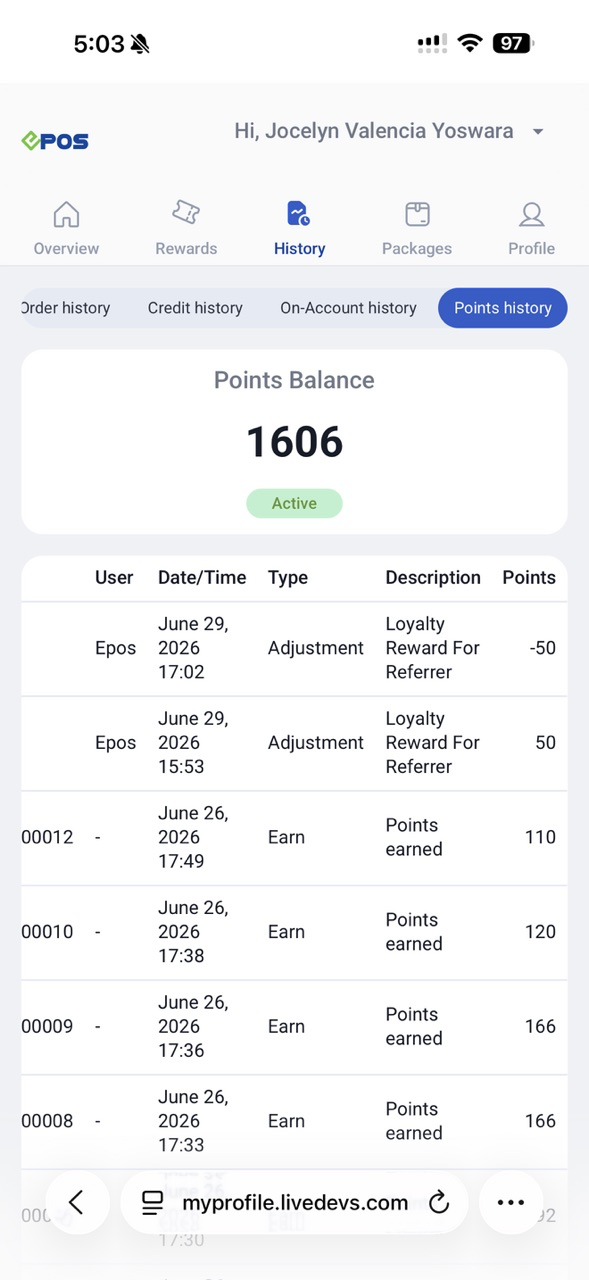
However, if the order is voided, referral reward points will be removed.
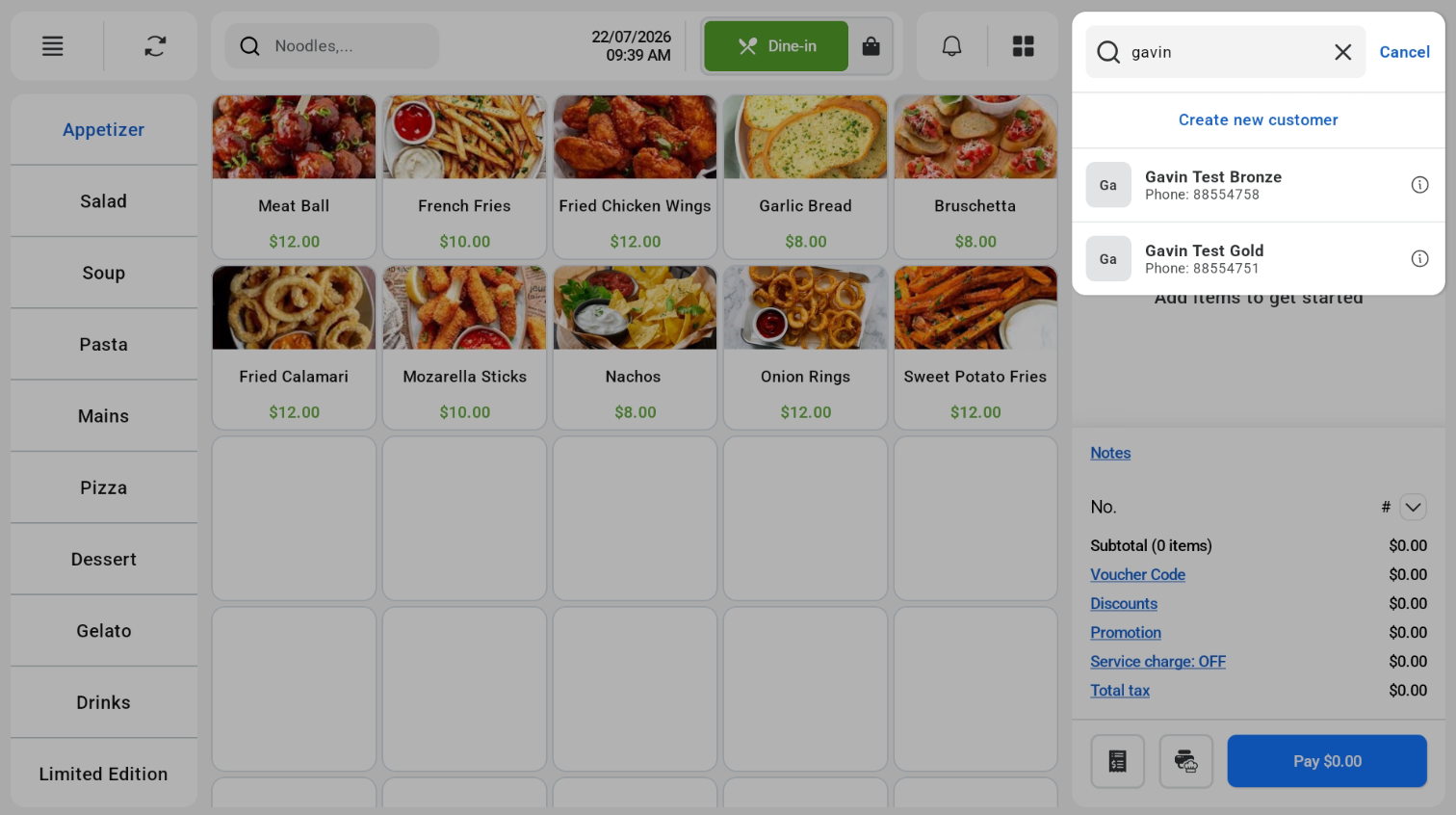
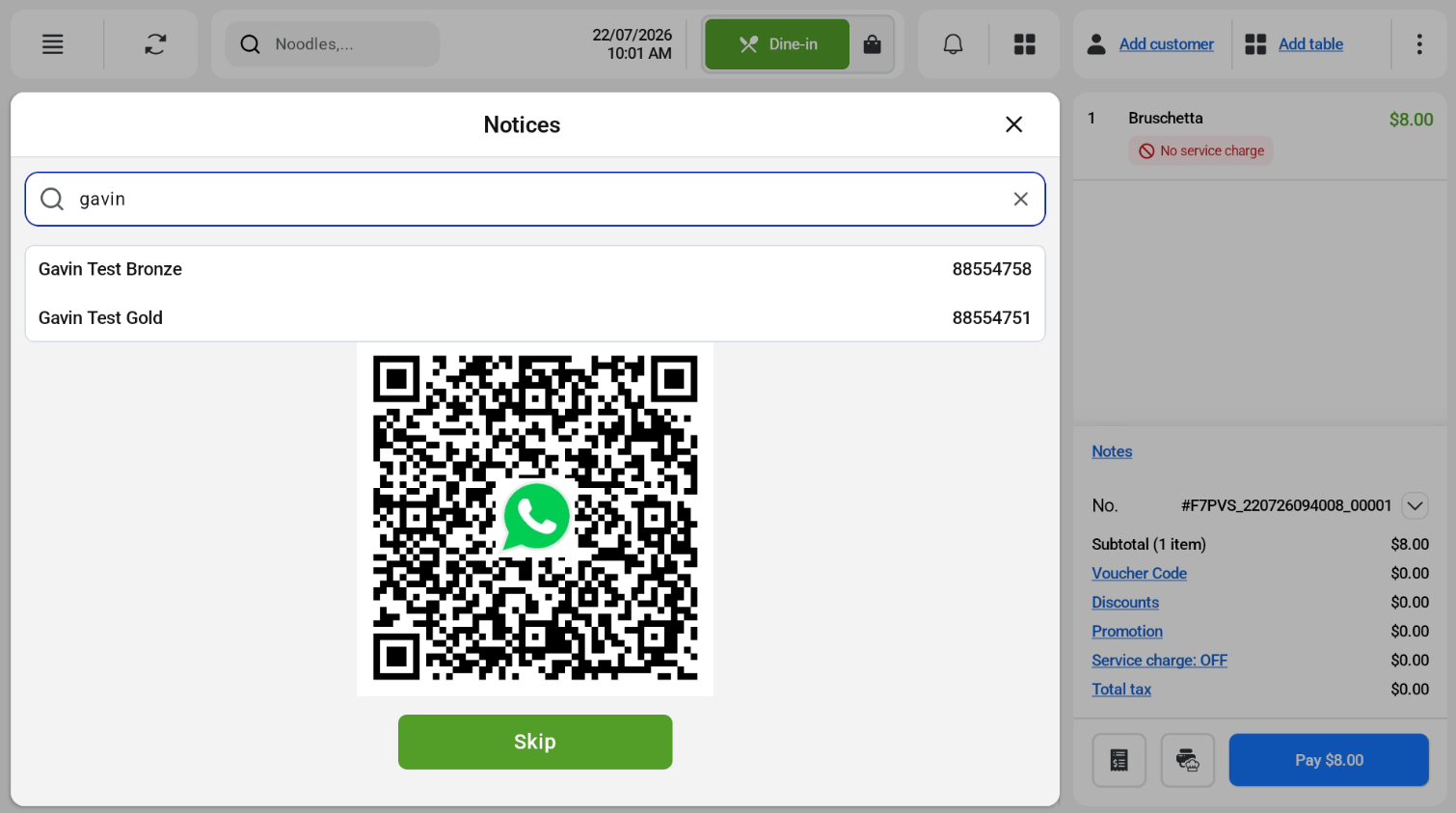
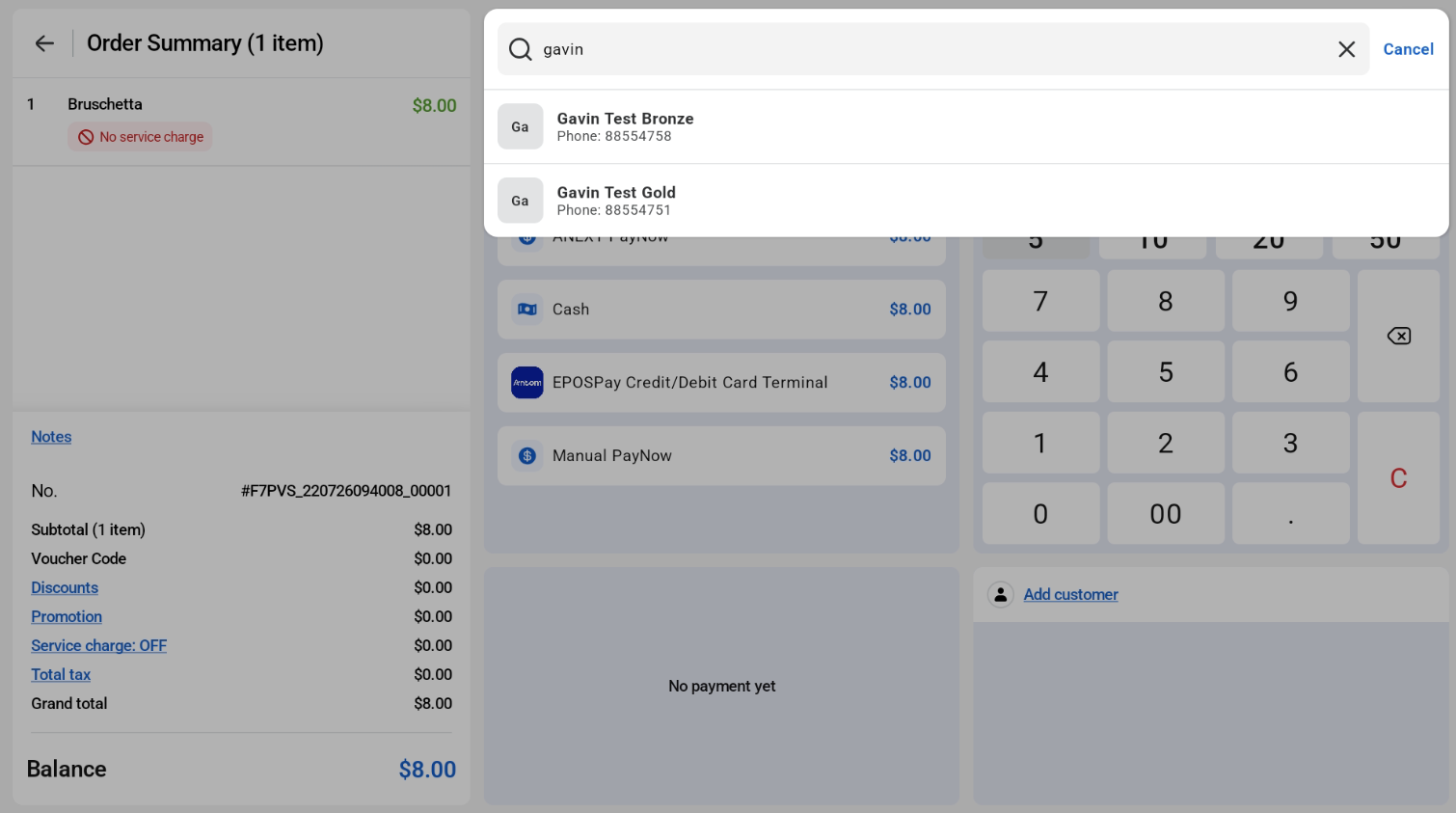
Cashier can tag and search customer from both sales view, WATI pop up and payment page. Tag customer can be done via phone number, name, lookup ID, or scan e-membership card
Sales View
WATI Pop Up
Payment Page
Scan Membership Card:
After Customers are selected, they will be tagged to the order.
Cashier View:
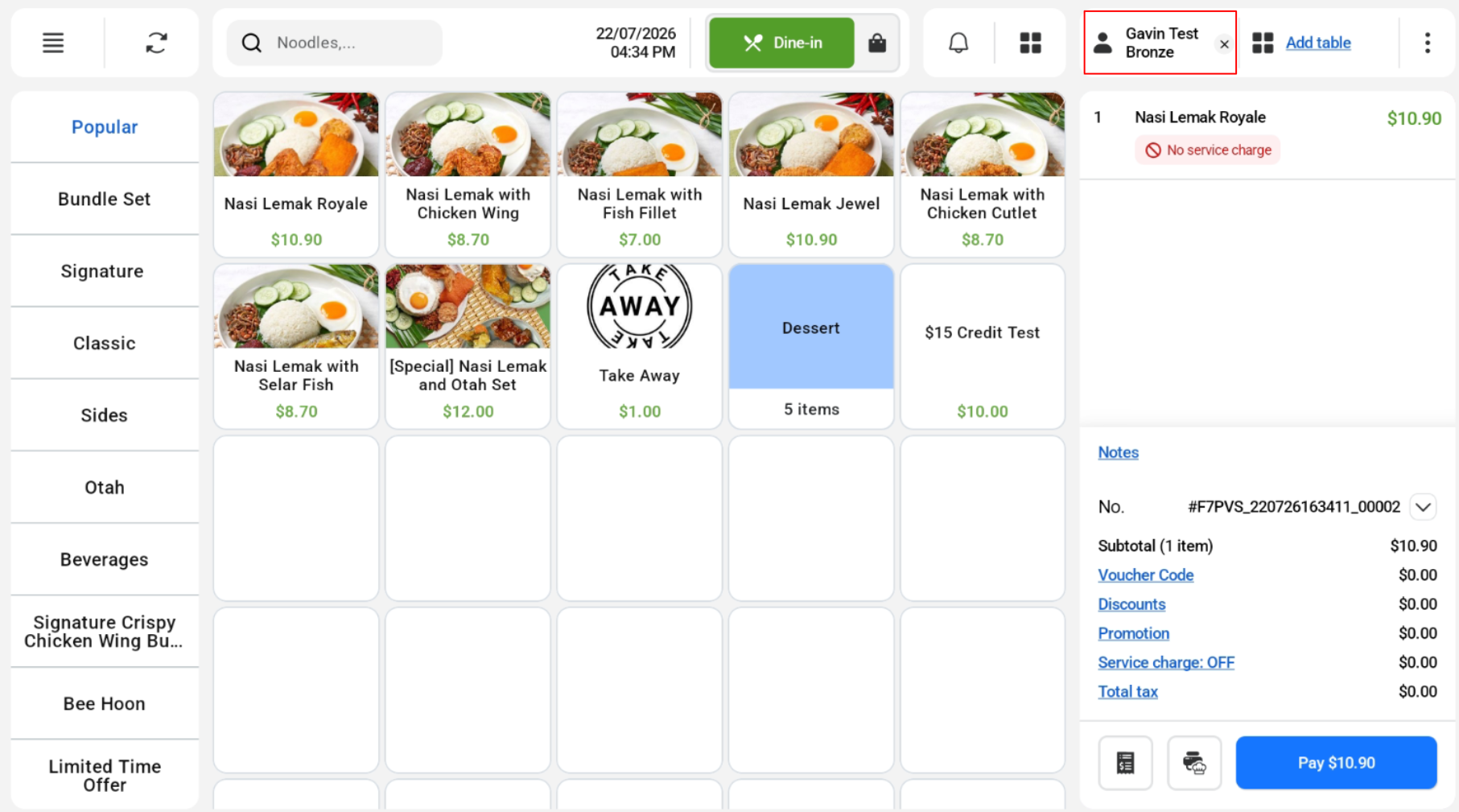
Customer View:
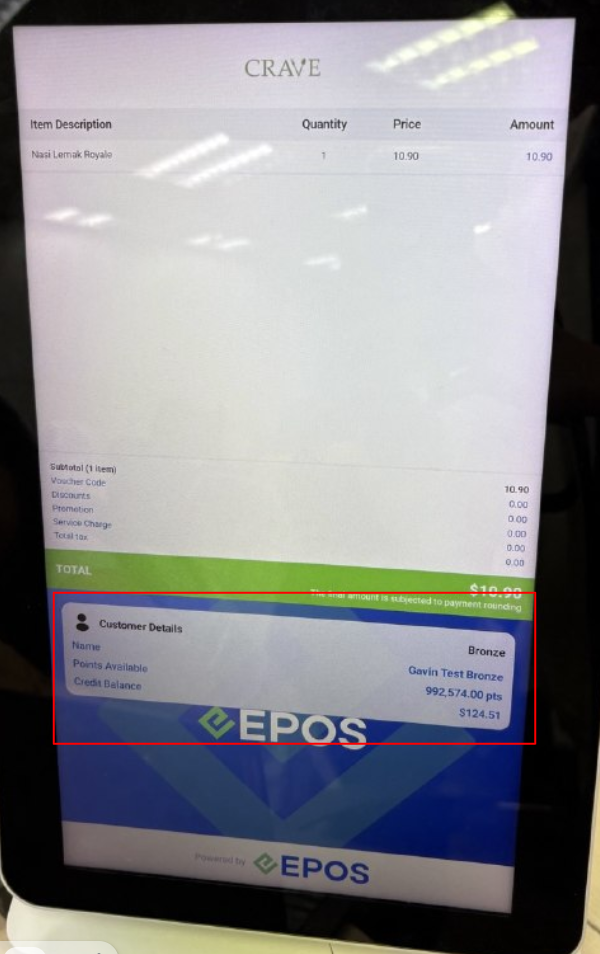
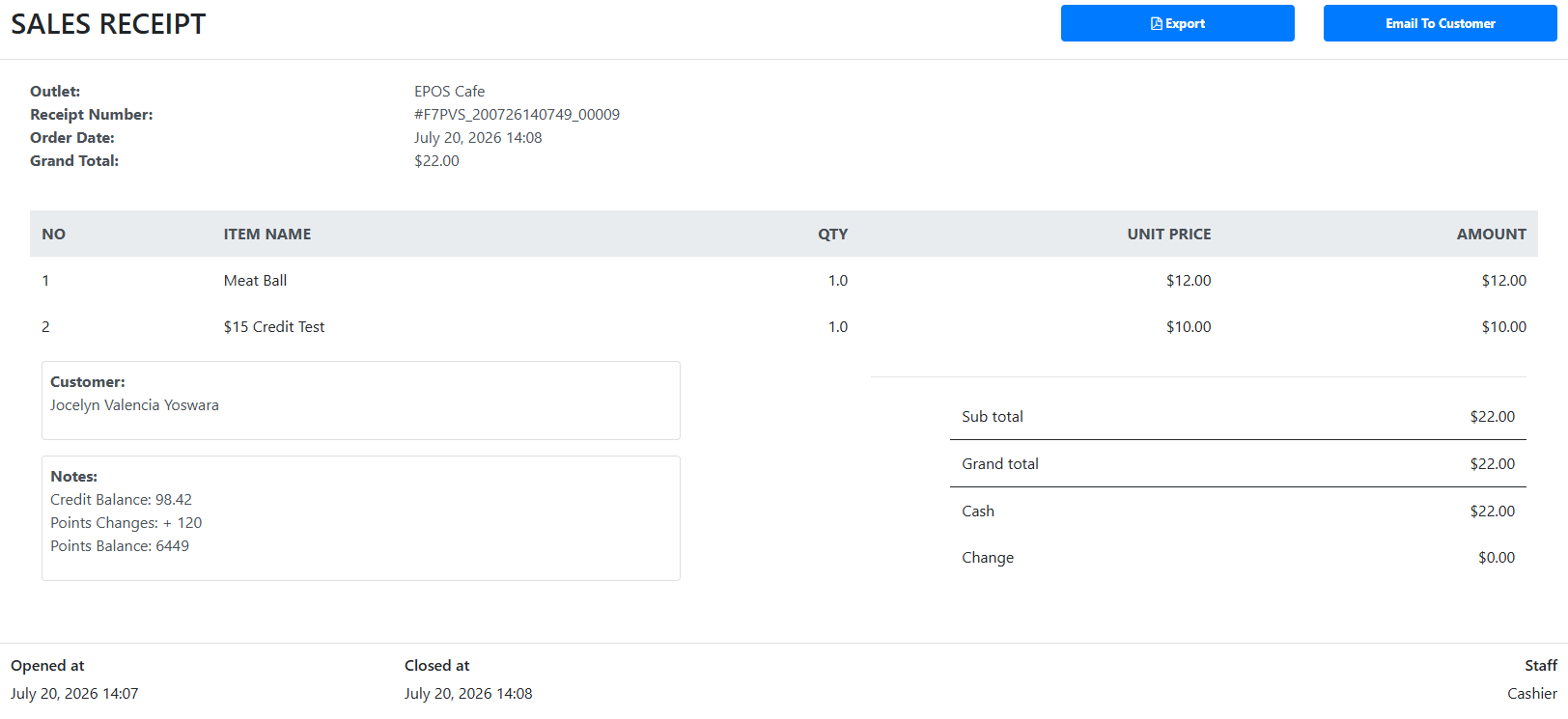
Orders with customers are synced to EPOS Backend.
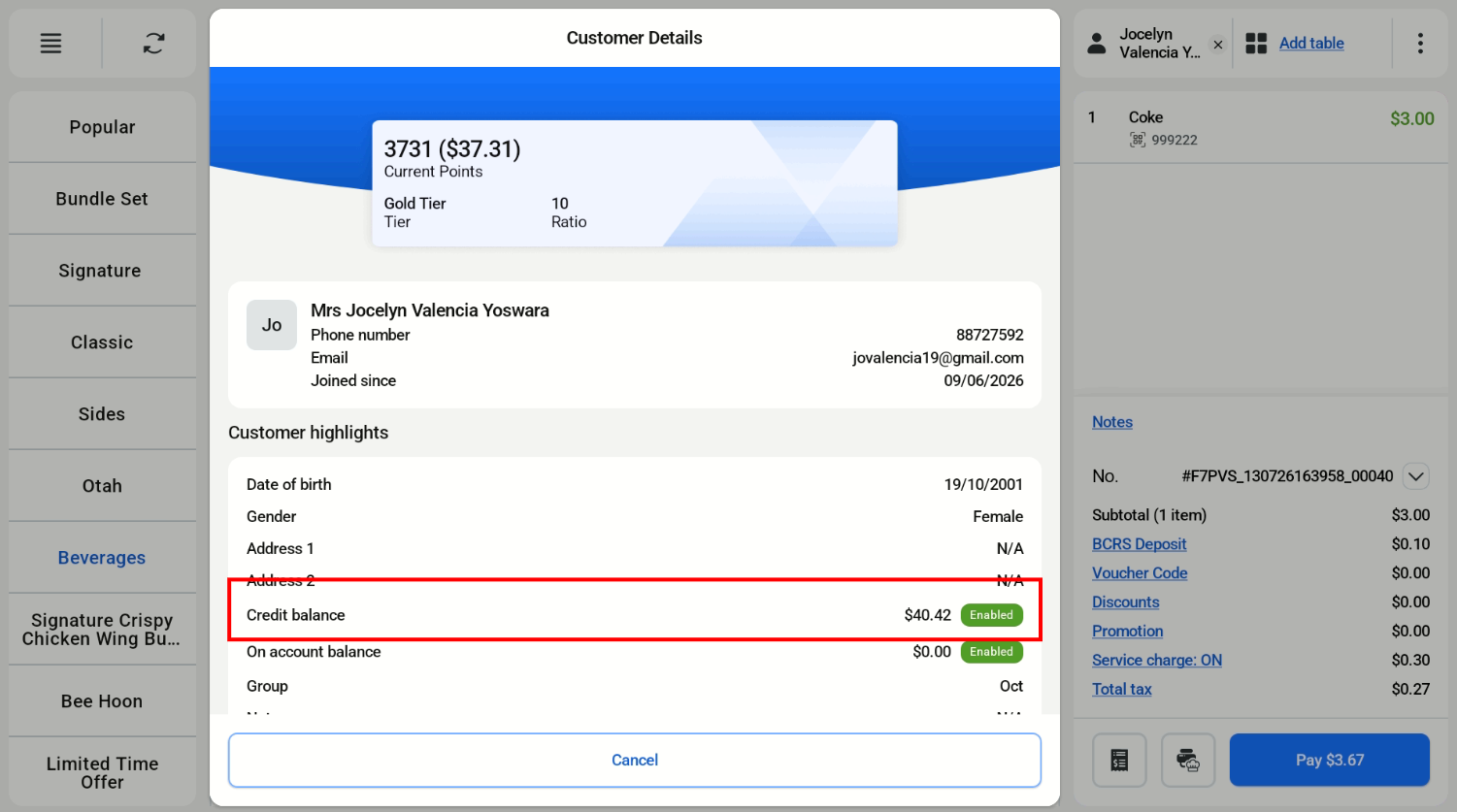
Cashier can tap the customer name to see the customer’s details.
Cashier Screen
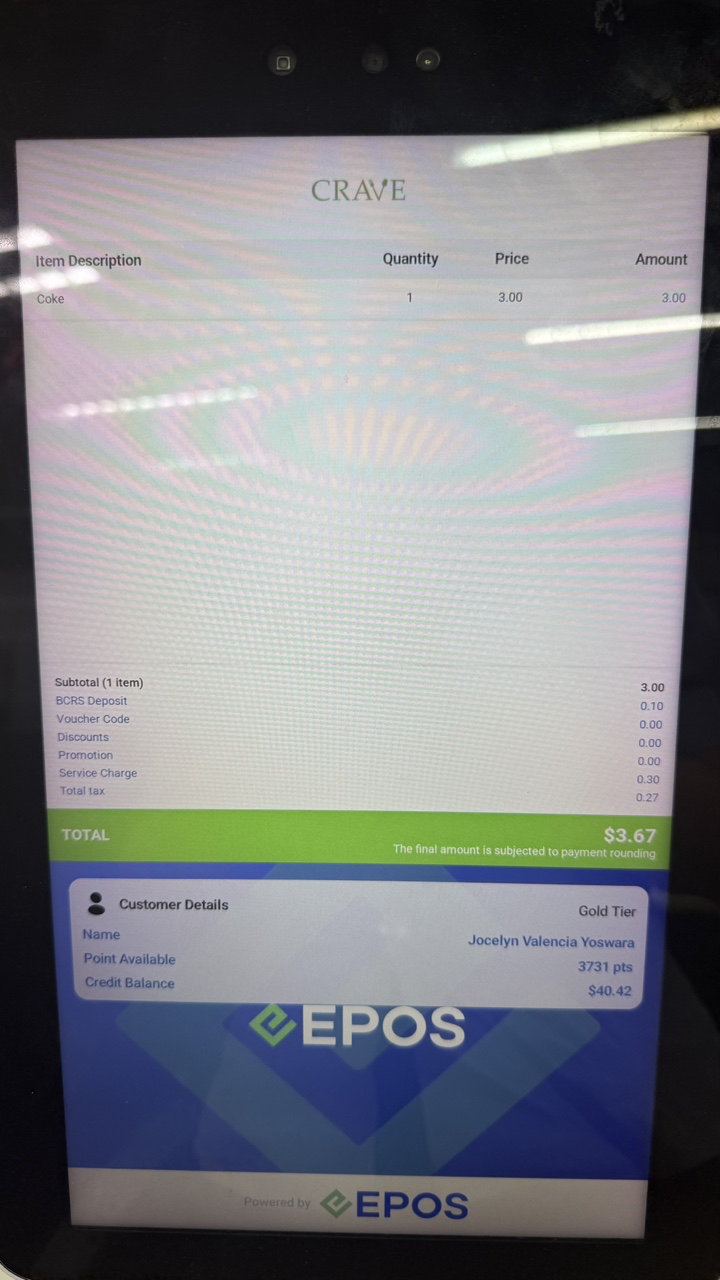
Customer Screen
Earning
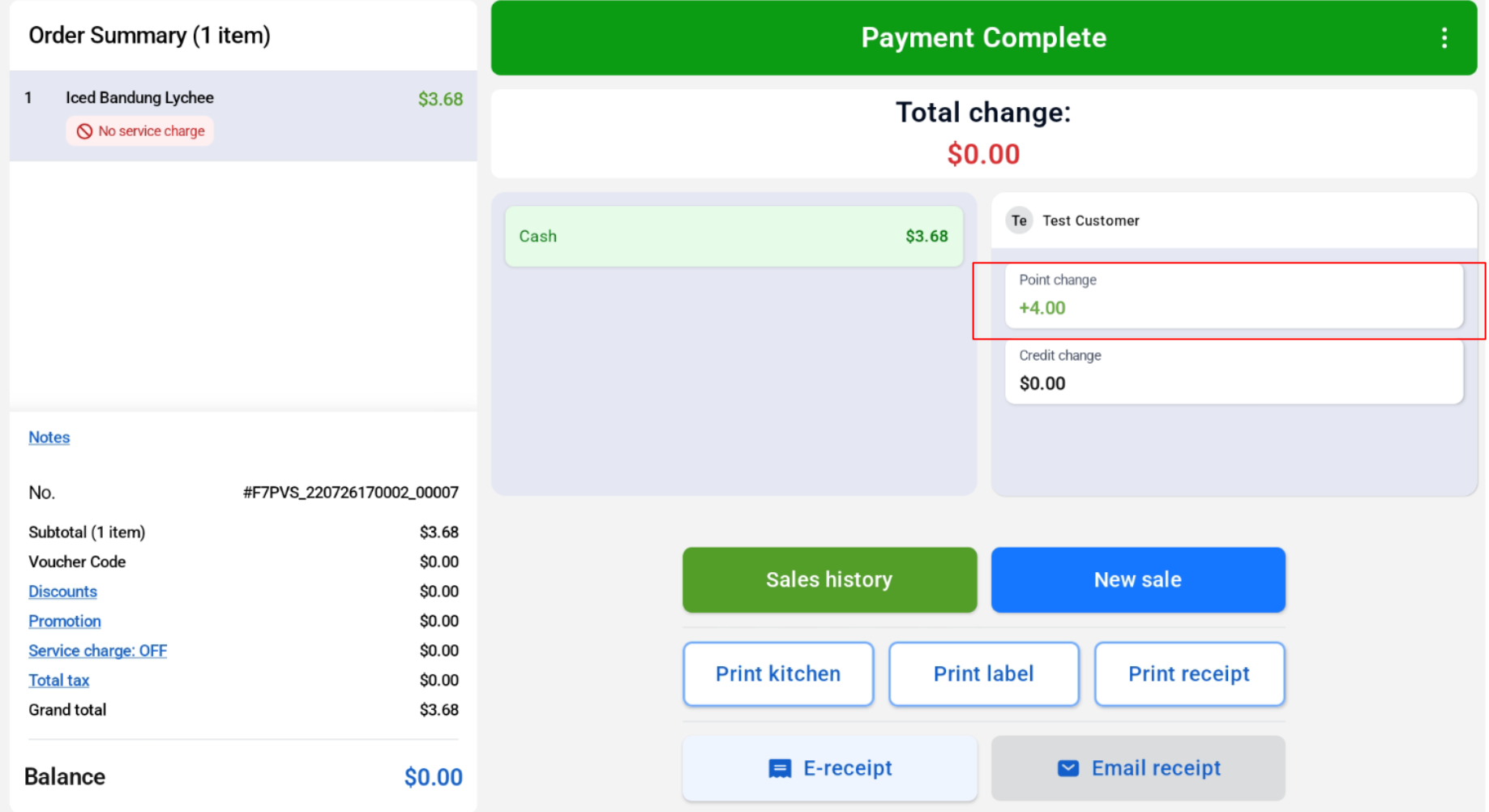
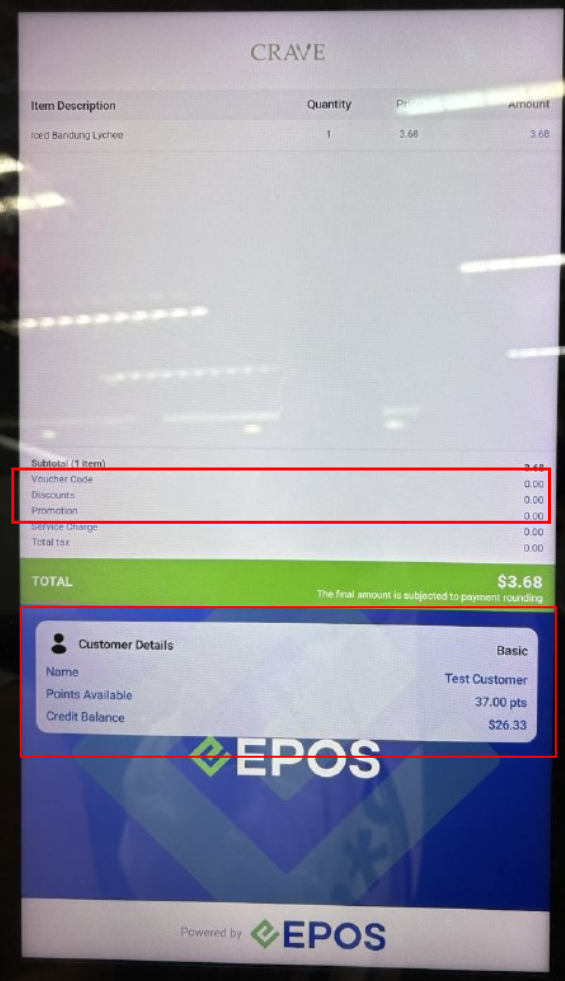
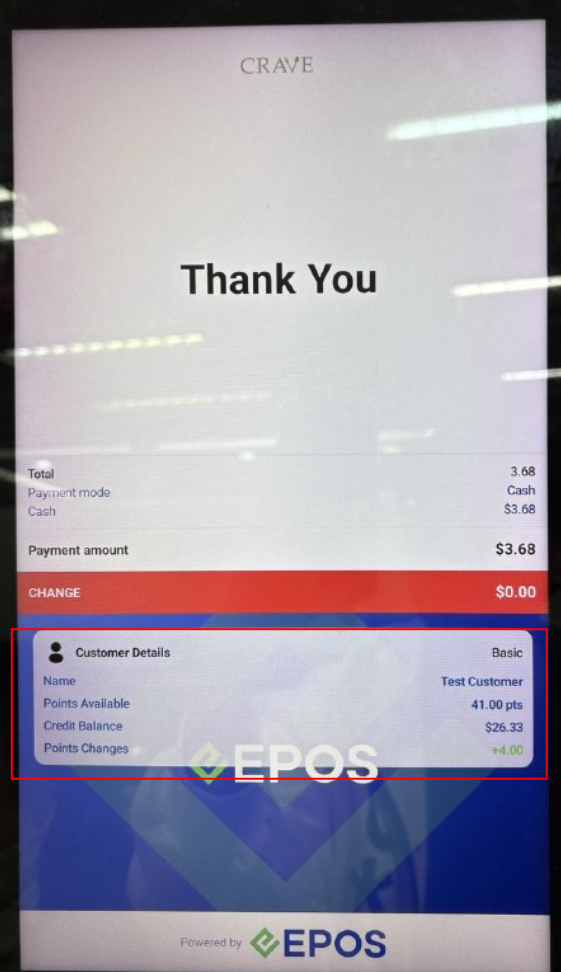
Customers are able to earn points after transaction based on membership point rate config in EPOS Backend.
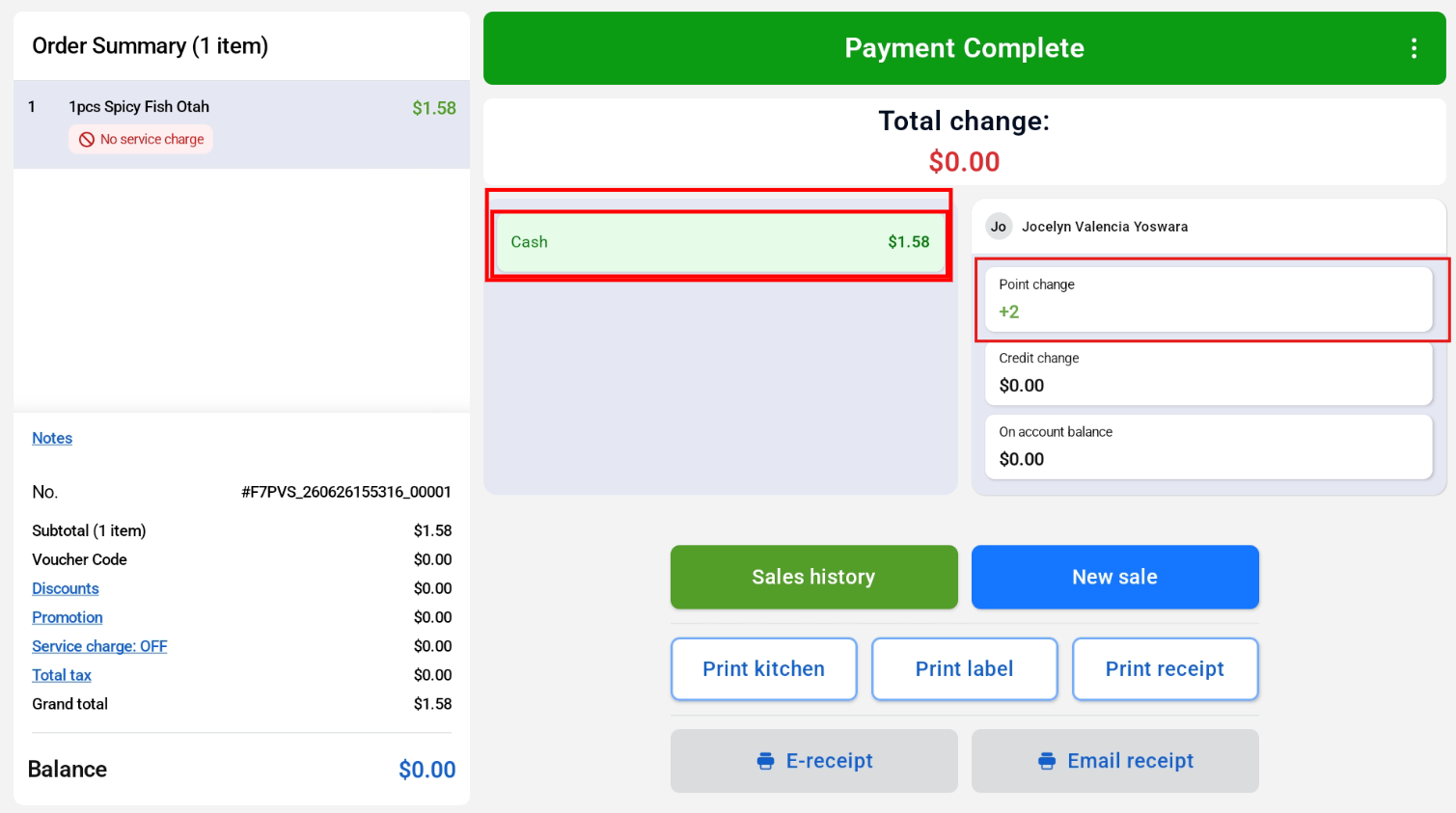
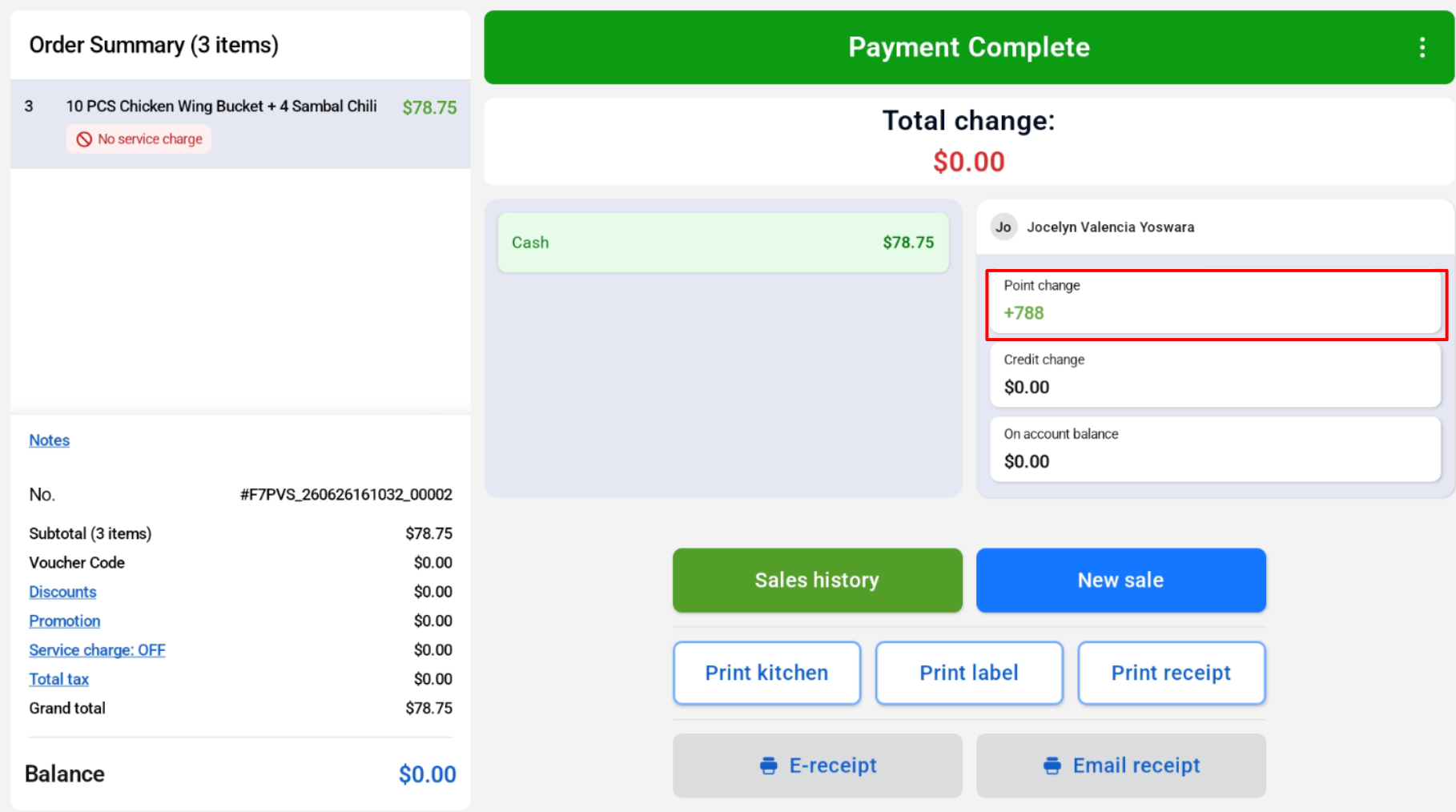
The points will be reflected in the member’s account.
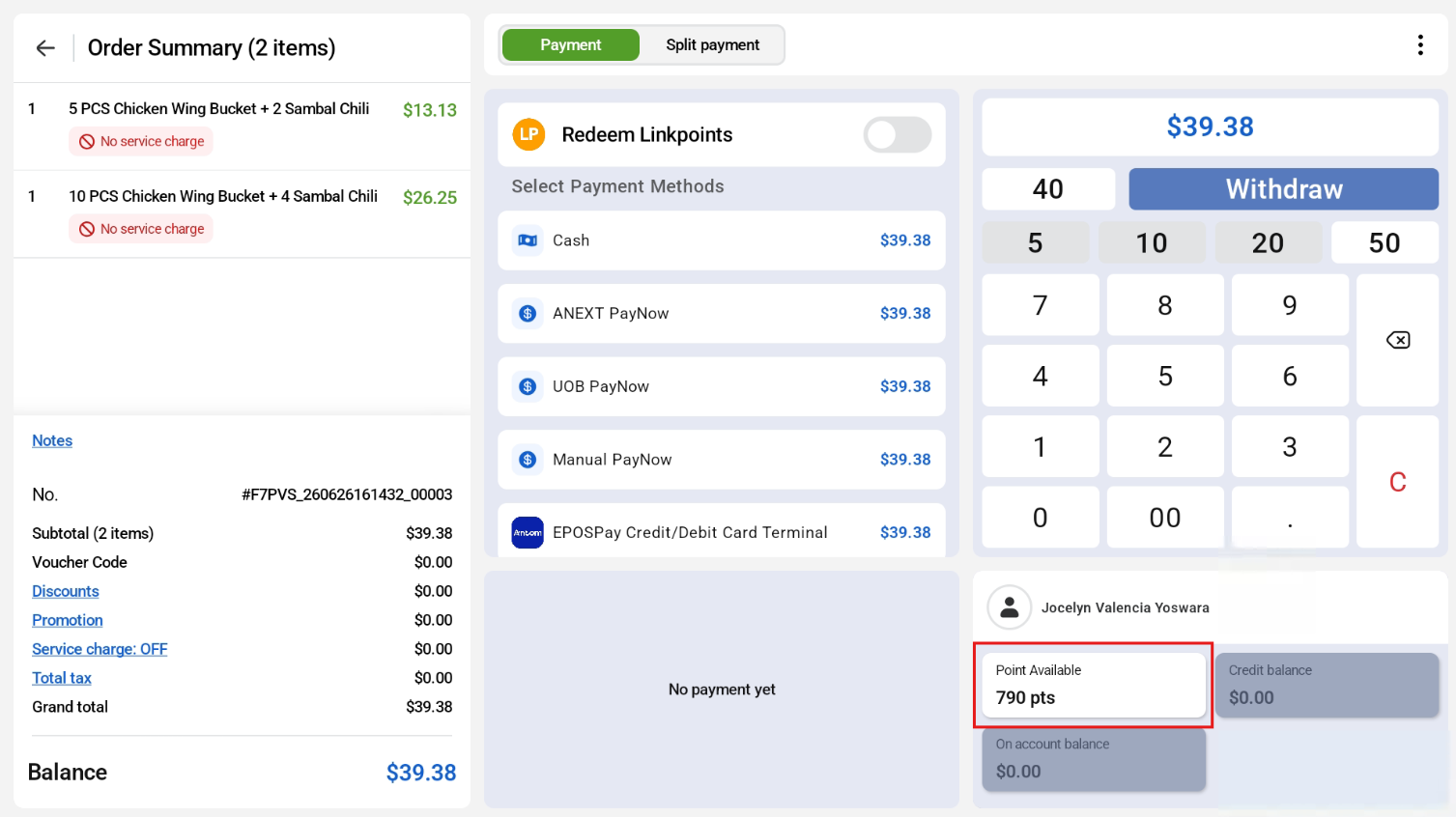
If the order is voided, membership points will be voided as well.

Point changes will be reflected on the member’s profile as well.
Cashier View:
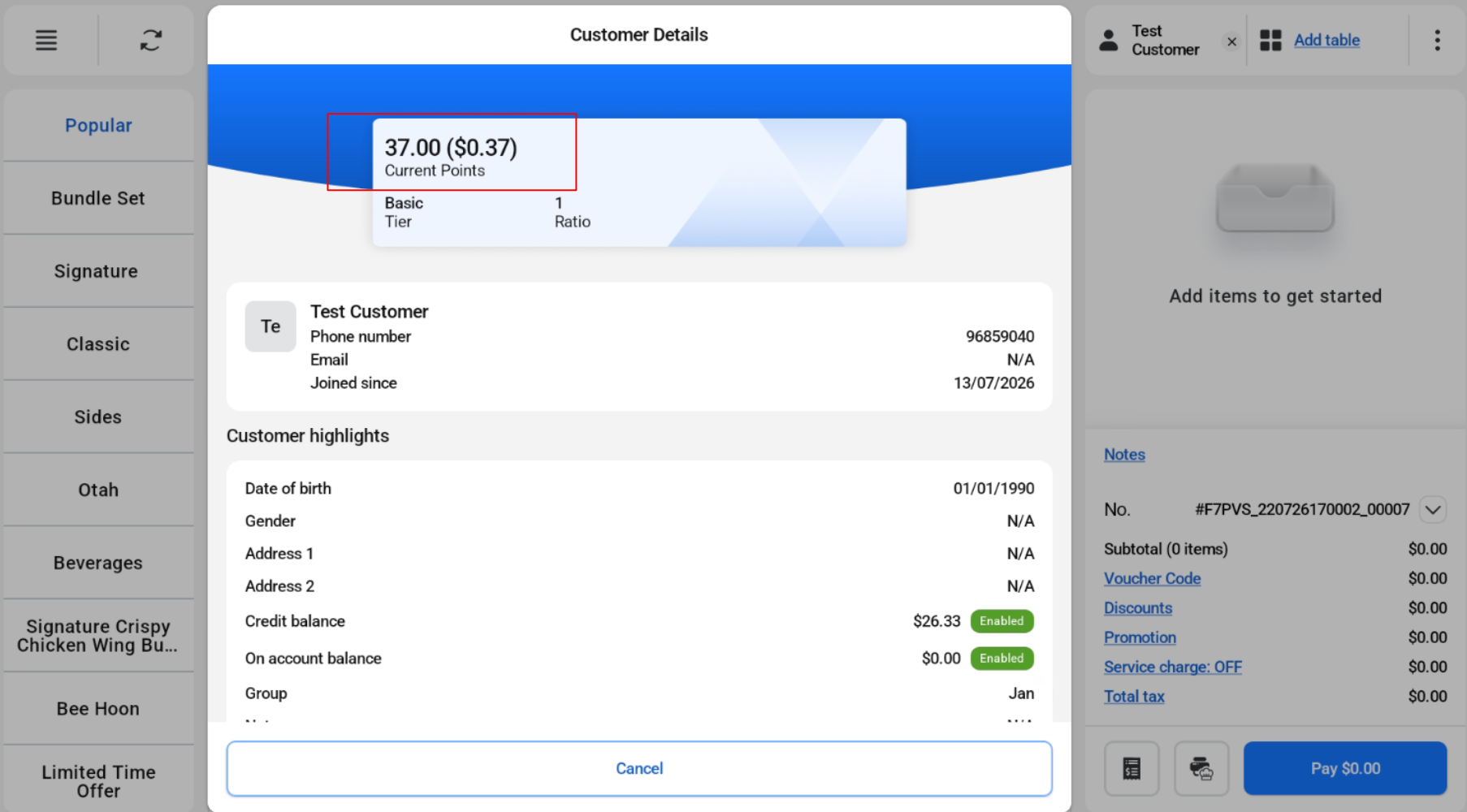
Customer View:
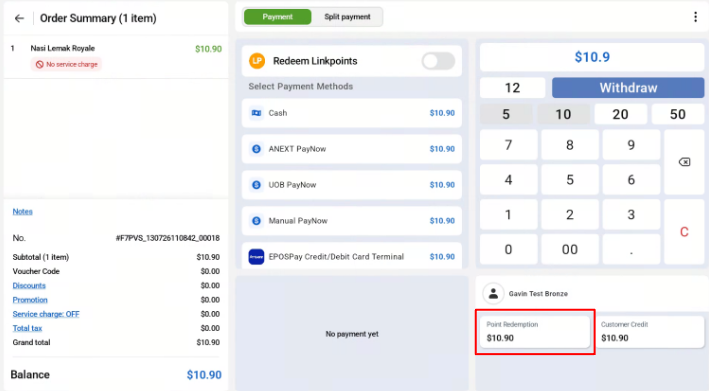
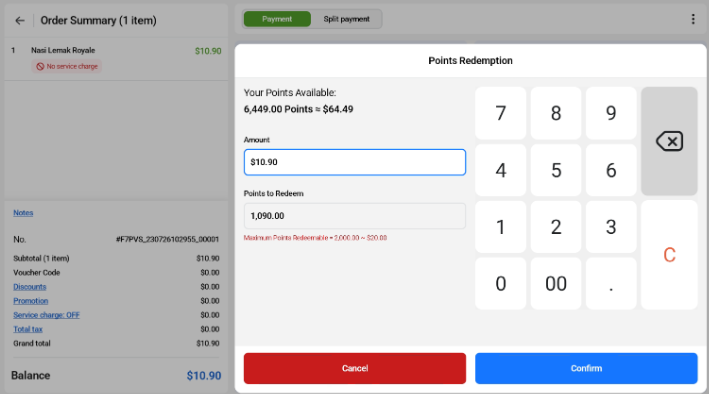
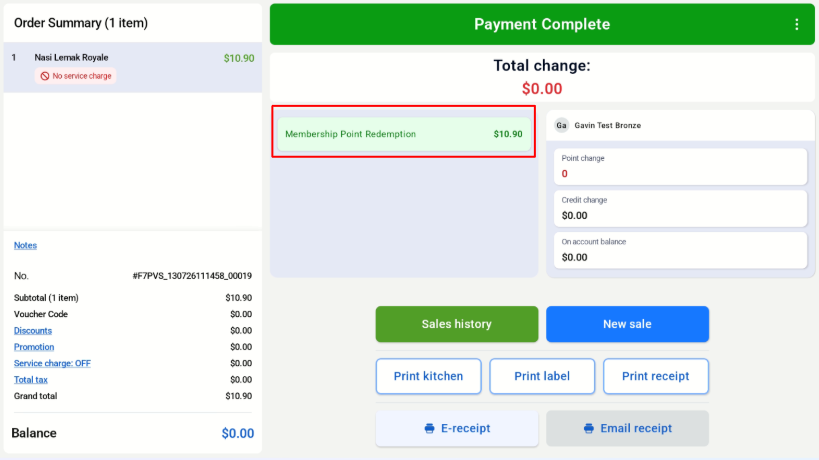
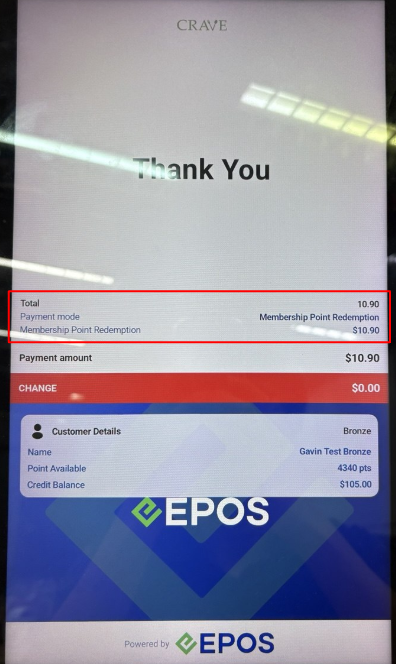
Customers are able to redeem their membership points for their transactions. However, only live membership point redemption is supported, offline redemption is not supported.
Cashier View
Customer View
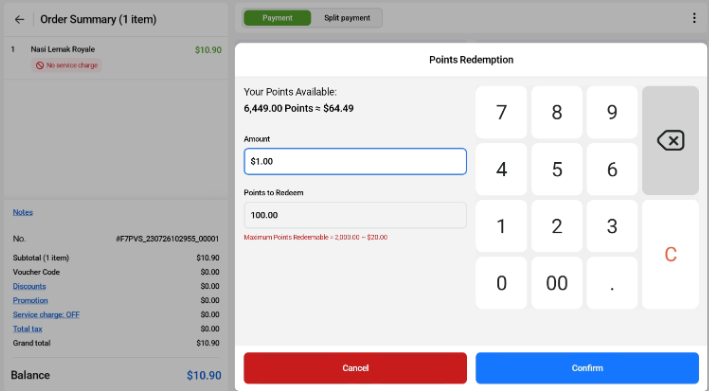
The number of points to redeem for this transaction can be adjusted by using the numpad.
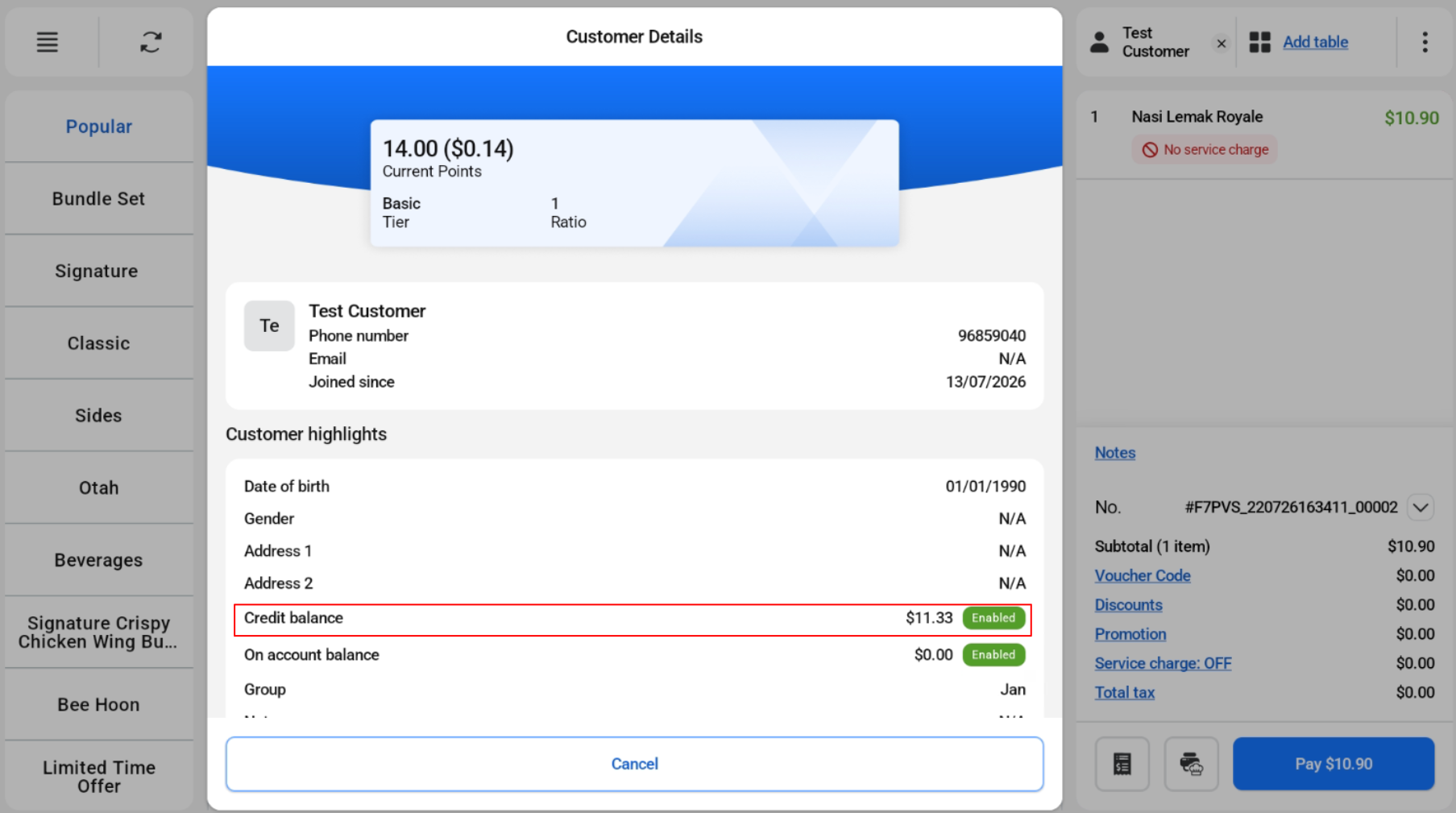
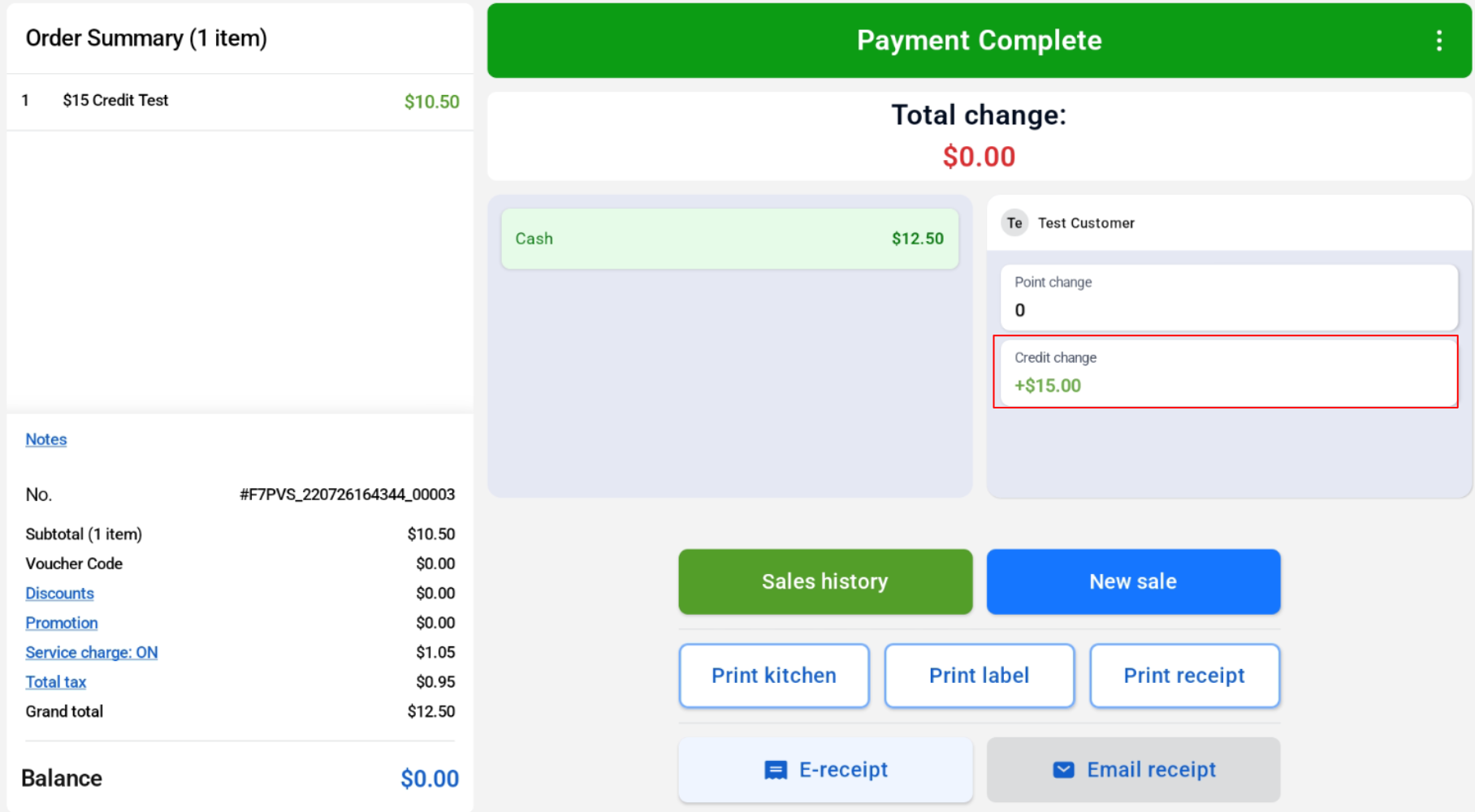
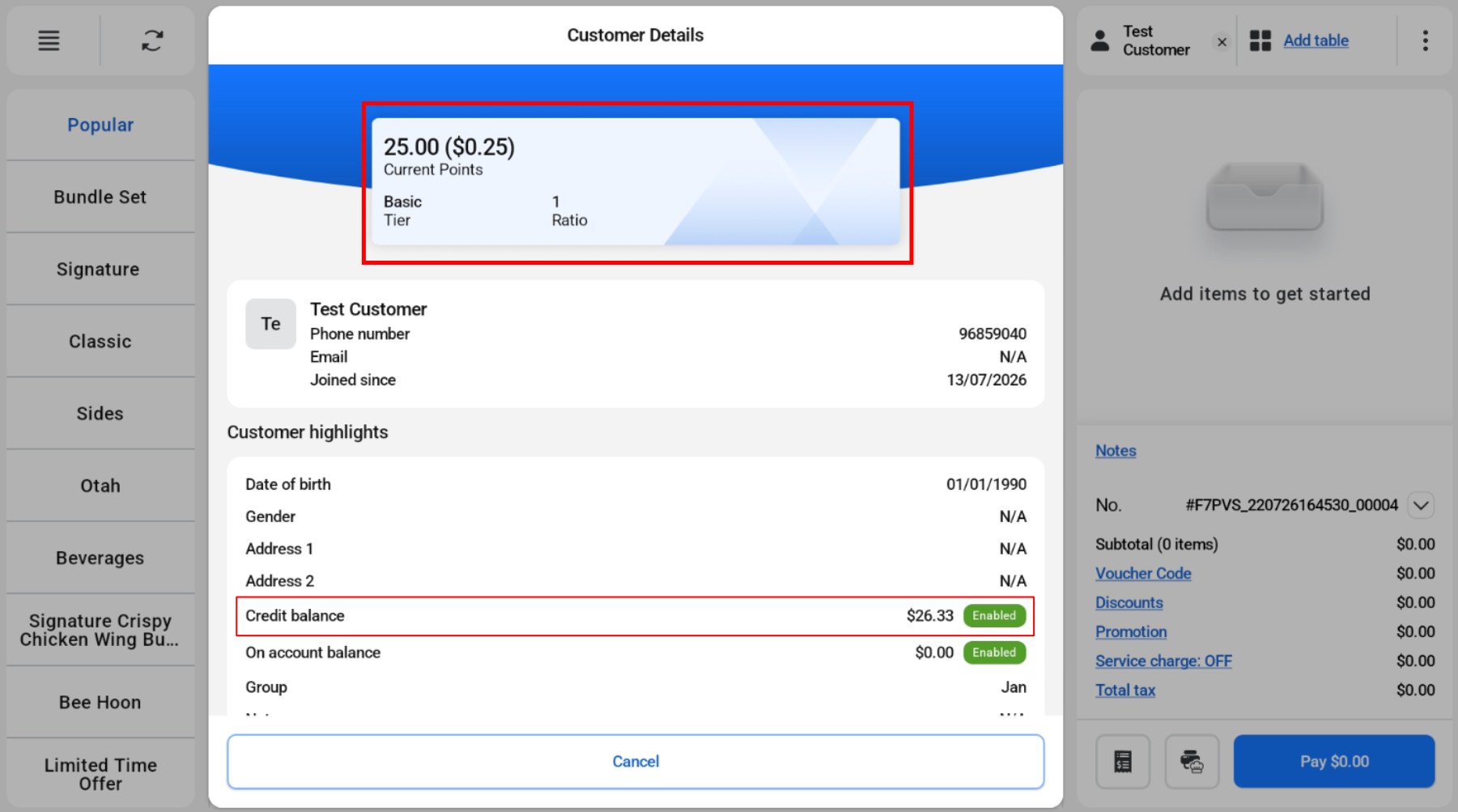
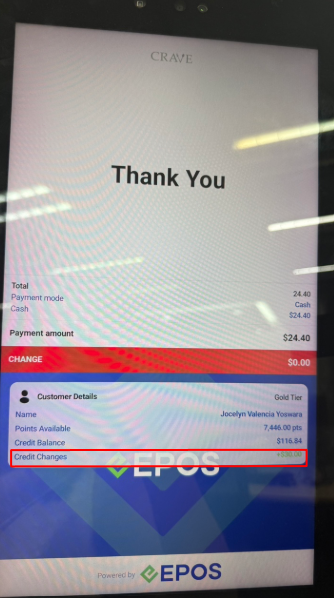
Customer are able to purchase credit and the balance will be reflected on the member’s profile.
Cashier View:
Customer View:
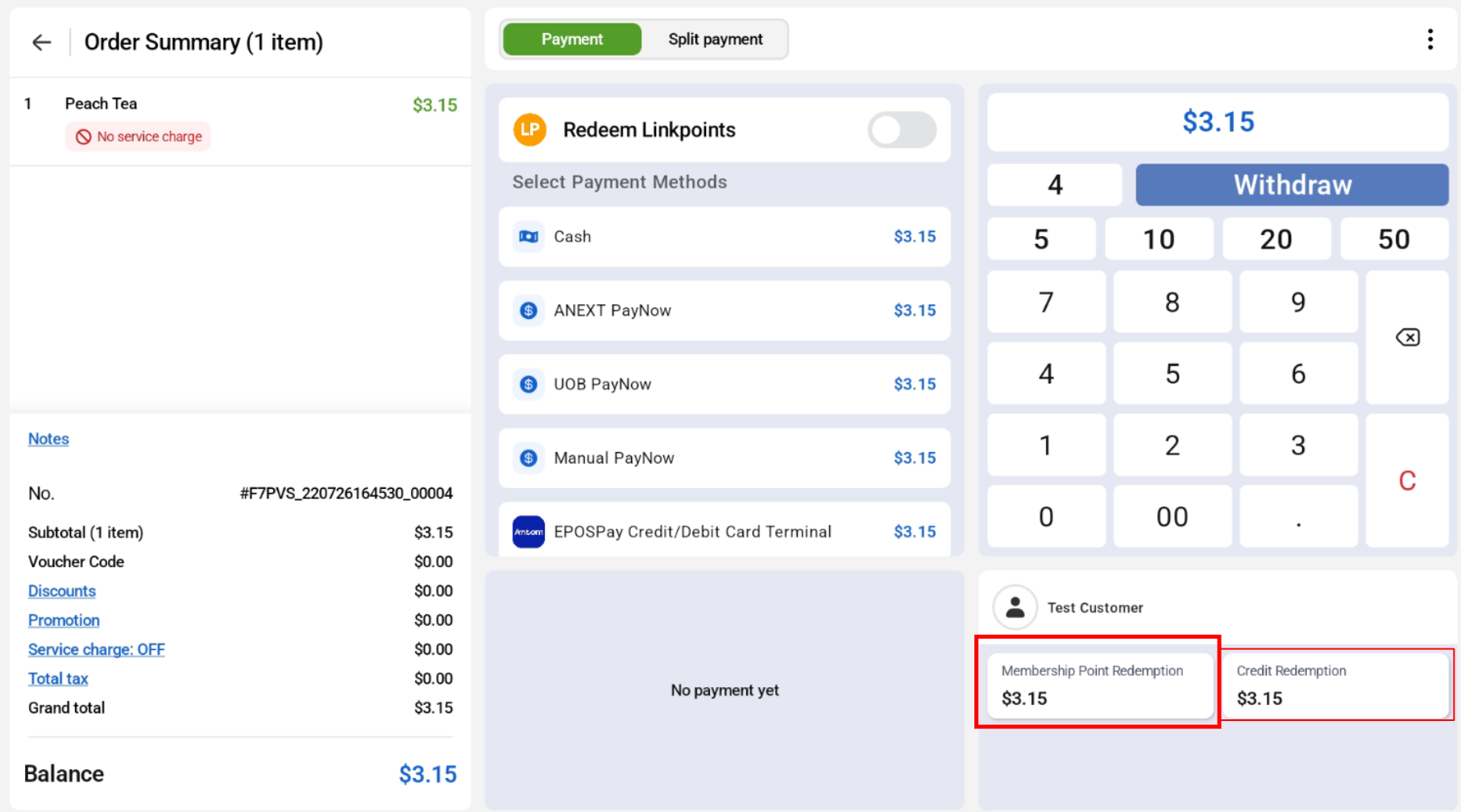
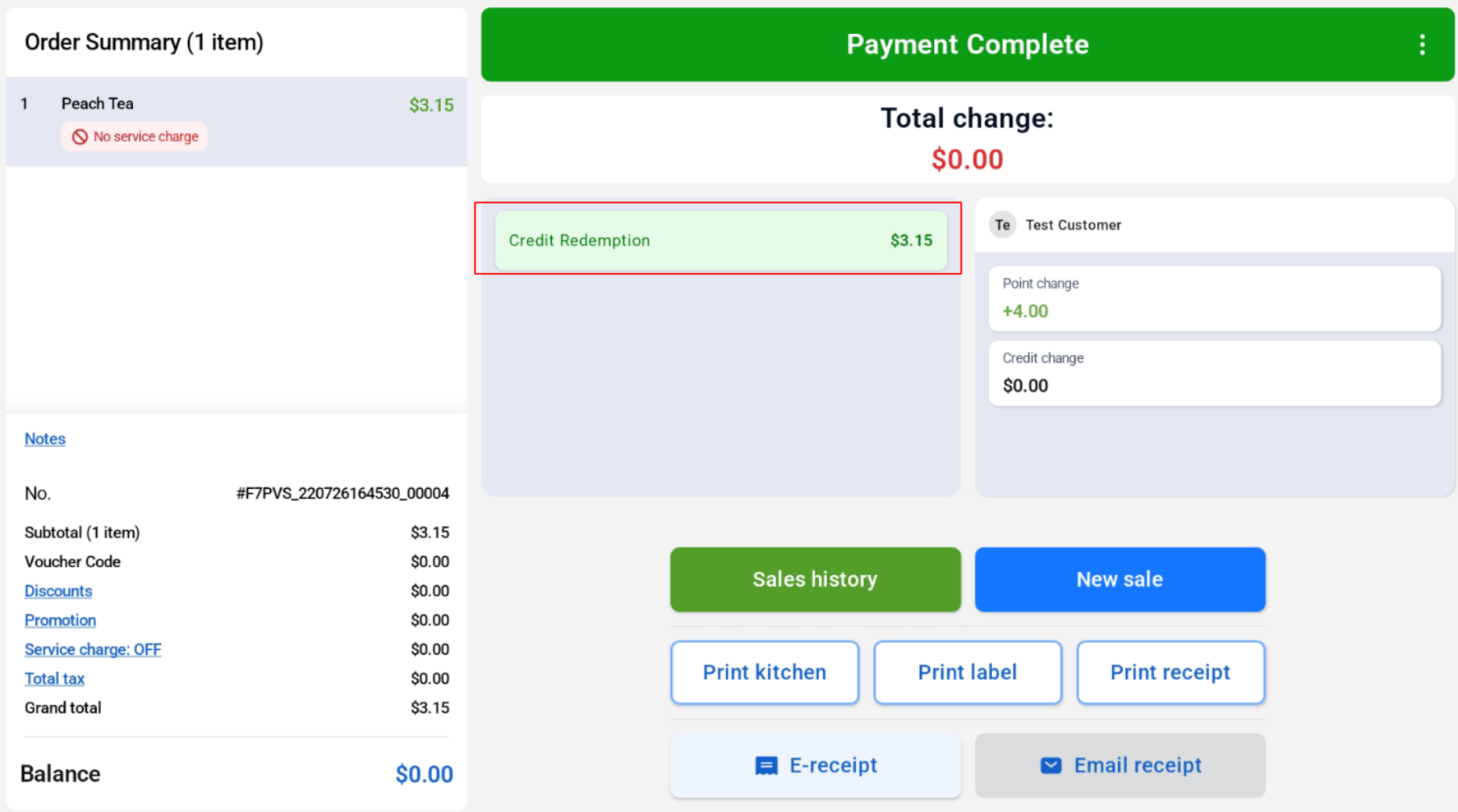
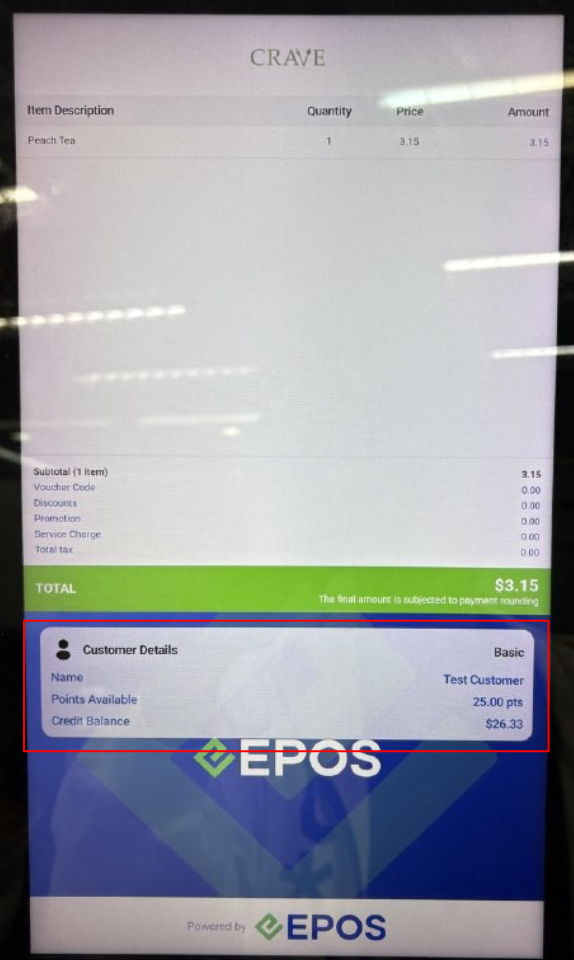
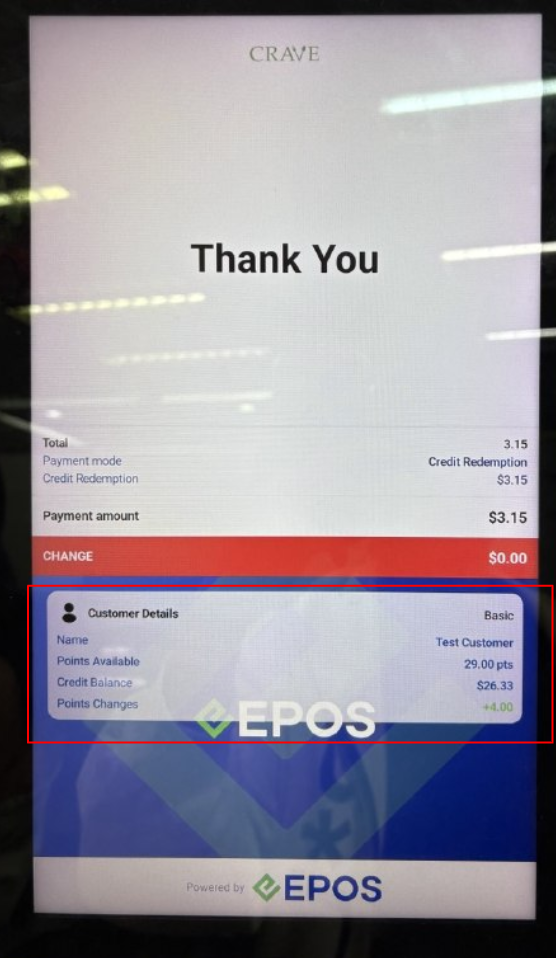
Customers are also able to redeem their credit to make purchases. Only live credit redemption is supported, not offline credit redemption.
Cashier View:
Customer View:
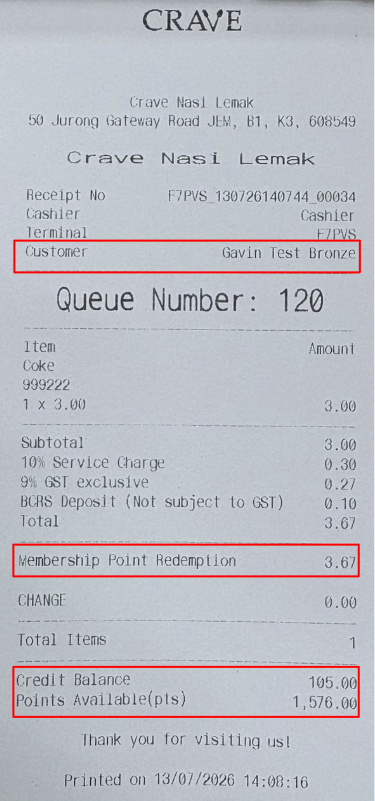
Customer details will be displayed on both 58mm and 80mm receipts.
58mm
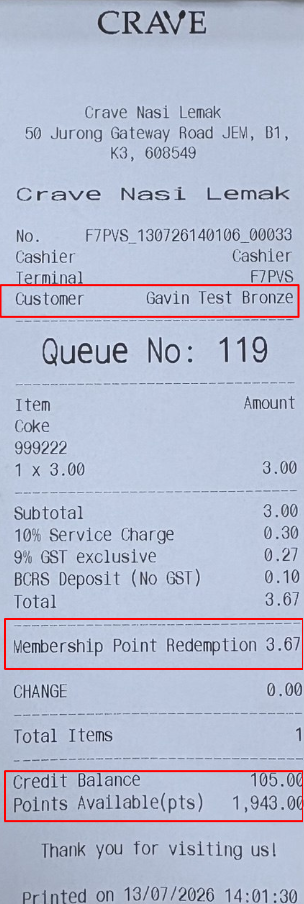
80mm