Dynamic QR Ordering is a smarter alternative where each QR code is generated with a time-based validity and session control. This ensures customers can only place orders within the allowed dining period and prevents misuse of saved QR codes for off-site ordering.
- Prevents unauthorized remote ordering by using auto-expiring dynamic QR codes
- Minimizes order mismatches caused by customers presenting outdated or incorrect QR orders
How to Setup?
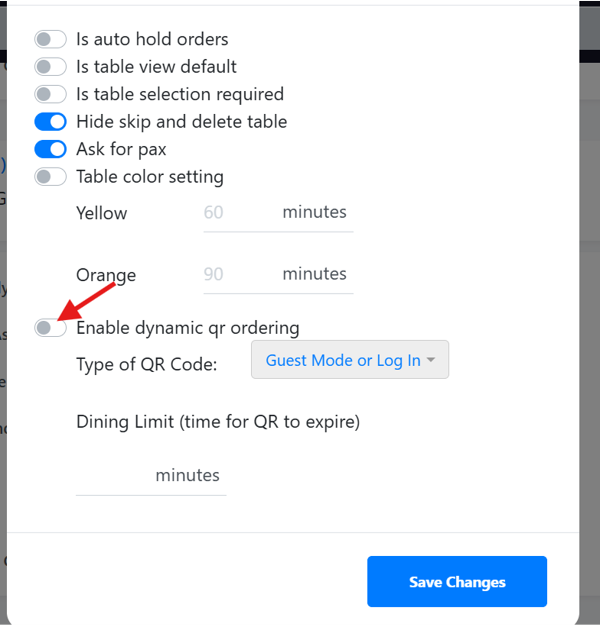
Instructions:
- Under ”Table Management”, select outlet and click on “Edit Configs”
- Toggle on “Enable dynamic qr ordering” and select type of QR code
- Enter Dining Limit by entering the value in minutes and click “Save Changes
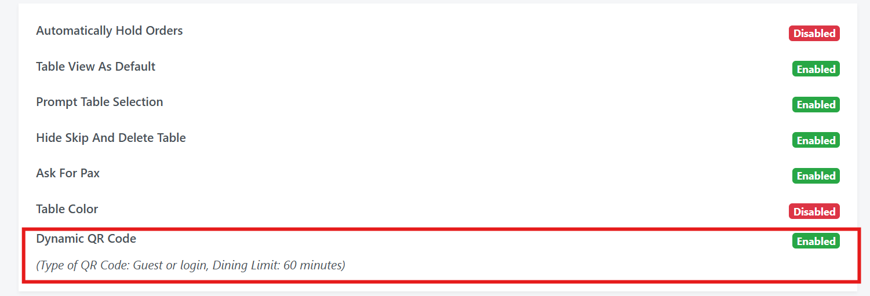
The changes made will be displayed as shown.
(Note: When Dynamic QR is turned on, Static QR will be invalid. Only choose 1 type of QR.)
Types of Dynamic QR Code
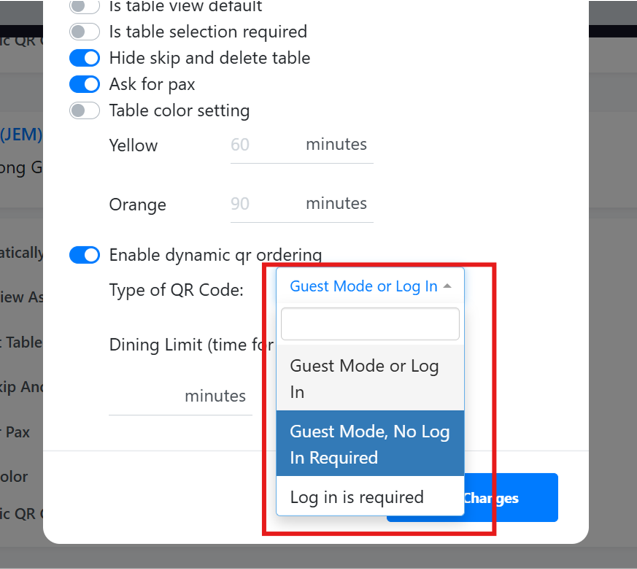
There are 3 types of Dynamic QR available
1. Guest Mode or Log In
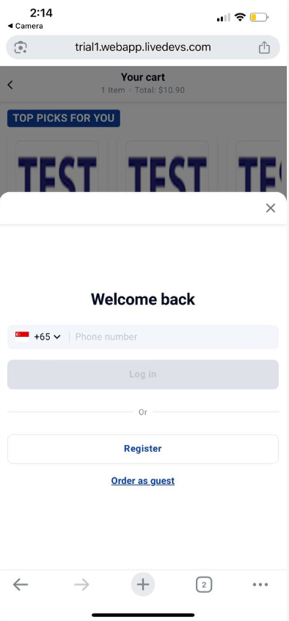
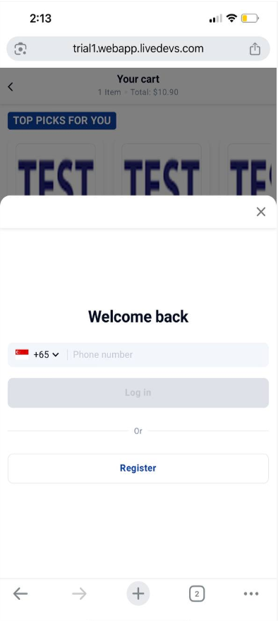
2. Guest Mode, No Log In

3. Log In is required
Printed Dynamic QR (Sample)
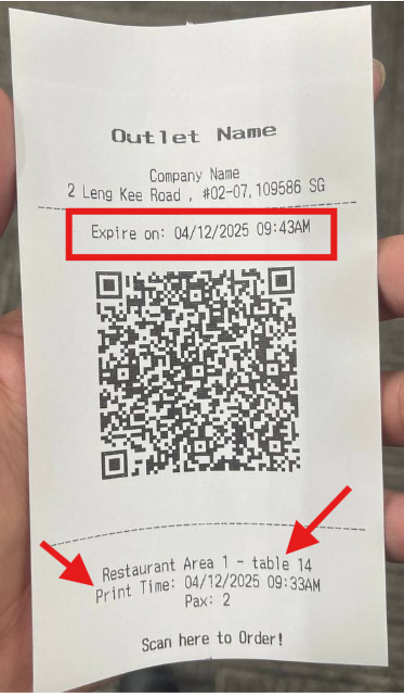
- Printed dynamic QR code will display printed with expiry time and date
- Printed dynamic QR will display the table name and time of printing
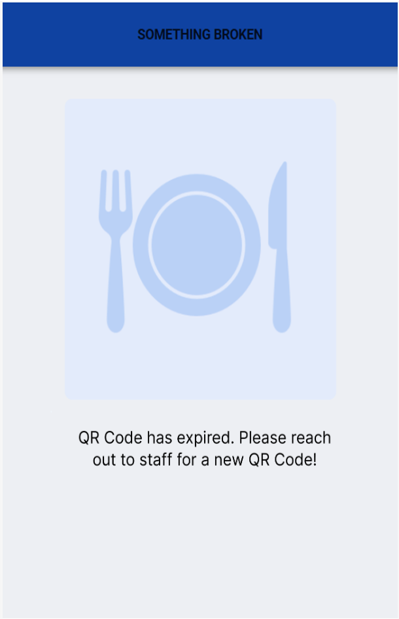
If QR code has expired, the display will appear as shown below
Reasons for this display:
- Dining limit time has exceeded what was set on the backend
- Turned off Dynamic QR printing