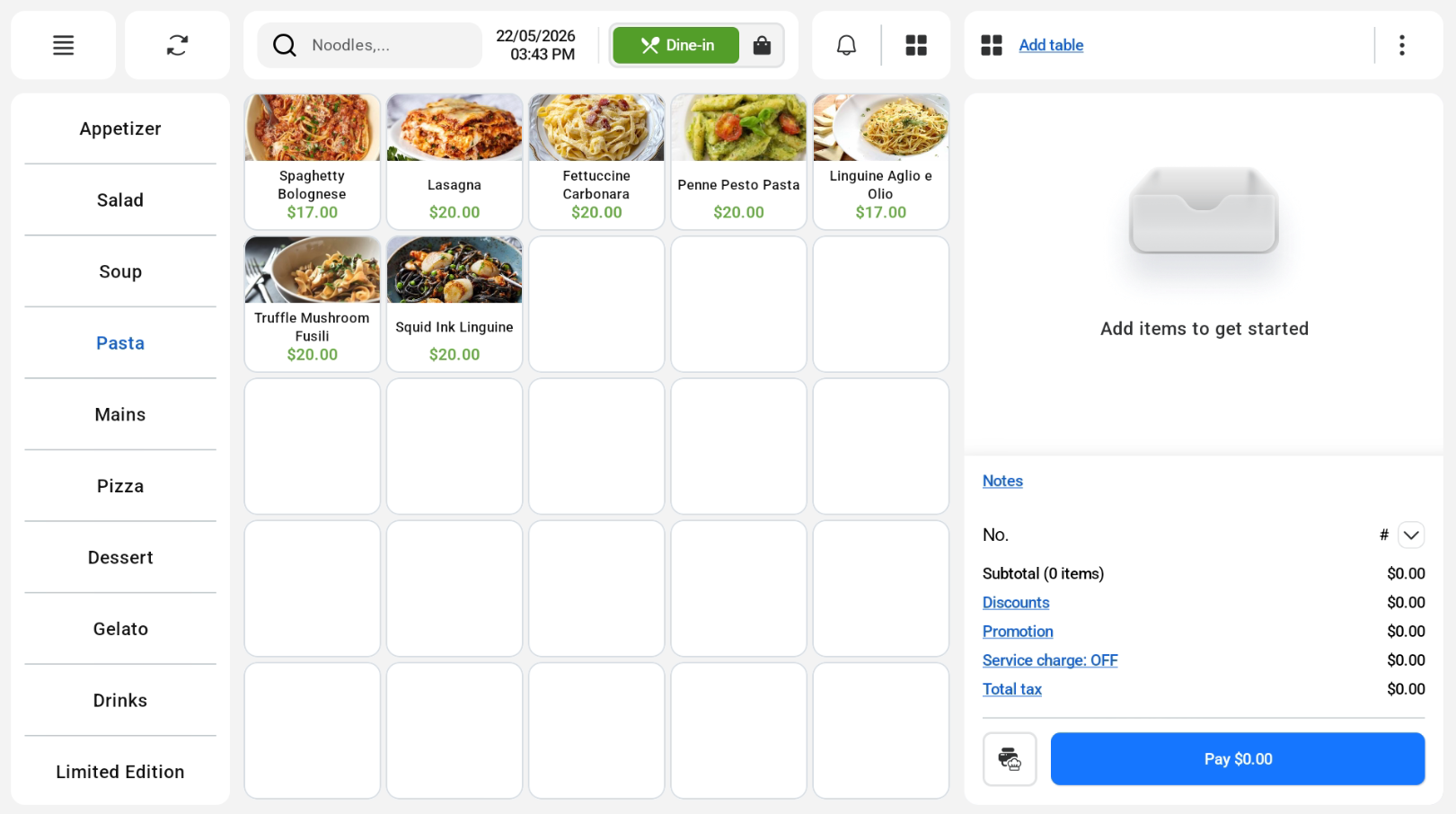
There are two options for users to add products into the order cart. Users can set up the products in the backend portal and sync to the frontend POS.
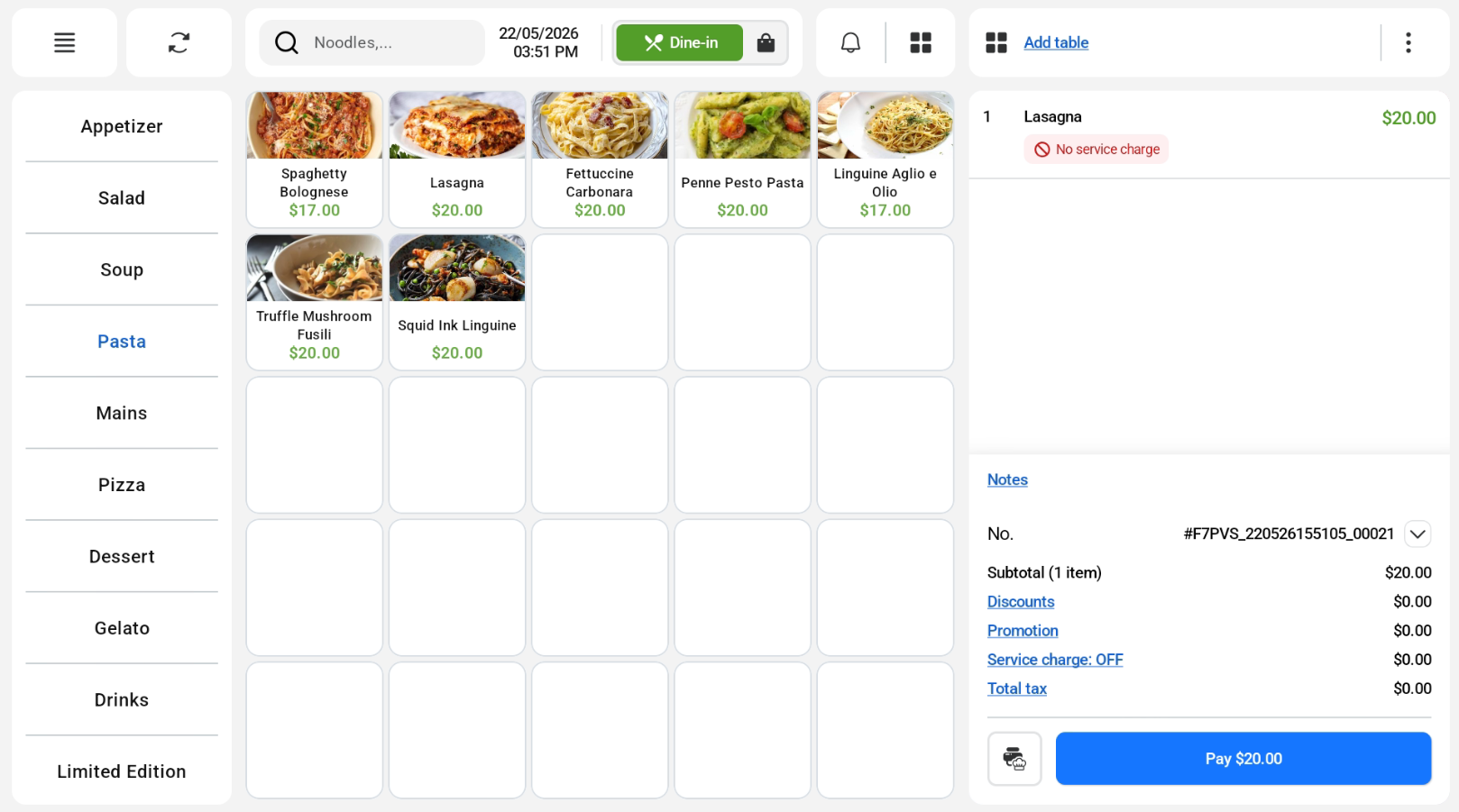
1. Using Quickpick
Users can click on the products in the Quickpick to add them to the order cart.
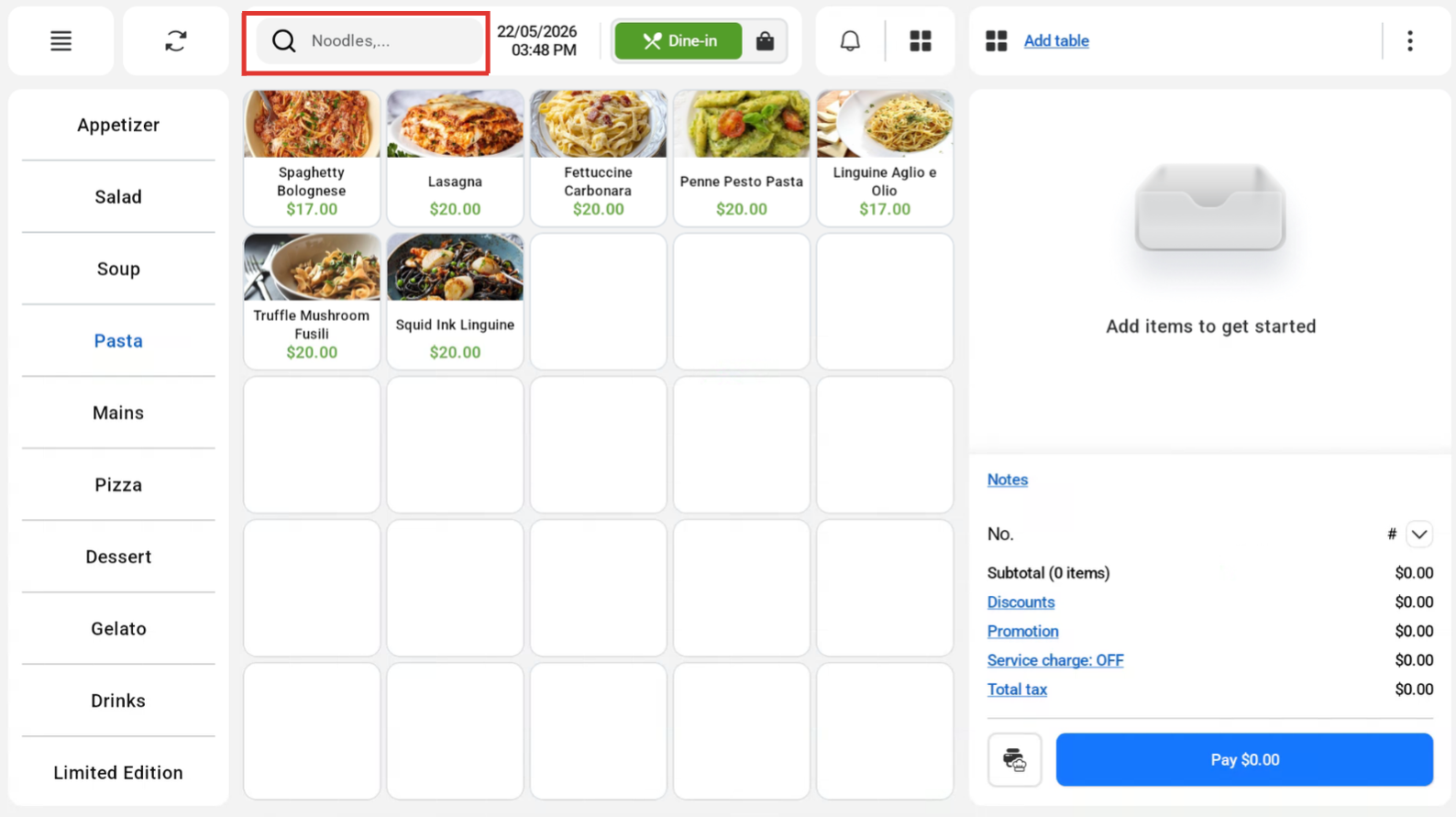
2. Using Search Function
Users can click on the Search Box to look for their desired product
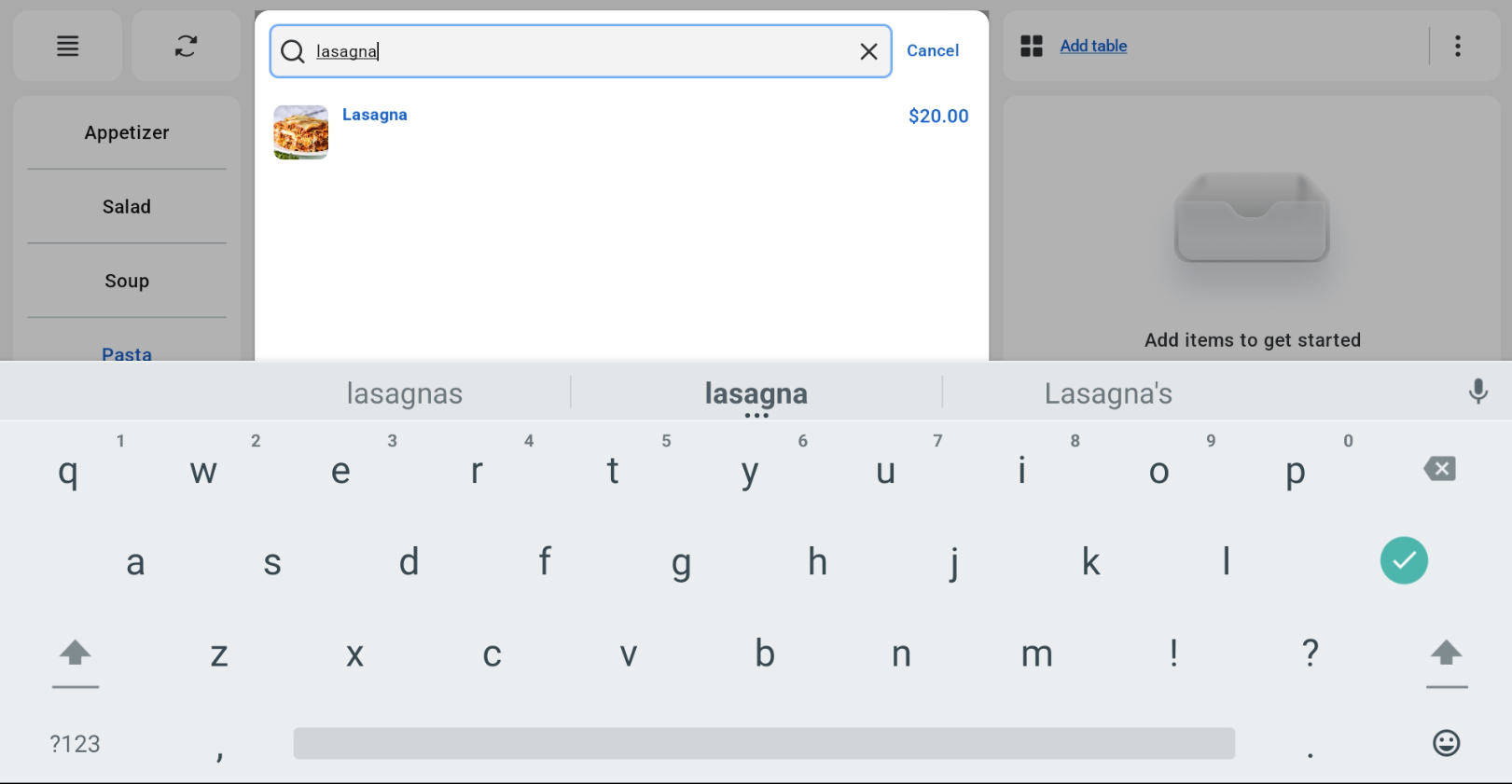
Users can find the product in the cart.
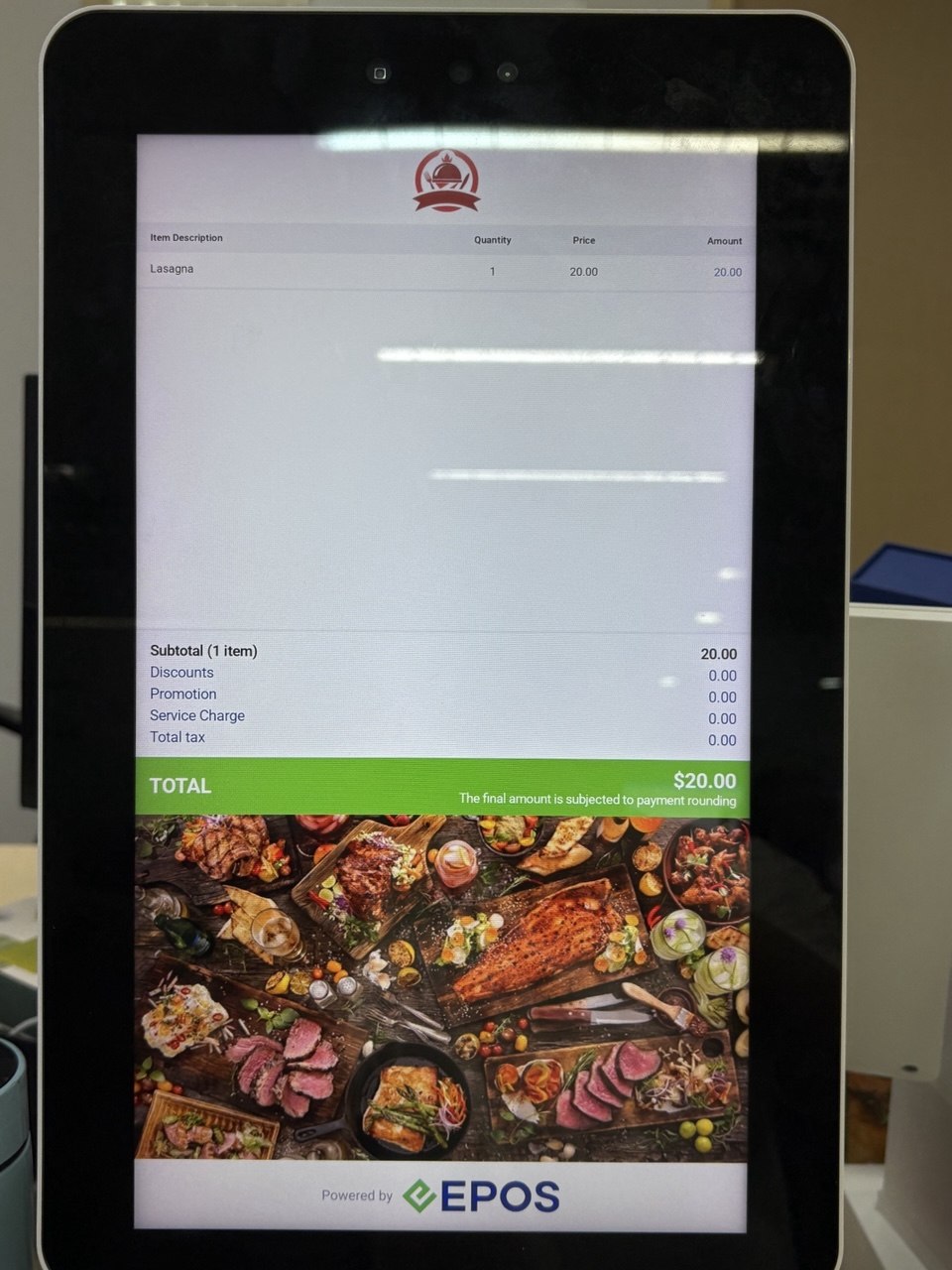
Customer View on Kiosk Mode
Customer will be able to view the order on the kiosk.