Built-in Receipt Printer
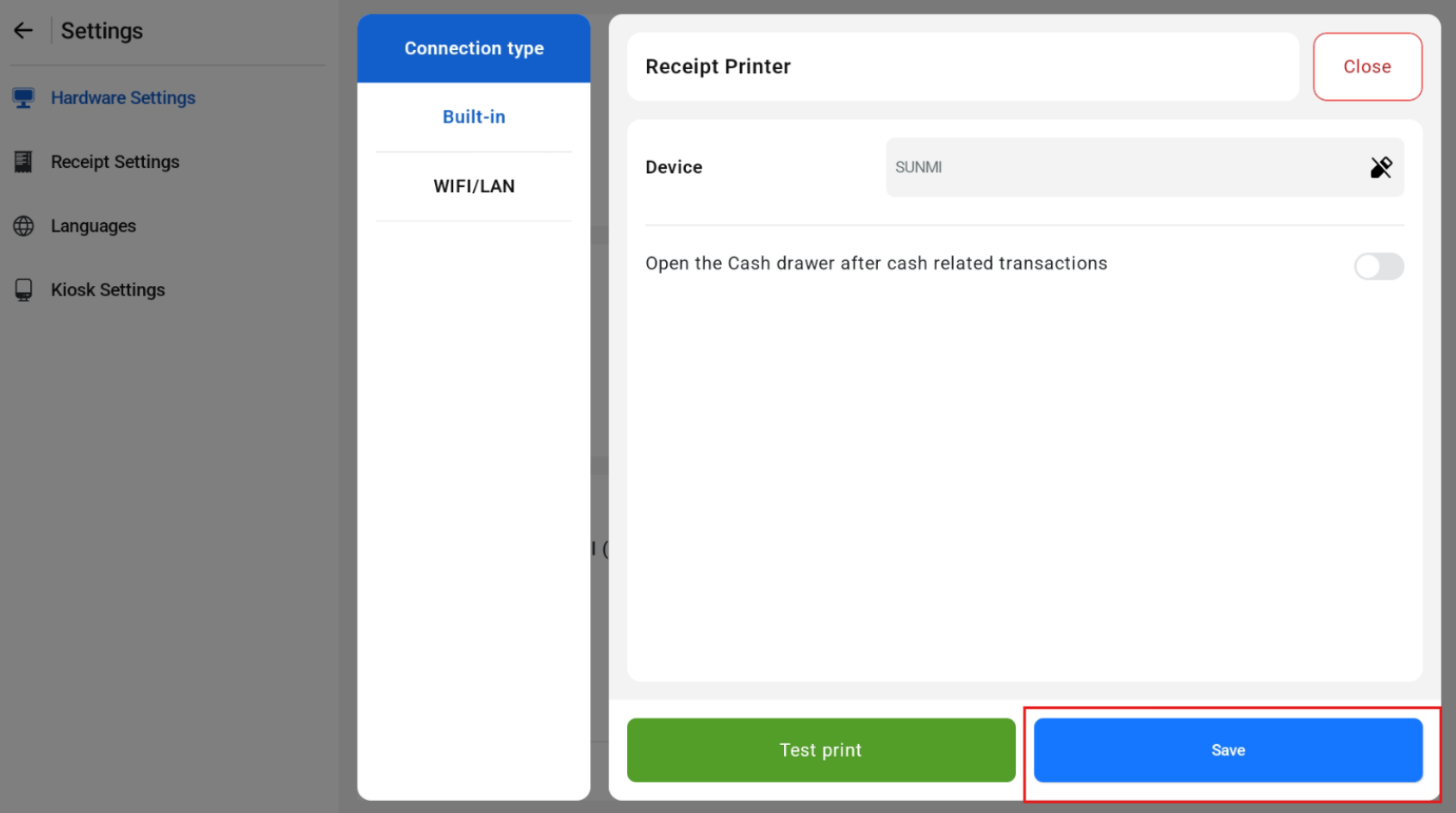
Under Receipt Printer > Add Printer > Choose Connection Type = Built-in > Click Save
Configuration
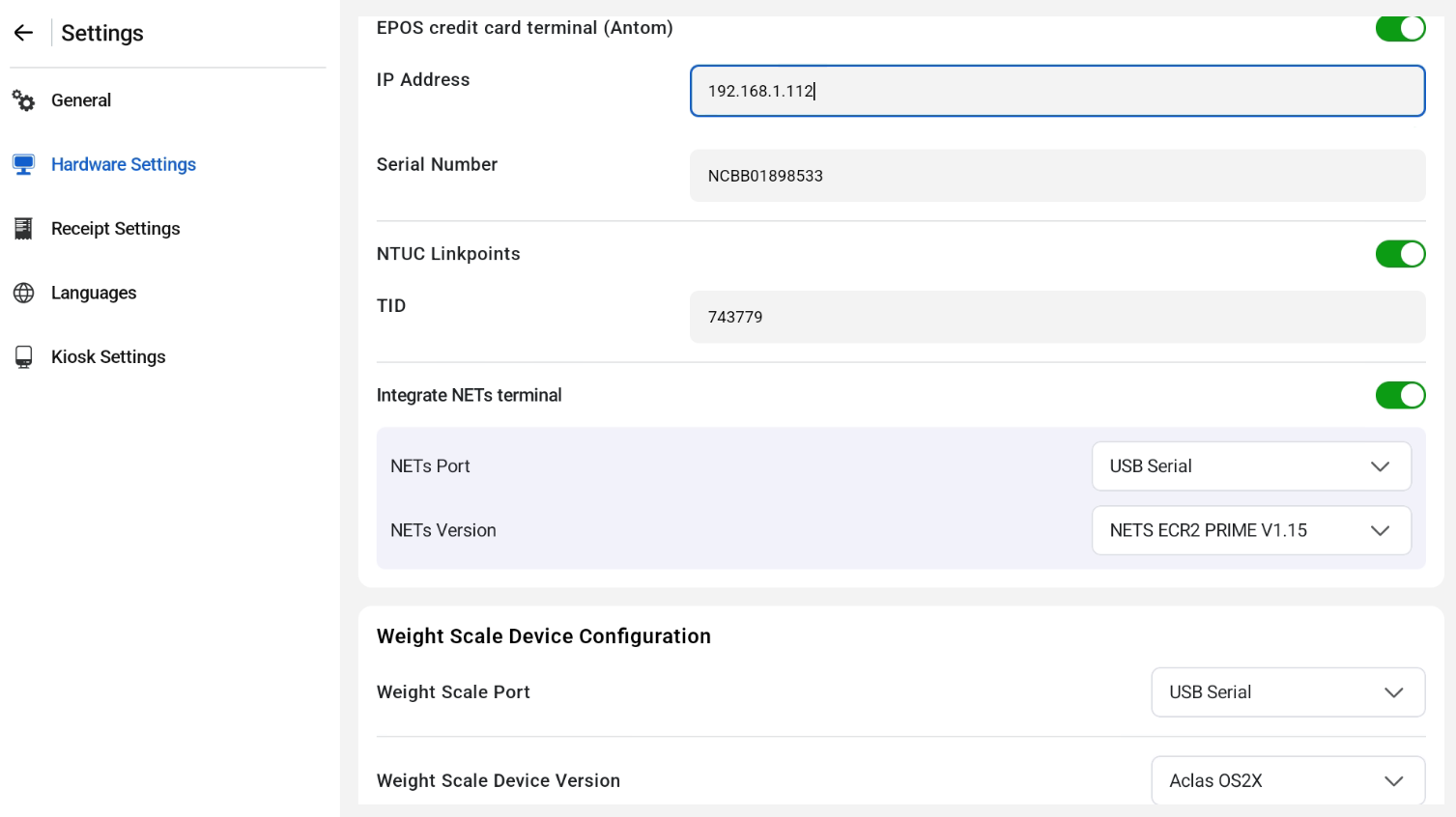
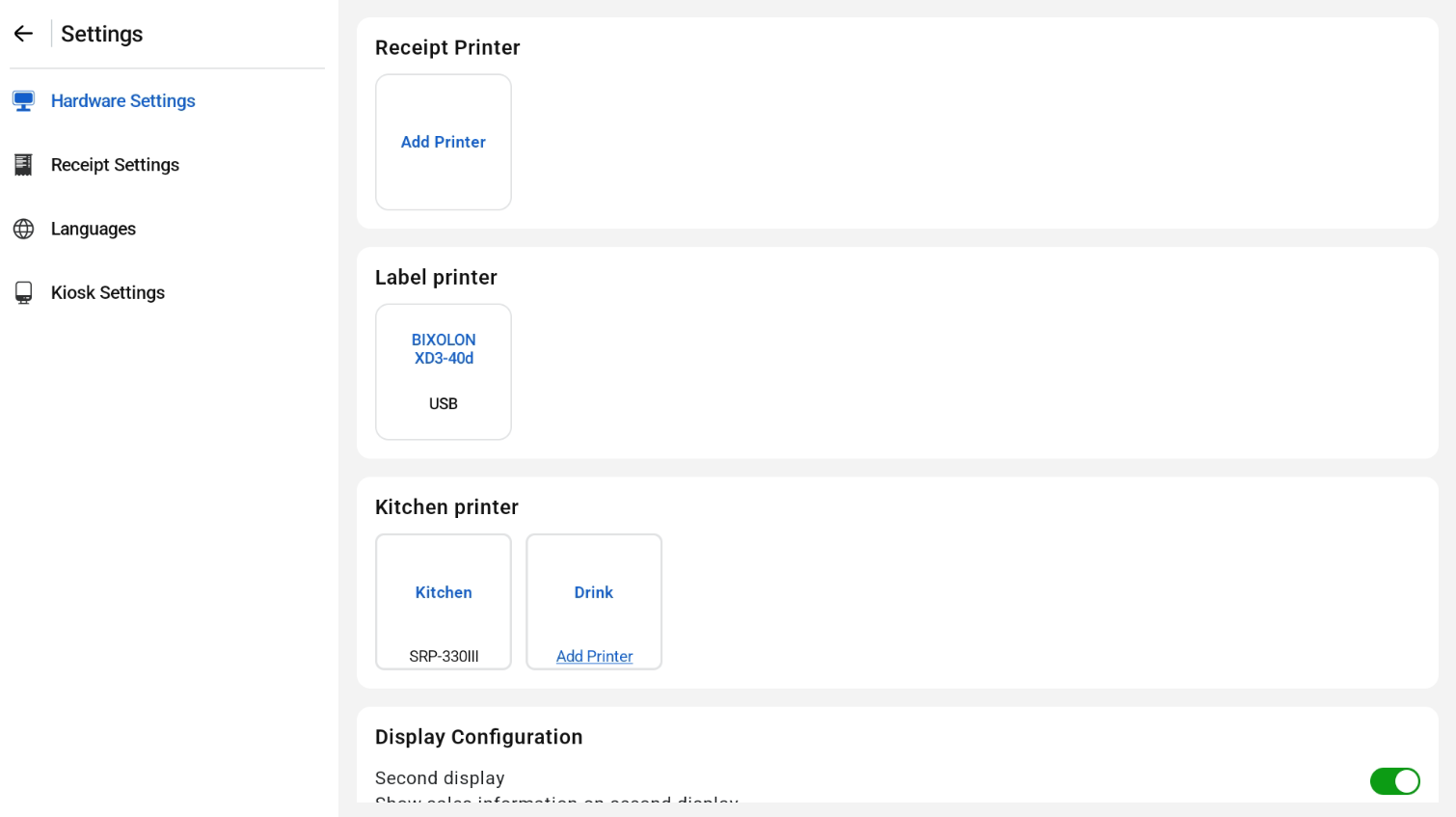
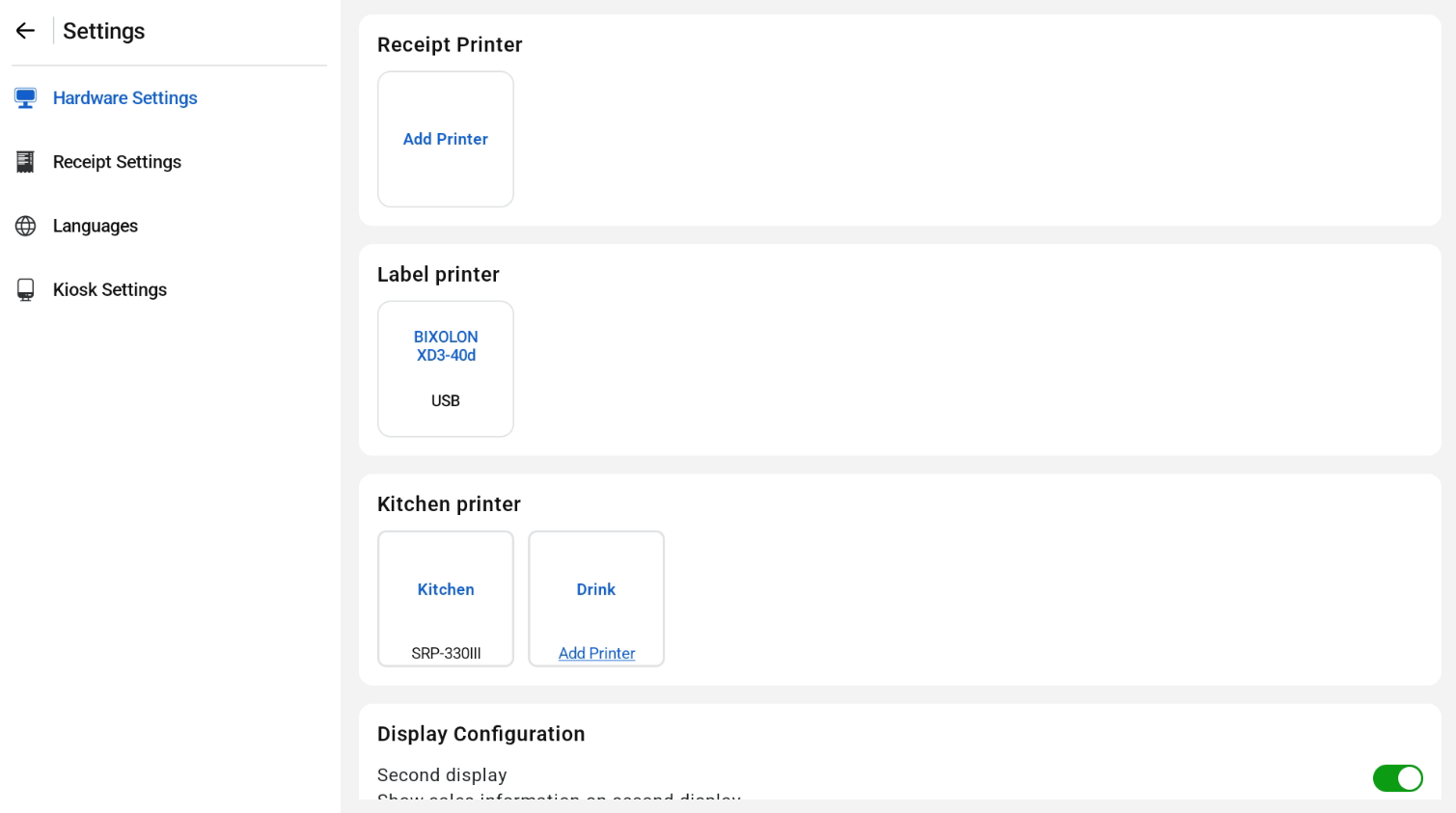
Receipt Printer, Kitchen Printer, Display Configuration, Antom and NETS Payment terminal Integration, NTUC Linkpoints Integration for both POS & Kiosk mode, and Weight Scale device config are all configured in this page.
To use a NETS terminal, turn on Integrate NETS terminal and select the NETS port and version. To use an integrated weighing scale, select the weight scale port and device version under Weight Scale Device Configuration.