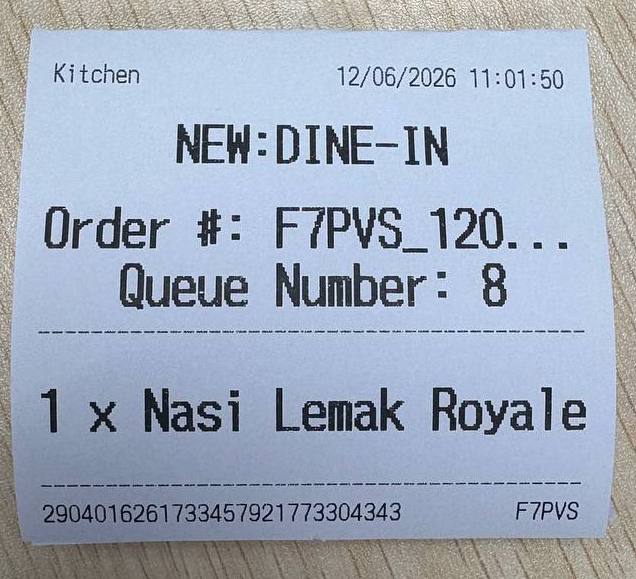
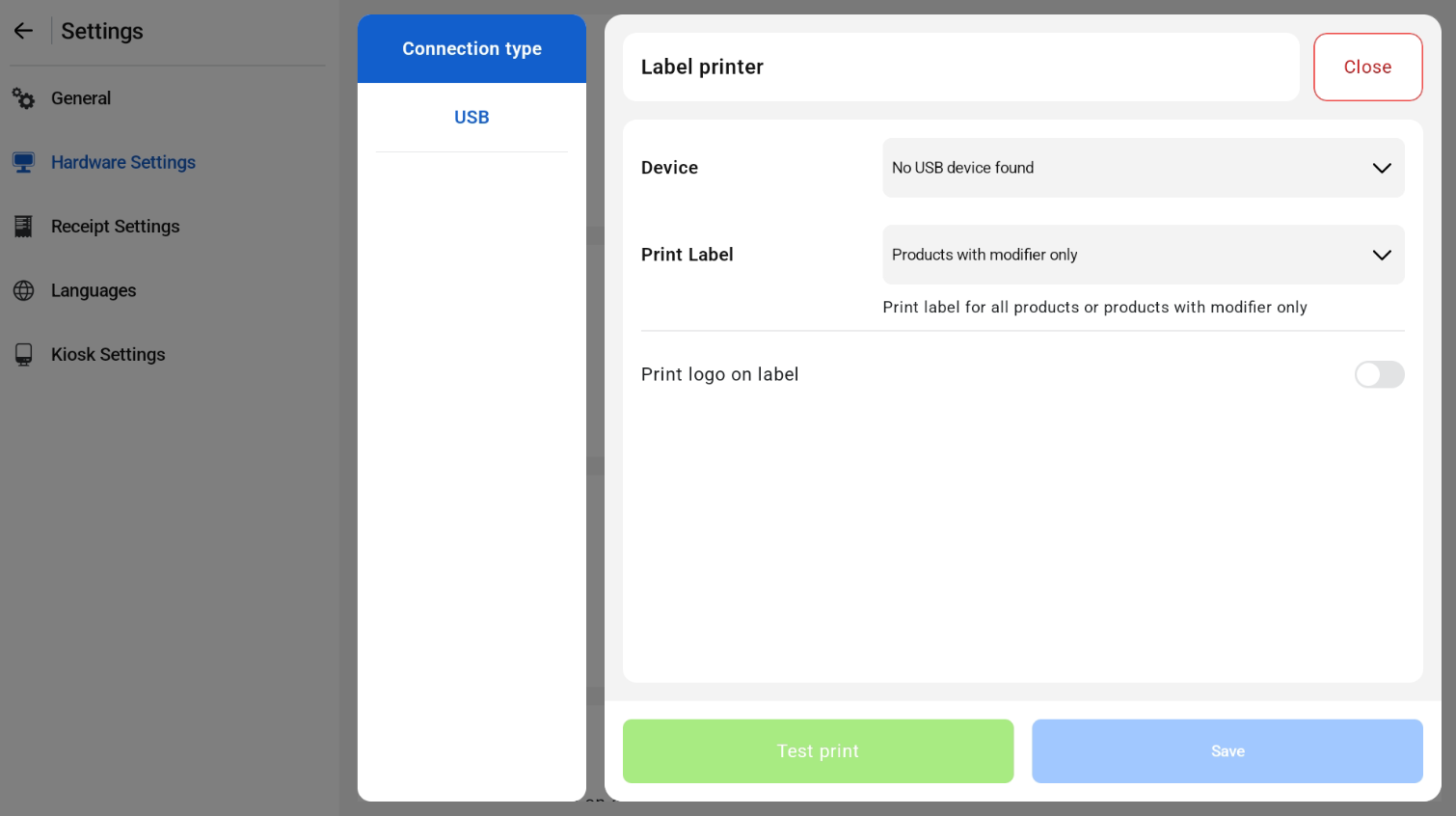
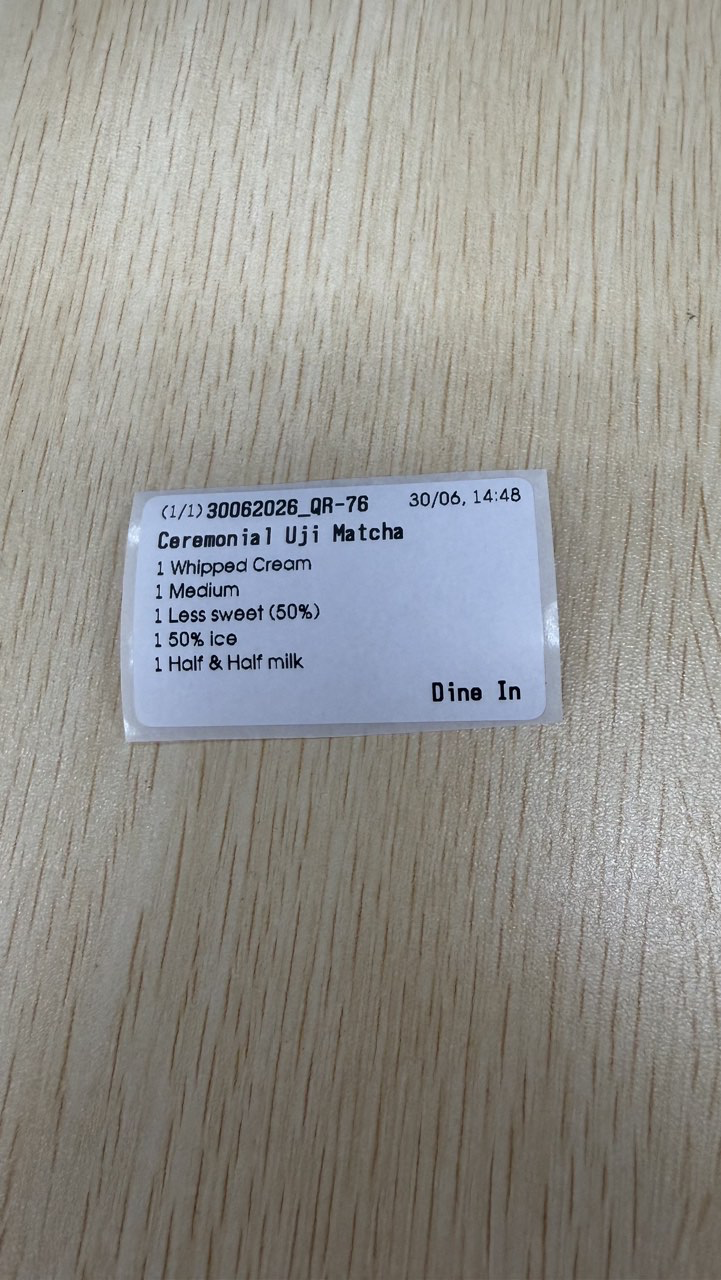
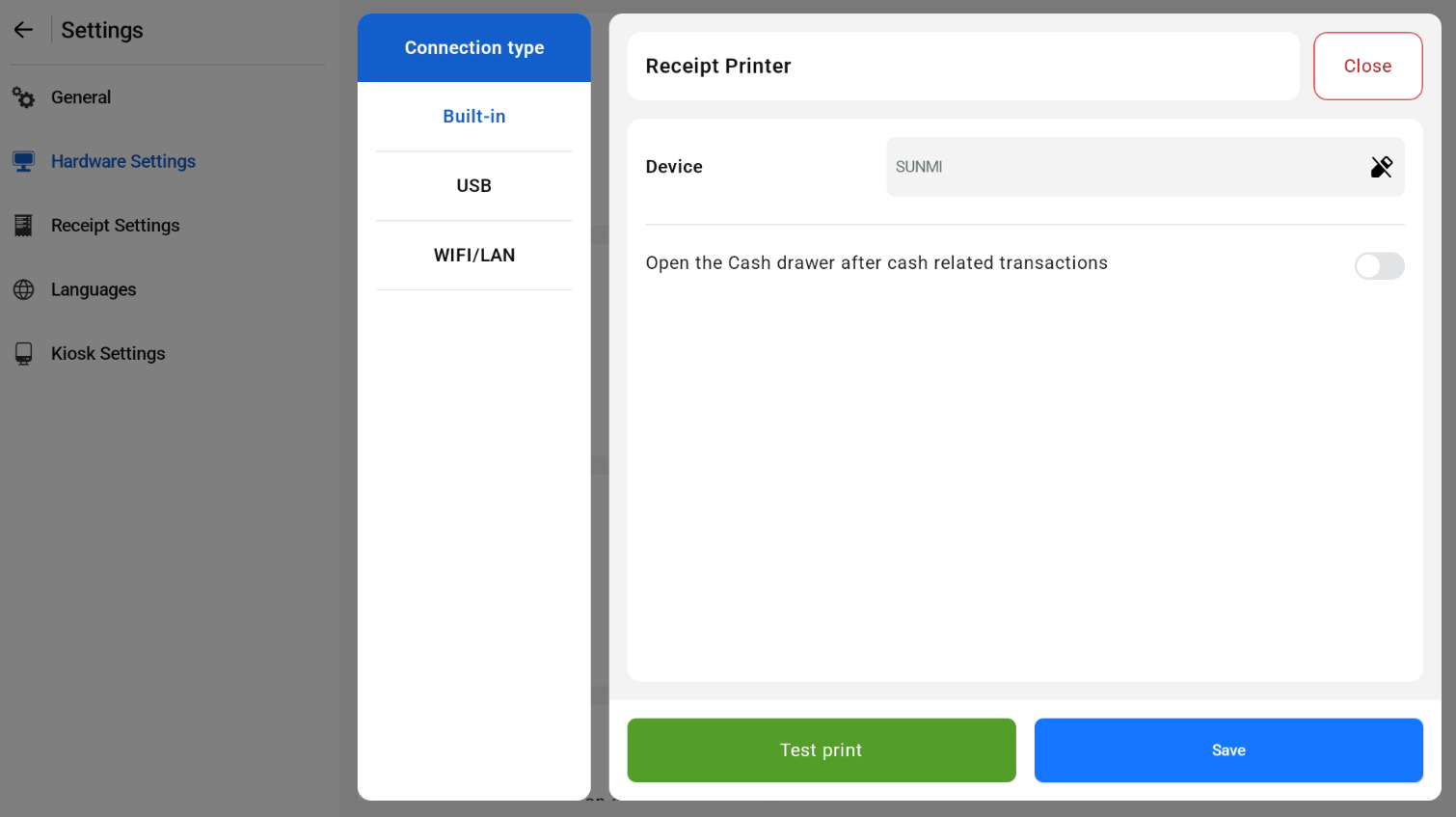
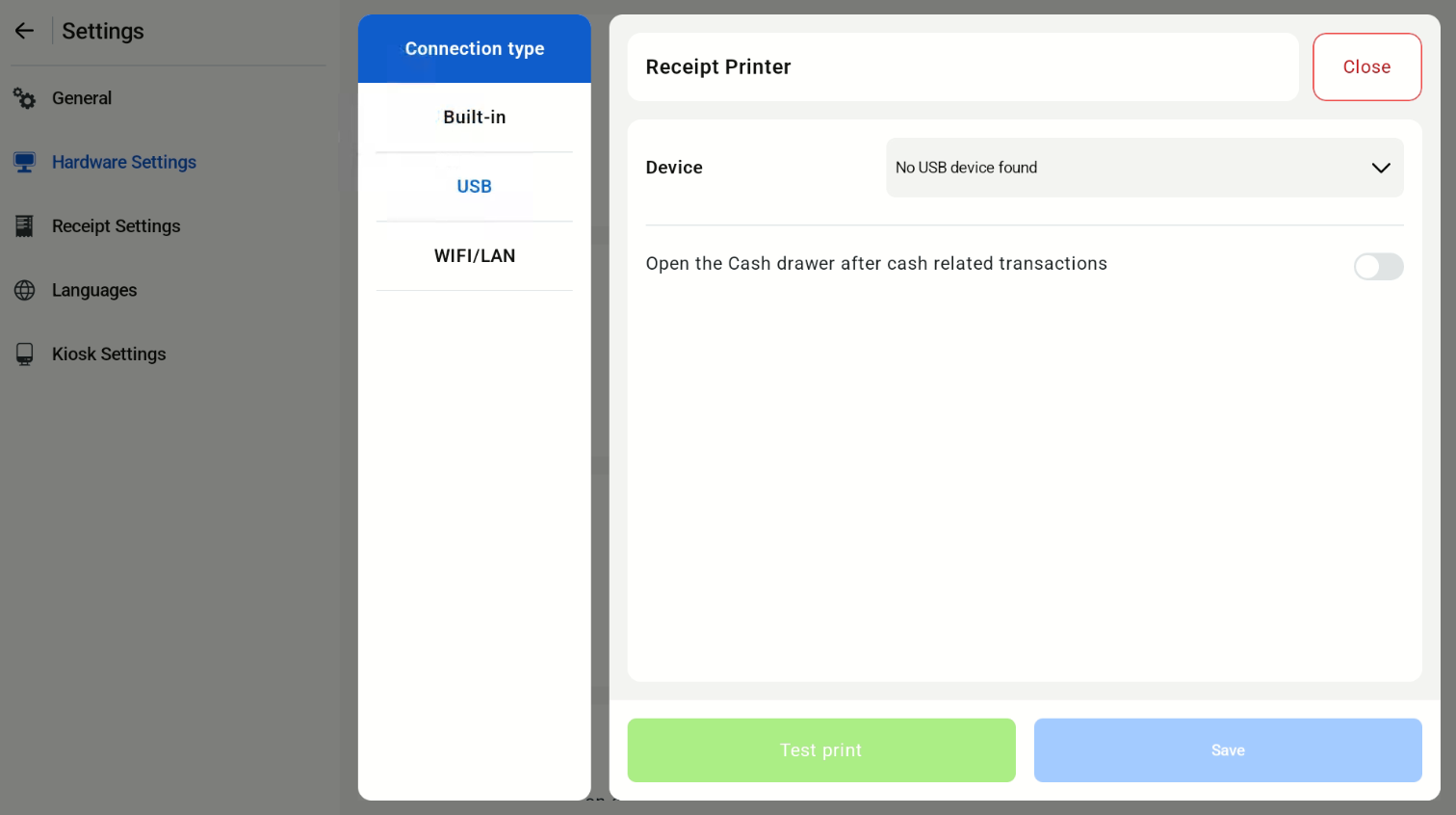
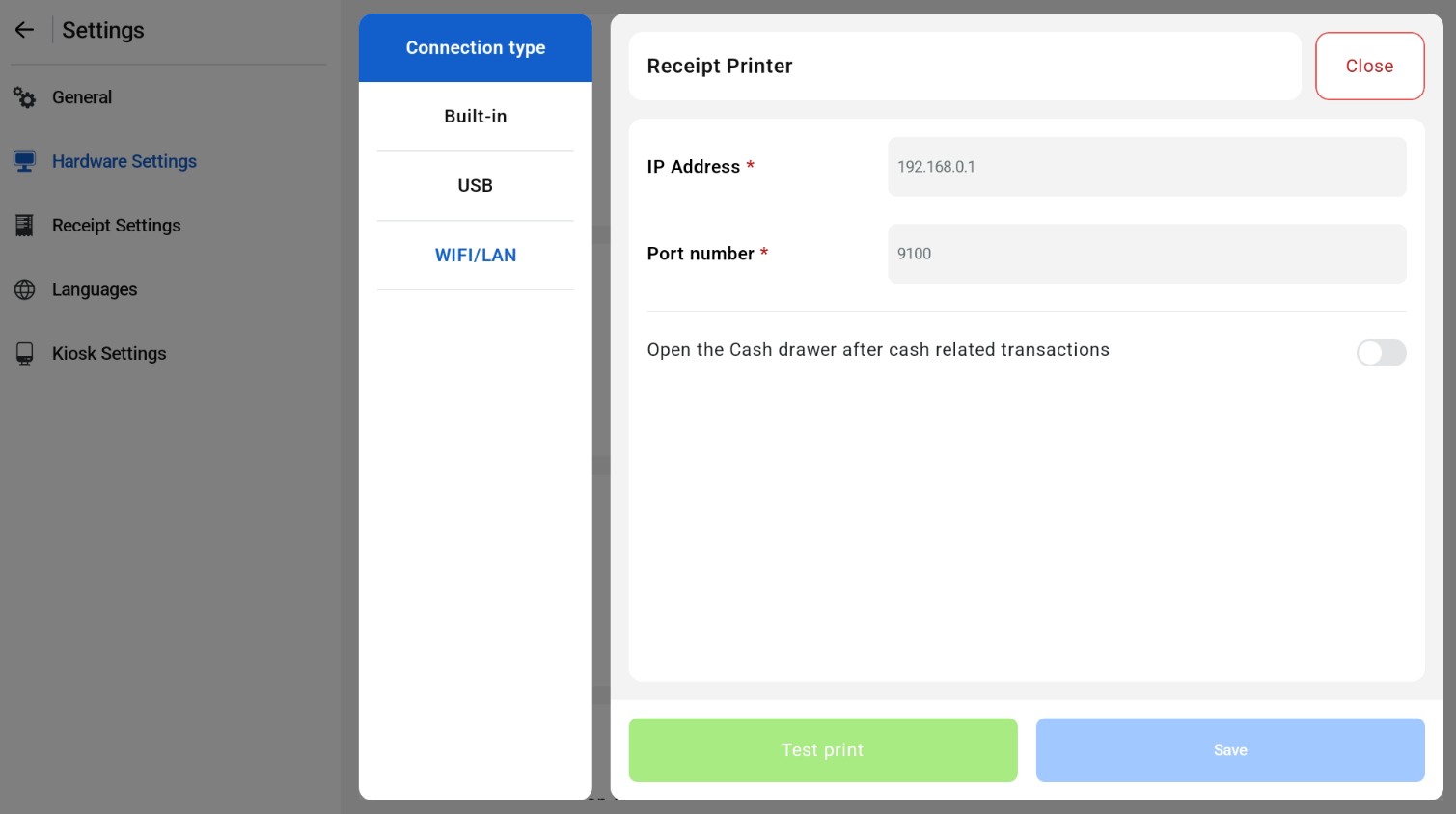
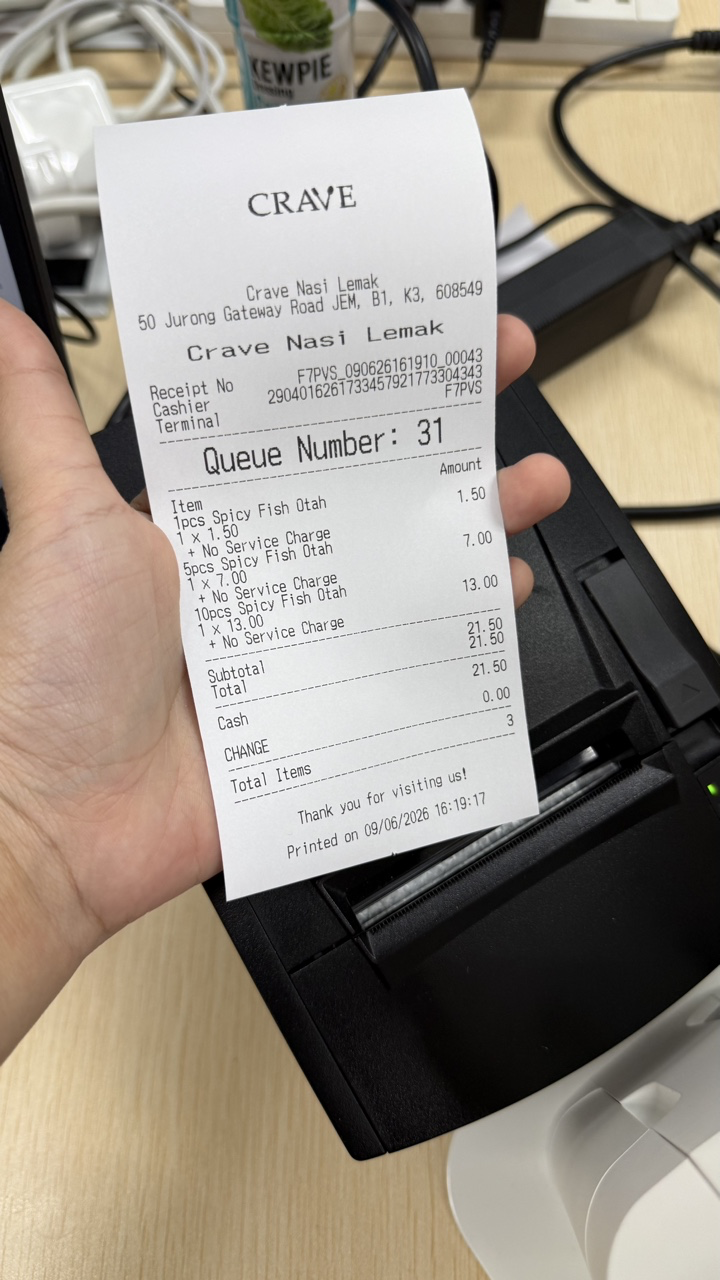
All kitchen printer that is set from the EPOS Backend will be shown in the Kitchen Printer Hardware settings. Orders from the hybrid kiosk (both POS and Kiosk mode can be sent to the kitchen).
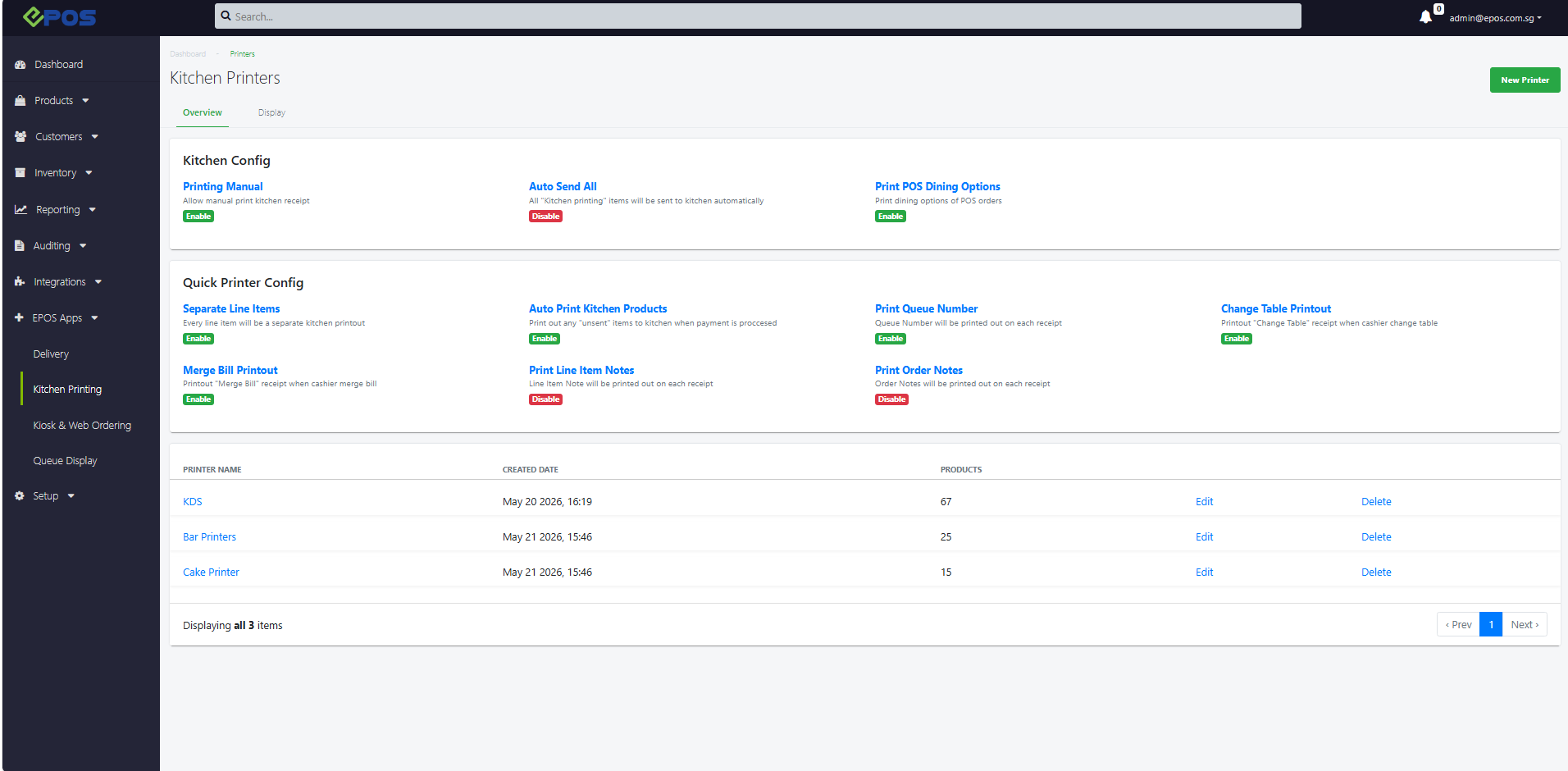
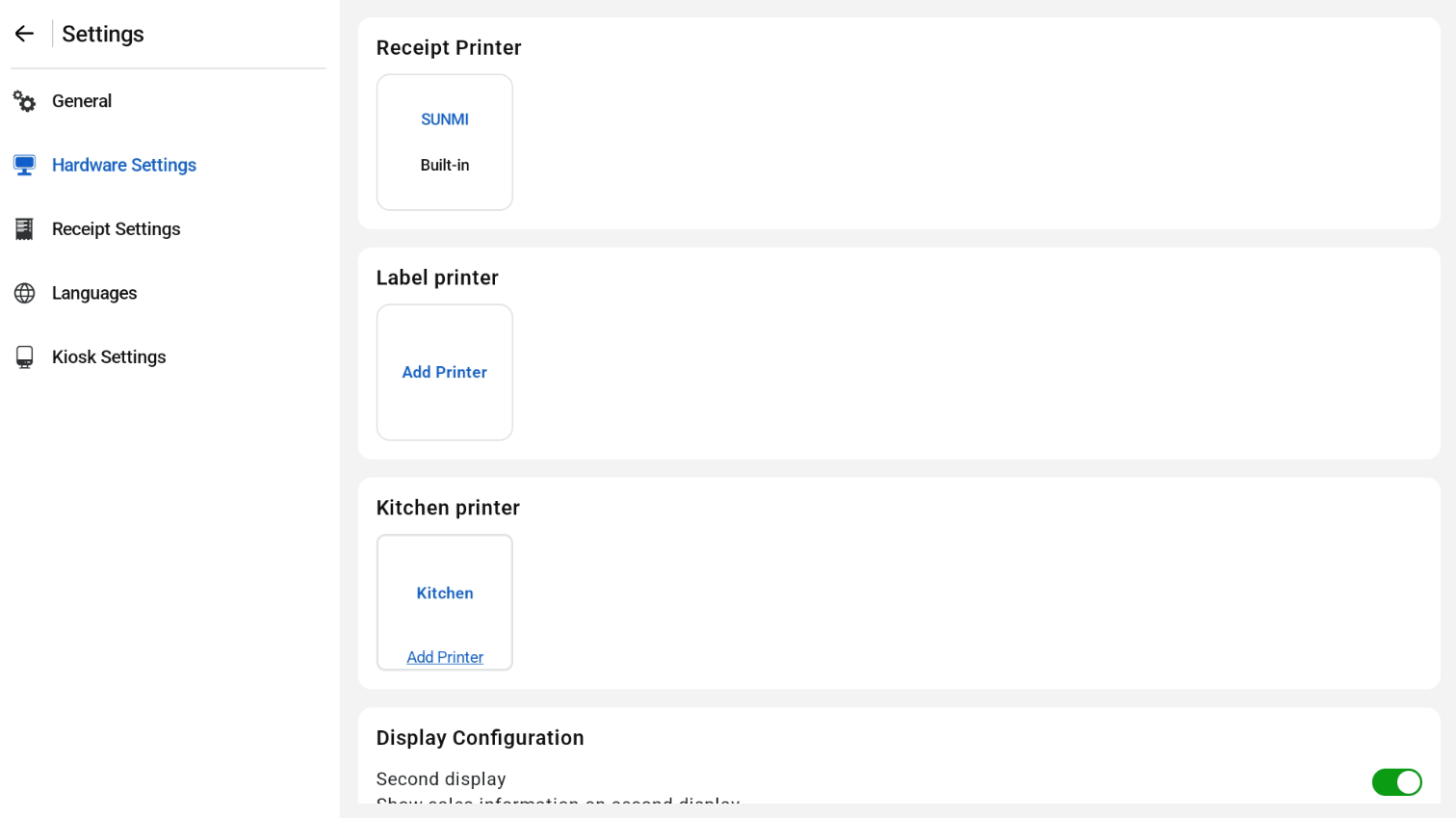
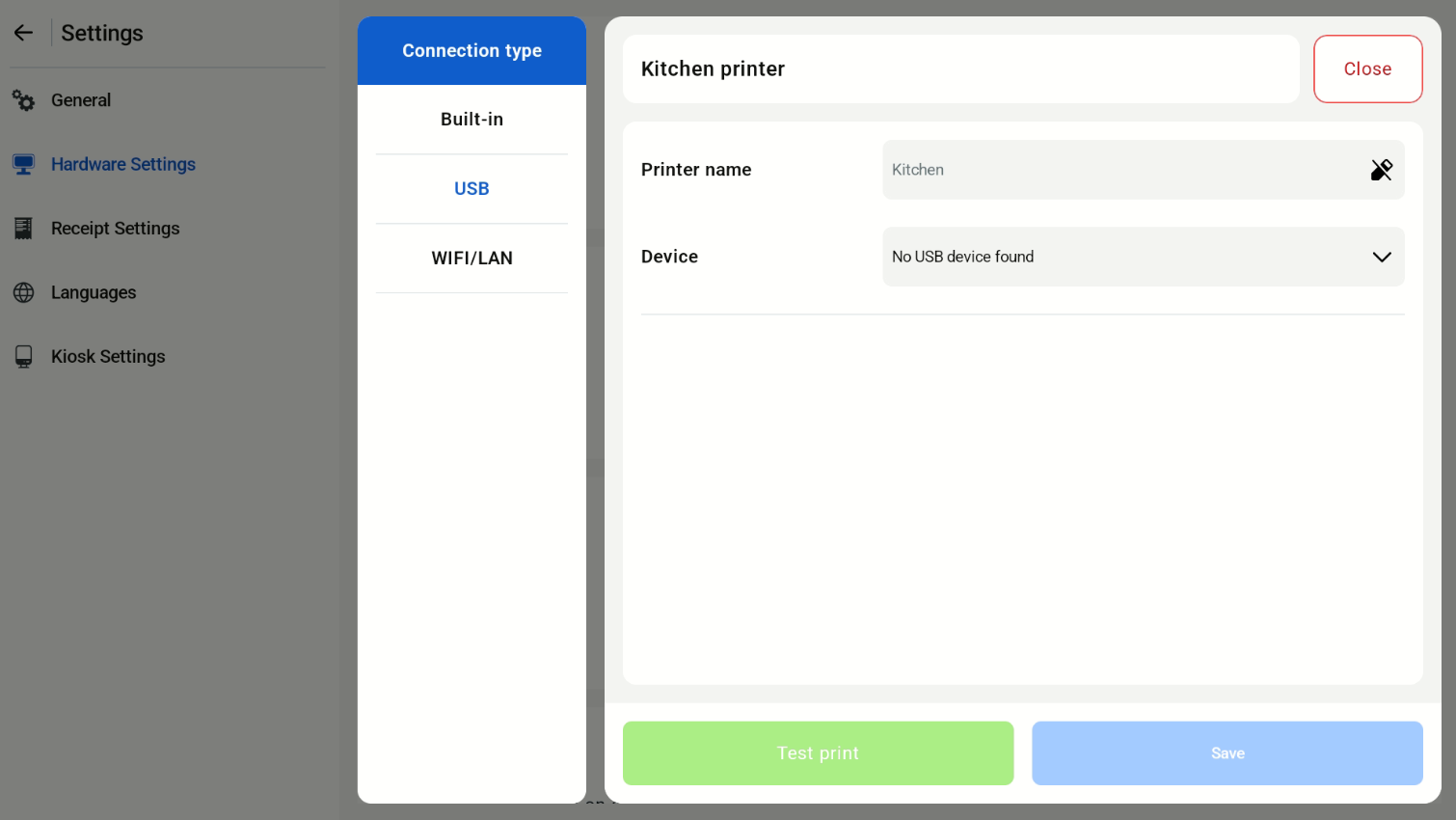
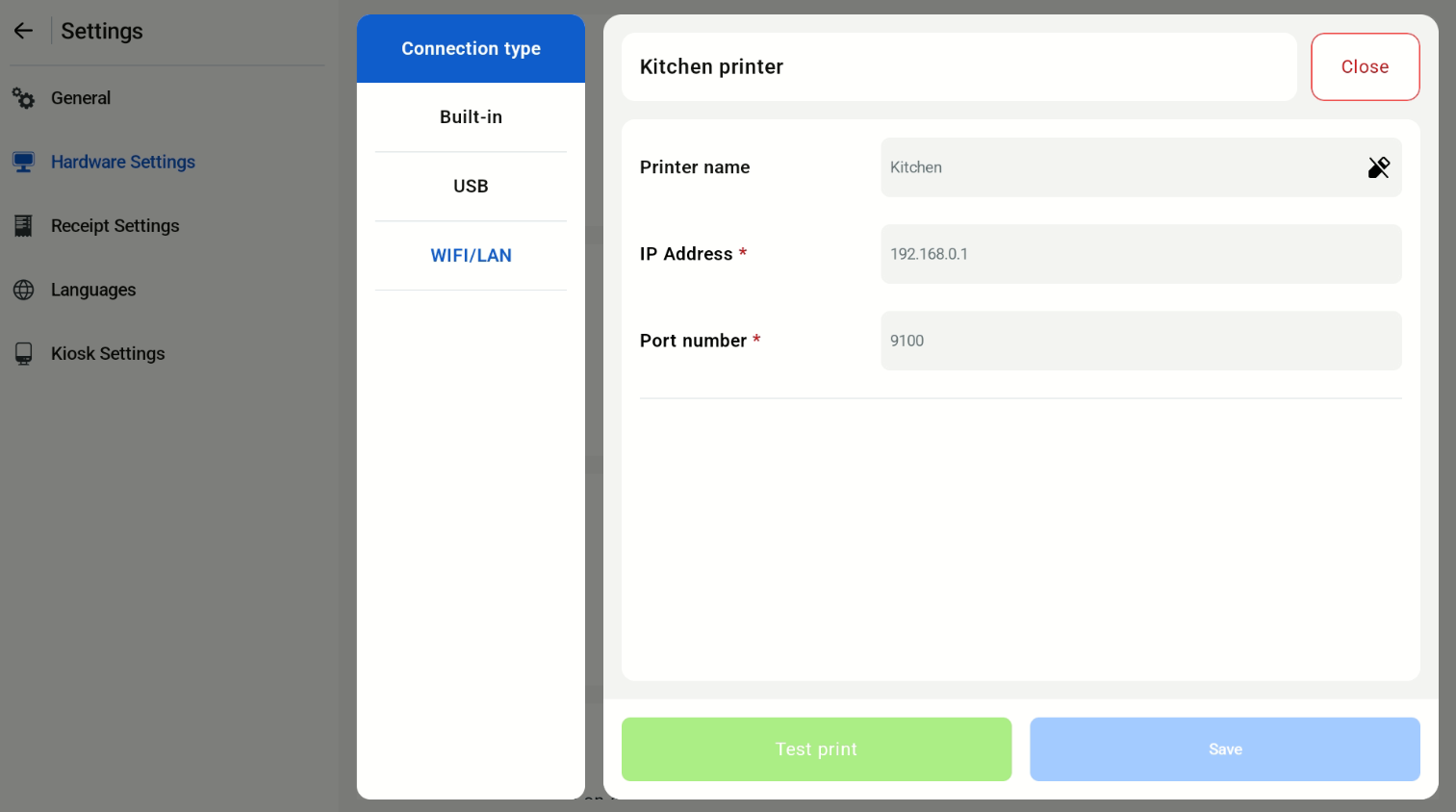
Users will be able to setup and configure the kitchen printer. POS supports built-in Sunmi Printer, USB or WIFI/LAN. 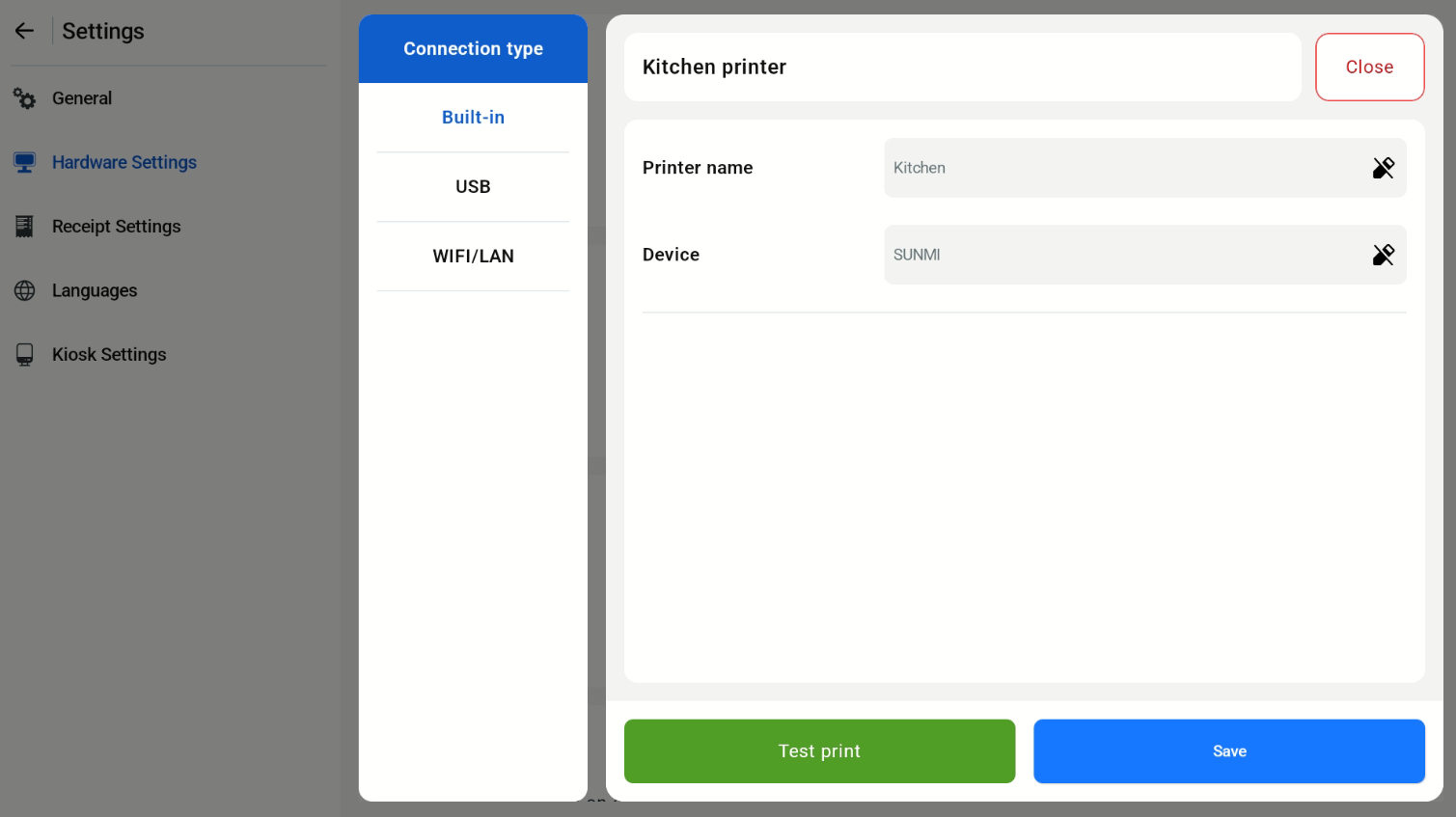
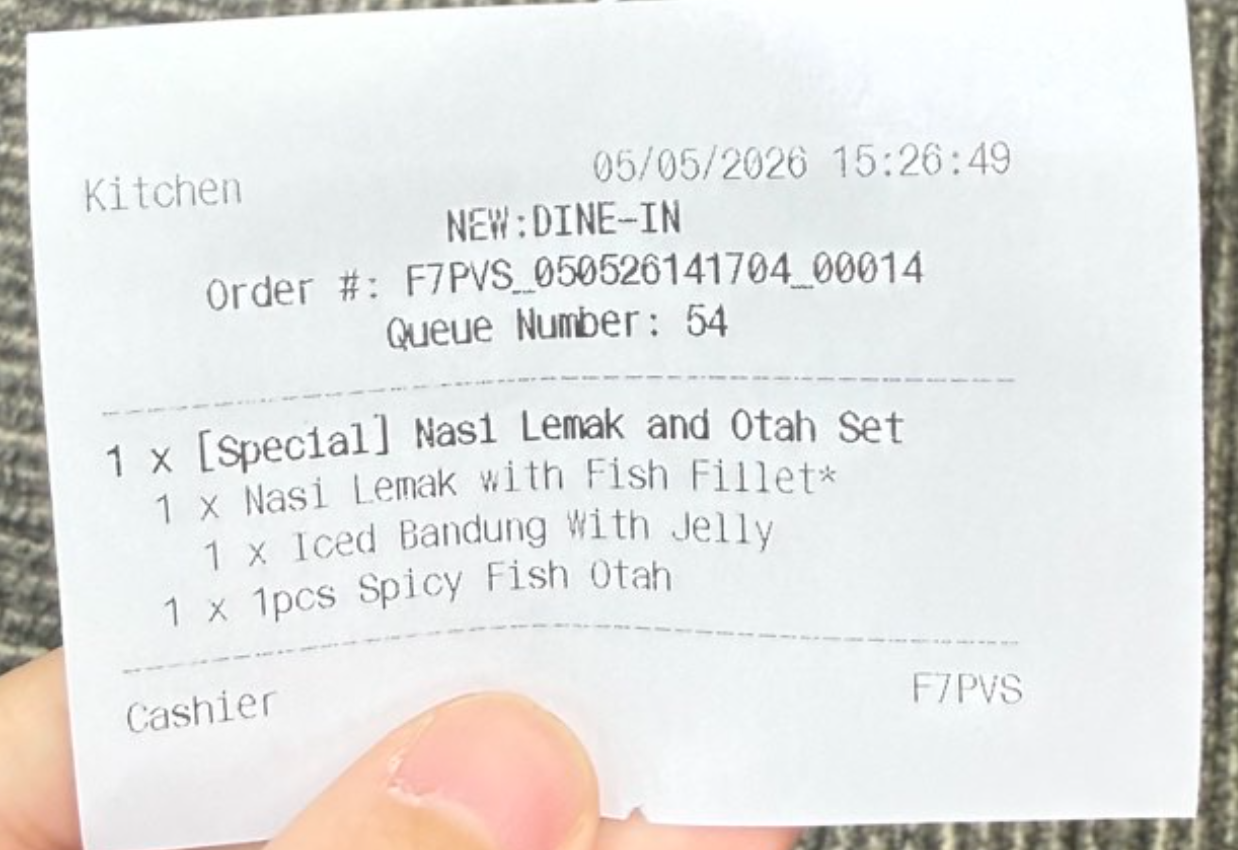
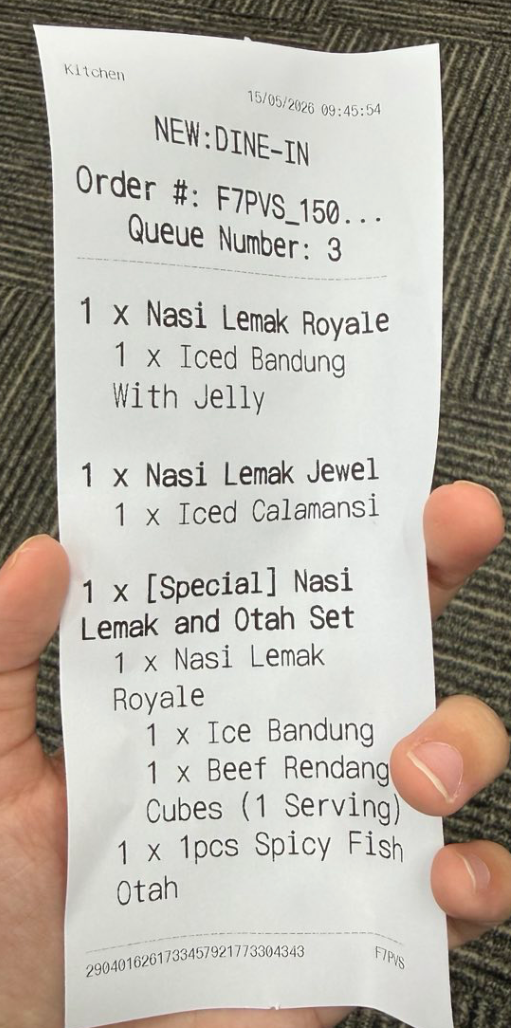
Both small and large font size for kitchen slips printing are supported according to the Kitchen printing configuration set in the EPOS backend. Navigated to: Backend > Kitchen Printing > Click edit next to the selected printer.
Small Font Size:
Large Font Size:
USB Kitchen Receipt Printed: