Log In & First Time Authenticating to App
User select Region/Country, subdomain, email, and password to authenticate with EPOS Backend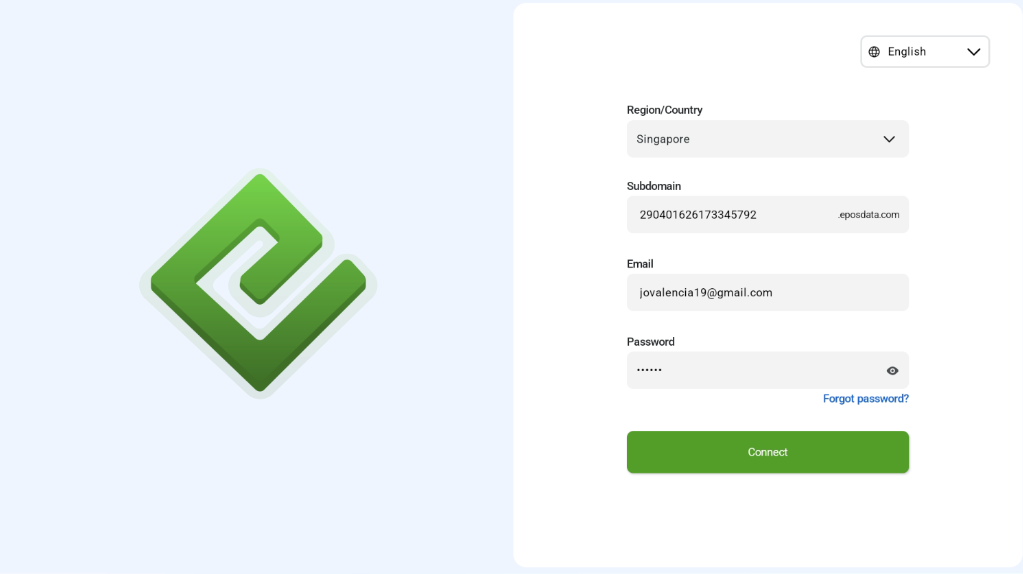
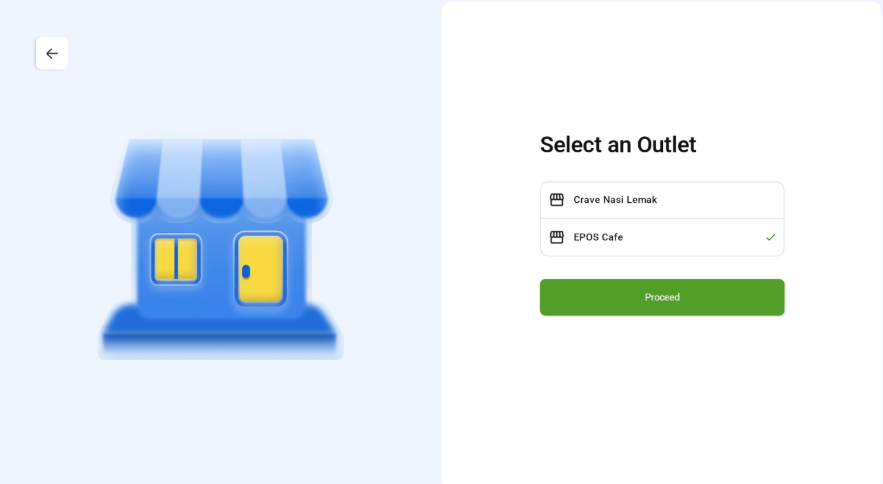
If there are multiple outlets in EPOS Backend, user can select which outlet to use for operations.
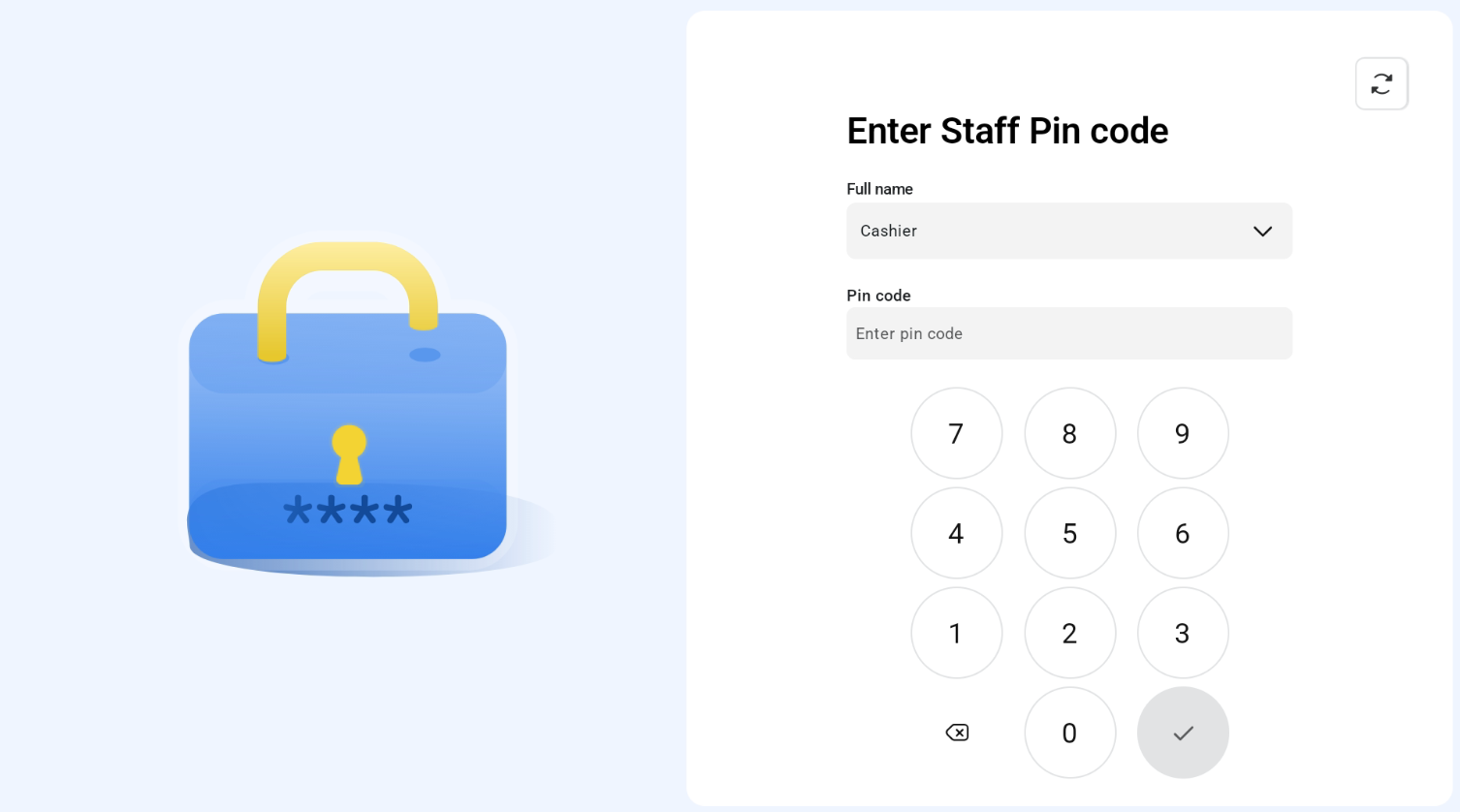
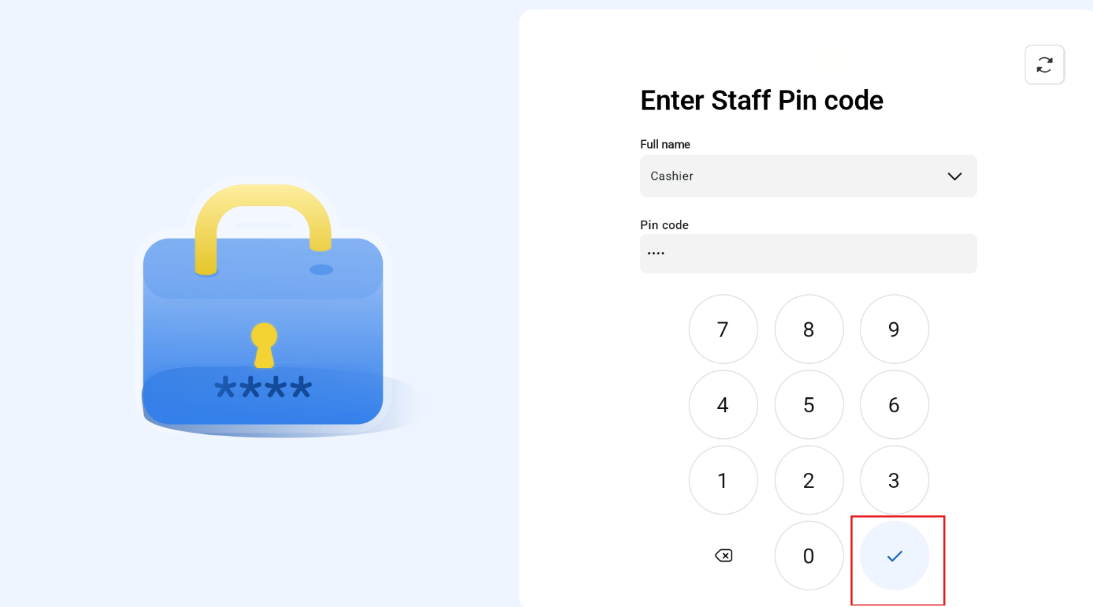
Enter Username and Pin code
Once outlet is selected, user will be logged into subdomain registered in EPOS Backend. If subdomain only has 1 outlet, user will be authenticated to that store directly and go to staff login page without needing to select outlet.
User enters staff full name and PIN Code and presses checklist button.
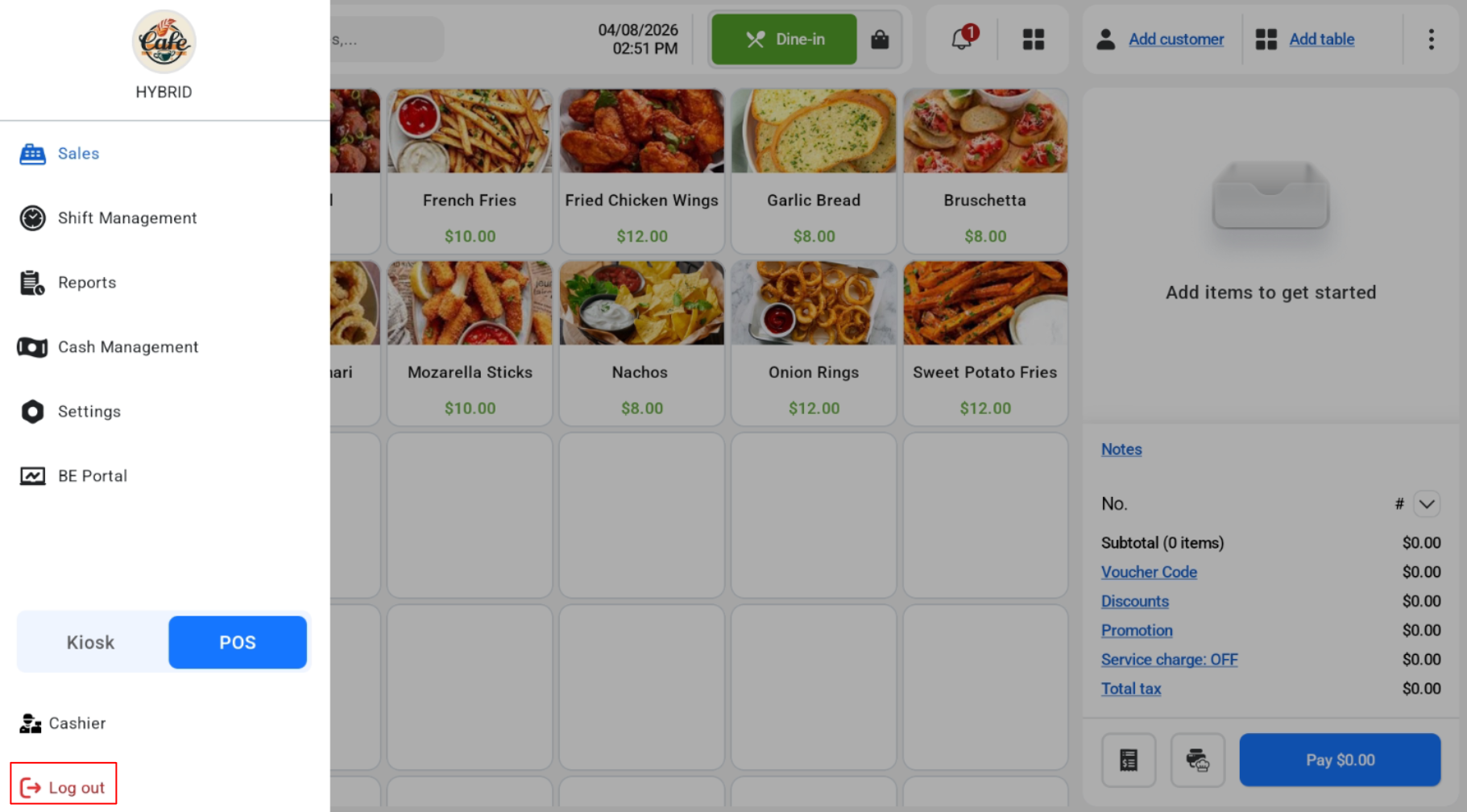
 on the top left hand corner and click “Log out”