Login, Authentication & Shift Management

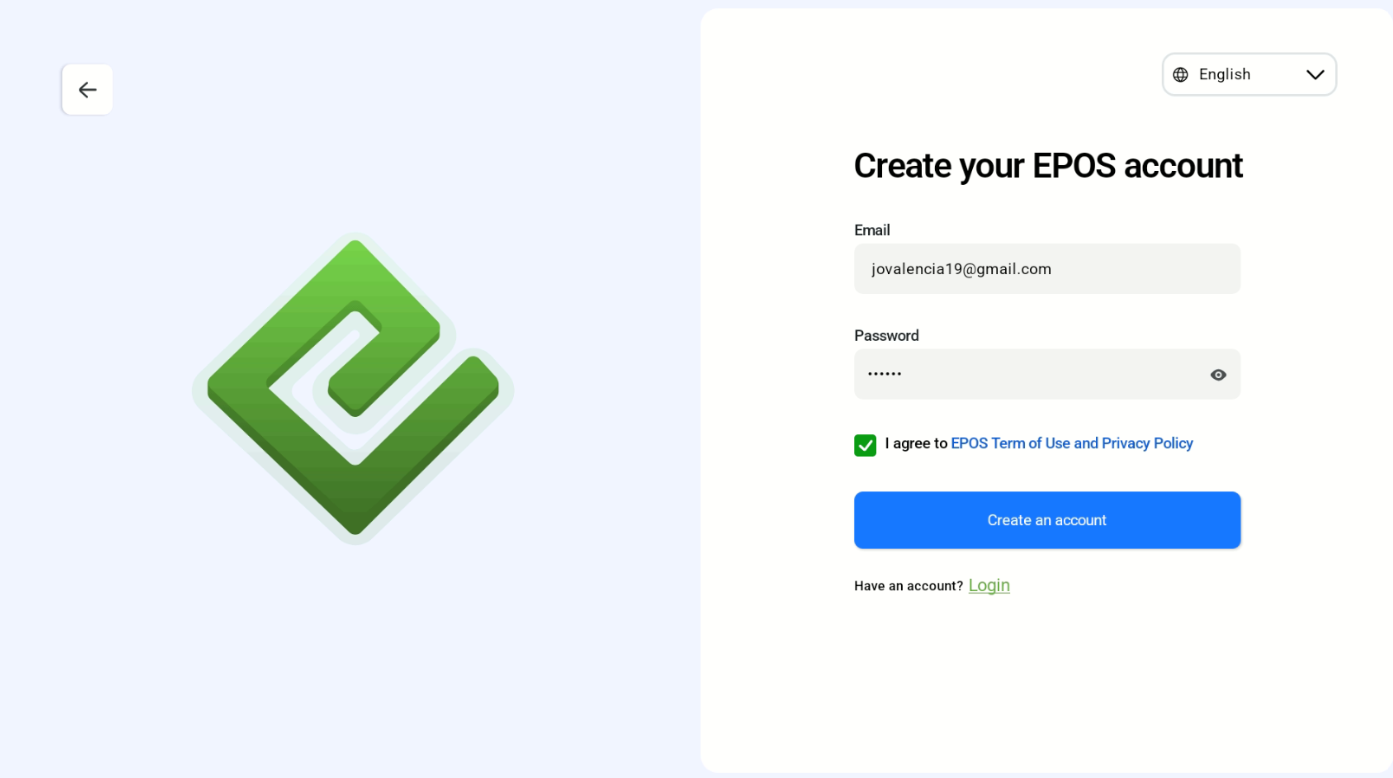
Sign up for an account via email. 
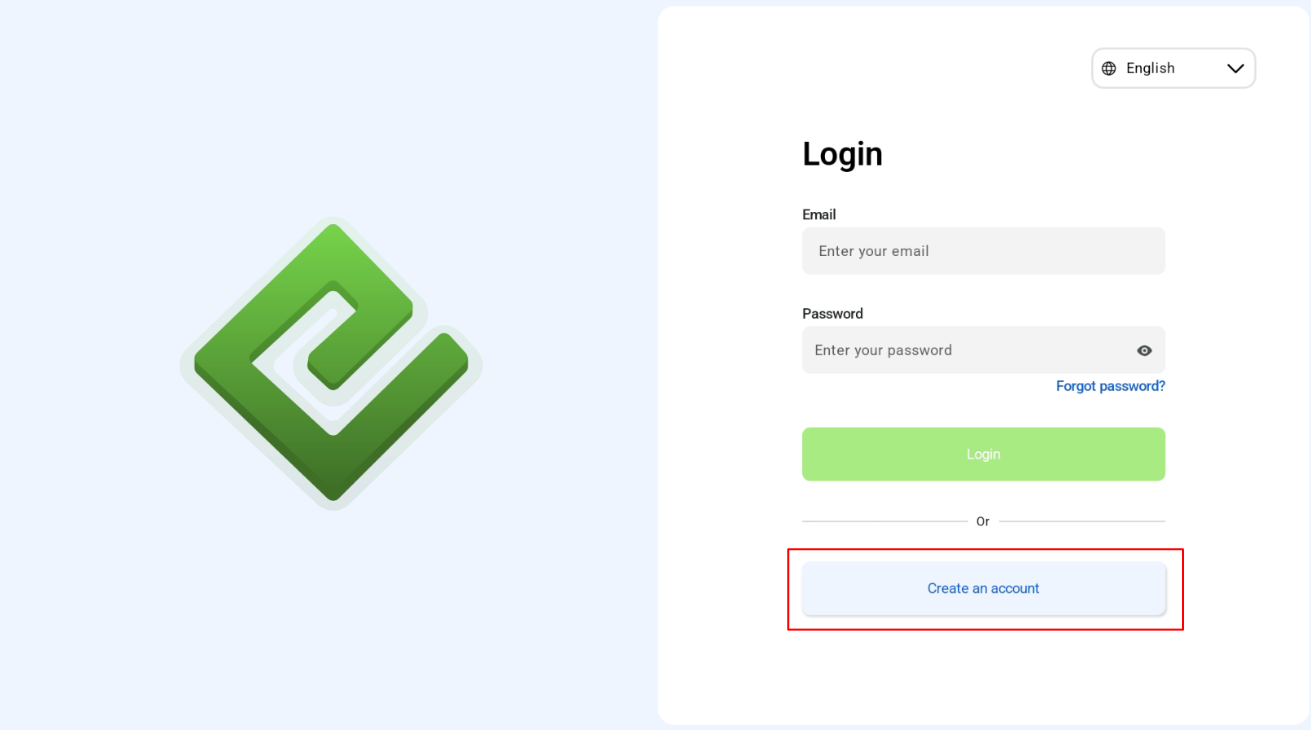
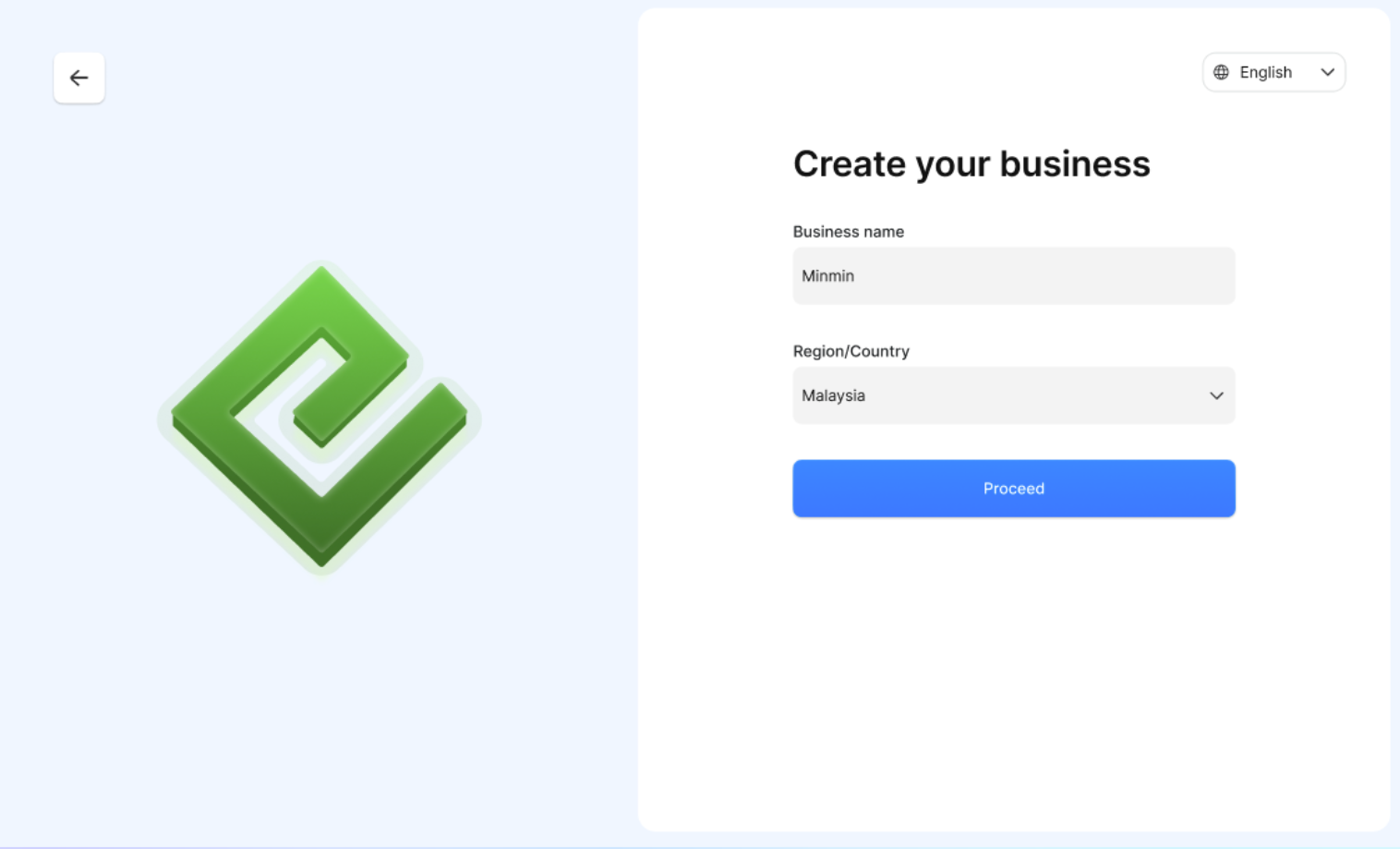
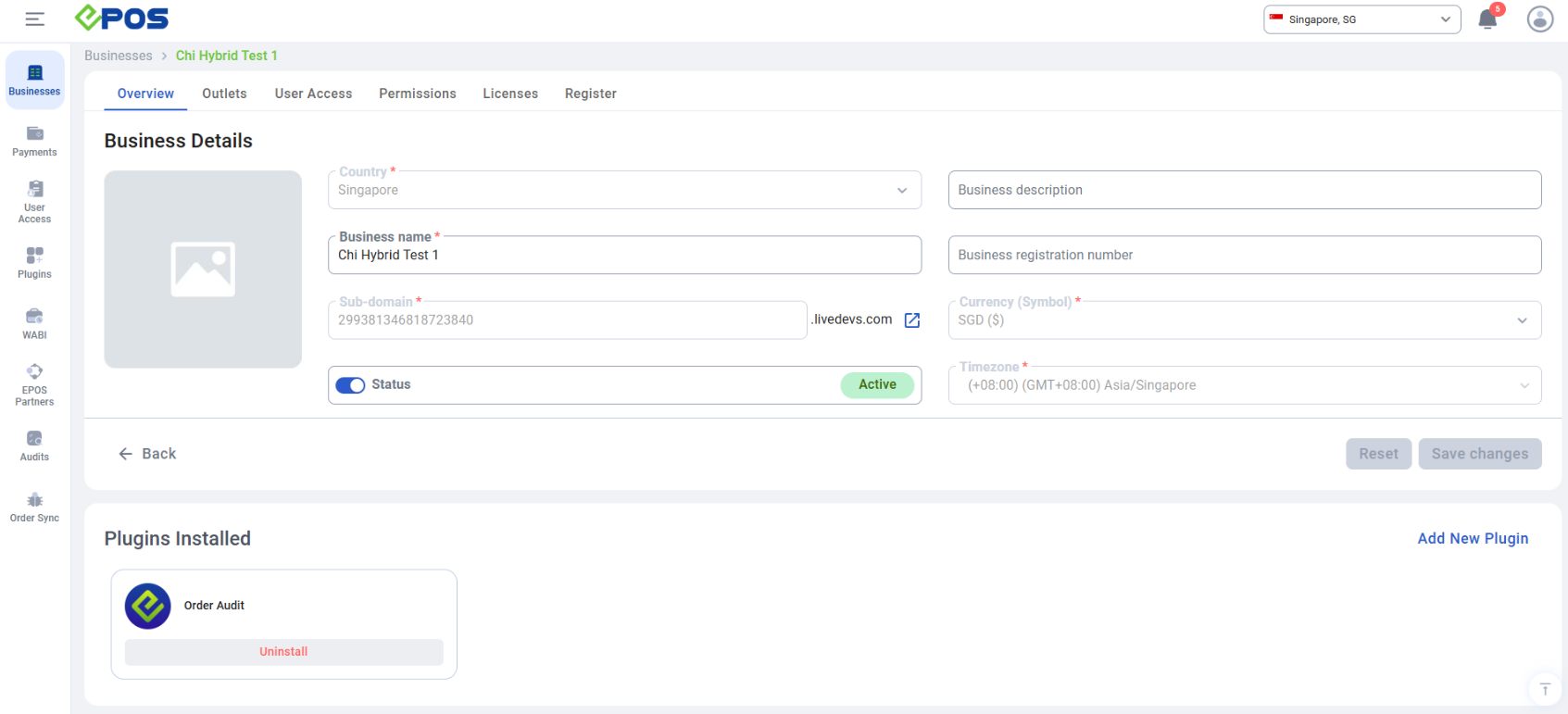
Users will be prompted for their business name and region/country. Once the account is created successfully, the subdomain & main store will be automatically created in the EPOS backend.
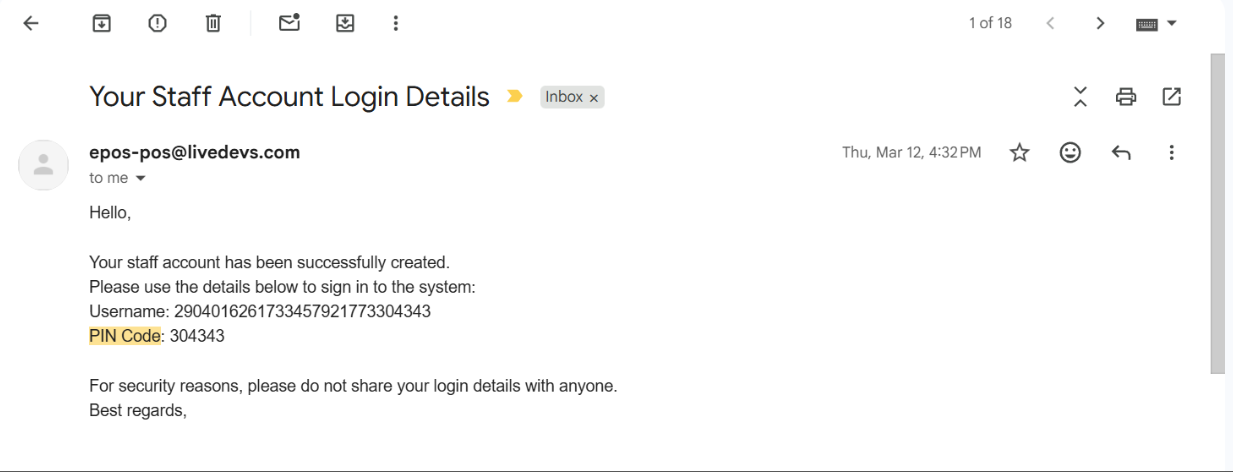
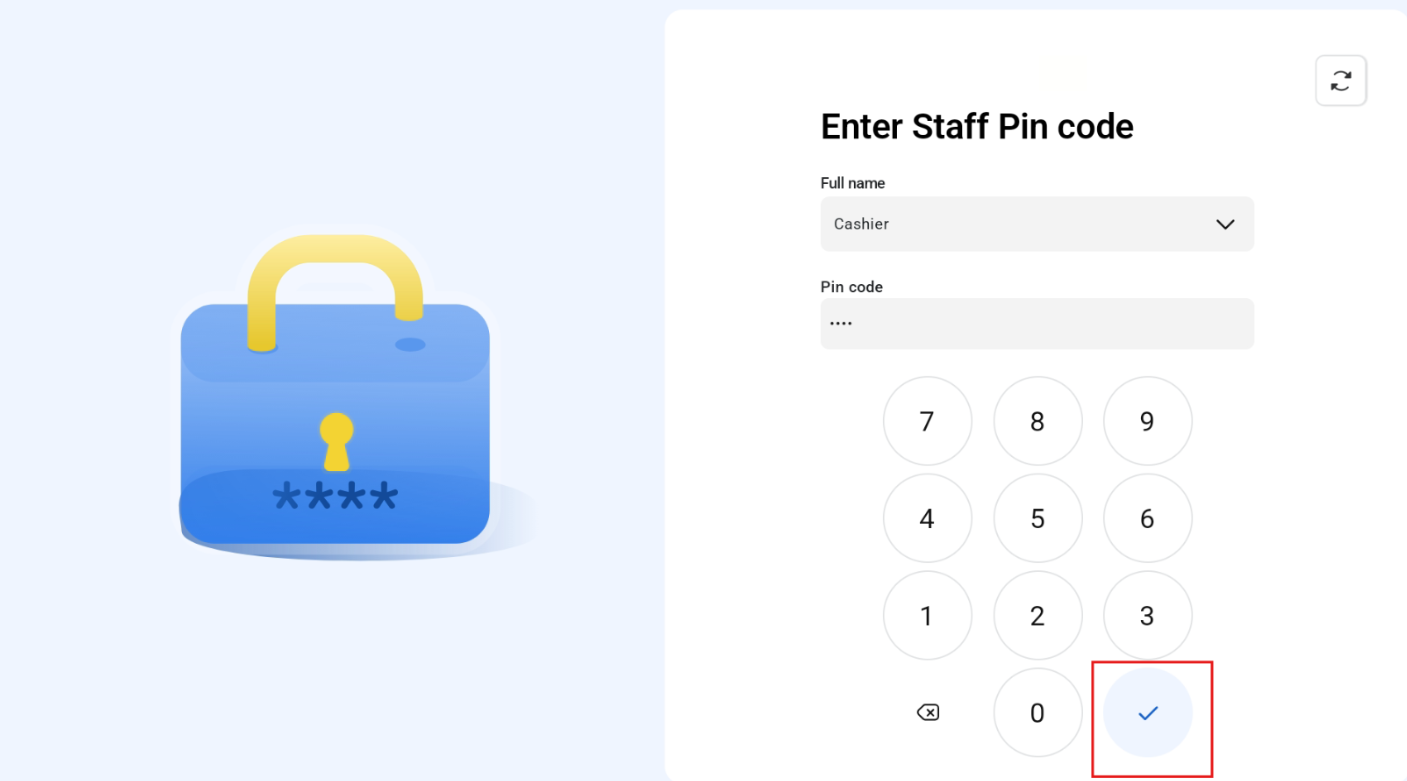
Username and pin code will be sent to the email of the newly registered account. To gain access, user has to enter staff full name and pin code and press check button.
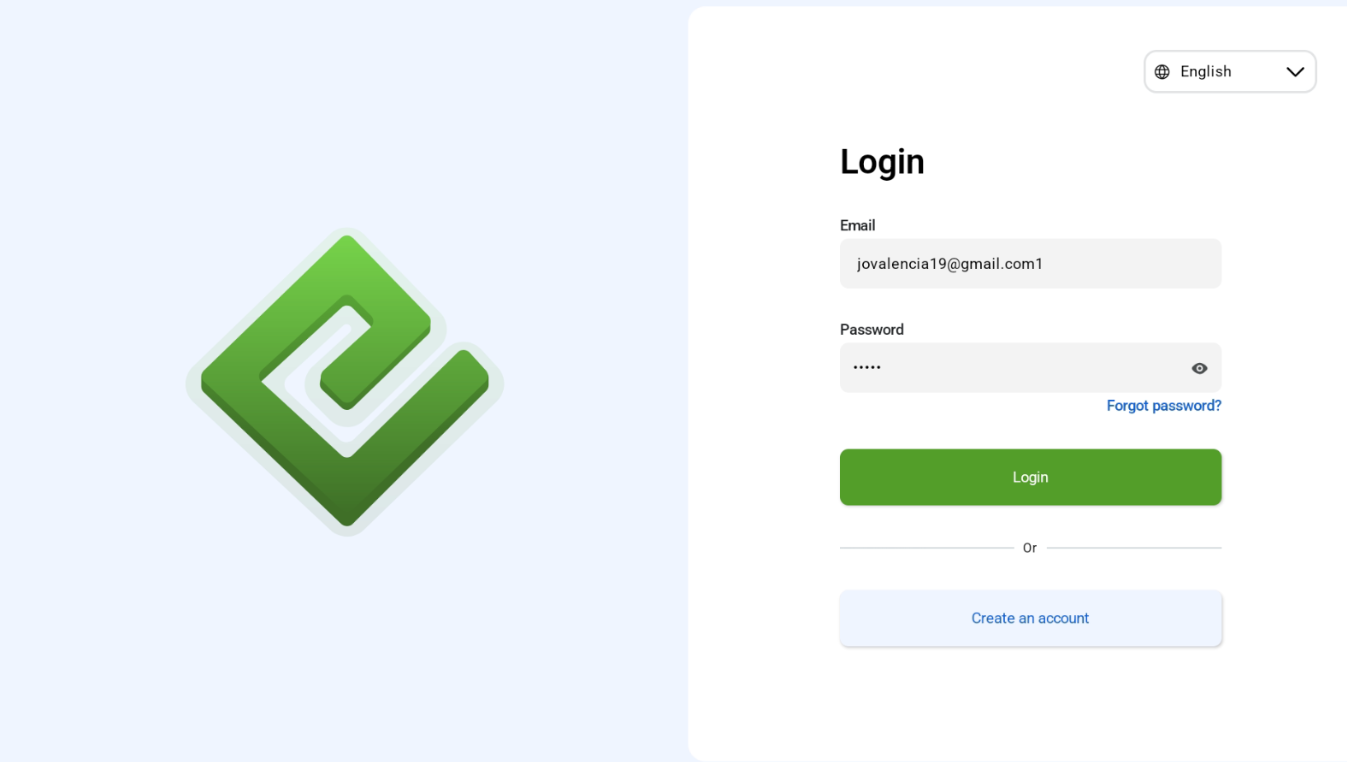
After the first login, users are automatically logged in to the created subdomain and main store outlet, so there is no need to login again. In the event that auto login fails, users can enter their registered email address and password to gain access again.

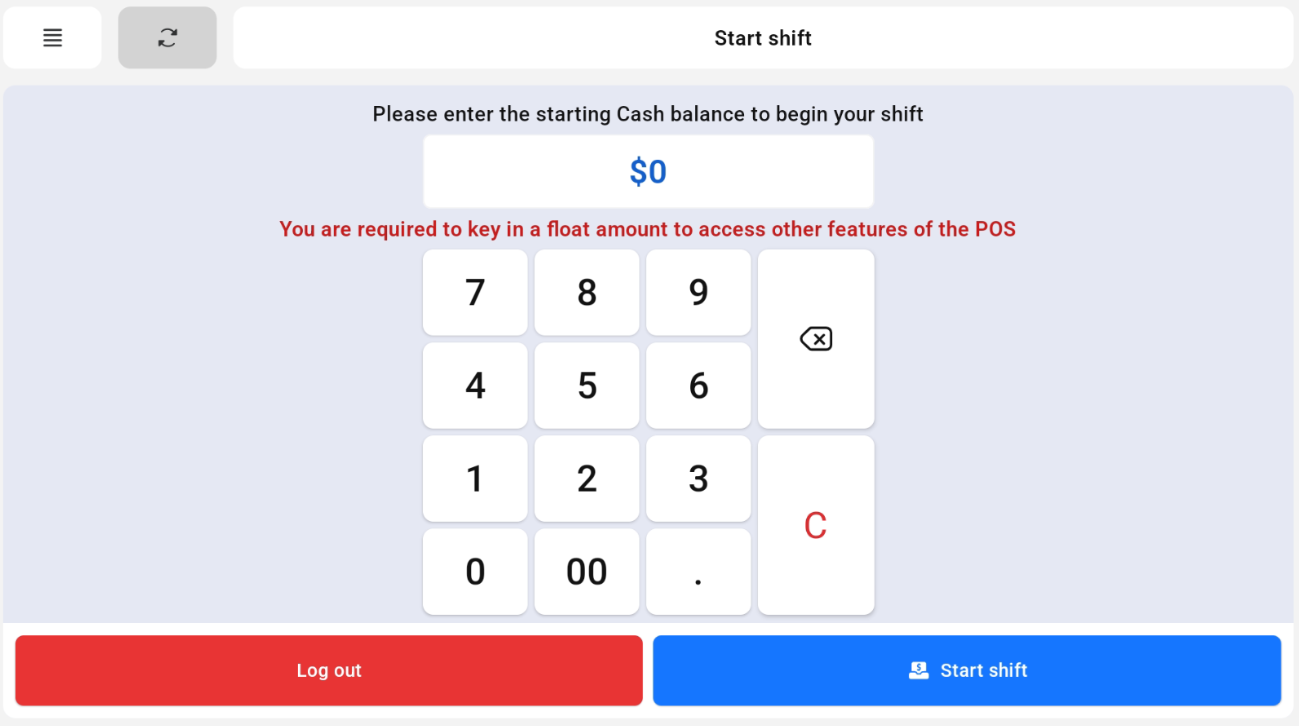
Start Shift

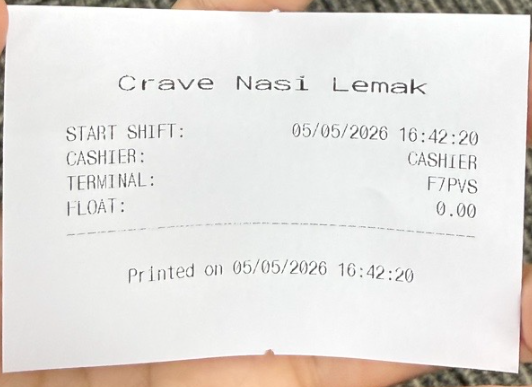
Users are required to enter a float amount (Starting Cash) to gain access to the other POS features. Once done, a receipt will be generated and users will gain access.


End Shift

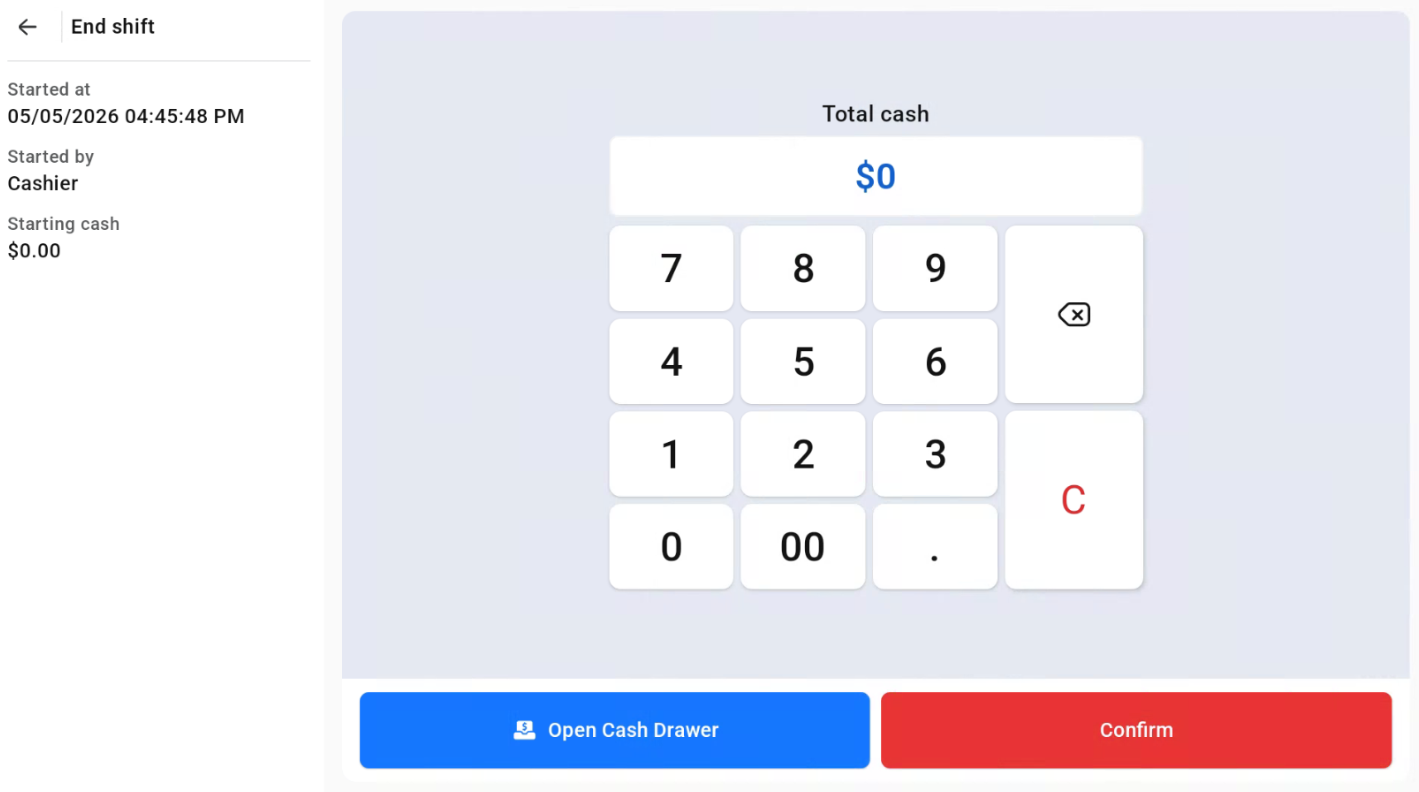
Users are required to enter the amount of ending cash and click Confirm.

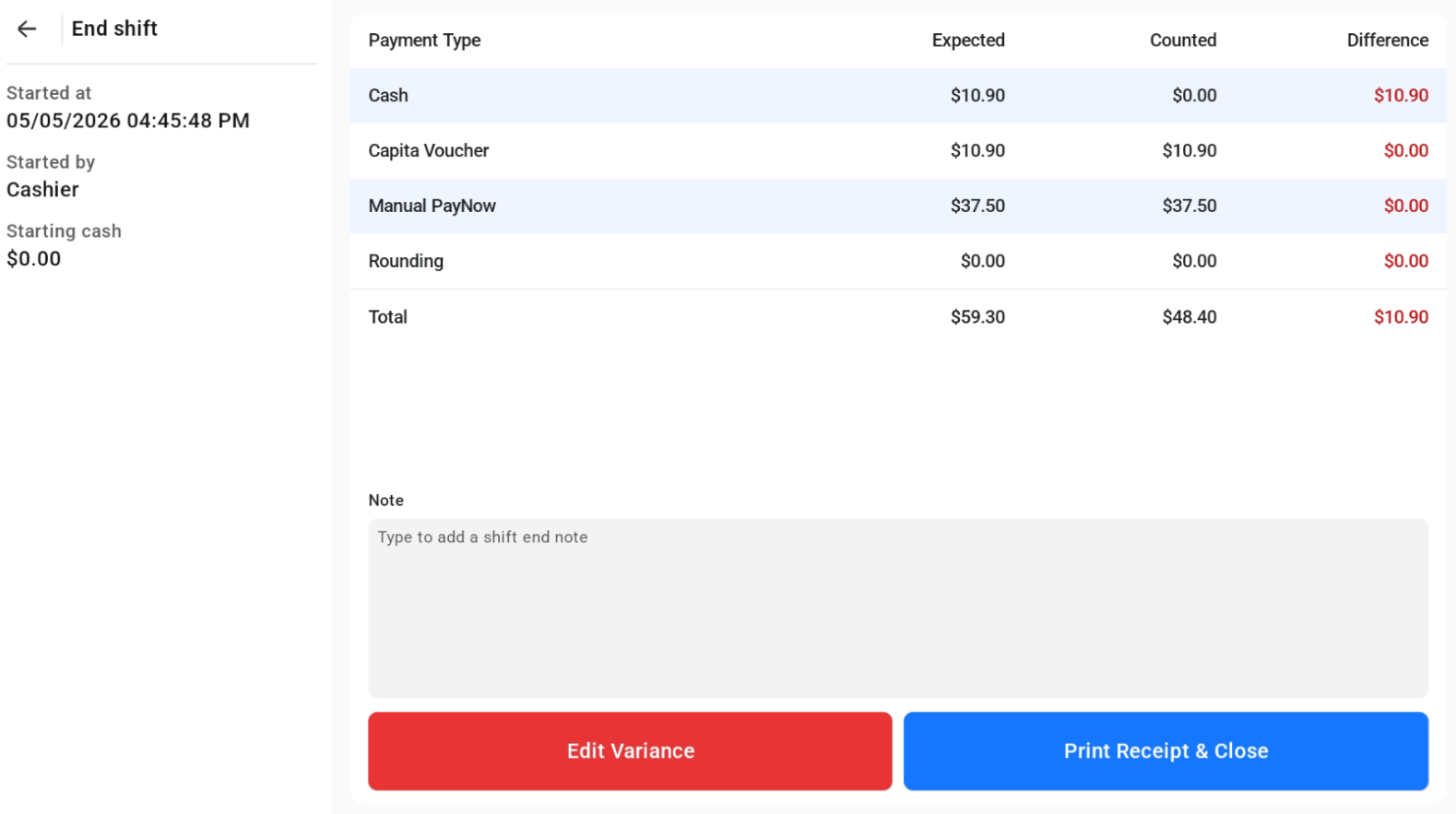
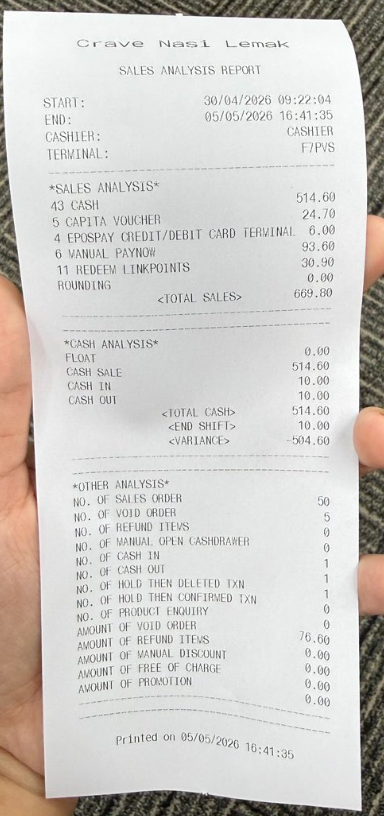
Afterwards, click Print Receipt & Close to end the shift.