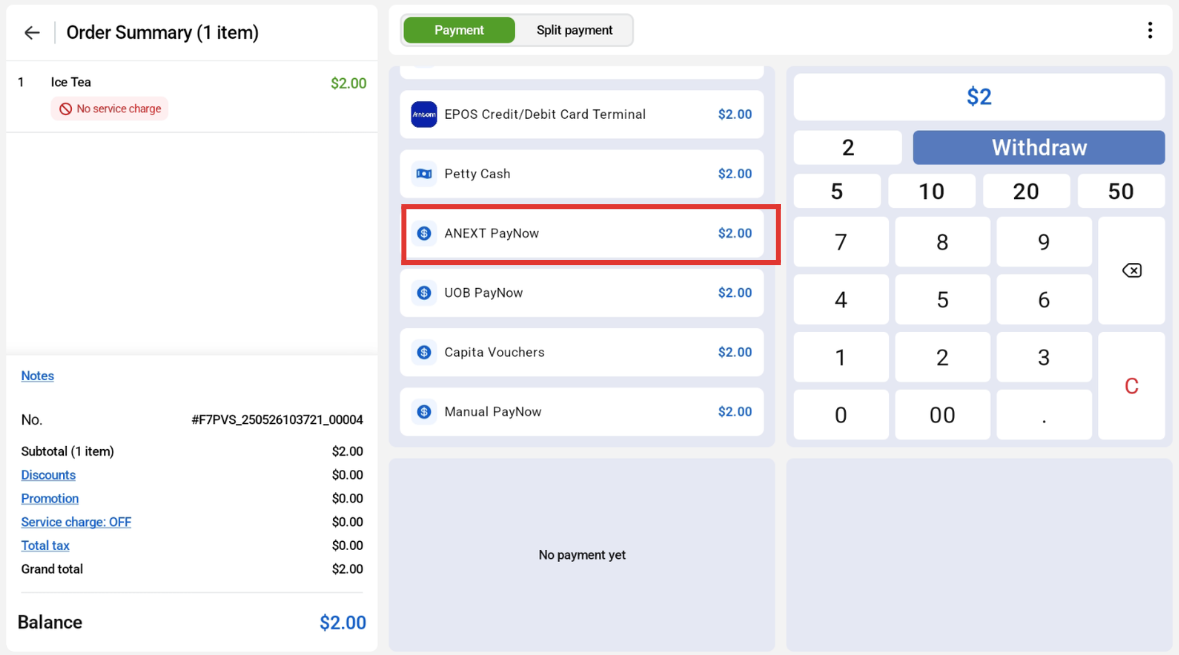
Users can select ‘ANEXT PayNow’
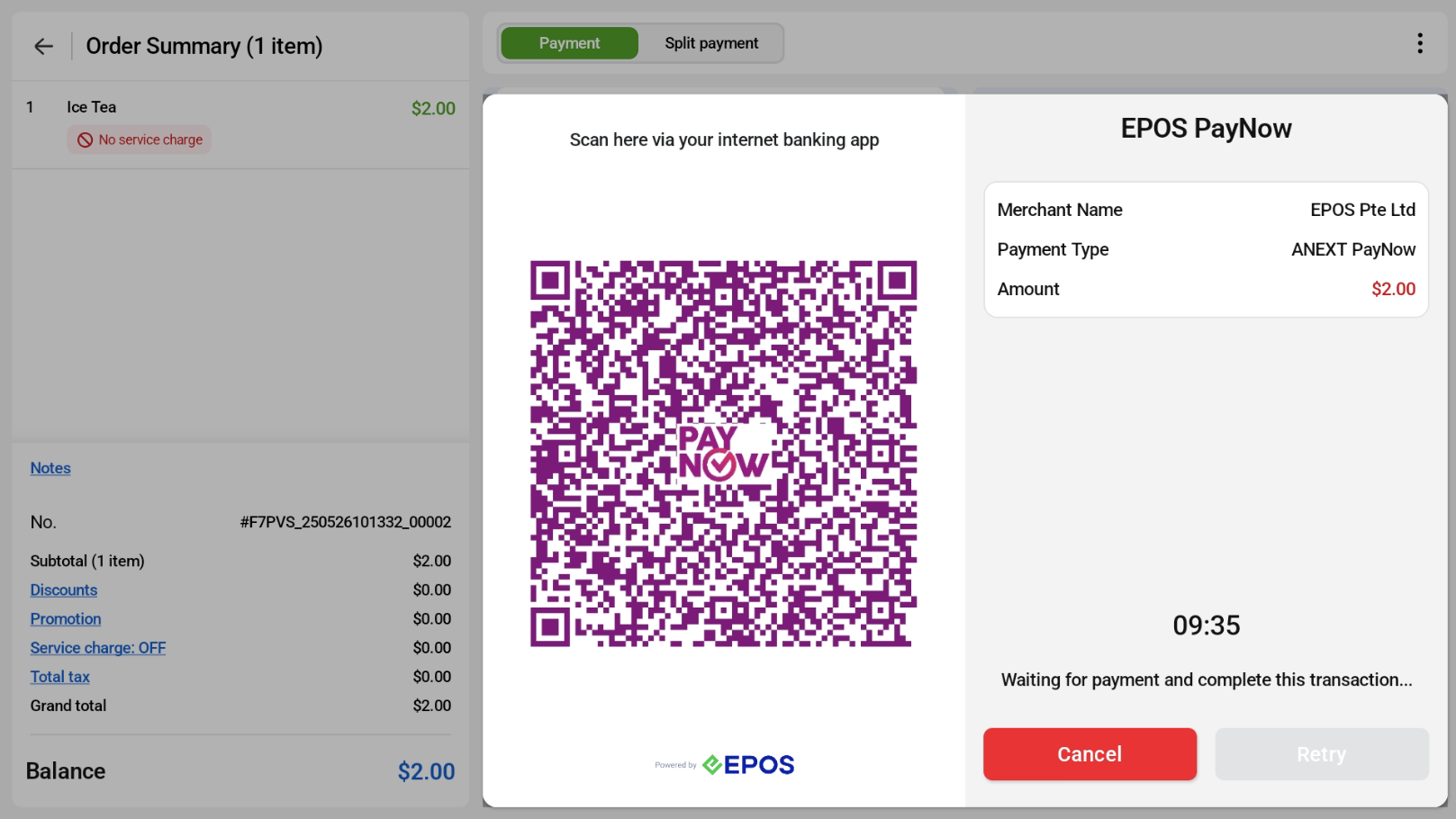
QR Payment code will be shown on the POS screen.
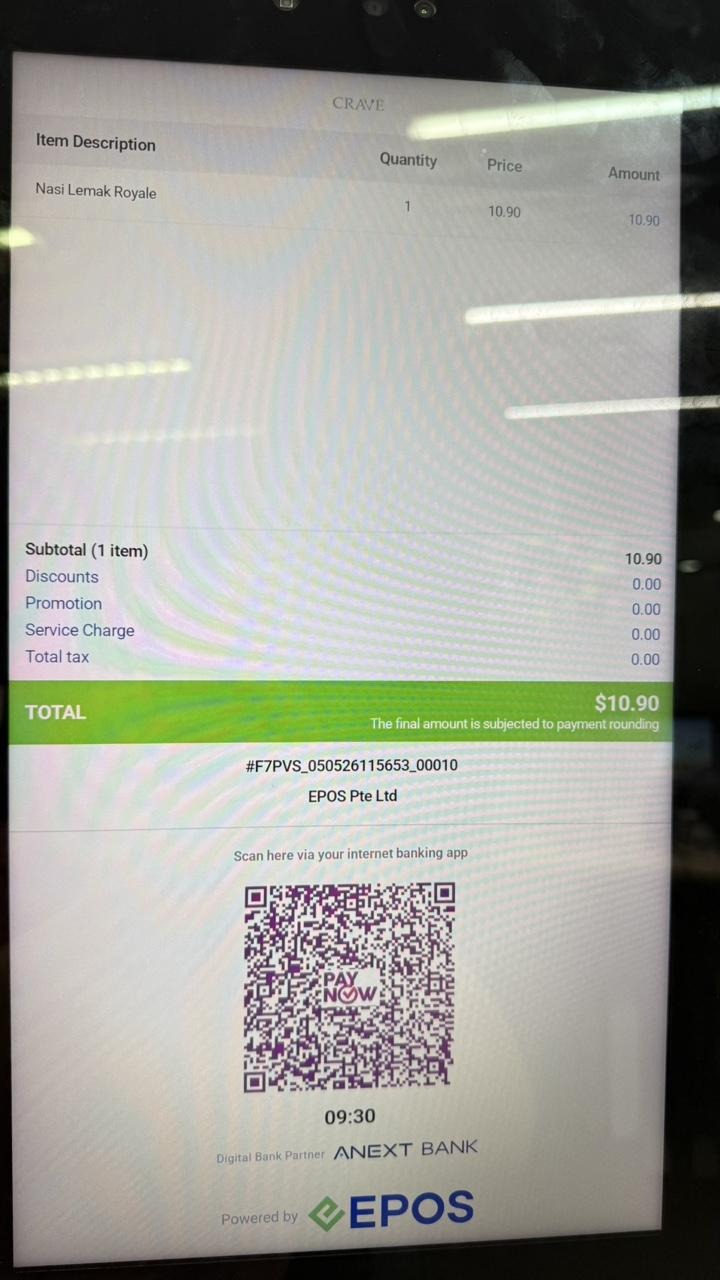
The QR code will also be shown on the Kiosk screen.
Once the customer scans and pays, the POS completes the transaction automatically.

Please refer to the various PayNow Methods below.
Users can select ‘ANEXT PayNow’
QR Payment code will be shown on the POS screen.
The QR code will also be shown on the Kiosk screen.
Once the customer scans and pays, the POS completes the transaction automatically.
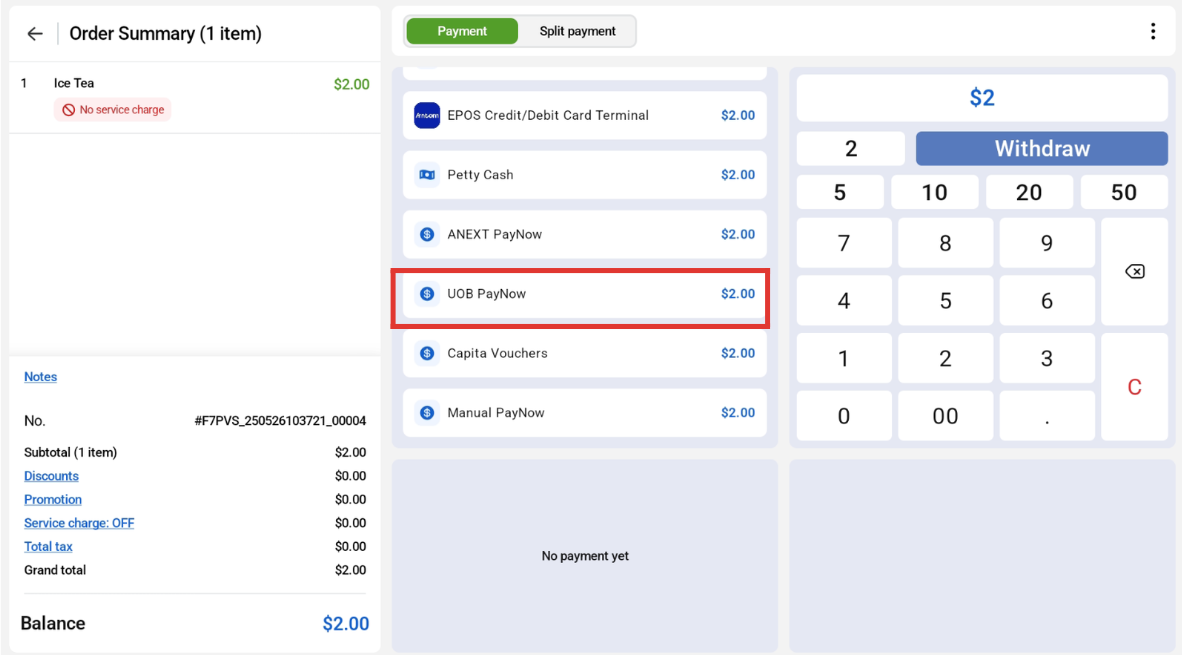
Users can select ‘UOB PayNow’.
QR Payment code will be shown on the POS screen.
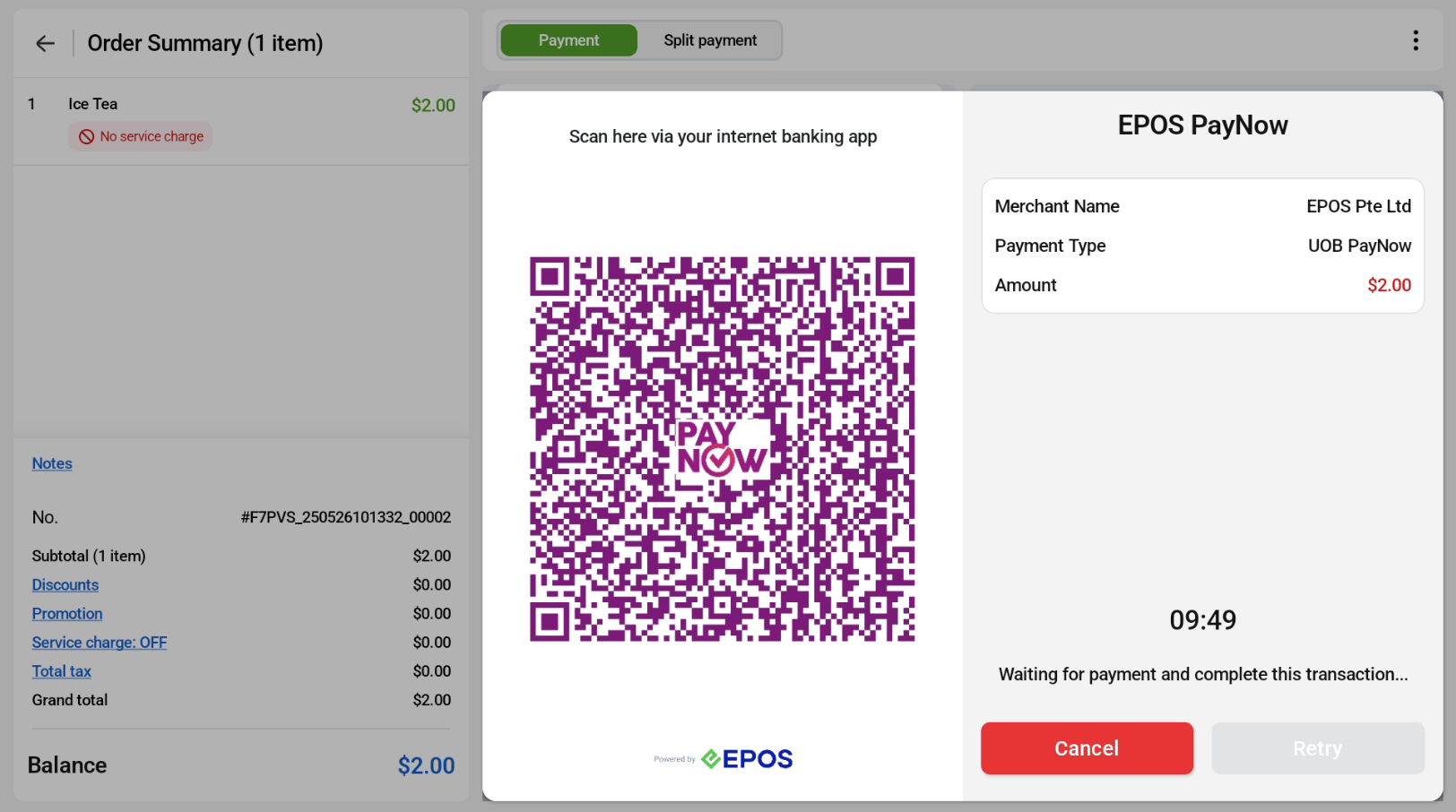
The QR code will also be shown on the Kiosk screen.
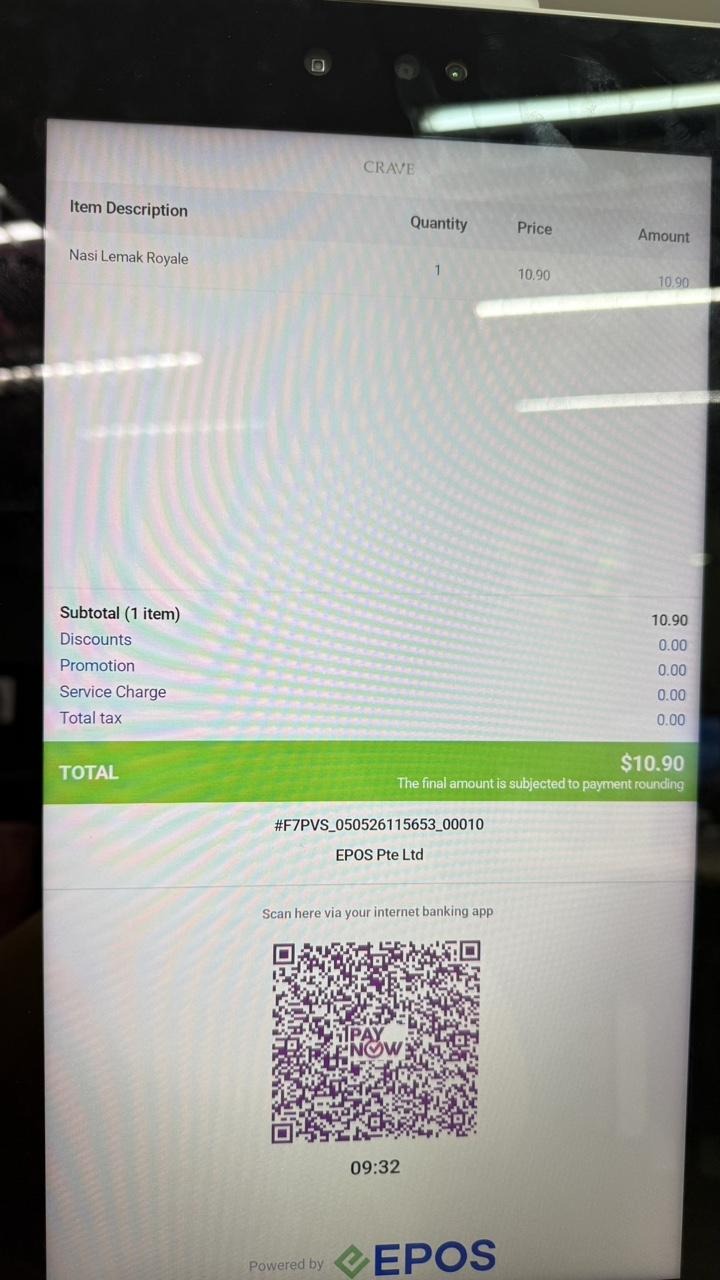
Once the customer scans and pays, the POS completes the transaction automatically.
Users can select ‘Manual PayNow’.
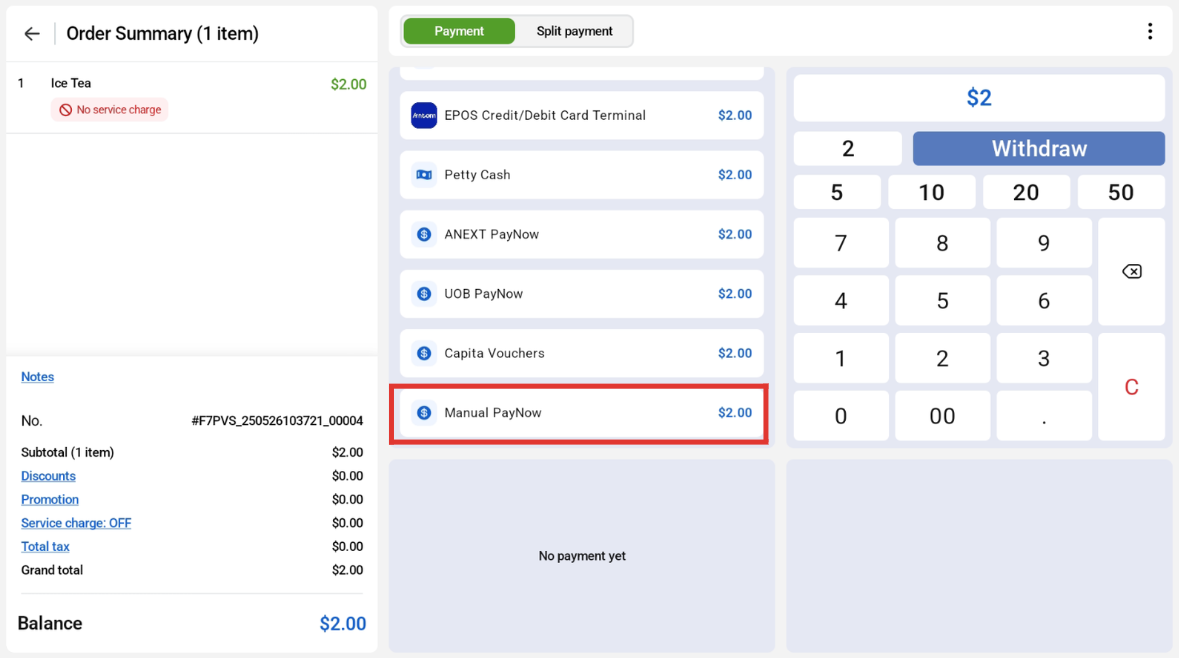
QR Payment code will be shown on the POS screen.
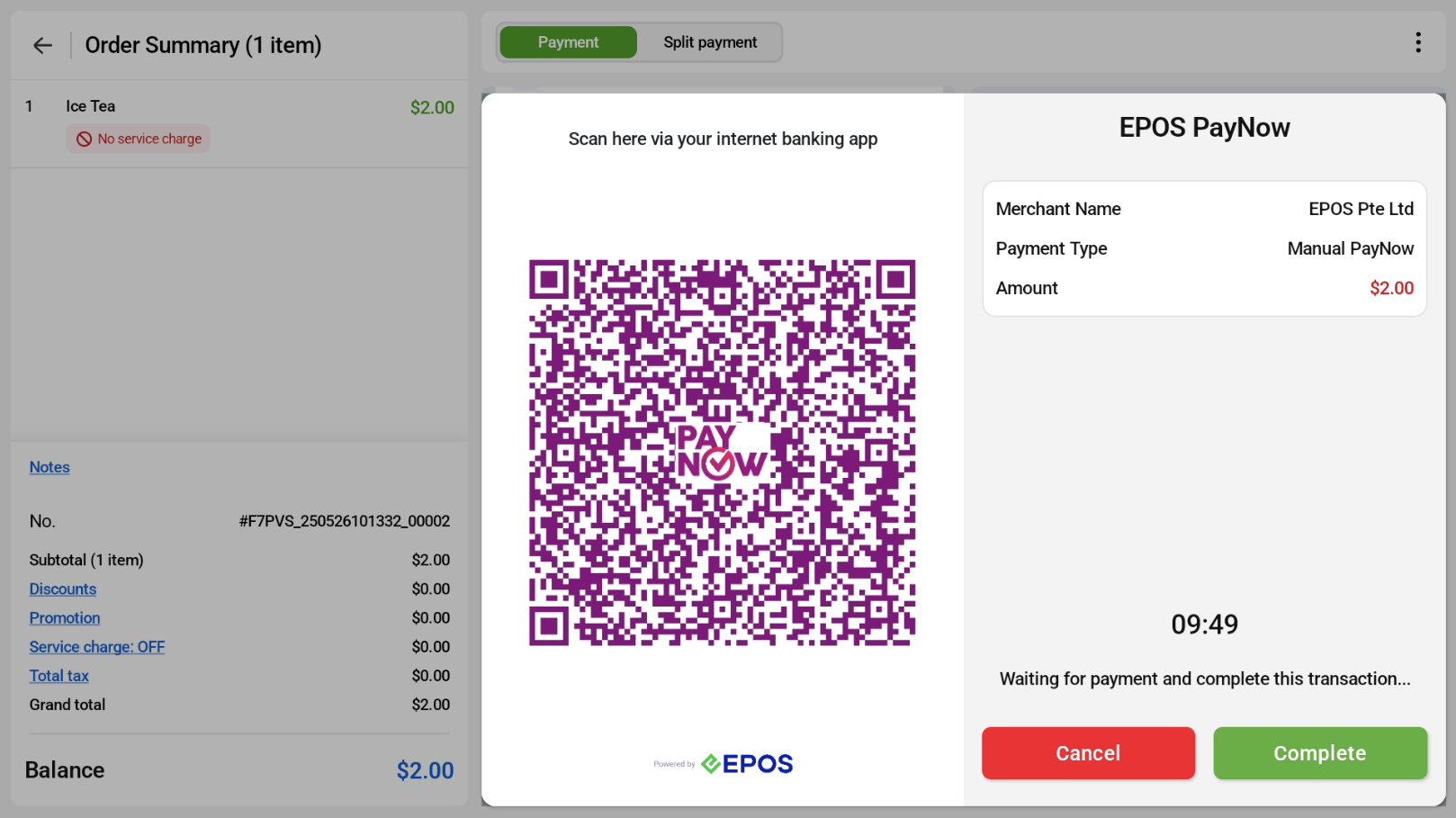
The QR code will also be shown on the Kiosk screen.
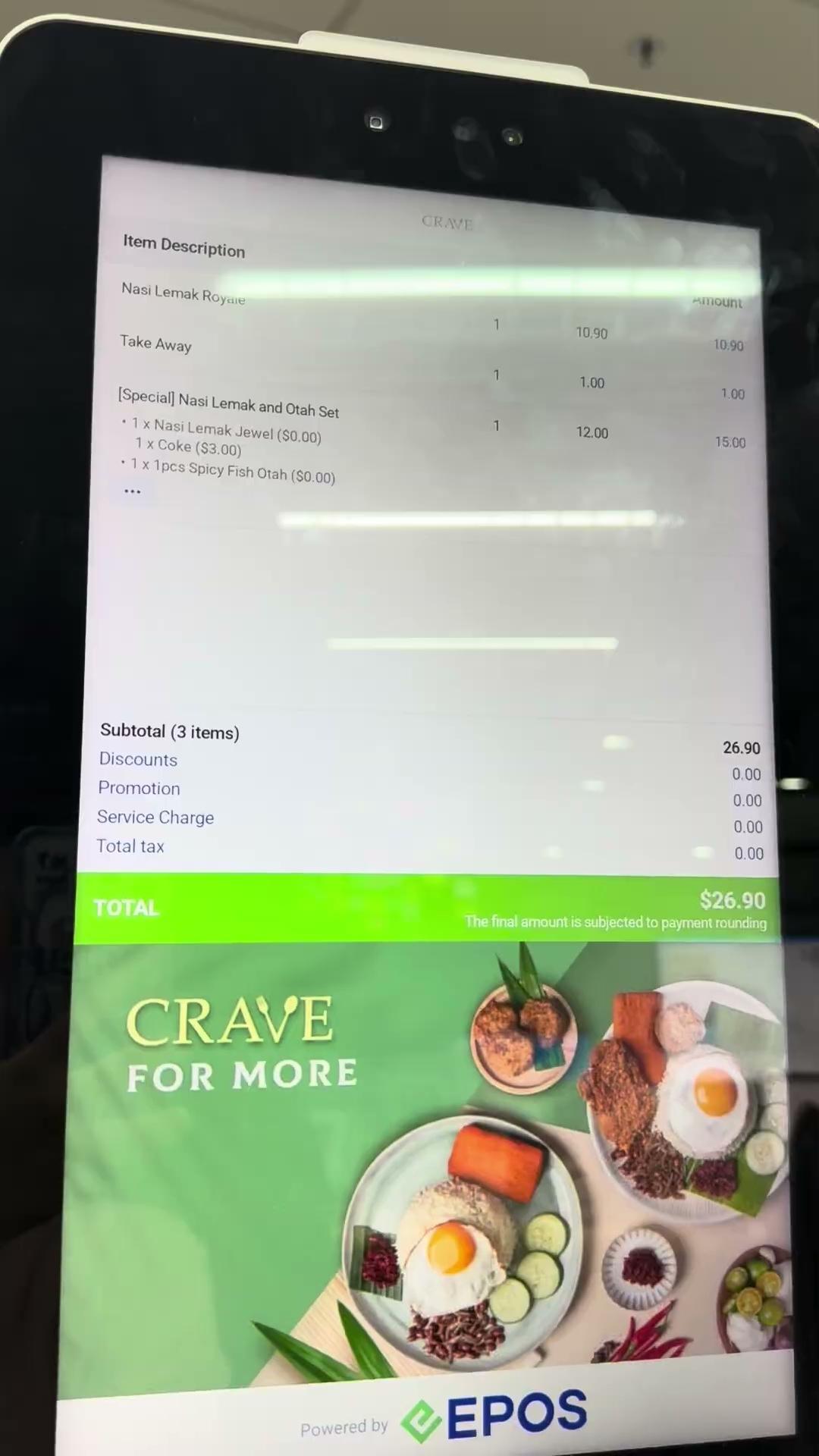
The PayNow QR code on the customer screen already includes the amount, so the customer can scan and pay without entering the amount.
For Manual PayNow, the order does not complete automatically. Once the customer confirms they have paid, the cashier must tap Completed to mark the order as paid and completed.
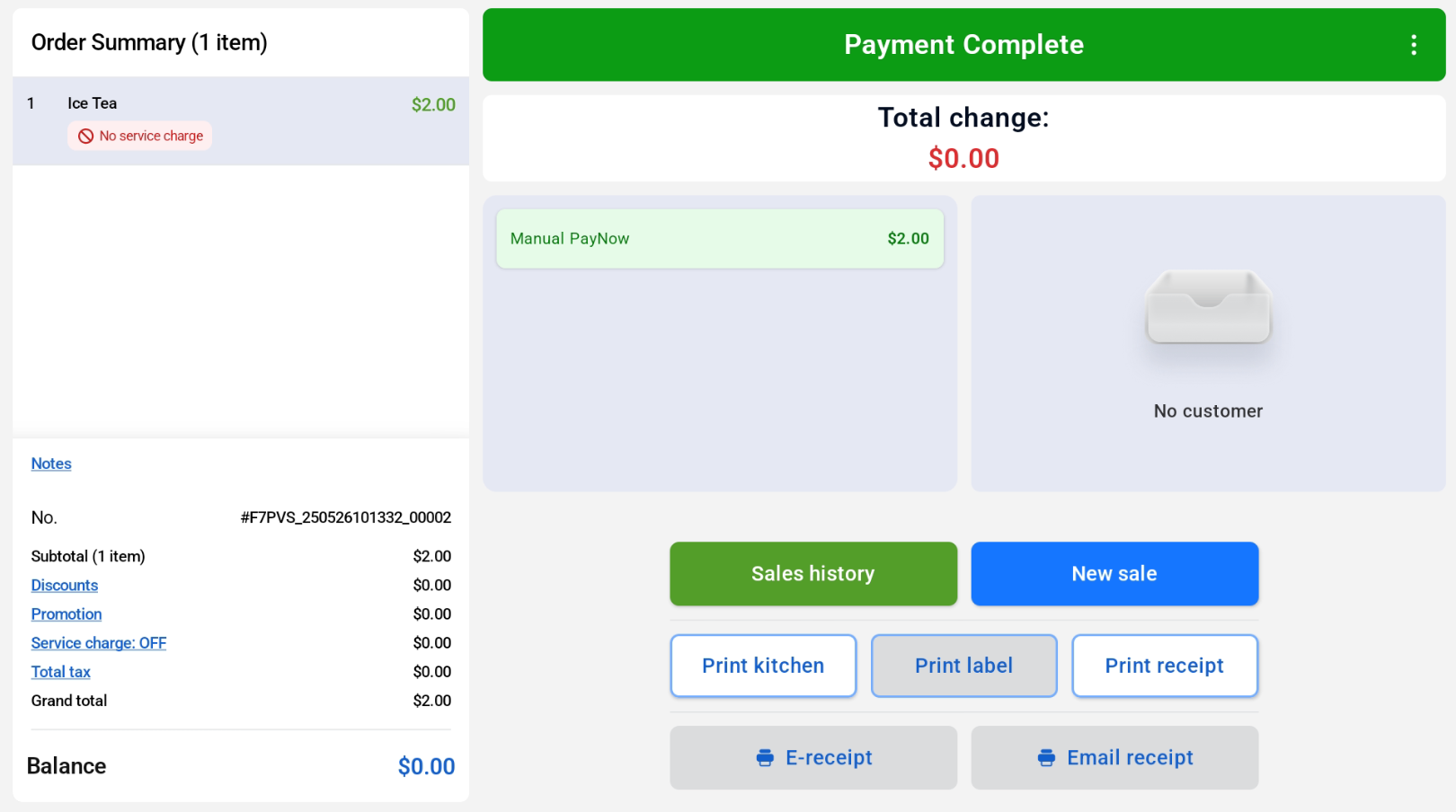
Cashier Screen
Customer Screen
