
Hybrid Kiosk supports both dine-in and takeaway options.
How it works:
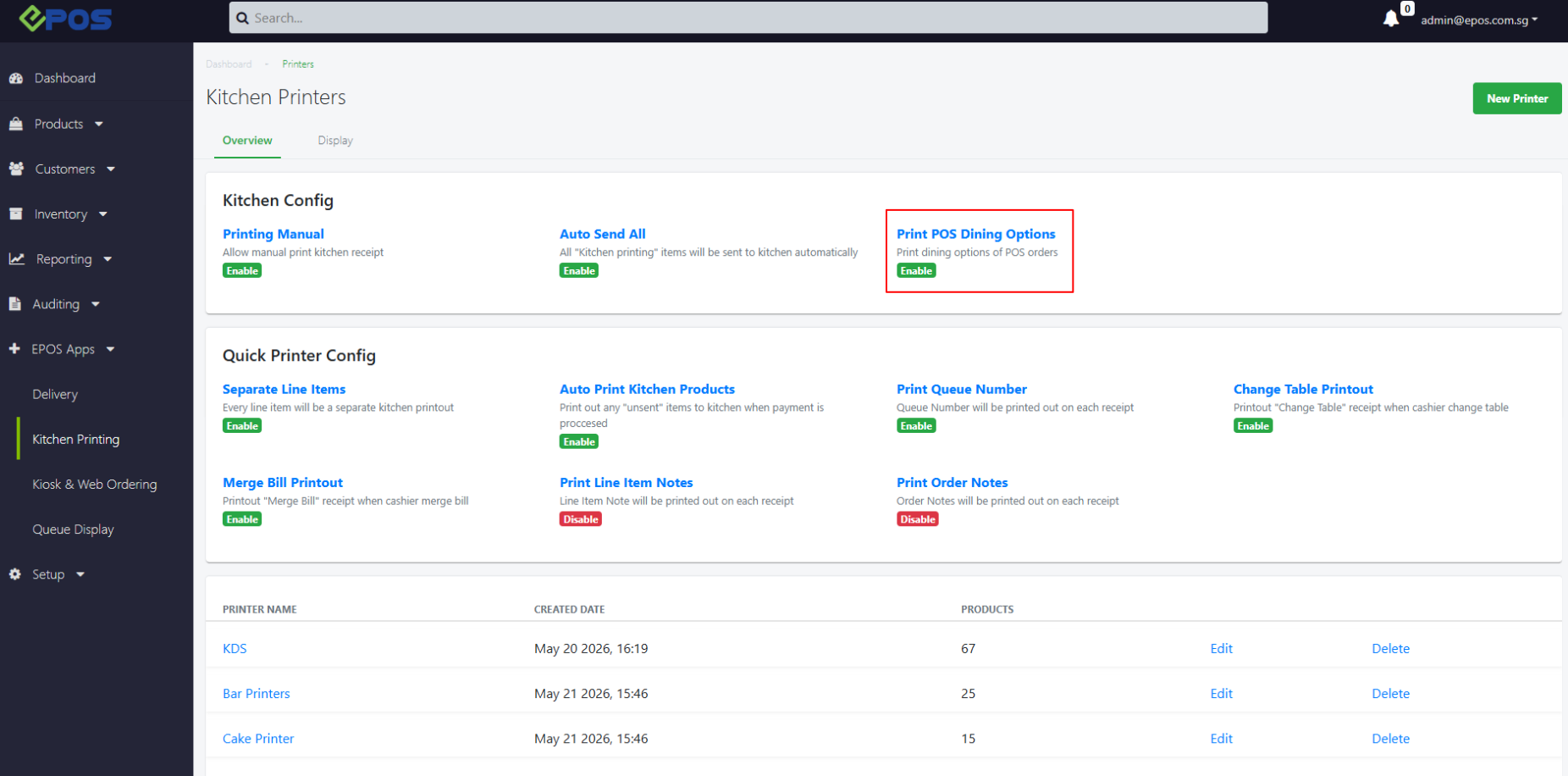
1. User toggles on the “Dining Option Selection” feature from EPOS Backend > EPOS Apps > Kitchen Printing > Print POS Dining Options. Sync the POS for the changes to take effect.
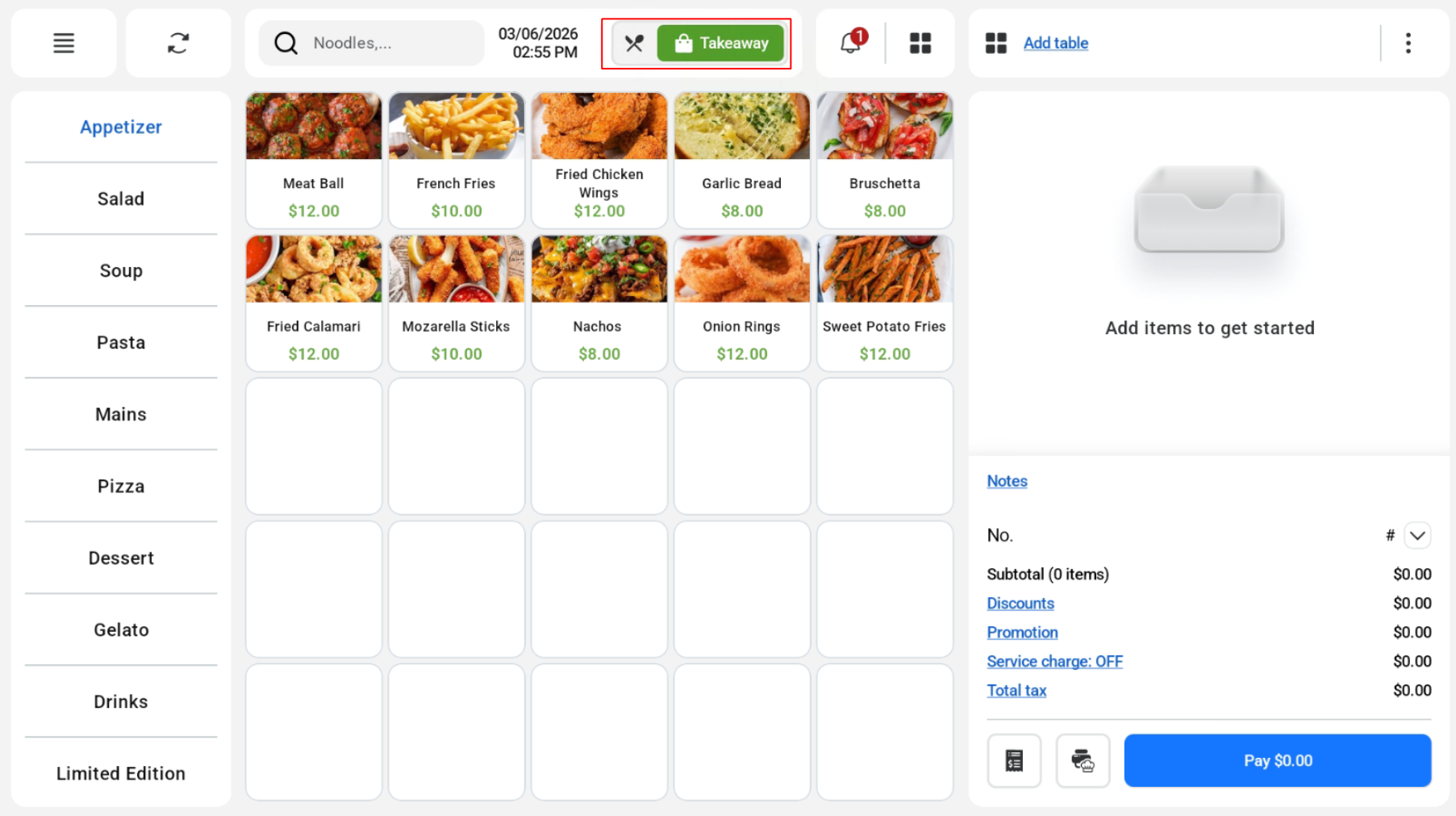
 2. In Hybrid Kiosk, users can select between the 2 dining options — Dine-in & Takeaway. The selected dining option will be displayed on the POS mode, Kiosk mode and Online KDS.
| View | Dine In | Takeaway |
| POS mode | 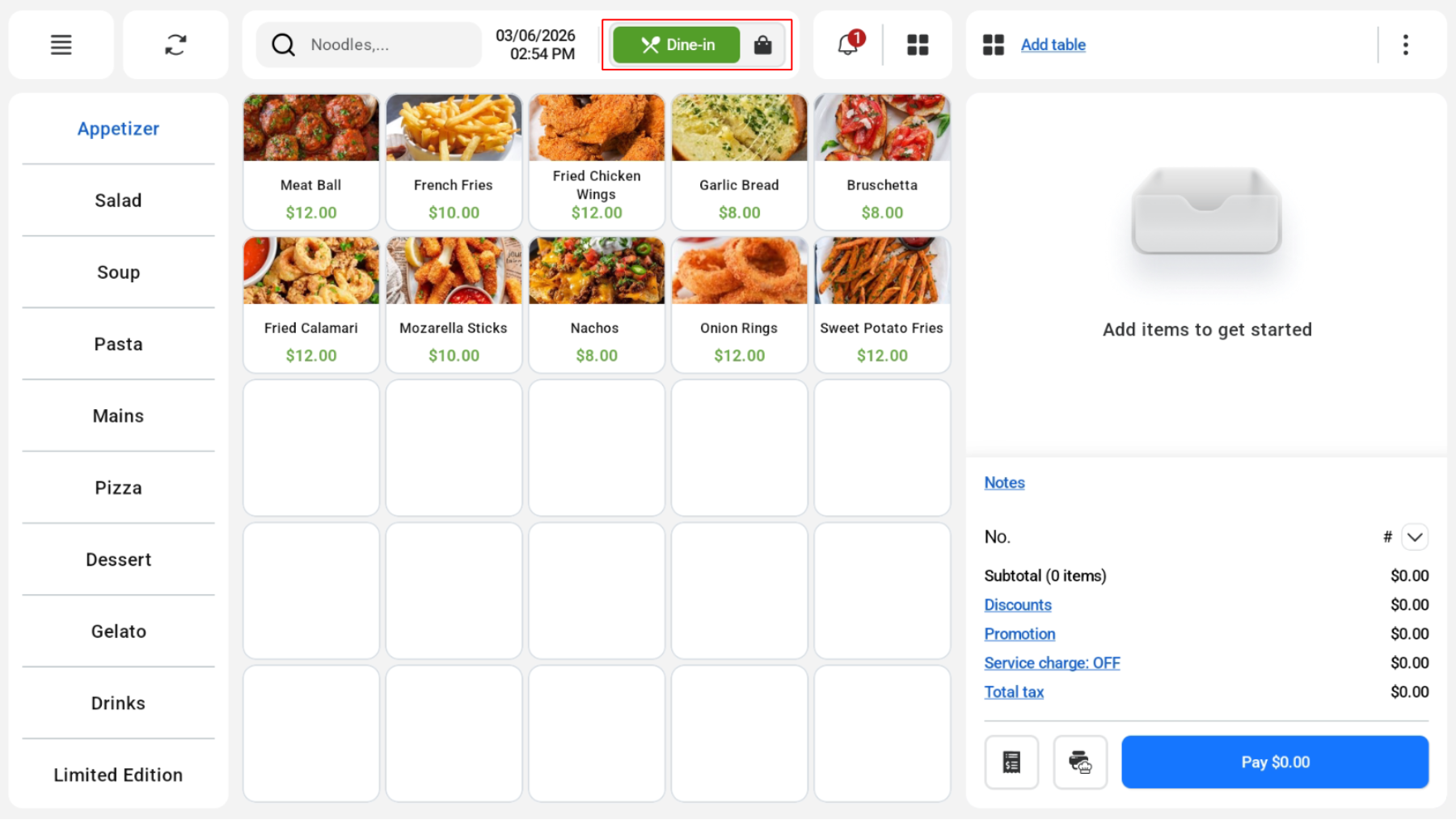 |
 |
| Kiosk mode | 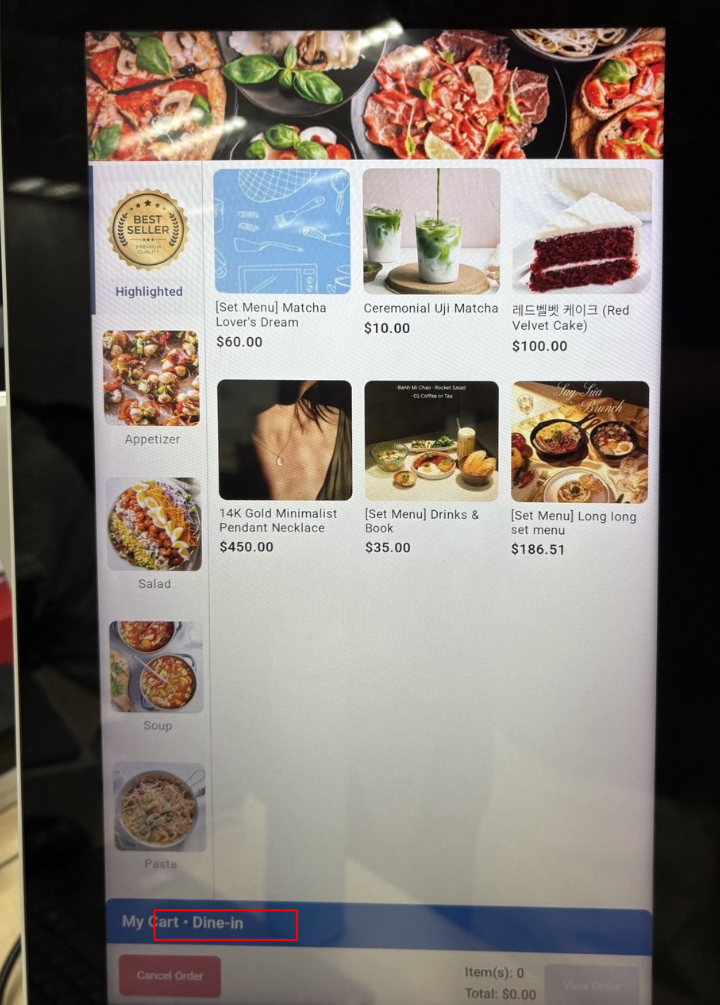 |
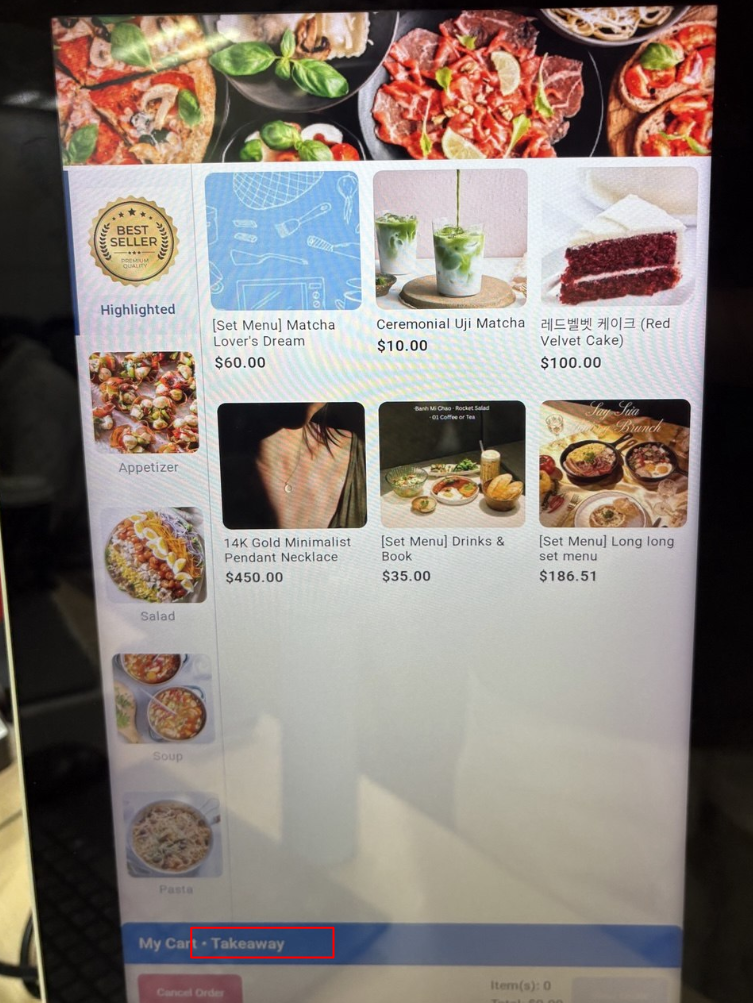 |
| Online KDS | 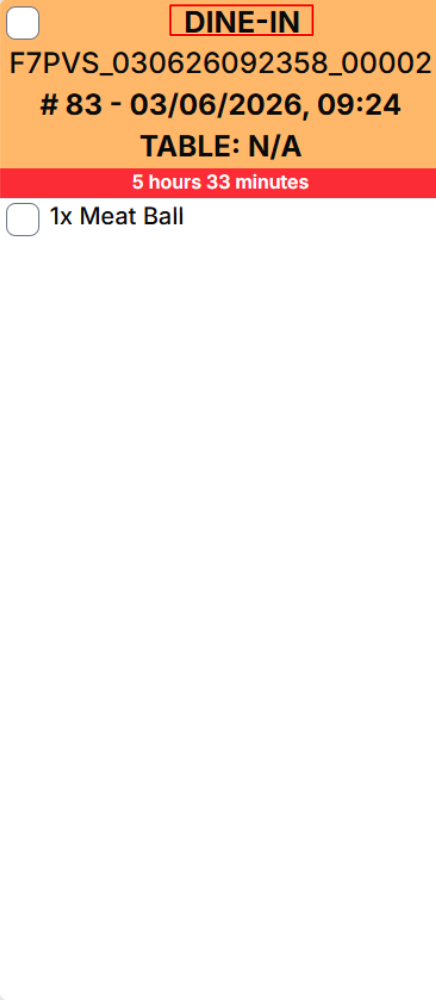 |
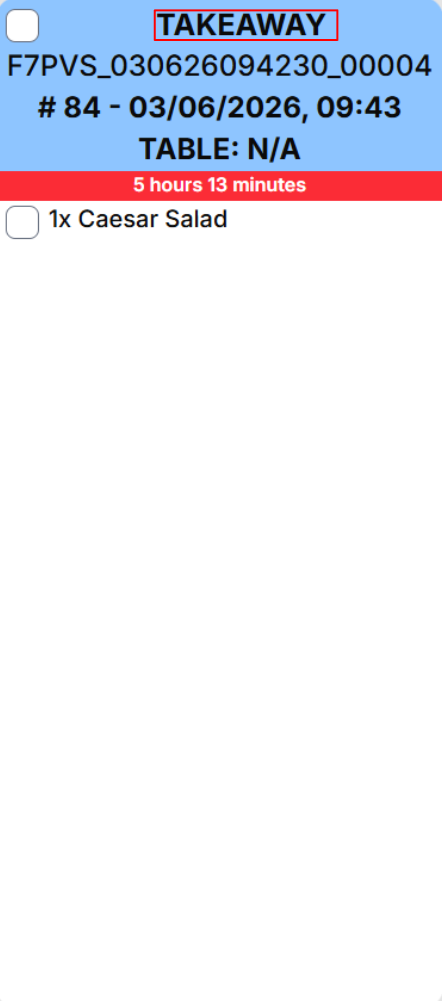 |
