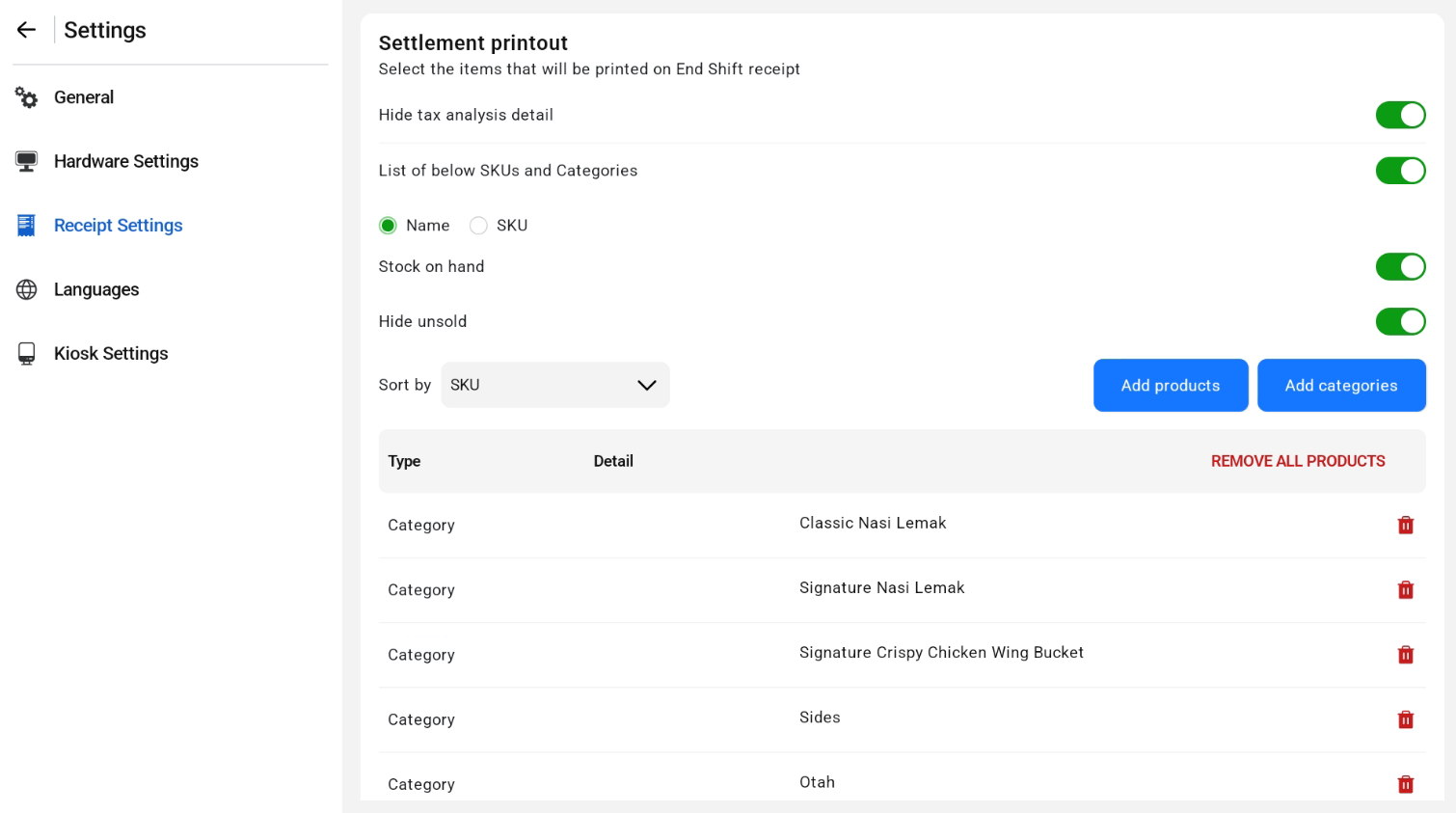
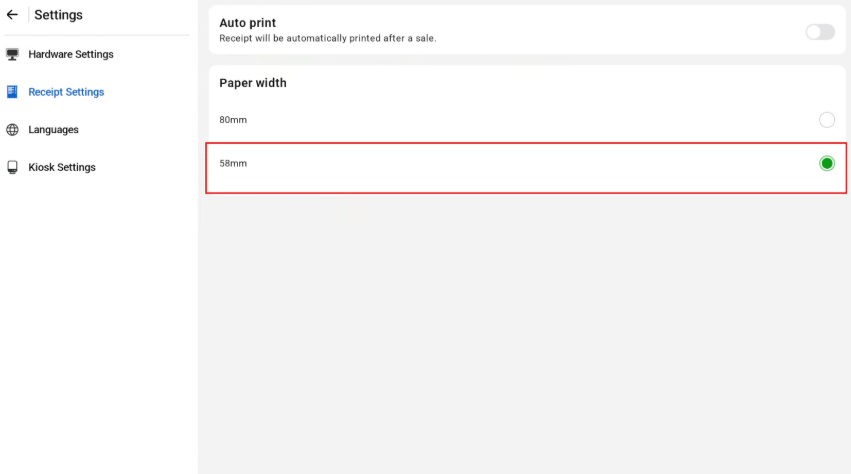
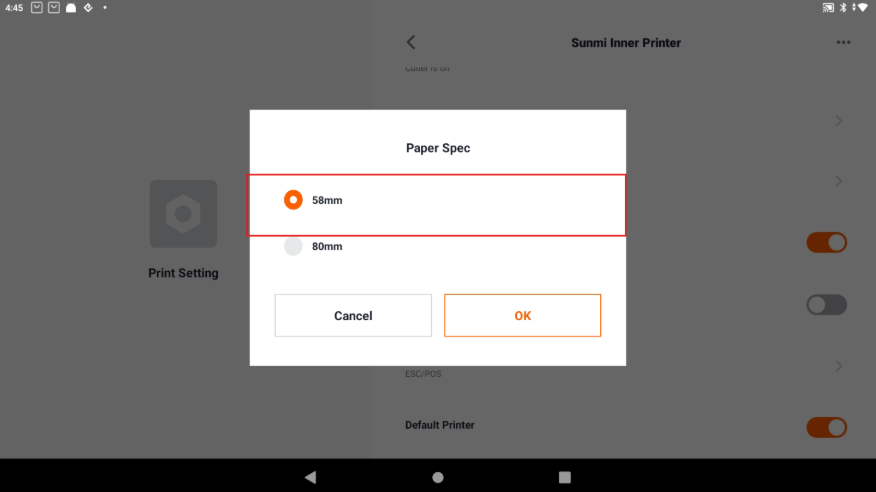
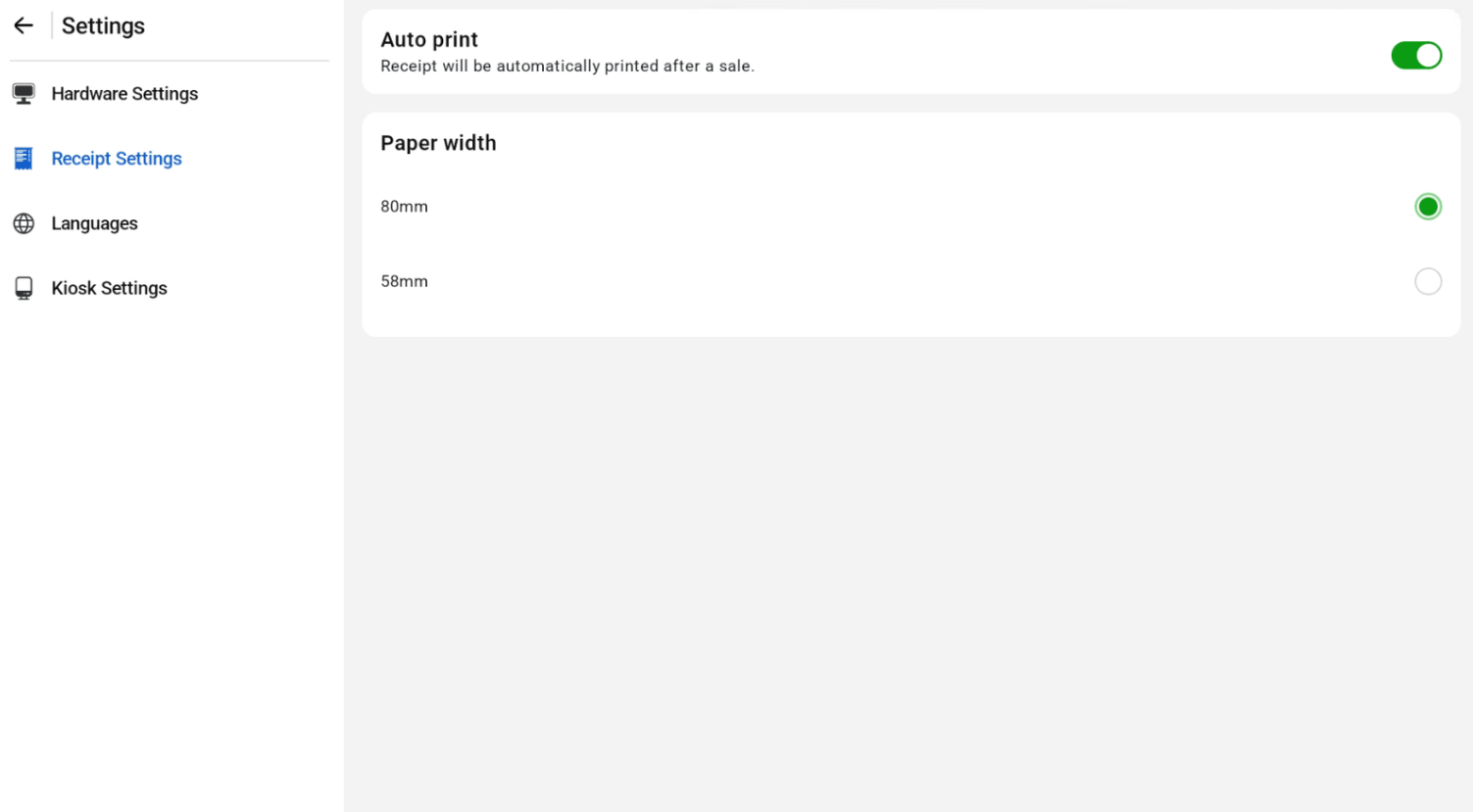
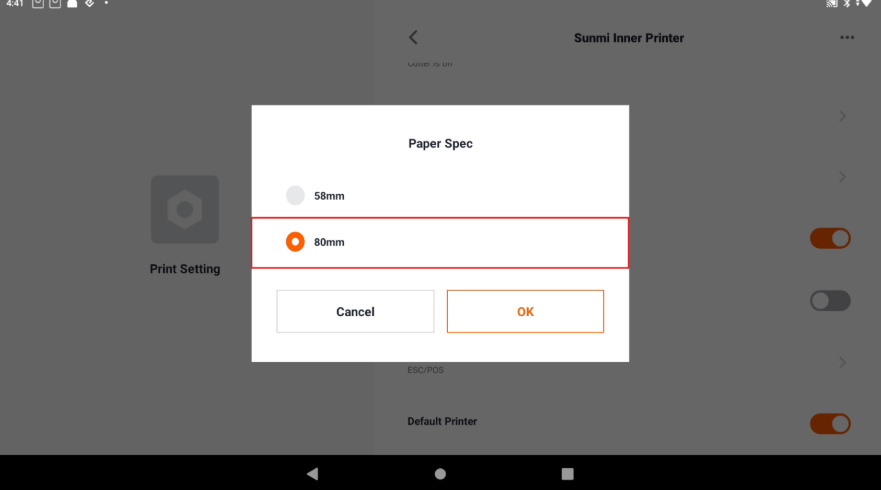
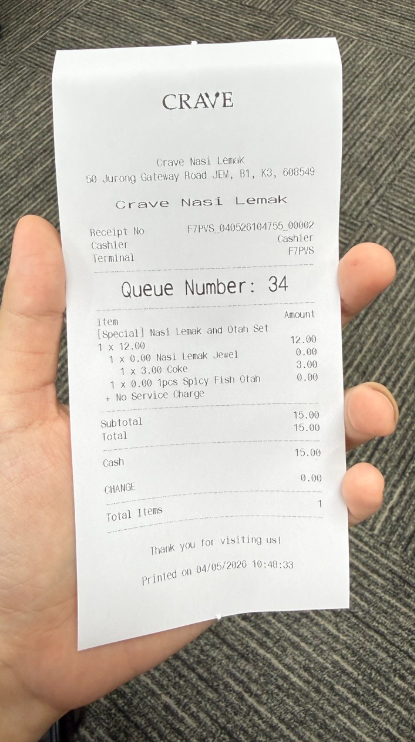
Users are able to configure the receipt slip format, automatic printing of receipts and labels for both POS & Kiosk mode, and the settlement printout format, including listing items by SKU and categories. Adjust the paper width in both Sunmi settings and EPOS App Receipt Settings to match either 58mm or 80mm, depending on the paper width.
58mm
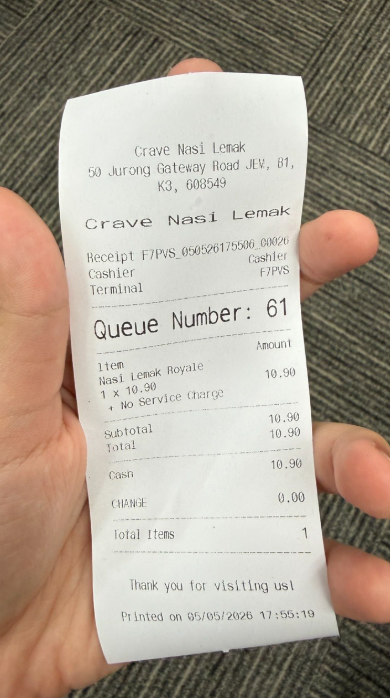
80mm
Auto Print and Settlement Printout
Turn on Auto print to print the receipt automatically after a sale, and Auto print label to print labels automatically after a sale.
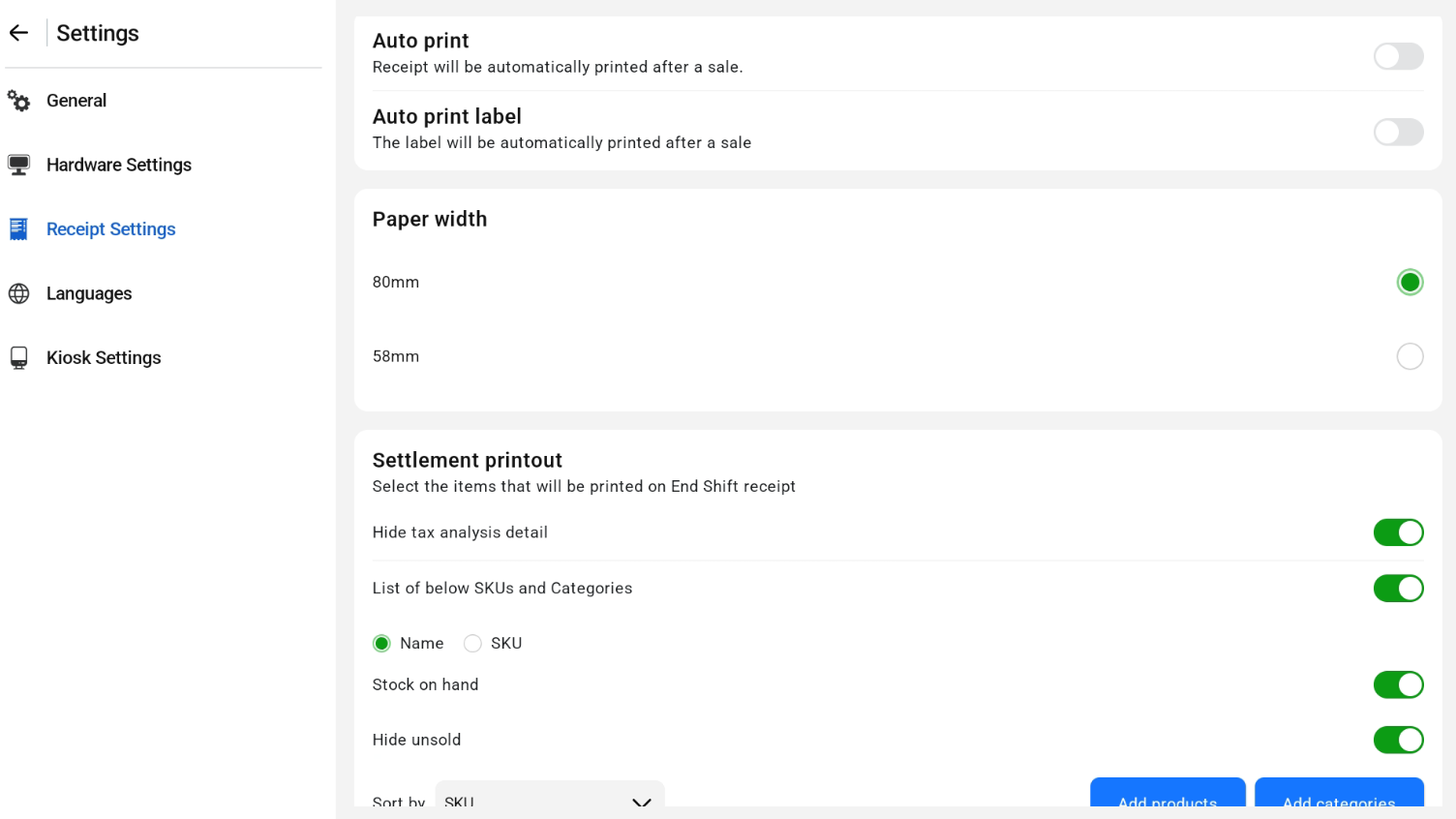
Under Settlement printout, select the items printed in the shift report. Turn on List of items SKUs and Categories to list items by SKU and category, then add the products or categories to include.