
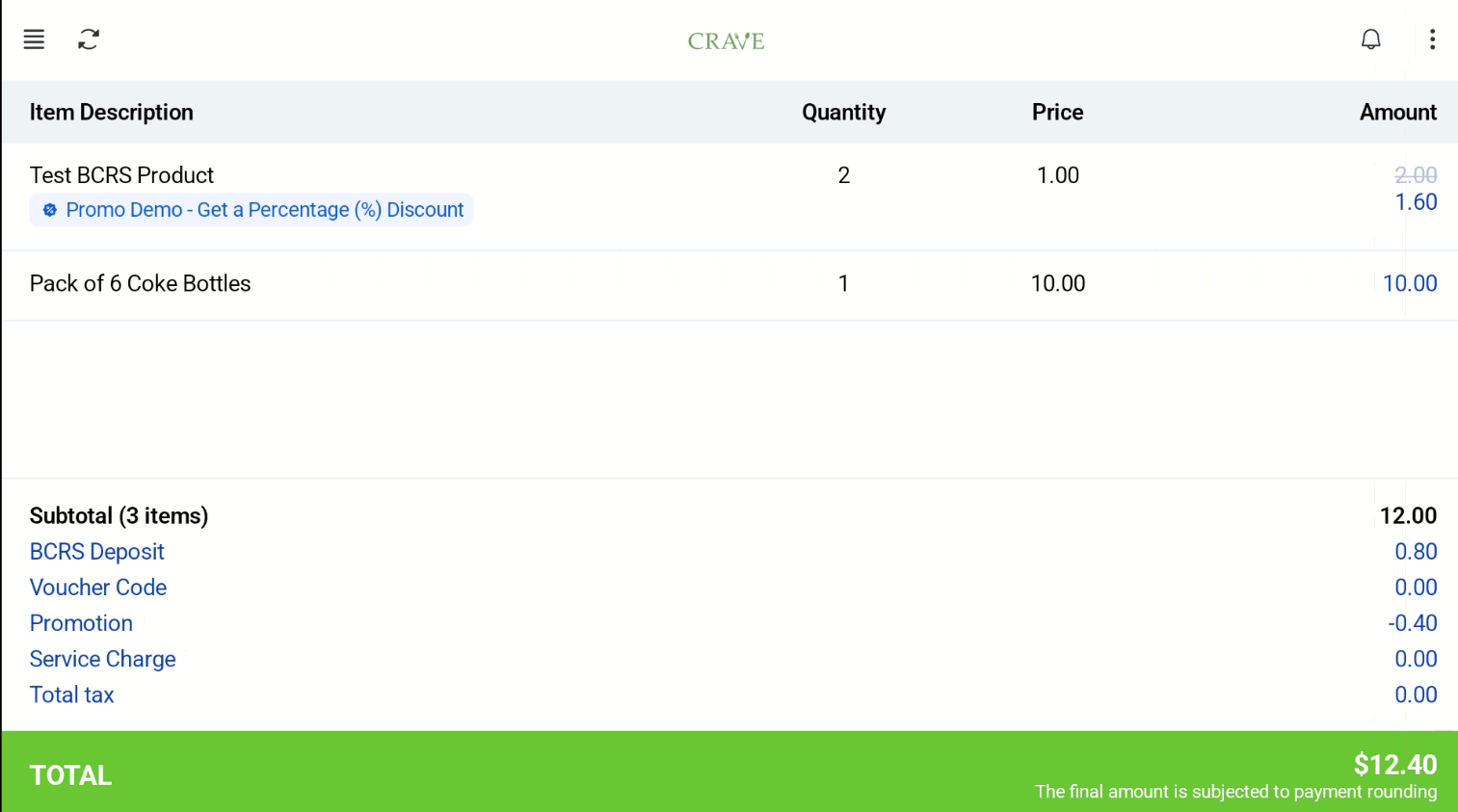
On the Retail Kiosk in Kiosk Mode, customers add products by scanning barcodes or entering them manually. The cashier screen shows the same order.
How it works
- The customer scans a product barcode or enters it manually.
- The product is added to the cart. The customer can edit the quantity to add more of the same item.
- The customer goes to checkout and pays.
Payment methods
Cash, ANEXT and UOB PayNow, Antom, NETS, Point Redemption and Credit Redemption are supported.
