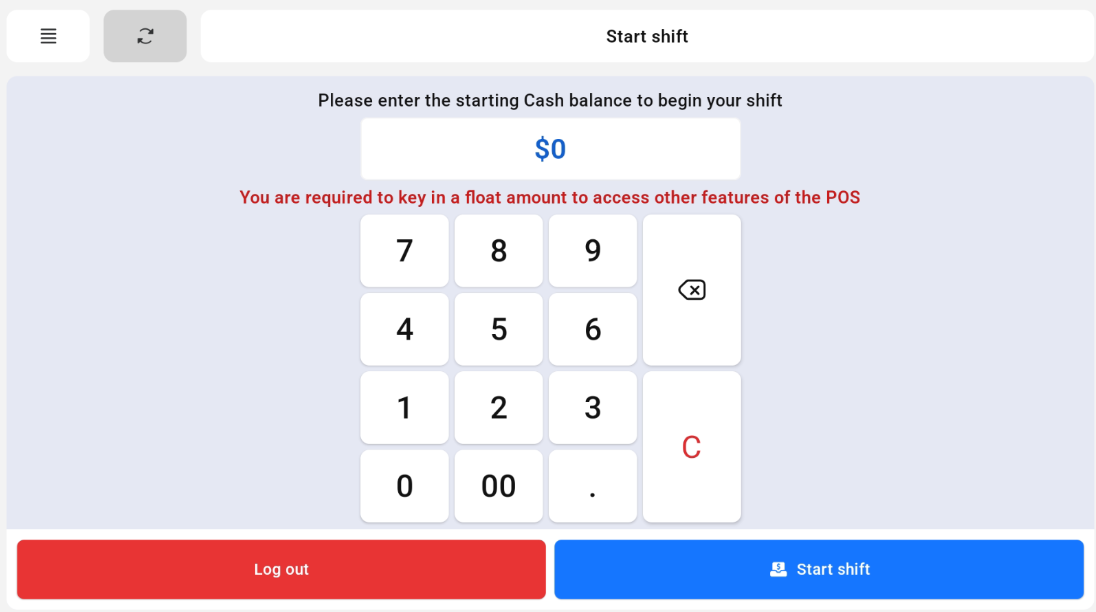
Cashiers are required to enter float amount via keypad to start shift.
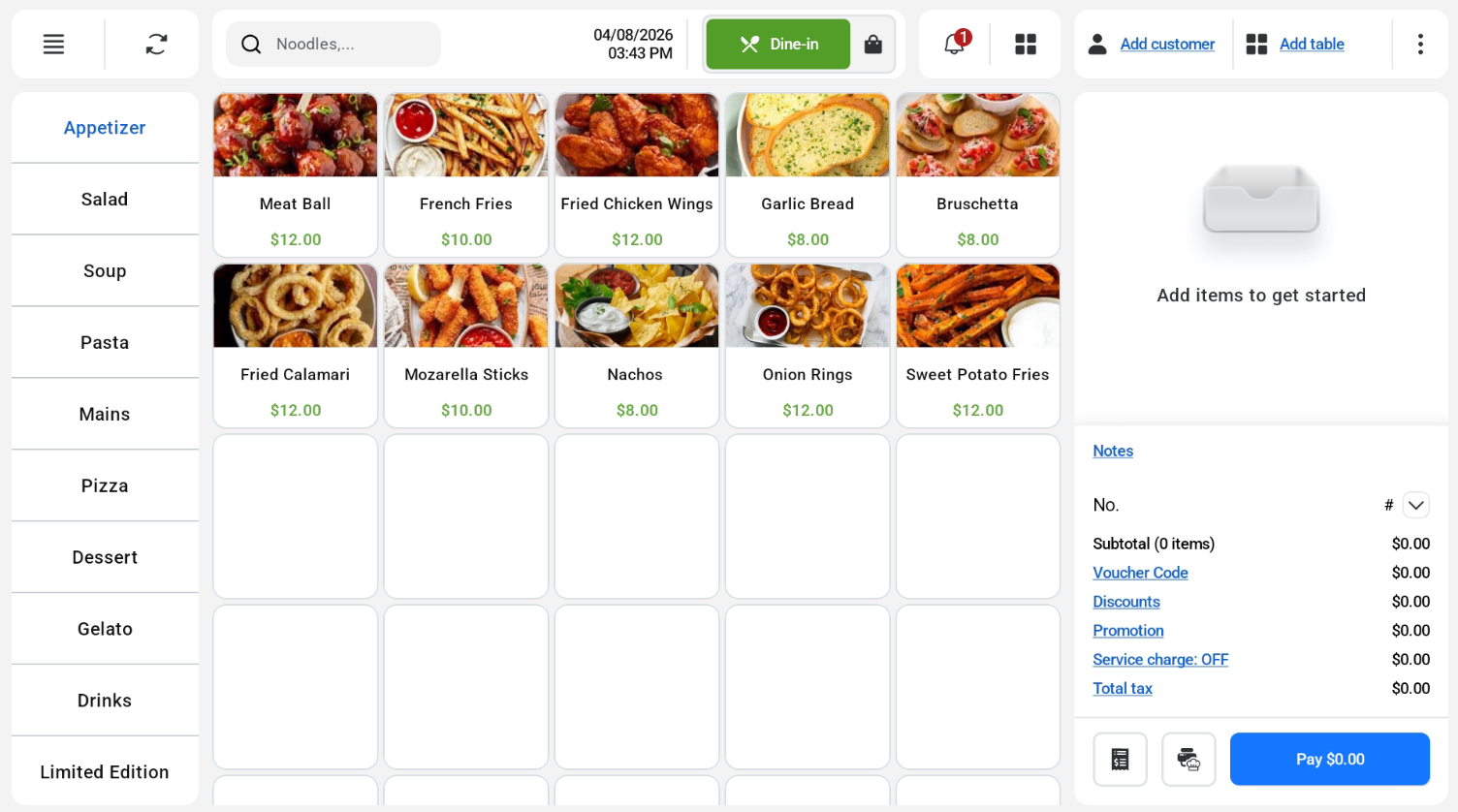
After shift is started, cashier will be redirected to POS Ordering Screen.
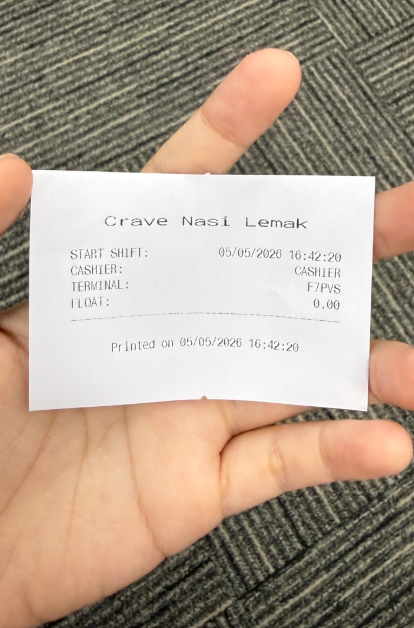
Start shift slip will be printed with built-in printer by default.

Cashiers are required to enter float amount via keypad to start shift.
After shift is started, cashier will be redirected to POS Ordering Screen.
Start shift slip will be printed with built-in printer by default.
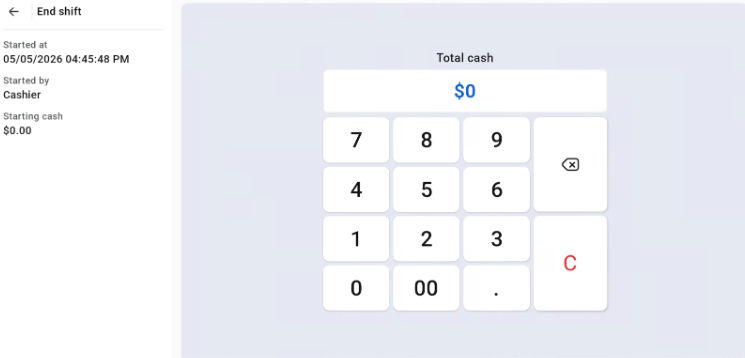
Staff will click on the Hamburger Icon > Shift Management. Staff will need to enter final amount and click confirm.
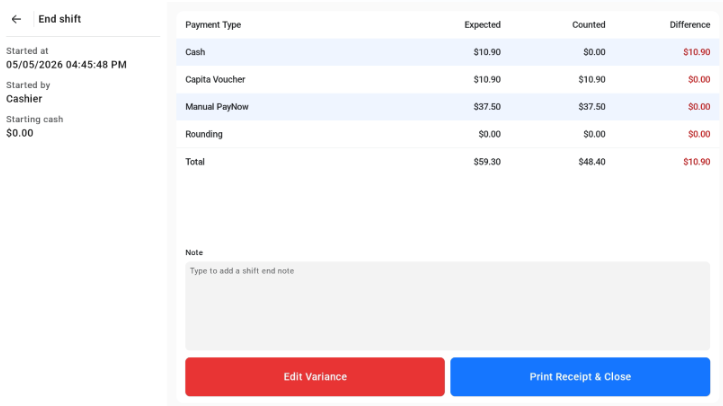
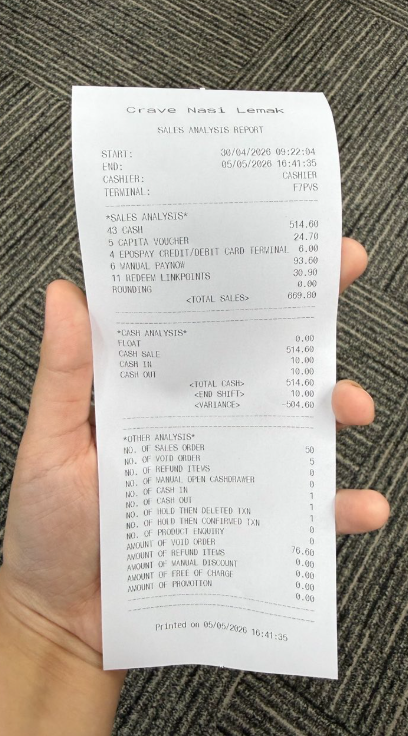
End Settlement Receipt will be printed after shift ended successfully.