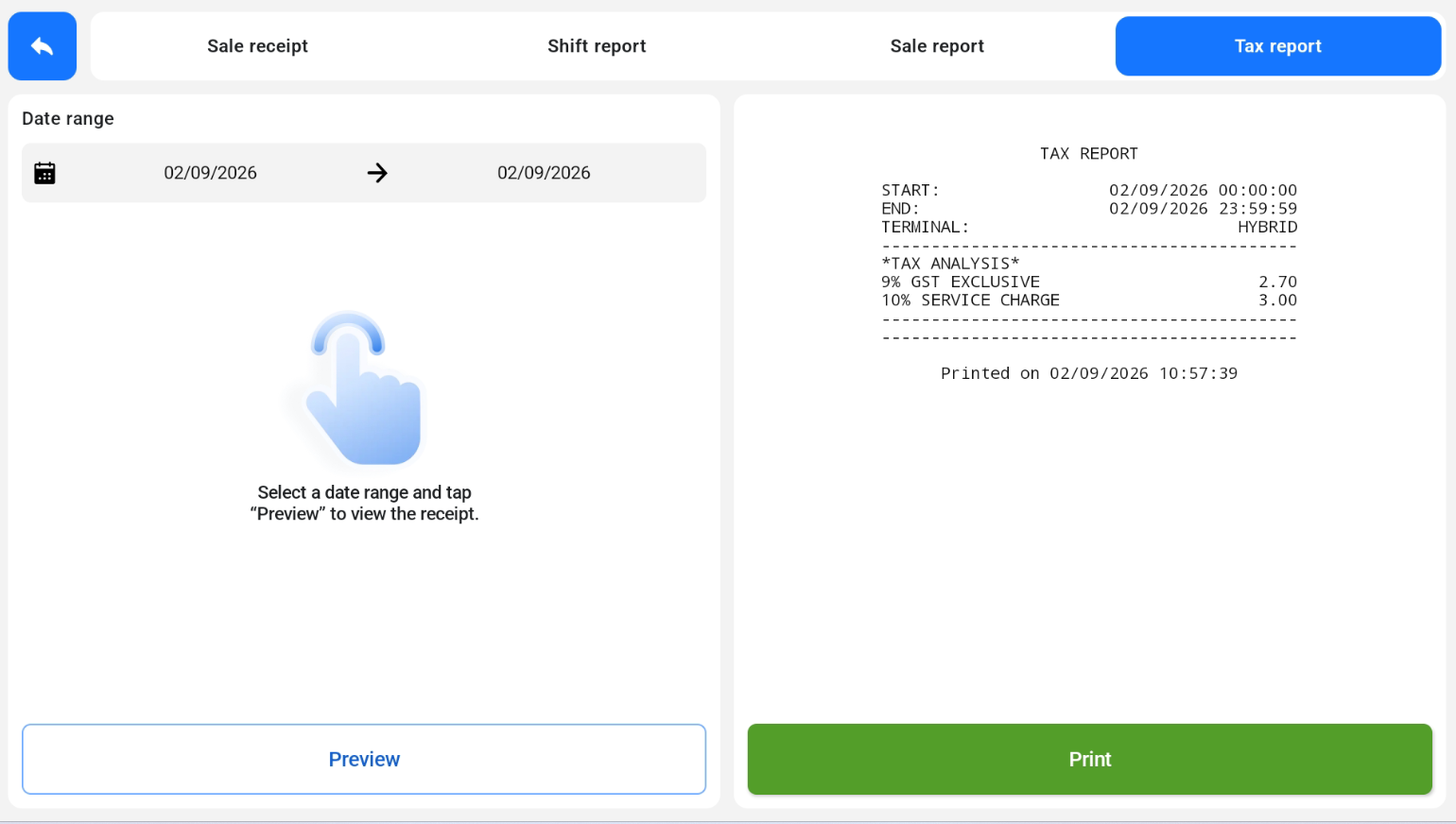
The Tax Report shows a tax analysis for a selected date range, including GST and service charge. It is available in POS Mode.
How to view the Tax Report
- Open the Tax report tab, next to Sale receipt, Shift report and Sale report.
- Select a date range.
- Tap Preview to view the report.
- Tap Print to print it.