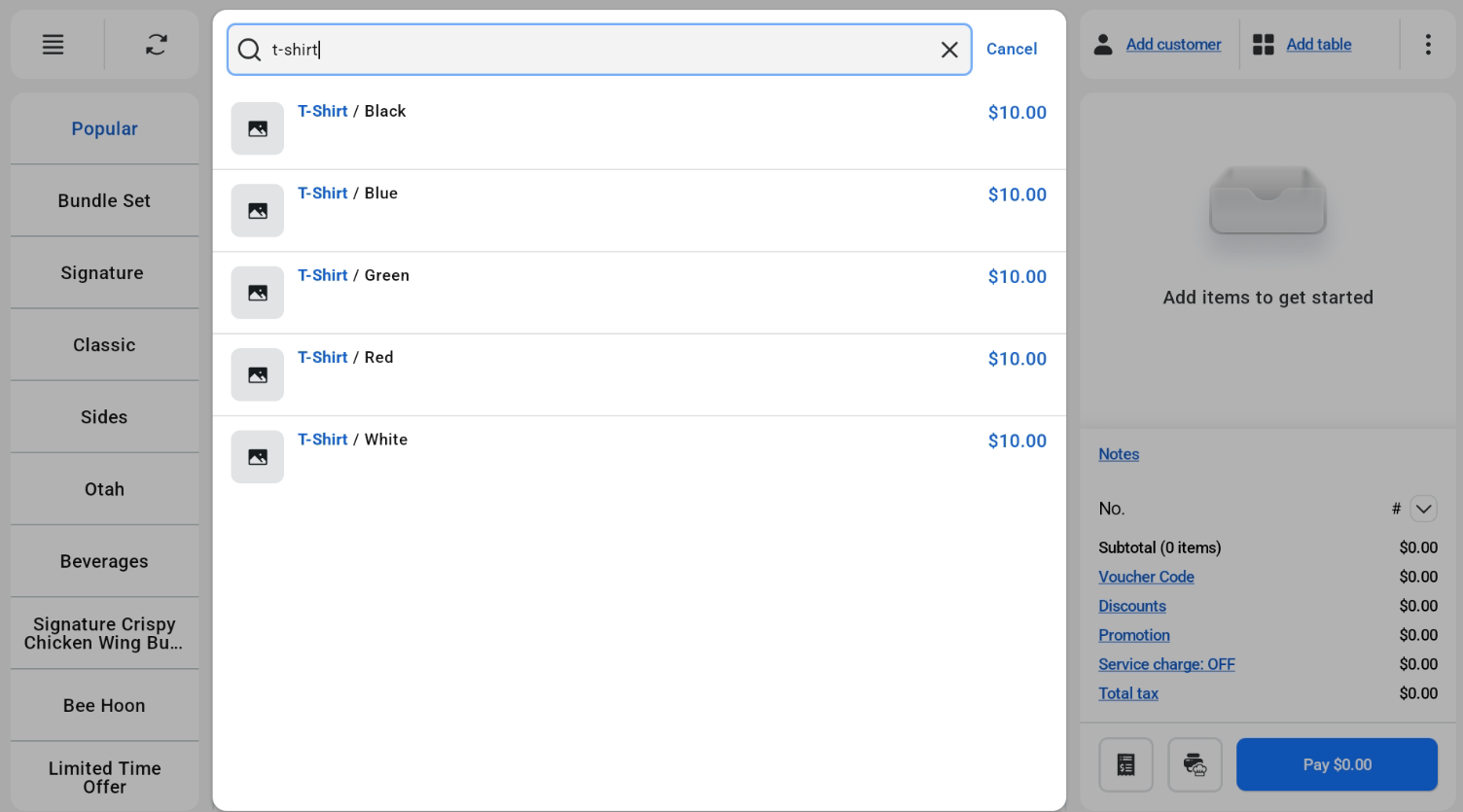
In POS Mode, products with variants are listed by variant when the cashier searches for the product. Each variant is shown as the product name followed by the variant, for example T-Shirt / Black or T-Shirt / Blue, with its own price.
Adding a variant to the cart
- Search for the product.
- Tap the variant you want to add.