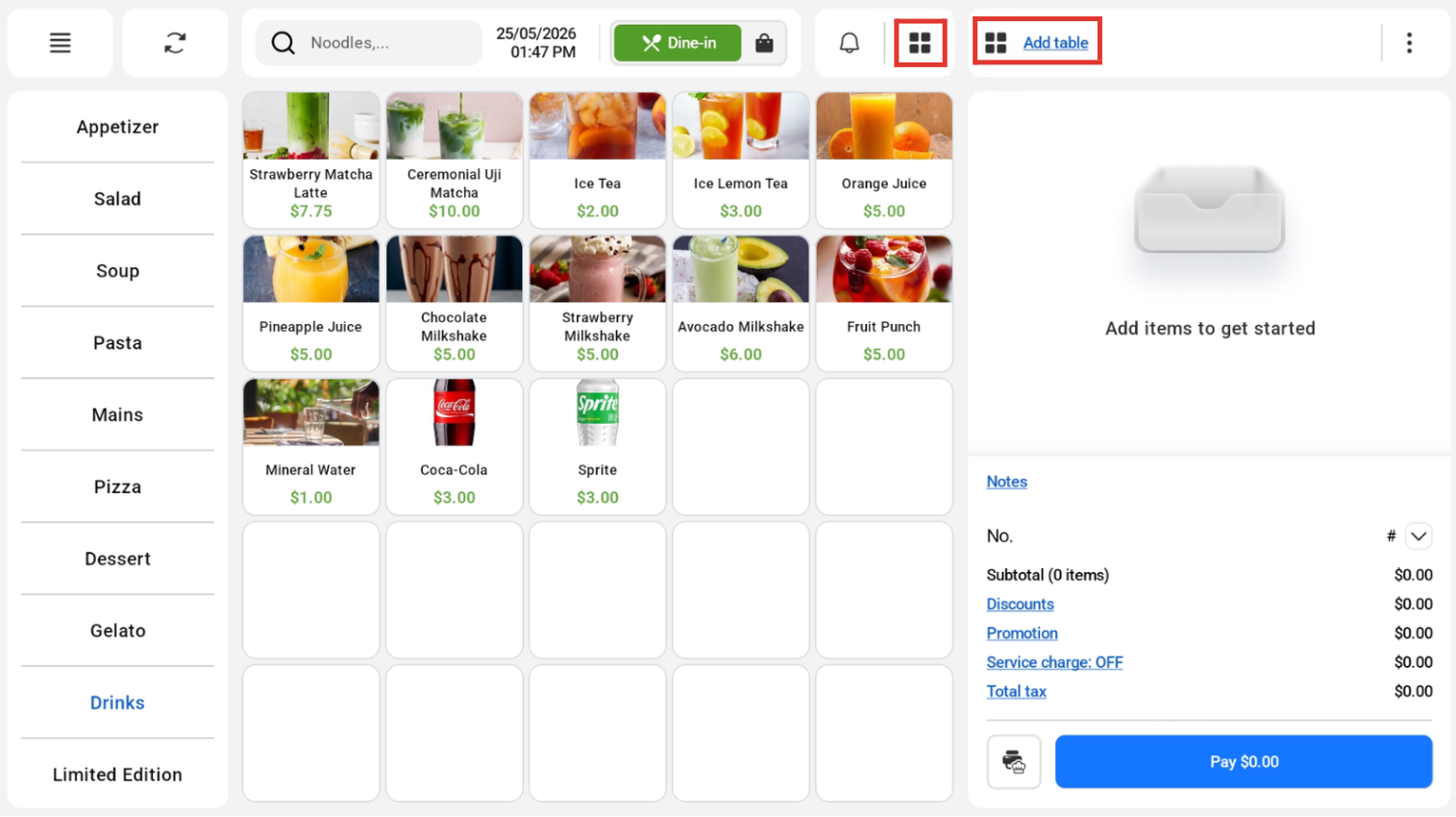
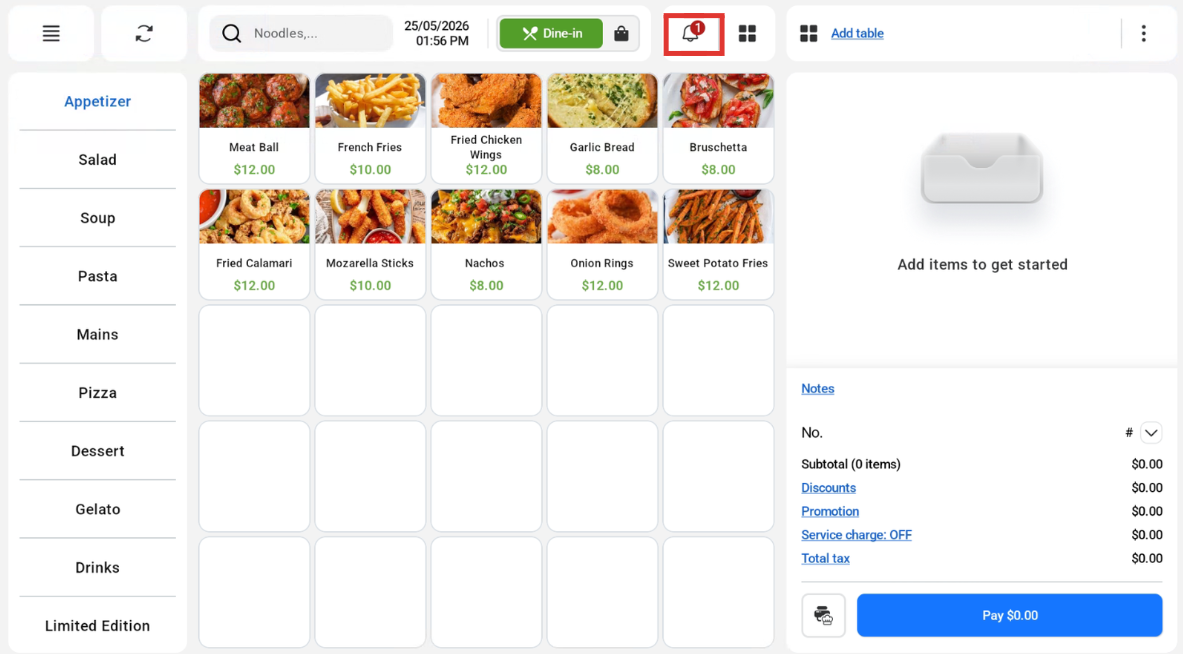
Users can tag tables to orders. To navigate to the table management area, click the 2 icons boxed in red. To click the “Add Table” on the right box, there must be active orders.
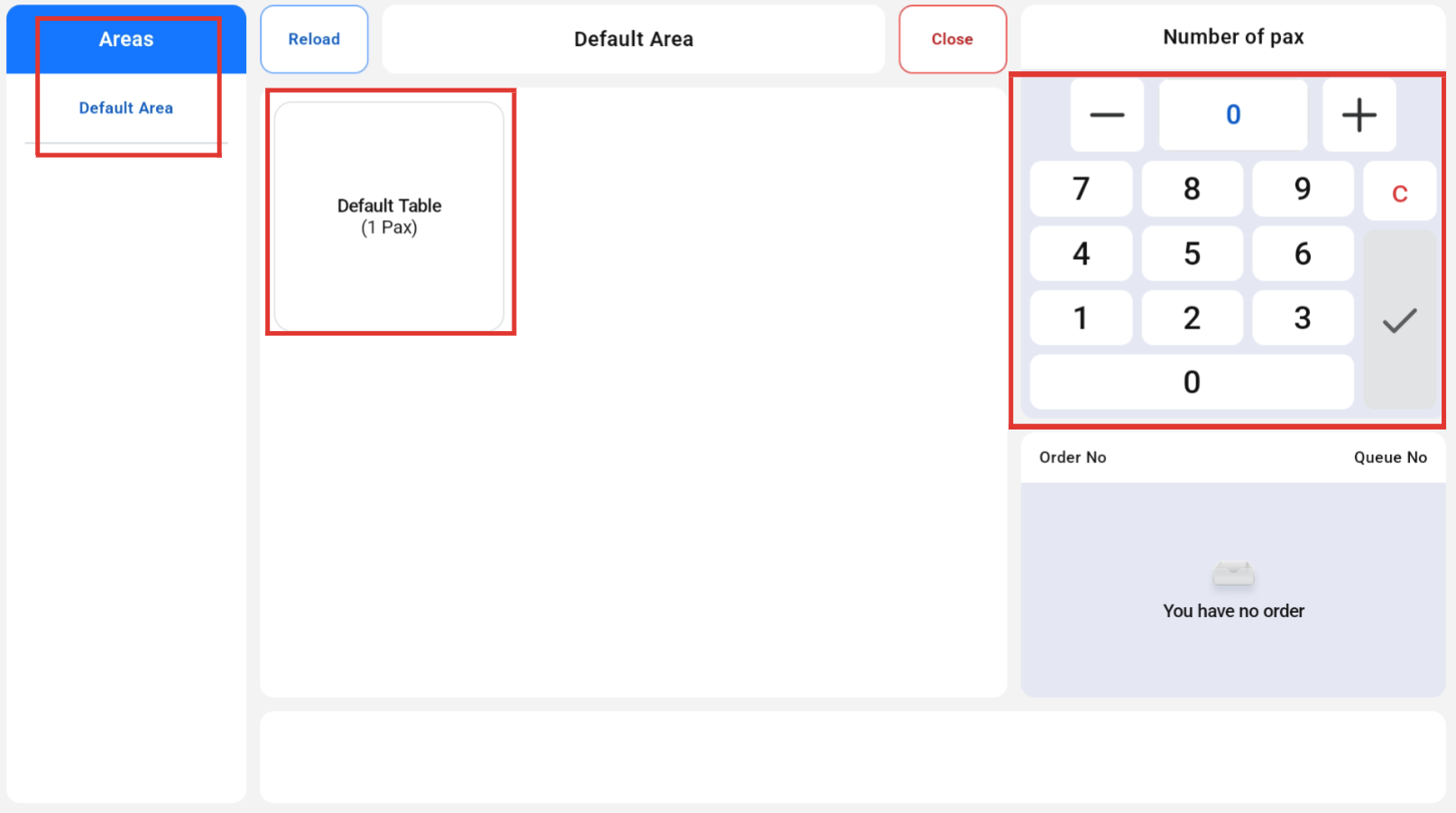
Once the user clicked the table management icon, they will be able to select an area and table, key in the number of pax and click on the “Take Order” button.
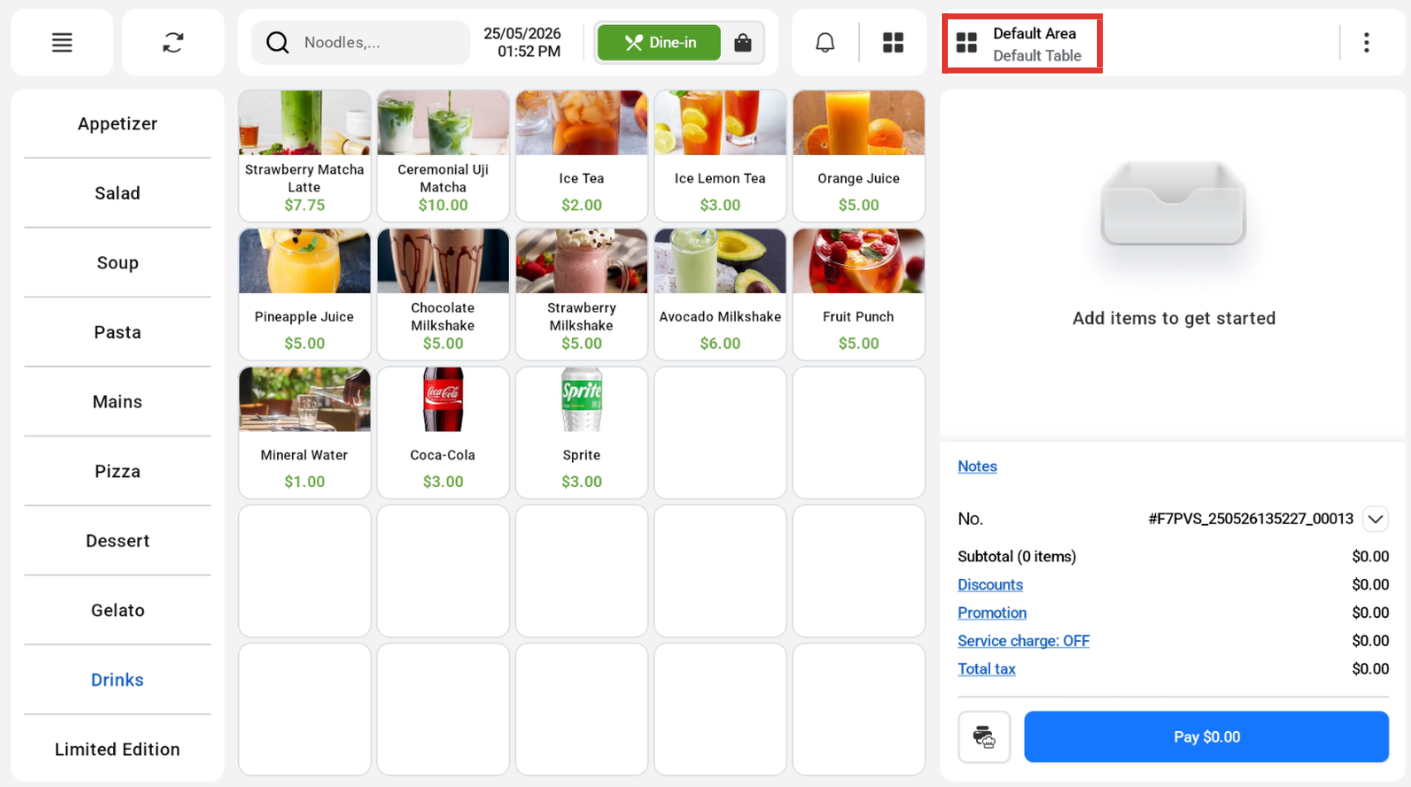
The tagged table will be displayed on the sales screen.
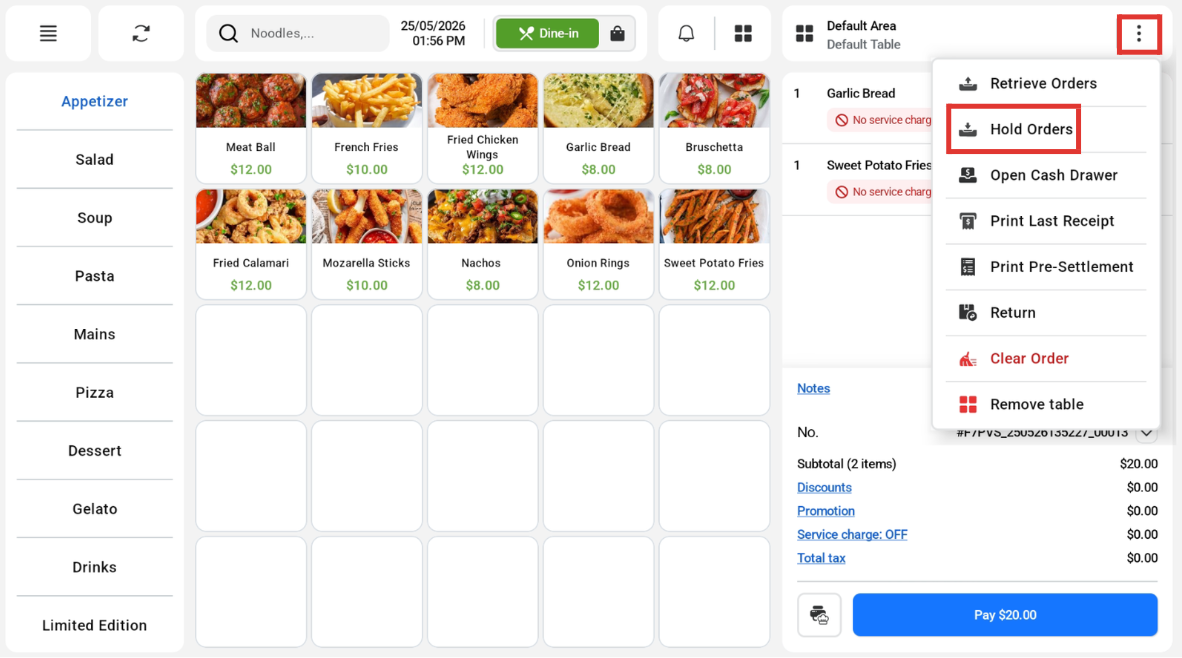
Users can hold orders made for each table.
Users can tag a table and enter all of the products into the order cart first.
Users can retrieve orders made for each table.
Users can click on the bell icon to retrieve the held orders.
Users can look for the order that is tagged to their table, Clicking on it will make the cart items reappear.
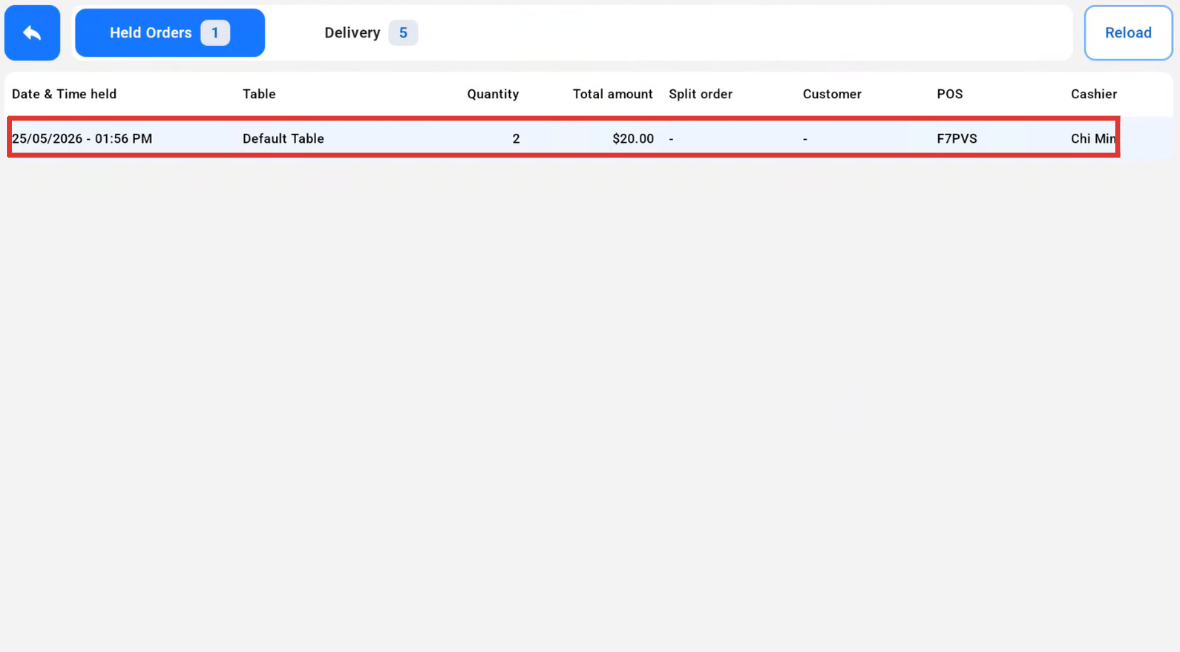
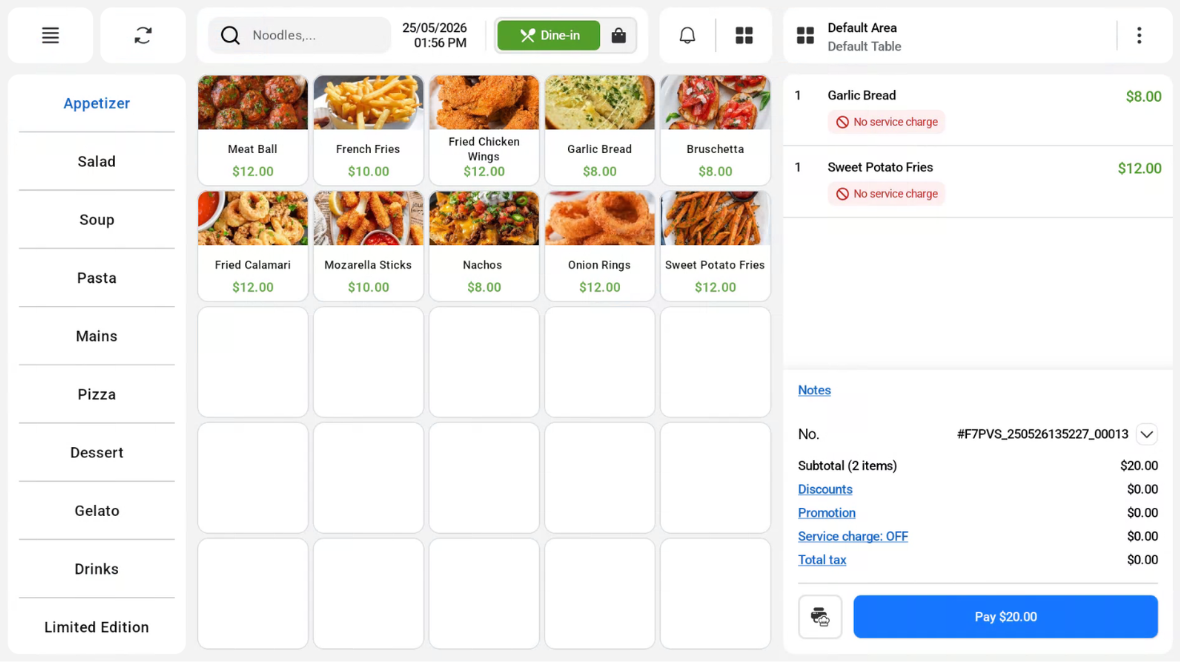
Table management supports layout and configuration set in EPOS Backend, for both change table and merge order functionality.
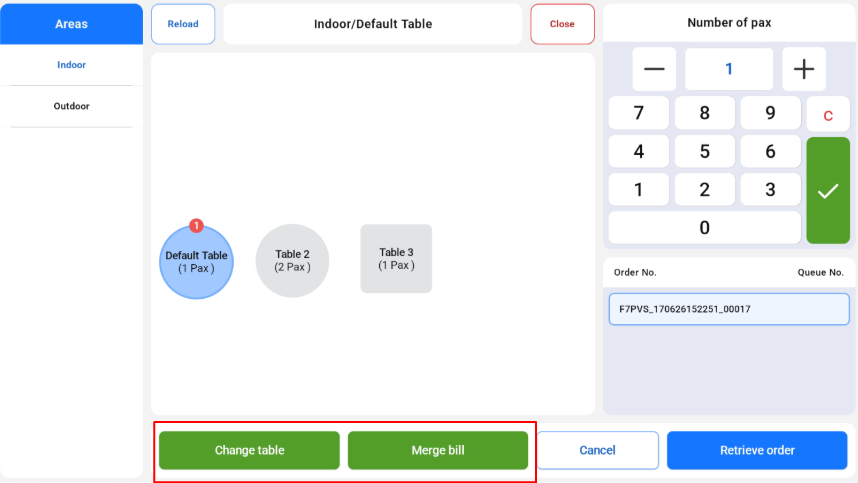
Change Table
Merge Order

