
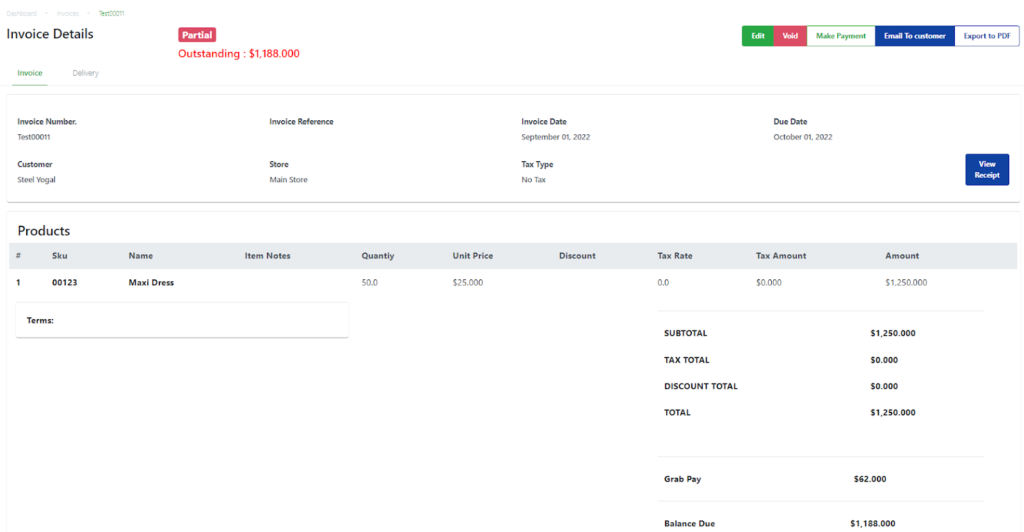
When a partial or full invoice payment has been made, updating the sales order:
|
Step |
Description |
|
1 |
Select the Customers tab in the backend portal and search for the customer tagged to the invoice. |
|
2 |
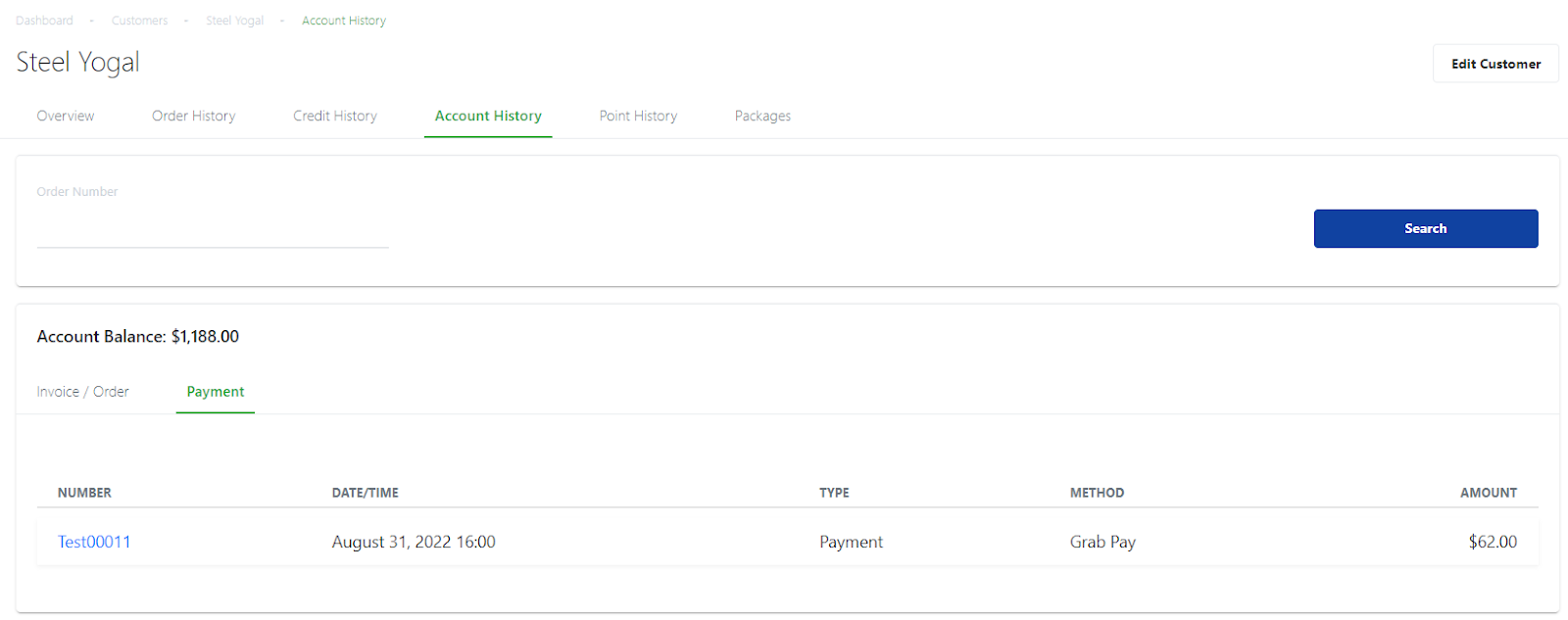
Select the Account History tab.
Users will be able to see that the customer’s account history will reflect the invoice payment made under the Payment tab. |
Was this article helpful?
YesNo
