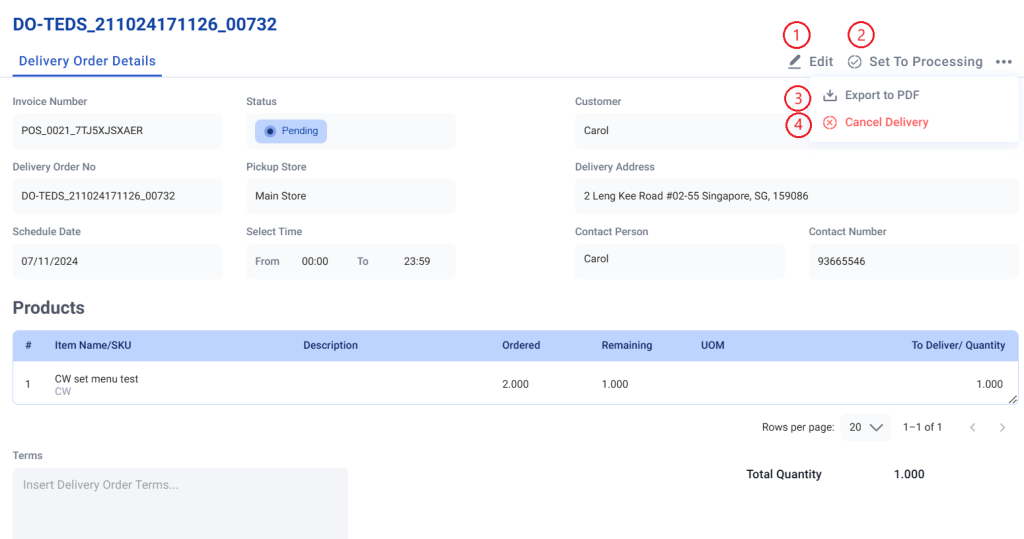
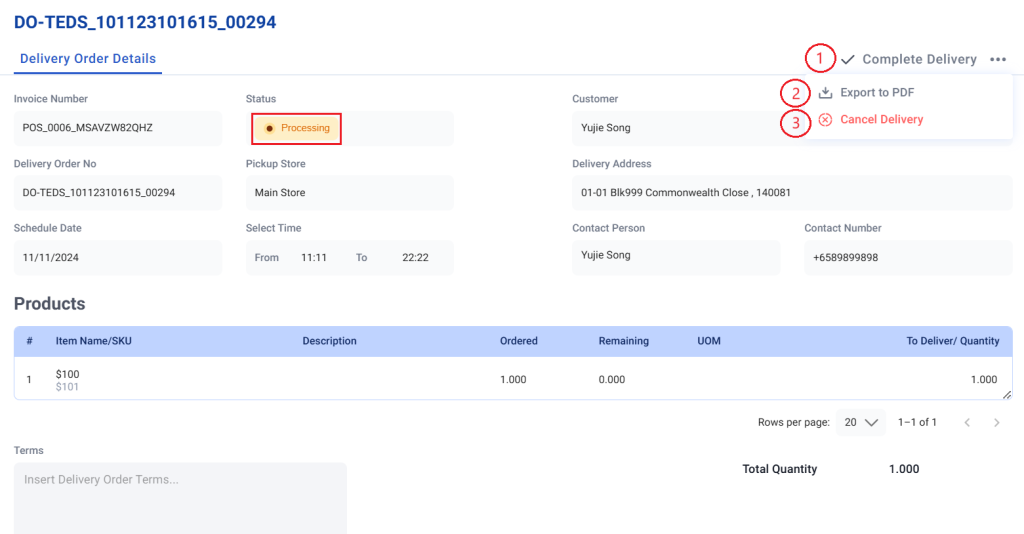
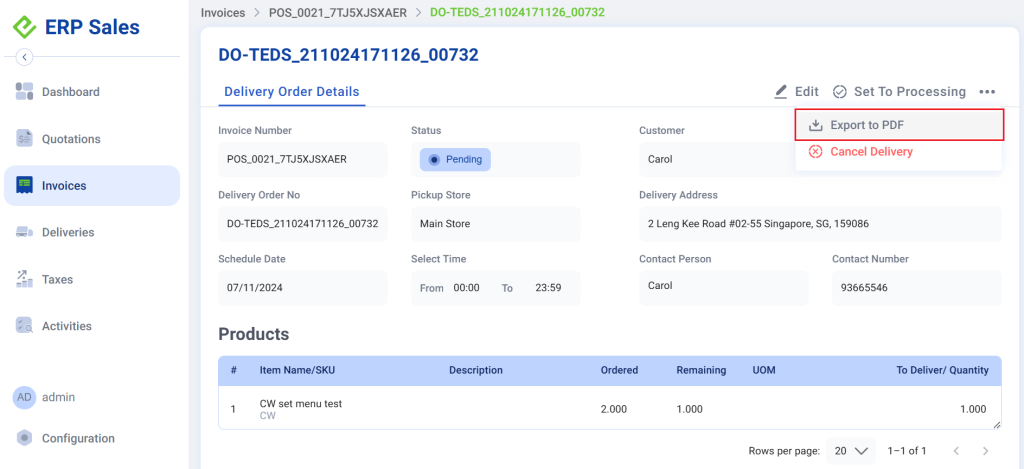
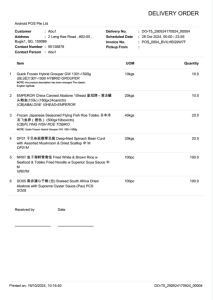
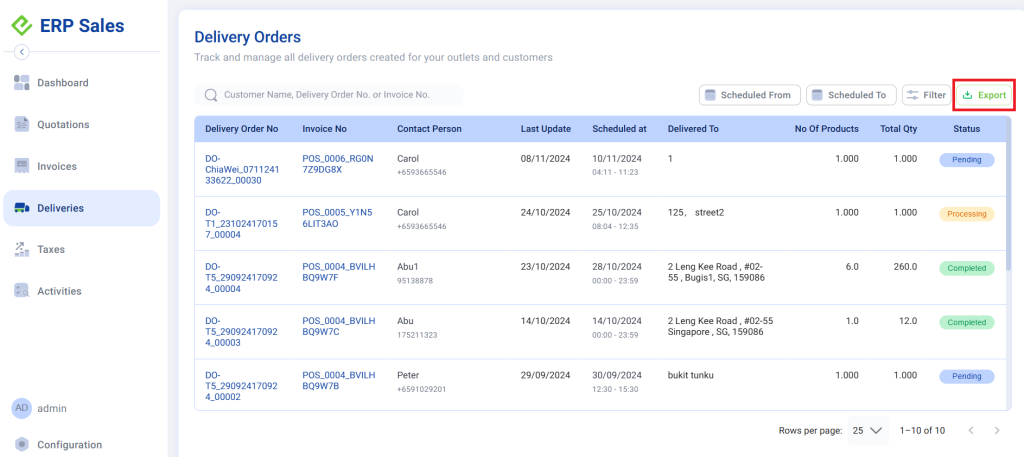
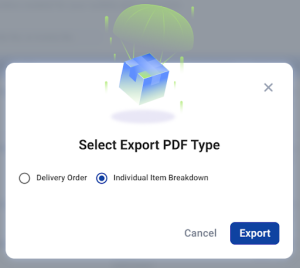
Currently, there is no assigned button to create a new delivery order. To create a delivery order, users have to navigate through an existing invoice.
💡 See Create An Invoice if an invoice has not been created yet
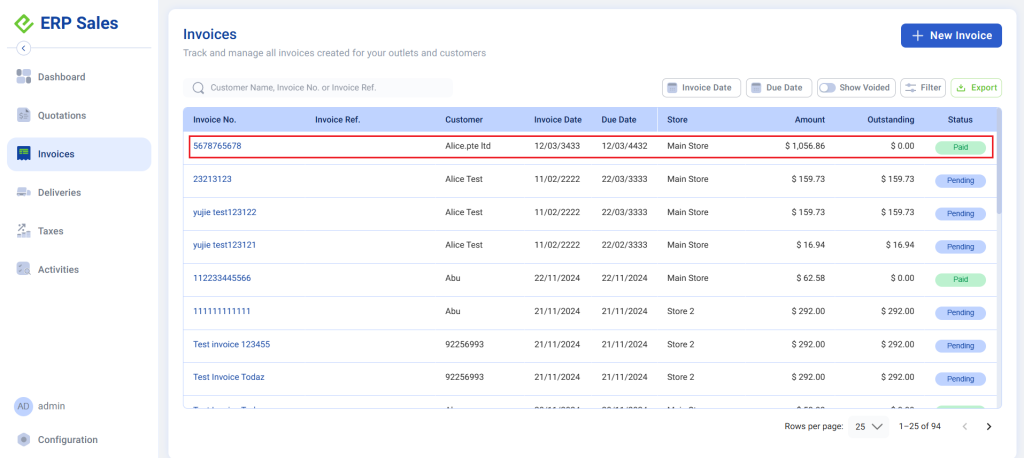
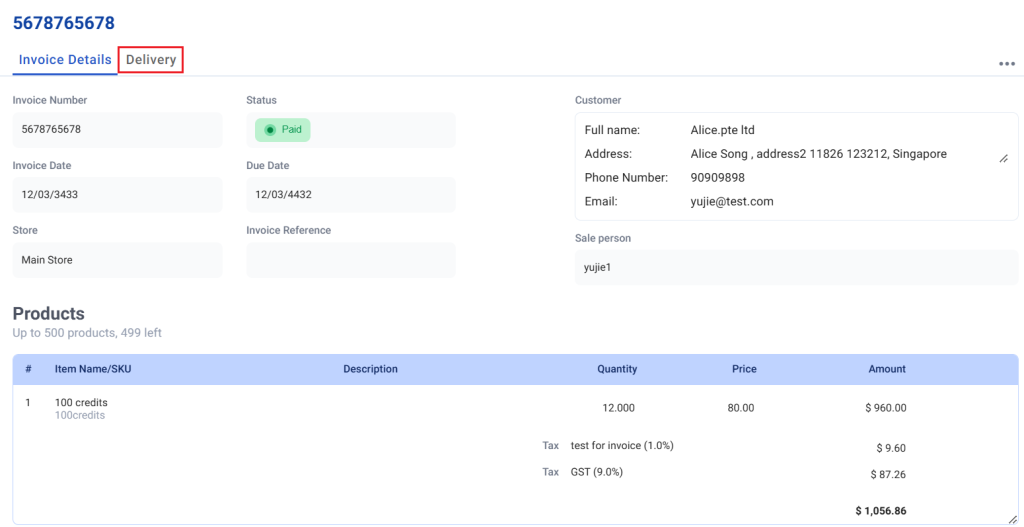
1. In the selected invoice, click on the “Delivery” tab
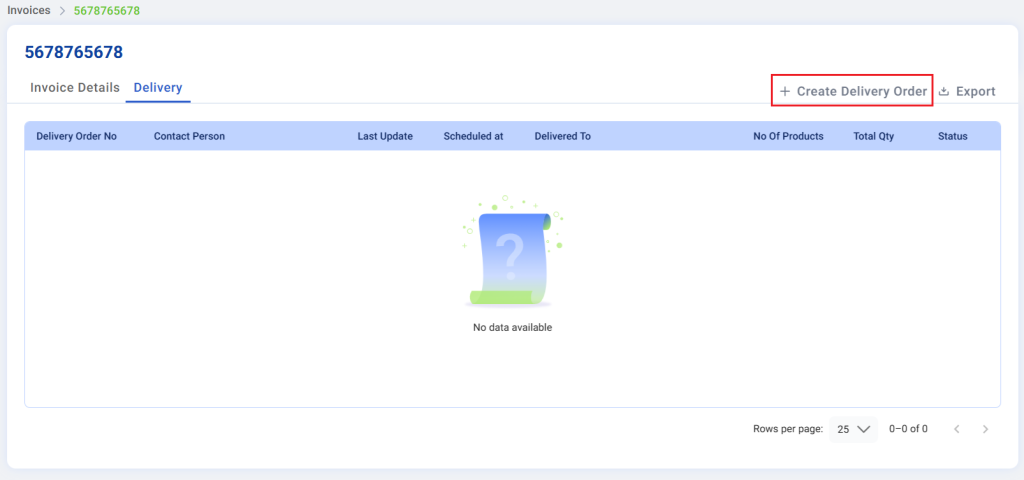
2. Click on “Create Delivery Order”
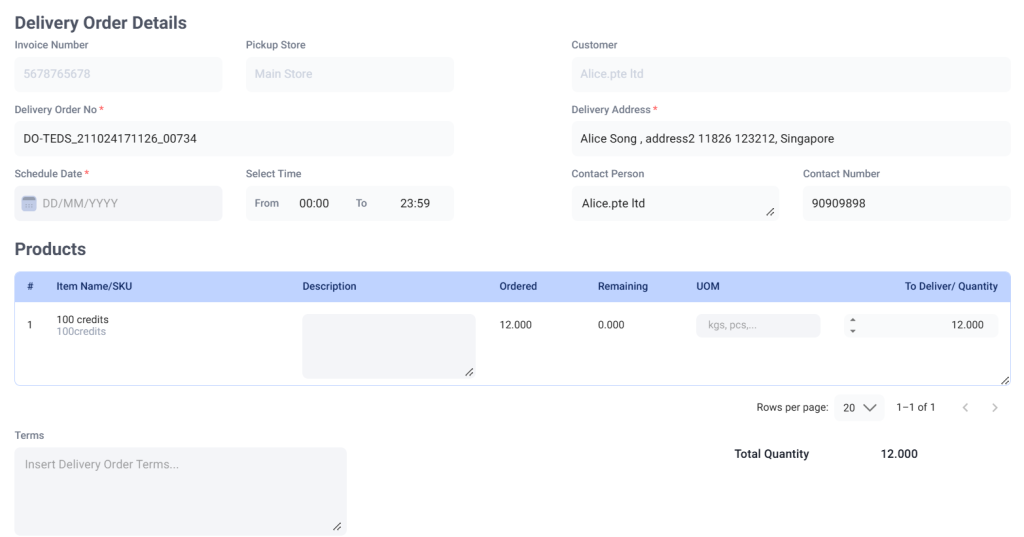
3. To create a new delivery order, users are required to fill up all mandatory fields.
For more information on each of the fields, refer to Delivery Order Details
💡 Optional fields can be skipped and left blank
4. Click on Create New Delivery to complete delivery order creation, or discard to cancel the creation of delivery order.
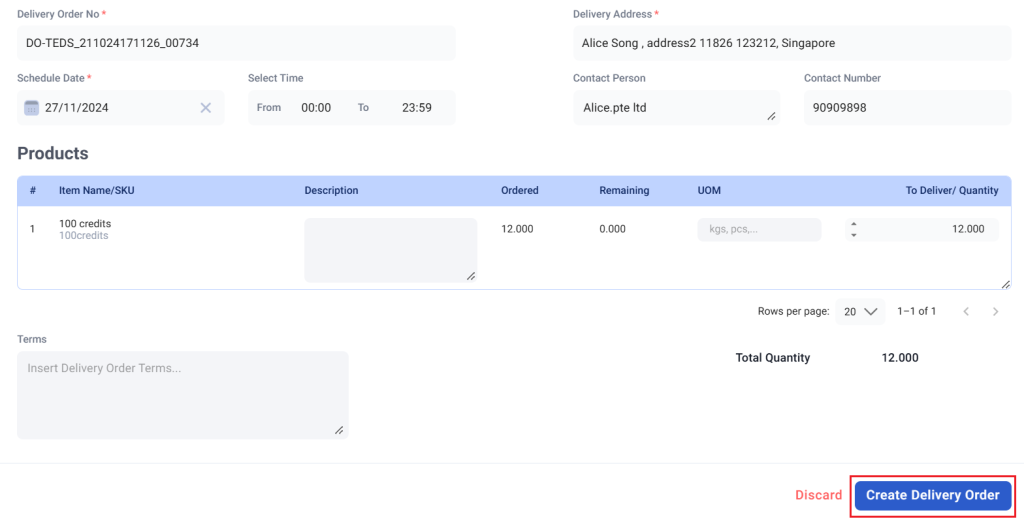
5. Delivery Order Created
Delivery order will be created successfully and now be listed in the delivery order list in the main delivery order page.
💡 Once a delivery order is successfully created, it cannot be deleted from the Backend Portal.