
To duplicate the template from an existing Quickpick Template on the backend, follow these steps:
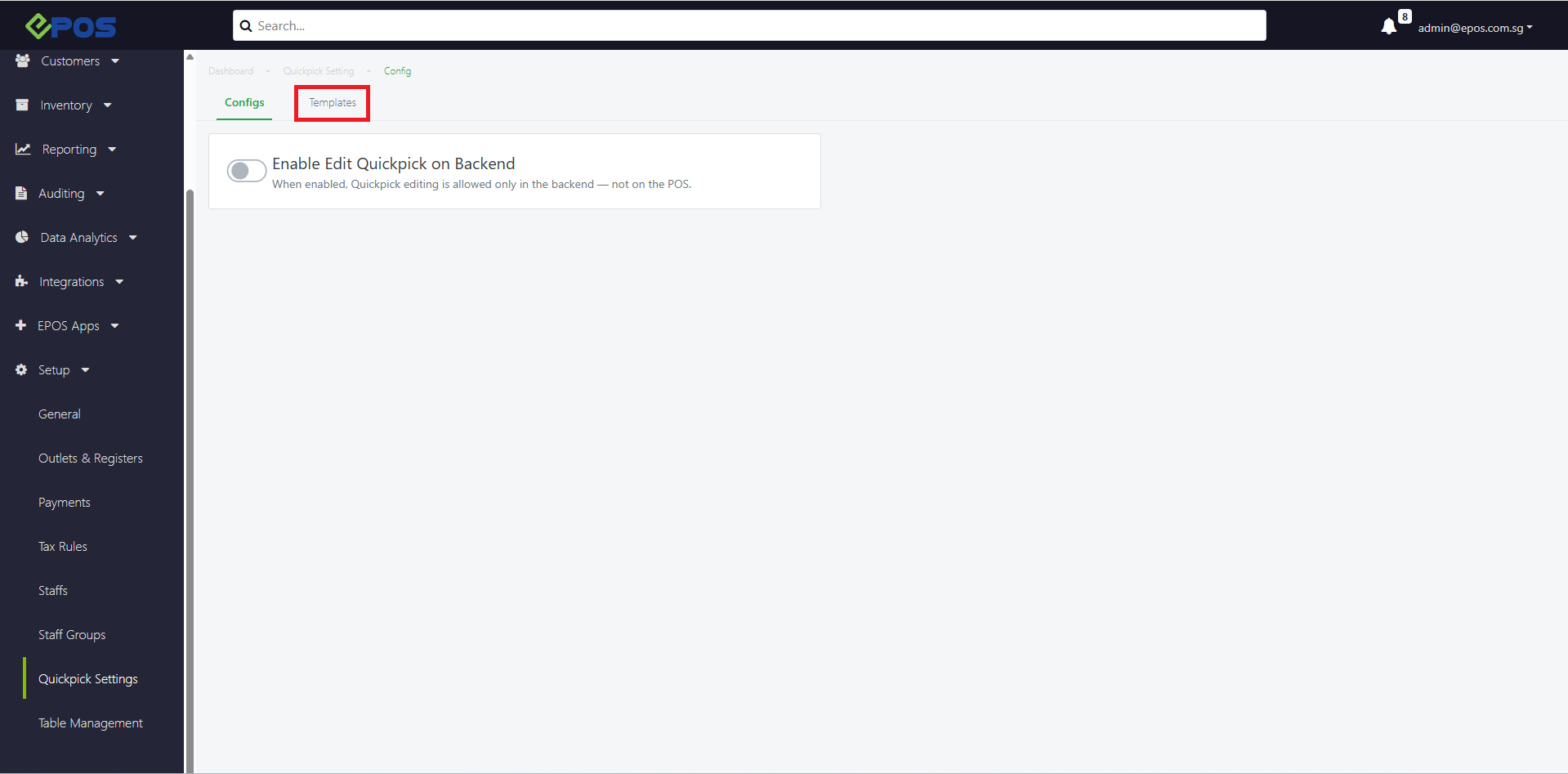
1. Go to Templates
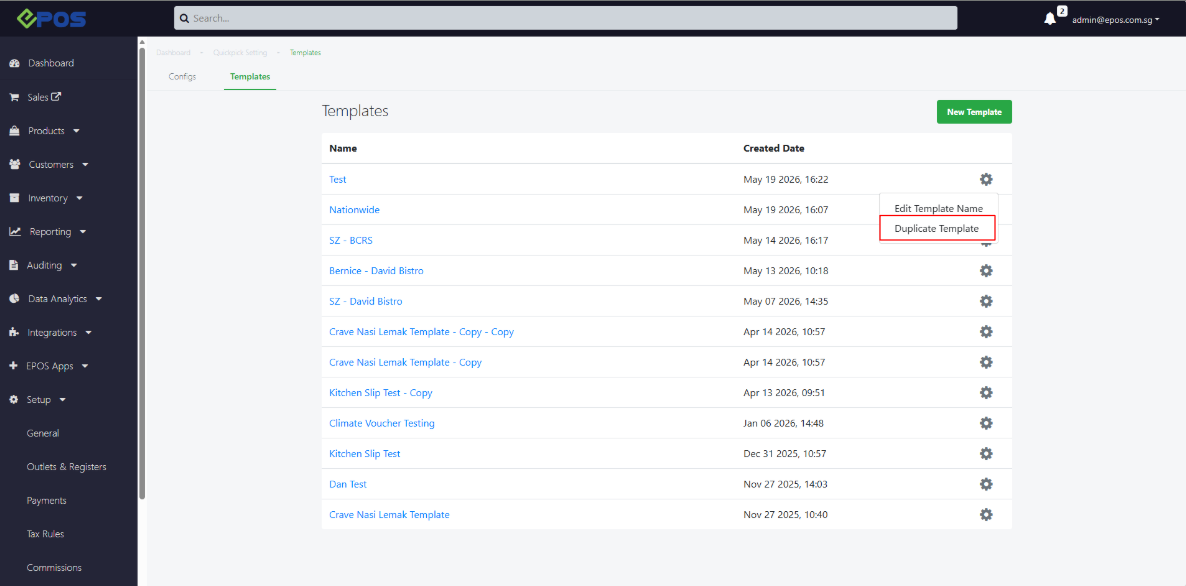
2. To duplicate the template, user can click on the gear icon to reveal “Duplicate Template”
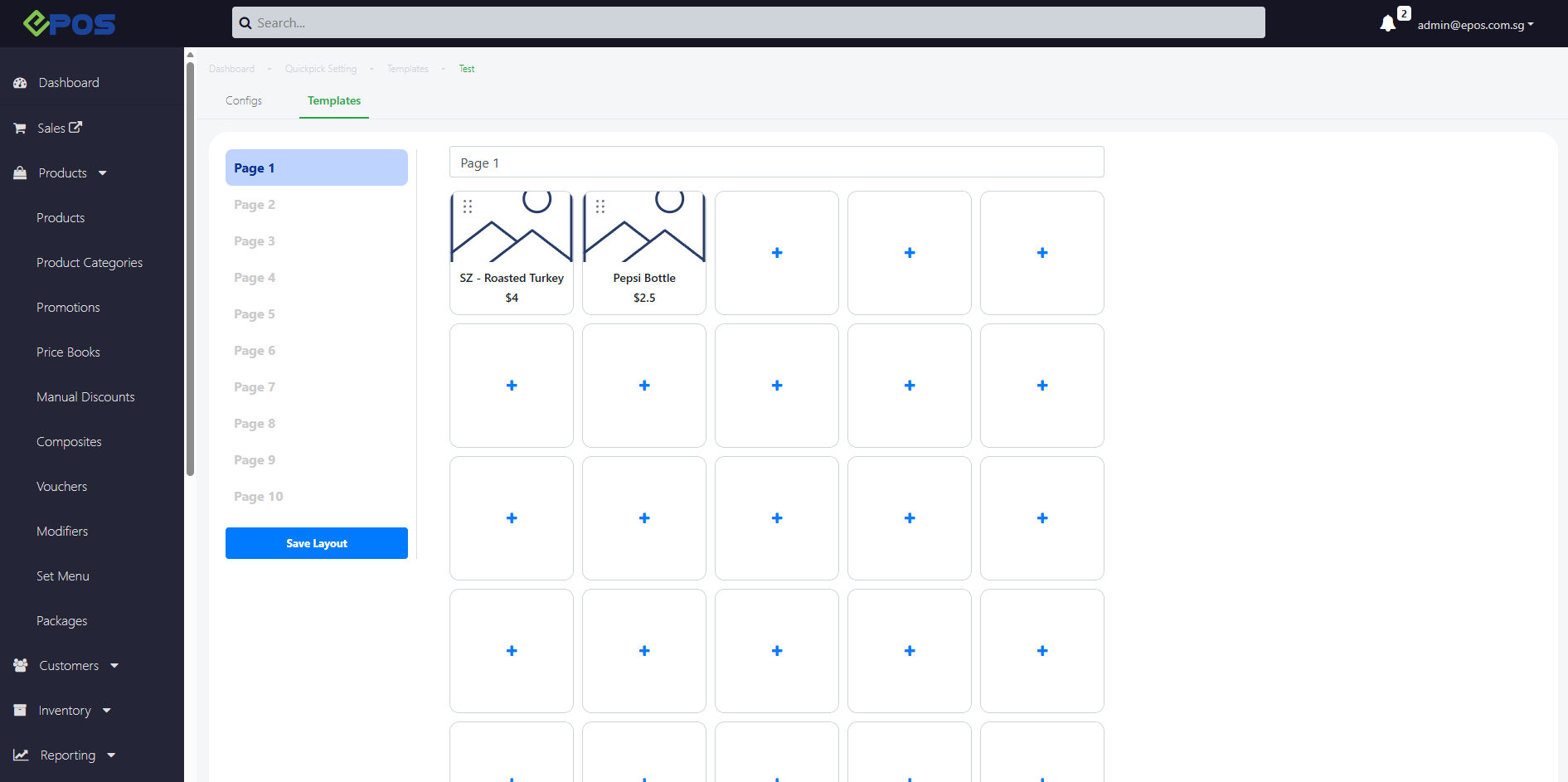
3. The duplicated template will be copied from the previous template. Users can make adjustments from there.
- To enable backend Quickpick, refer to Enable Backend Quickpick
- To assign Quickpick Templates into your POS Devices, refer to Assign Quickpick Template To Devices
- To add products into your Quickpick template refer to Add Products
- To add product groups into your Quickpick template refer to Add Product Groups
