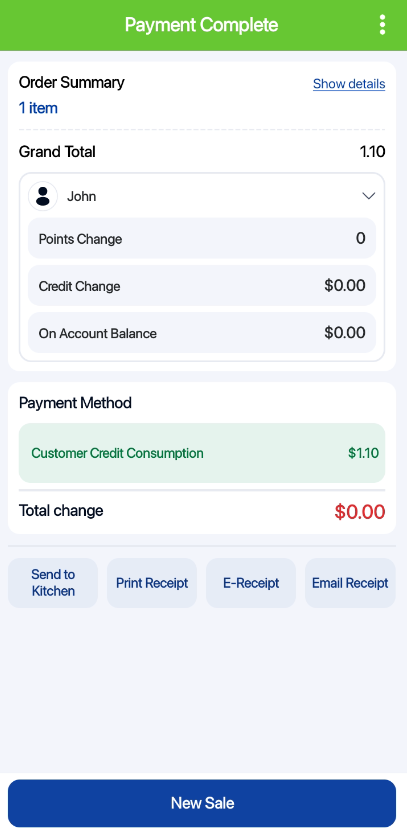
Credit consumption payment method can be set up at the backend portal using this guide. In order to use credit consumption as a payment method, there must be a tagged customer. This payment method will not be shown if there is no customer tagged to the order.
After adding item to cart, users can tag a customer by clicking on the Add customer section.
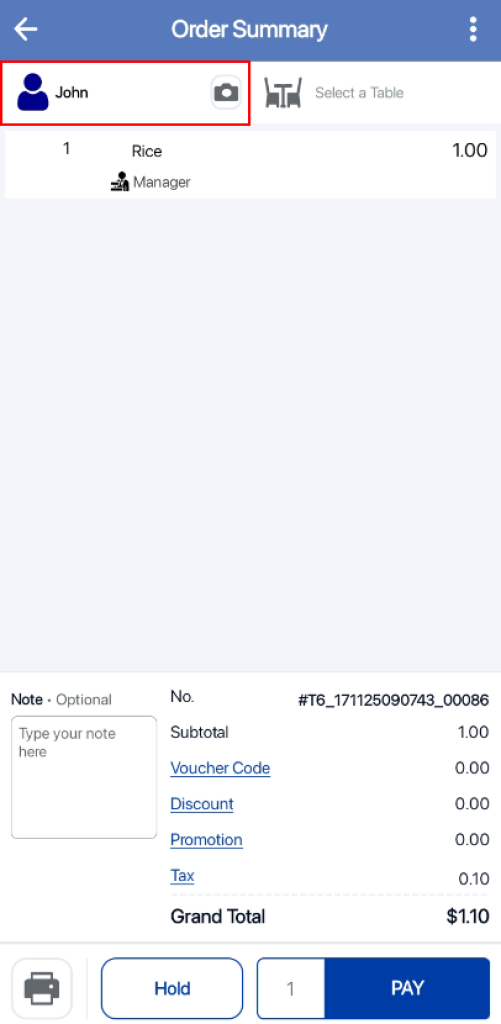
Users can search for the customer name and select on the customer.

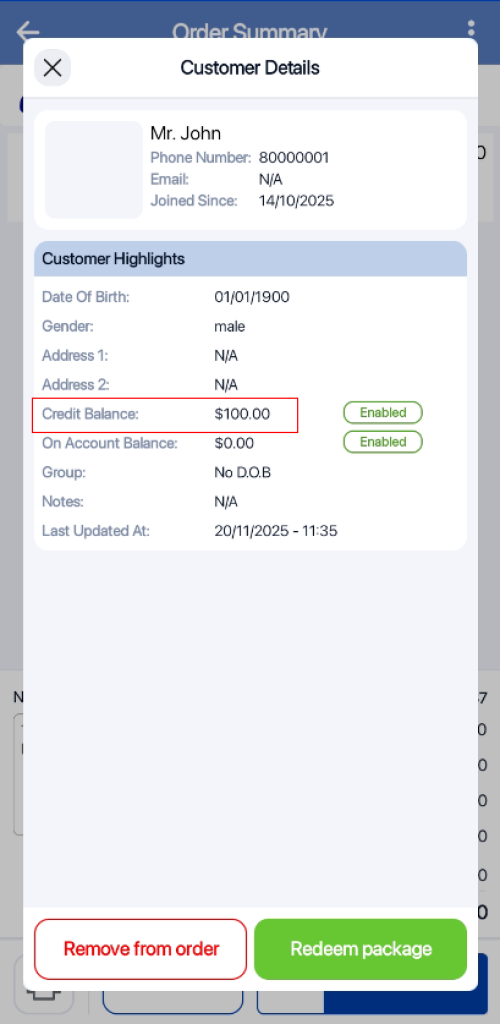
After a customer is tagged, users can click on the customer name. In the pop up window, users will be able to view the customer’s Credit Balance.
After tagging a customer, users can click on the Pay button to get directed to the payment page.
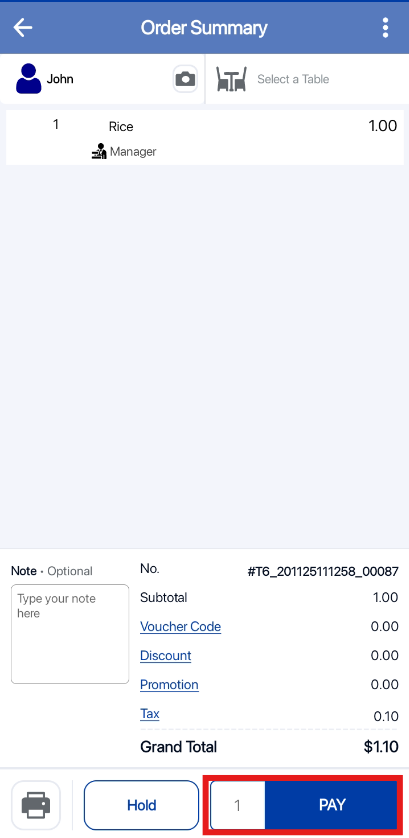
At the payment page, users can click on the Customer Credit button.
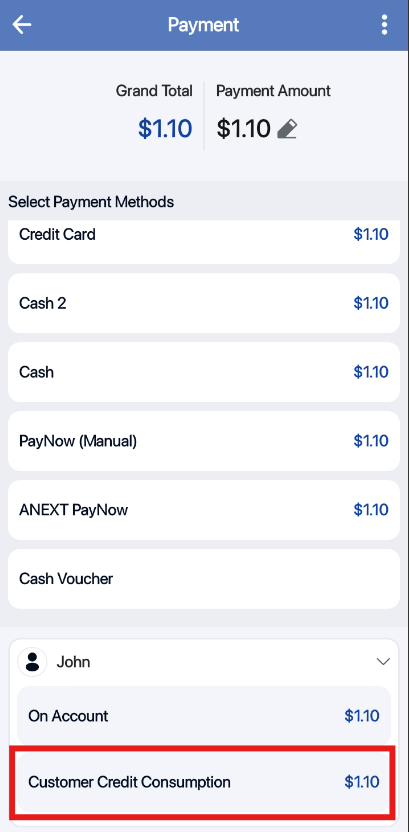
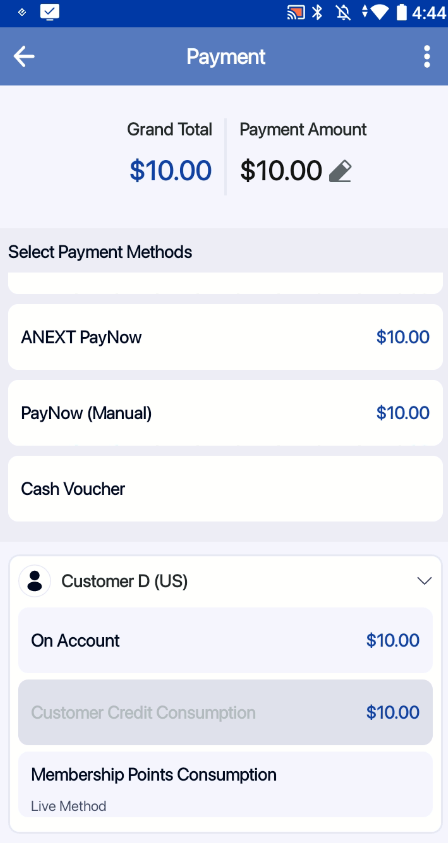
If credit consumption is disabled for the customer, the payment method (Customer Credit) will be greyed out.
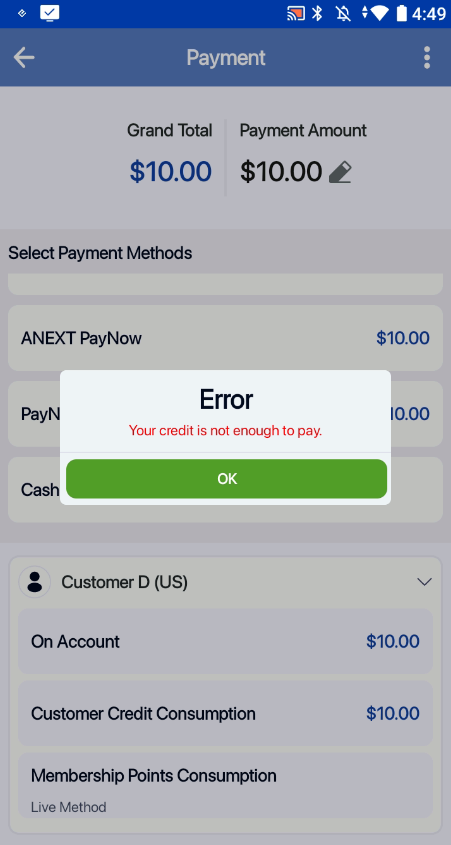
If the customer do not have sufficient credit balance, the user will be prompted with a message “Your credit is not enough to pay”
If there are sufficient credits, the transaction will be completed.