
Portrait POS now allows you to send transaction receipts directly to your customers via email.
1. Select Option: On the “Payment Completed” page, tap the Email Receipt button.
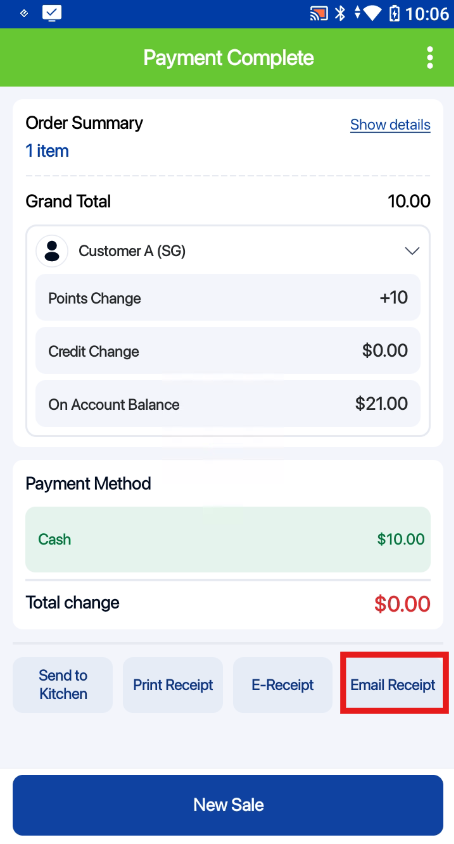
2. Enter Details: Select the desired email template and input the customer’s email address in the pop-up window.

3. Completion: The customer will receive their digital receipt immediately via email.
Note: Email templates must be created and configured in the Backend first.
