Advance Customer Registration (WATI)


(Note: This feature is exclusively for WATI subscribers)

1. Membership Prompt: Before payment selection, the WATI QR registration page will automatically appear. Customers can scan this QR code to register as a new member immediately.
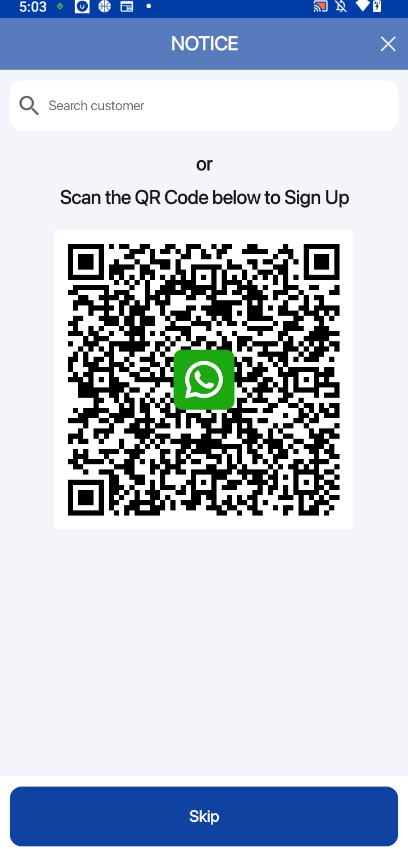
WATI QR Registration Page


2. Member Lookup: Staff can search for existing members using their name or mobile number.
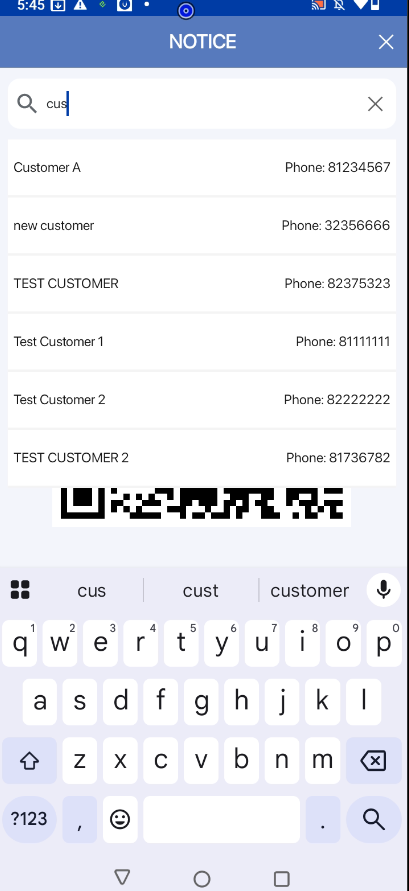
Search Member Feature

3. Configuration: In General Settings, you can configure the “Lockout Duration” for the WATI QR page. This ensures the page remains visible for a set time, preventing staff from bypassing the membership process.

General Settings Configuration


(Note: This feature is exclusively for WATI subscribers)

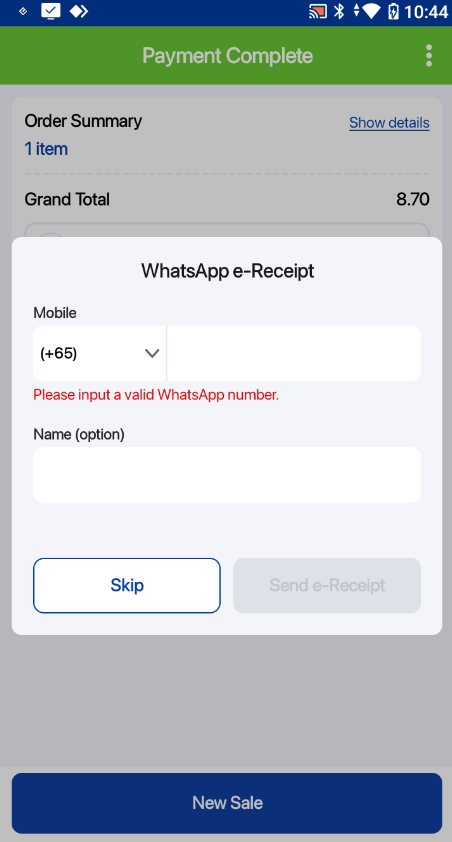
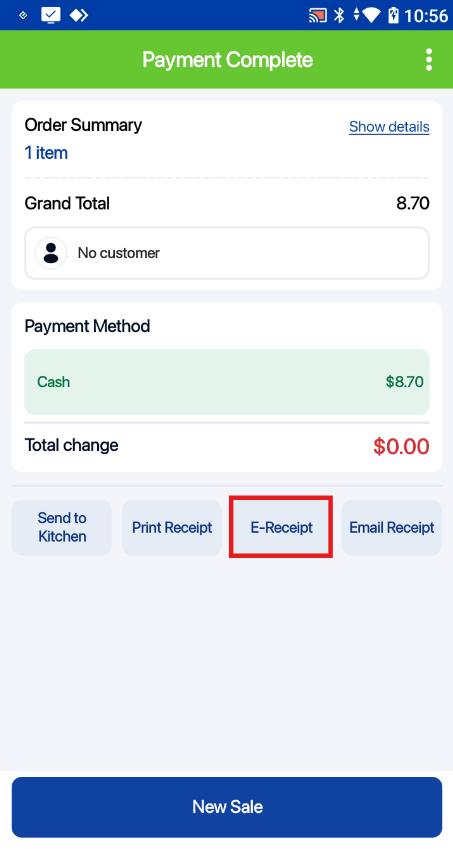
1. Customer Tagged to Order: After adding customer to the current order, user can simply tap on the “E-Receipt” button and the customer will receive their order receipt via WhatsApp.

2. No Customer Tagged to Order: User can tap on the “E-Receipt” button and a pop-up will be displayed to let user key in the customer’s mobile number to send them the e-receipt.