Existing members can access their membership perks by logging in through the Member Login button on the kiosk.
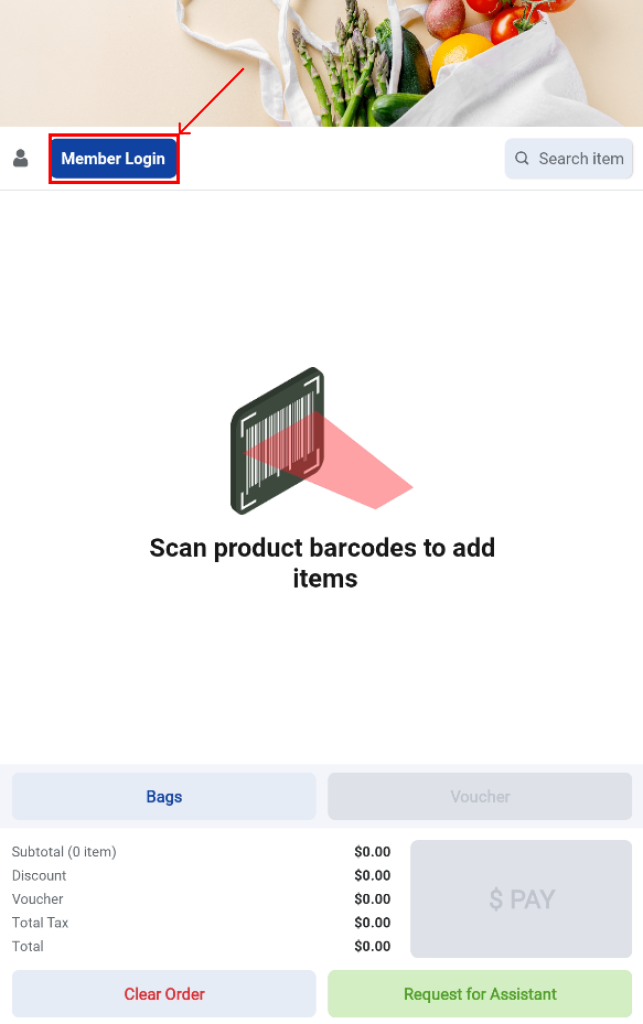
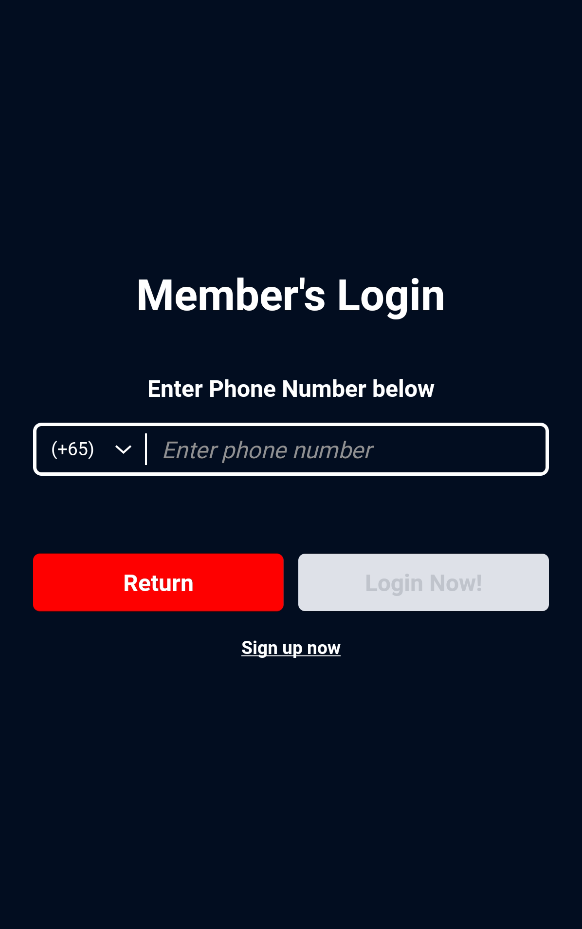
Users will be redirected to the Member Login page, where they can log in by entering their registered phone number or scanning their WATI barcode.
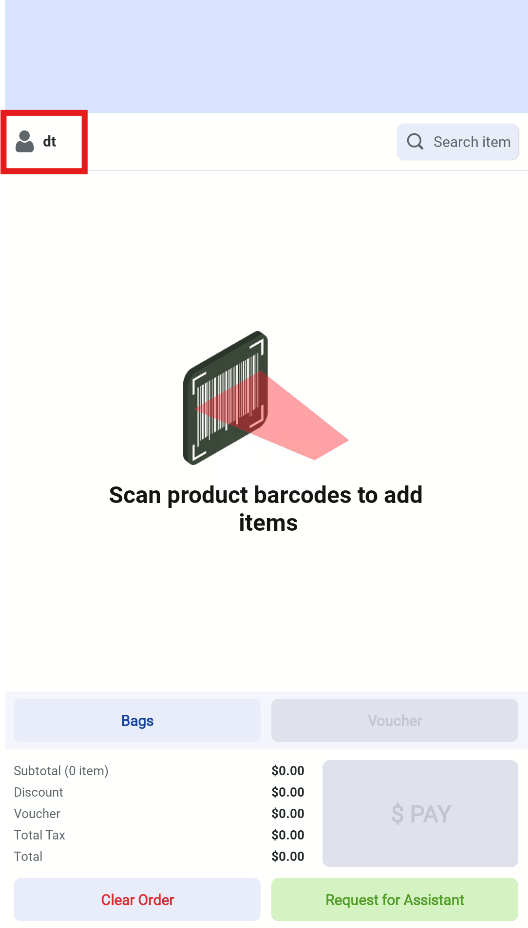
After a successful login, the member’s username will be displayed at the top-left corner of the Sales page, confirming that the session is logged in as a member.
For non-members, tapping on Sign Up Now will redirect users to the Membership Registration page. Here, they can select their country code and enter their mobile number manually, or scan the QR code to begin the registration process.
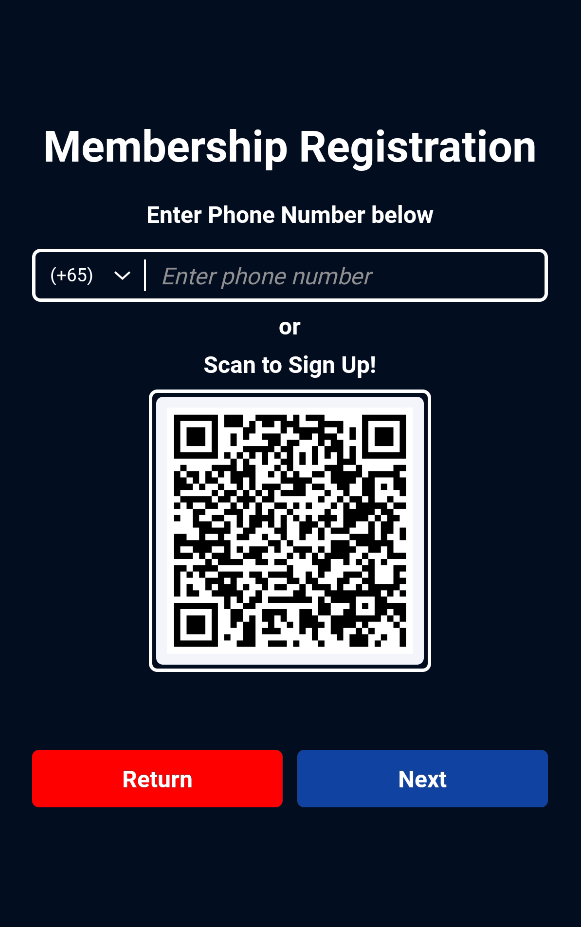
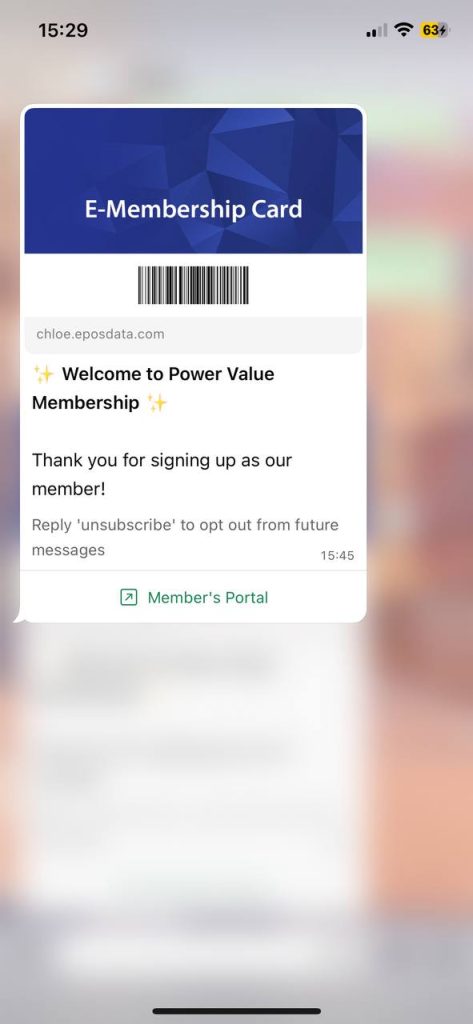
Upon completing the registration, users will receive their e-membership card via WhatsApp. They may then log in by scanning the barcode from the e-membership card or by entering their mobile number on the Member Login page.
To learn more about how membership points can be used or redeemed at the kiosk, please refer to the comprehensive guide available in the Payments tab.

