Launch App
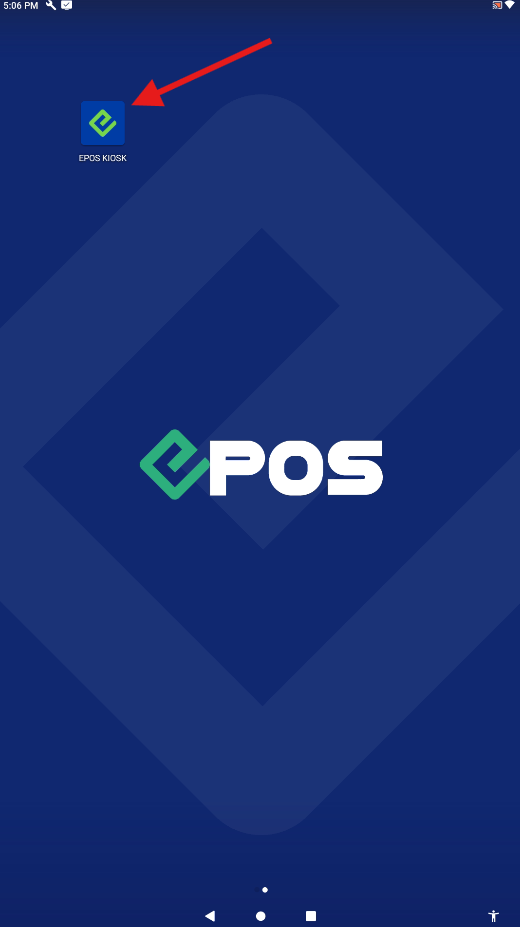
To launch the EPOS KIOSK application, tap on the app icon from the display page.
Enter IP Address
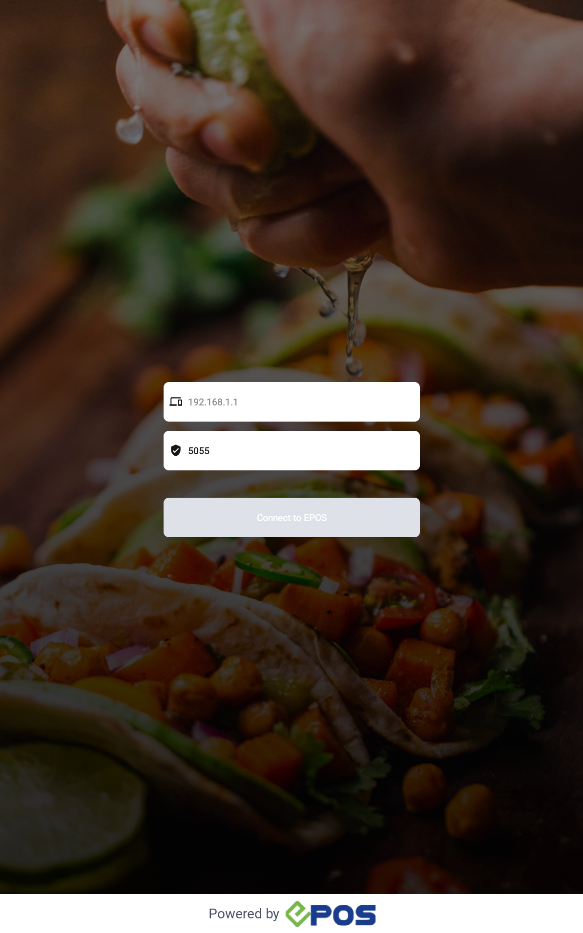
After launching, users will be directed to the initialization screen. Here, enter the IP address of the terminal that the retail kiosk will connect to.
The IP address field will display a sample template and a pre-filled port number for them.
Enter Backend Access
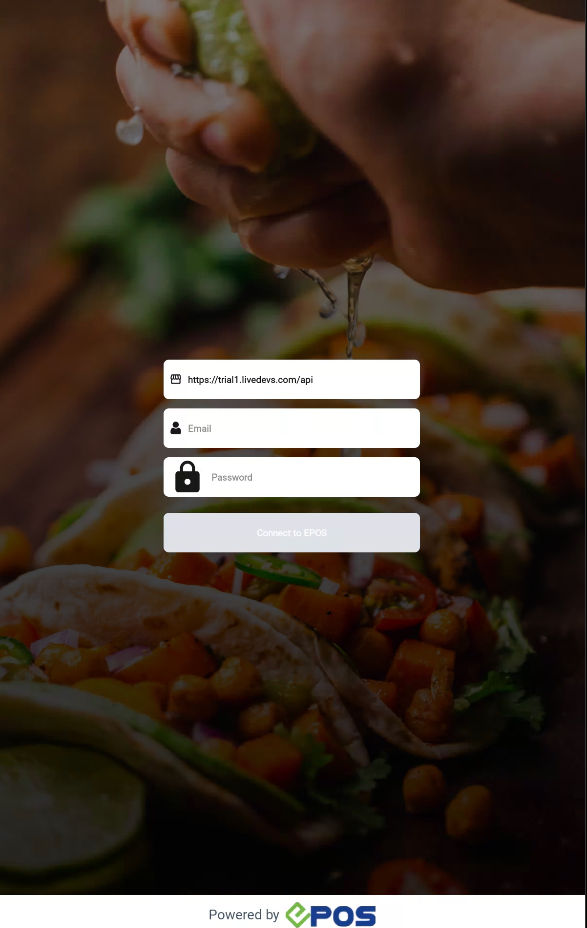
User can proceed to enter their company backend and login via email and password.
(Example: https://abc.eposdata.com/api)
Enter Kiosk Name
After successfully logging into their store, the user can name the kiosk for ease of identification in the Backend Portal.

Welcome Page
When initialization has been successfully configured, the user will be directed to the welcome page.