
The Weighing Scale product feature allows merchants to include products that require weight-based pricing in the Retail Kiosk checkout flow. This ensures seamless processing of weighted items such as fruits, vegetables, meats, or any product that is sold by weight.
To enable this feature, merchants must ensure that the weighted product is correctly configured in both the weighing scale software and the backend portal using matching SKU identifiers. Once set up, the kiosk can automatically recognize the barcode printed by the scale and add the correct weighted amount to the order.
Add a weighted product to cart:
- Place the item on the weighing scale and print the barcode label.
- Scan the printed barcode at the Retail Kiosk.
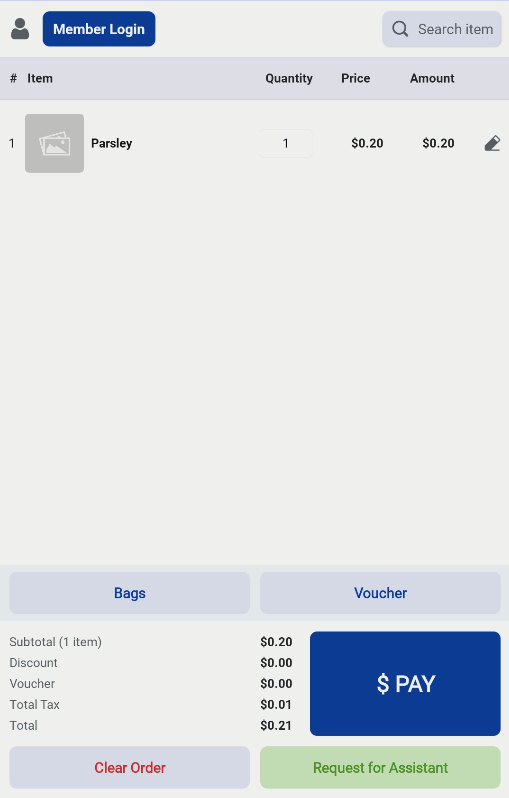
The kiosk will automatically read the encoded weight, match it to the product SKU, and add the weighted item to the order.
NOTE:
- The SKU must match exactly in both systems and must consist of only 5 digits.
- The barcode flag code must be set to “20” for the kiosk to recognize the weighing scale barcode format.
