
Overview
This is a guide on how to tag customers to cart manually on the POS.
Steps
1.Tap on the ‘ ‘ icon on the top-right

2.Search for the customer either by their phone number or name.
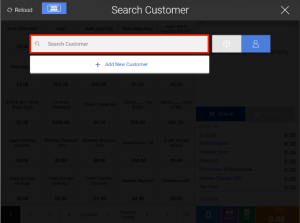
Note: You can also scan customer’s e-membership card via your handheld scanner.
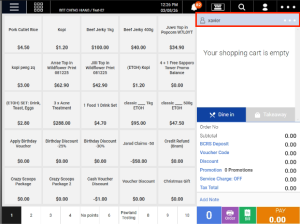
3.The customer’s profile will then appear on the top right of the screen.
Was this article helpful?
YesNo
