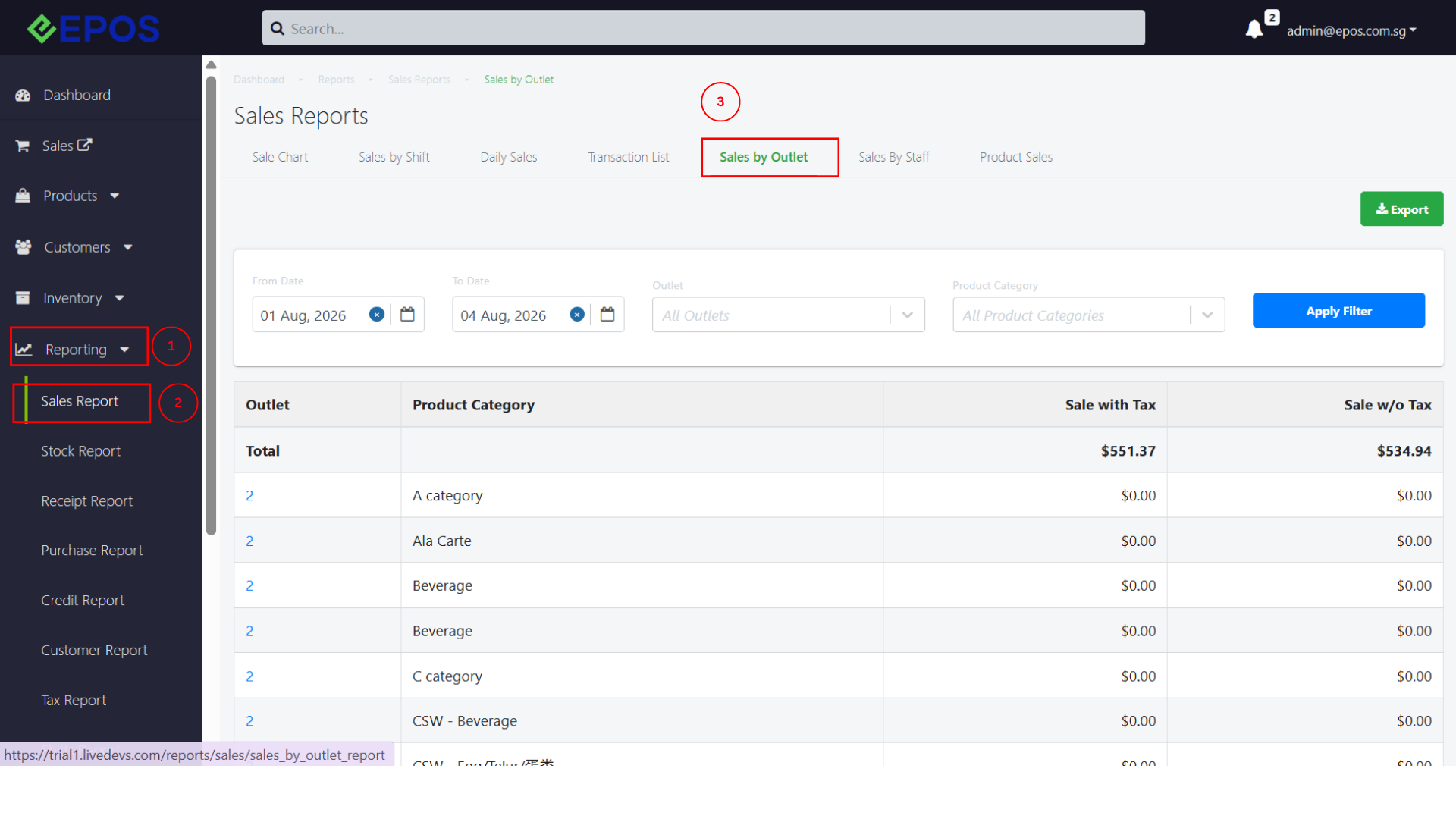
This article explains how users can navigate the report “Sales by Outlet”.
Users can use this report to view and analyze sales performance across different product categories at different outlets, helping them compare outlet performance and review sales data for each outlet.
1. To find the Sales by Outlet report, navigate to Reporting -> Sales Report -> Sales by Outlet
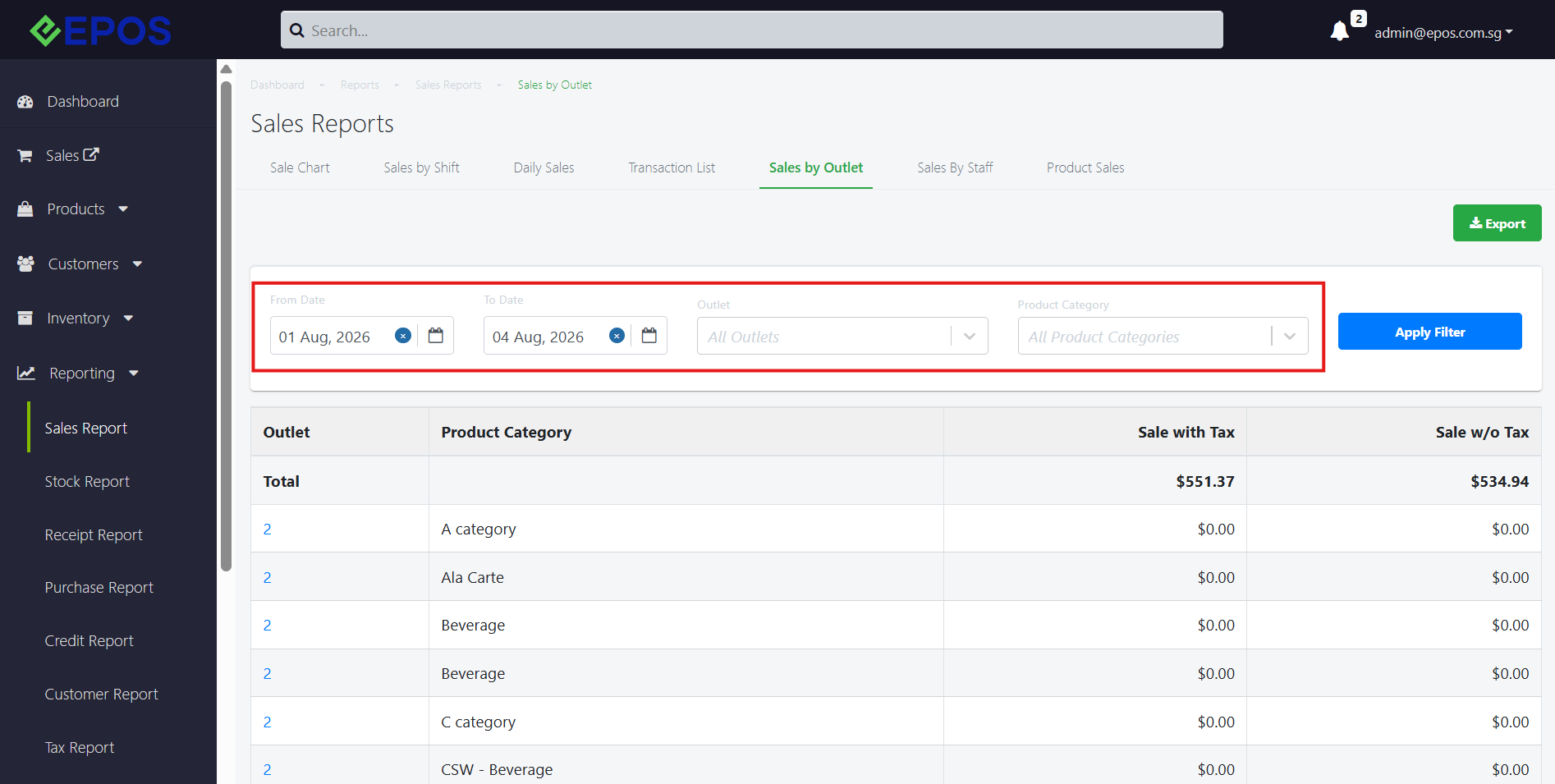
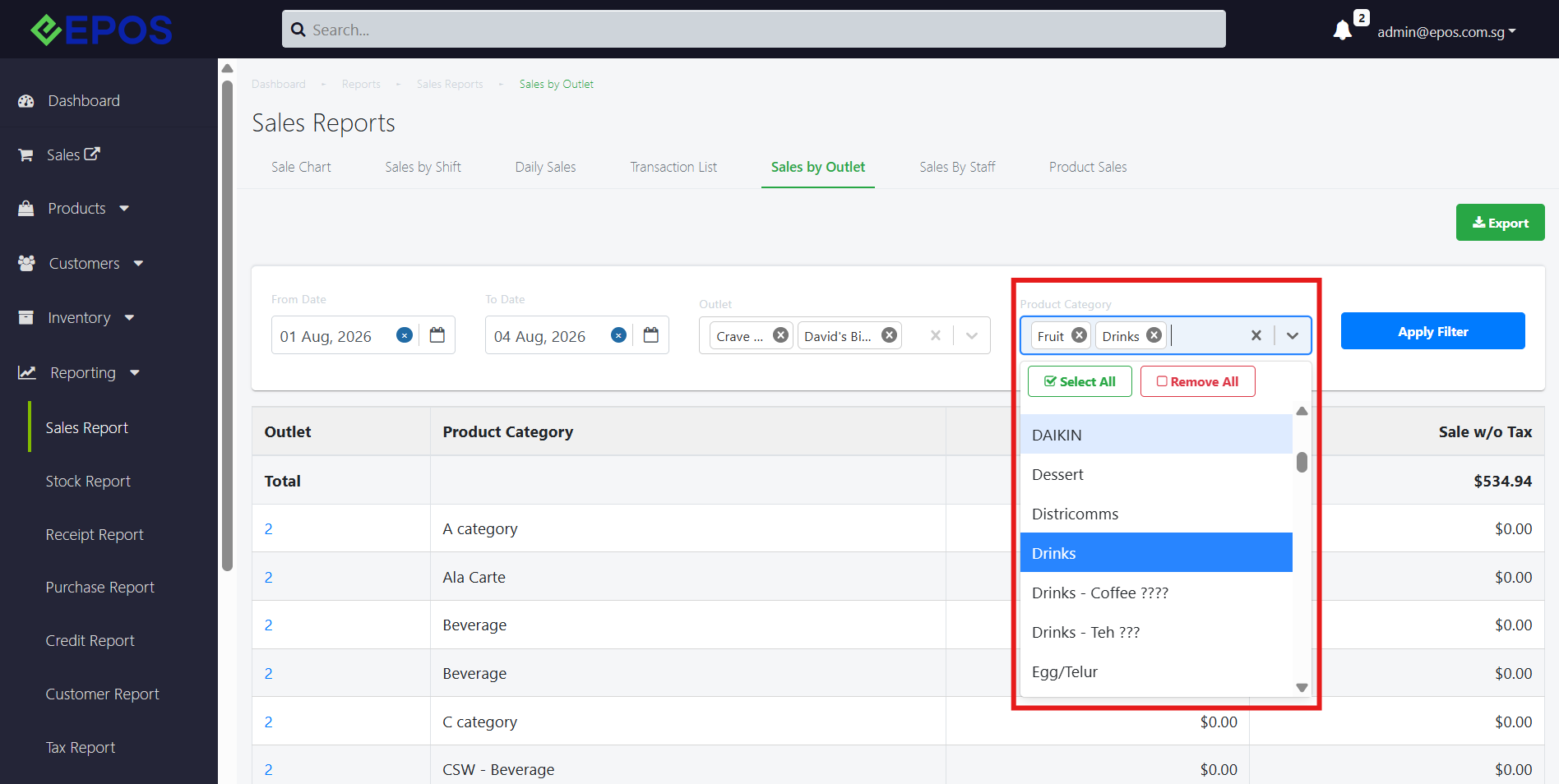
2. Under this report, users will be able to filter by
- From Date & To Date
- Outlet
- Product Category
3. The user is able to select multiple outlets to single out sales data across outlets they wish to compare.
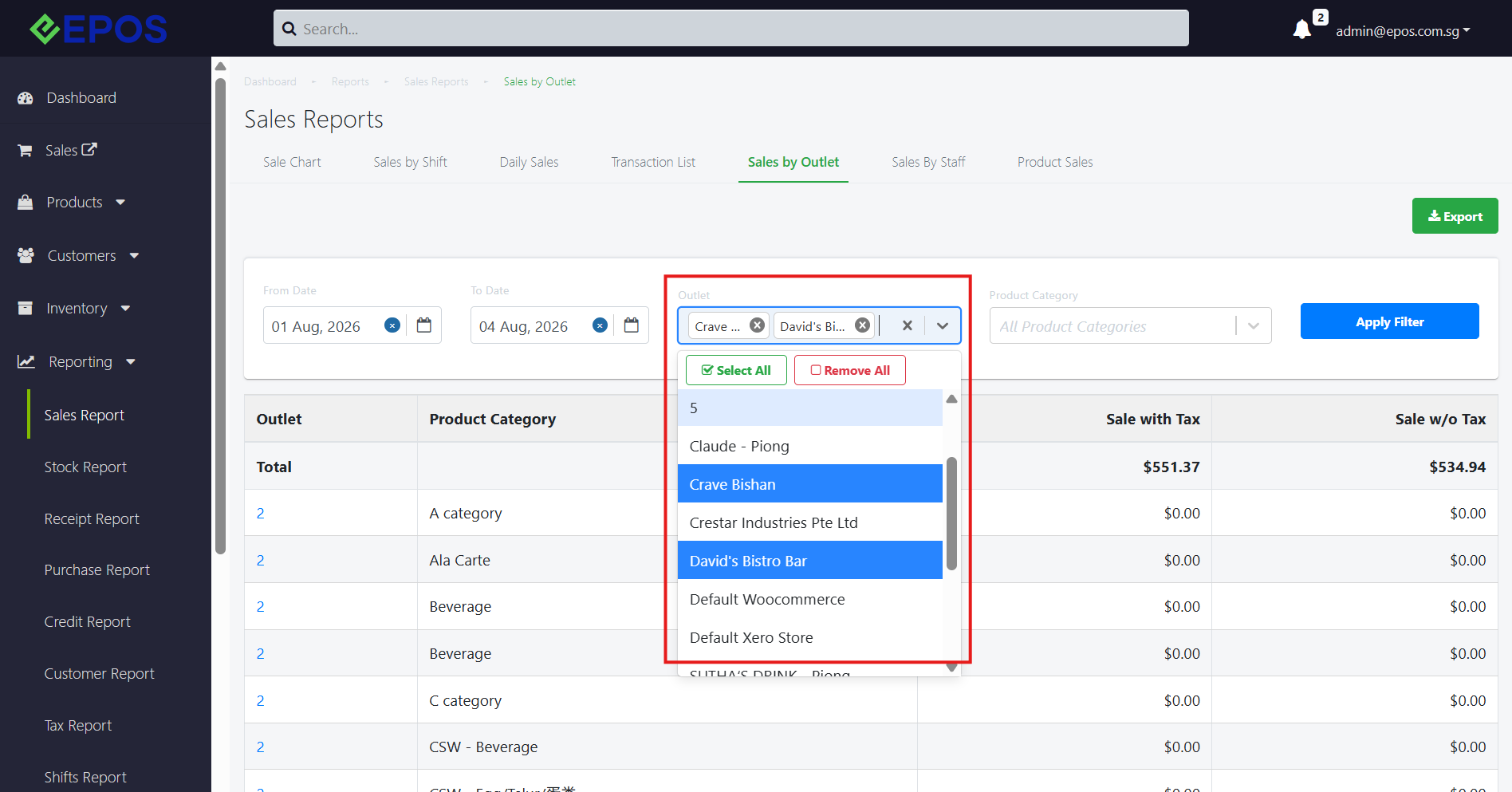
Likewise, multiselect can also be performed for product category filtering.
4. Next, the user can click on “Apply Filter”, to generate the report based on the selected filters.
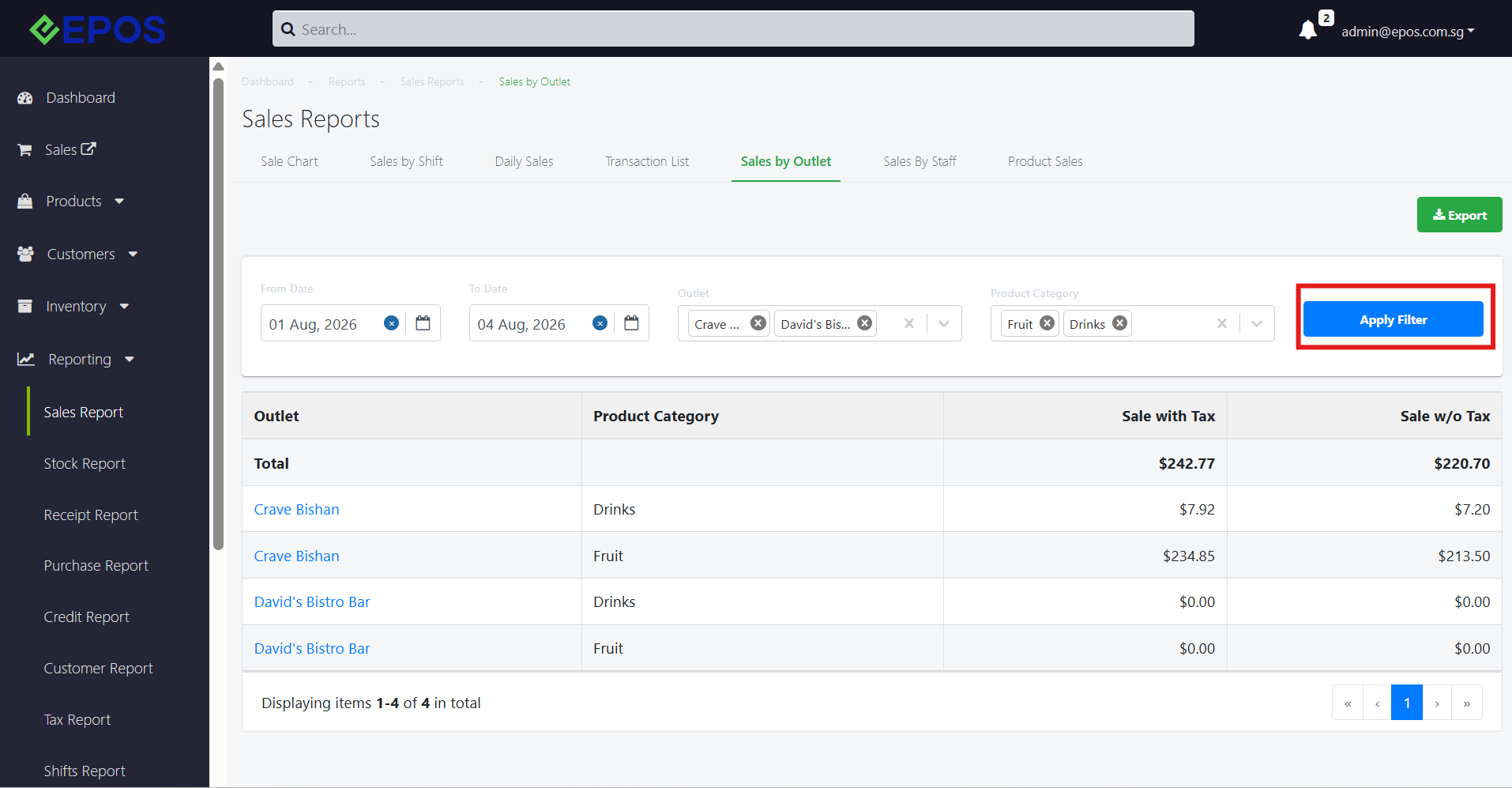
Note: All outlet x product category combinations will be displayed, even if there are no sales made. In the case where no sales are made for that combination, the sales value will be $0.00.
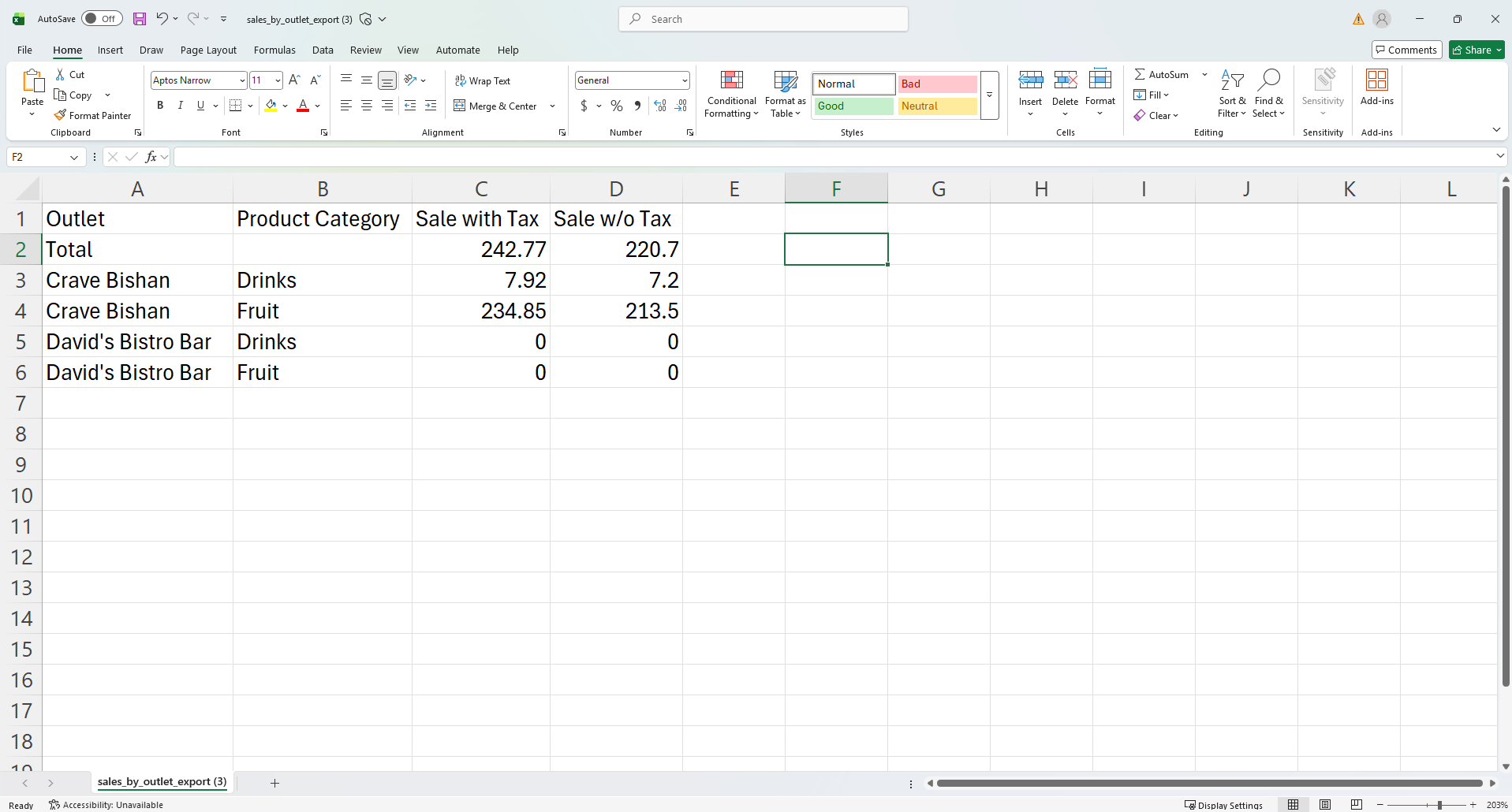
5. The user can click on “Export” to export the report as a csv file.
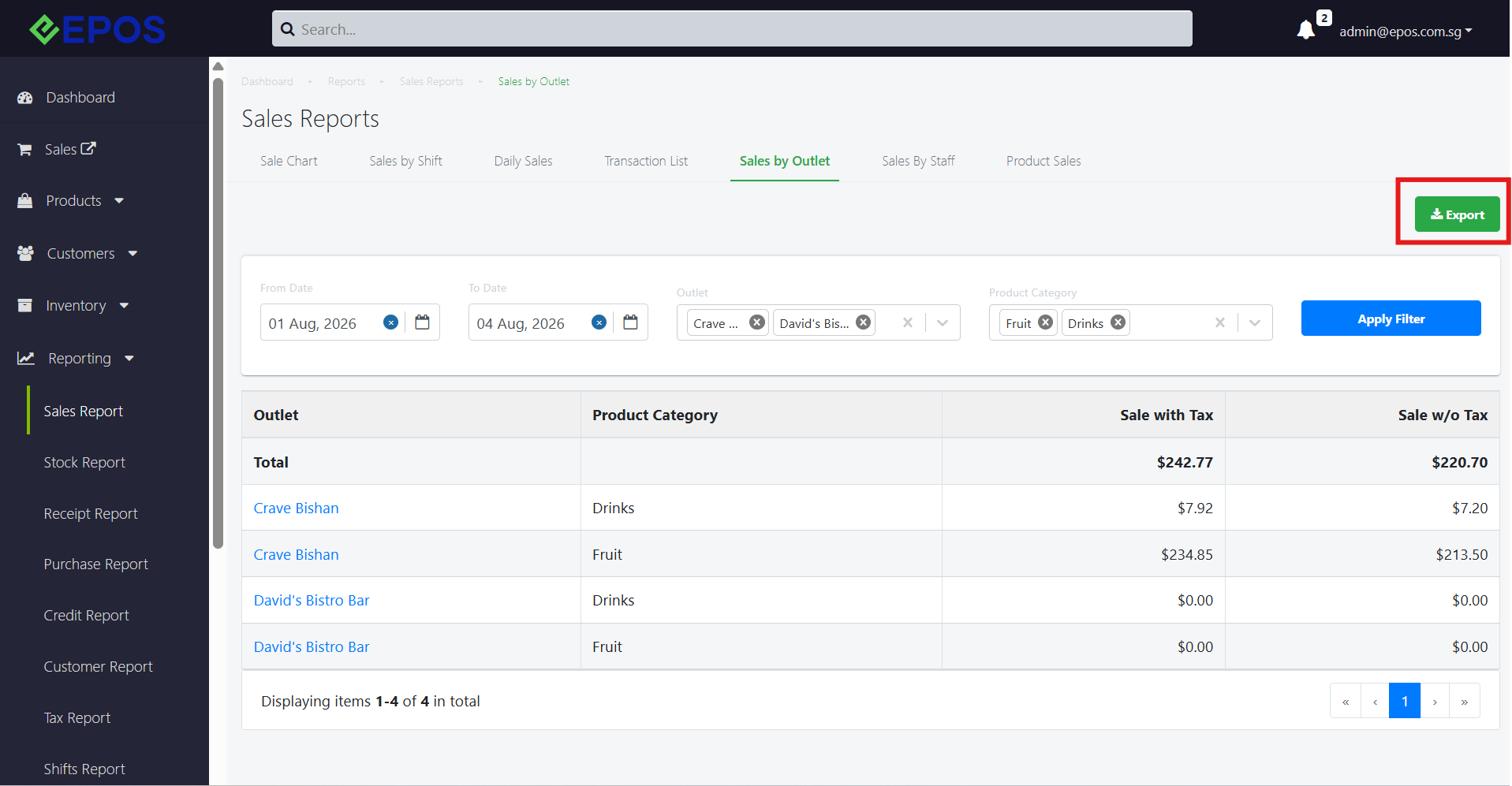
Exported file: