There are 2 ways to register:
- Customer Portal
- WATI
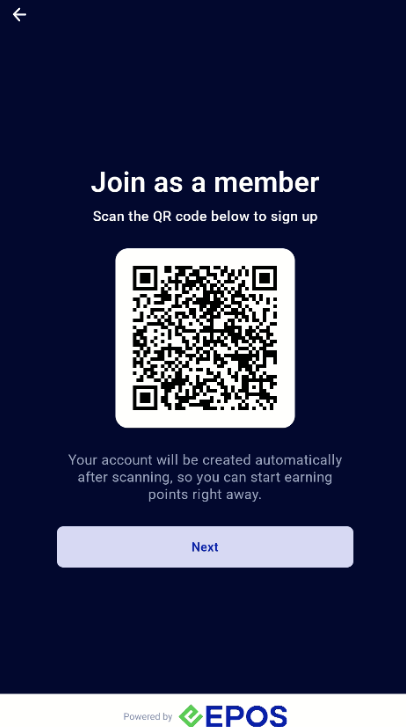
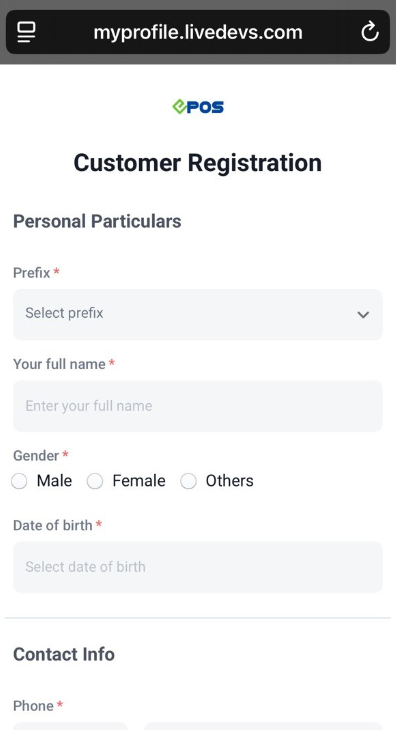
Customer Portal
For merchants that are not using WhatsApp Integration, customers can register via member’s portal customer registration manually.
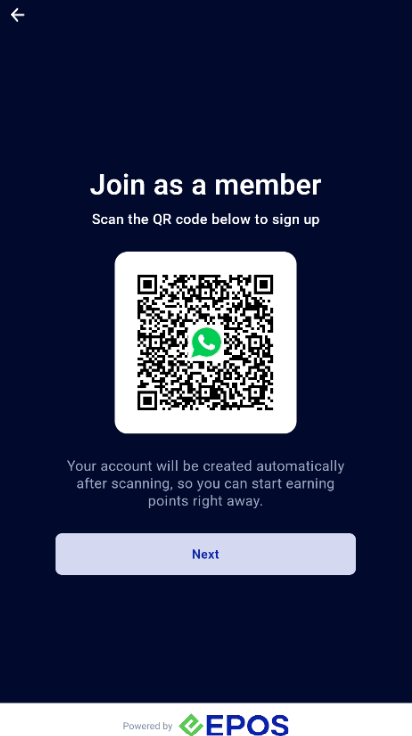
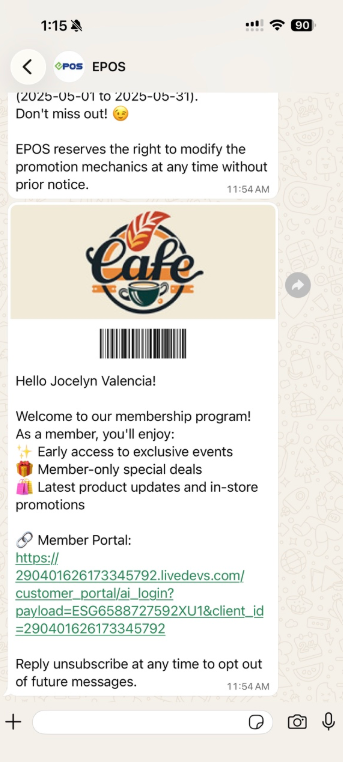
WATI
For merchants that are using WhatsApp integration, customers can register via WhatsApp to sign up as a member and receive e-membership card.
There are 2 ways to login:
- Phone Number
- Scan E-Membership Card
Phone Number
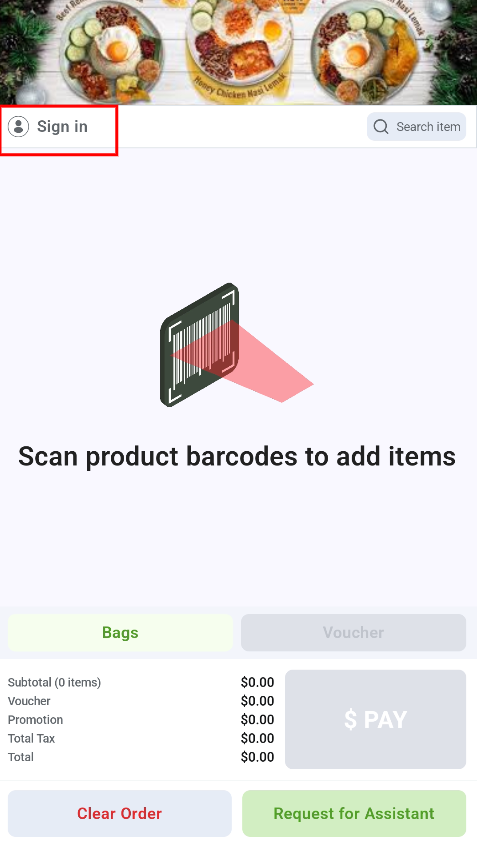
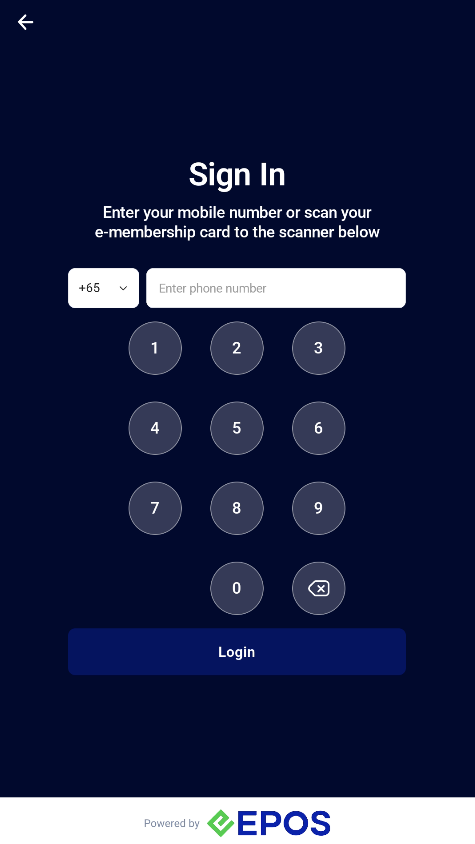
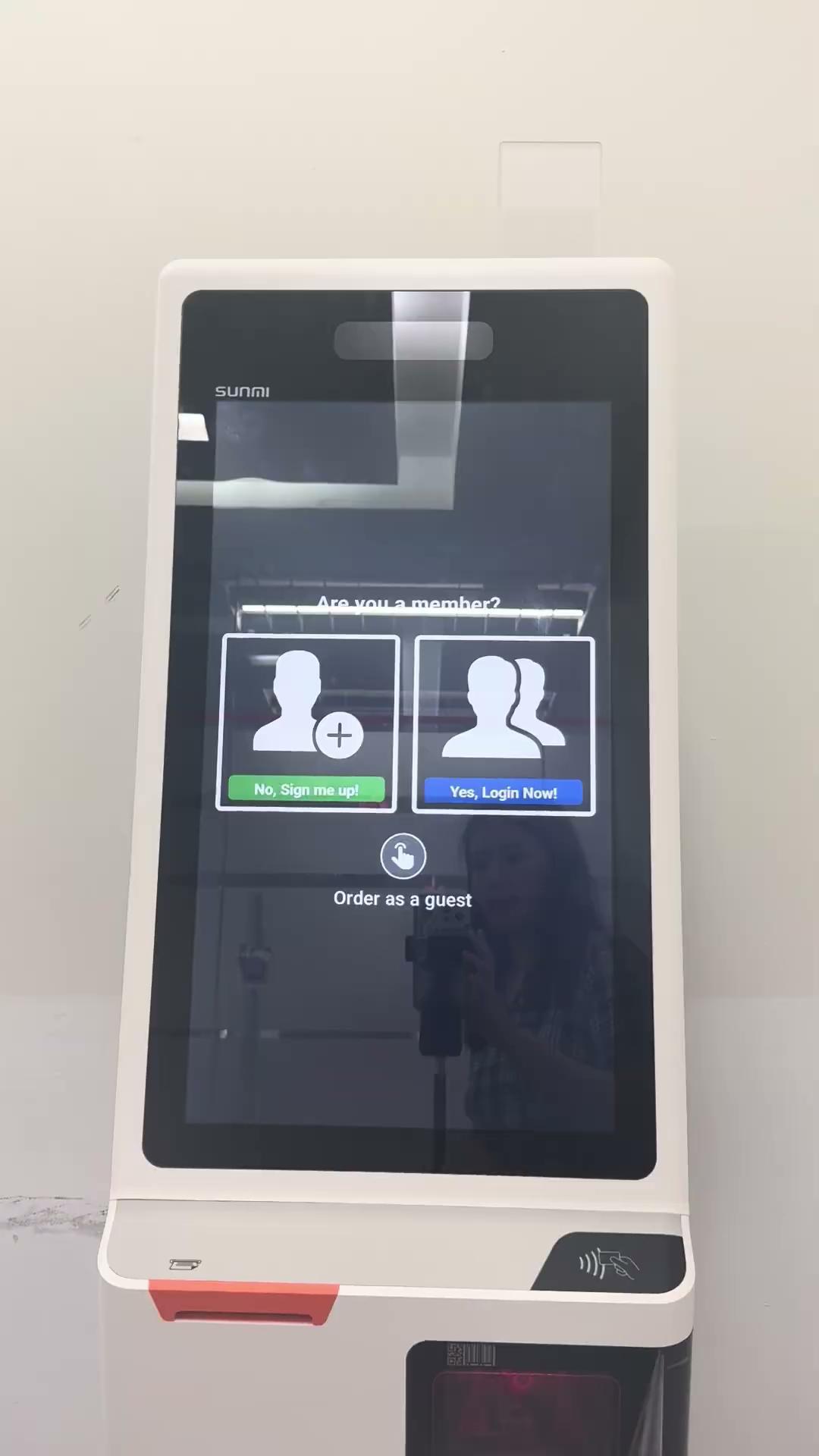
Customer can click on the “Login” button and input their phone number to login as a member.
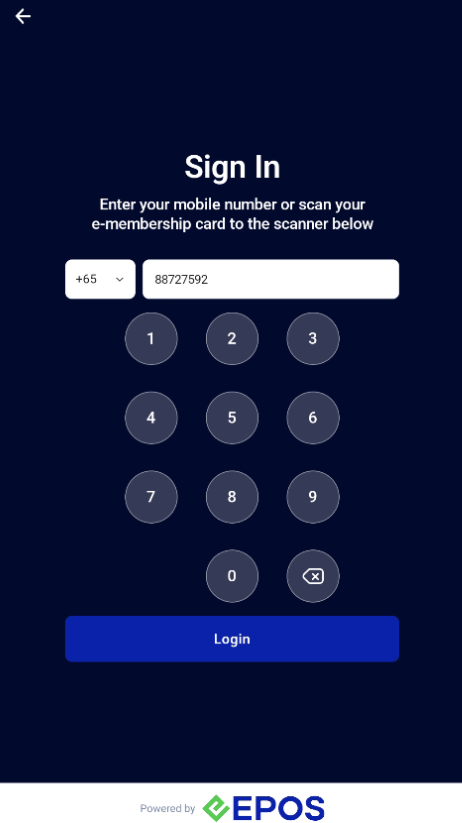
Scan E-Membership Card
Customer can login by scanning their E-Membership Card found on Member’s Portal or WhatsApp.
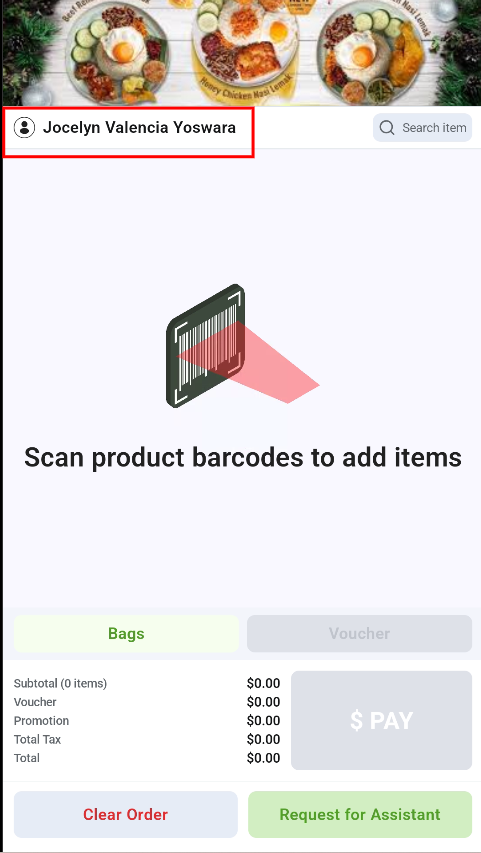
Once logged in, customer account is tagged to the current order.
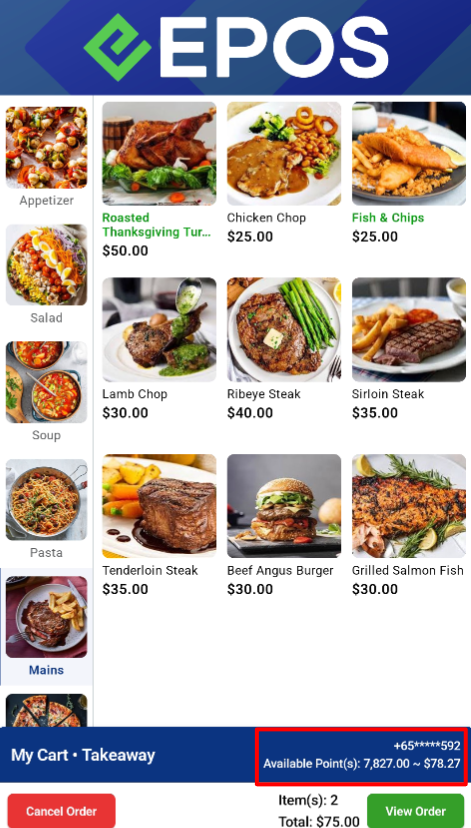
Members that are logged in can earn and redeem points.
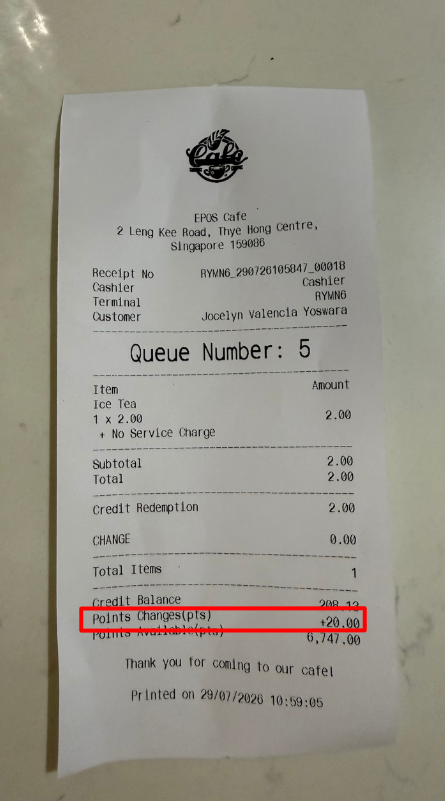
Membership Point Earning
Members that are logged in can complete transactions and earn membership points.
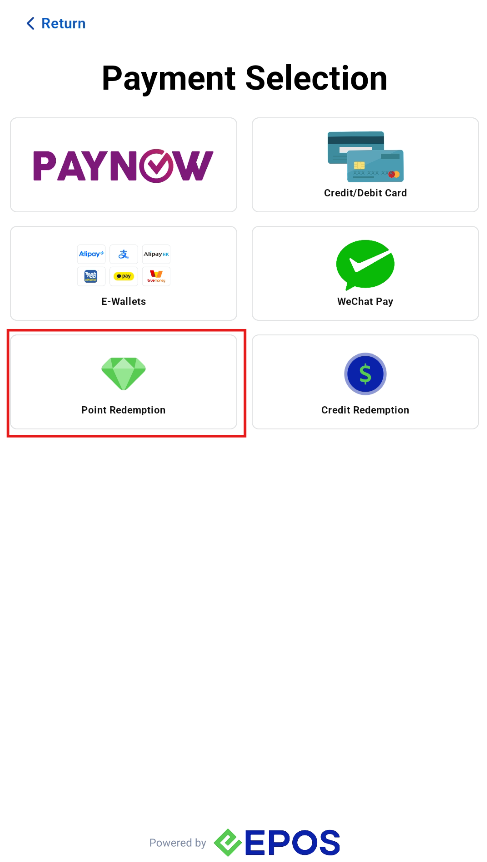
Membership Point Redeeming
Customer can only redeem membership points for full order amount.
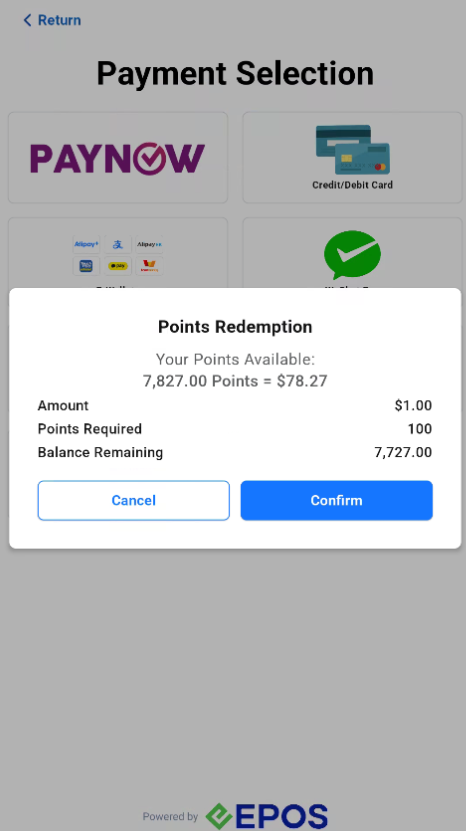
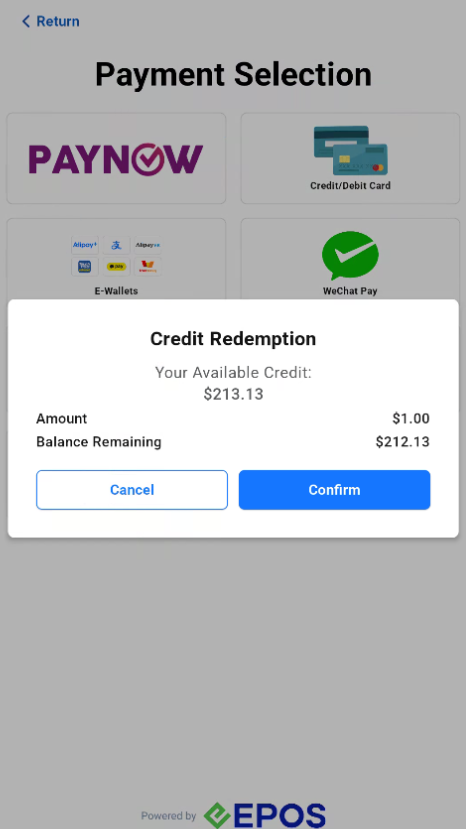
Customer can purchase and redeem their credits.
Purchase Credits
Customers are able to purchase credit on kiosk.
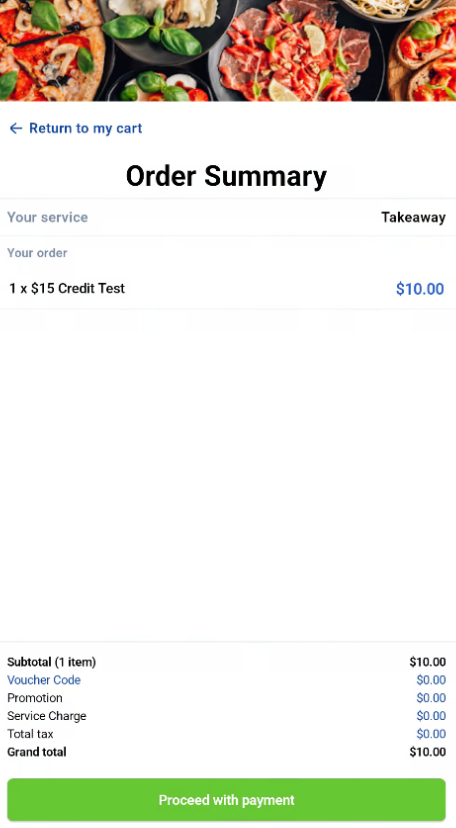
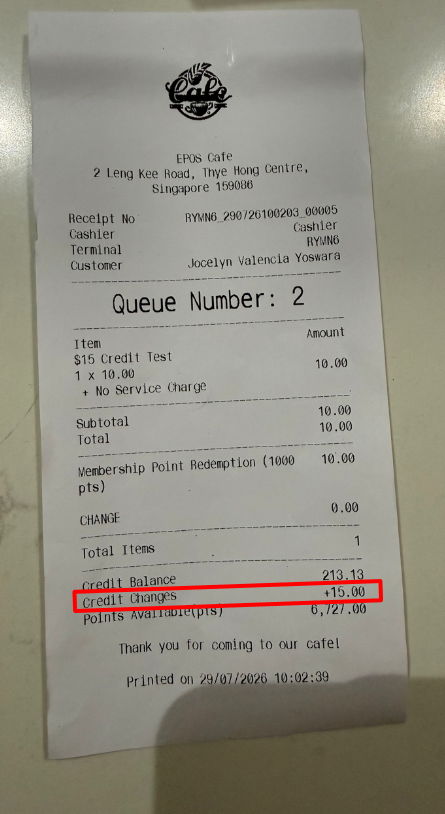
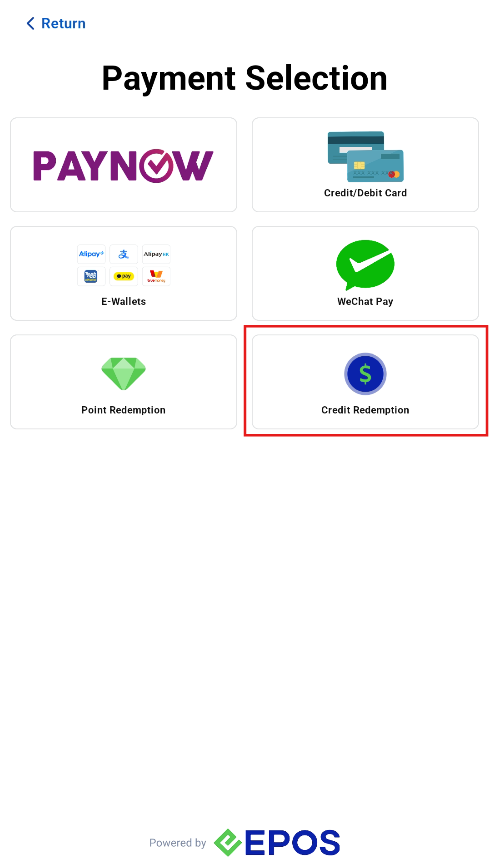
Redeem Credits
Customer can only redeem credit for full order amount.
For Retail Kiosk, customers can sign up using WhatsApp or the Member’s Portal, and log in by entering their phone number or scanning their e-membership card.
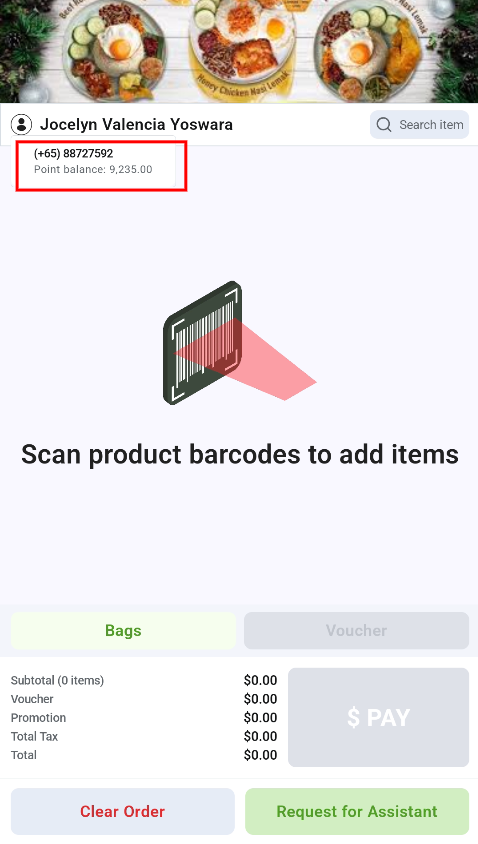
If a customer reaches the checkout page without logging in, they can tap Sign In to log in. Once logged in, the customer can tap their name to see their phone number and points.