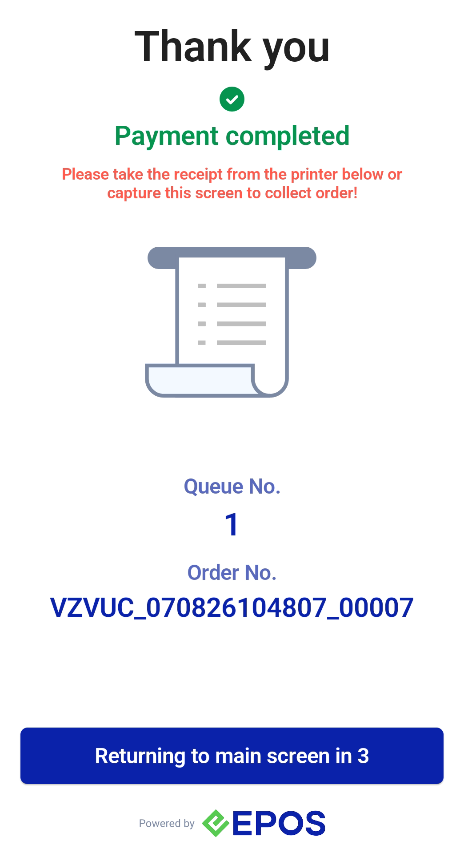
This is the customer ordering flow on the Standalone Retail Kiosk.
Step 1: Start
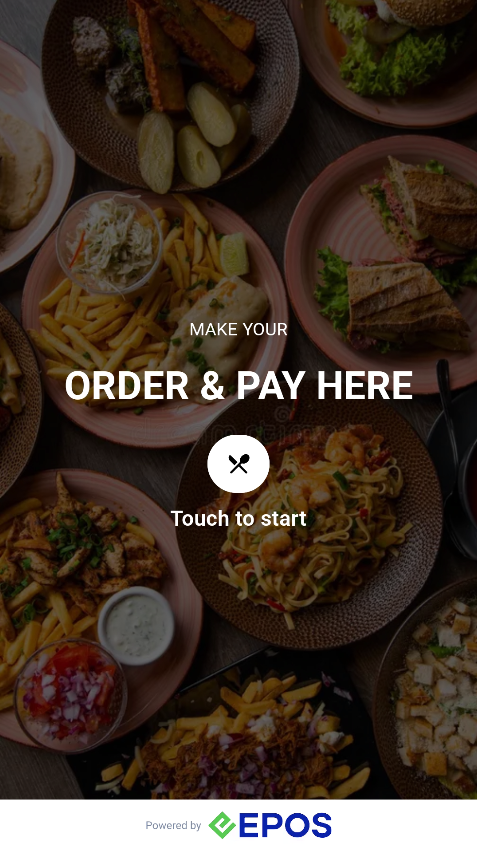
The customer touches the screen to get started.
Step 2: Member login
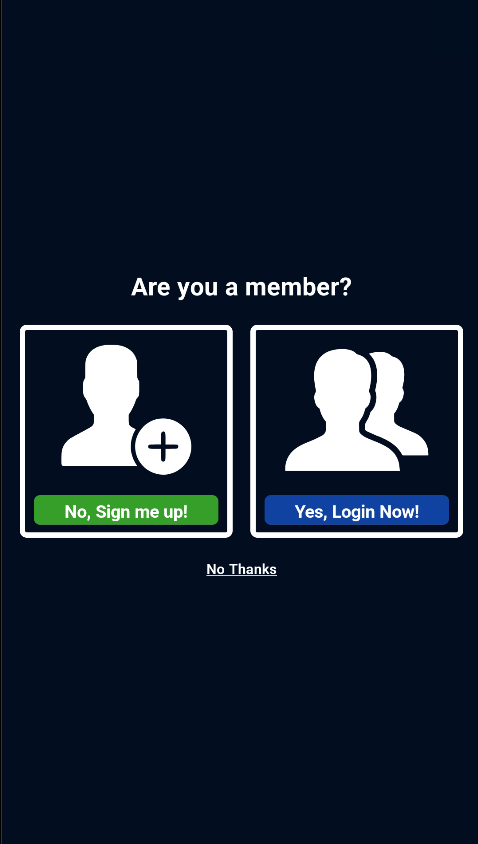
The customer can sign up, log in as a member, or skip for now.
Step 3: Add products and tap Pay
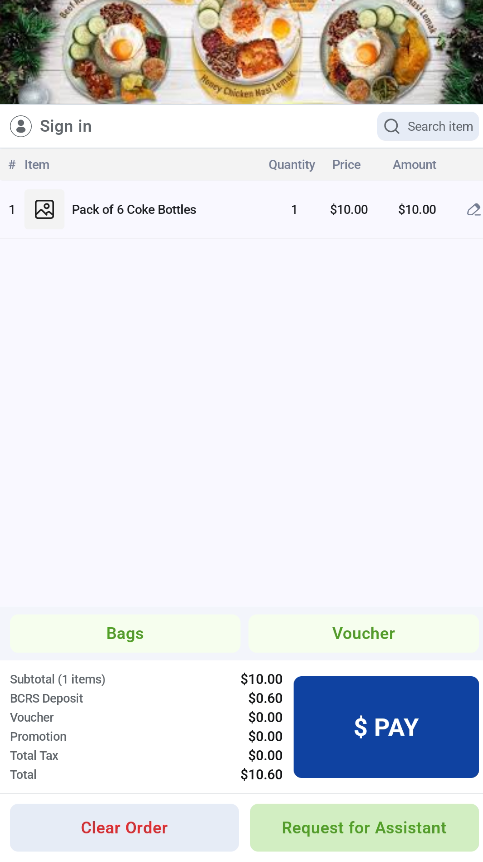
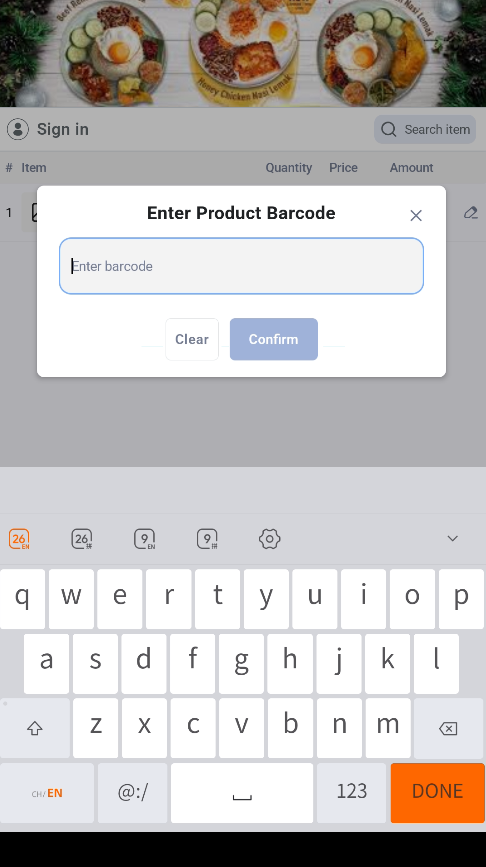
The customer adds products by scanning the item or typing the barcode in the search bar. They can edit the quantity to add more of an item. When ready, the customer taps Pay.
Step 4: Plastic bag prompt
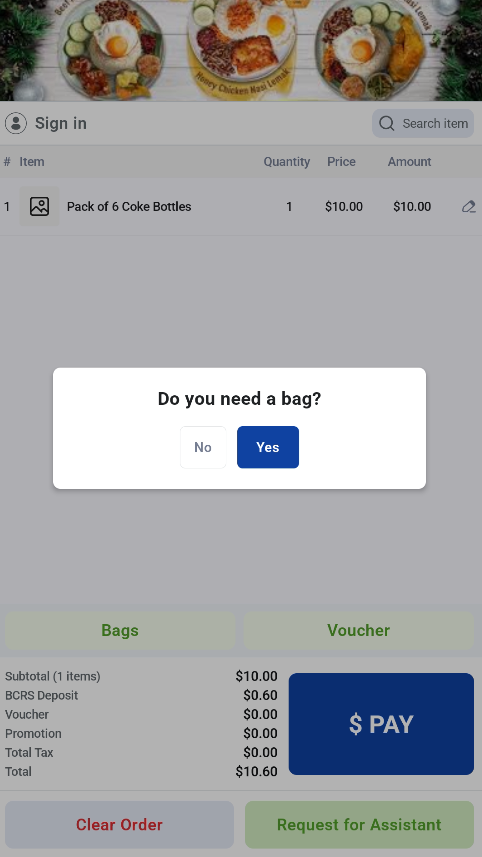
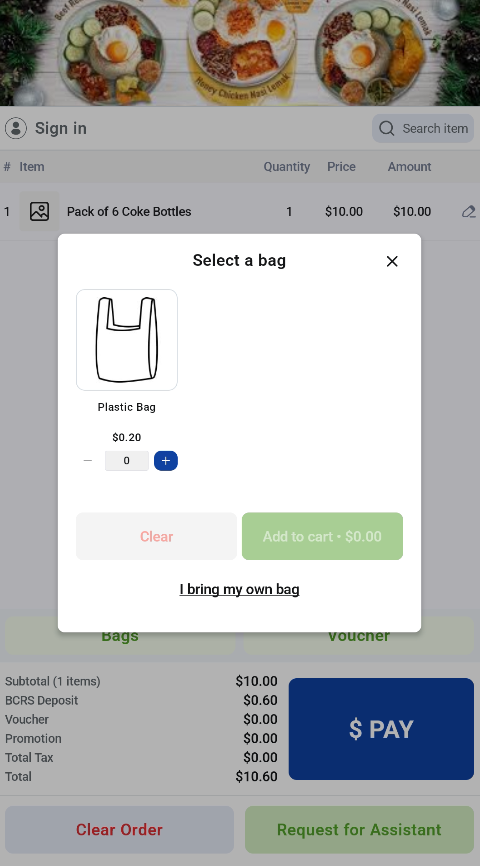
The customer is asked whether they need a plastic bag. They can add a plastic bag to the cart or choose to bring their own bag.
Step 5: Payment
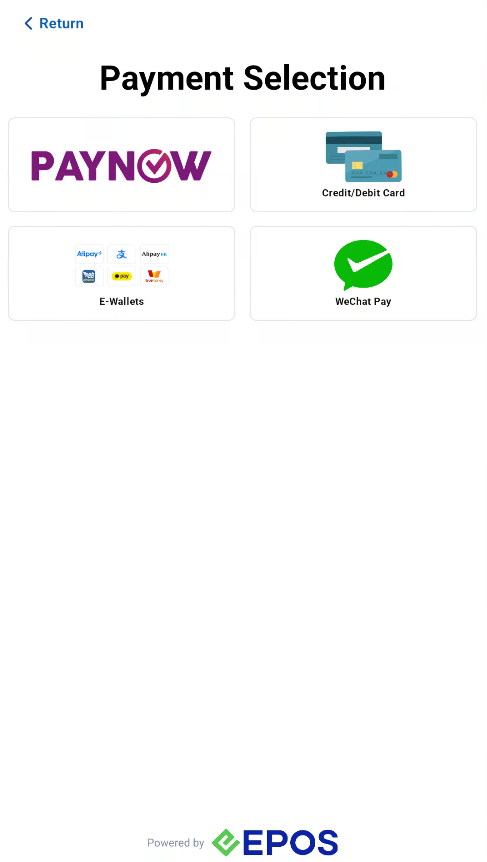
The customer chooses a payment method and pays.
Step 6: Order complete
Once the order is complete, the kiosk shows a Thank You page and prints the receipt automatically.