Sale Receipt
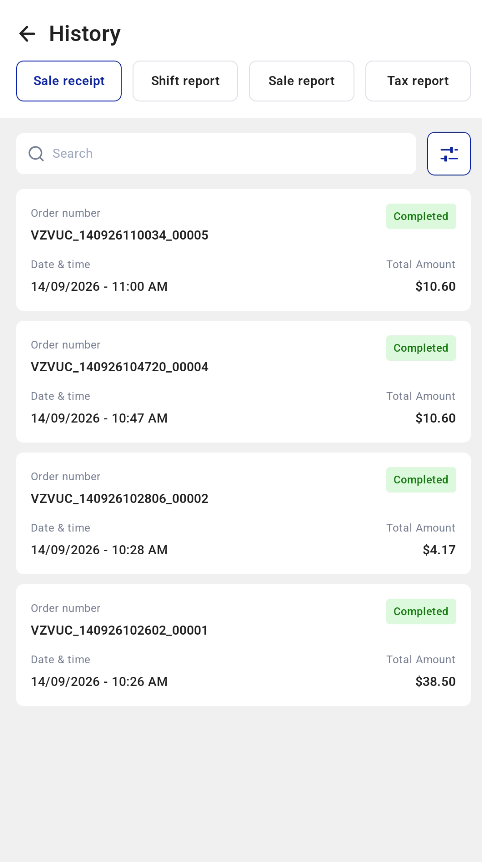
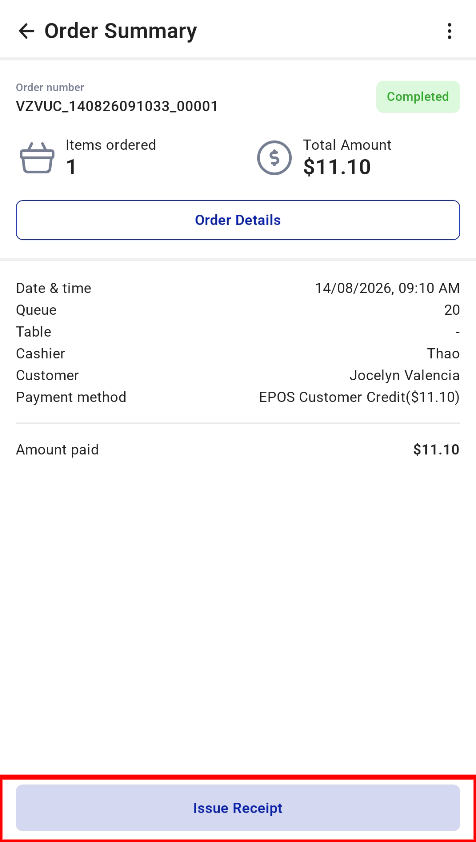
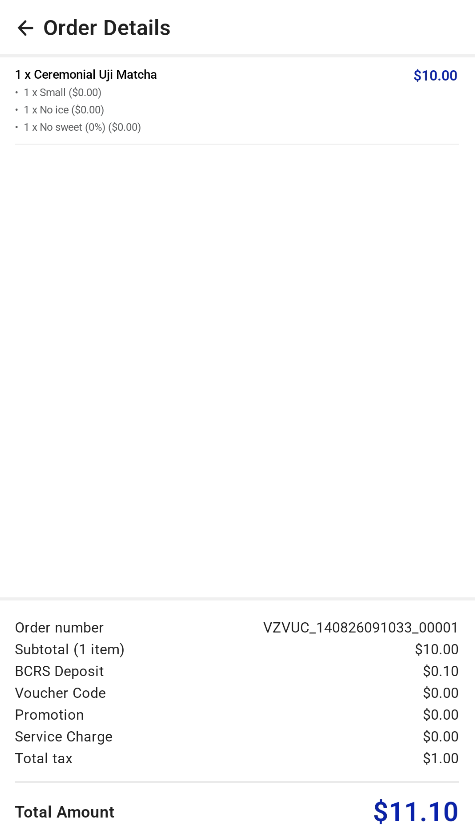
Staff can see all kiosk transactions listed under History > Sale Receipt. Tap a transaction to open its Order Summary, then tap Order Details to see the items and totals.
Reprint Receipt
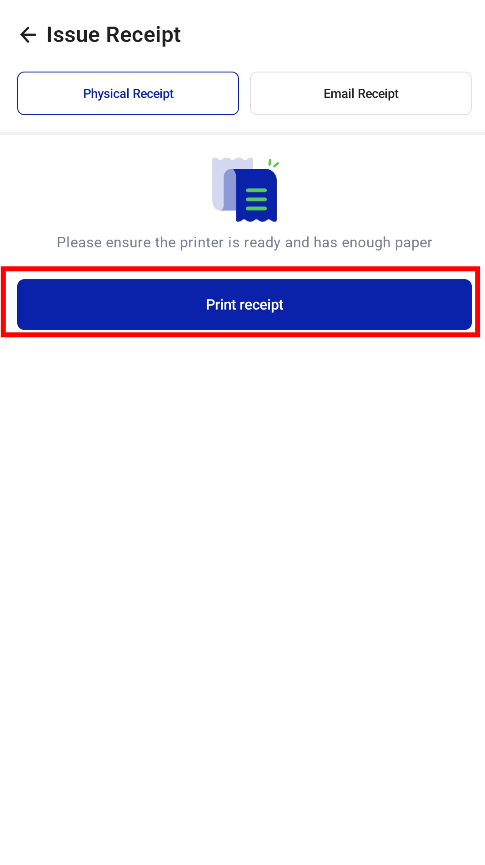
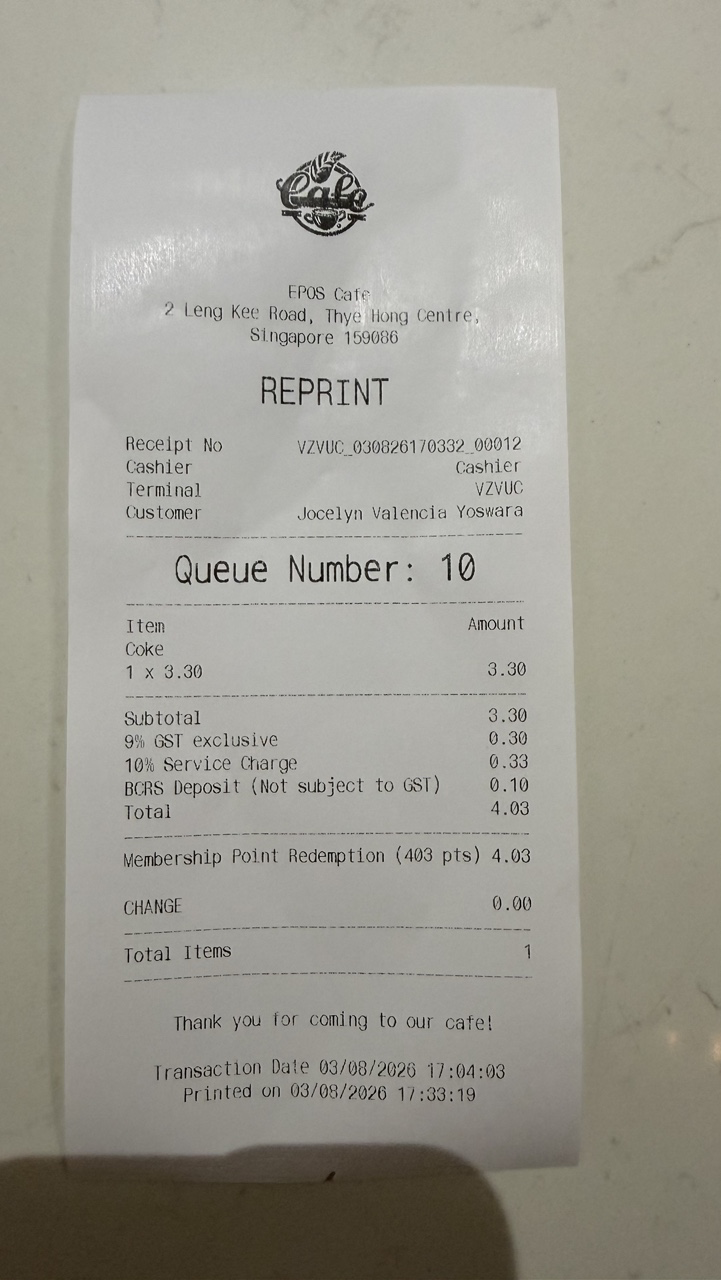
Staff can tap Issue Receipt on the Order Summary, then select Physical Receipt and tap Print receipt to reprint the receipt slip.
Email Receipt
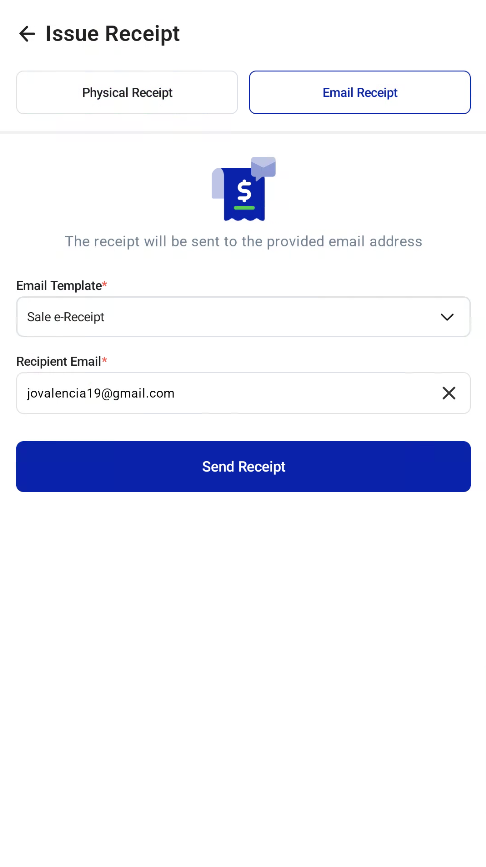
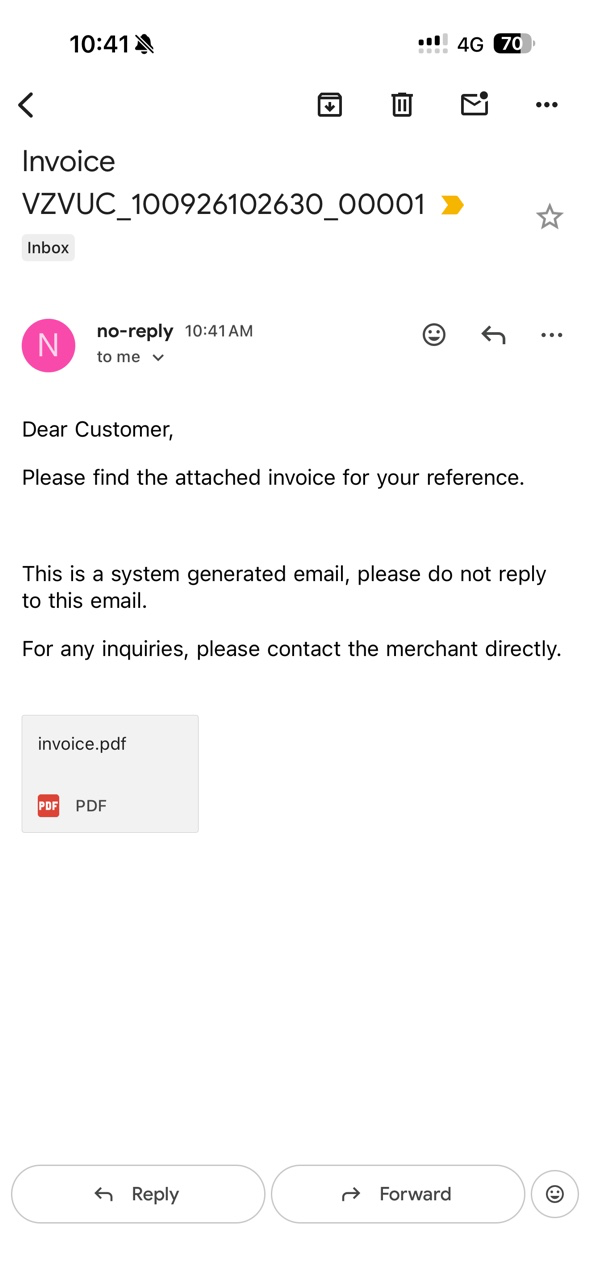
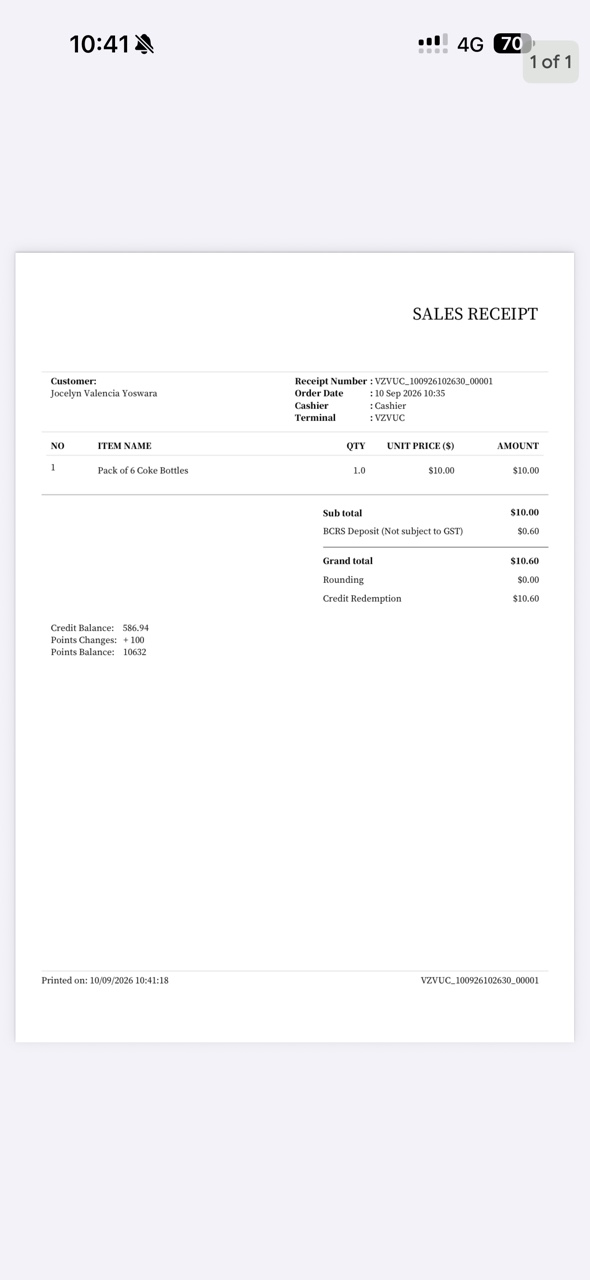
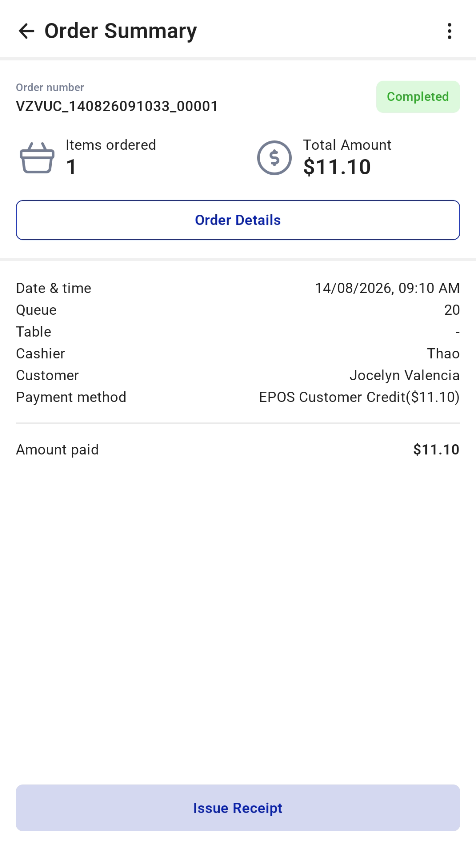
Staff can also send the receipt by email. Tap Issue Receipt, select Email Receipt, choose an email template, enter the customer’s email address and tap Send Receipt. The customer receives an email with the receipt attached as a PDF.