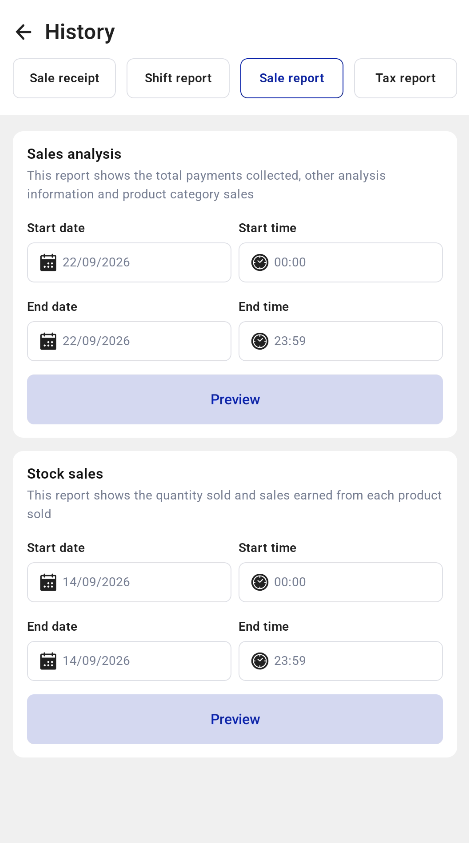
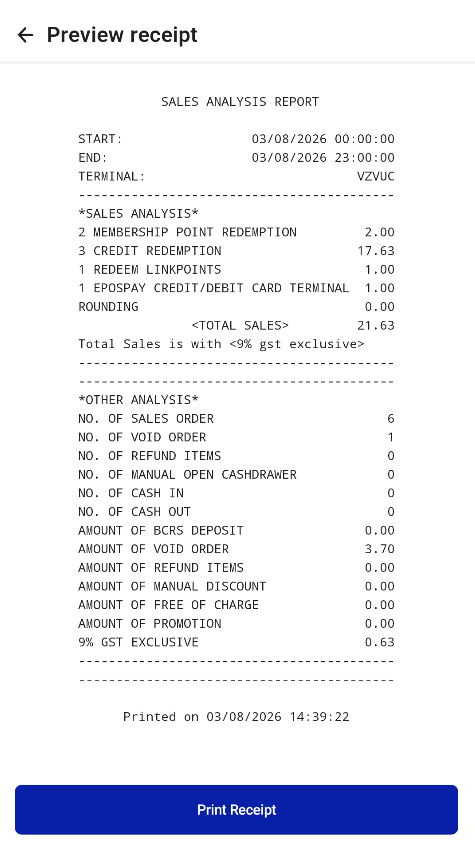
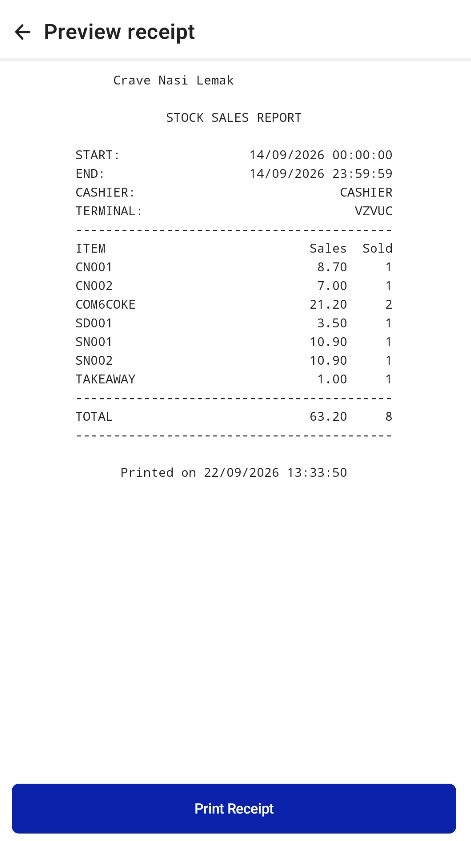
Staff can preview the Sales Analysis Report and the Stock Sales report, and filter both by date and time.
- Open Hidden Settings > History and select the Sale report tab.
- Under Sales analysis or Stock sales, set the start and end date and time, then tap Preview.
- Tap Print Receipt to print the report.