Staff can preview the tax report from Hidden Settings > History > Tax Report. Select the start and end date and time, then tap Preview. The report shows the tax collected during the selected period, and staff can tap Print Receipt to print it.
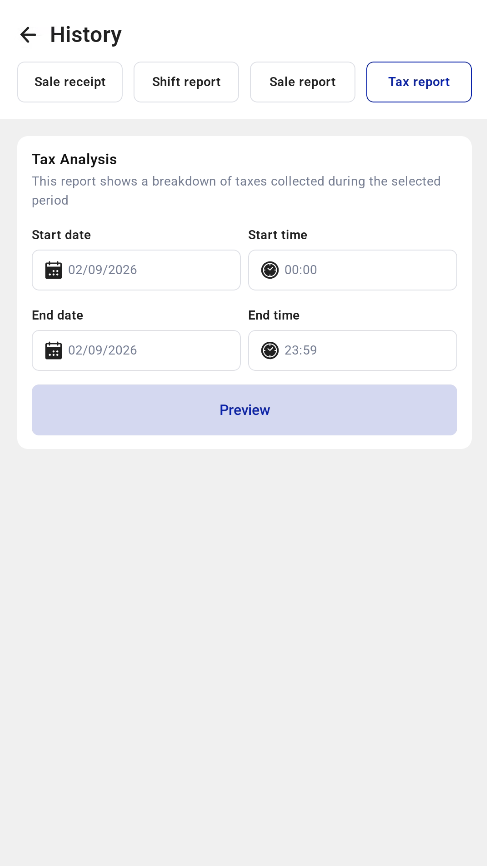
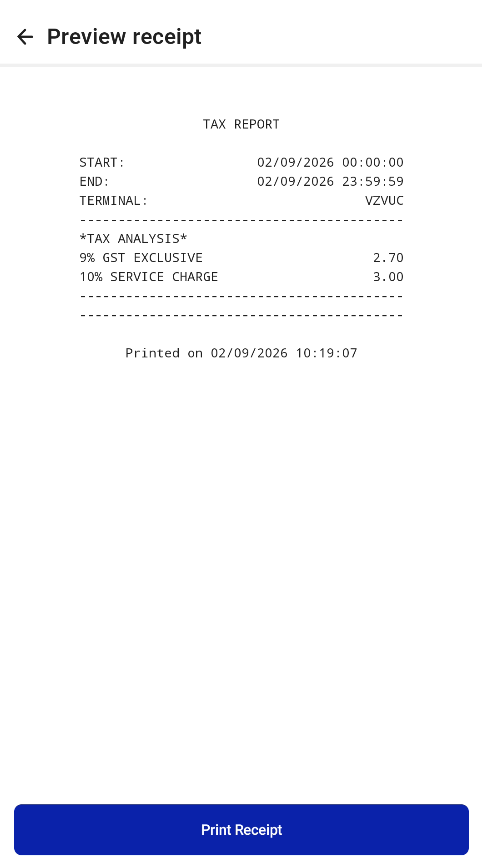

Staff can preview the tax report from Hidden Settings > History > Tax Report. Select the start and end date and time, then tap Preview. The report shows the tax collected during the selected period, and staff can tap Print Receipt to print it.
