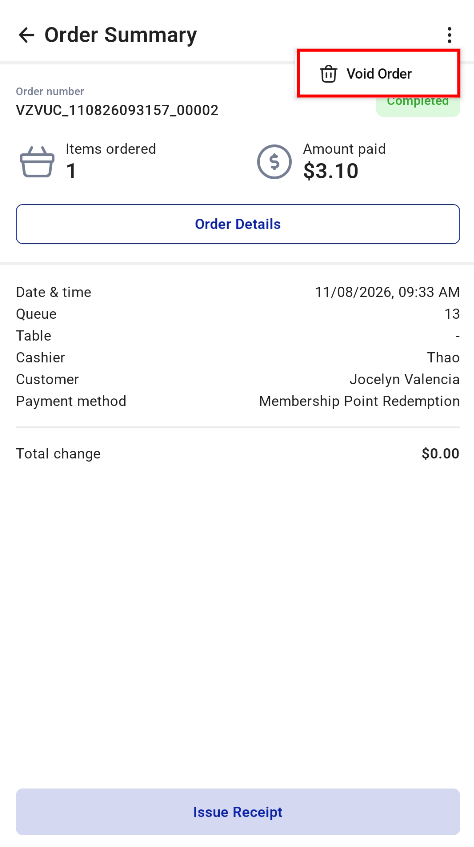
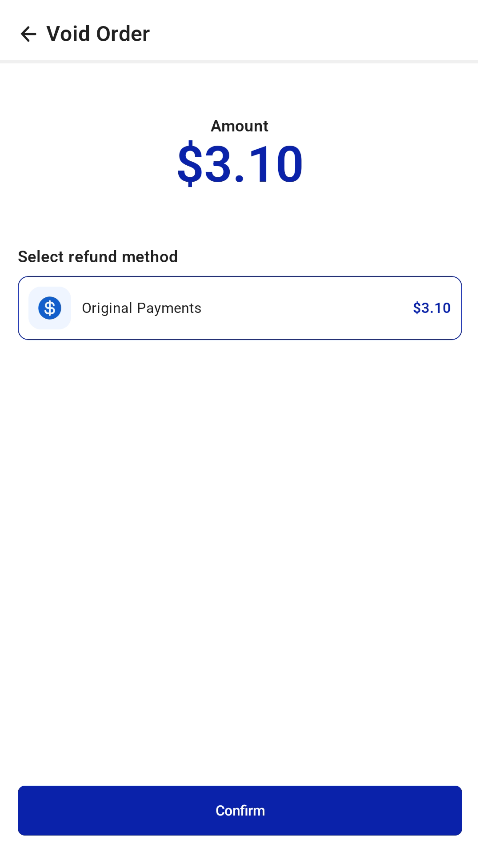
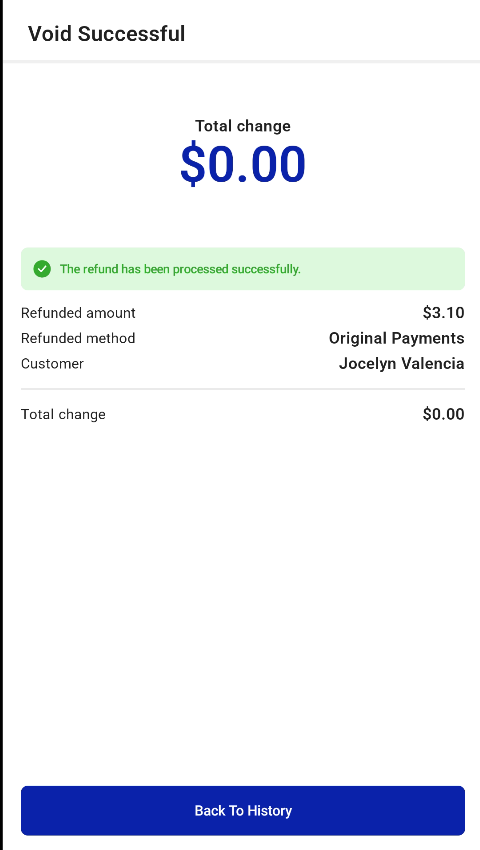
Staff can void a kiosk order from the kiosk’s hidden settings. Orders can only be voided within the current shift. Once the shift has ended, they can no longer be voided.
How to void an order
- Open Kiosk Hidden Settings and go to History.
- Select Sale Receipt and open the order summary of the order you want to void.
- Tap the three dots at the top right.
- Select Void and complete the void, the same way as on V5 POS.