August 2026
This month’s release brings a variety of new features and enhancements across our Backend, Windows POS, Android POS, Kiosk, Web Ordering App, Kitchen Display System (KDS), CRM, and Stock Take Device, delivering a smoother experience for both merchants and customers.
We’re also excited to introduce a brand-new product to help businesses operate more efficiently.
What’s New
Not sure which affects you?
These icons indicate which group of users is impacted by each enhancement: Point of Sale (POS) users, Backend users, or Web Ordering App users.
(🖥️ POS — ⚙️ Backend — 📱 Web Ordering App — 🤖 Android POS — 🗣CRM — 👨🍳 Kitchen Display System (KDS) — 📦 Stock Take Device — 🔊Soundbox — 🛒 Kiosk — 📦Warehouse —🛠 Hybrid Kiosk — 🛍Standalone Kiosk)
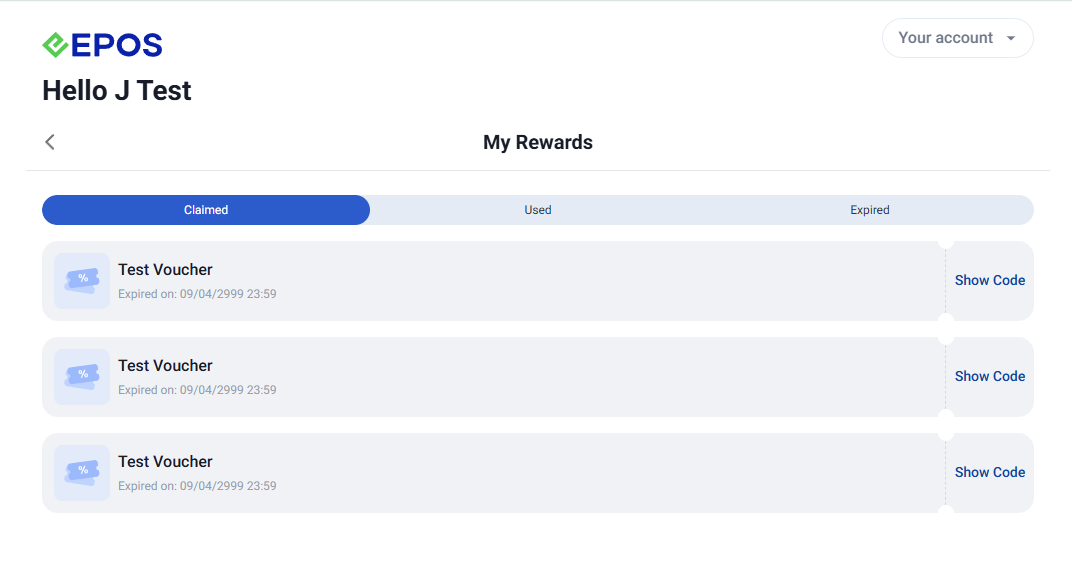
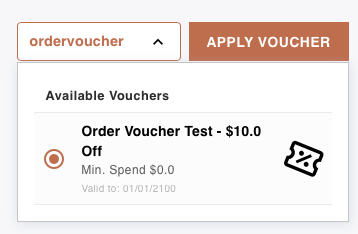
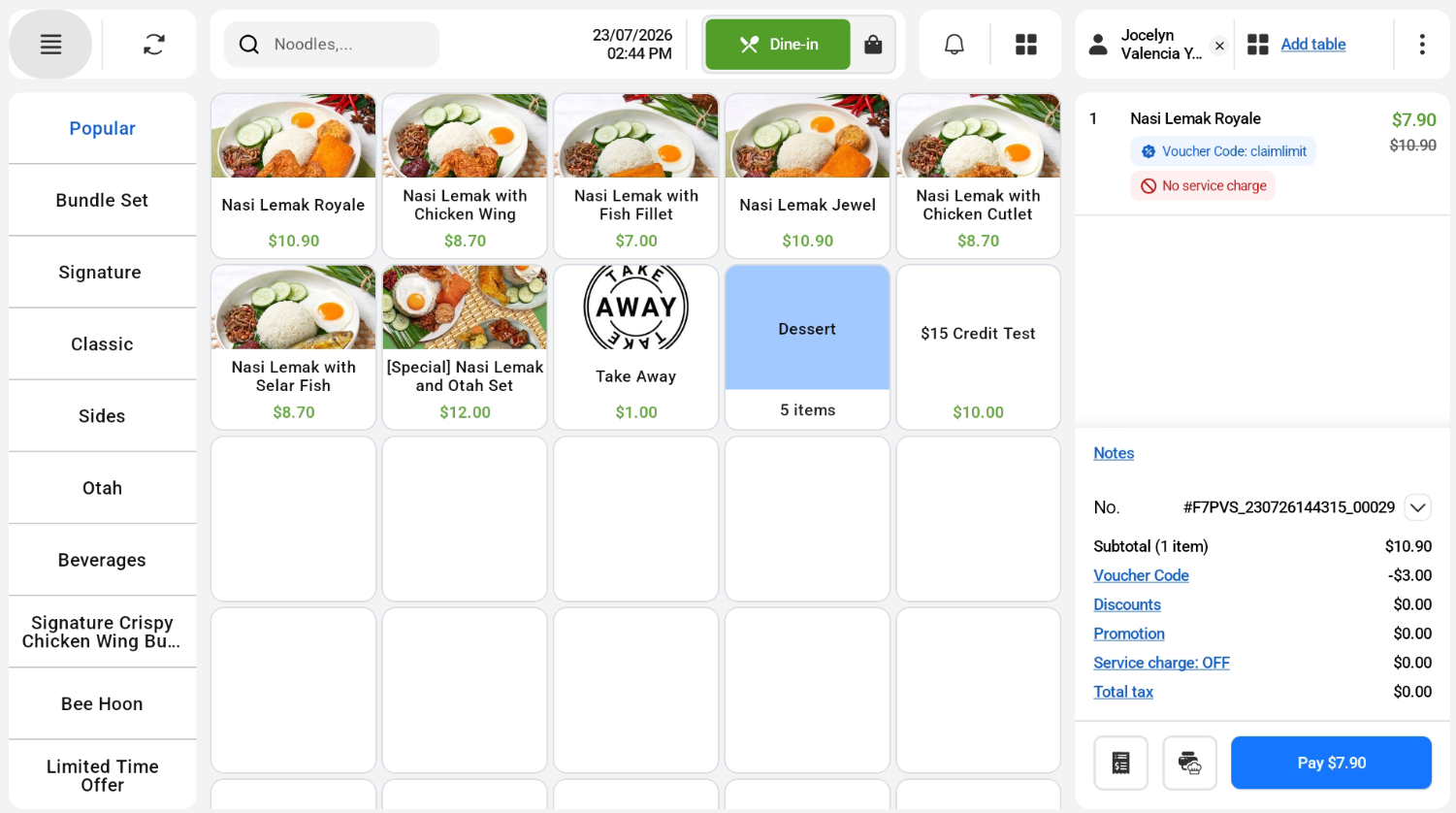
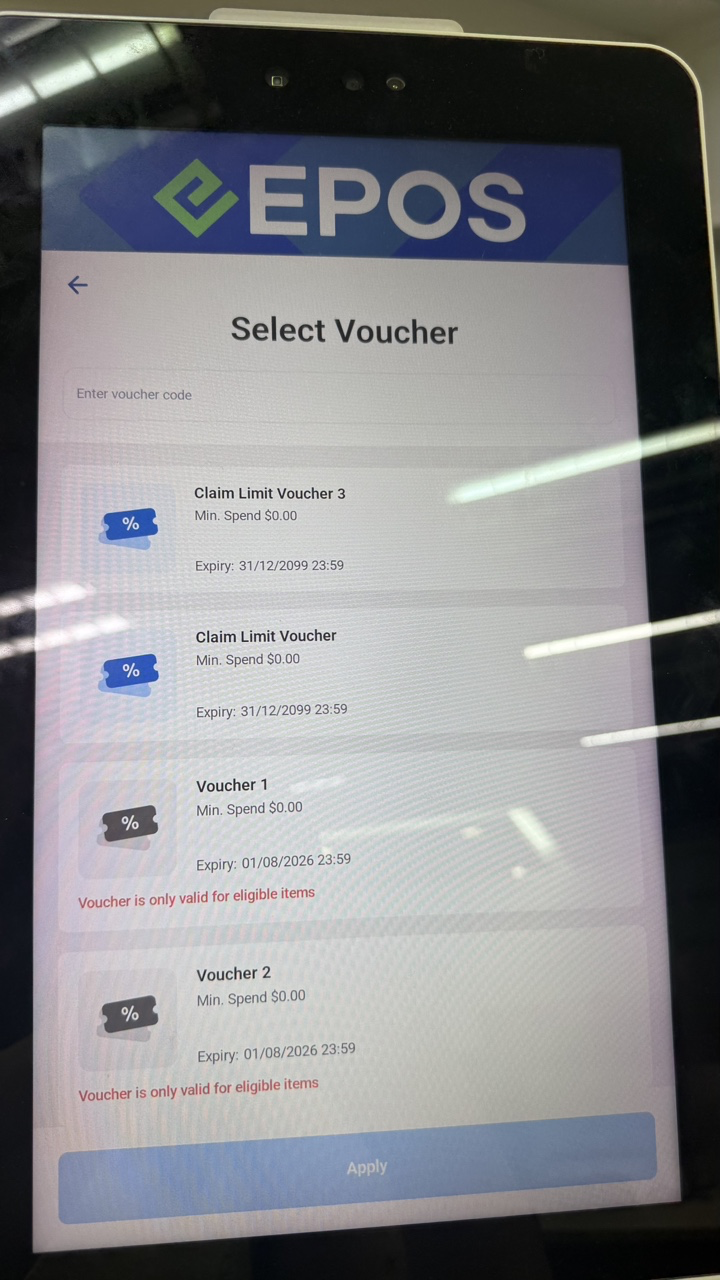
We have updated the voucher capabilities within our V5 ecosystem. Now customers are able to claim the same voucher series more than once.
What’s New:
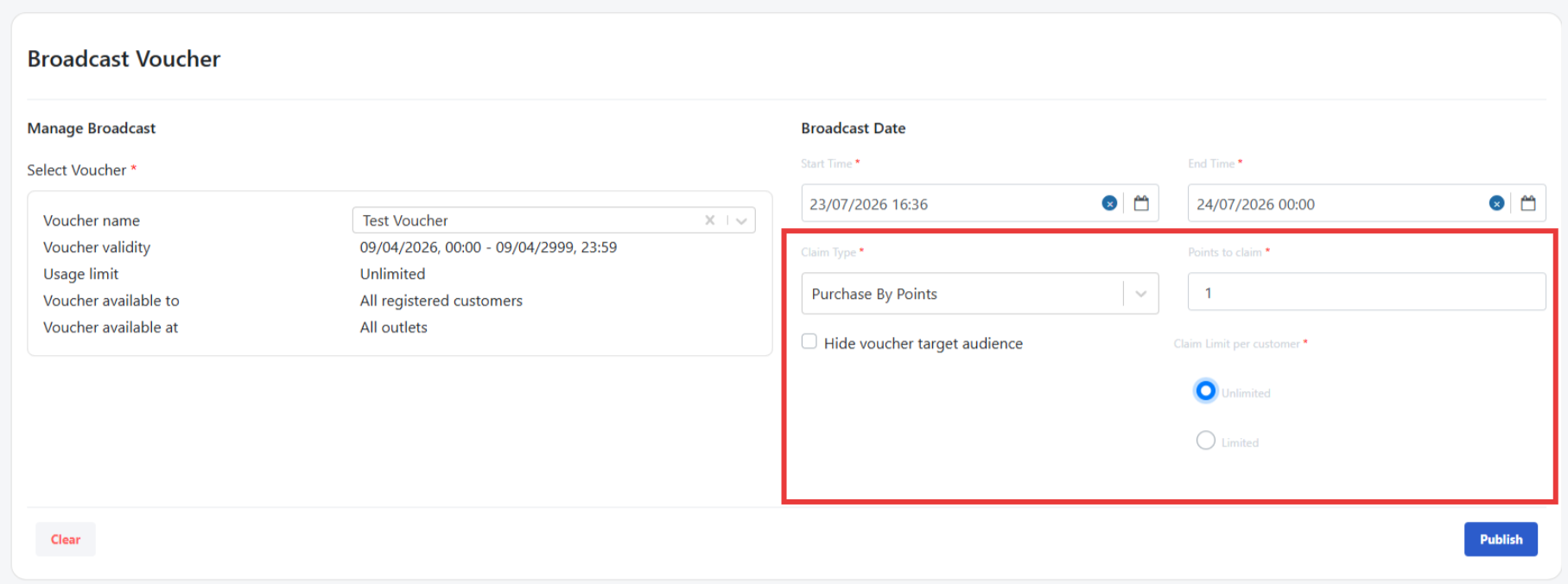
Notes:
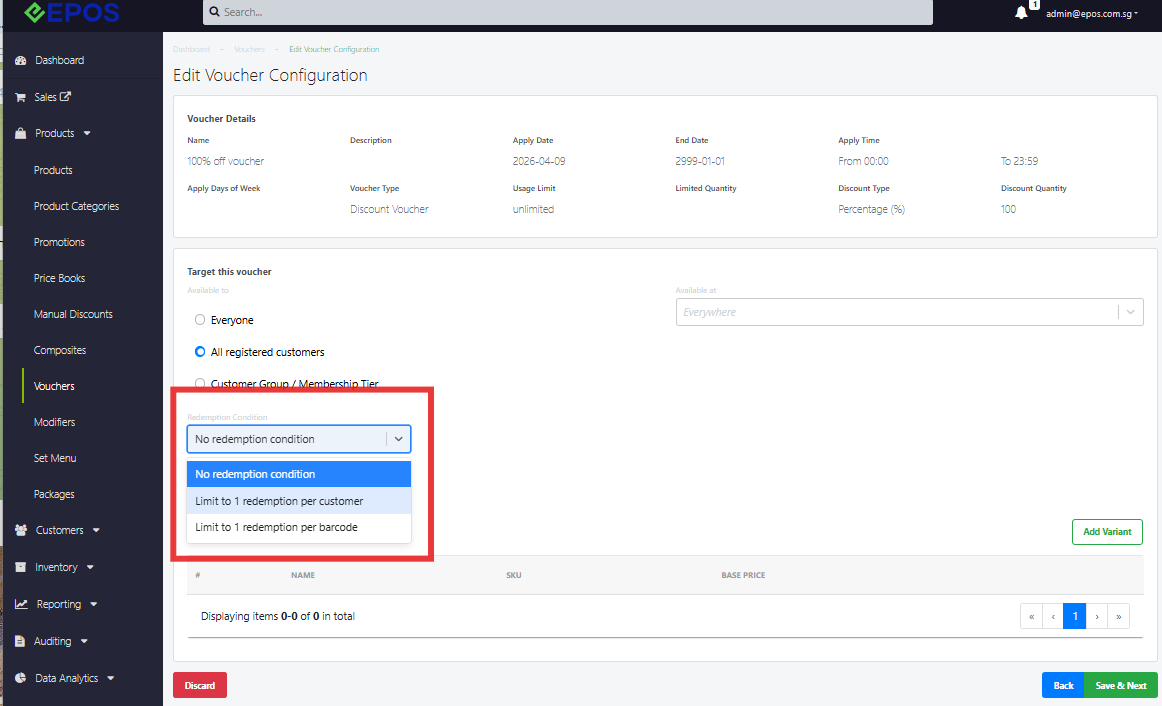
📌 A new dropdown lets merchants choose the Redemption Condition: no condition, limit to 1 redemption per customer, or limit to 1 redemption per barcode
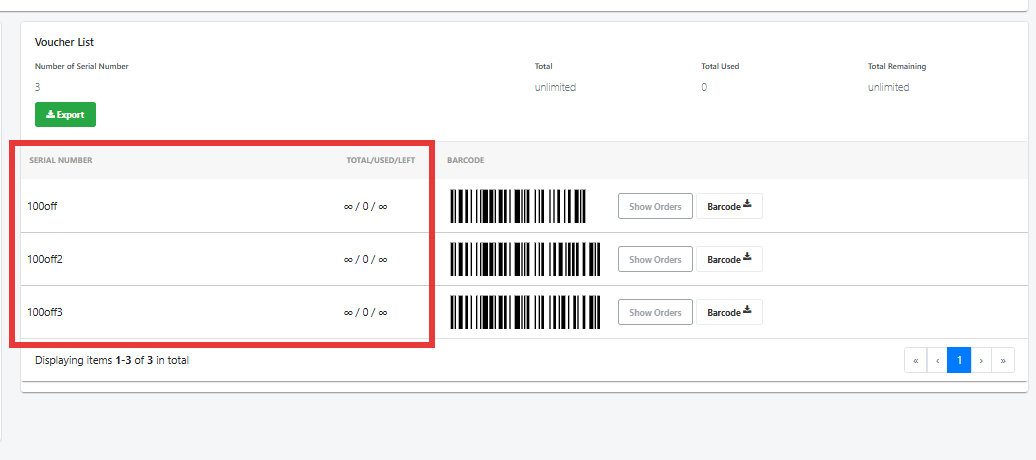
📌For each repeated claim via Purchase By Points, the system auto-generates a unique barcode
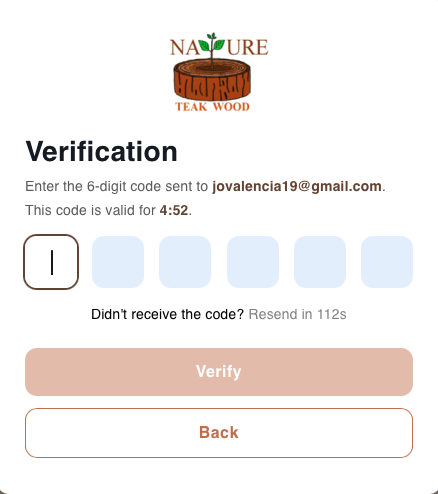
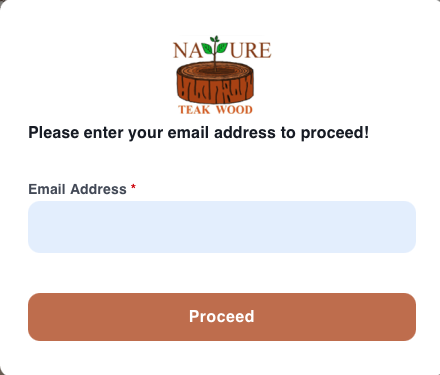
We have enabled email OTP verification for our CRM Plugin.
What’s New:
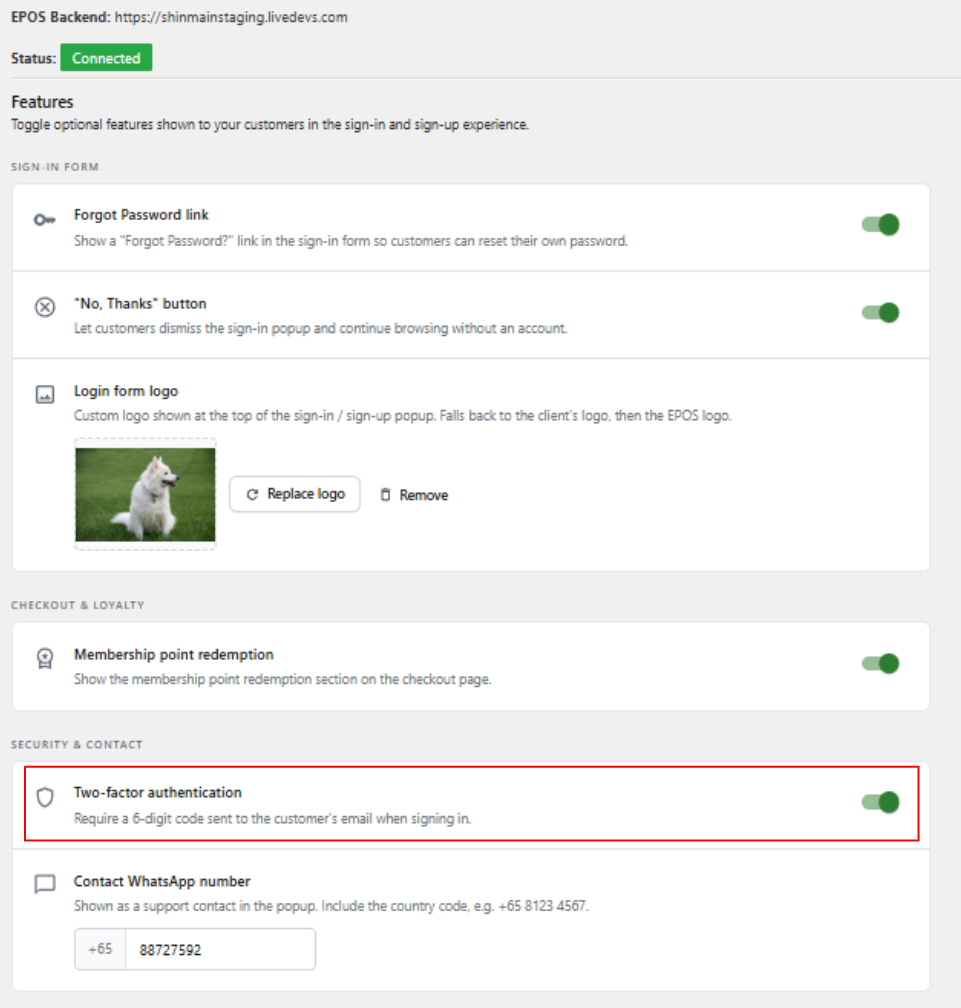
📌A new email template will be used for Enable 2FA Authentication.
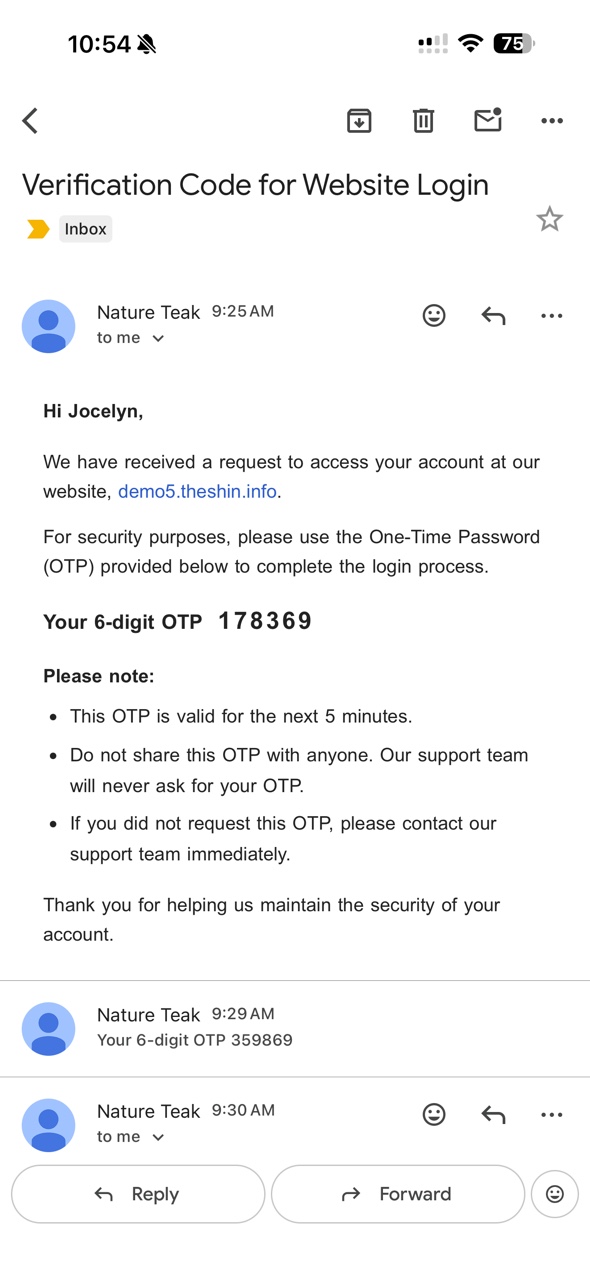
Notes:
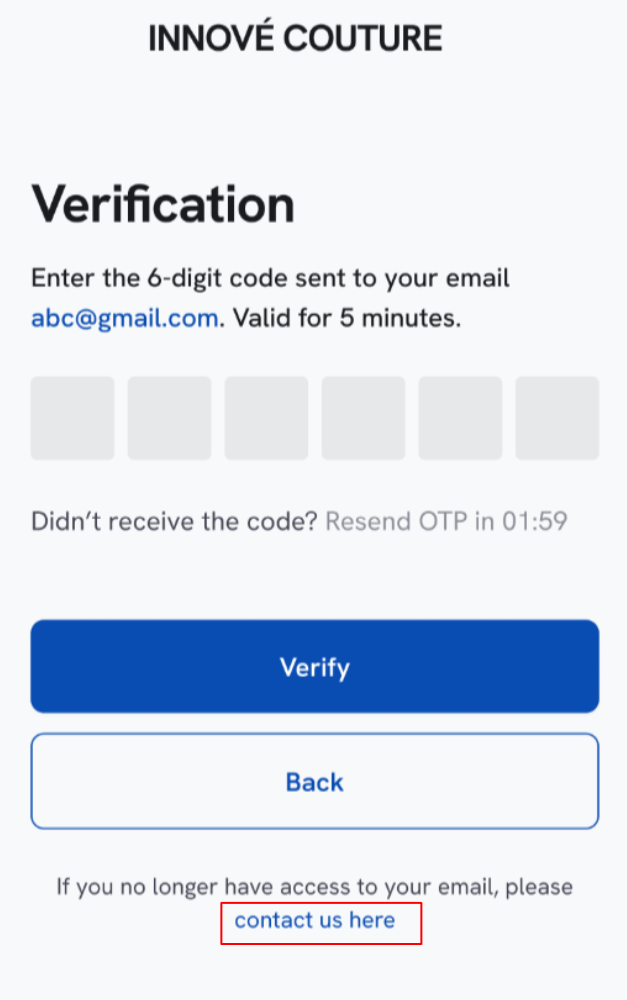
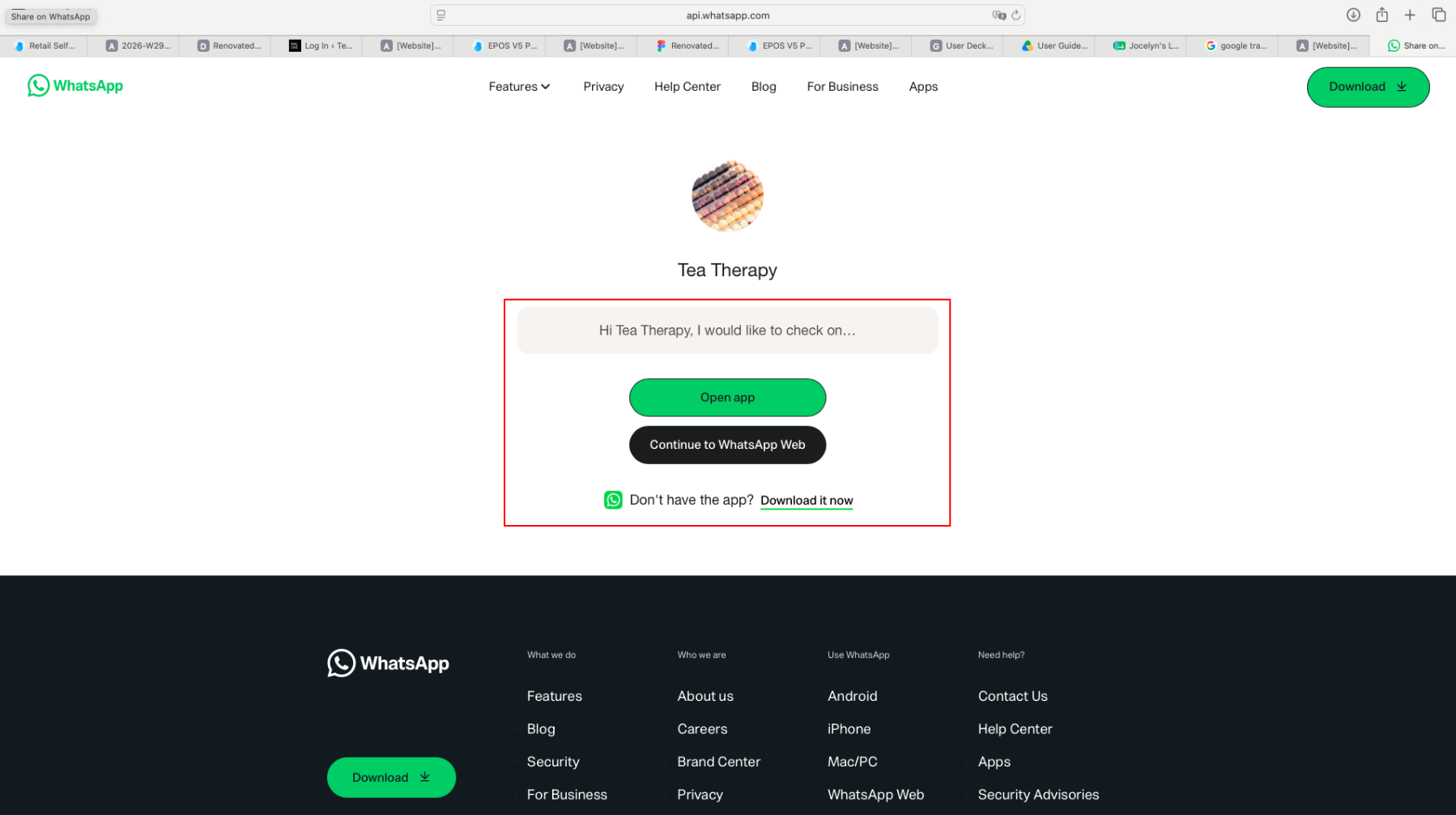
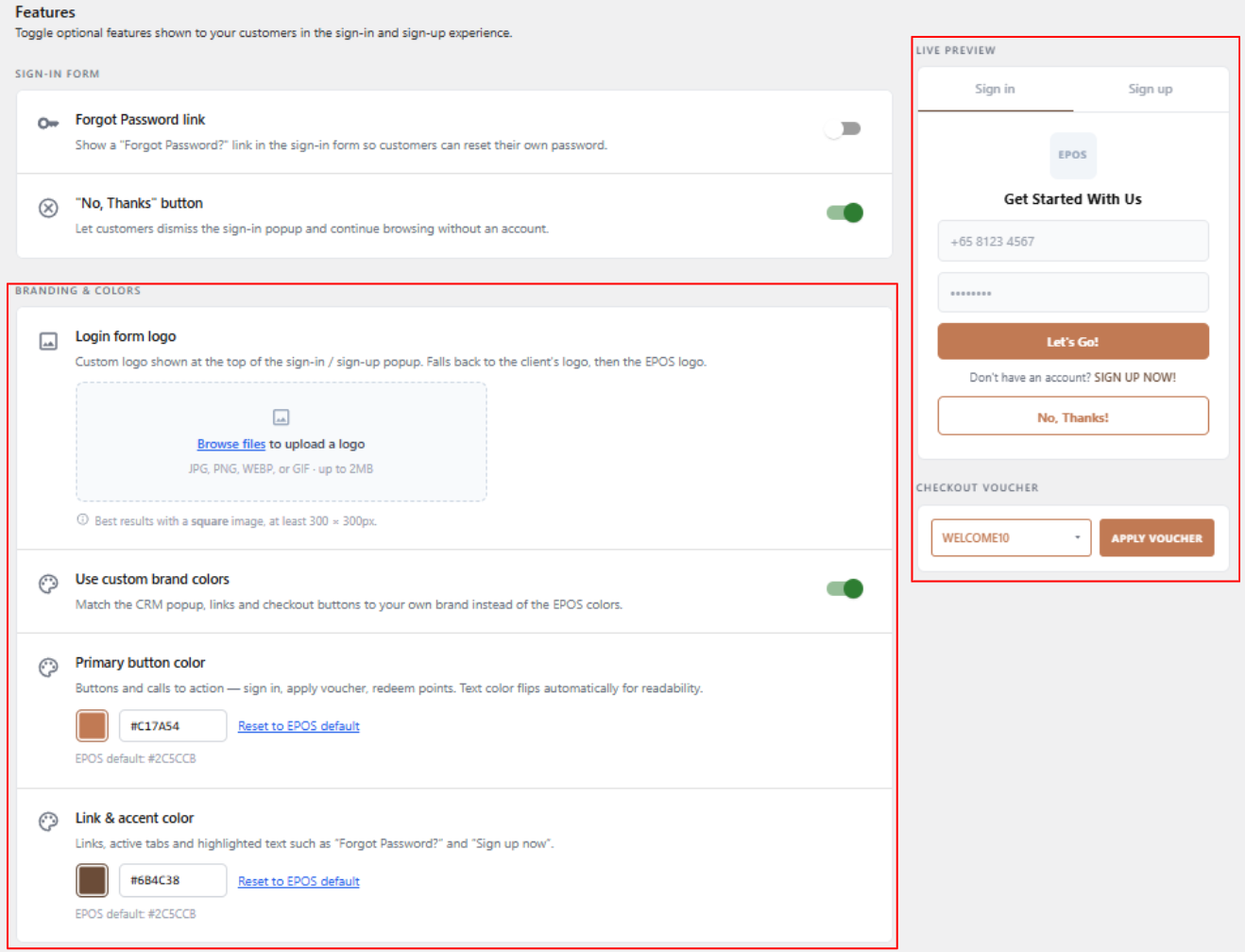
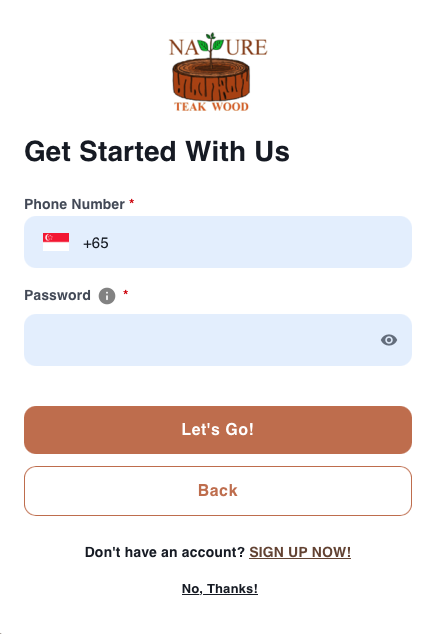
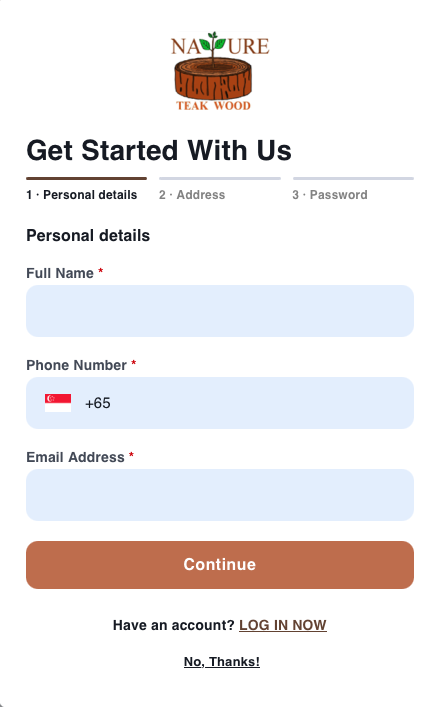
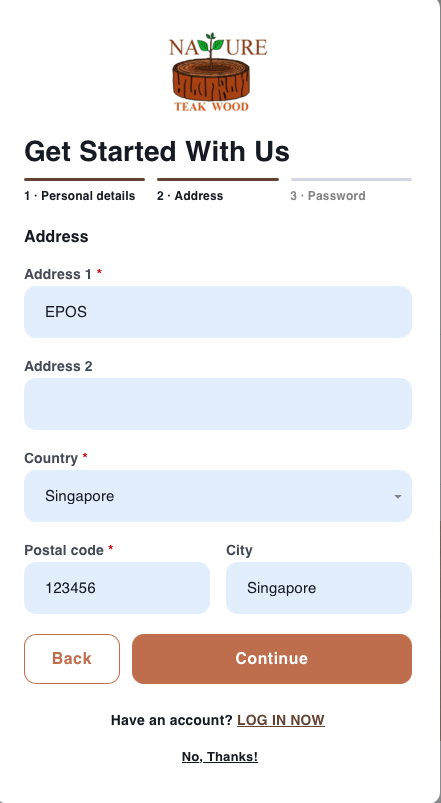
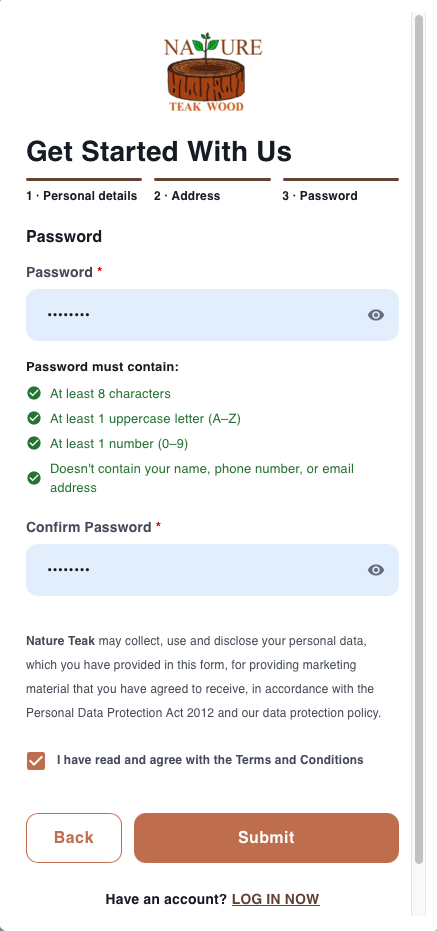
We have implemented the ability to add brand colors to the CRM Popups on the WooCommerce Websites
What’s New:
📌When custom brand colors is toggled on, merchants are able to configure the primary button color and link & accent color 2FA.
📌There is also a live preview on the right side to allow merchants to view how the chosen color will look.
Note:
We have update the EPOS logo on our V5 ecosystems
What’s New:
📌Scope of impact includes
Backend
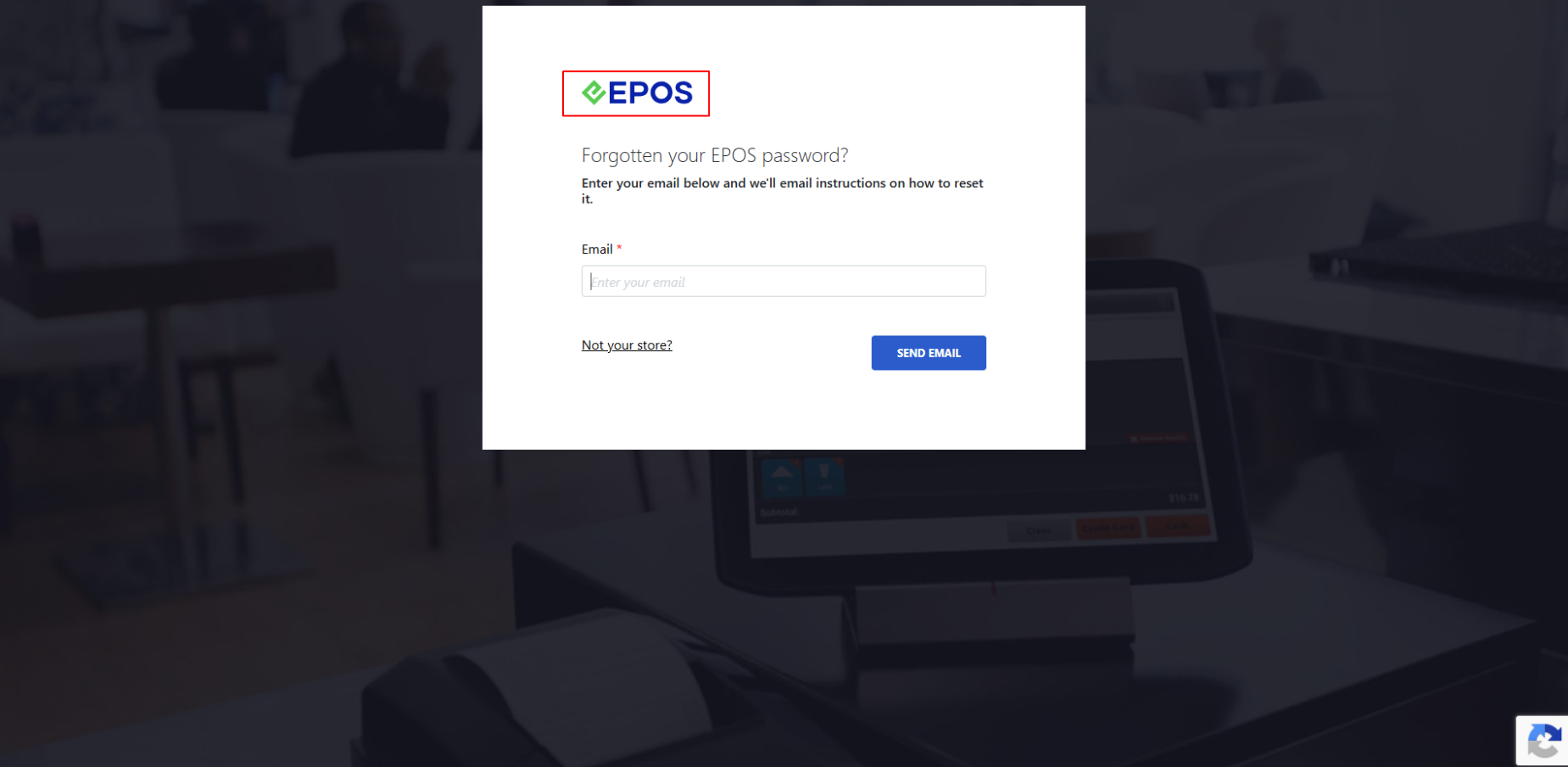
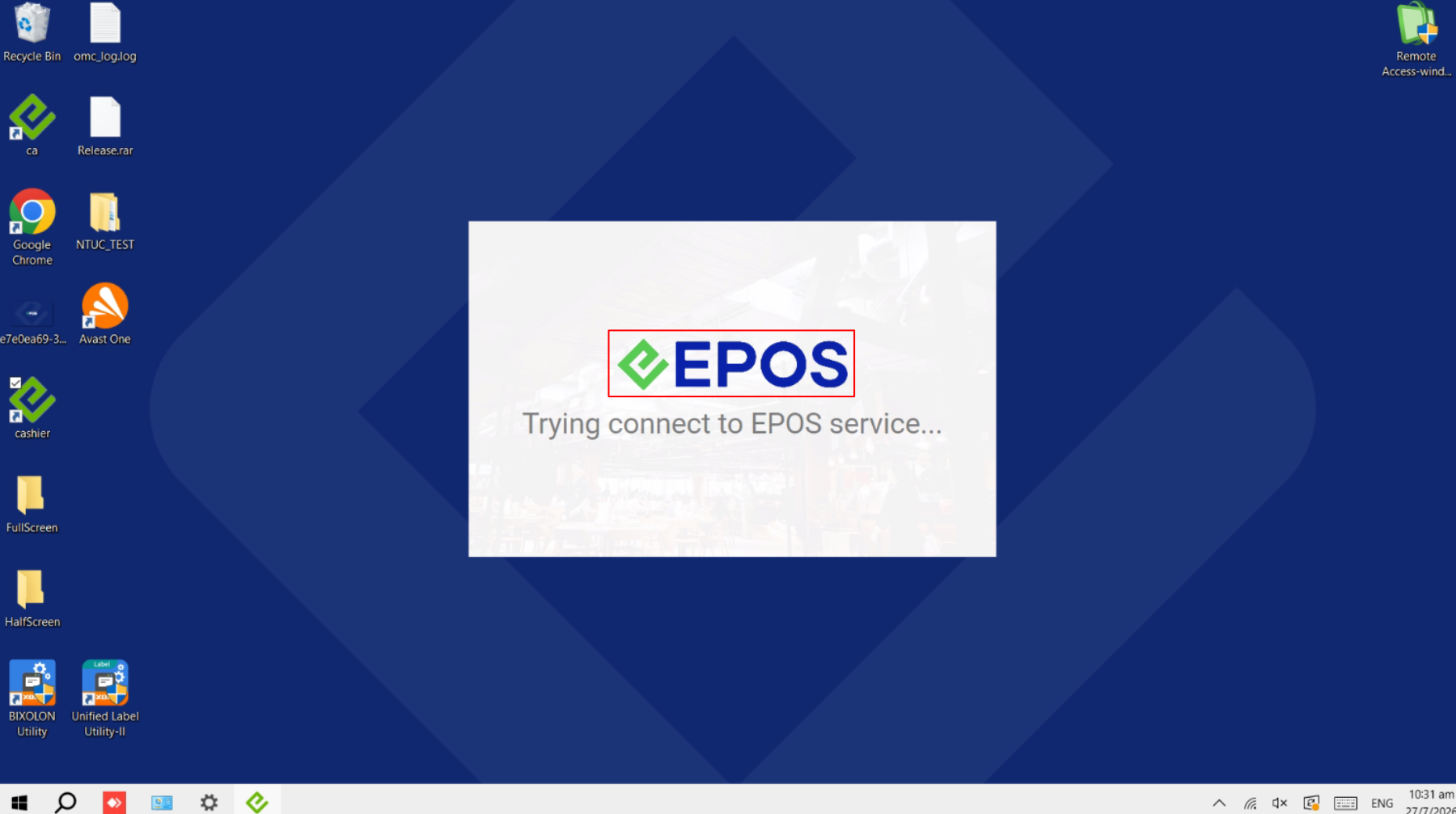
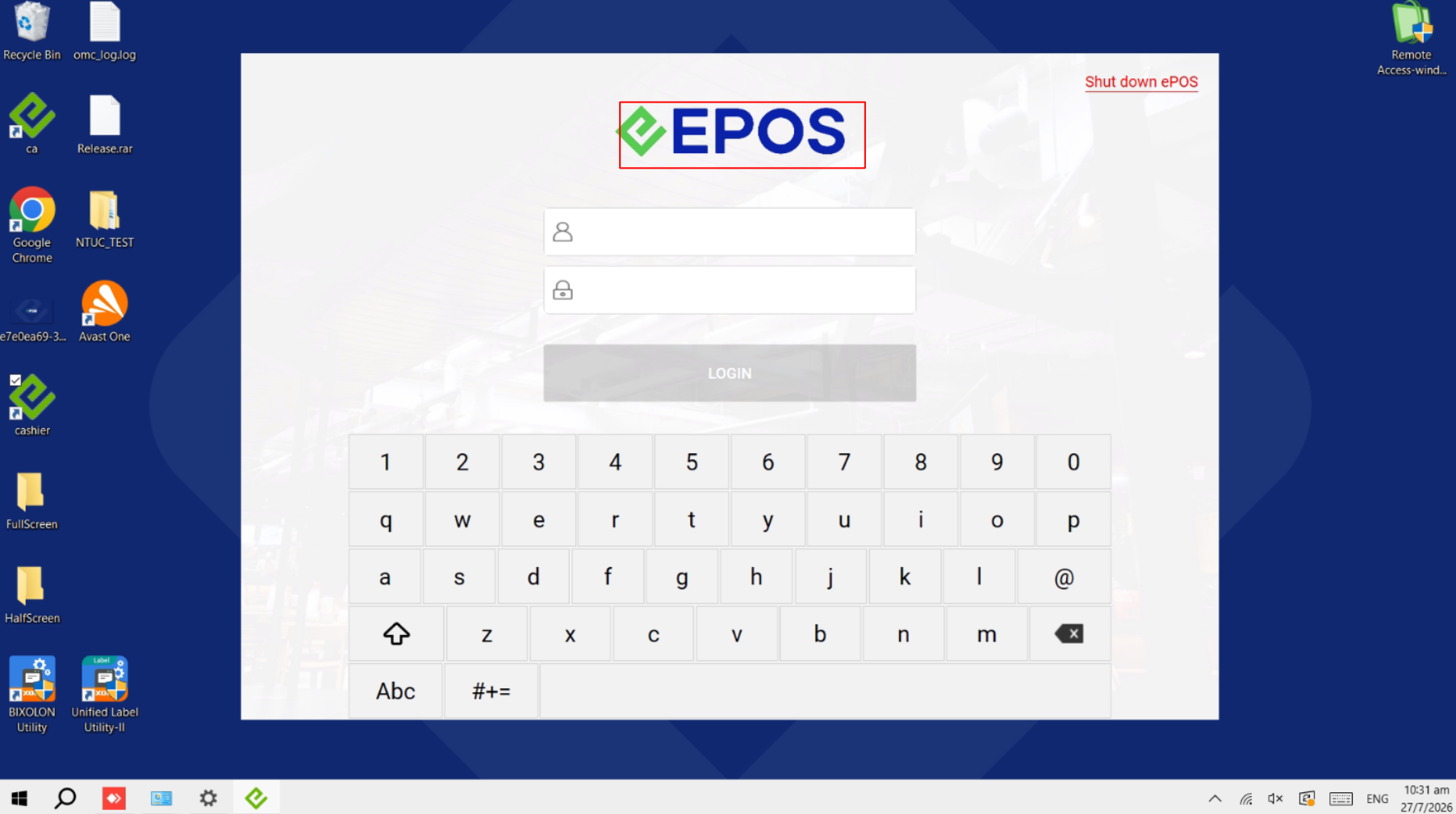
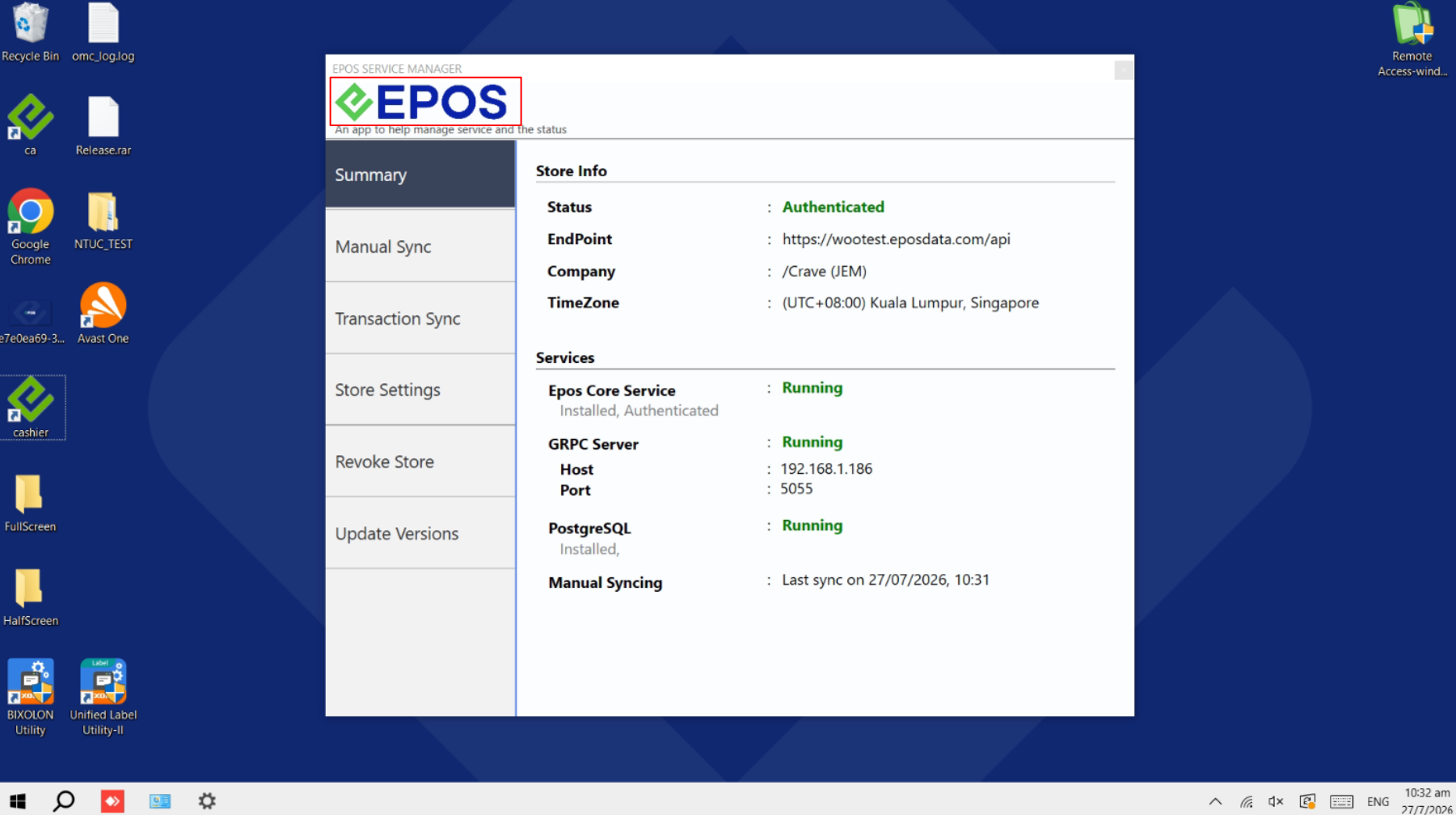
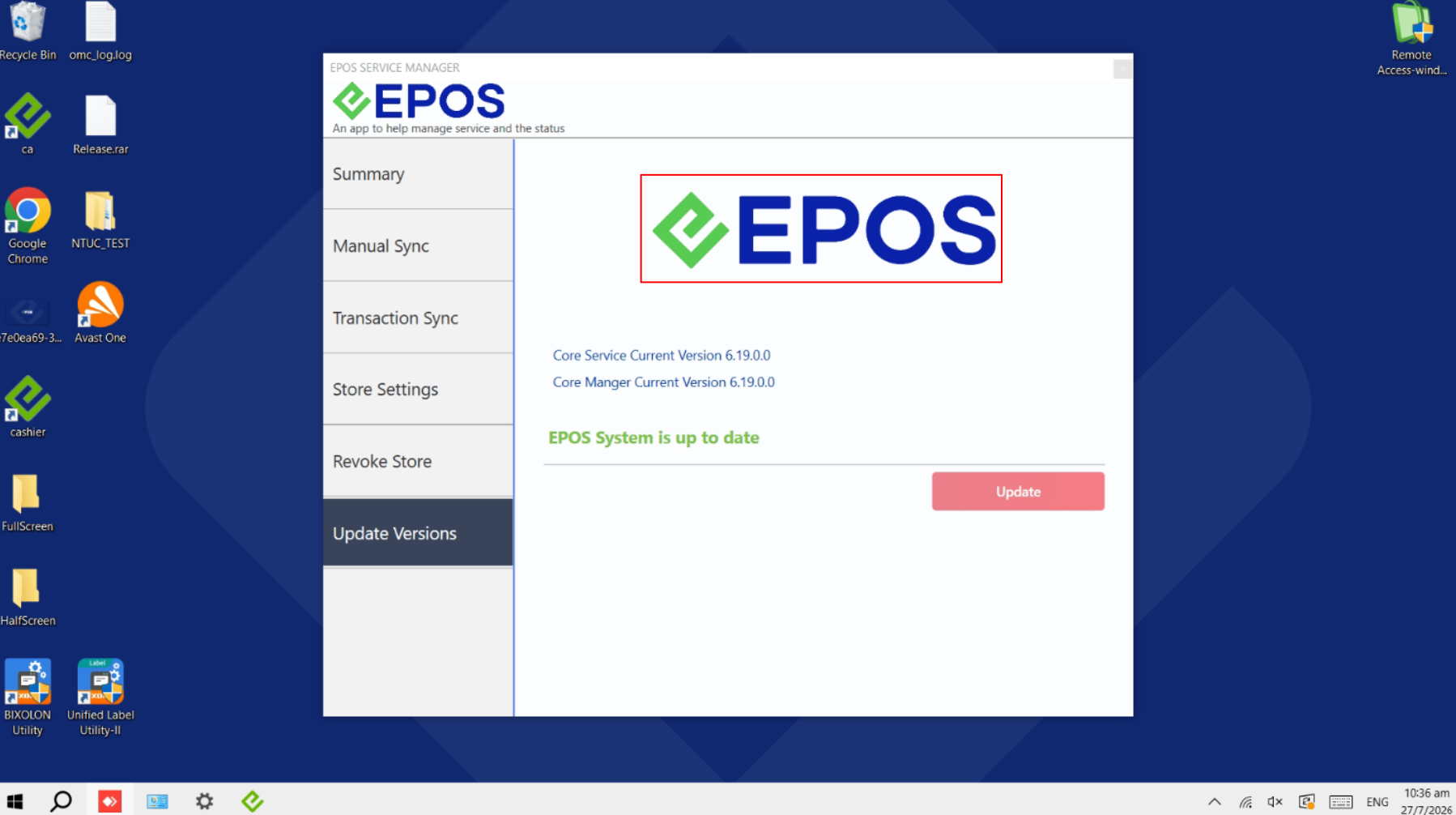
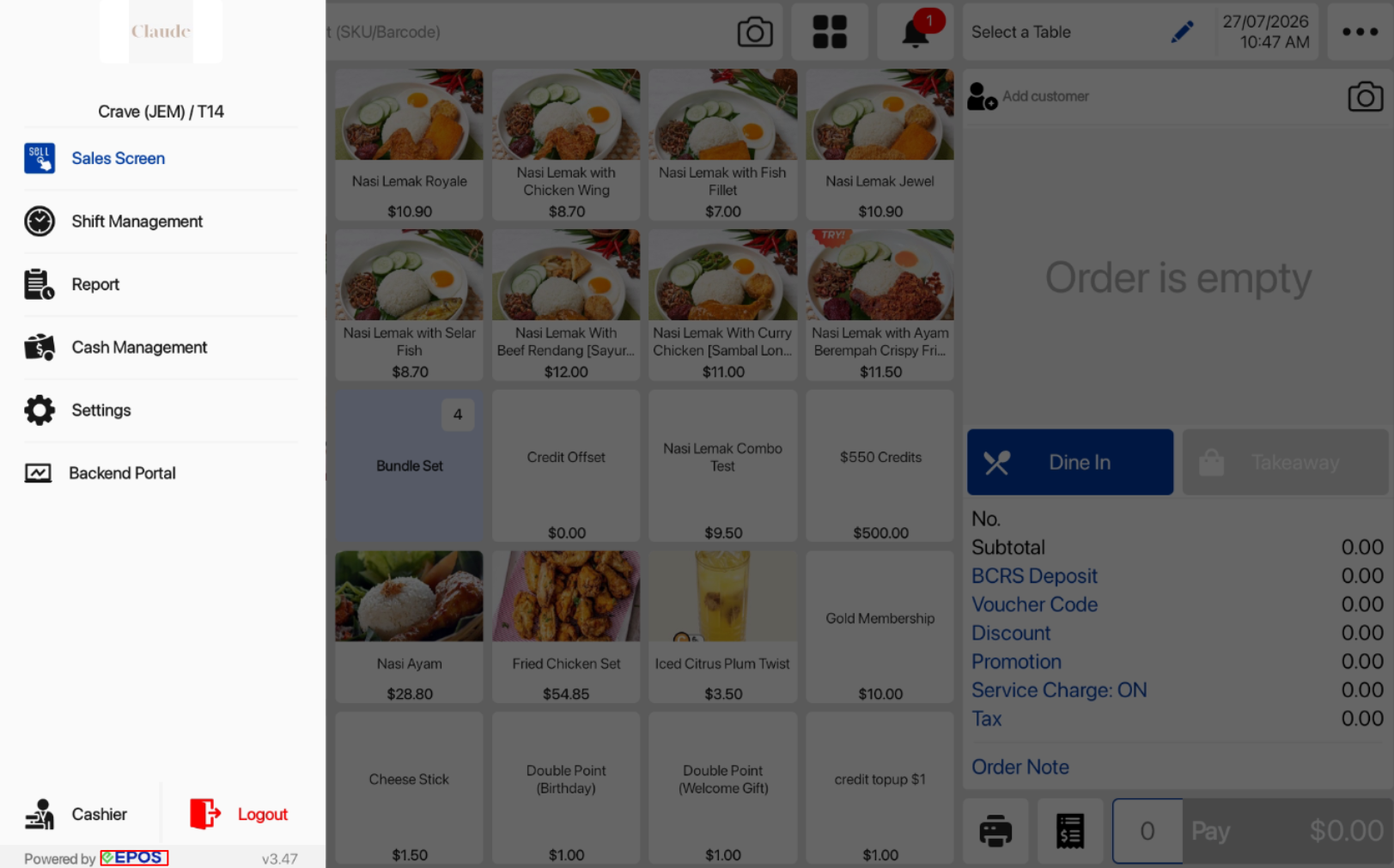
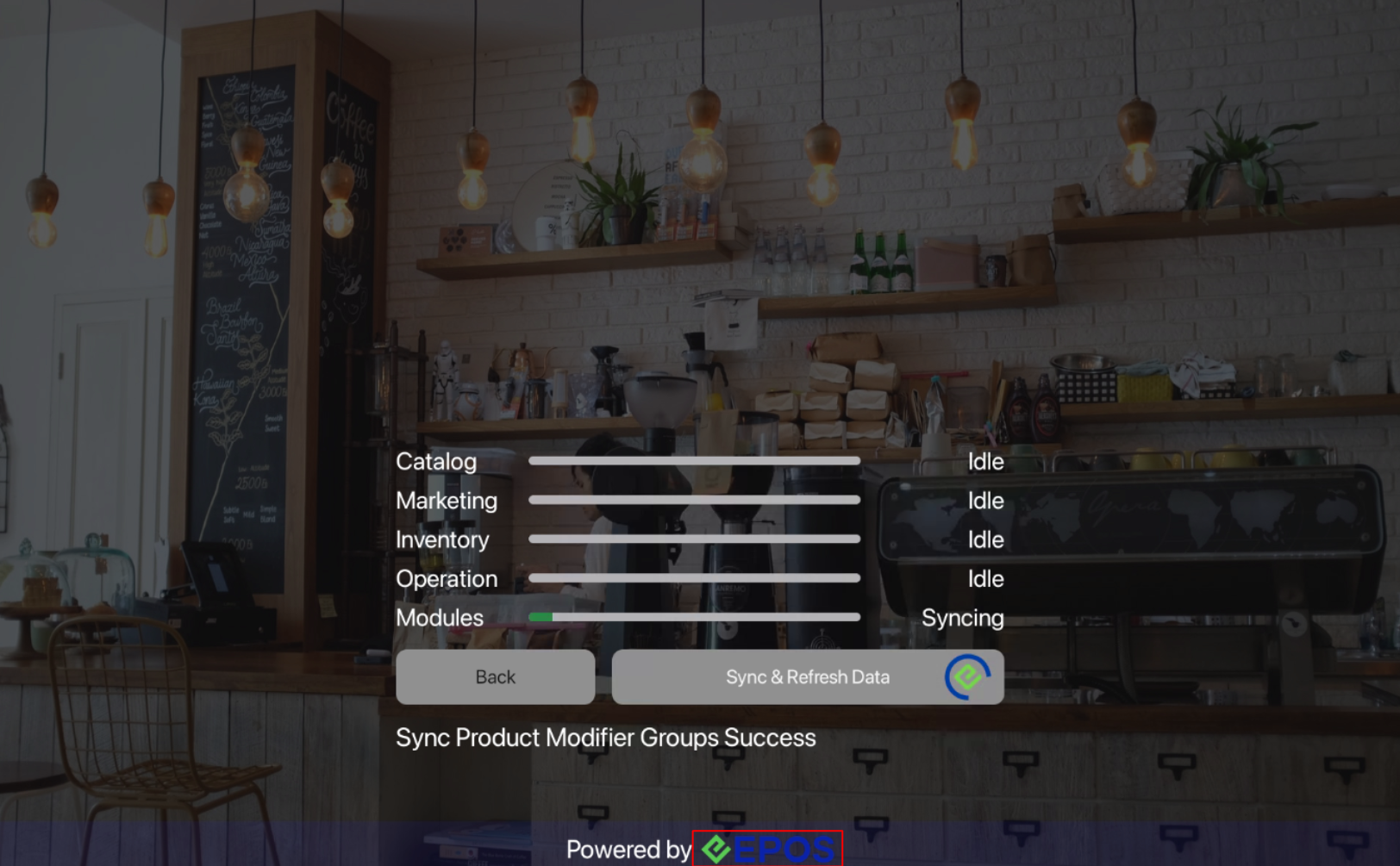
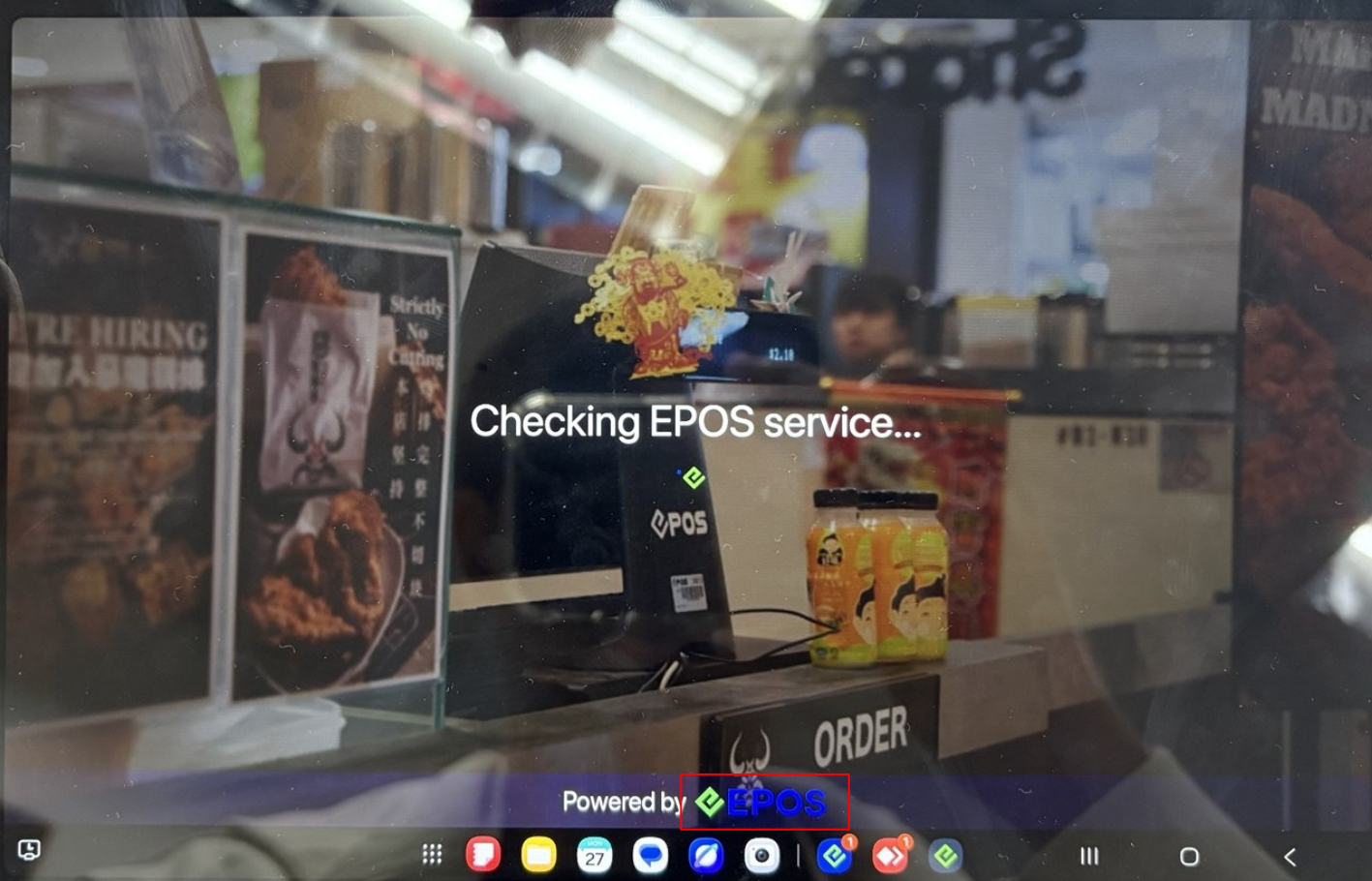
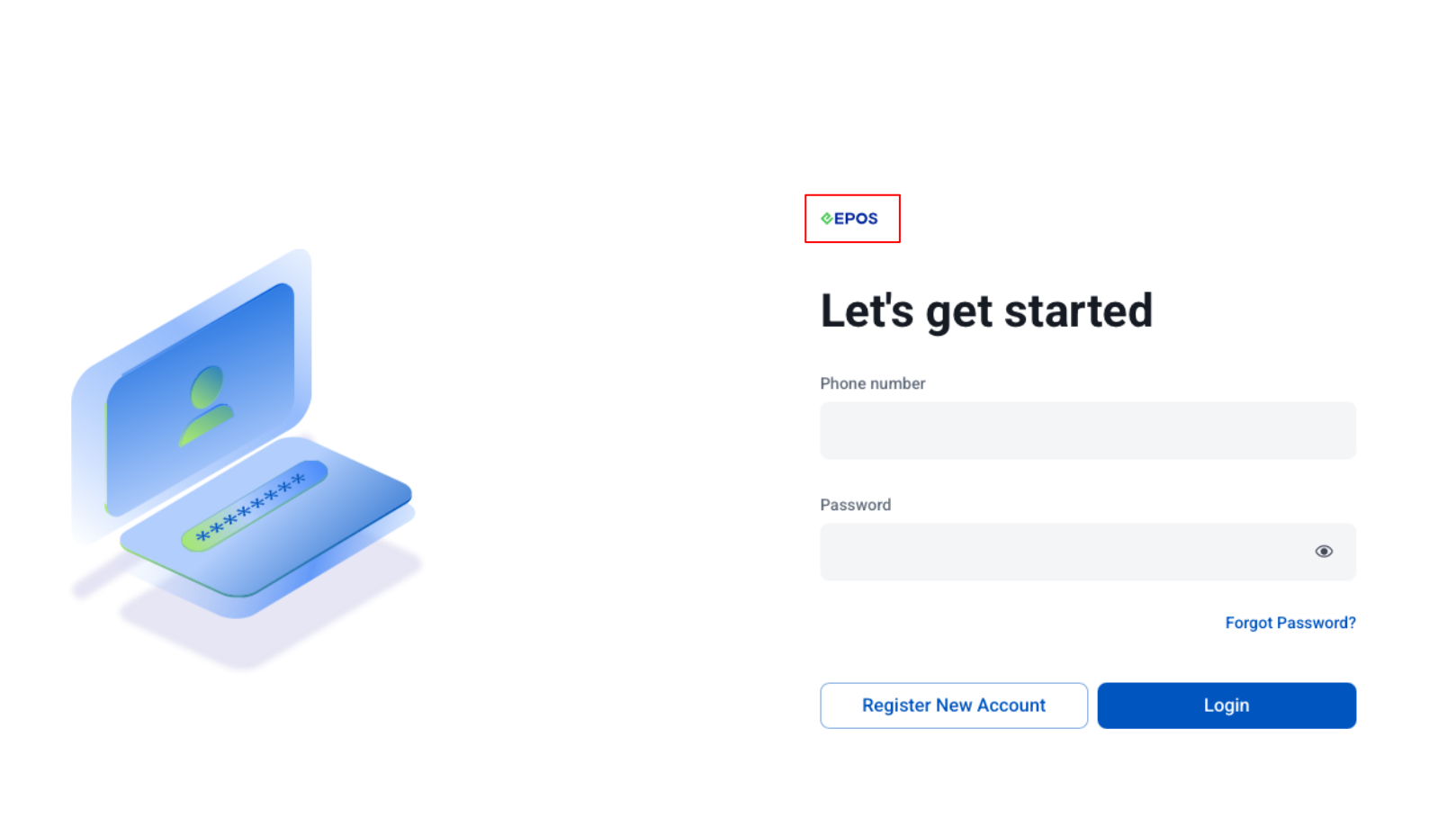
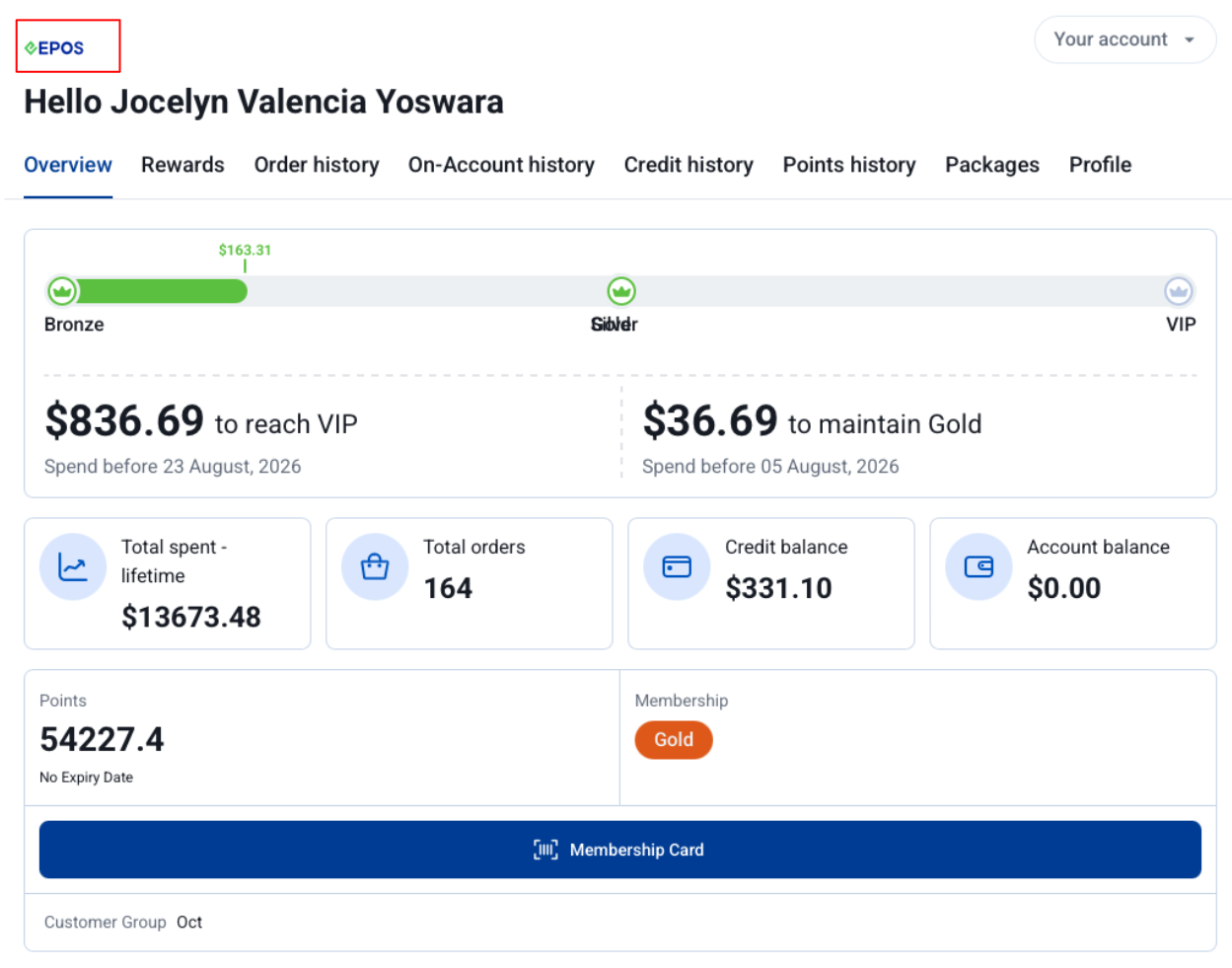
as well as our other systems such as Kiosk, KDS, Portrait POS, Stock Take Device, Booking, Warehouse App!
NEW FEATURES SUPPORTED!
📌Promotions and Price Book
📌Discount Voucher (including Display Available & Unavailable Discount Voucher)
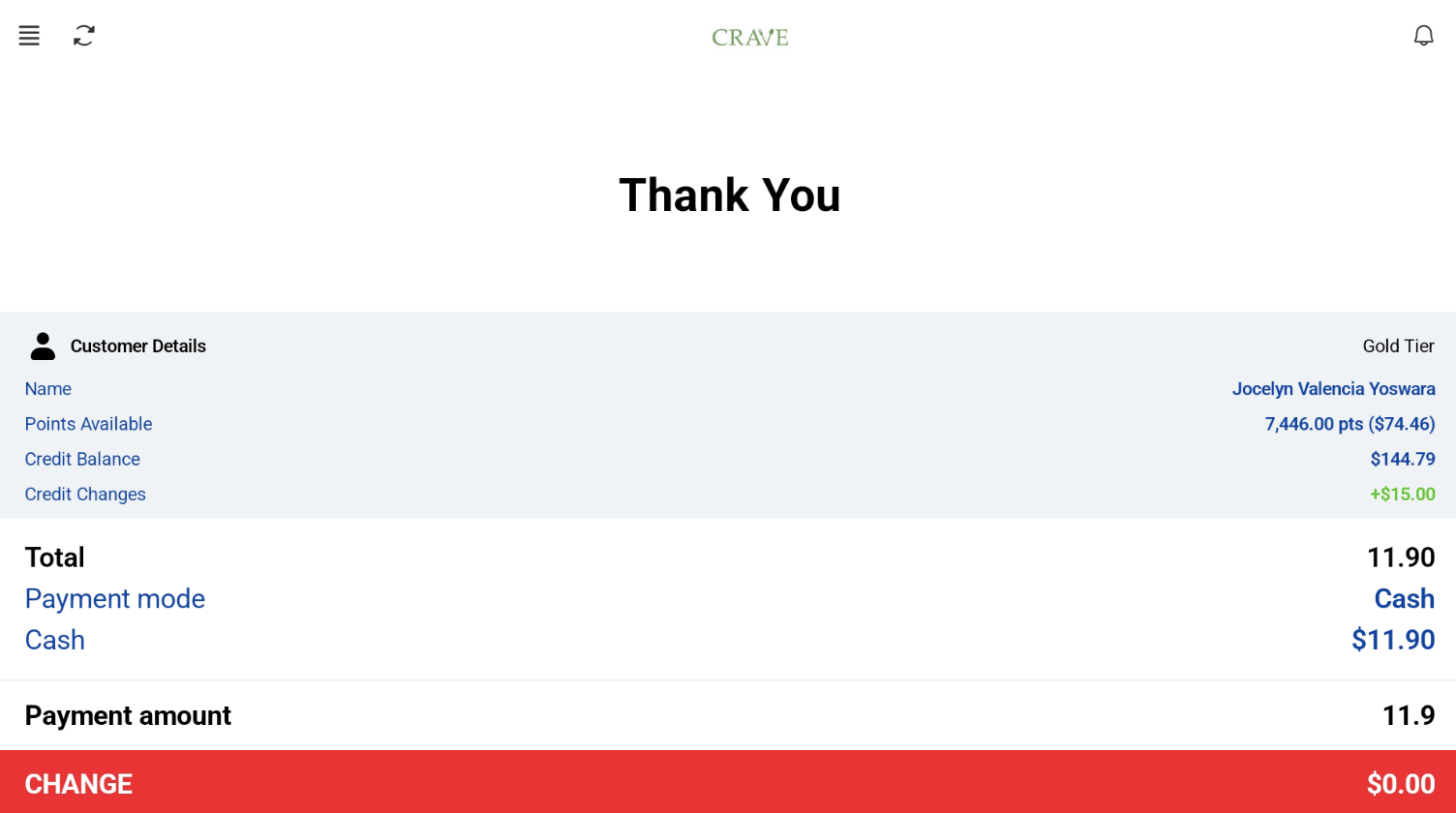
📌Membership Points & Credit Purchase and Redemption
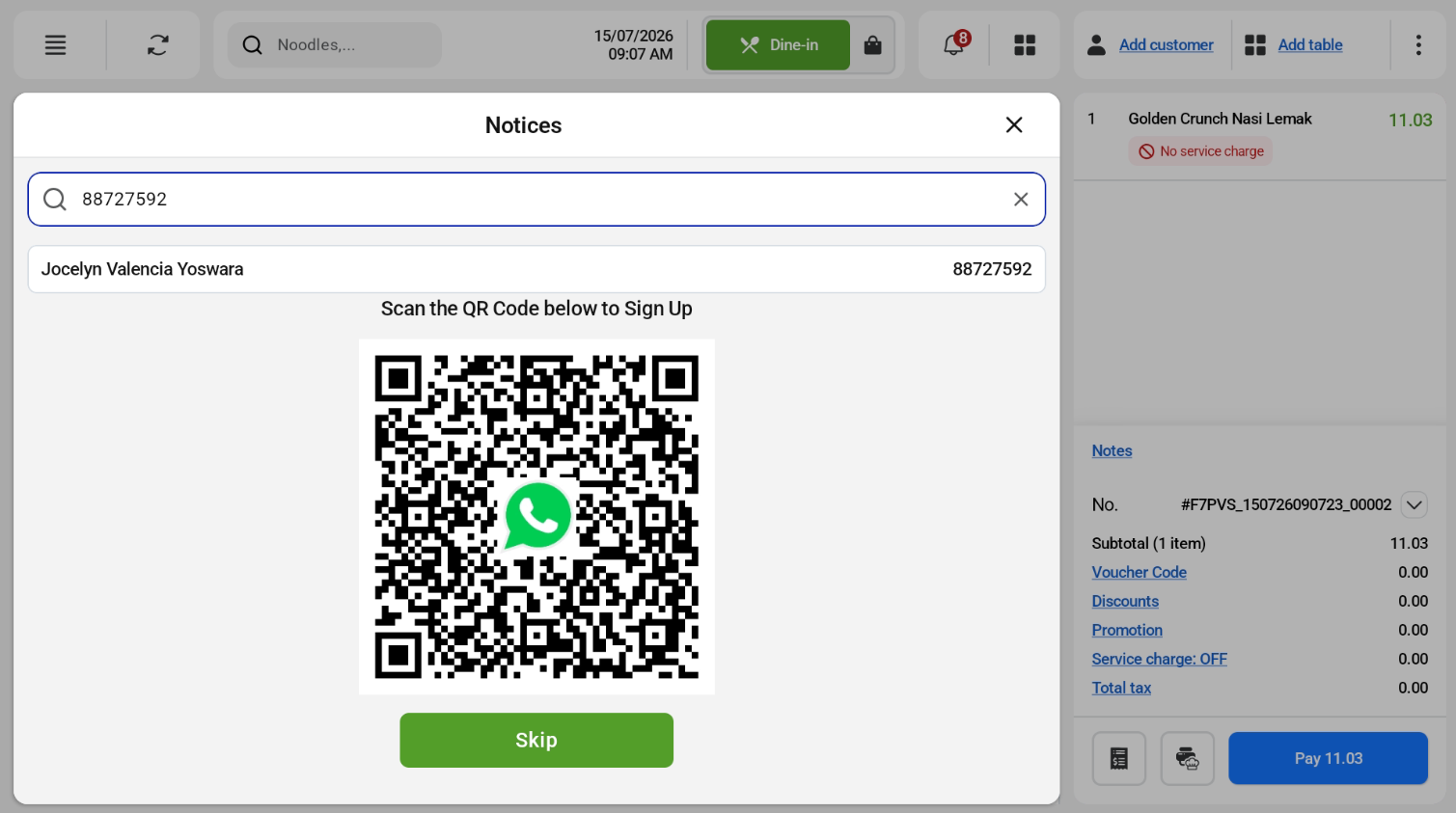
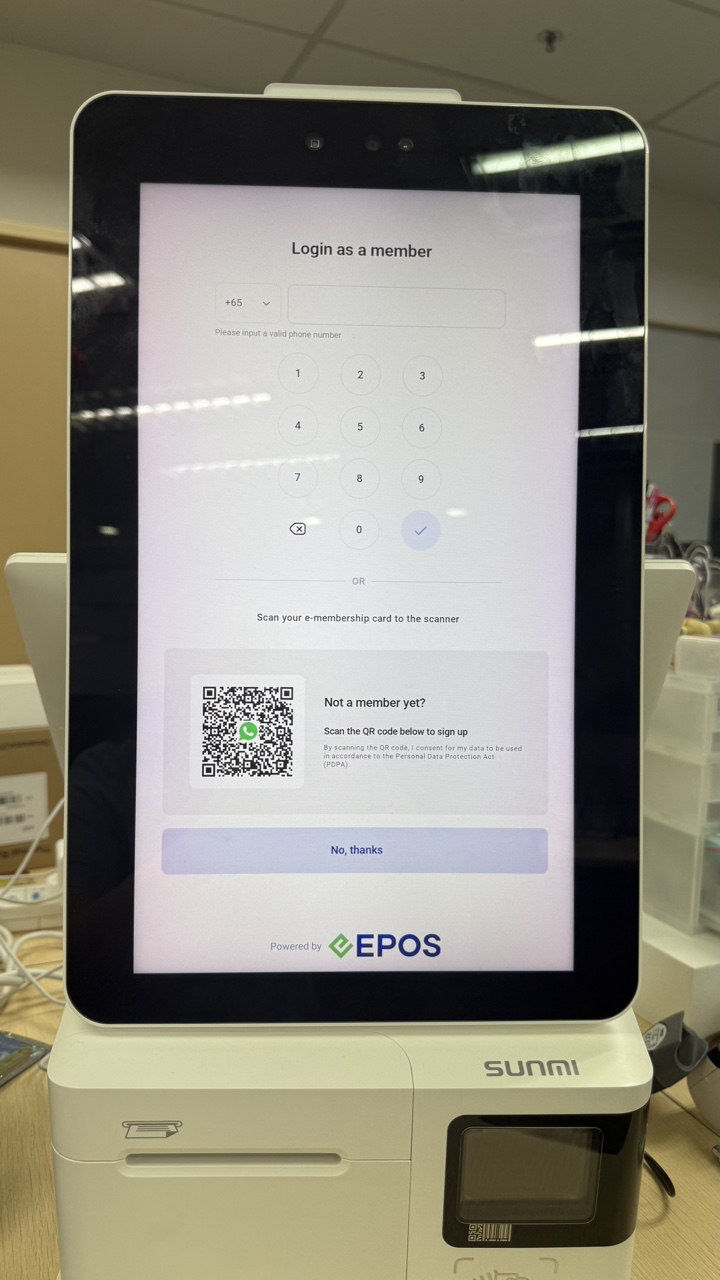
📌WATI Advance Customer Registration & E-Receipts Sending
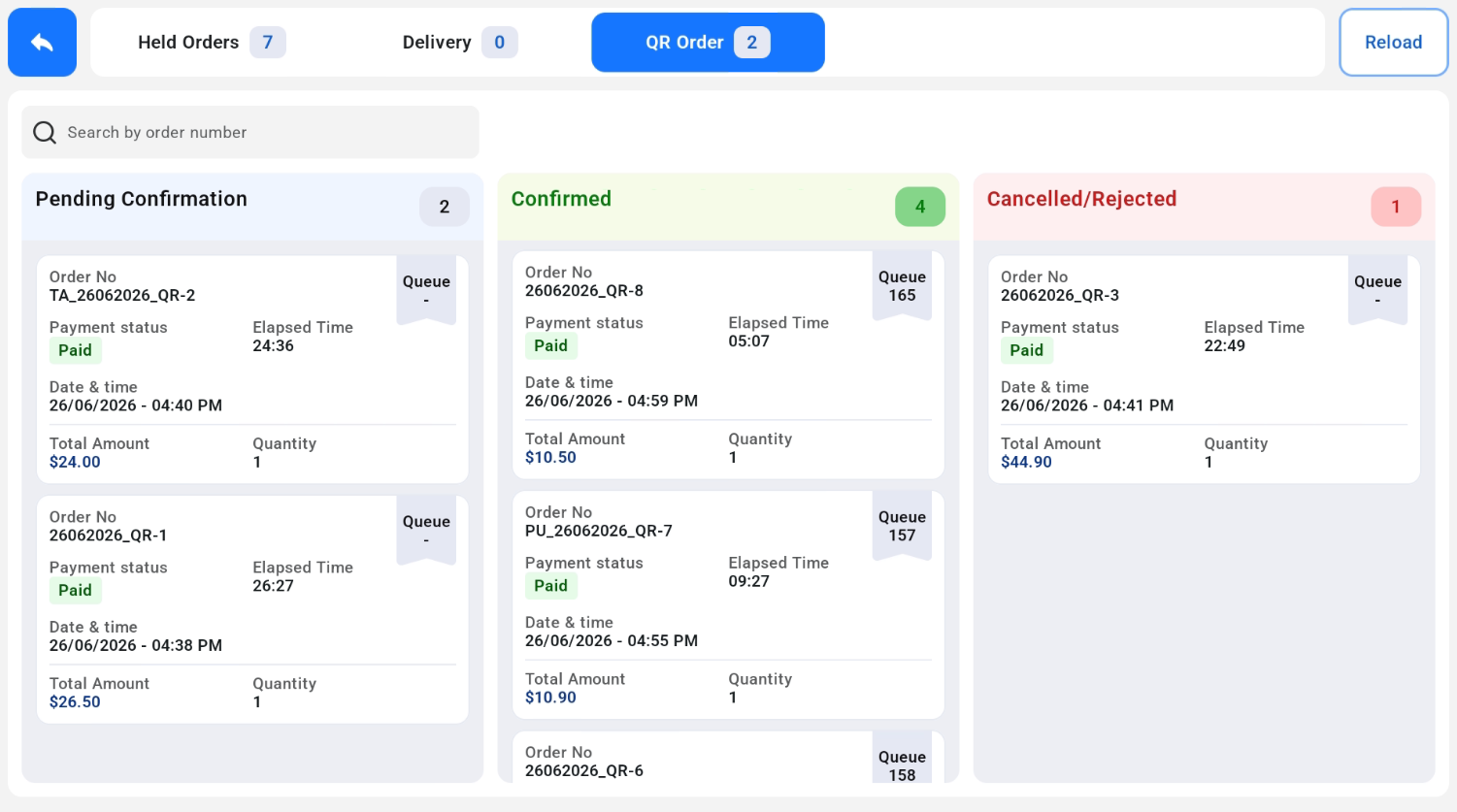
📌QR/Web Ordering Integration
📌Label Printing
📌USB Receipt & Kitchen Printing
📌Shift & Sales Analysis Report
📌Open Price Product
📌Enhanced Table Management Capabilities
📌Larger Quickpick Grid in POS Mode for improved readability
📌Beverage Container Return Scheme (BCRS)
📌Hide Line Item Note in Kiosk Mode
And more!
POS Mode
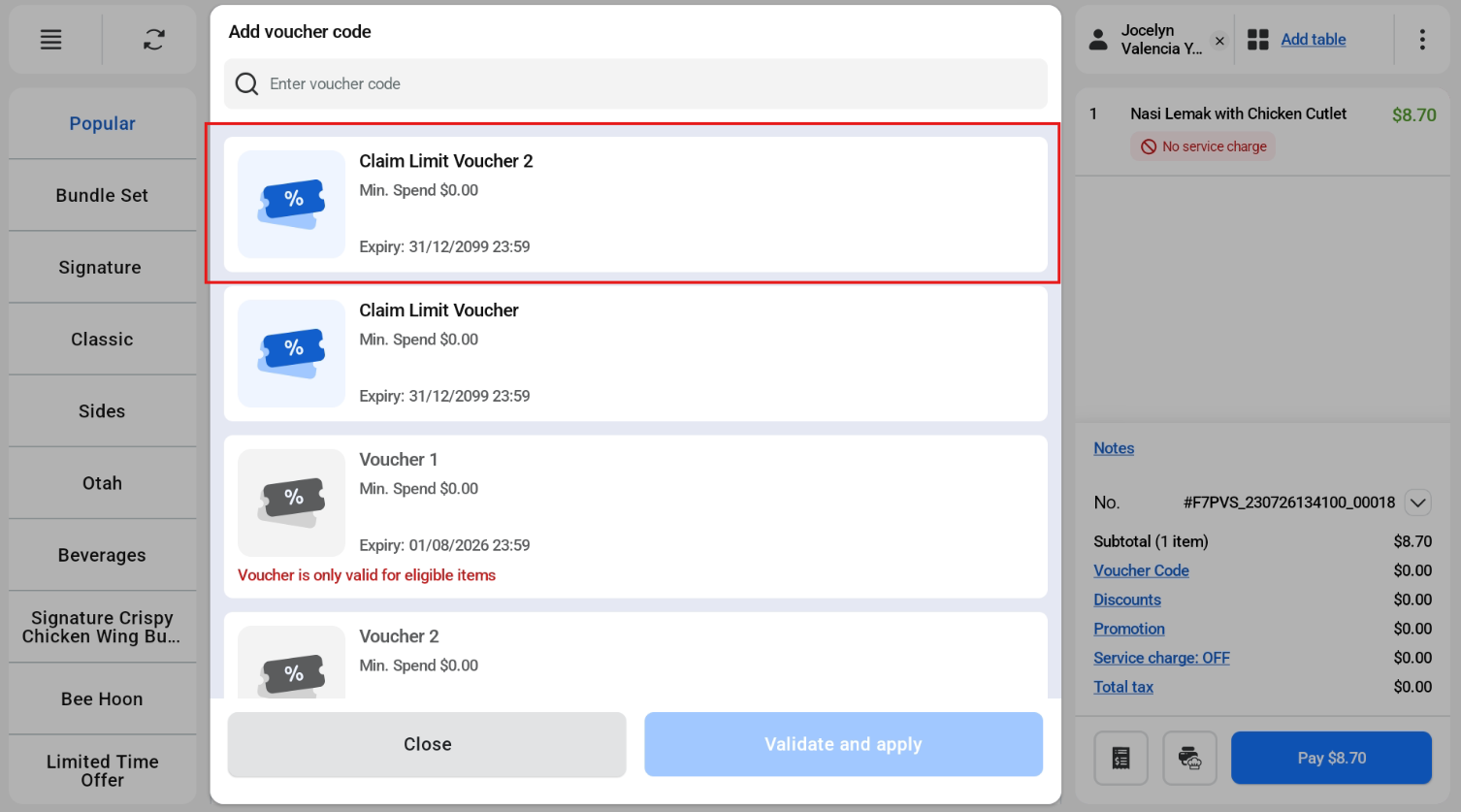
Kiosk Mode
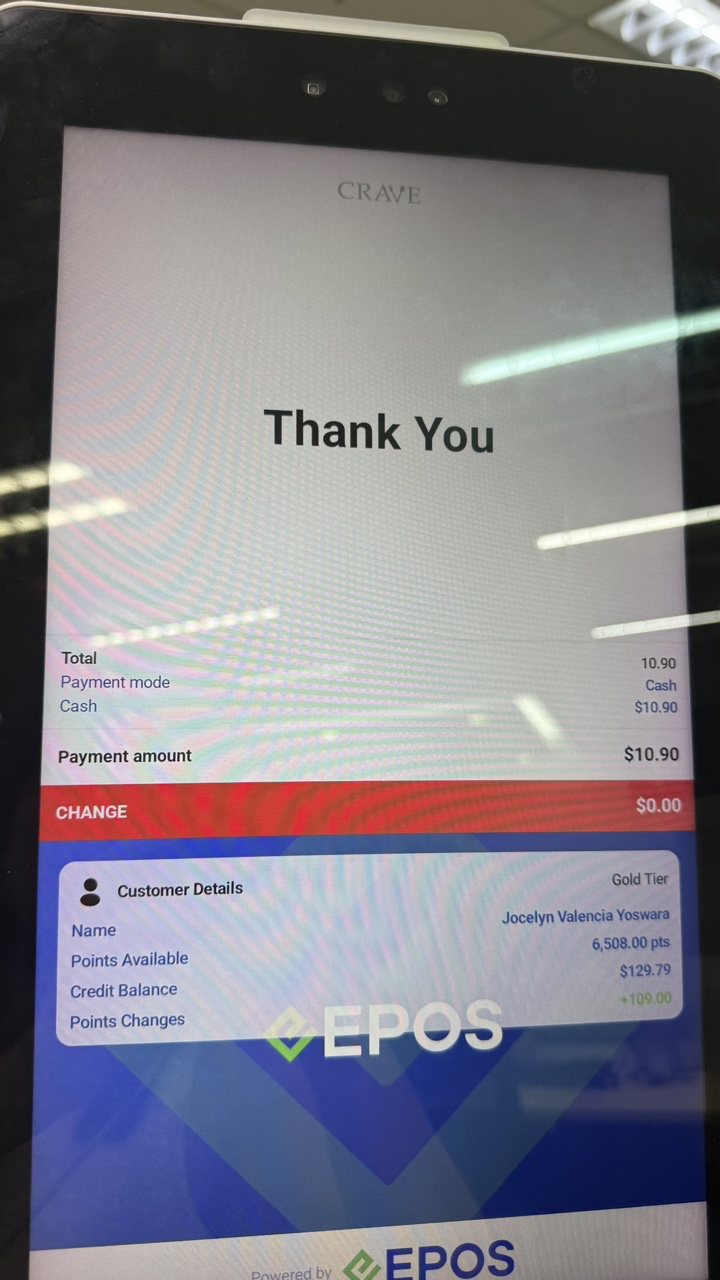
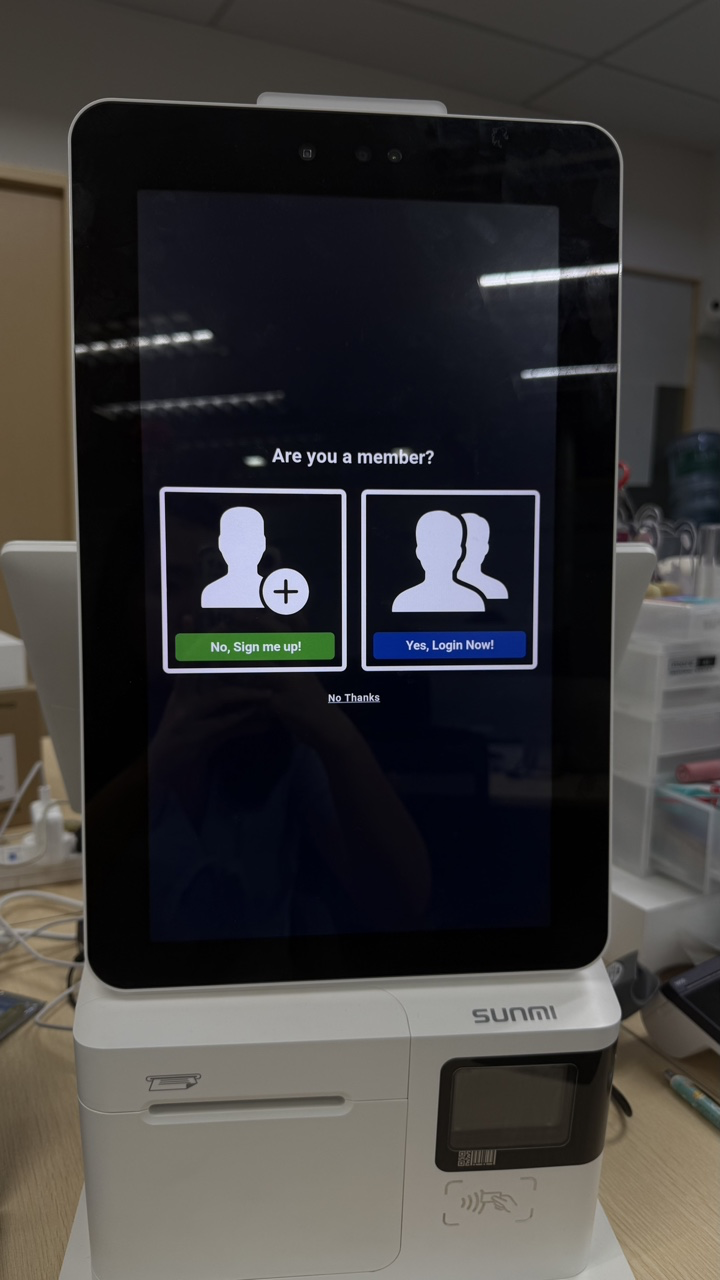
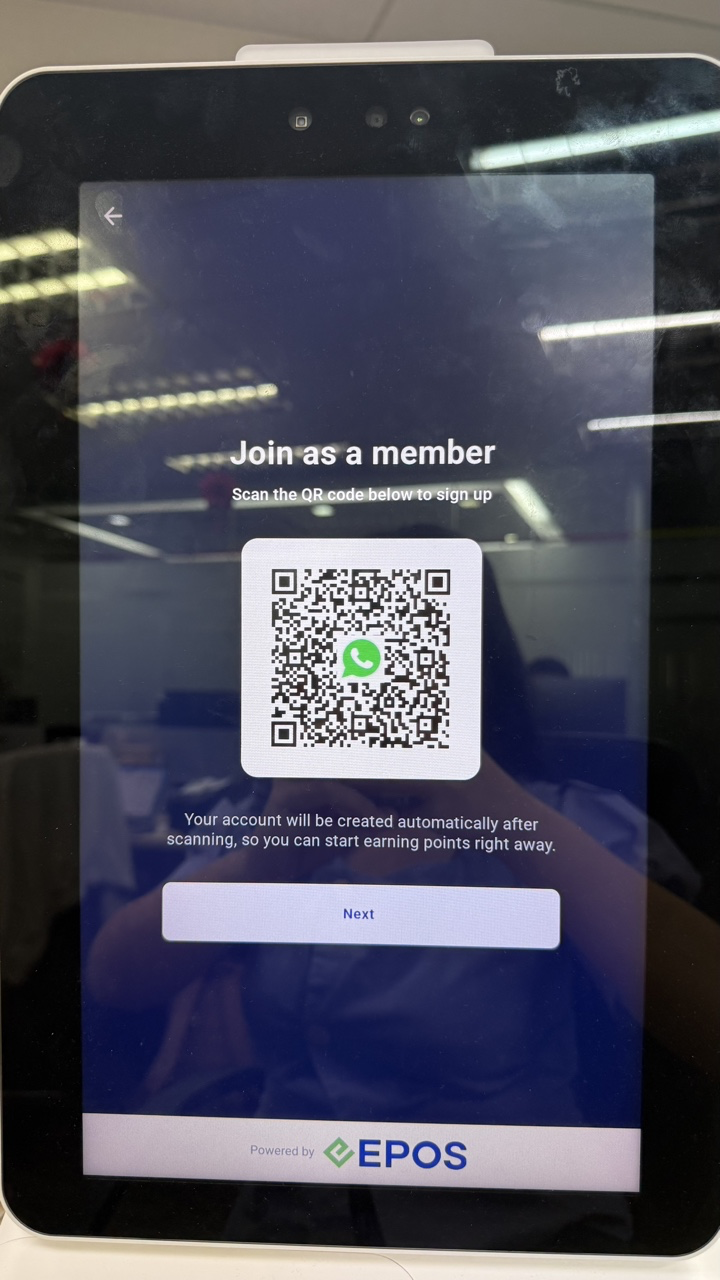
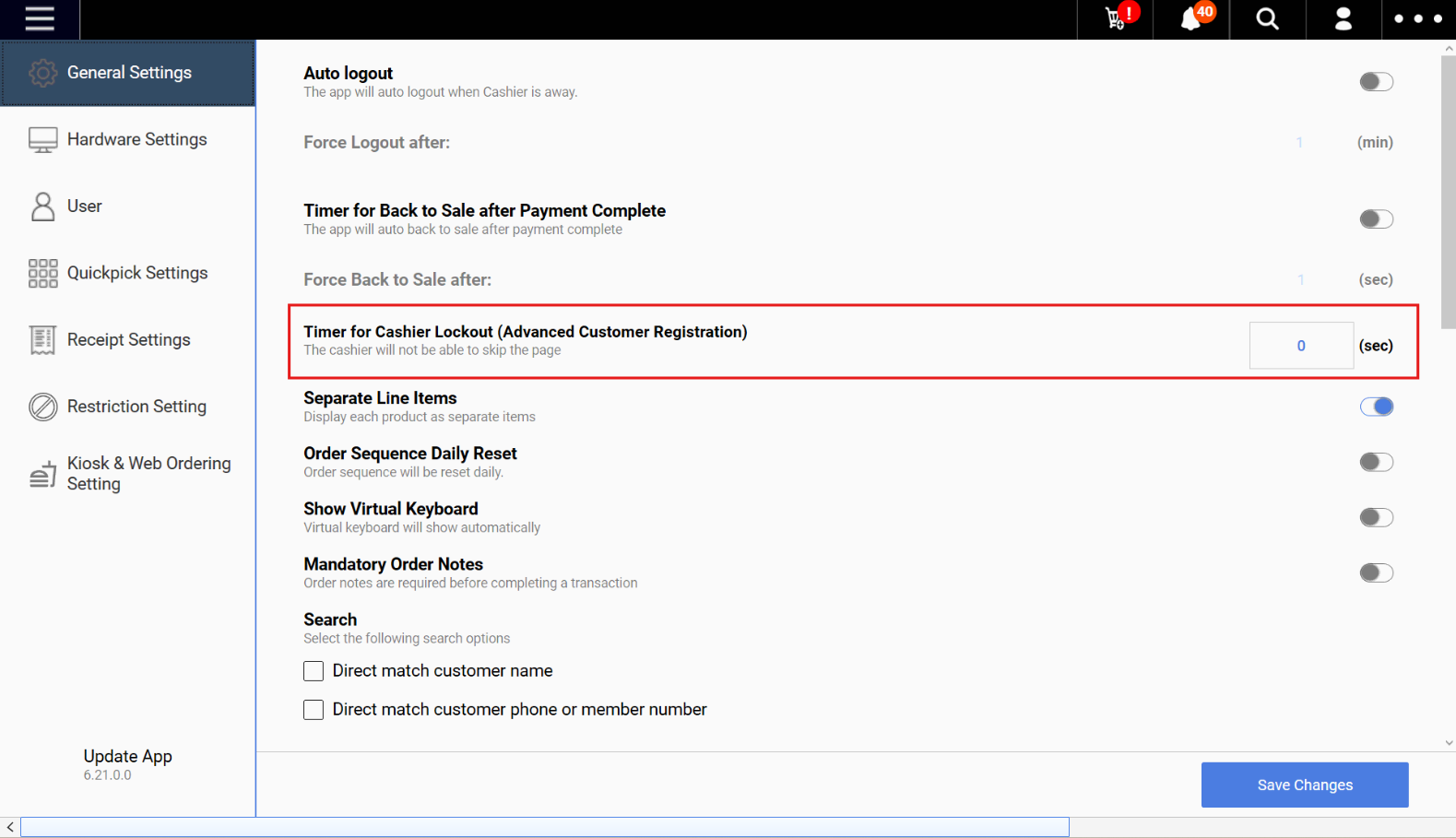
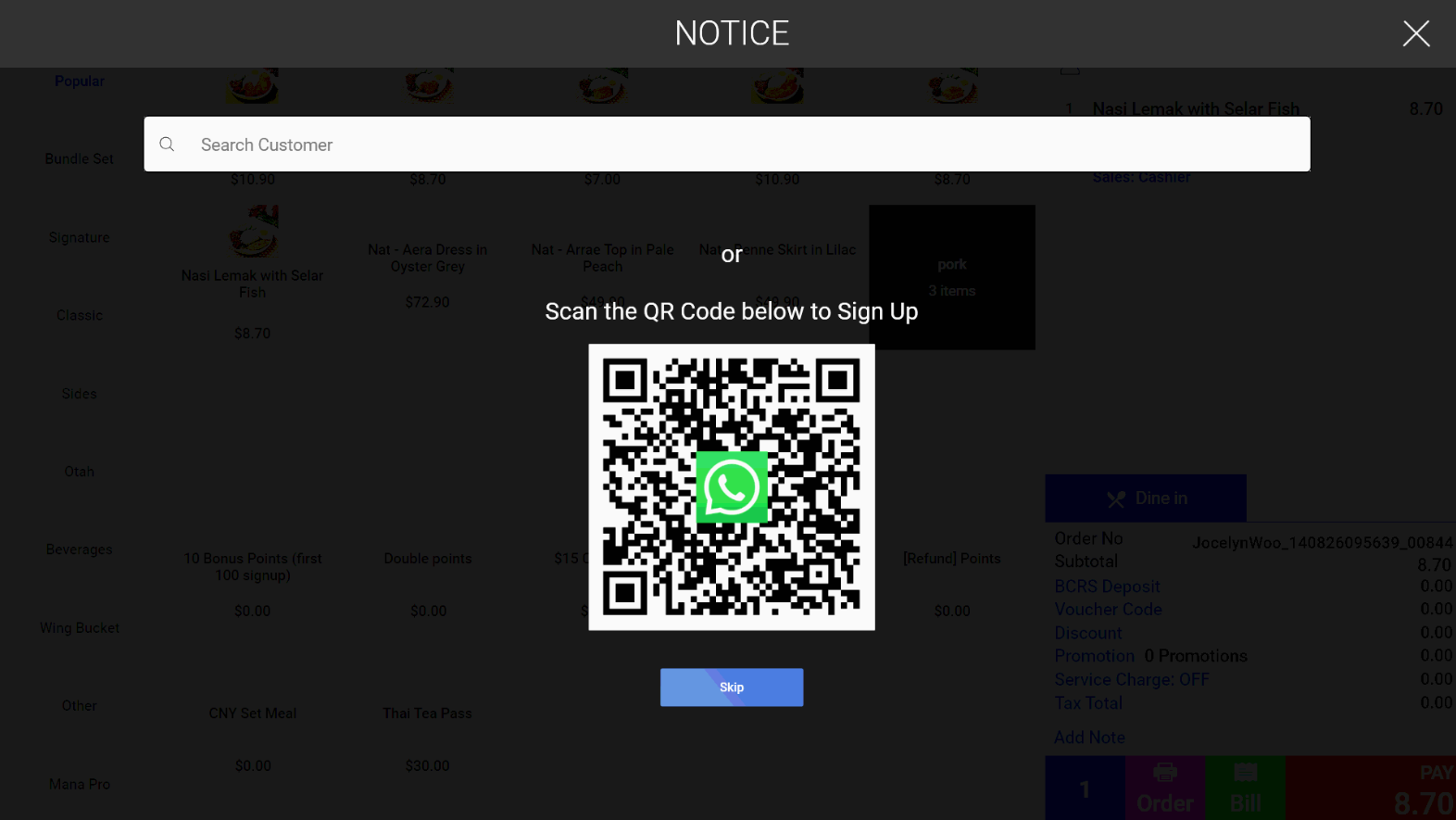
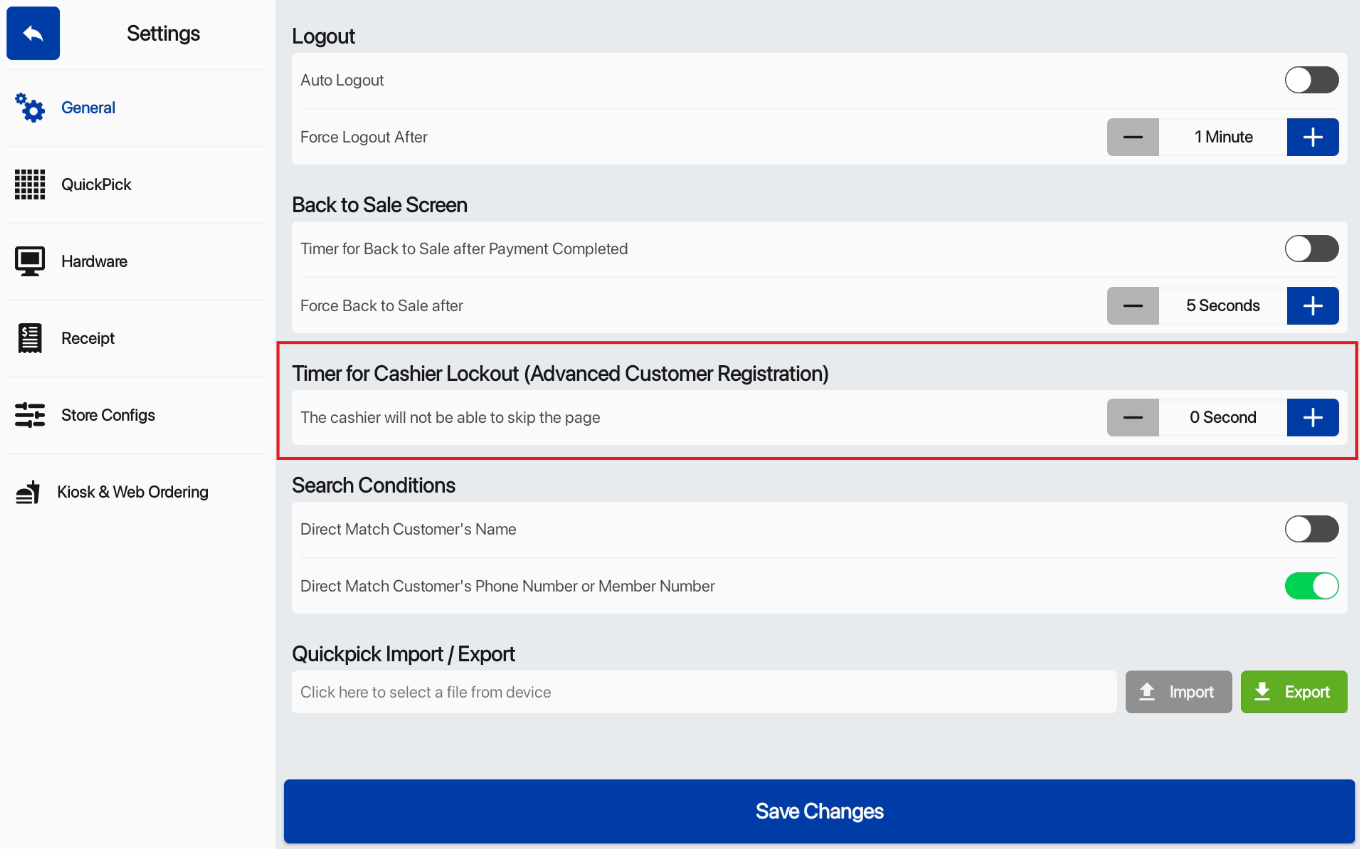
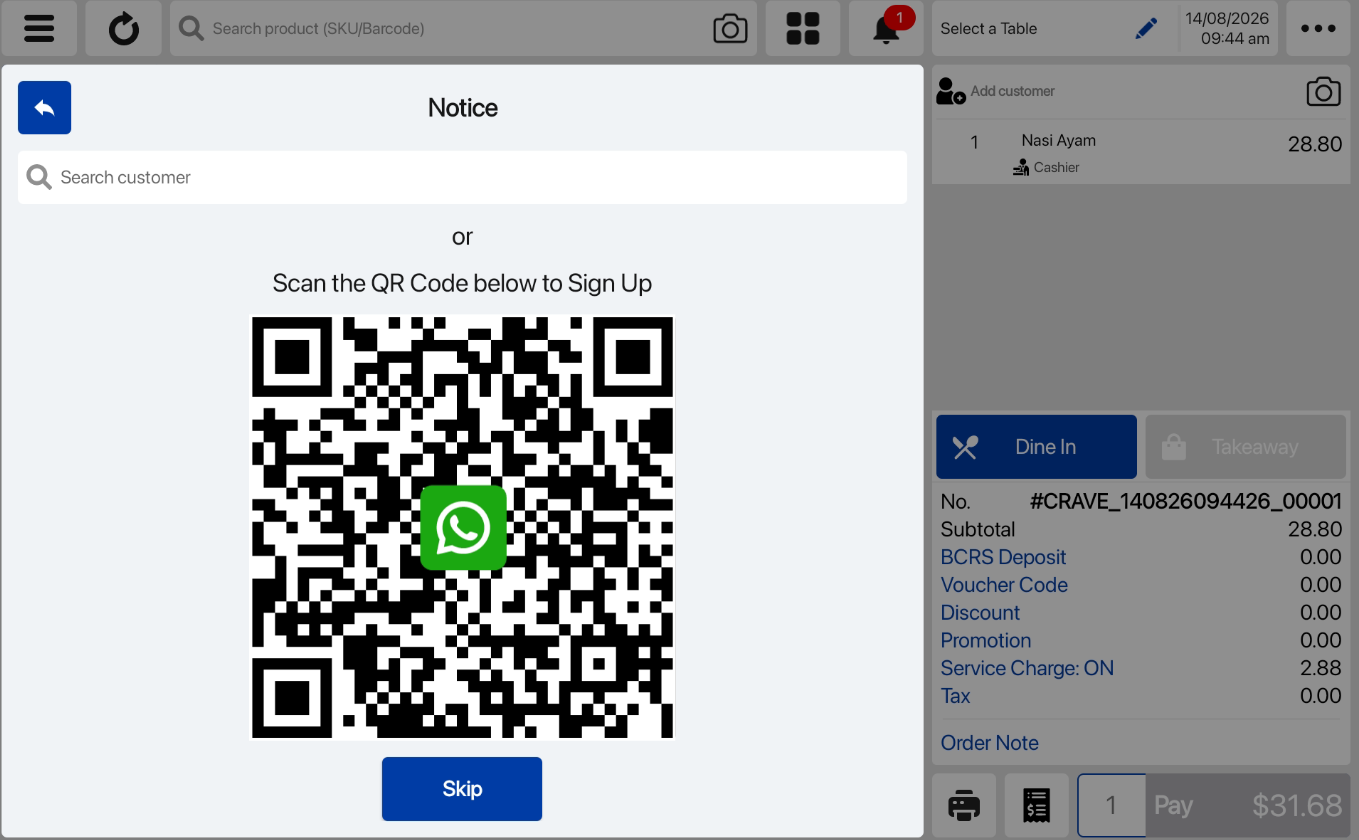
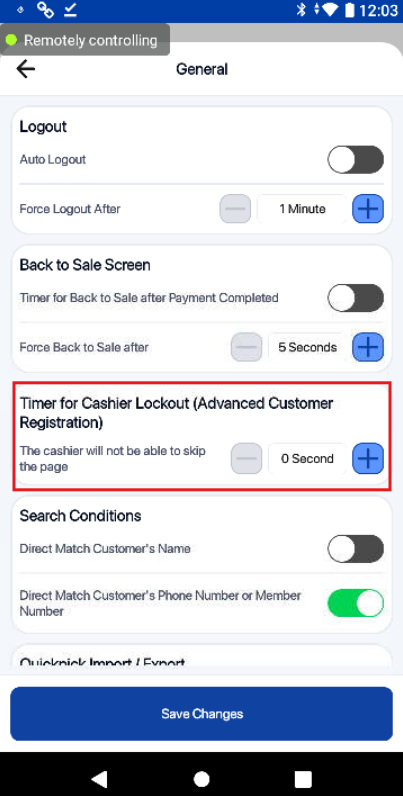
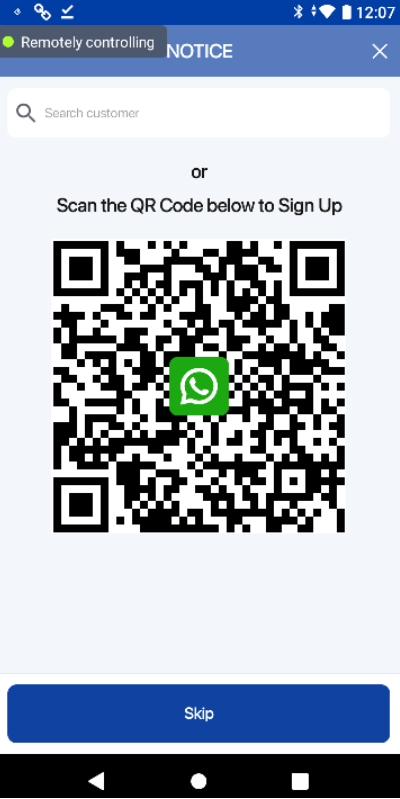
We have adjust the default timing of the Skip Advance Customer Registration setting within the EPOS POS app.
What’s New:
📌 With this enhancement, merchant no need to manually change the timer to 0 second and directly able to press skip button of WhatsApp Customer Registration in POS.
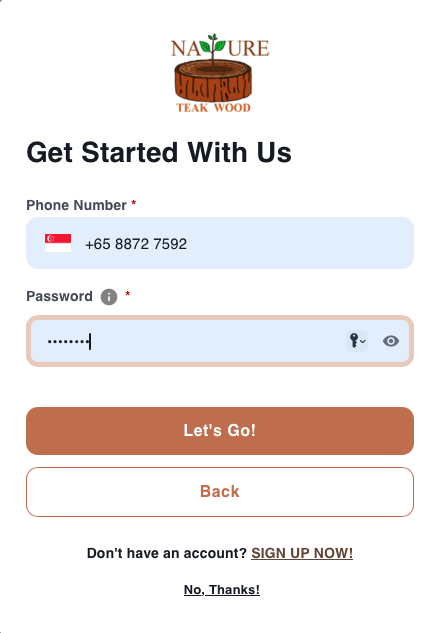
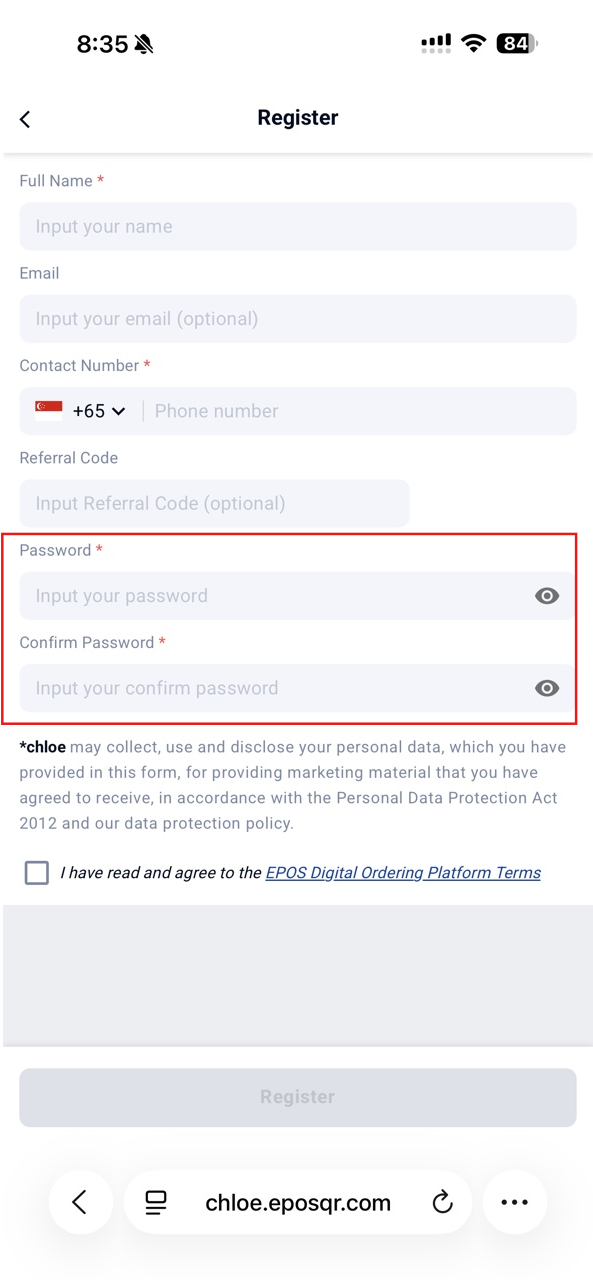
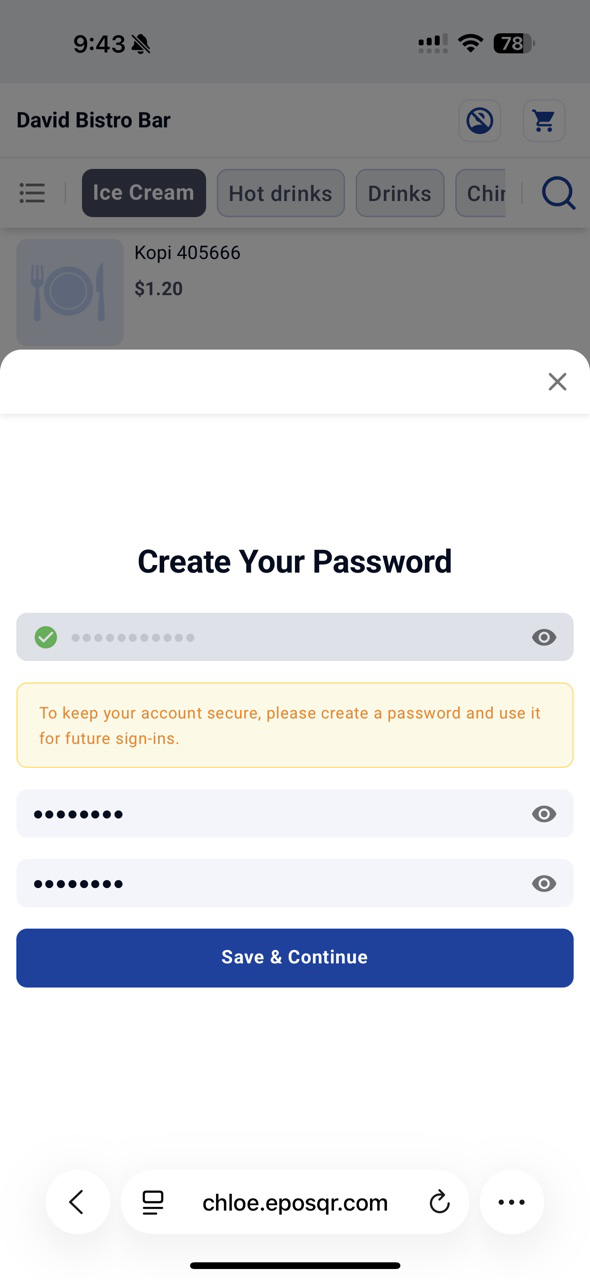
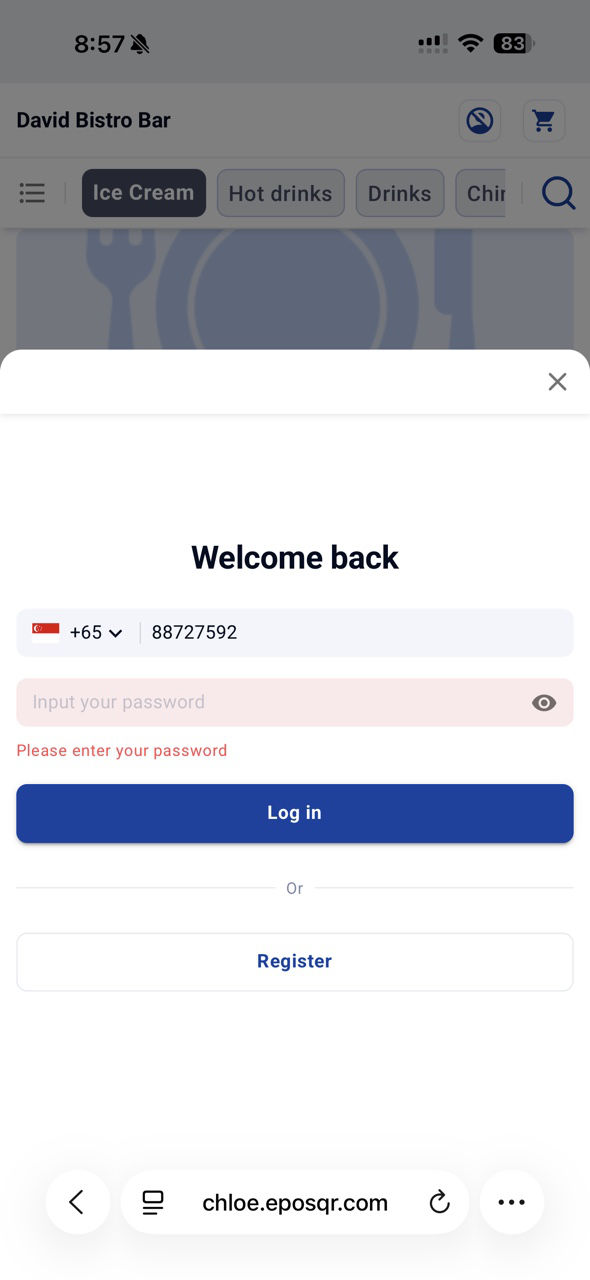
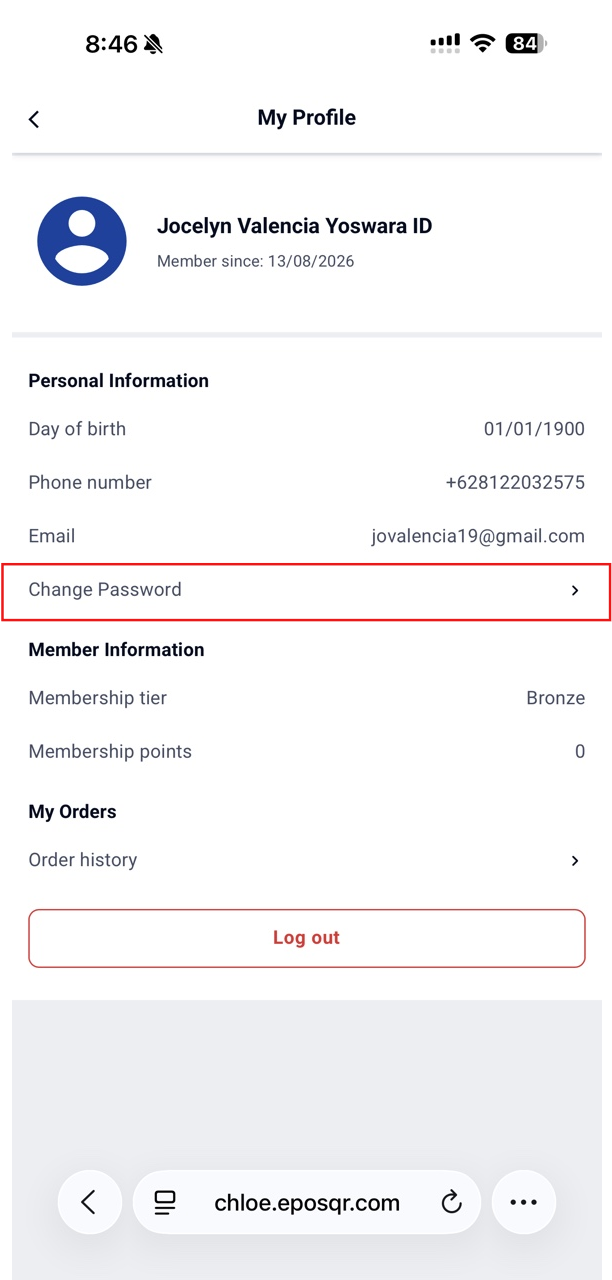
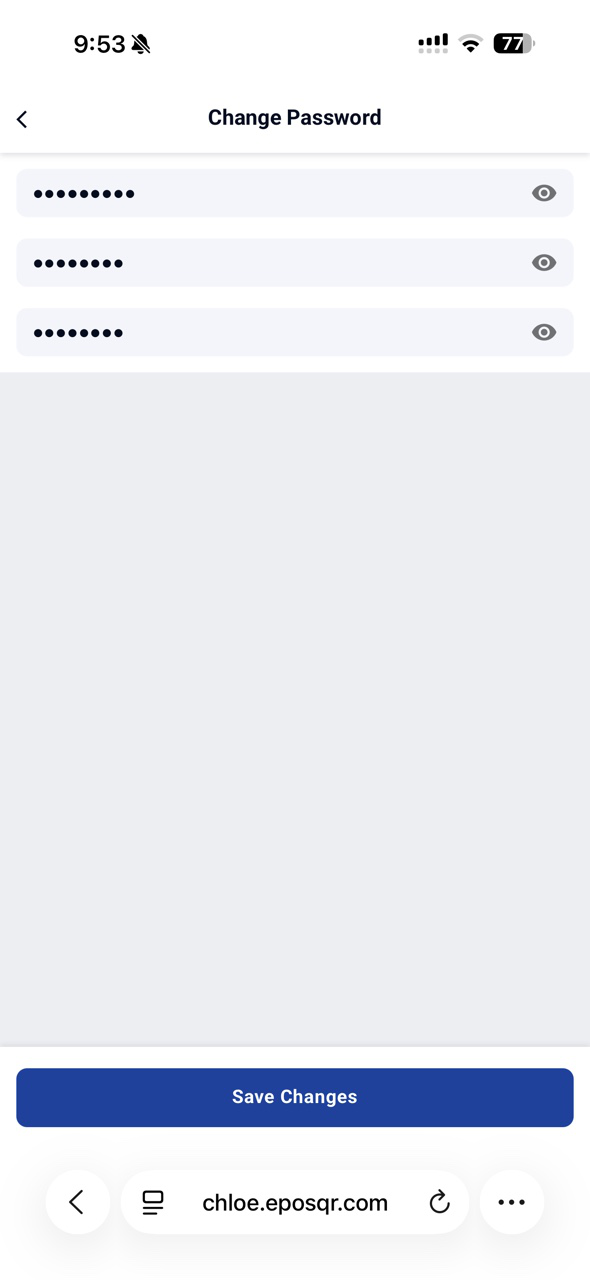
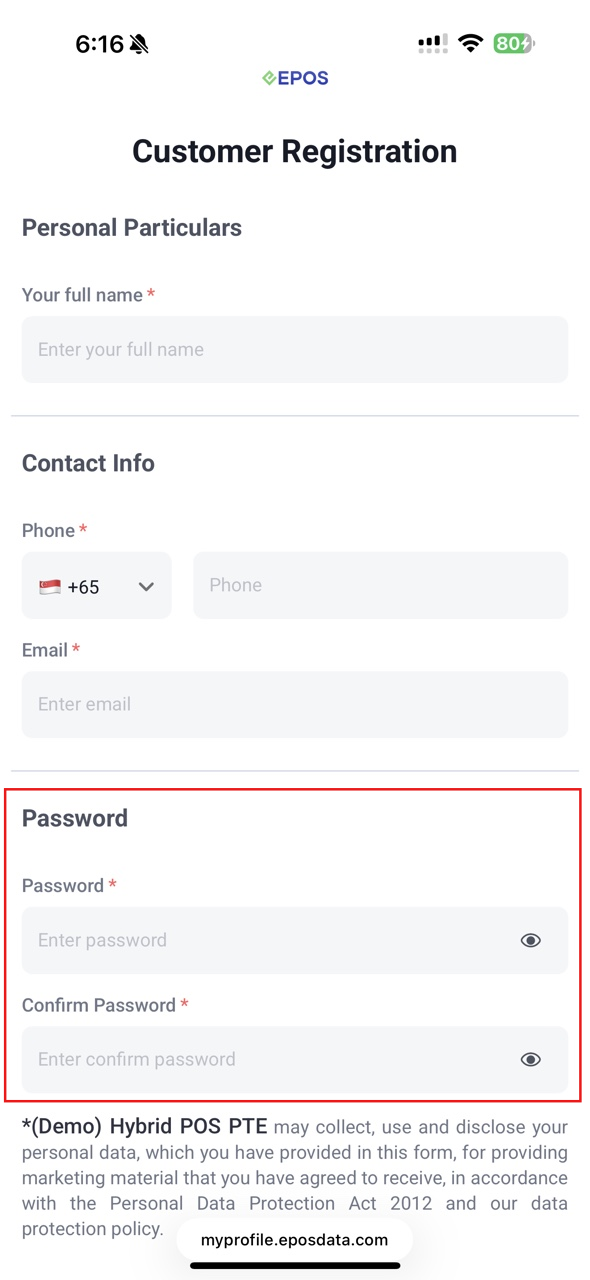
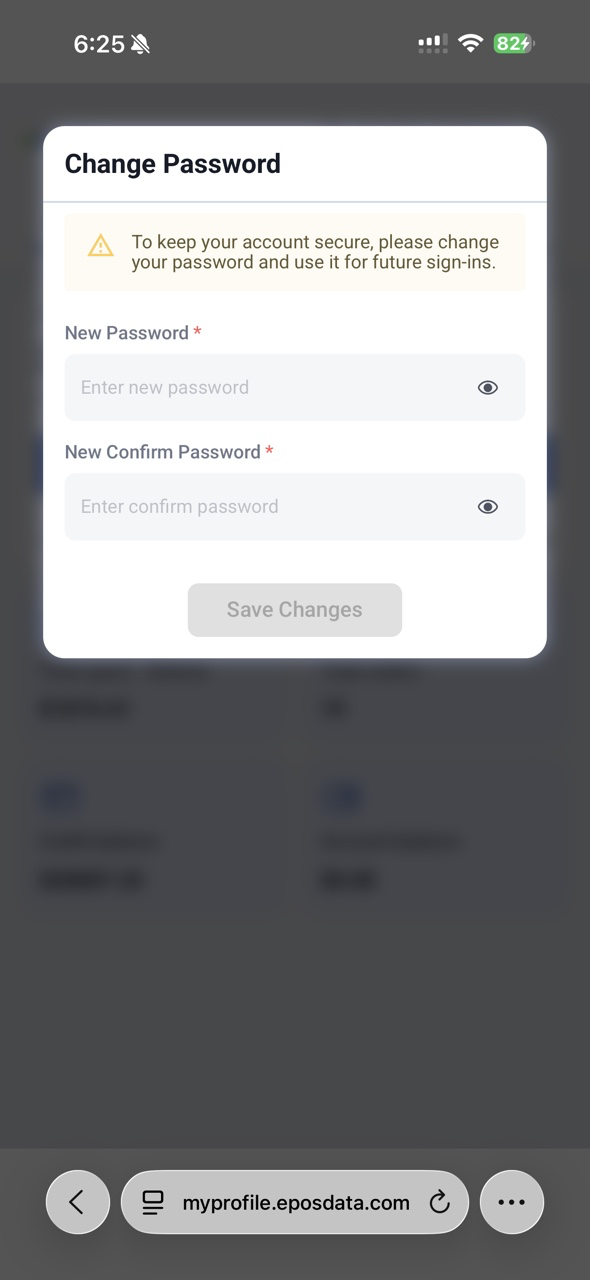
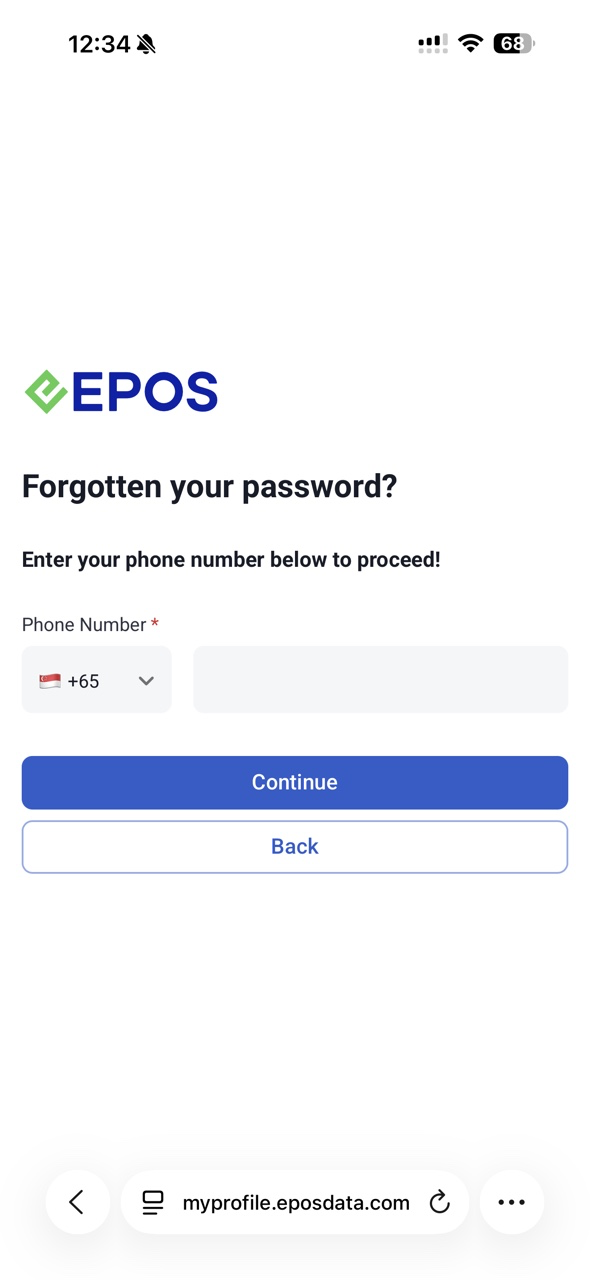
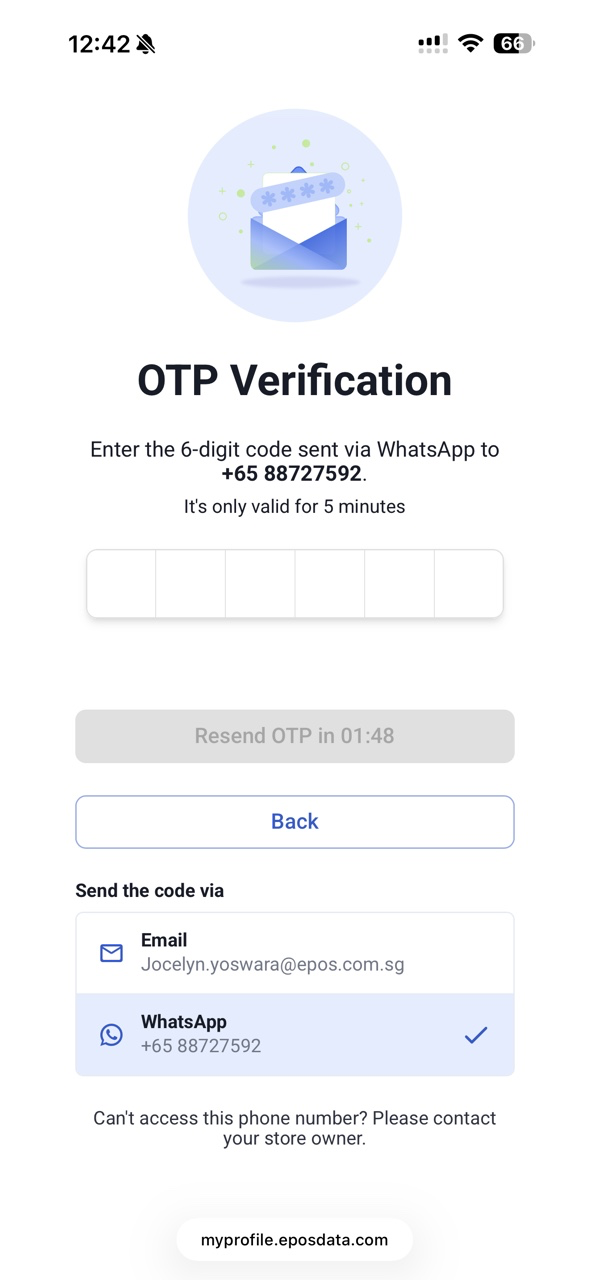
We have implemented changing of passwords in Webapp & Member’s Portal
What’s New:
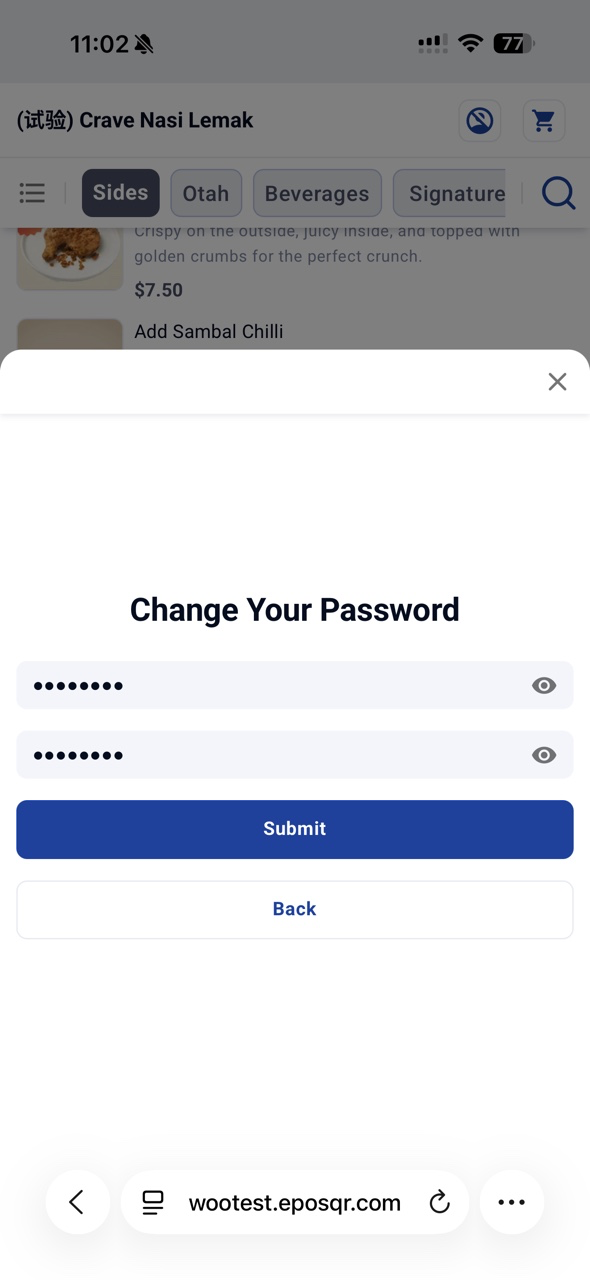
📌 If customer’s password = phone no., customer will require to change password before login to WebApp and Member’s Portal
📌 Moving forward, customer can use this password for future sign-ins in WebApp, Member’s Portal, or WooCommerce EPOS CRM Plugin.
📌 Customer can Change Password in both Member’s Portal and WebApp after login.
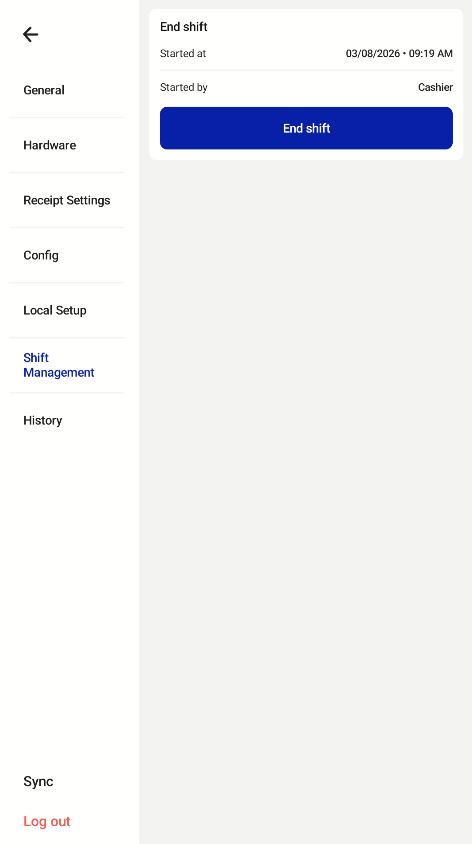
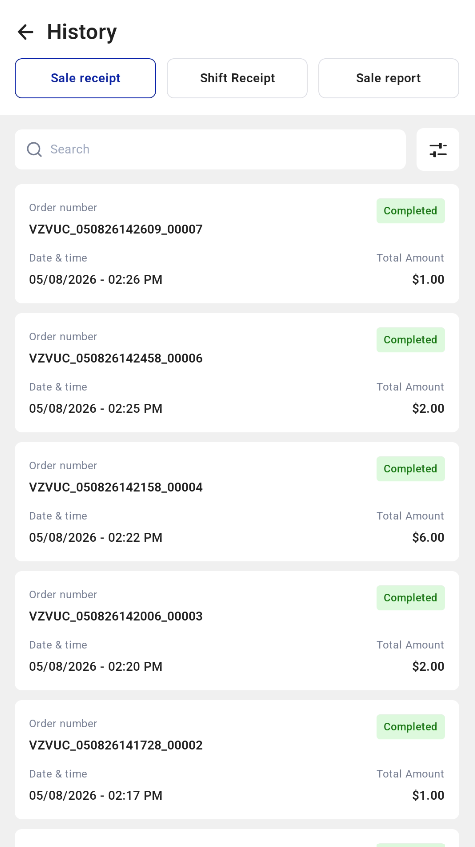
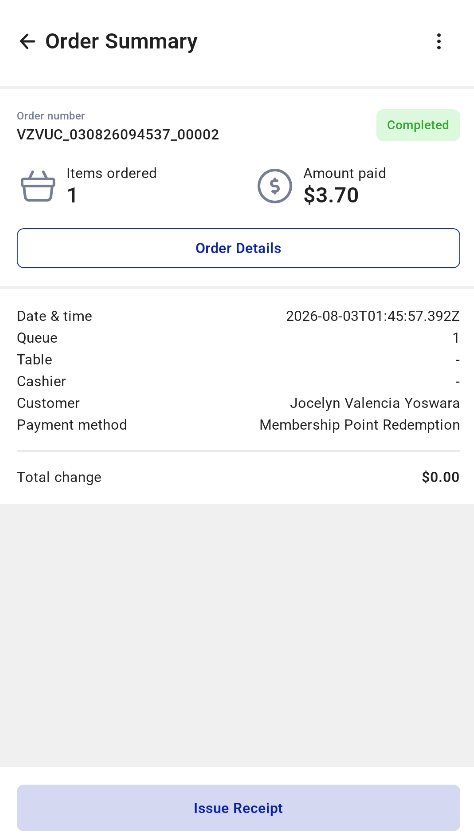
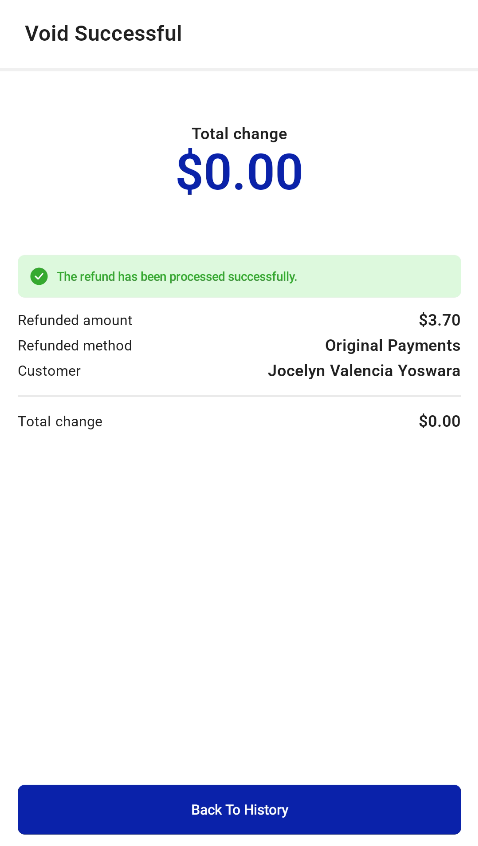
With Standalone Kiosk, business owners can deploy kiosks without replacing or integrating with their existing POS systems. We are mainly supporting F&B, CRM, and EPOS Rewards capabilities.
Key Features Supported:
📌Authentication & Revoke Flow
📌Cashier Login & Logout
📌History (Sales Report, Shift Report, Sales Analysis)
📌Void Order
📌Integrated Payment: ANEXT PayNow, UOB PayNow, Antom Payment
📌Integrate with Online Kitchen Display, Queue Display System, Kitchen Printer, and Label Printer
📌Tax, Discount, Promotion, Price Book, and Discount Voucher (include Display Available & Unavailable Vouchers)
📌CRM features (including Membership Point & Credit)
📌WATI Advance Customer Registration & E-Receipts Sending
📌Beverage Container Return Scheme (BCRS)
And more!
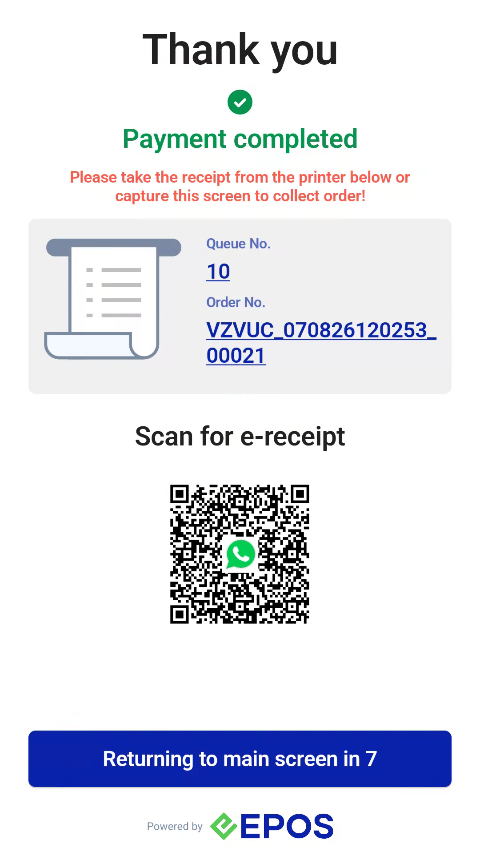
We have implemented real time light and sound alerts for staff assistance mode
What’s New:
📌 When Retail Kiosk is not in used, the retail kiosk light will turn Green (for Sunmi K2 Retail ver.) and Light off (for Sunmi K2 Mini)
📌 When Retail Kiosk is in used, the retail kiosk light will turn off
📌 When staff assistance or exception events are required (Minus/Delete Item, Clear Order, Add Restricted Item, press Request for Assistance Button), the retail kiosk light will blinking in Red and there will be a sound alert to notify staff will assist shortly.
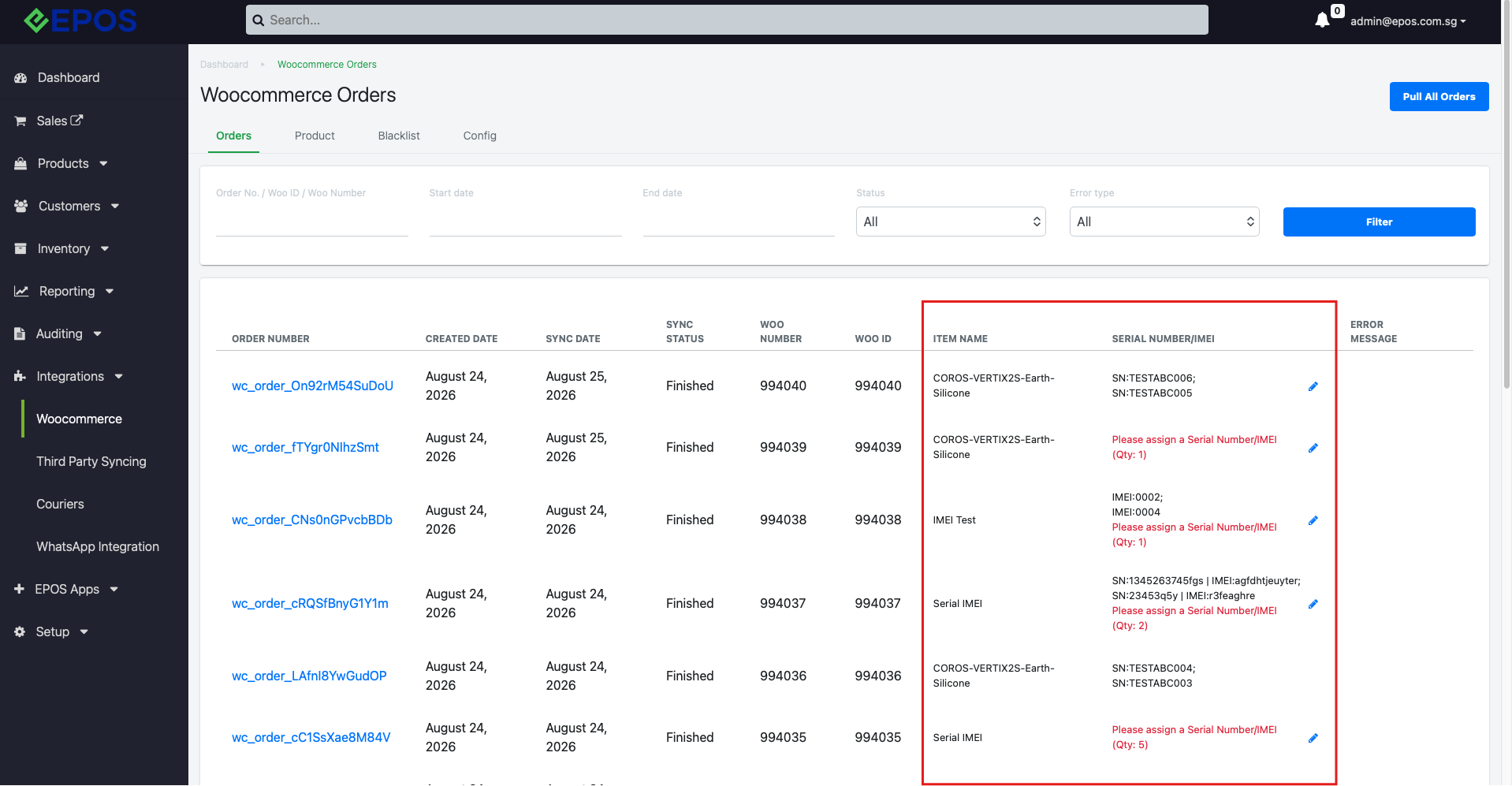
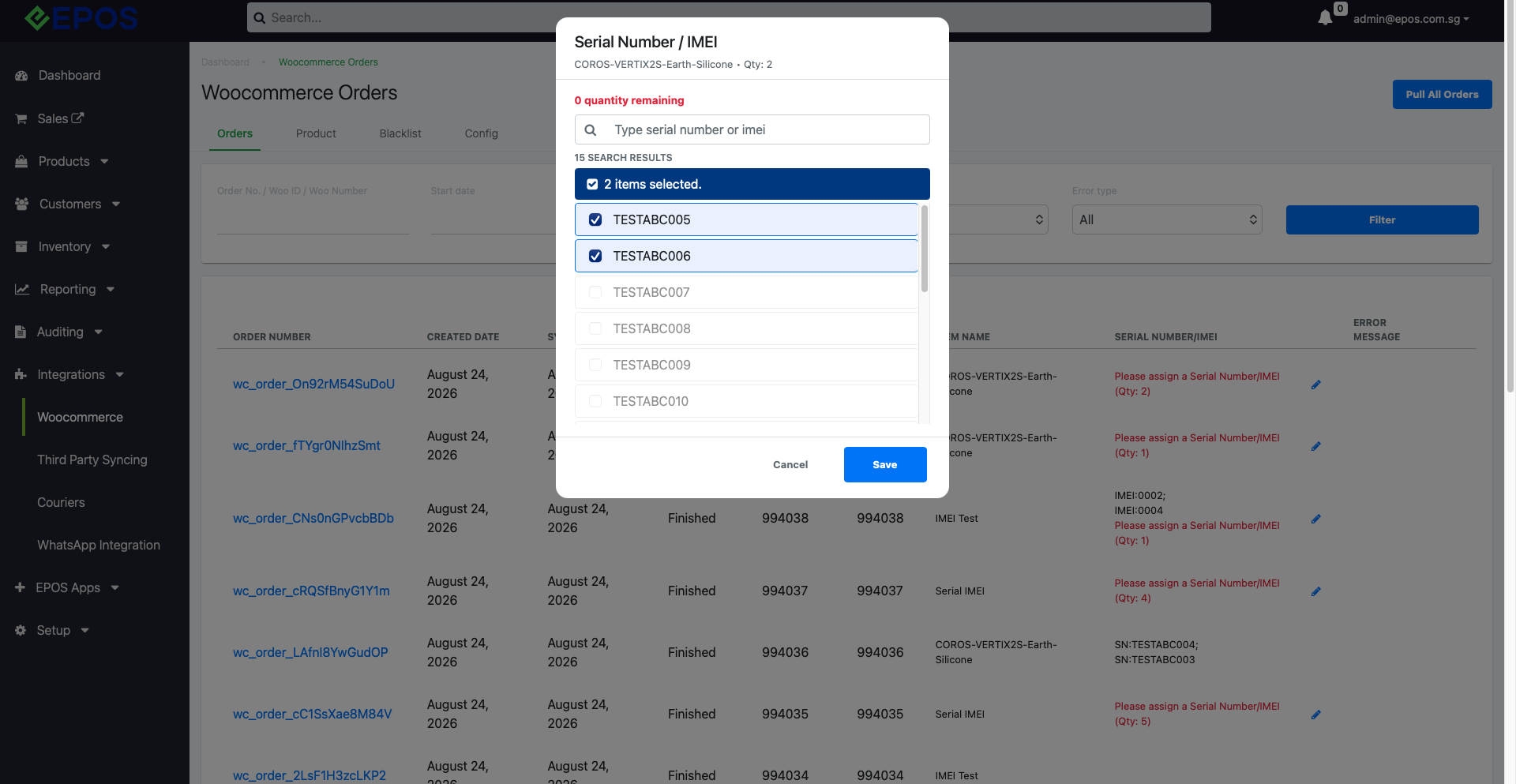
We have implemented the ability to sync Serial/IMEI products from our POS system to WooCommerce.
What’s New:
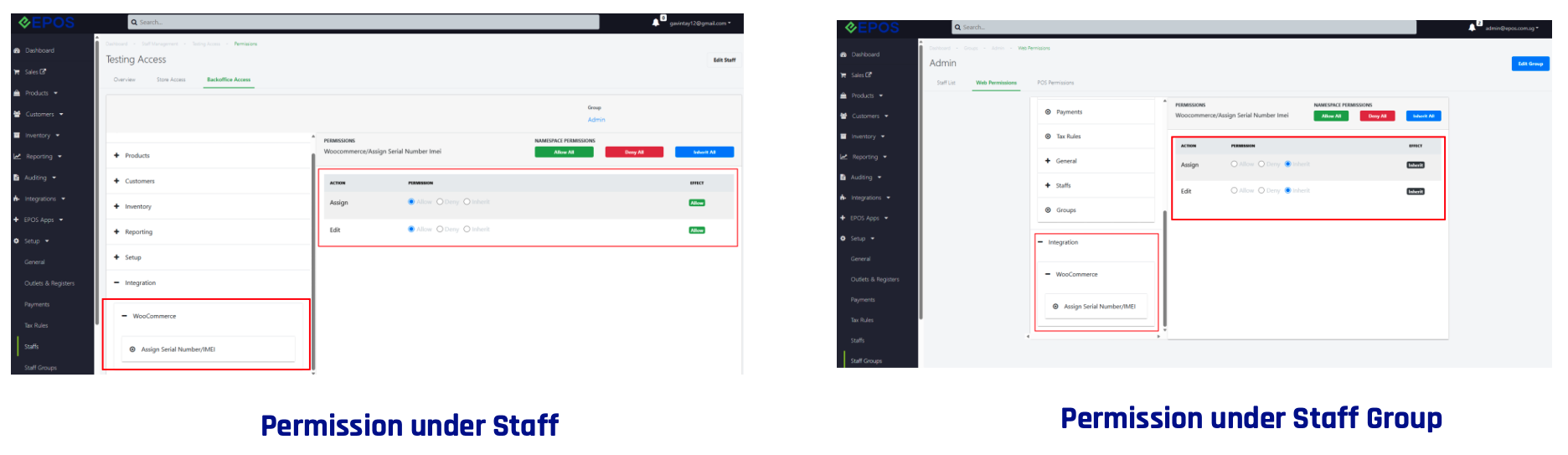
📌 For both Staff and Staff Group, there will be a new web permission under Integration > WooCommerce to assign Serial Number/IMEI in EPOS Backend
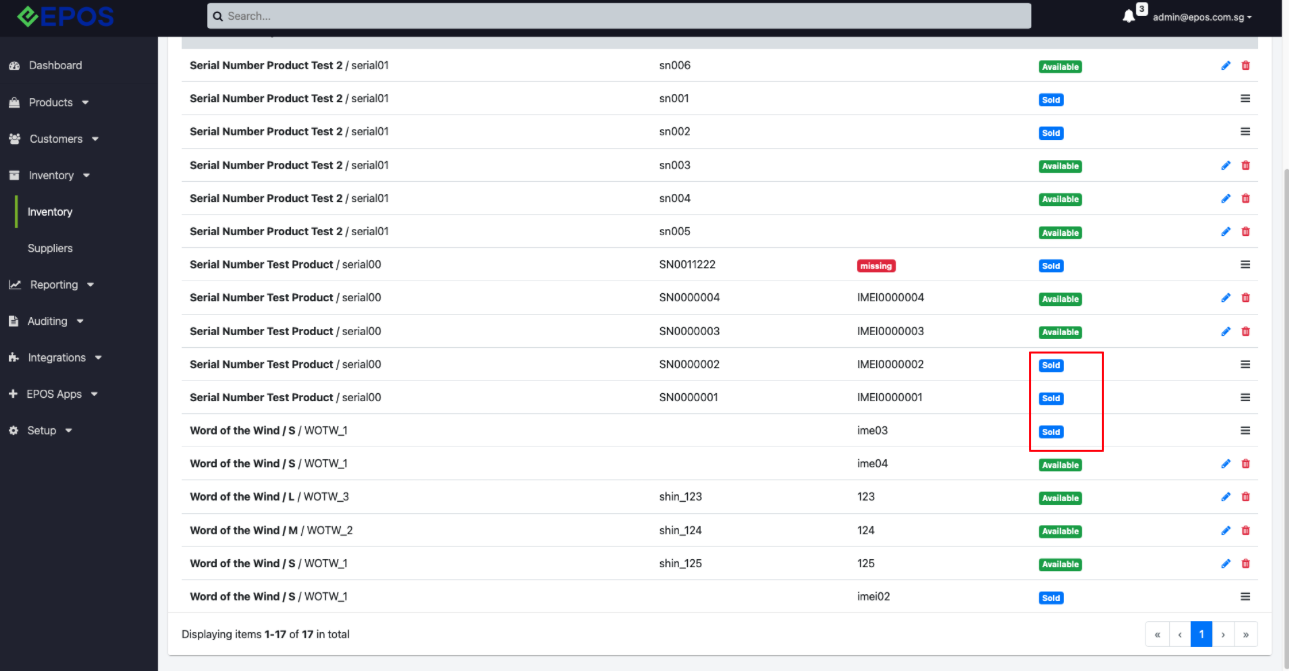
📌 If permission is allowed, merchant can assign Serial Number/IMEI products for each WooCommerce order under WooCommerce > Orders Tab. Merchant can choose Serial Number/IMEI with status Available.
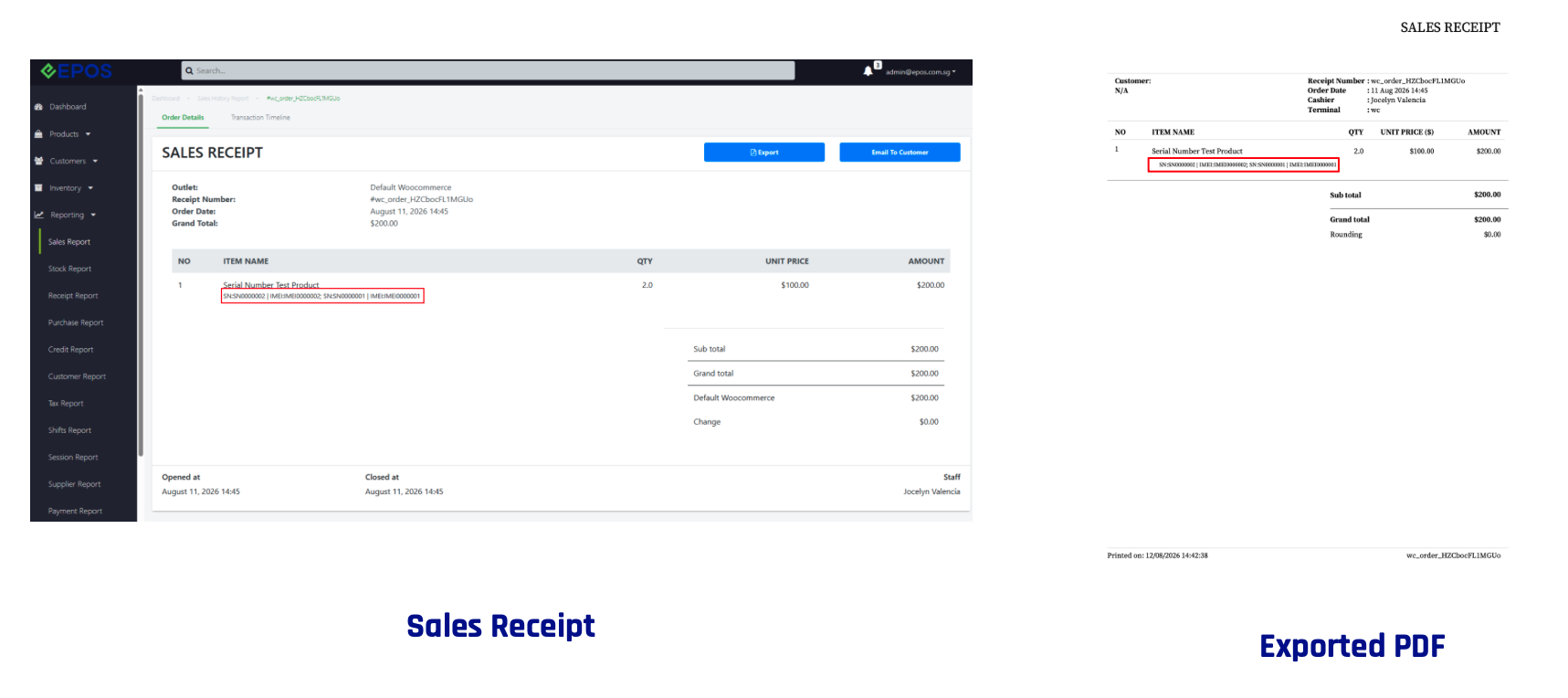
📌 Once Serial Number/IMEI is assigned to WooCommerce order, Serial Number/IMEI status will be marked as Sold and the assigned SN/IMEI will be shown in Backend Sales Reporting
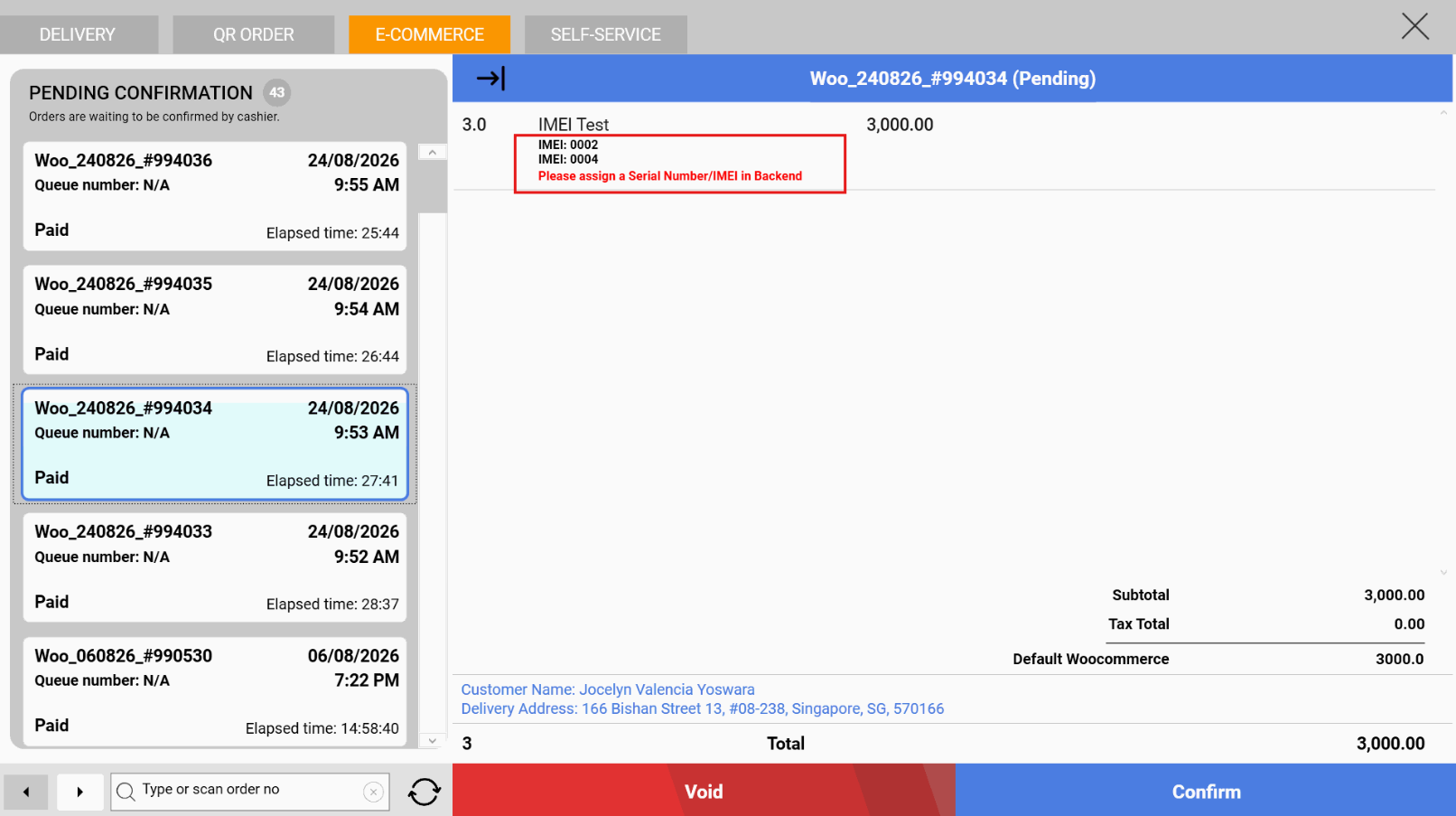
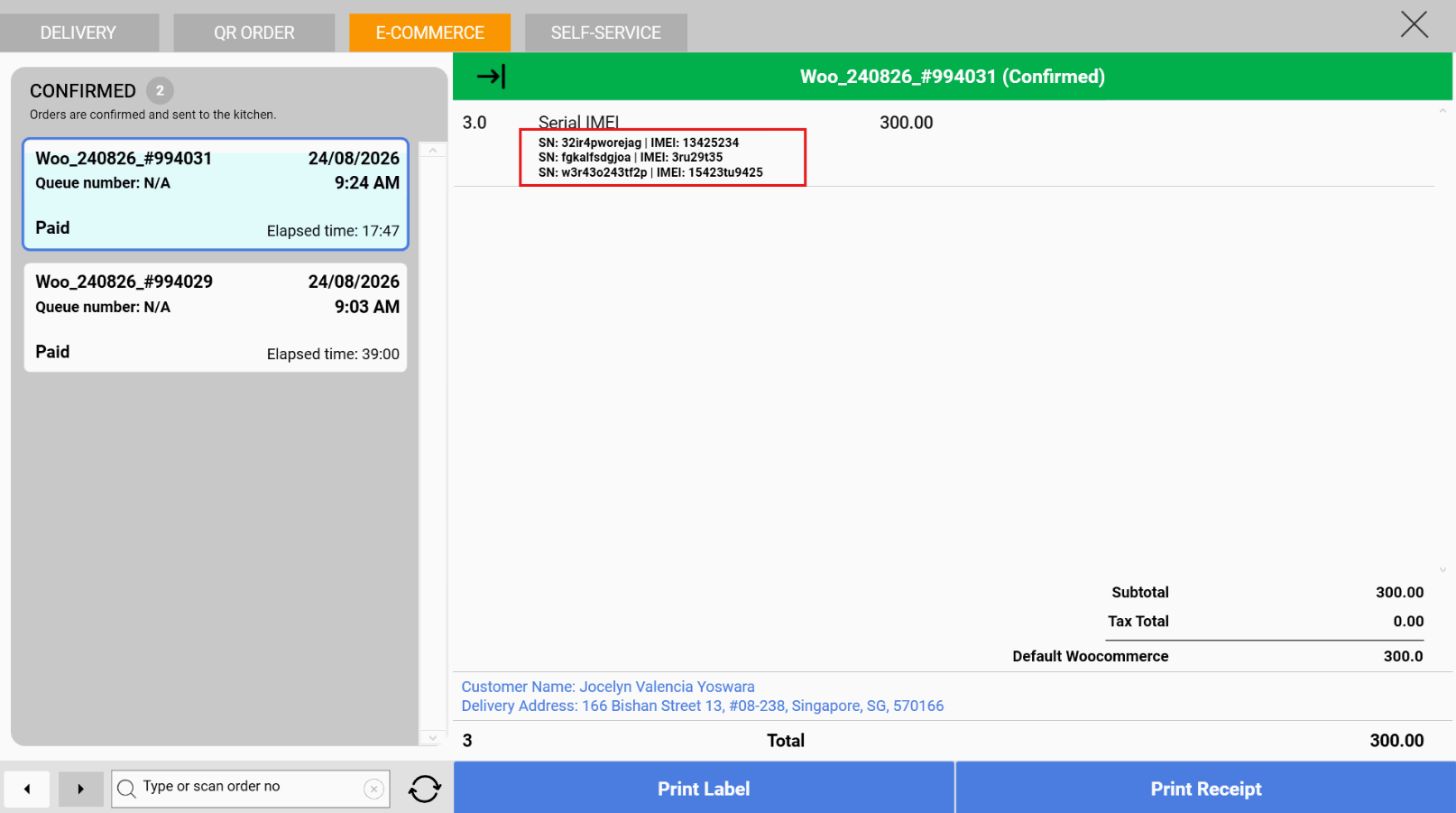
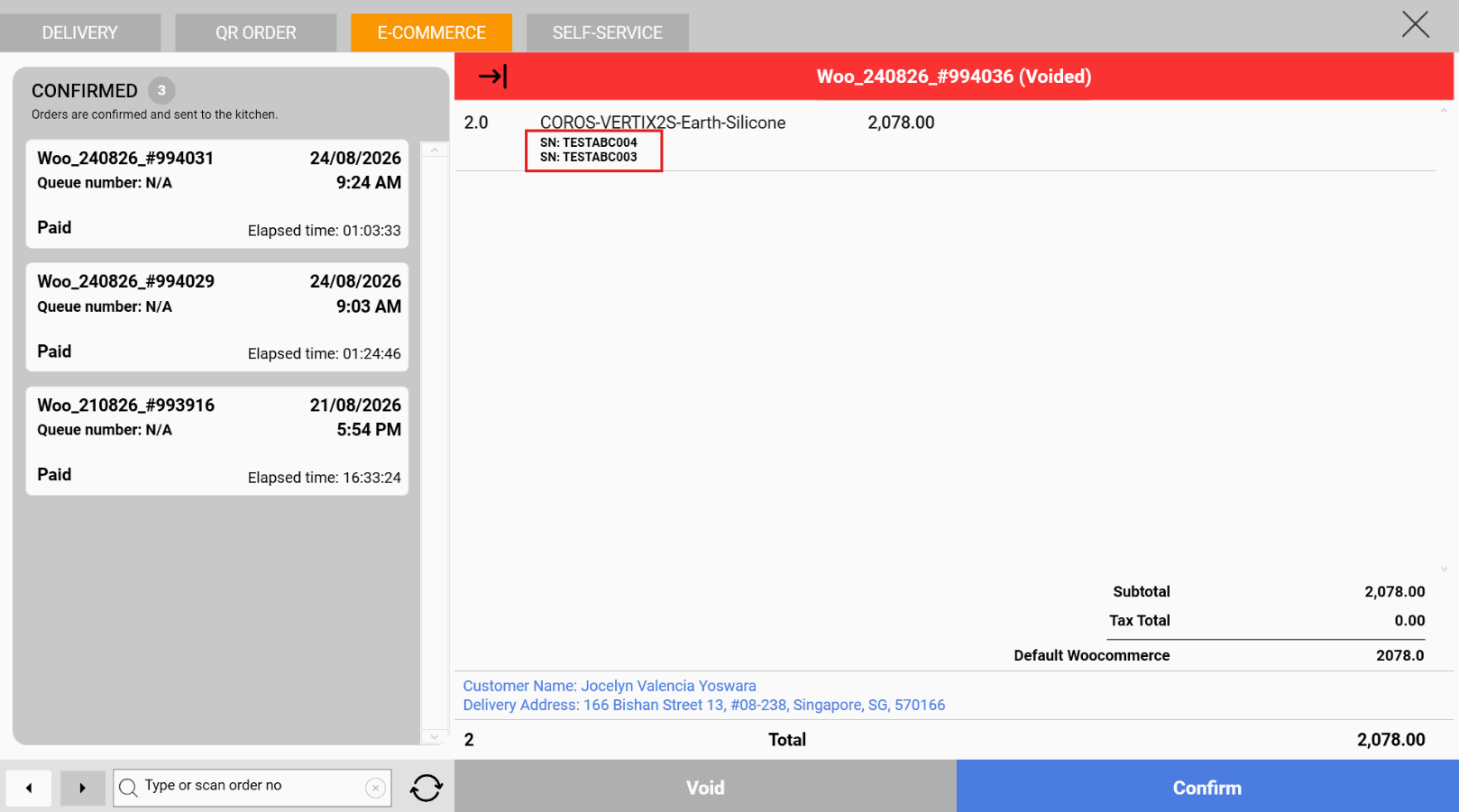
📌 Orders with Serial Number/IMEI products will be sync to Windows POS > Bell Icon > E-Commerce Tab. There will be a clear indication if Serial Number/IMEI has been assigned in Backend or not.
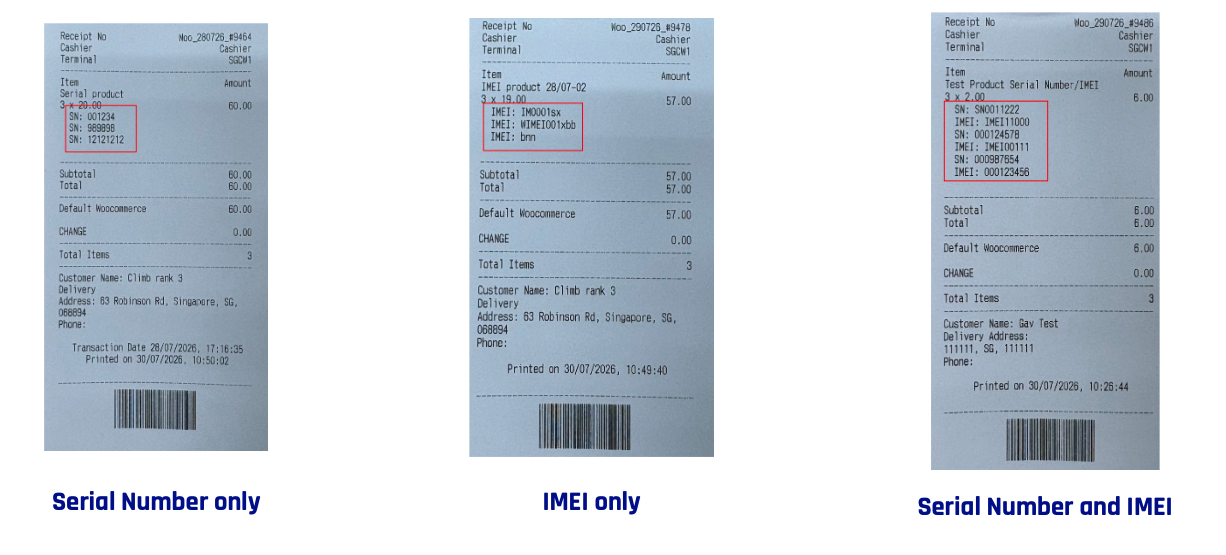
📌 Cashier will only be able to confirm after all SN/IMEI assigned to Woo order. After Confirm WooCommerce order in Windows POS, merchant can no longer Edit SN/IMEI in Backend. SN/IMEI assigned will be shown in the POS Receipt.
📌 Cashier will be able to void in POS when SN/IMEI in Woo order is unassigned, partially assigned, or fully assigned. When order is voided, Serial Number/IMEI assigned will be reverted as well.
What’s New:
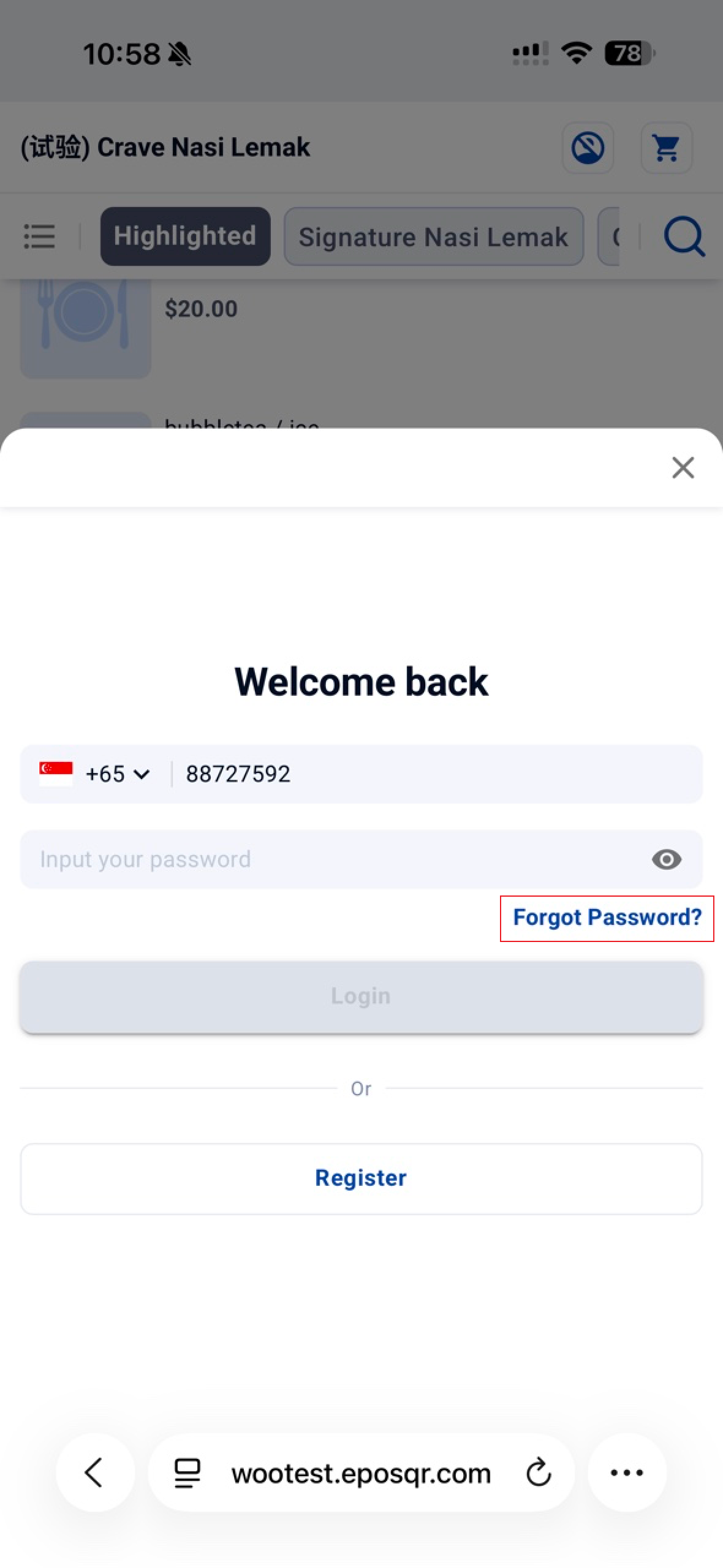
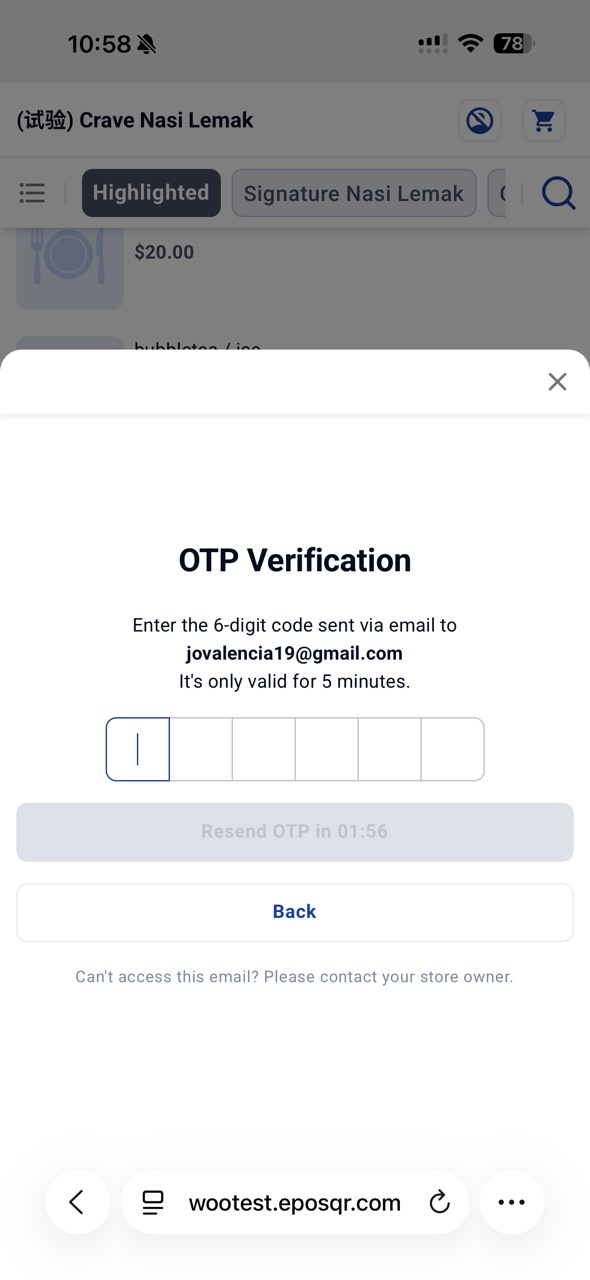
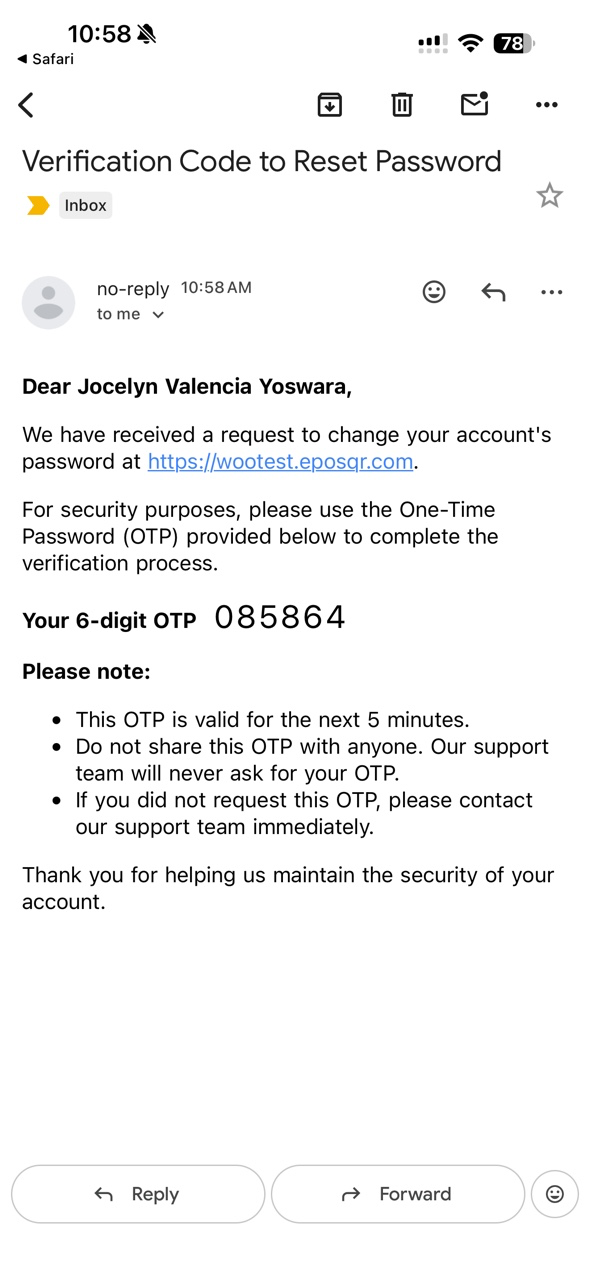
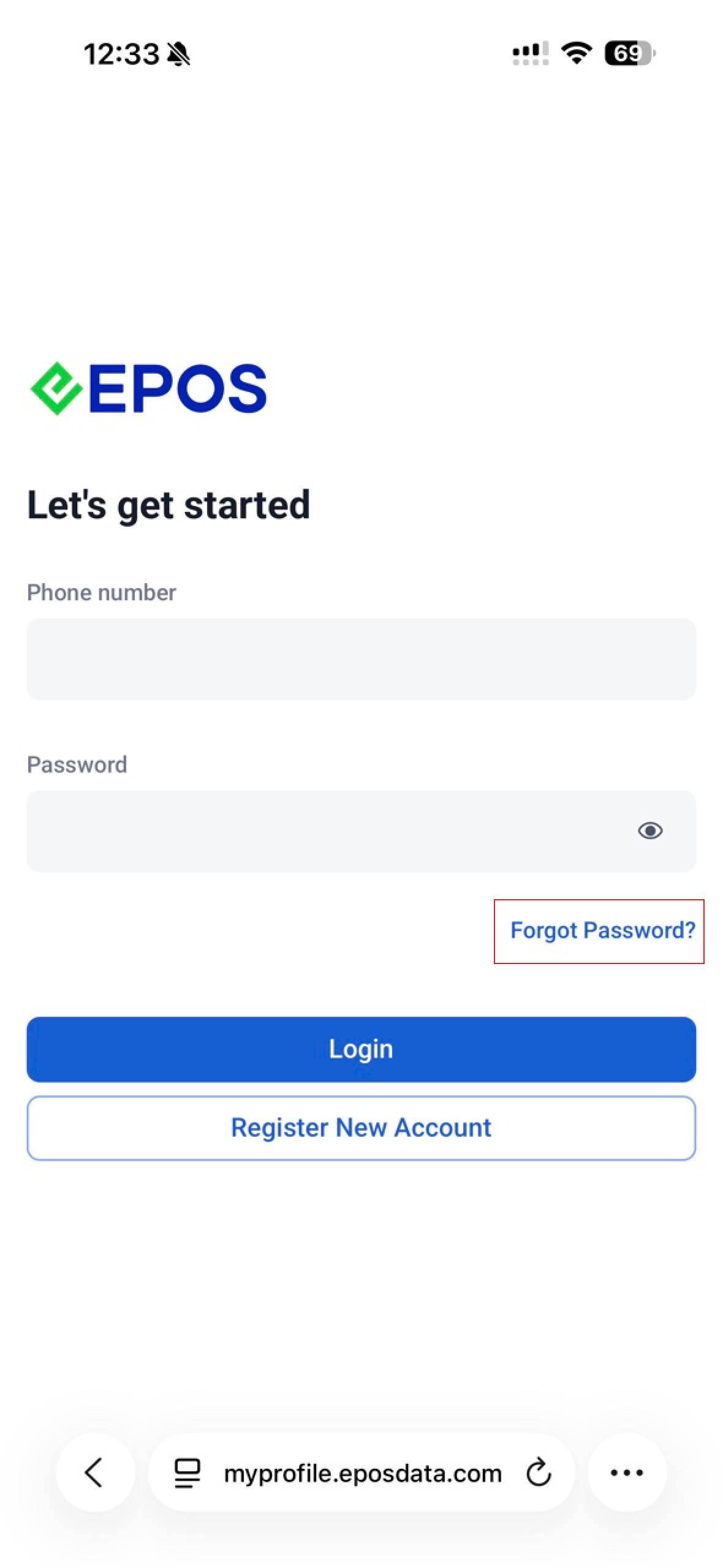
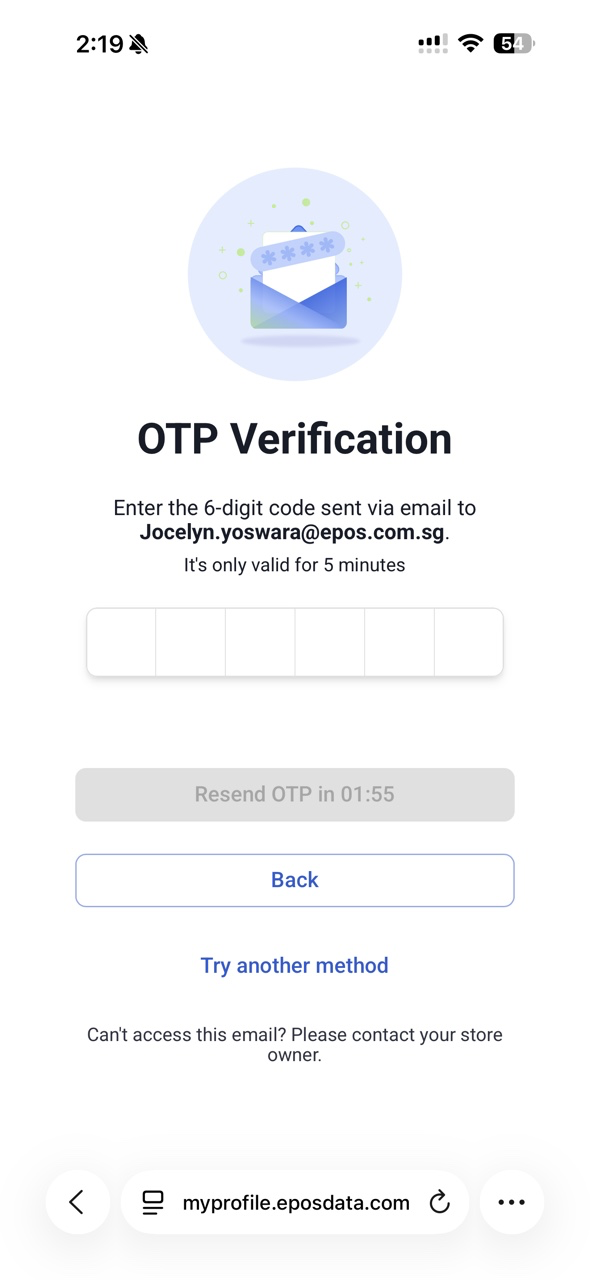
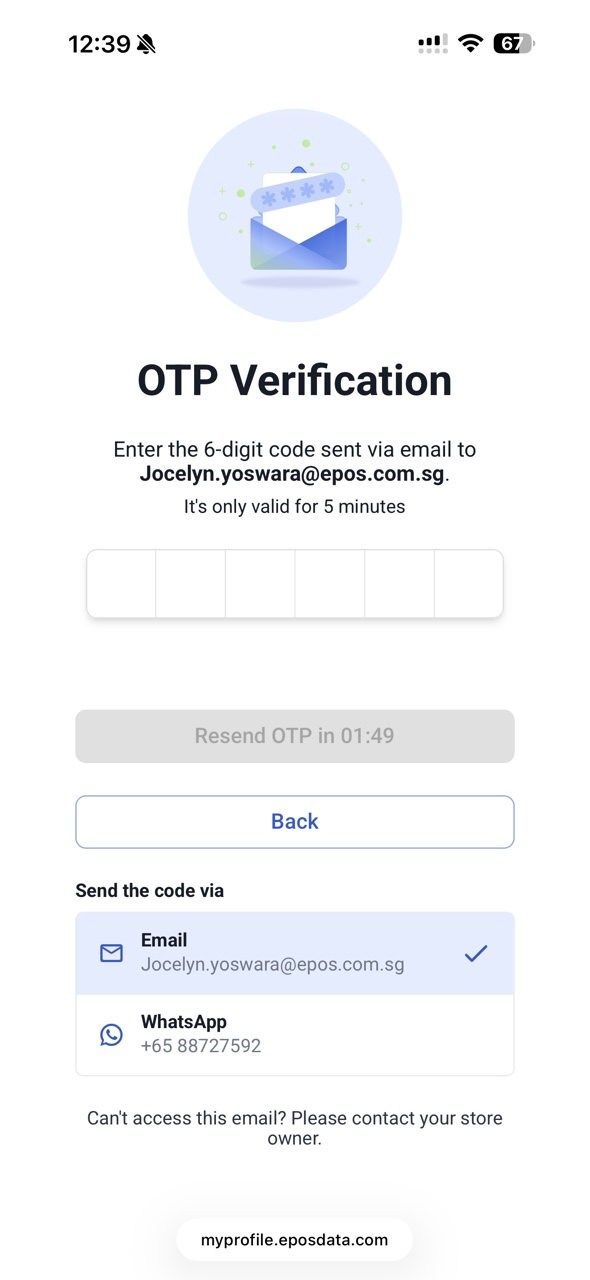
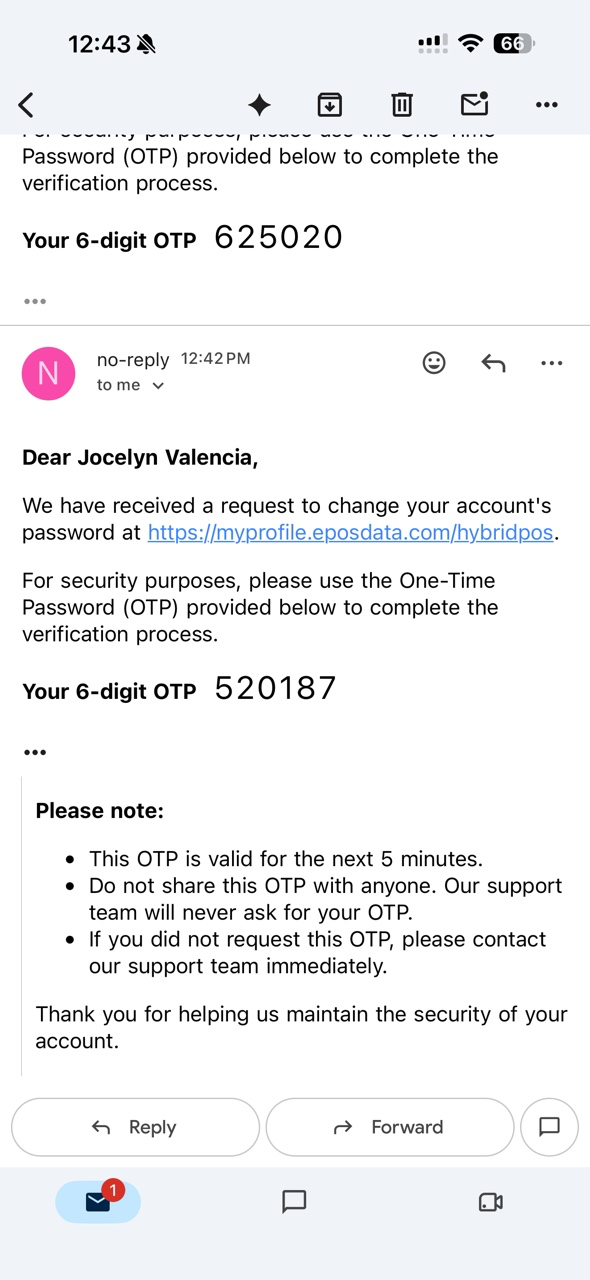
📌 In Member’s Portal, there will be 2 ways to reset password before login: using Email OTP (default method) and WhatsApp OTP (only if pre-requisites to setup WATI OTP Template is met).
📌 Customer can Change Email in both Member’s Portal and WebApp after login.
Note:
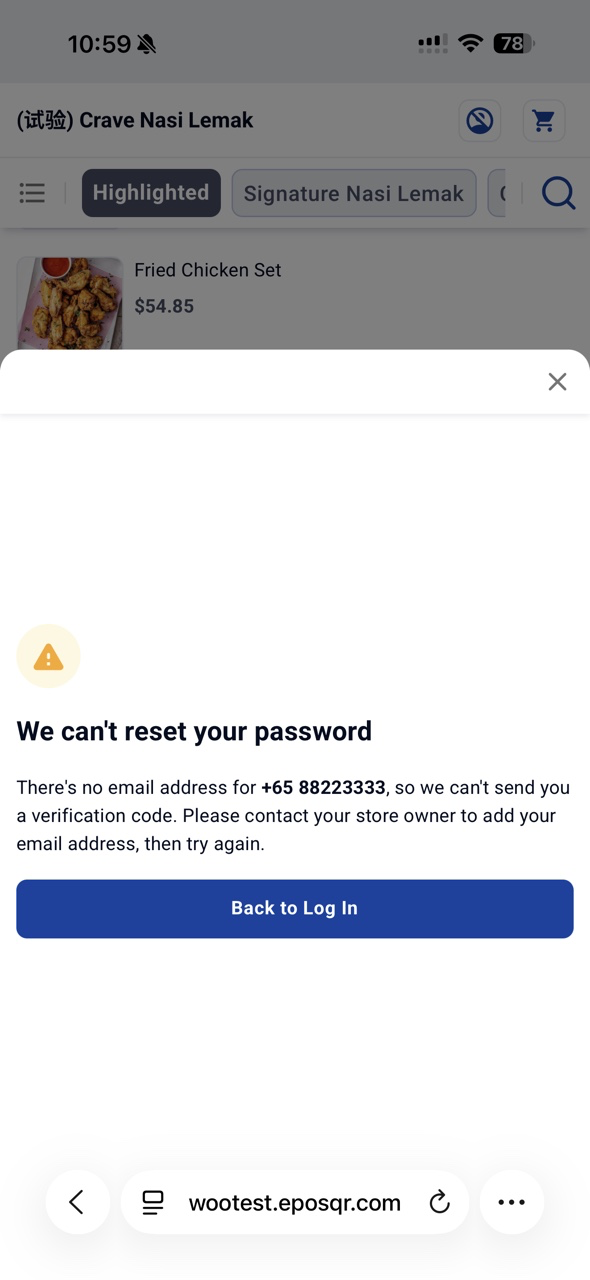
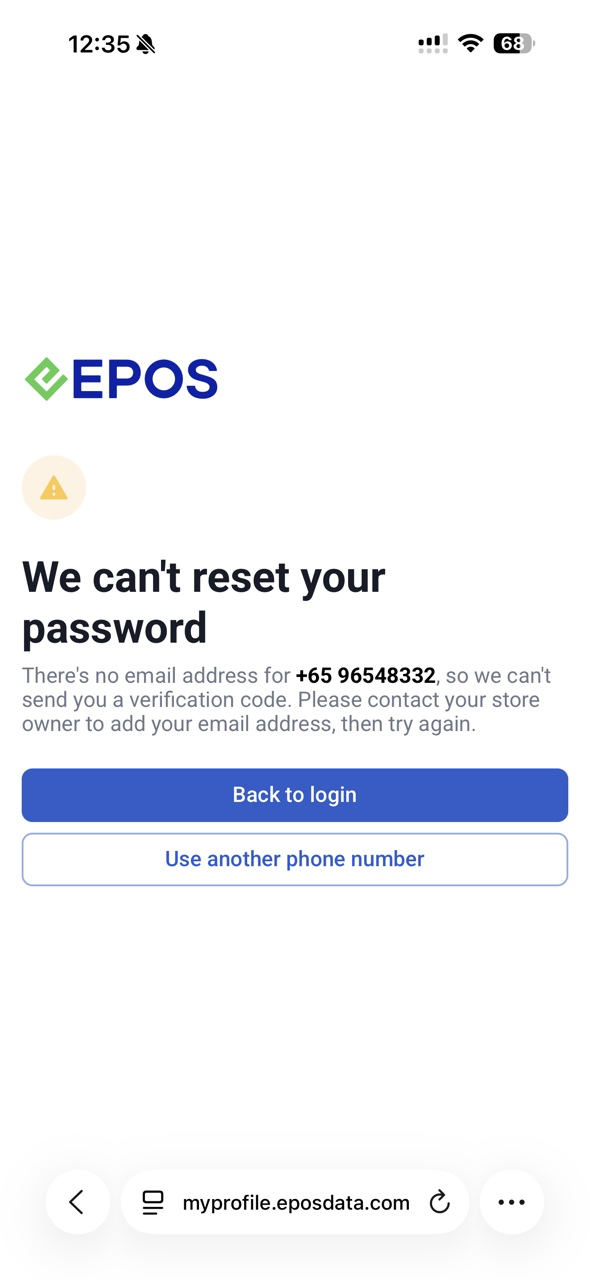
📌 If customer account doesn’t have email address in EPOS Backend, customer need to reach out to store owner to add their email address via EPOS Backend.
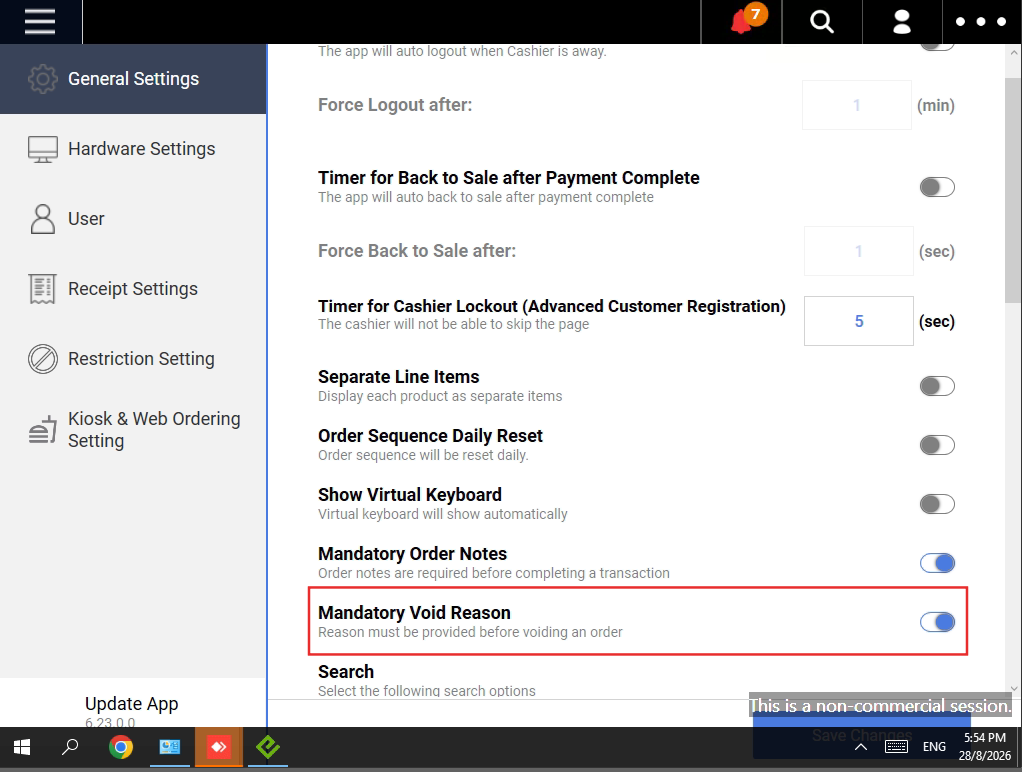
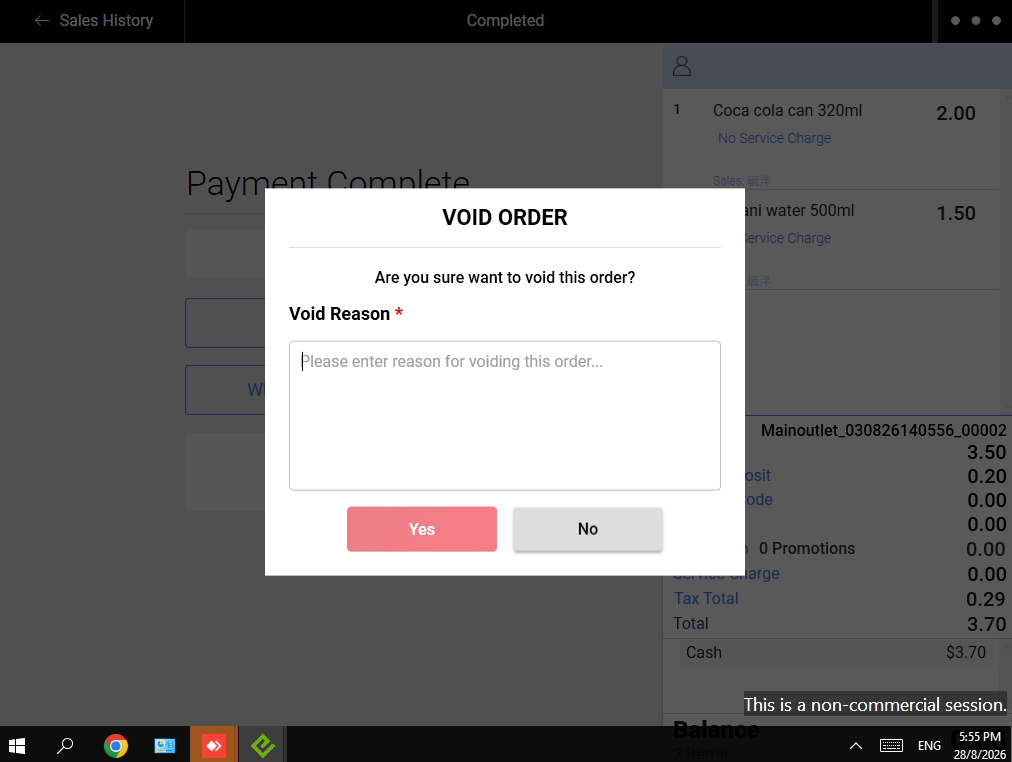
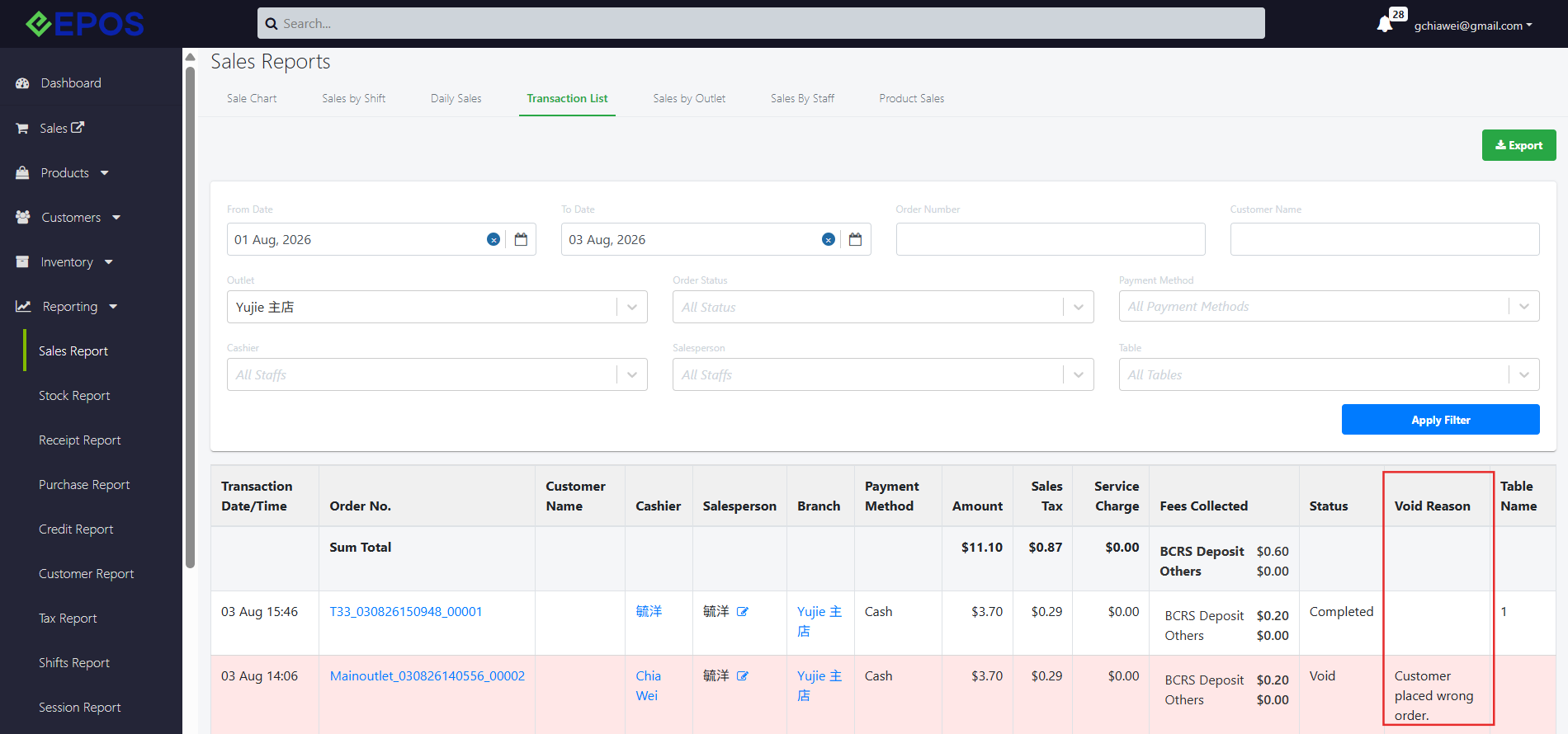
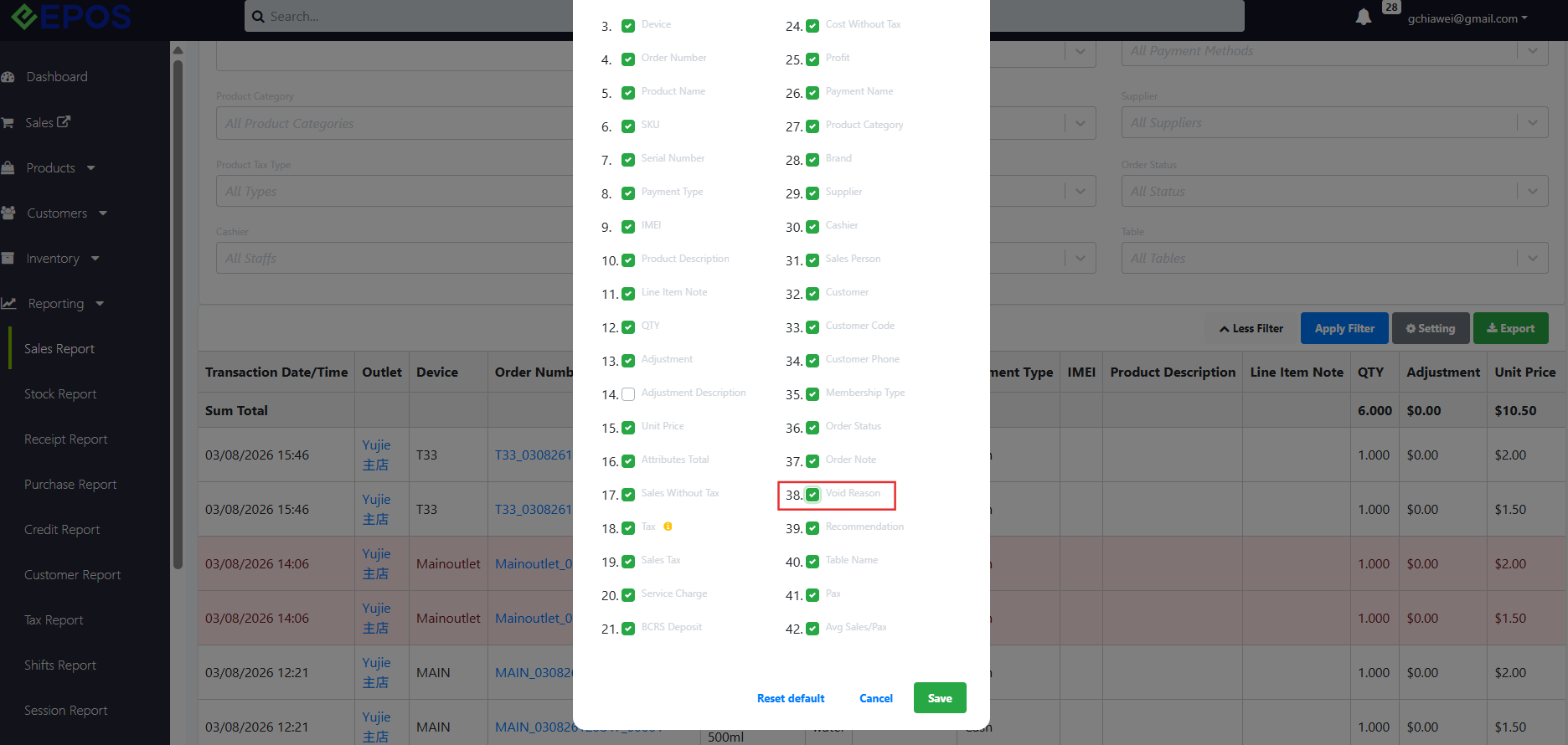
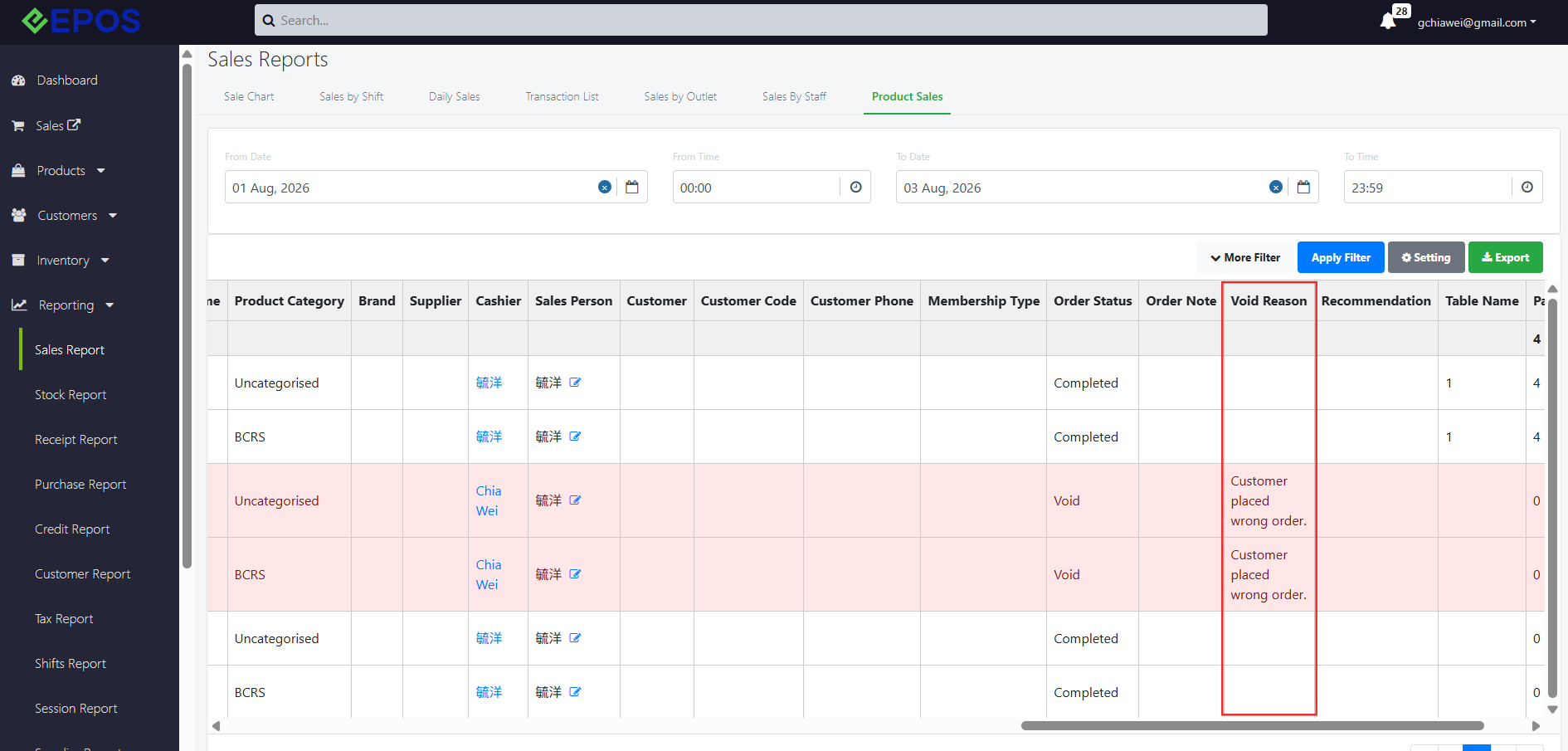
We have implemented a toggle to make reasons for void orders mandatory.
What’s New:
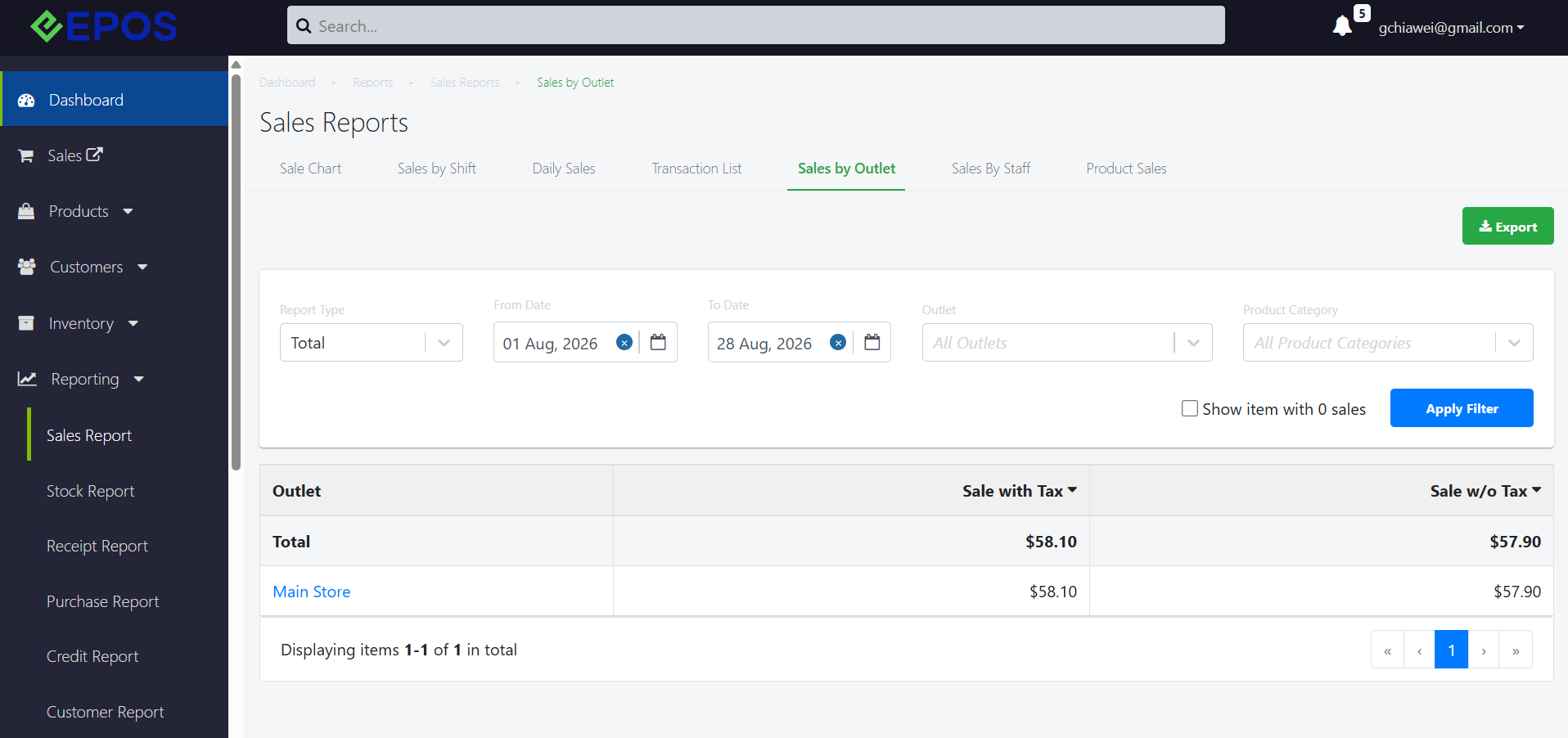
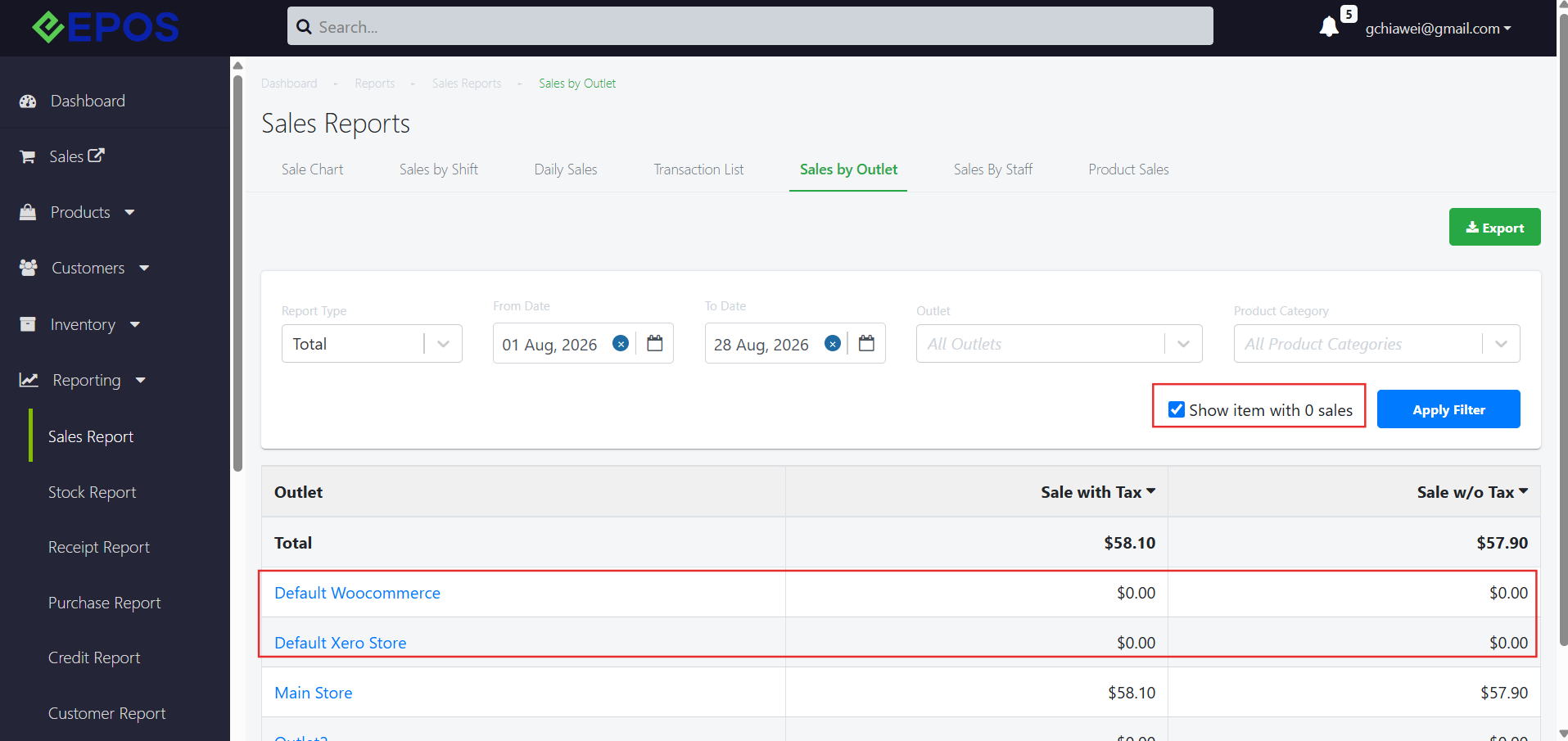
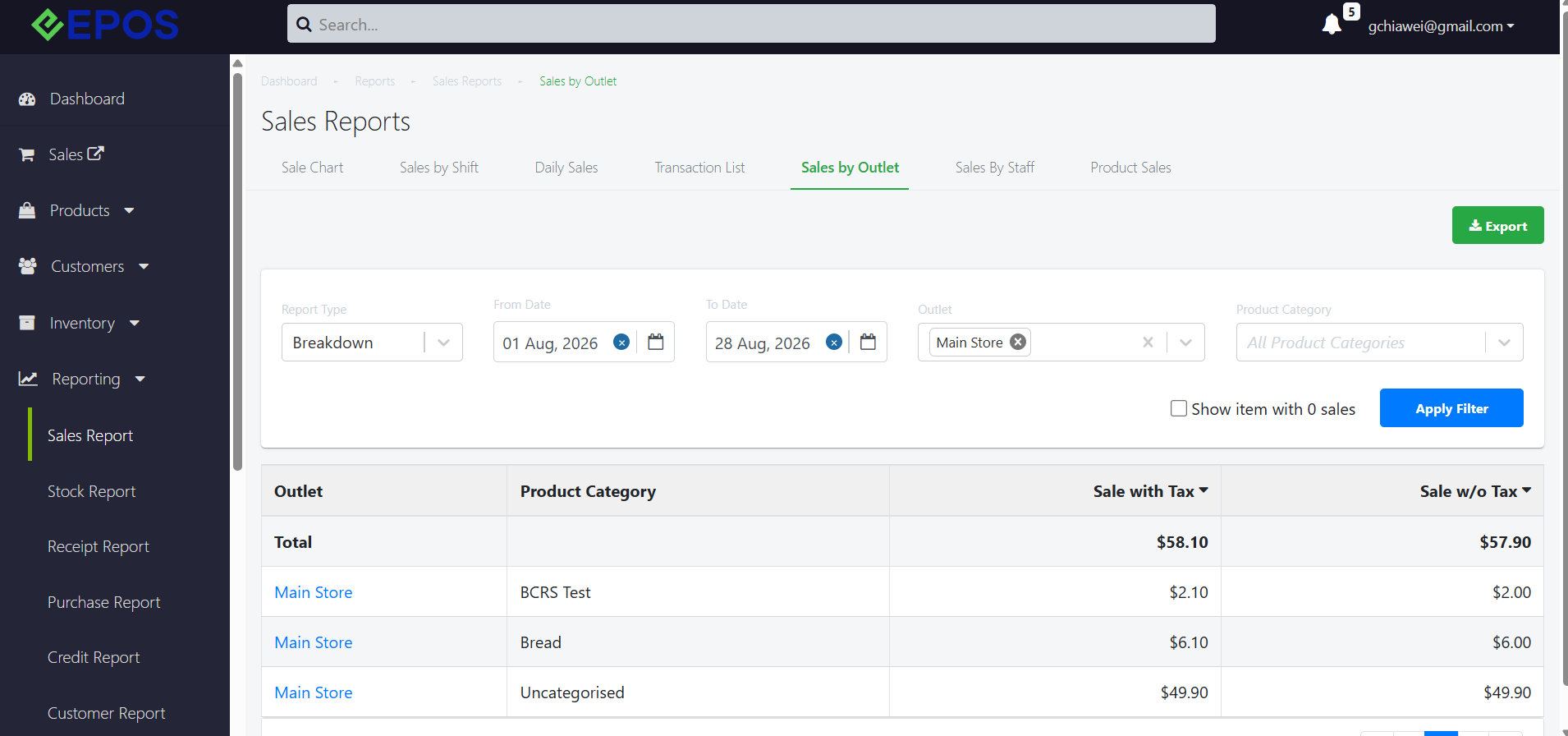
We have implemented a new sales report that separate sales by per outlet basis.
What’s New:
📌A new report – Sales by Outlet report under Reporting > Sales Report, with filters for date range, Outlet, and Product Category.
📌Users can sort the report by Sale with Tax and Sale w/o Tax and to show or hide records with zero sales.
📌Exported reports reflect the selected filters, sorting, and displayed data.
How to Update
For POS related features, users will need to update the POS to the latest version, version v6.23.0.0.
For Backend related features, users are not required to perform any actions, the new features would automatically be updated.
Feedback
We value your input! If you encounter any issues or have suggestions for further improvements, please don’t hesitate to contact us.
Stay Connected
Stay updated with the latest news and updates by following us on our social platforms.
Thank You
We appreciate your continued trust in EPOS. This update is just one of many steps we’re taking to provide you with the best POS system on the market.
If you have any questions or need assistance with the update, please contact our support team at:
Call: 6871 8833 / Email: [email protected] / Whatsapp: 8482 1888